Personalized Offers for Recent Big Spenders – Decisioning
Experience Decisioning in AJO allows personalized content to be sent to individual customers across any connected channel (such as email, web, SMS, or push) based on their real-time profile and context. Use decisioning to select high-priority offers from multiple collections, allowing for the most effective personalized messaging.
This scenario will walk through a typical use case: using account communication preferences to simulate either a push or SMS notification, applying real-time audience qualification to segment the user as a big spender, and then simulating the push notification using the DSN Live Demos app.
DEMO ASSETS:
- Offer catalog: Luma Offers
- Offer Collection: Luma Collections
PREREQUISITES:
- Start on a new incognito window or reset profile using profile viewer to generate new ECID on the browser for new user
- Start a new mobile session by using the "Reset Profile" button on the settings tab to start with a fresh ECID
DEMO FLOW:
Open the Luma website as an anonymous user: https://dsn.adobe.com/web/luma3
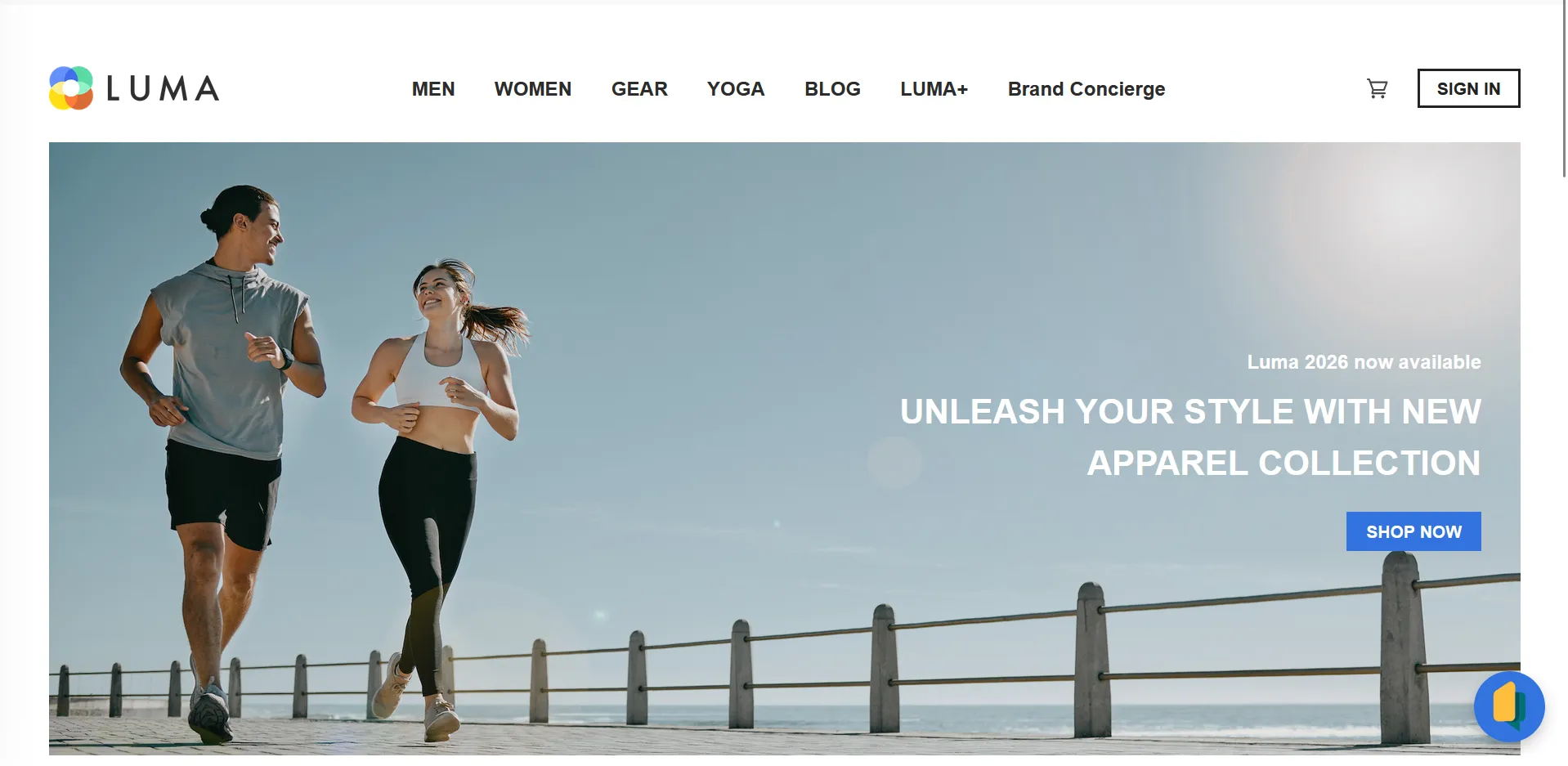
Click the Sign In button in the top right corner, then select ‘Create New Account’
Toggle the communication preferences to opt-in to receiving Push & SMS messages.
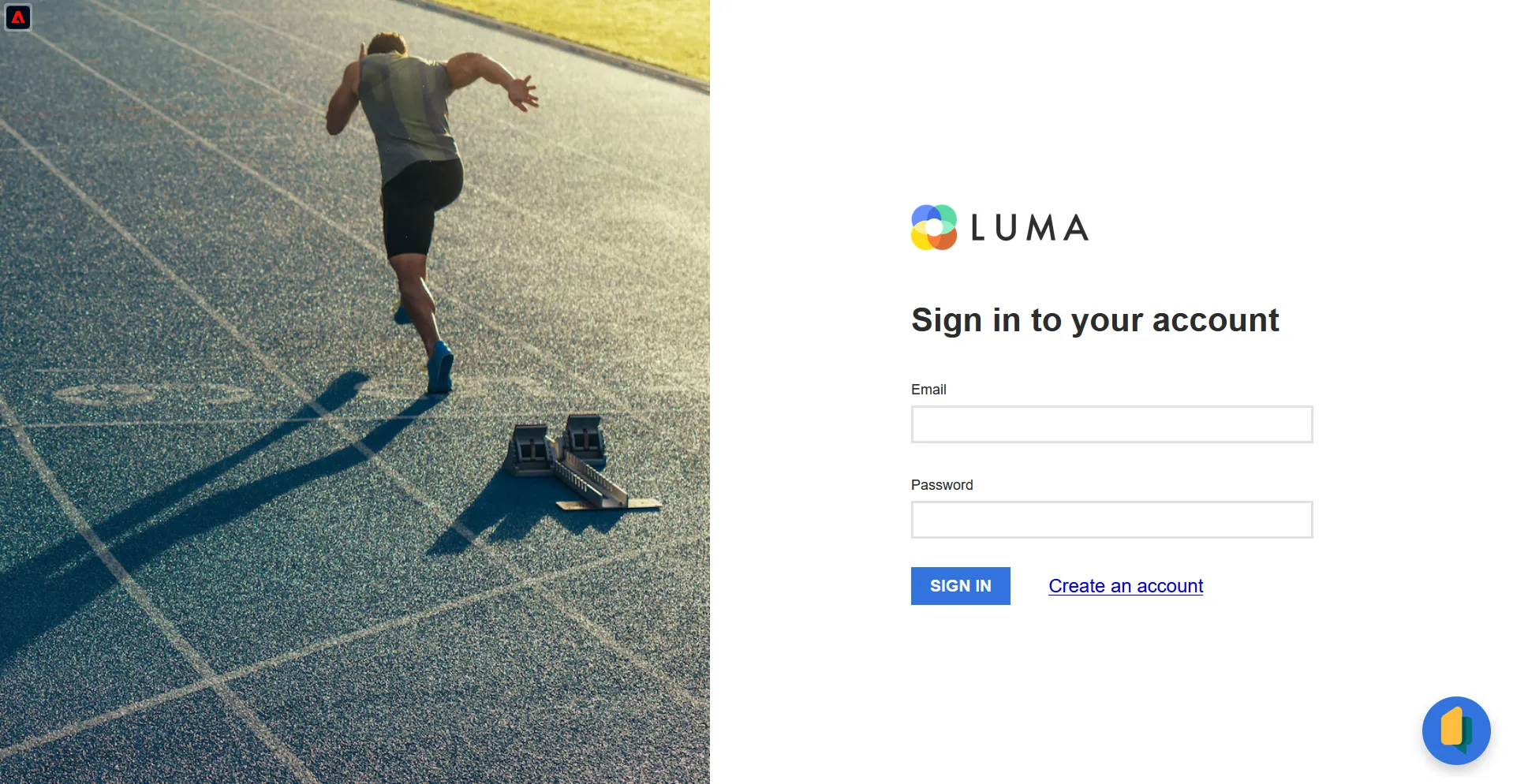
Once created, sign in to that new account.
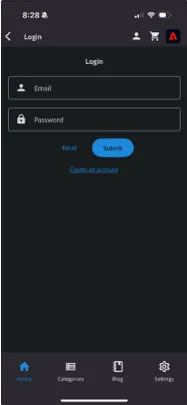
In order to receive the push notification you must be logged into the mobile app with your new credentials.Download the mobile app here and login with your previous credentials:
Navigate to the journey in Journey Optimizer:
- Select the "Test mode" button to place the journey into Test mode.
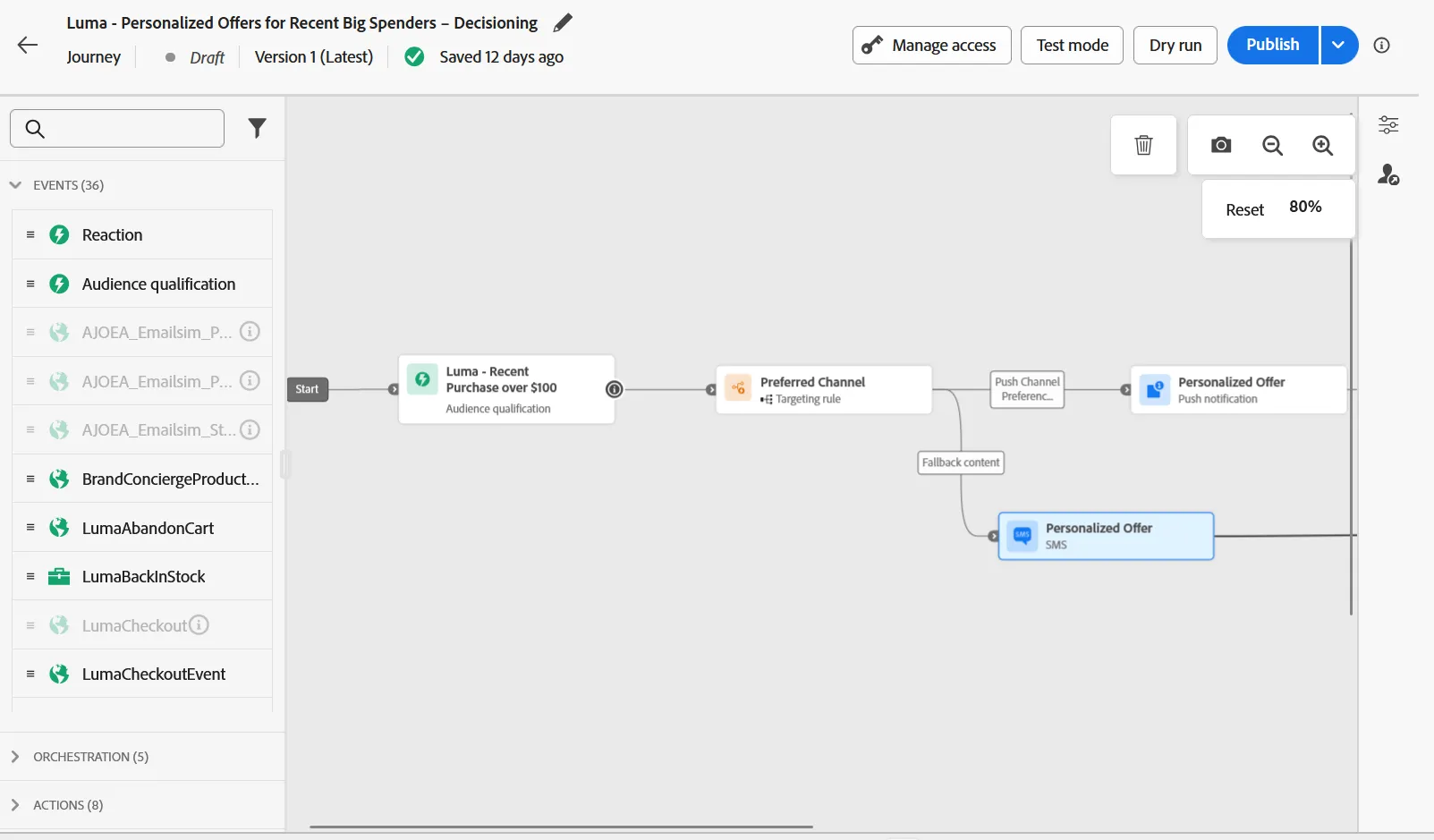
- Select the “Trigger an event” button, enter your email credentials in the profile identifier field, and click Send
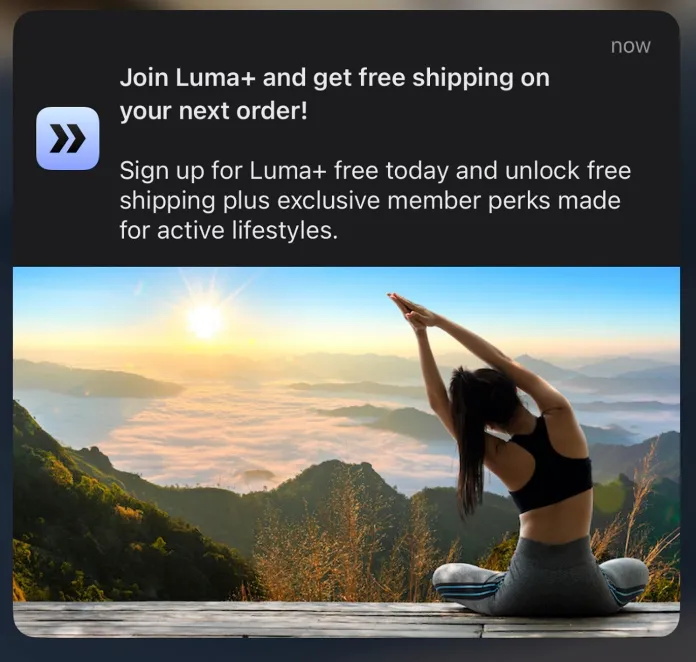
On your phone, you should receive a push notification offering a deal when signing up for Luma+: