Experience Decisioning
This is part of Retail "Advanced" preset
Goal:
To create Luma code based experience assets on your selected org/sandbox from Quick Setup.
Pre-requisite:
Global schemas, datasets and segments should be available on the sandbox.
Instructions:
Select "Luma - Advanced" preset
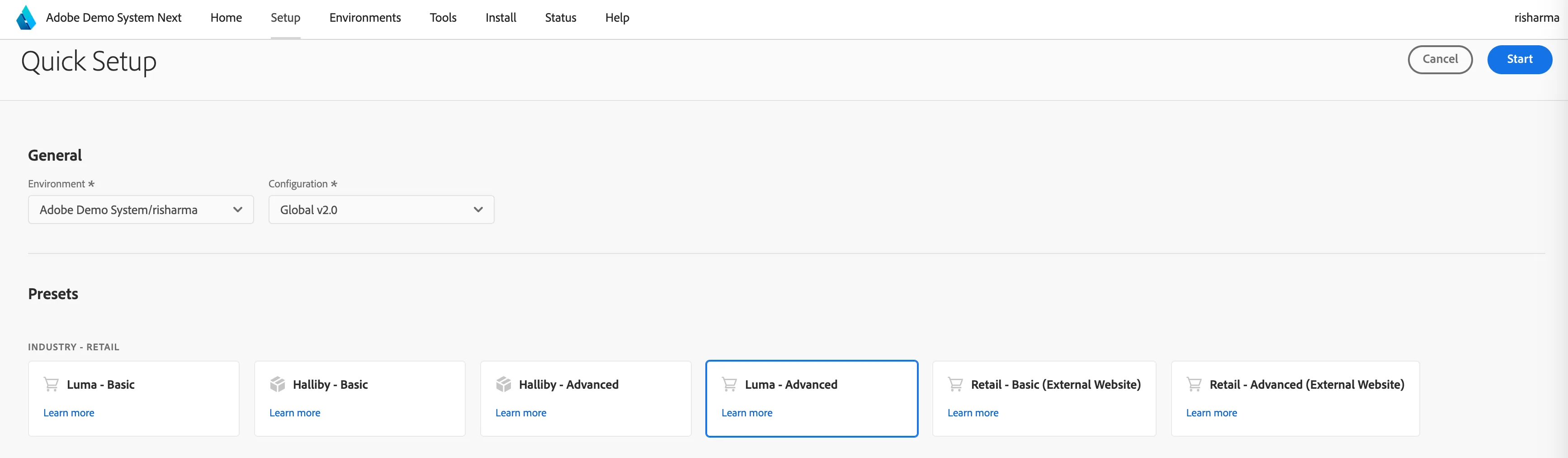
Click on "Start". This configuration will create Luma-exd assets on the selected sandbox
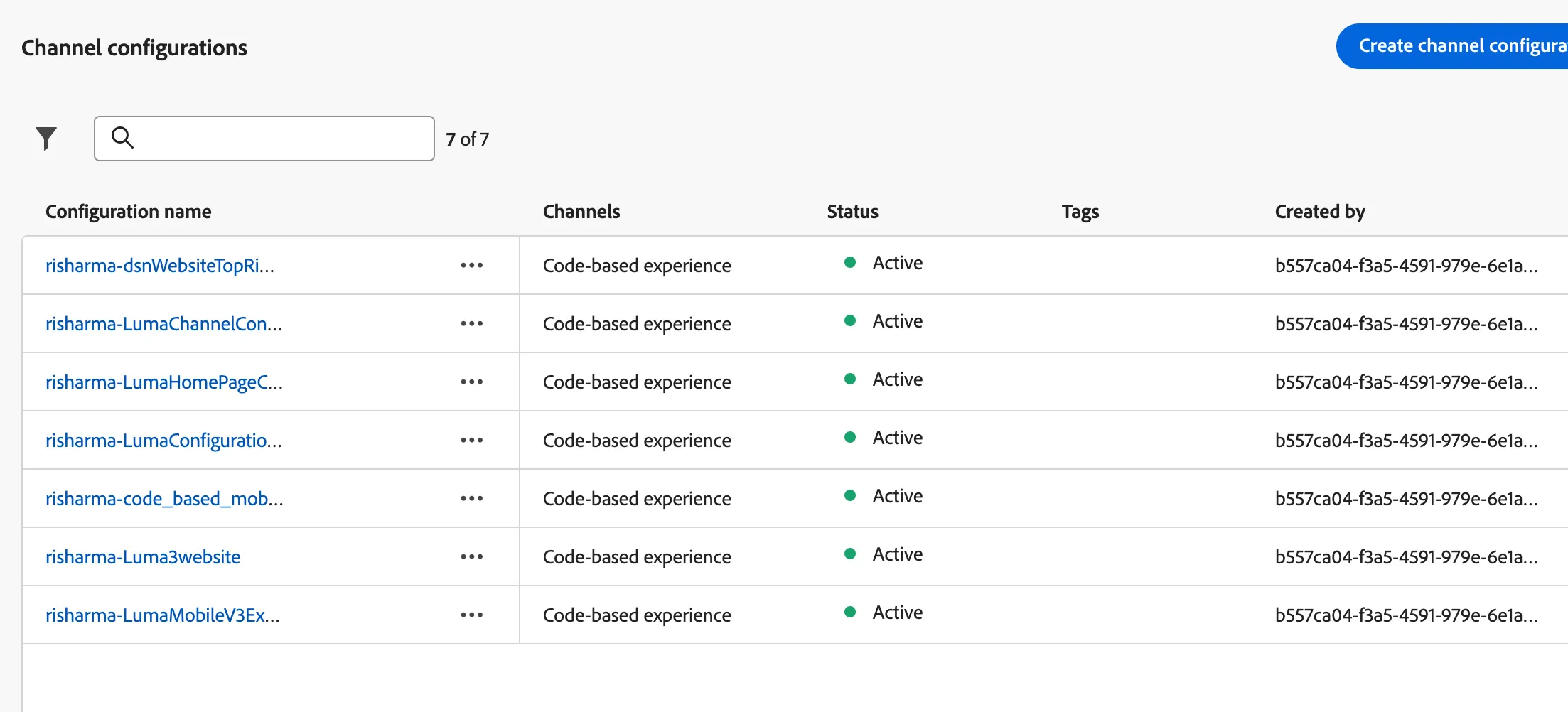
Channel Configuration
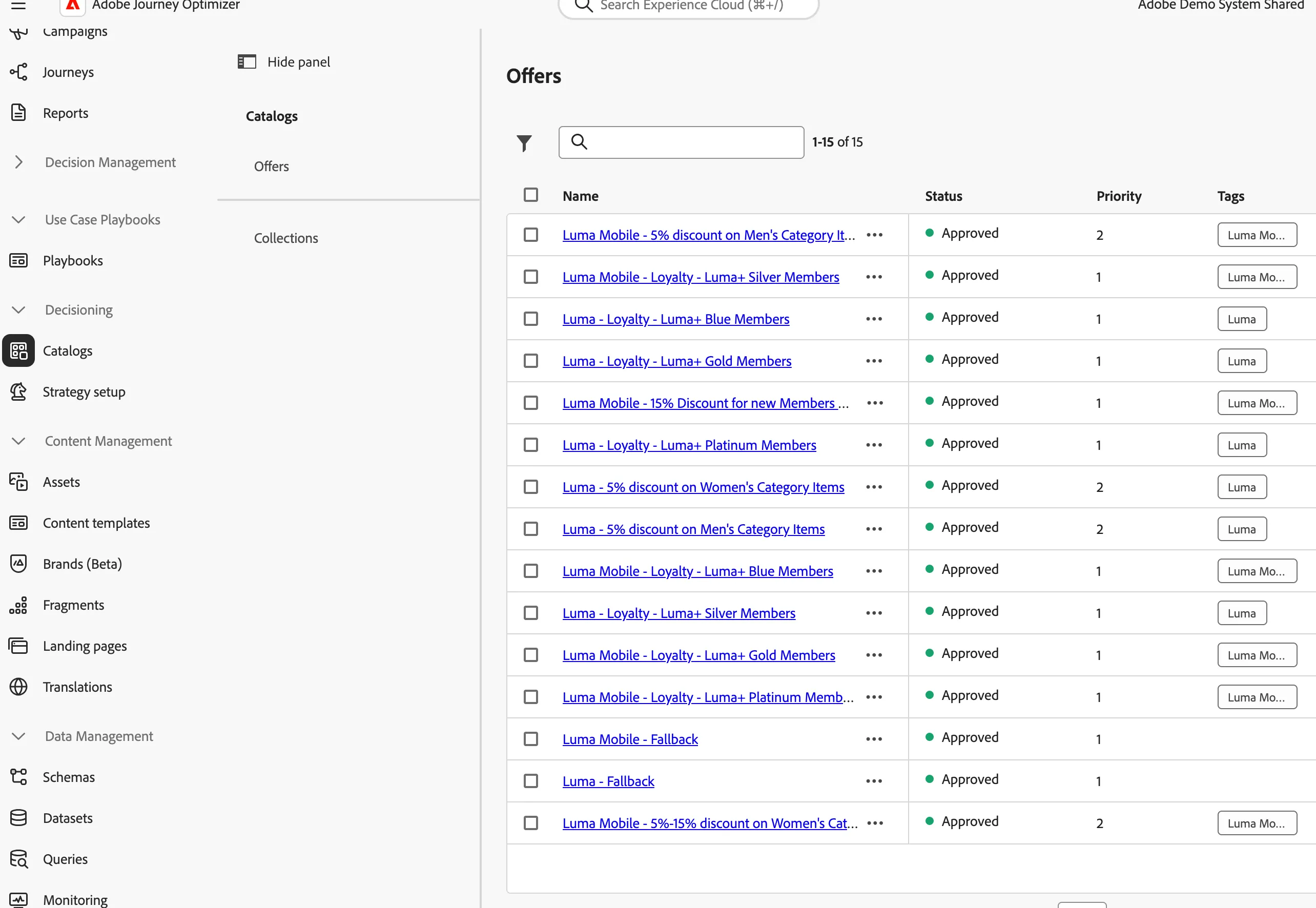
Decisioning - Catalog - Offers
Decisioning - Catalog - Collections
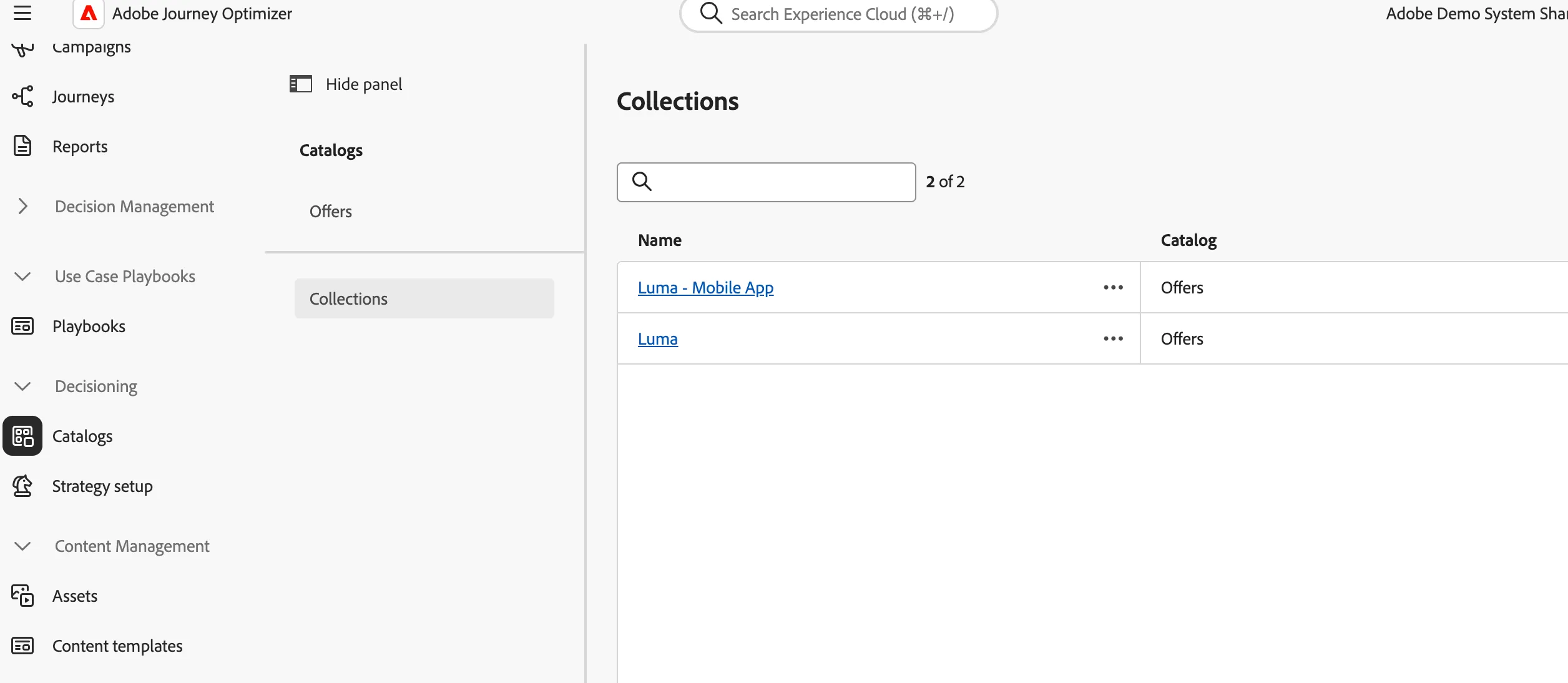
Selection Strategies
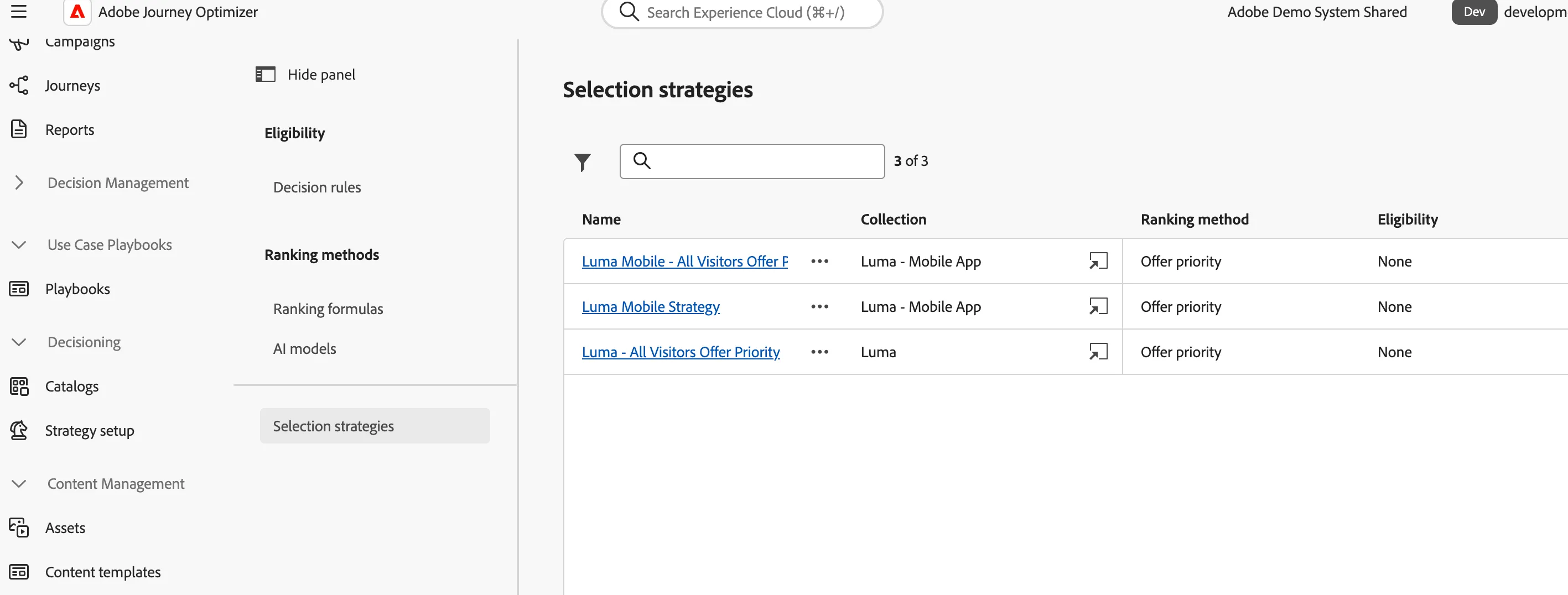
Campaigns
Campaign created with your username, now edit to complete setup
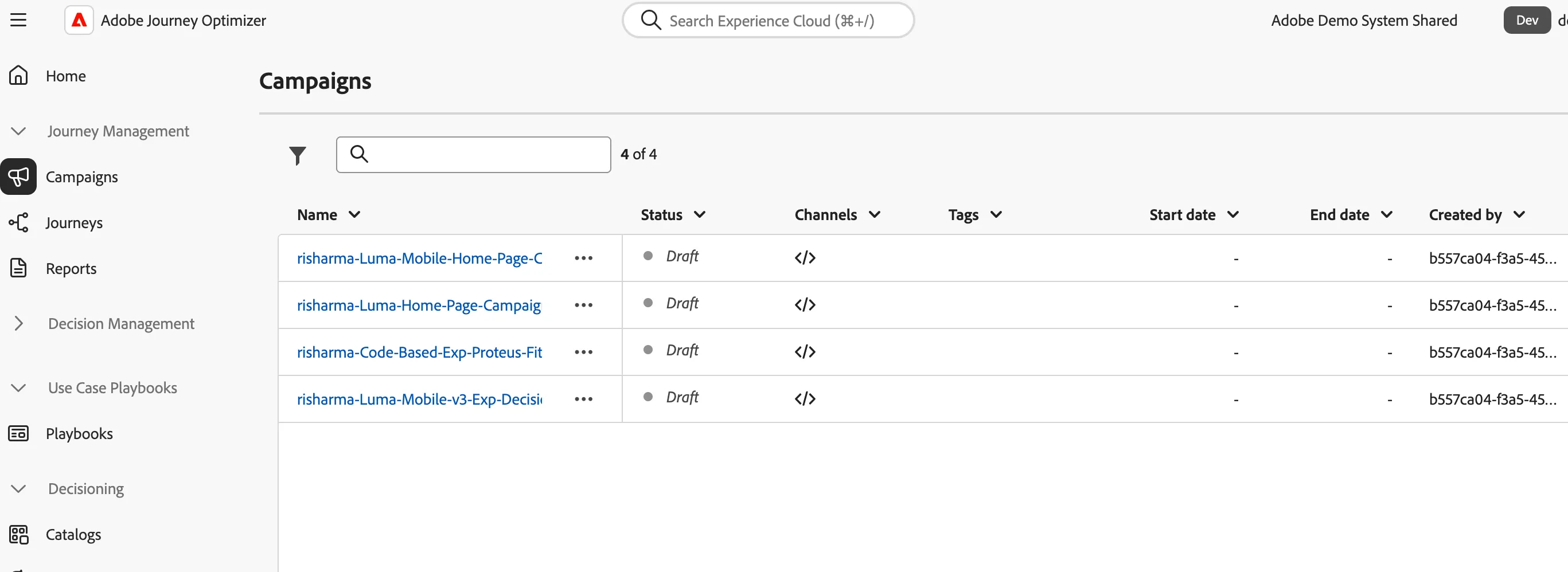
Next Step: Edit Your Campaign:
Once a campaign is created, if a decision policy is already linked, please edit the content and create a new decision policy and re-link it to the campaign. We’re currently checking with the engineering team to confirm if this can be made editable in real-time. If it becomes available, we may support on-the-fly updates.
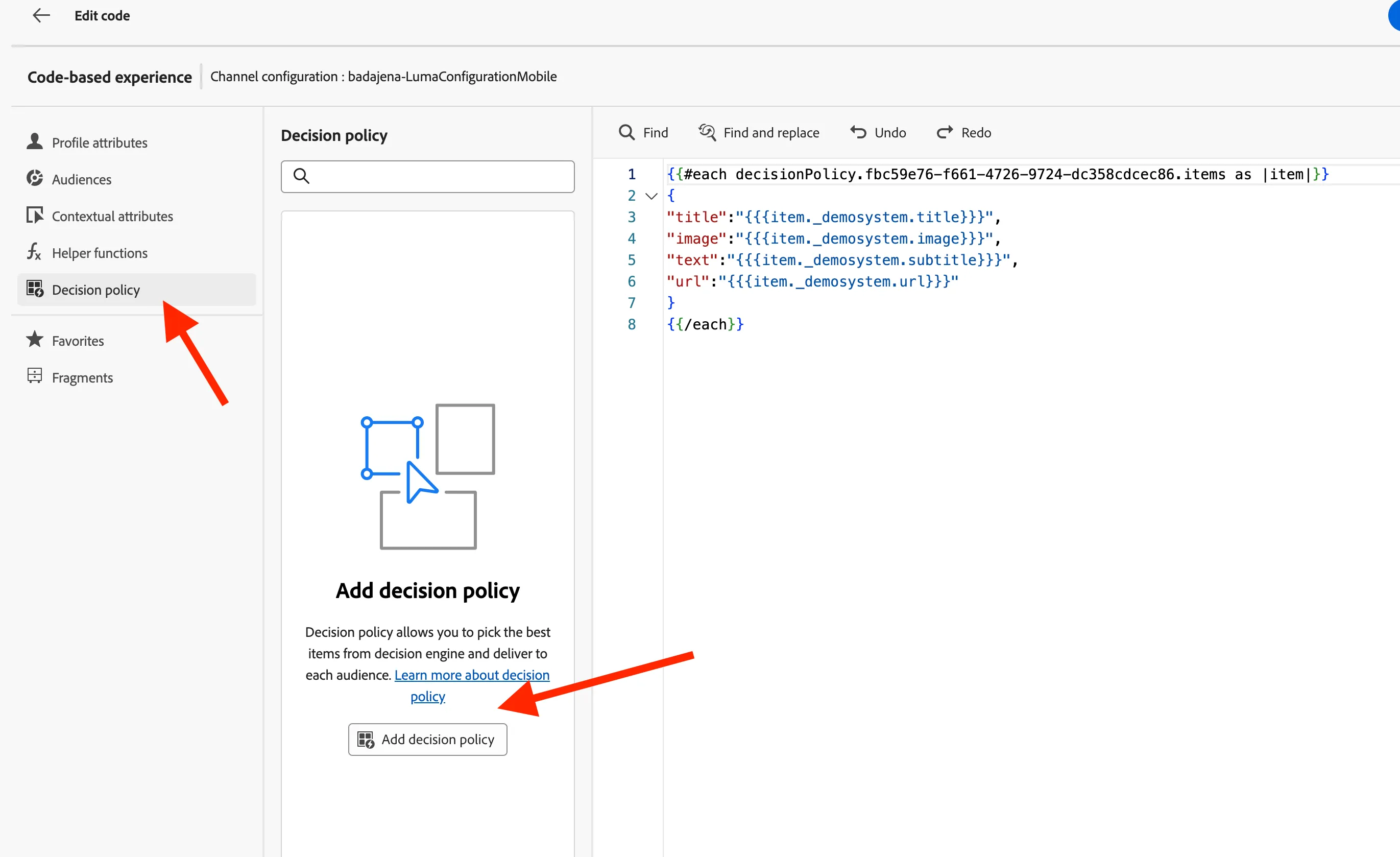
For Example: Click Edit in the code-based experience campaign content
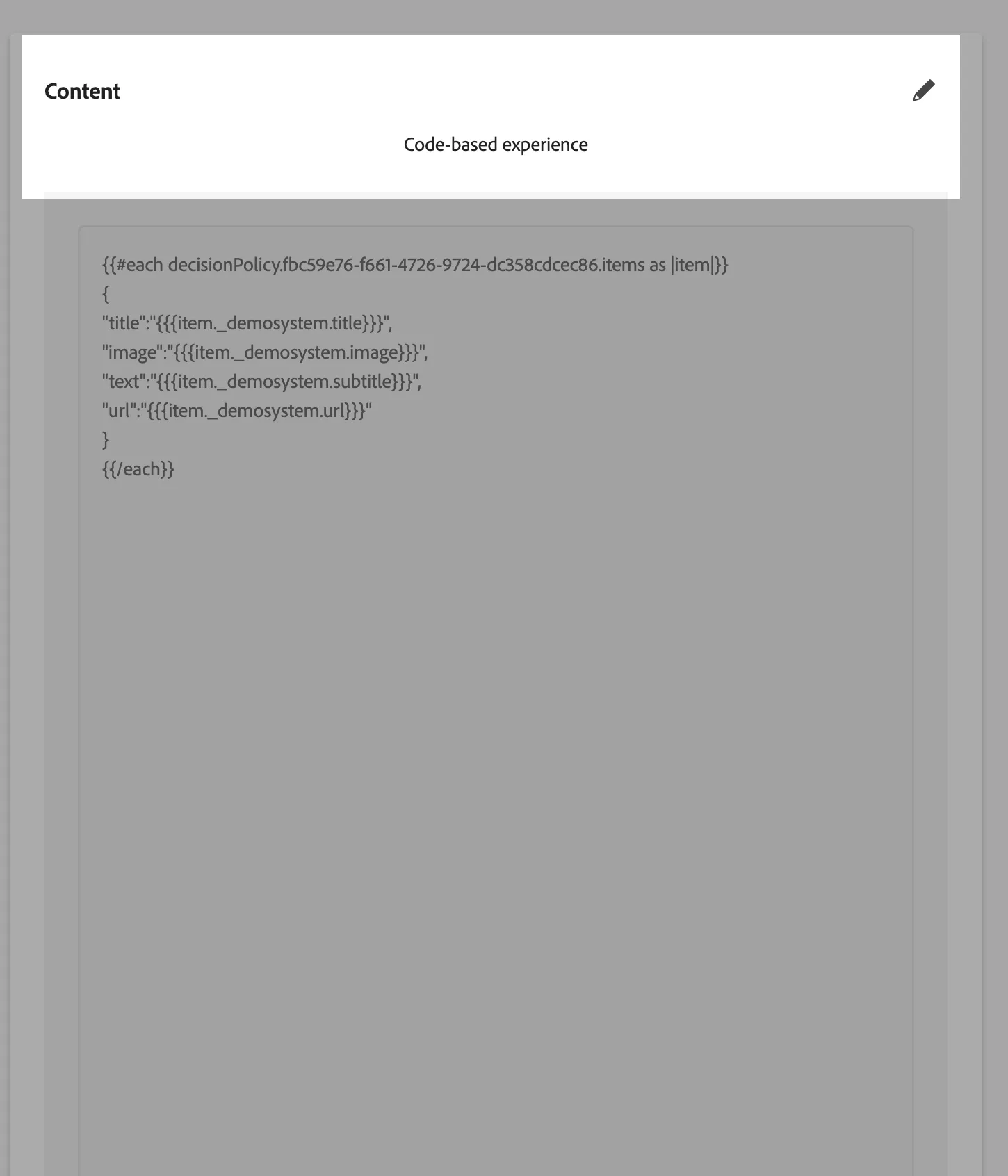
Click Add a new decision policy
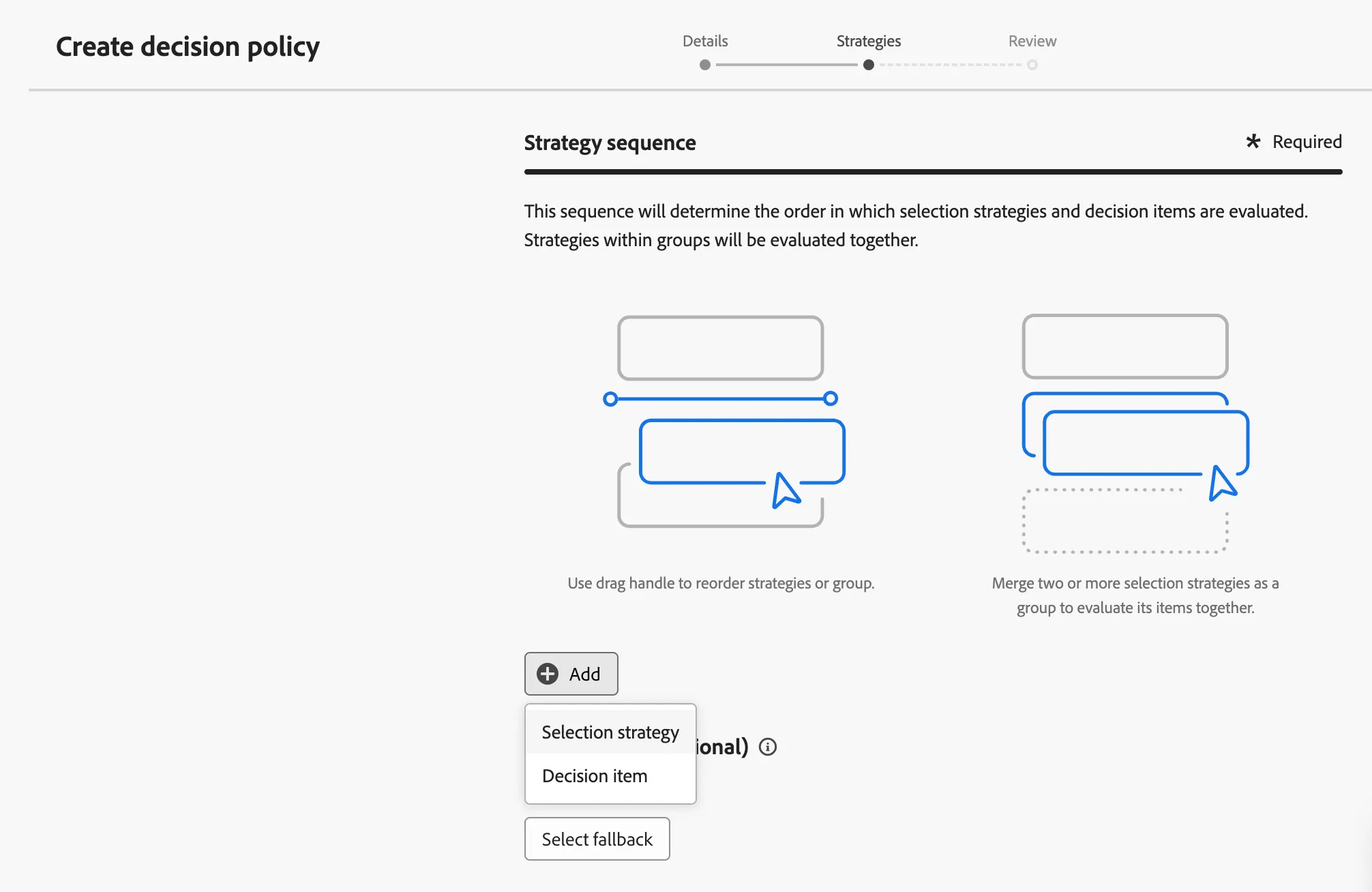
Add the decision selection strategy and create the decision item
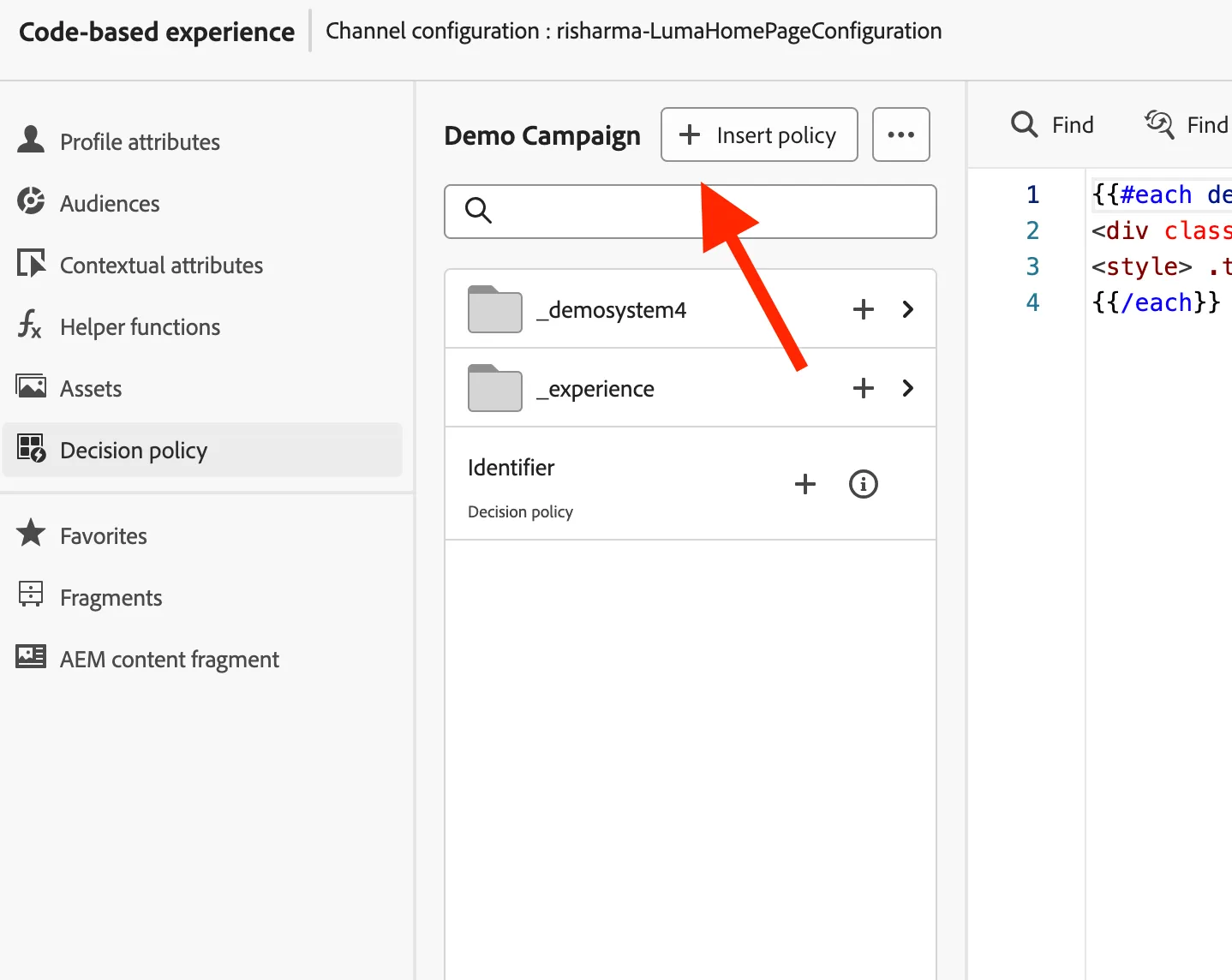
Update the decision policy ID in the content
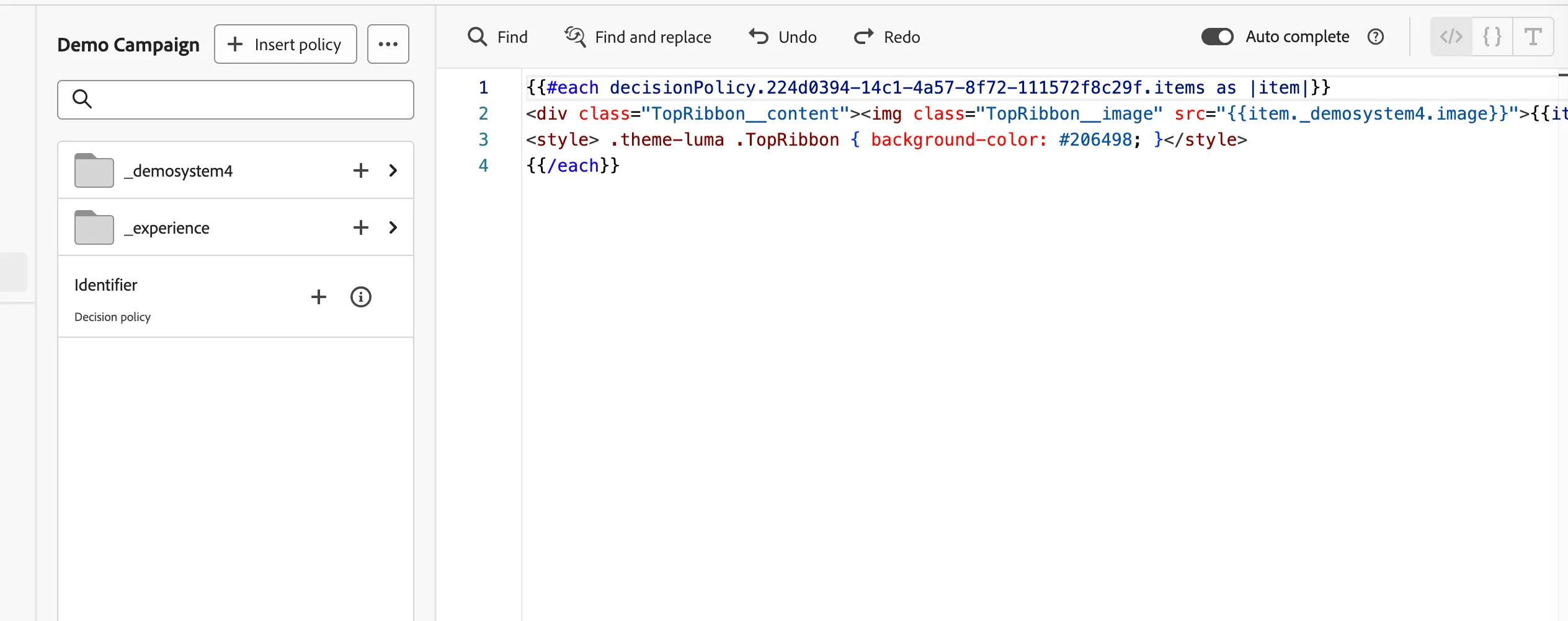
Update the content of the offer and sample data is mentioned in the image below
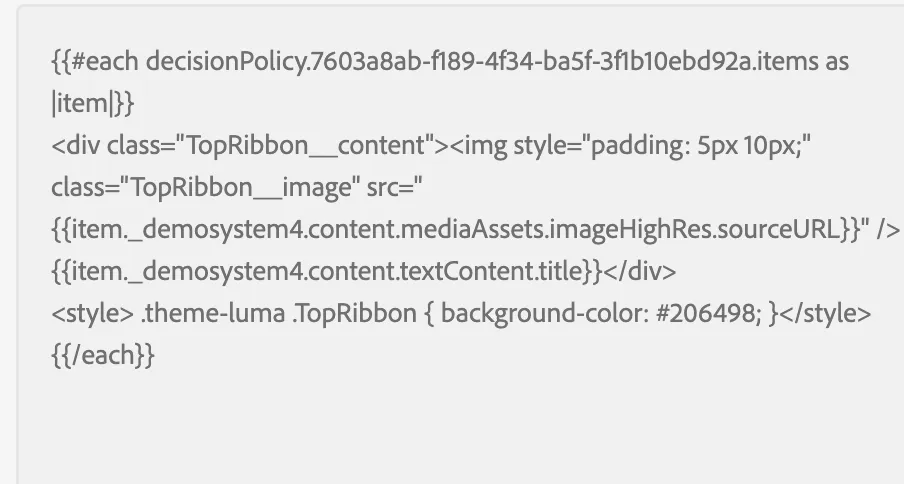
Channel Configuration updation
Duplicate the channel configuration and update "Default authoring and preview URL" to your project URL
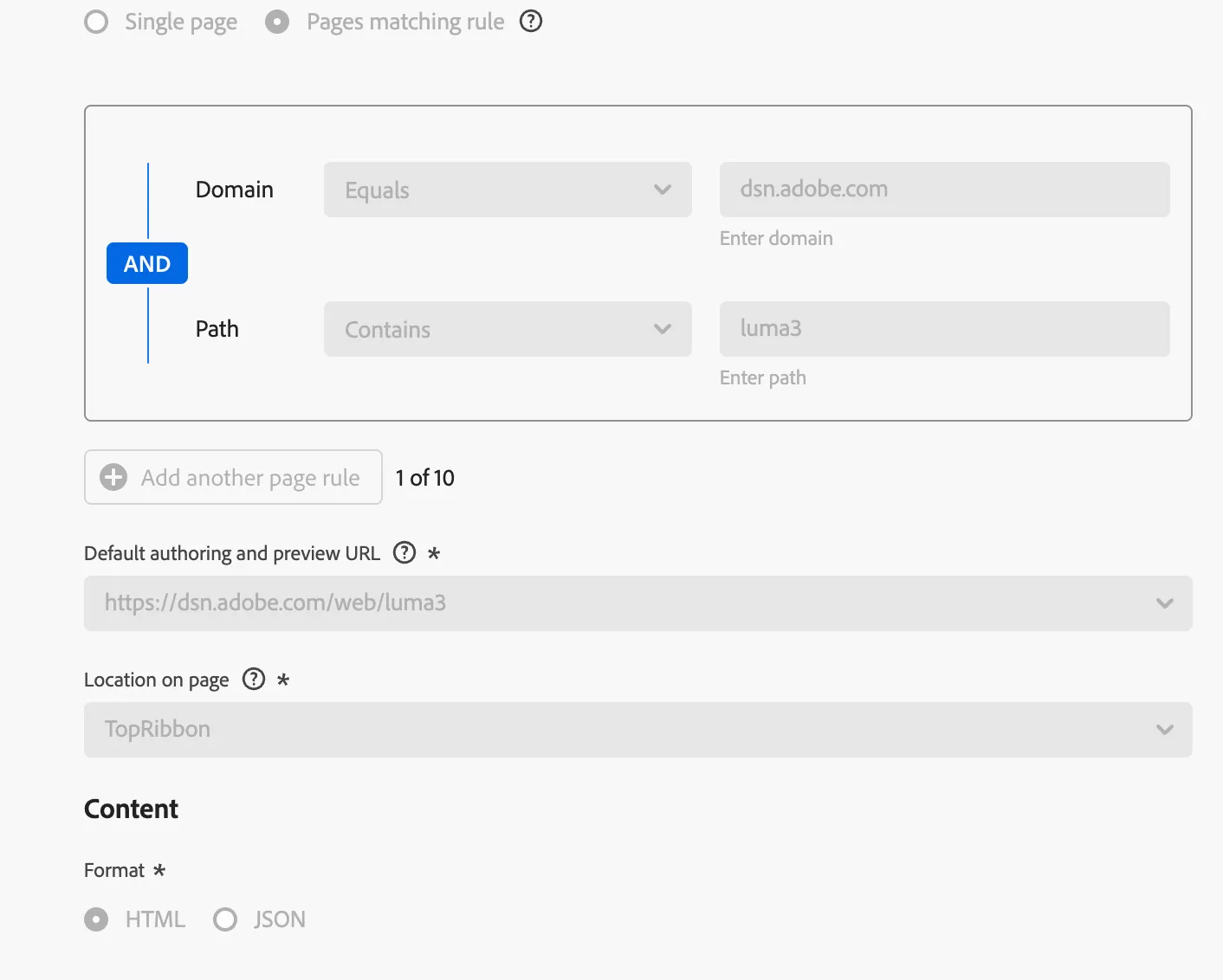
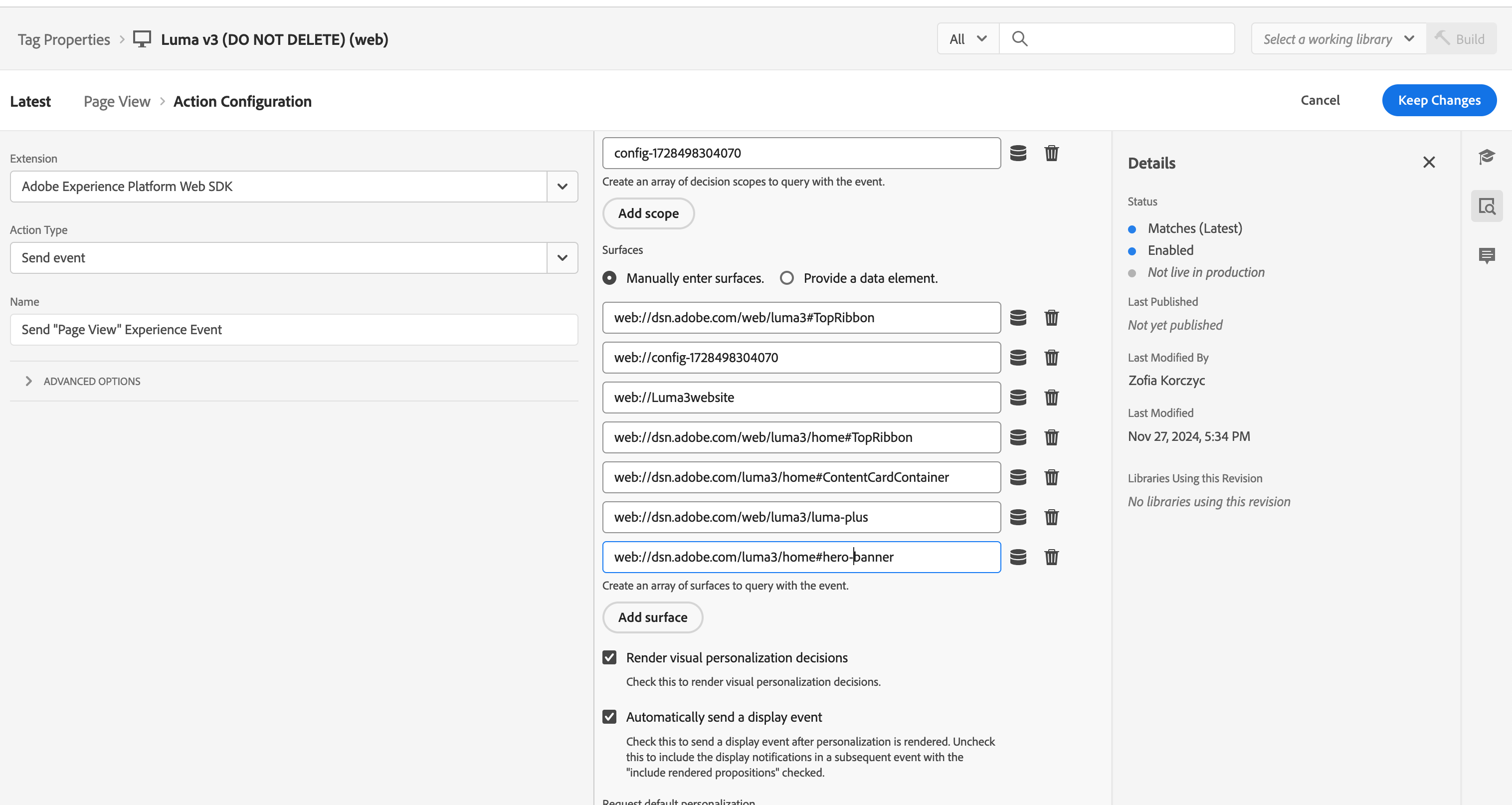
Update the launch property with correct surface value
Click on the launch rule to edit the configuration. Click on the action - 'Send "PageView" Experience Event'. Add a surface under surfaces - for example -web://dsn.adobe.com/<your-project-id>/home#hero-banner. When you are using your custom project it would be web://dsn.adobe.com/<your-project-id>/page#location. This location needs to match the location specified when creating the channel configuration.