Adding profile viewer to commerce website
4 min
Prerequisites: Run Quick Setup Commerce Preset
- Log in to Data Collection and find the property with the title you provided while running the quick setup
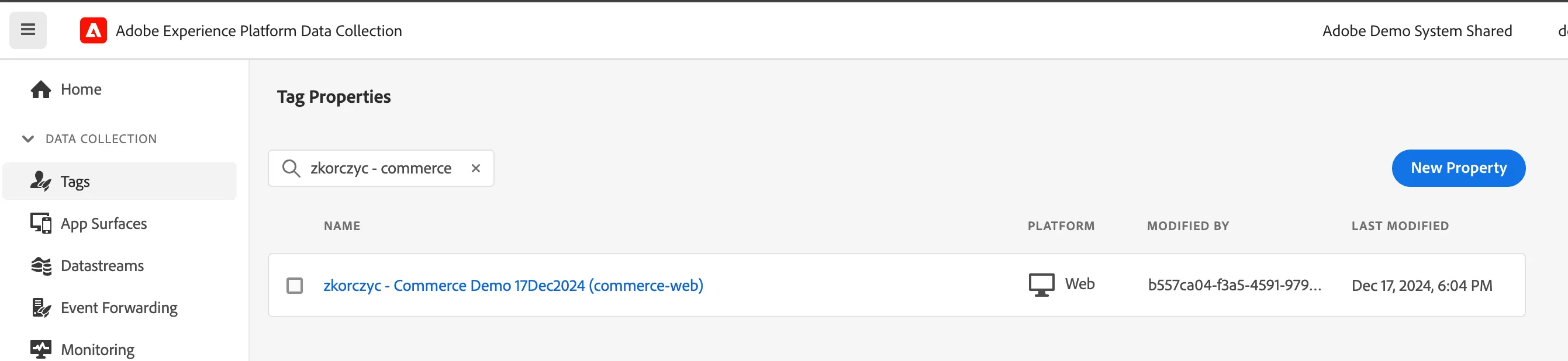
- Click on the name
- Go to environments
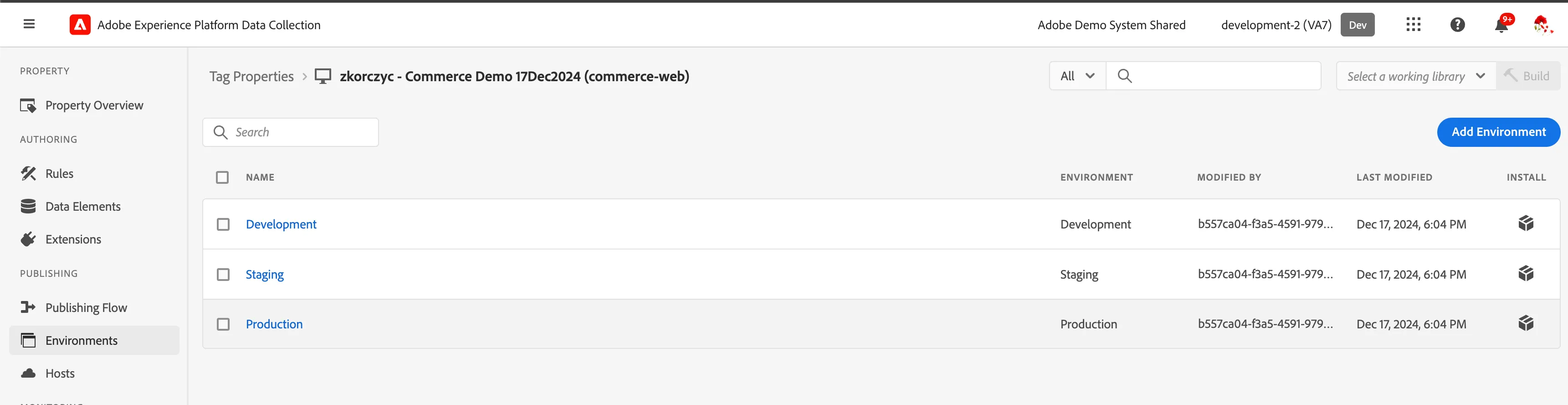
- Click the "box" icon next to Development - new popup will show up
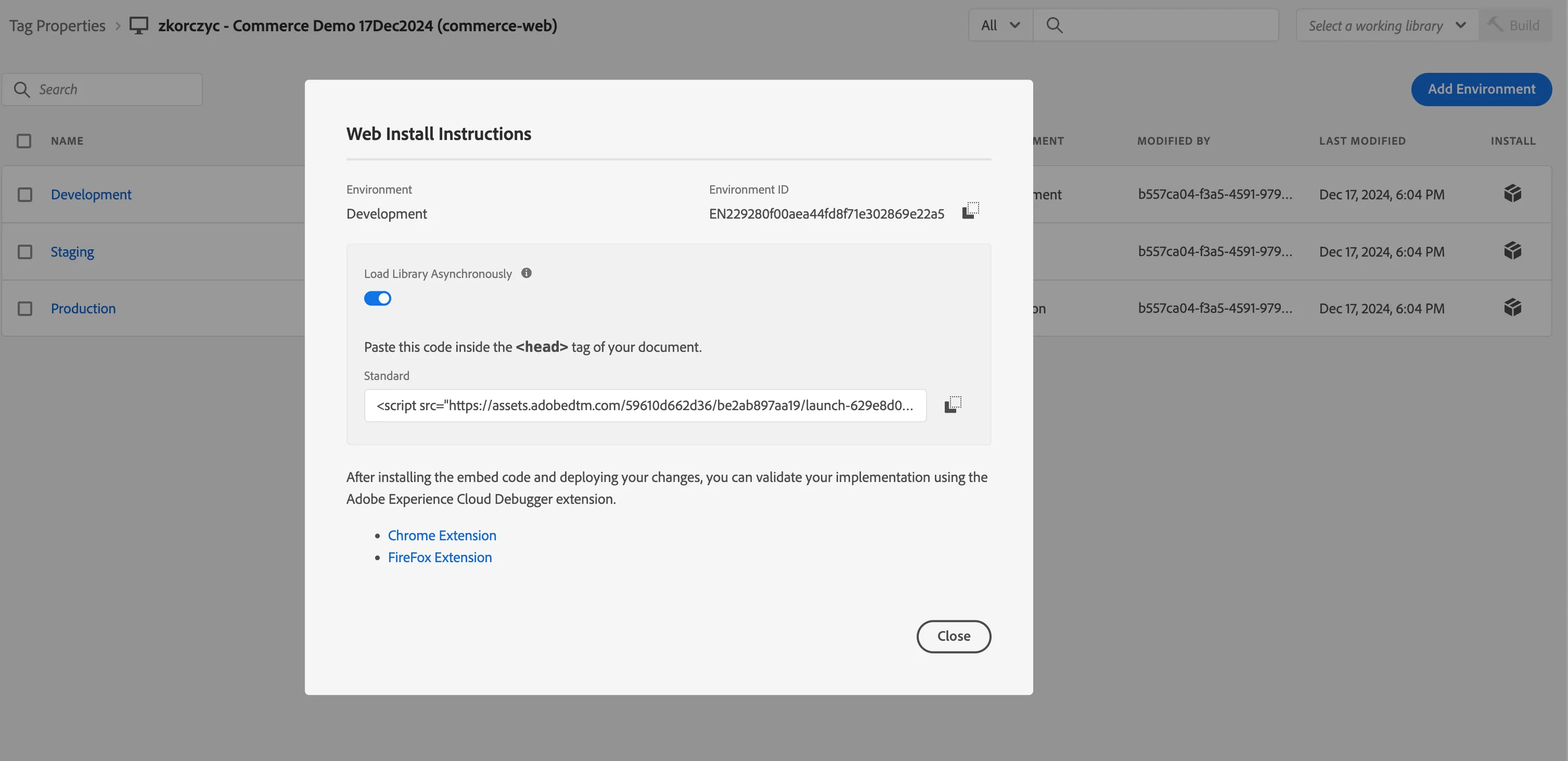
- Copy the code you will need to add to your commerce website

- Log in to the Commerce Backoffice:
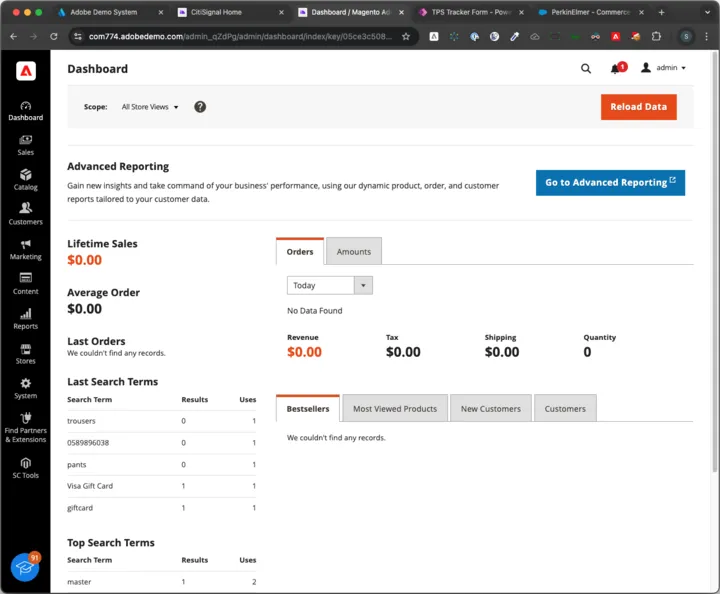
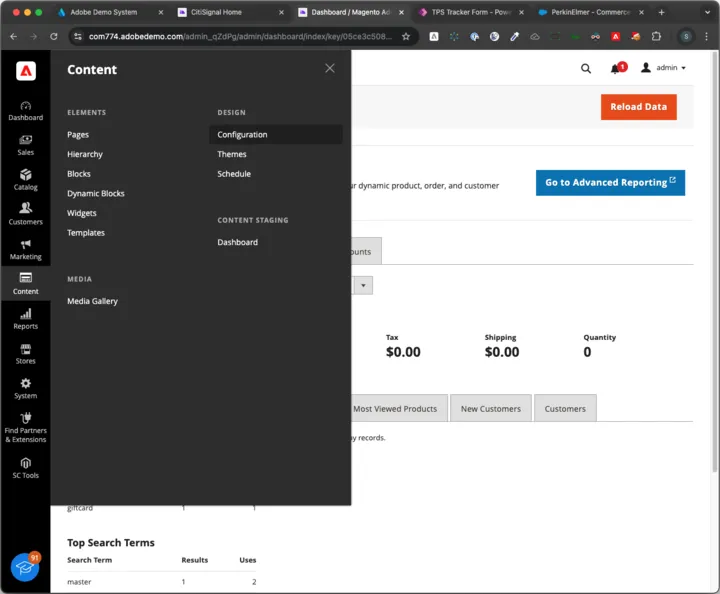
7. Navigate to Design Configuration:
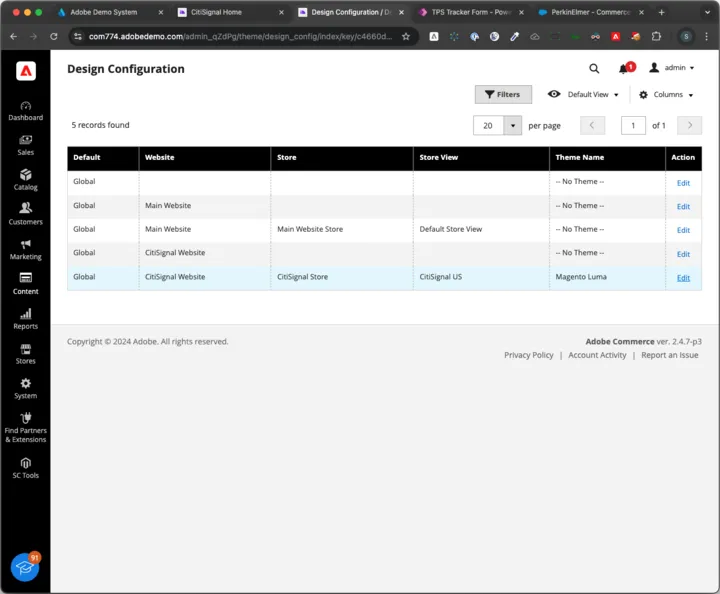
8. Edit the storeview that needs the script. In the case of CitSignal data, it’s the Citisignal Store View:
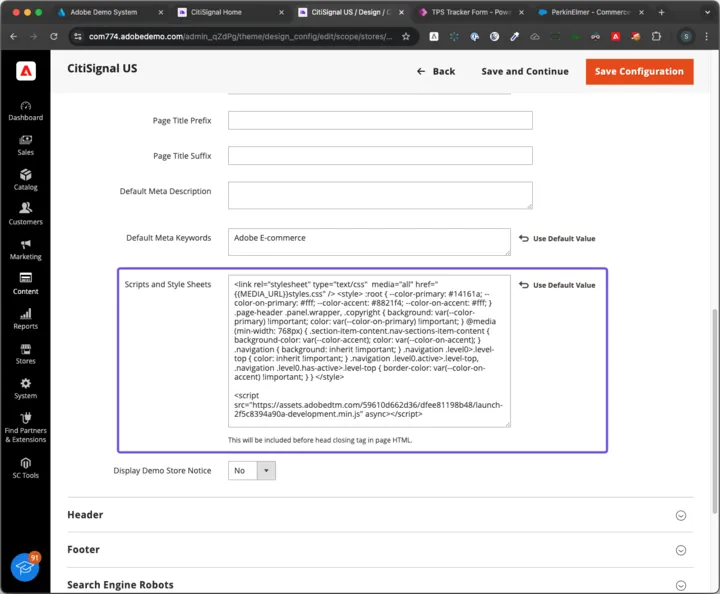
9. Expand the HTML Head accordion and find the Scripts and Stylesheets field:
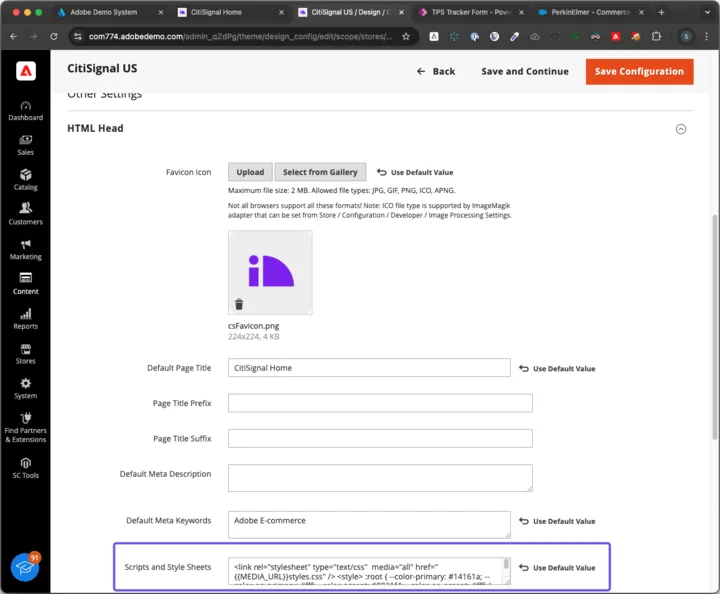
10. Drag the text area to expand the Scripts and Stylesheets text area and paste in the script after the existing CSS content:
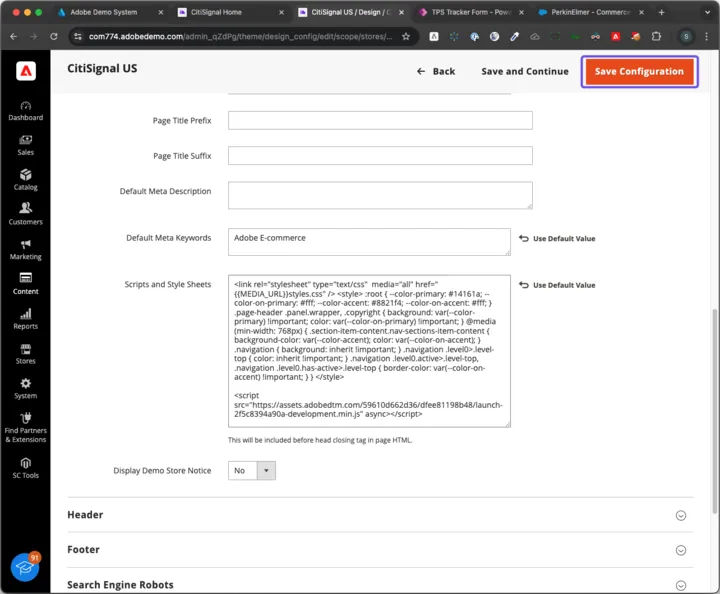
11. Click Save and Continue:
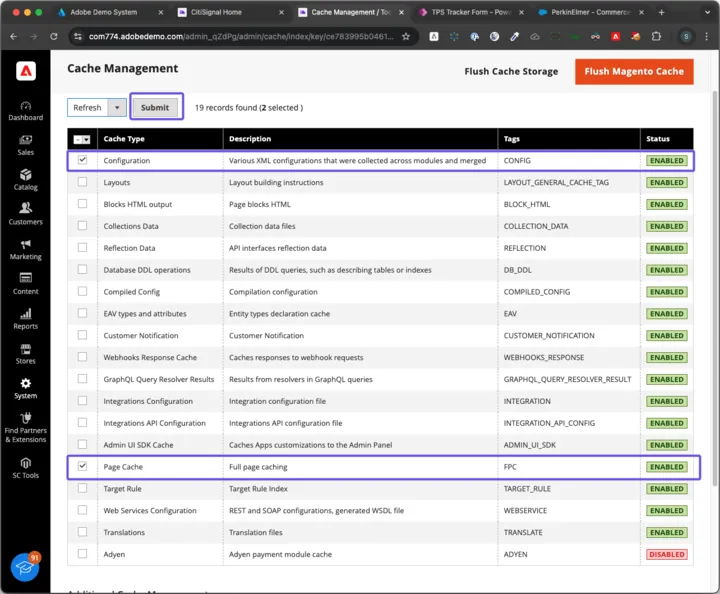
12. Navigate to System > Tools > Cache Management
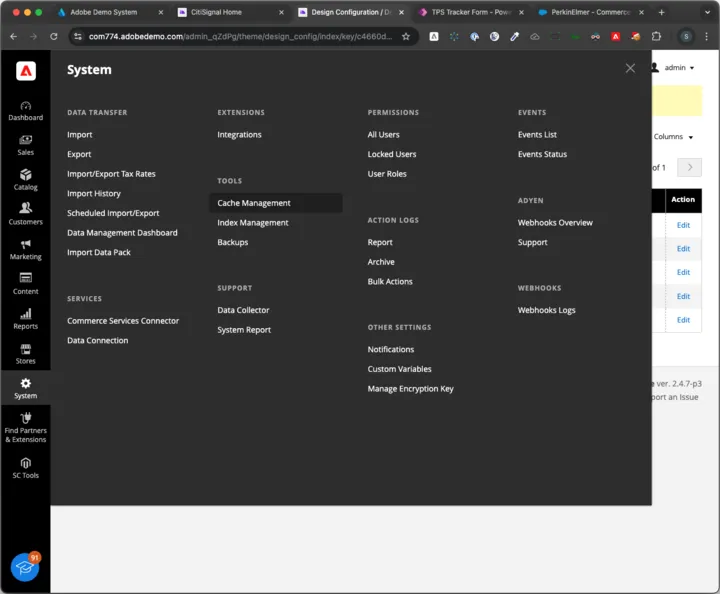
13. Select Configuration cache and Page cache and Click “Submit” to refresh the cache: