AJO - Journeys/Campaigns
Add Custom Event in AEP
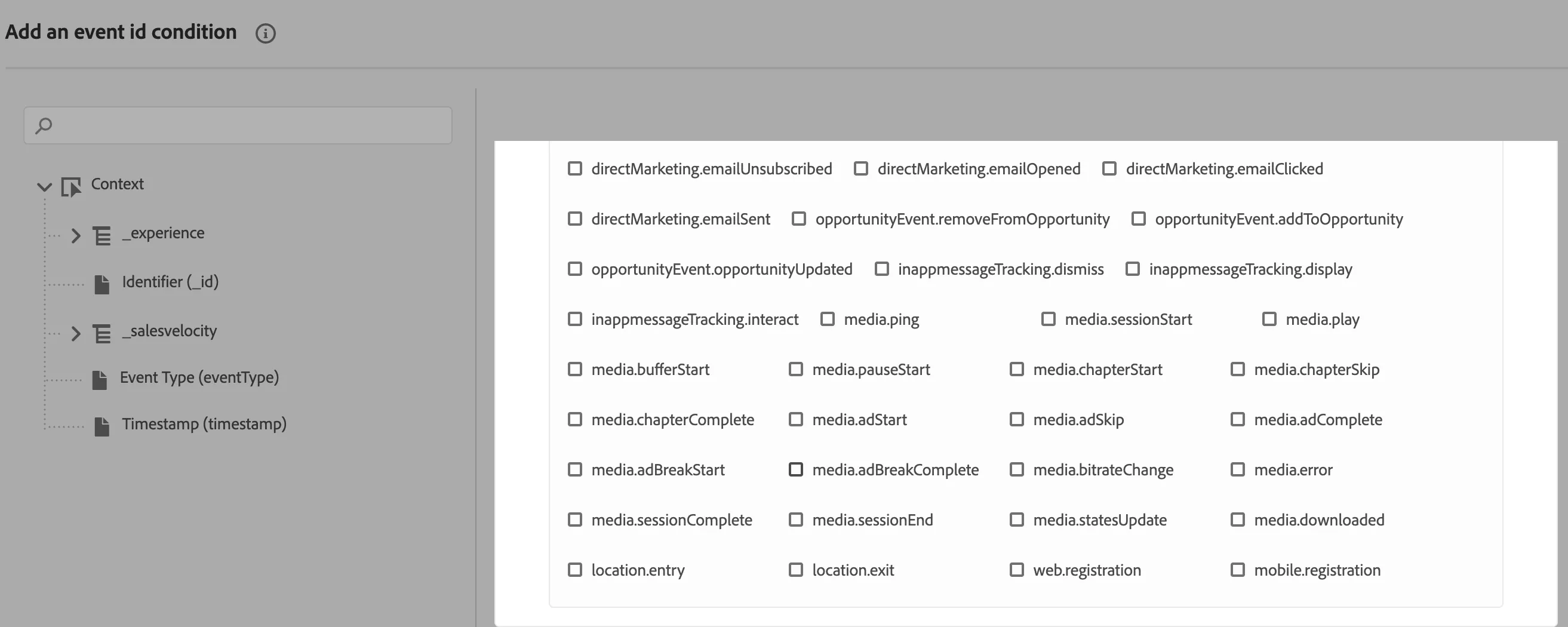
Create a custom event type by going to https://experience.adobe.com/ > Experience Platform > Schemas > your event schema. Then select Event Type (or eventType) field on schema diagram. This should open a sidebar, where event types are defined. On the bottom of this list should be an input that allows to add custom event types, eg. web.registration.
Once the event is created in AEP. Go to journeys UI using https://experience.adobe.com/.
Create journeys/messages
You can create sample Retail, SecurFinancial (FSI) journeys/messages using DSN AJO automation from the Quick Setup or can create the journeys/messages manually from Adobe Journey Optimiser UI
NOTE: It takes a few additional minutes to reflect the value for custom events to show in the AJO UI. Refreshed eventType list would show up while creating the new experience events