Back In Stock
Goal
Consumer communication to inform consumers that the product they have added to their wishlist is back in stock
TARGET AUDIENCE
Users who engaged in online shopping by adding items to their wishlist through the Luma website but the product was not available in the stock
JOURNEY STORY
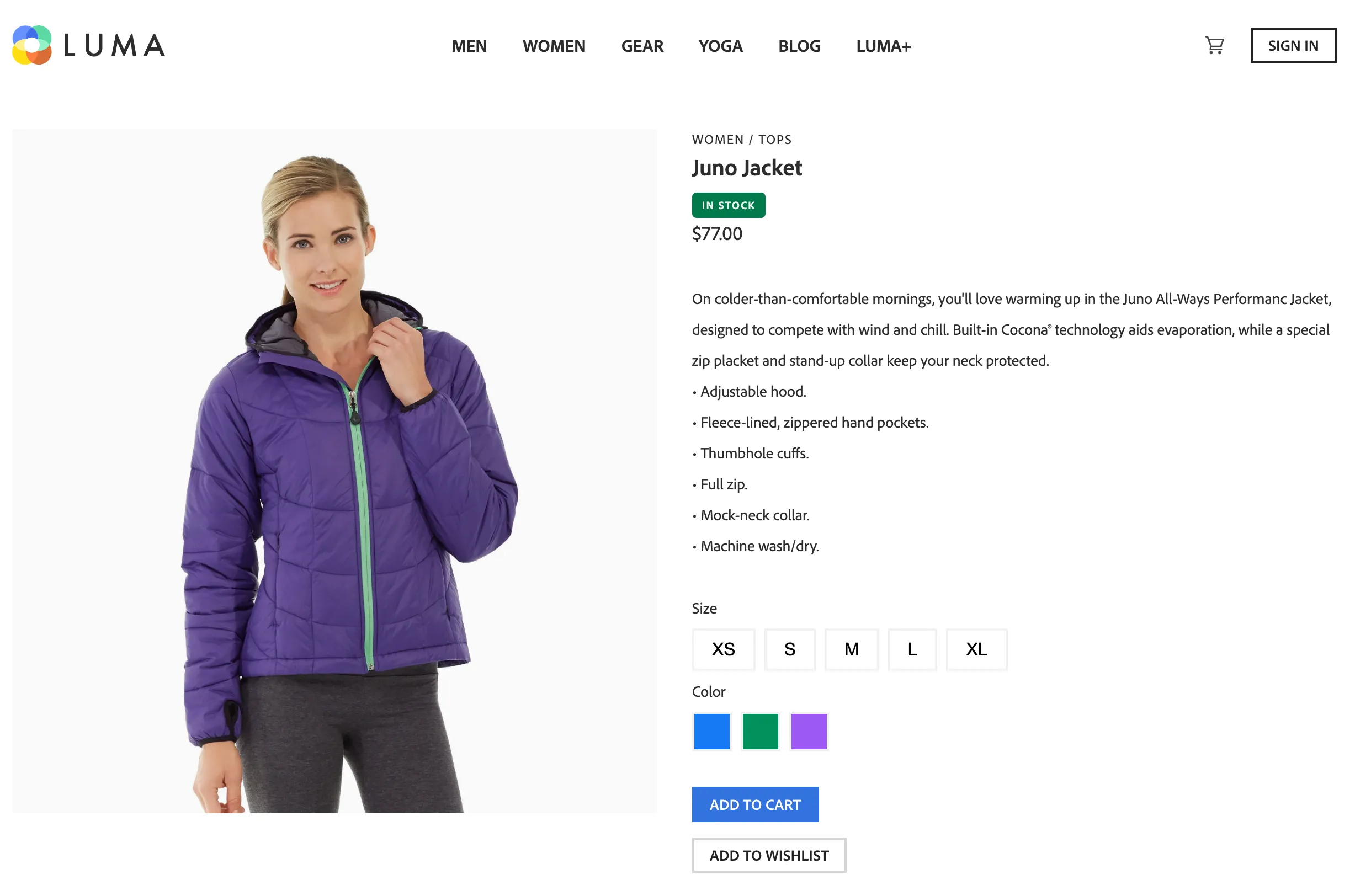
Sarah browses the products on the Luma Retail Website and looks at the "Juno Jacket" in women's category products. She likes it and adds it to her wish list by clicking the add to wishlist button
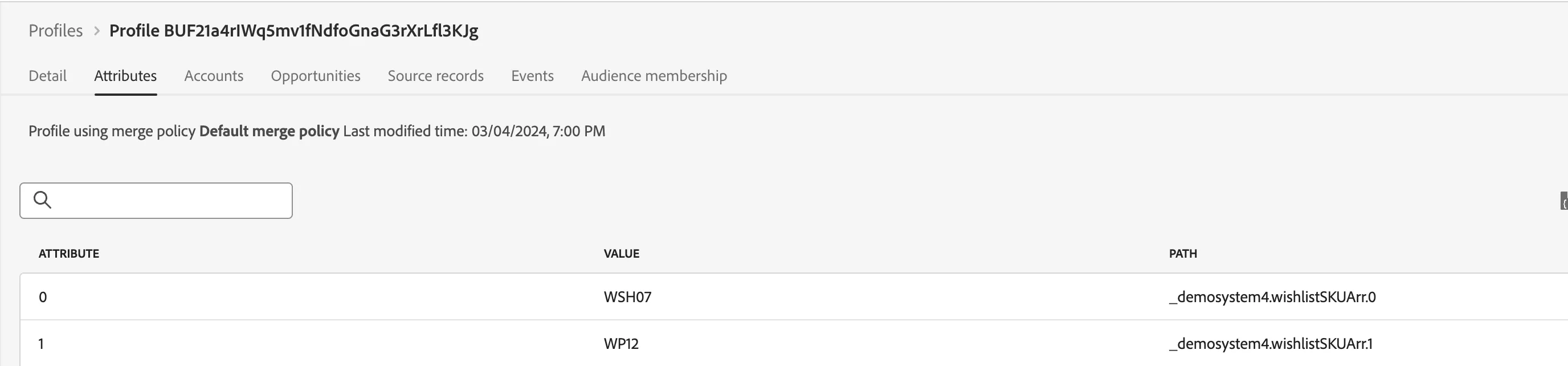
Check the products added to the wishlist in the profile in AEP -> profiles
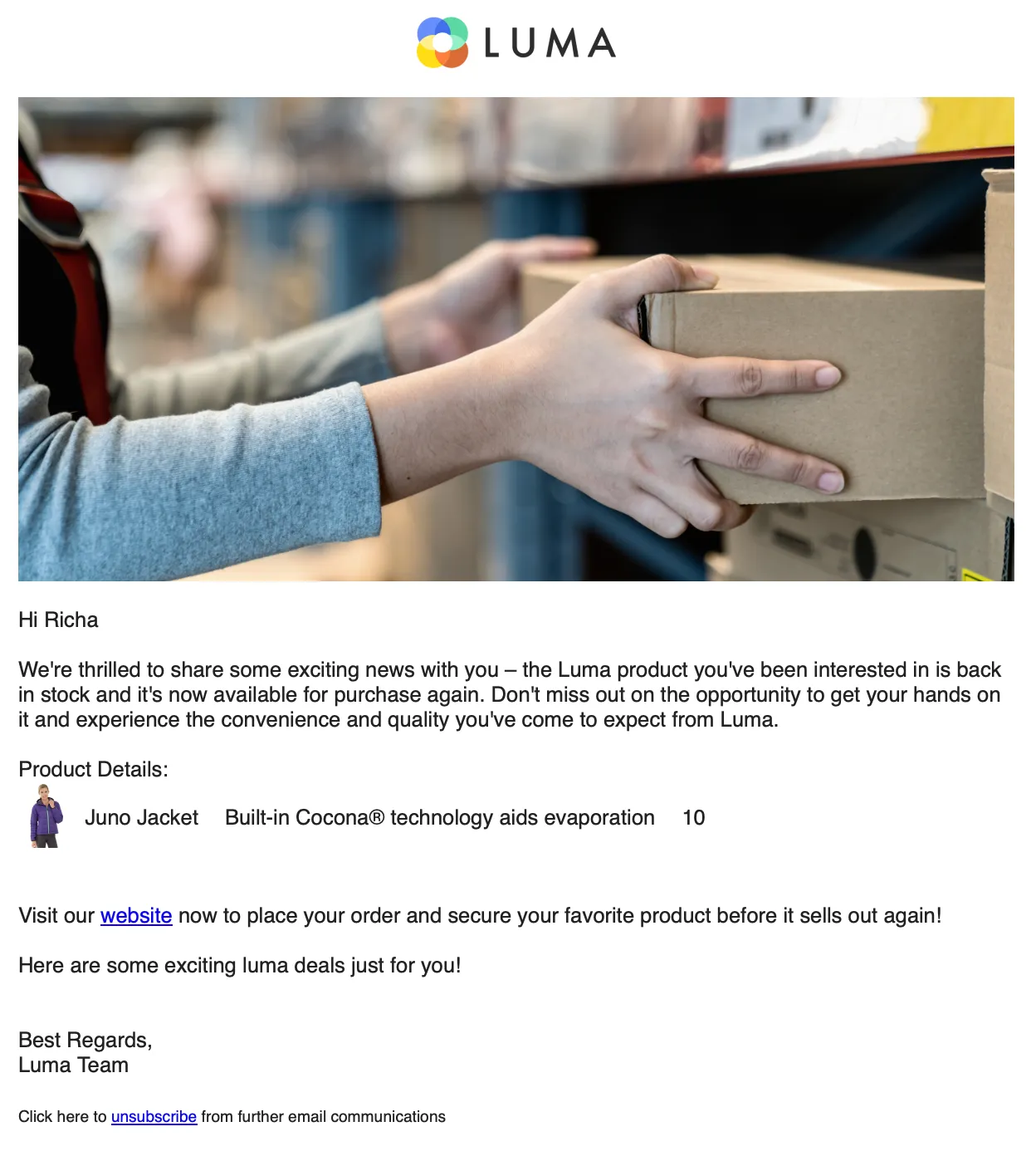
Inside the journey, the newly added wishlist product will be validated against the wishlistArr. If there is a match with an existing item, the below email will be triggered.
BEHIND THE SCENES:
Business Event Schema we are using is Demo System - Product Schema for AJO Business Event
wishListSkuArr object for storing the items the user has added to the wishlist is stored under path _demosystem4.individualCharacteristics.wishListSkuArr in Demo System - Profile Schema for Website (Global v1.1)
Luma - Recently Saved For Later Audience is used in the journey under Read Audience
Journey:
- Business Event - Luma Stock Replenishment
- Read Audience - Wishlist Product without purchase (Save for later)
- Condition: Check if the product selected in the wishlist is the back-in-stock product in the business event
- Condition: Check marketing consent
- Messages (Cross channel):
- Email: Replenishment Message
- Push
- In-app
- End
LAUNCH:
Launch rule is updating the wishlist items in the profile.