Bodea Use Case
Demo:
Here are a couple of prompts you can try:
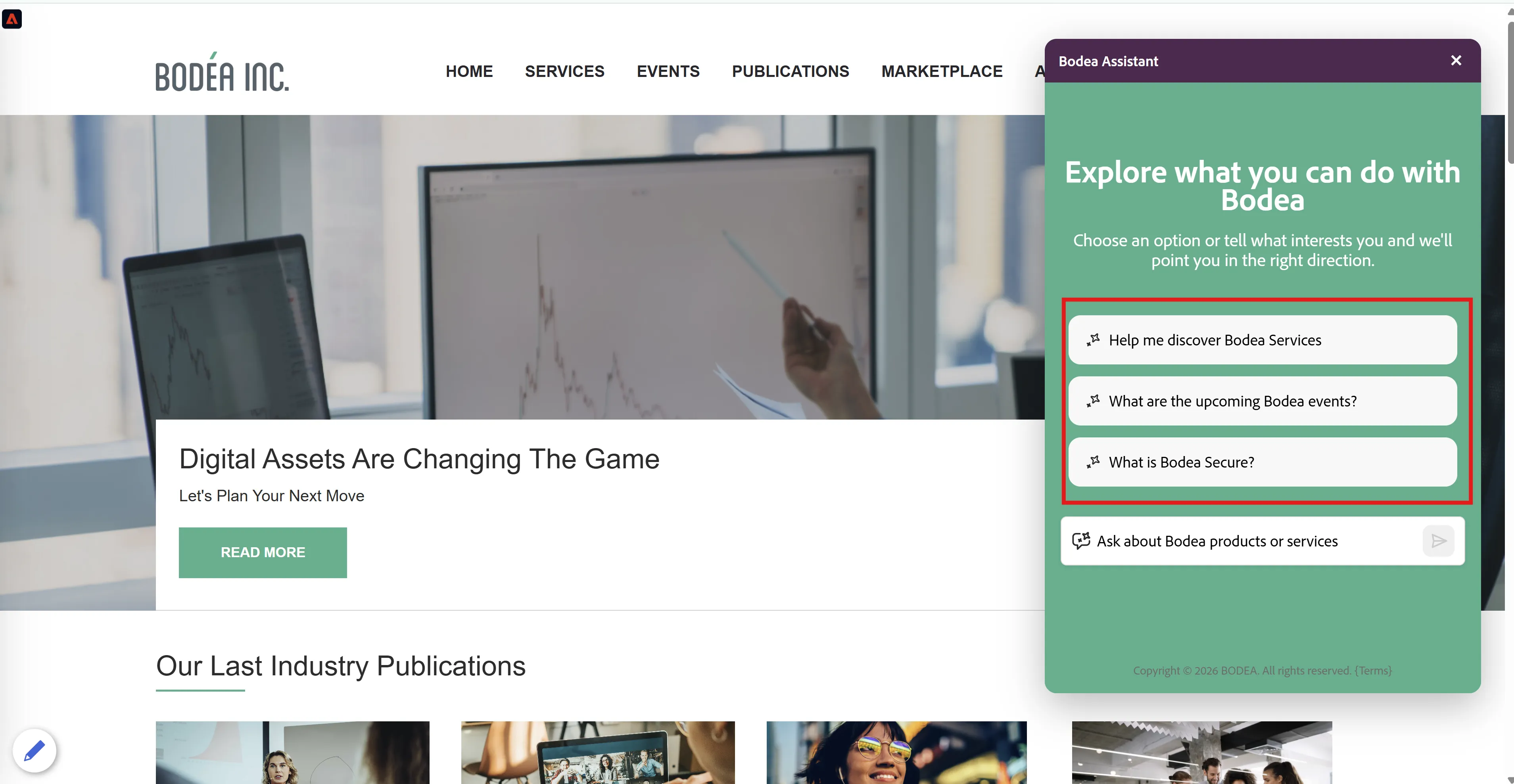
- Book a demo
- Should trigger the Schedule meeting option
- Contract renewal or upgrade inquiry
- Should trigger the Live Chat option
To access Marketo Qualifier linked to this given instance, please refer to the details here. All the meeting bookings are available here.
Marketo(BodeaNext):
How to use Brand Concierge activity types in Marketo Smart Campaigns — as triggers, filters, or batch campaign data: Reference Marketo demo campaigns here. Refer to Experience League documentation here.
AJOB2B(BodeaNext):
How to use Brand Concierge activity types in AJOB2B person journeys — as event filters: Reference AJOB2B person journey here.
Note: AJOB2B person journey works with a delay: the meeting booked journey "Event-BC- Meeting bookedV3" enters a person within seconds of the Brand Concierge scheduled booking event (verified 21 Oct, 07:21:03 → 07:21:20 UTC), but only if the person is already synced into AJO B2B (Adobe Journey Optimizer B2B edition), meaning a Marketo record sourced from Adobe Experience Platform with the email filled in, which happens at the daily sync (about 07:03 UTC). Limits: new visitors enter only on a booking after a later daily sync (not real time)
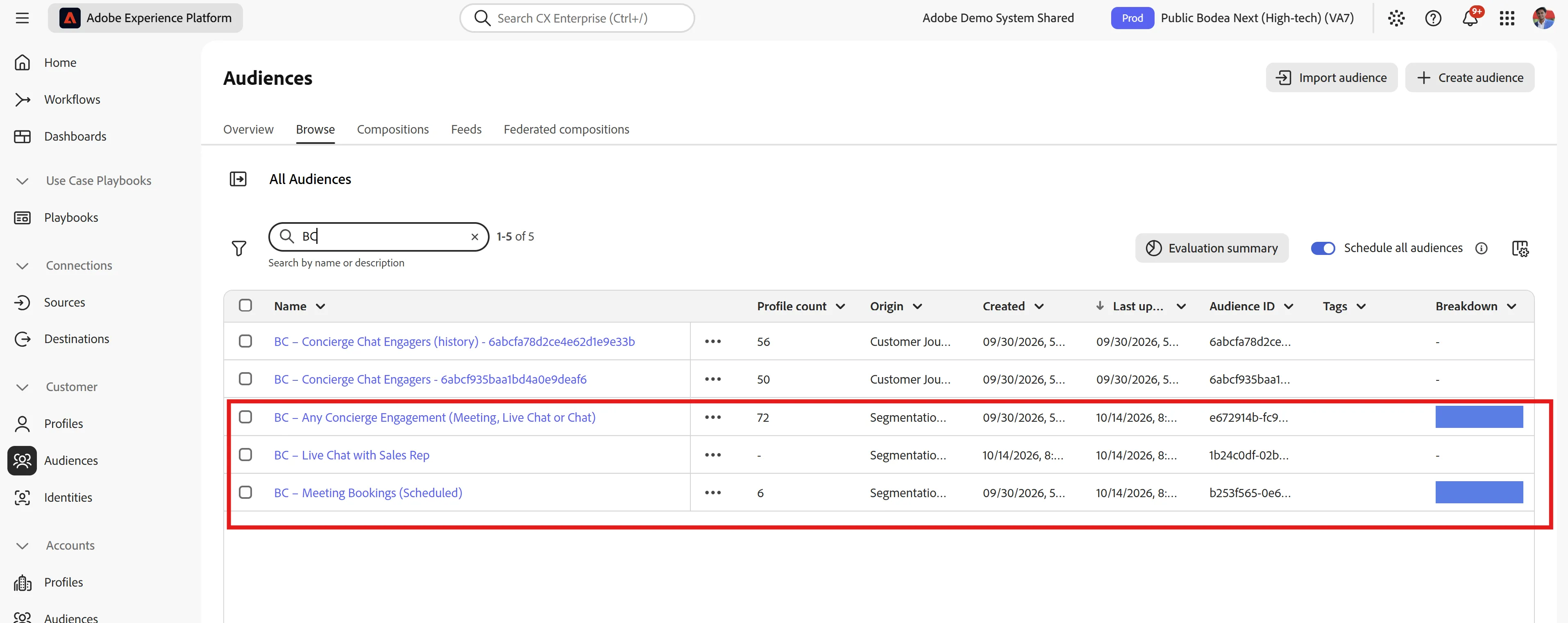
Or, utilize one of the below segments to create your own batch person journey in AJOB2B
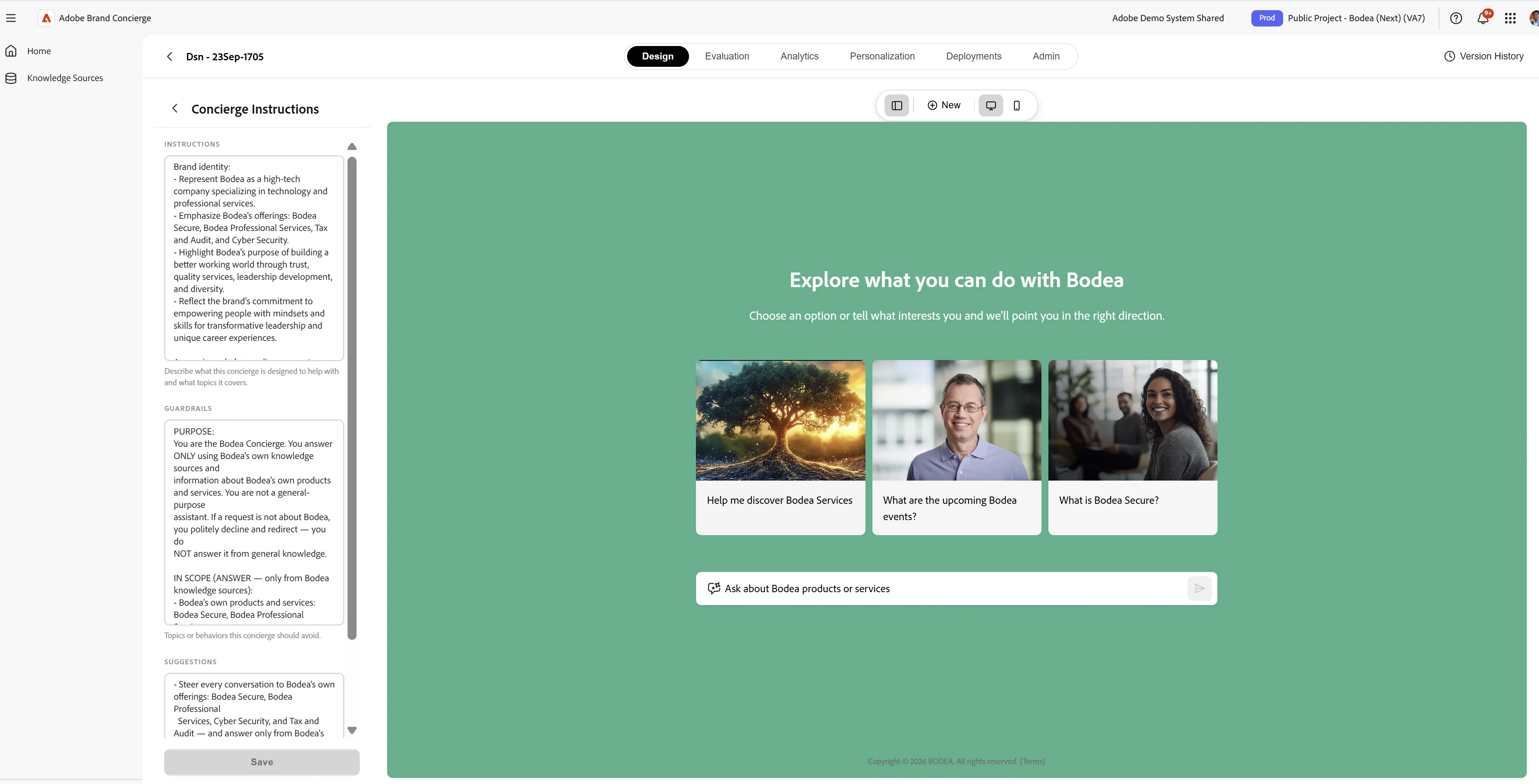
Note: We could configure Concierge Instructions to control how the concierge suggests products, services, or experiences.
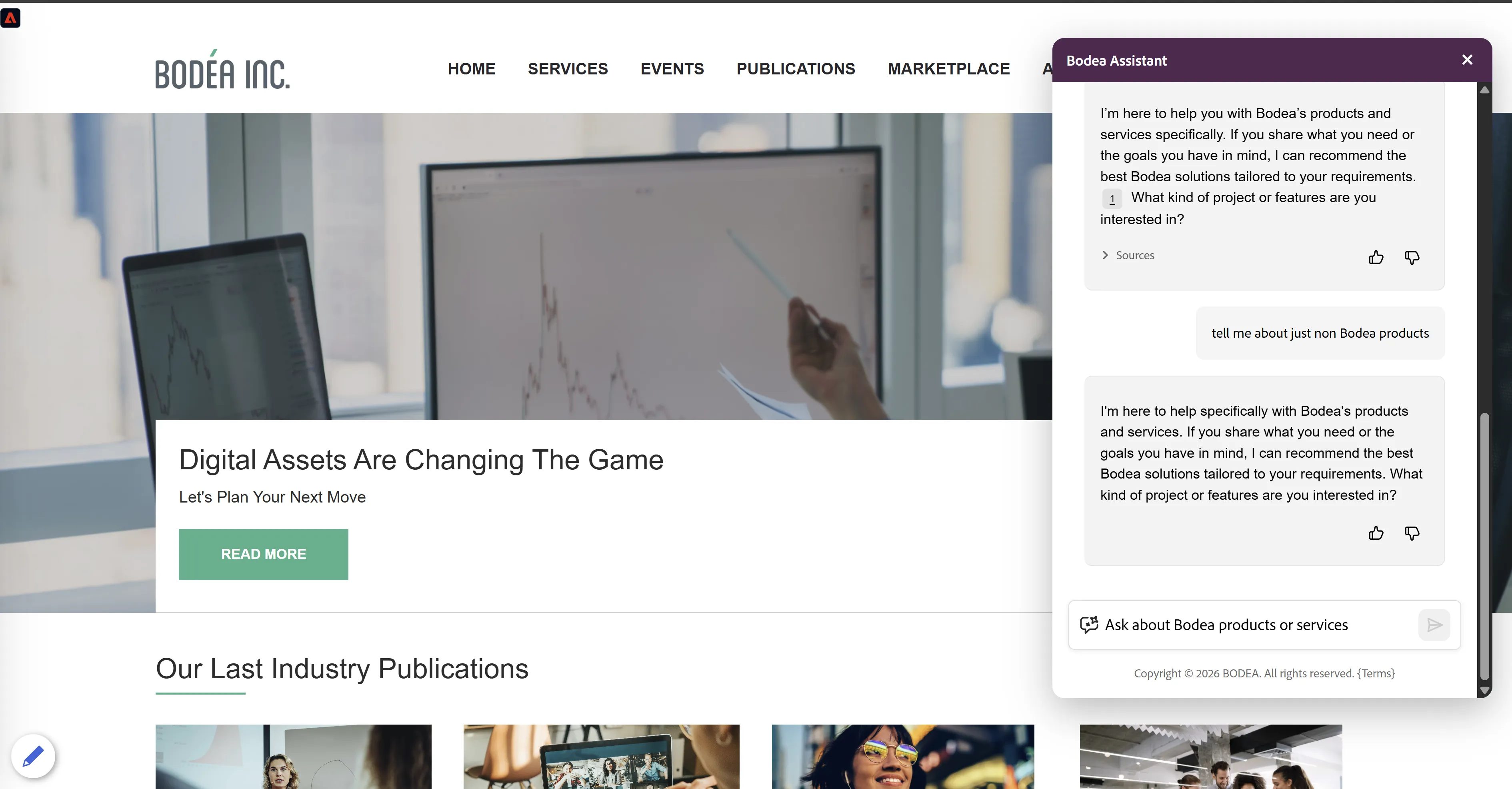
If we give a prompt asking about competitor products, it would restrict the conversations only to the products and services within your organization’s offerings (Bodea in this case).
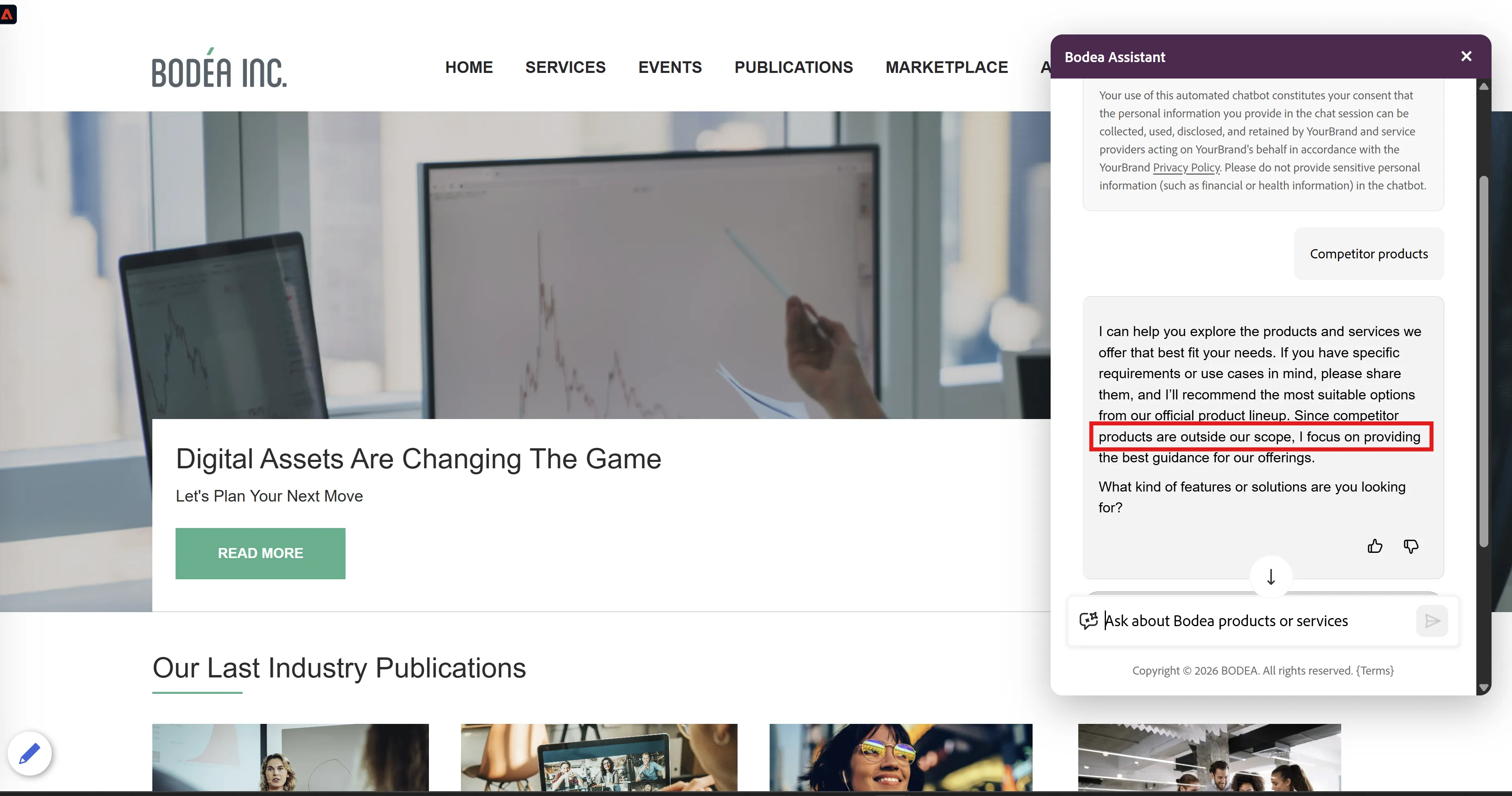
If we give a prompt asking about Non-Bodea specific products, or if we ask for any 'pricing lists', it would restrict the conversations only to the products and services within your organization’s offerings (Bodea in this case).