Brand Concierge + Semantic Profile (Retail - Luma Talk track)
Demo Overview
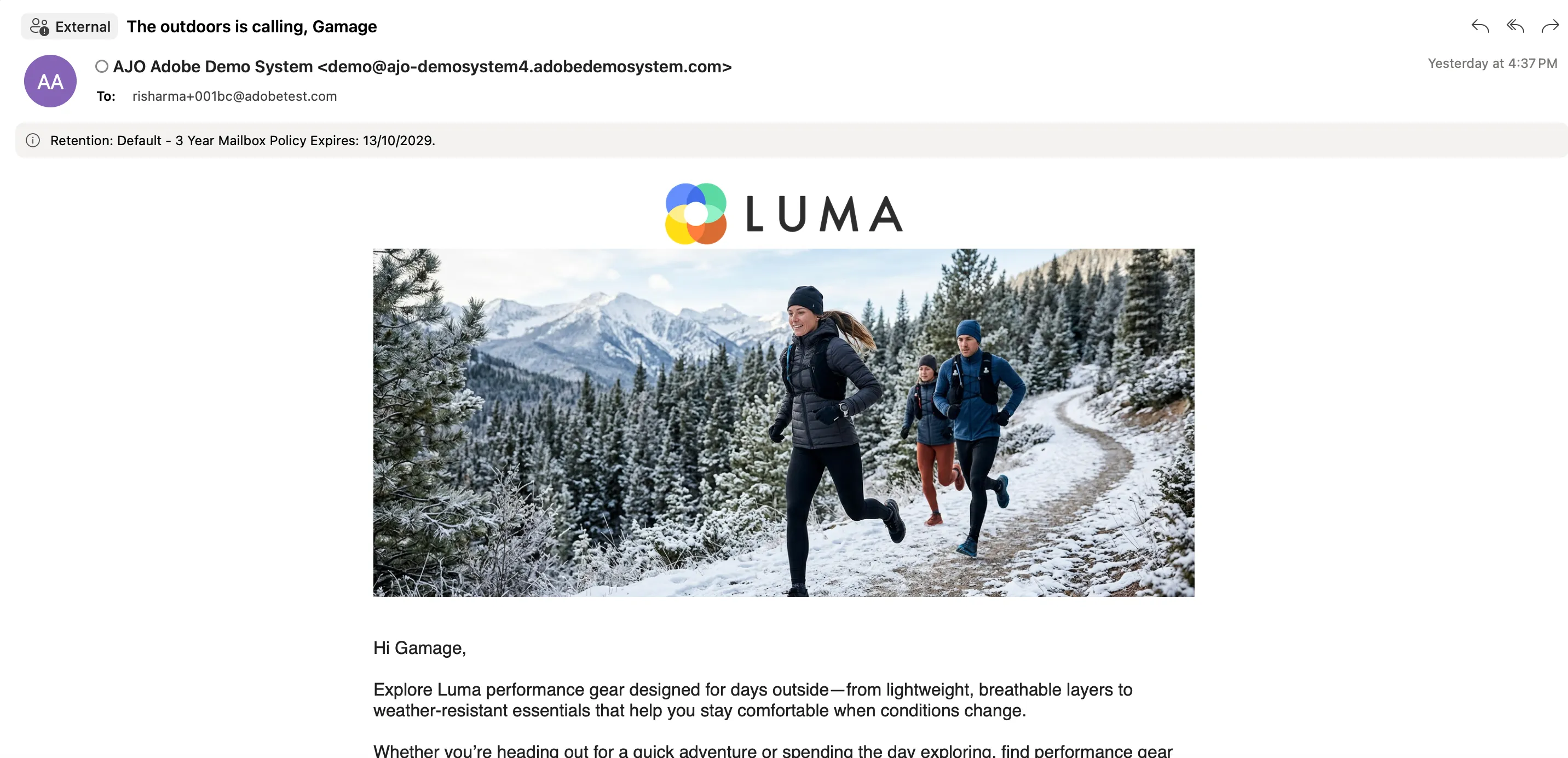
Reina, a Luma+ Gold shopper. First the customer chats with Luma's AI assistant (Brand Concierge) anonymously — the reply is generic. Then the customer signs in and, while browsing the Men's > Marco Lightweight Active Hoodie product page, asks a vague question — the assistant recognizes the customer (because it's reading the customer's Semantic Profile) and grounds its answer in the exact page the customer is looking at. During the chat the customer mentions training for a trail half-marathon and mornings are freezing and windy — Adobe captures that as a signal in real time, and the customer qualifies for an audience off that one sentence. That signal then reshapes the Luma website (a personalized banner) and triggers an email — all off the same profile. Finally, you'll show that a marketer built all of this in CX Coworker, no code.
Source: [Retail product-team demo script](https://wiki.corp.adobe.com/pages/viewpage.action?pageId=4075325693&spaceKey=DMSArchitecture)
Special thanks to Shota Ido and team, and Anshika Aggarwal's team, for their demo and product support in bringing this Retail experience to DSN.
Pre-requisite
- Semantic Profile — the real-time customer profile that also understands conversations. It produces a plain-language "narrative" any AI agent can read.
- Brand Concierge (BC) — the AI shopping assistant on the Luma site.
- Page context — the current webpage, product, or category the customer is viewing, passed to Brand Concierge as additional real-time context alongside the profile narrative.
- CX Coworker — the marketer's conversational tool for setting up the agent, profile, signals, and activations.
- Target / NPP — Next-Page Personalization: personalizing the website on the customer's next page/visit, via Adobe Target.
- AJO — Adobe Journey Optimizer: the tool that sends the personalized email.
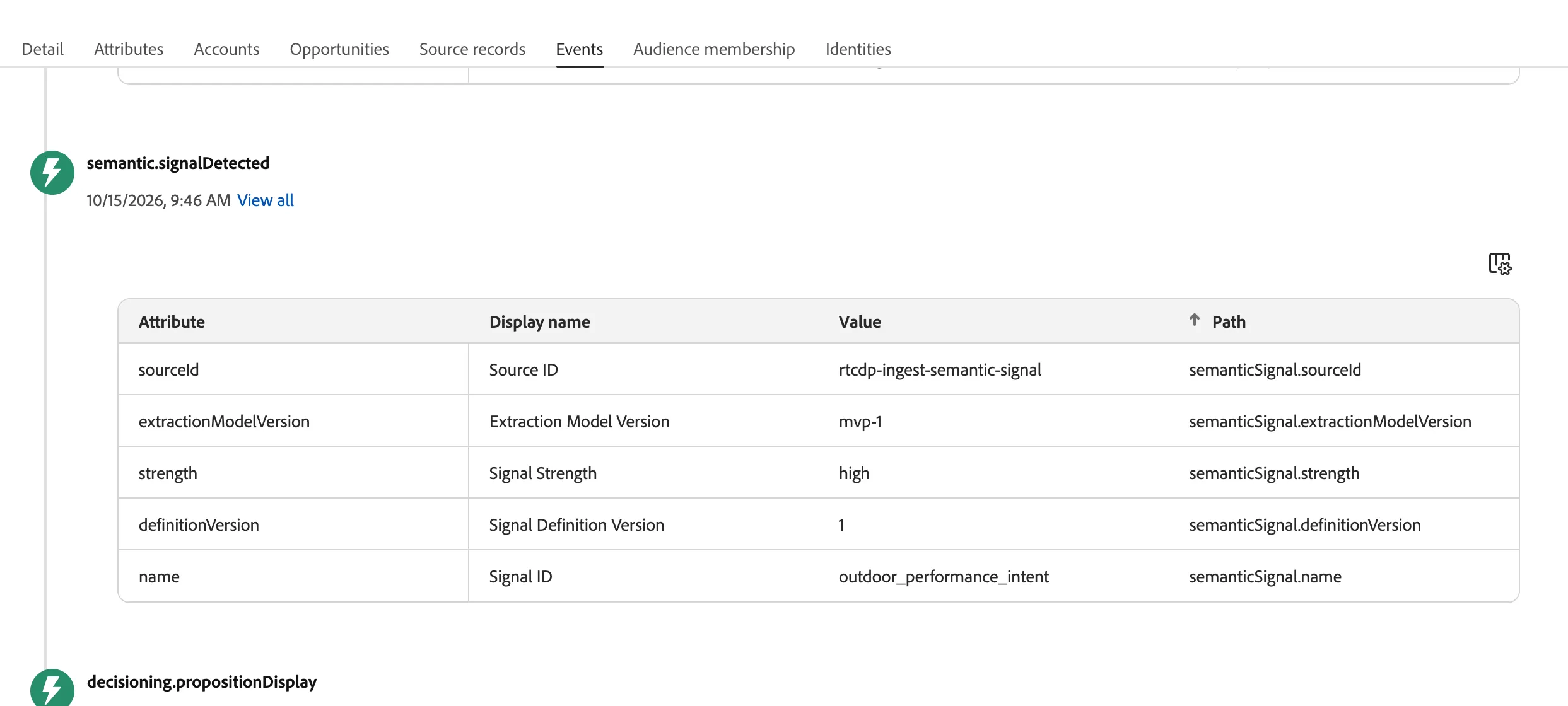
- Signal — a piece of intent extracted from a conversation (e.g. "half-marathon training / cold, windy mornings").
- Live profile: Ingest the Reina profile with your own Adobe email swapped in (so the demo email lands in your inbox). Confirm it's not yet in the "Outdoor Performance Intent" audience. Use DSN Luma Create Account
- Browser A (main screen): Luma site, signed out, ready. This is where you run the conversation.
- Product page ready: Have the Men's > Marco Lightweight Active Hoodie product page bookmarked/ready to navigate to in Browser A, for the page-context step.
- Browser B (2nd window, off-screen): Logged in as the twin, parked on the Luma home page already showing the personalized banner.
- Fallback: Have a screen recording of the full flow ready in case the environment is slow.
Demo Walkthrough
Go to https://dsn.adobe.com/web/luma3/home, Click "Ask AI"
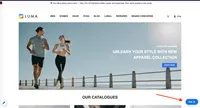
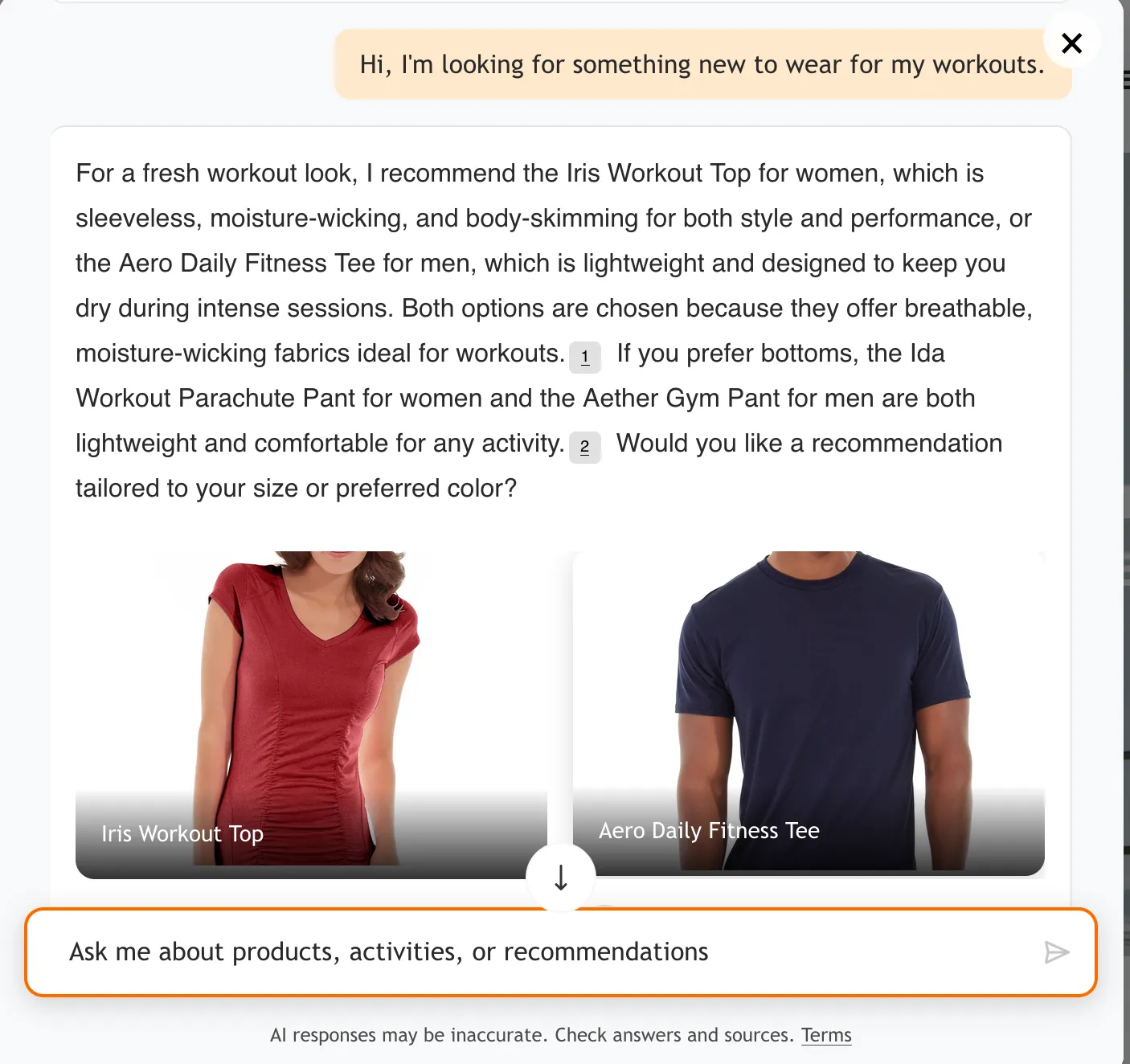
As anonymous user, give the prompt ("No idea who this is yet — watch what happens when the customer signs in.")
Hi, I'm looking for something new to wear for my workouts.
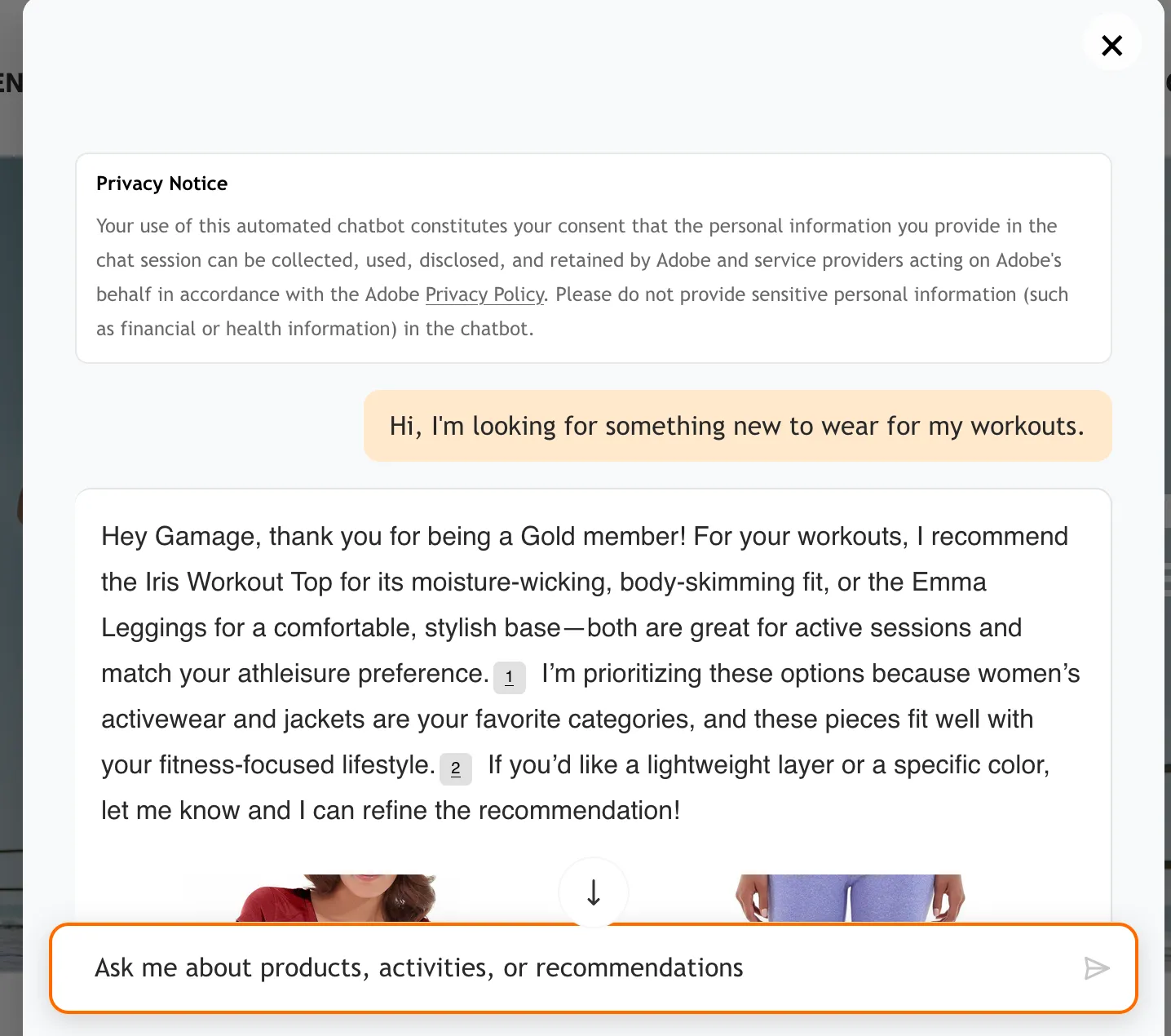
Sign In with your profile in Luma Sign In page or create a new using DSN Luma Create Account. Now you see personalized response from Brand Concierge
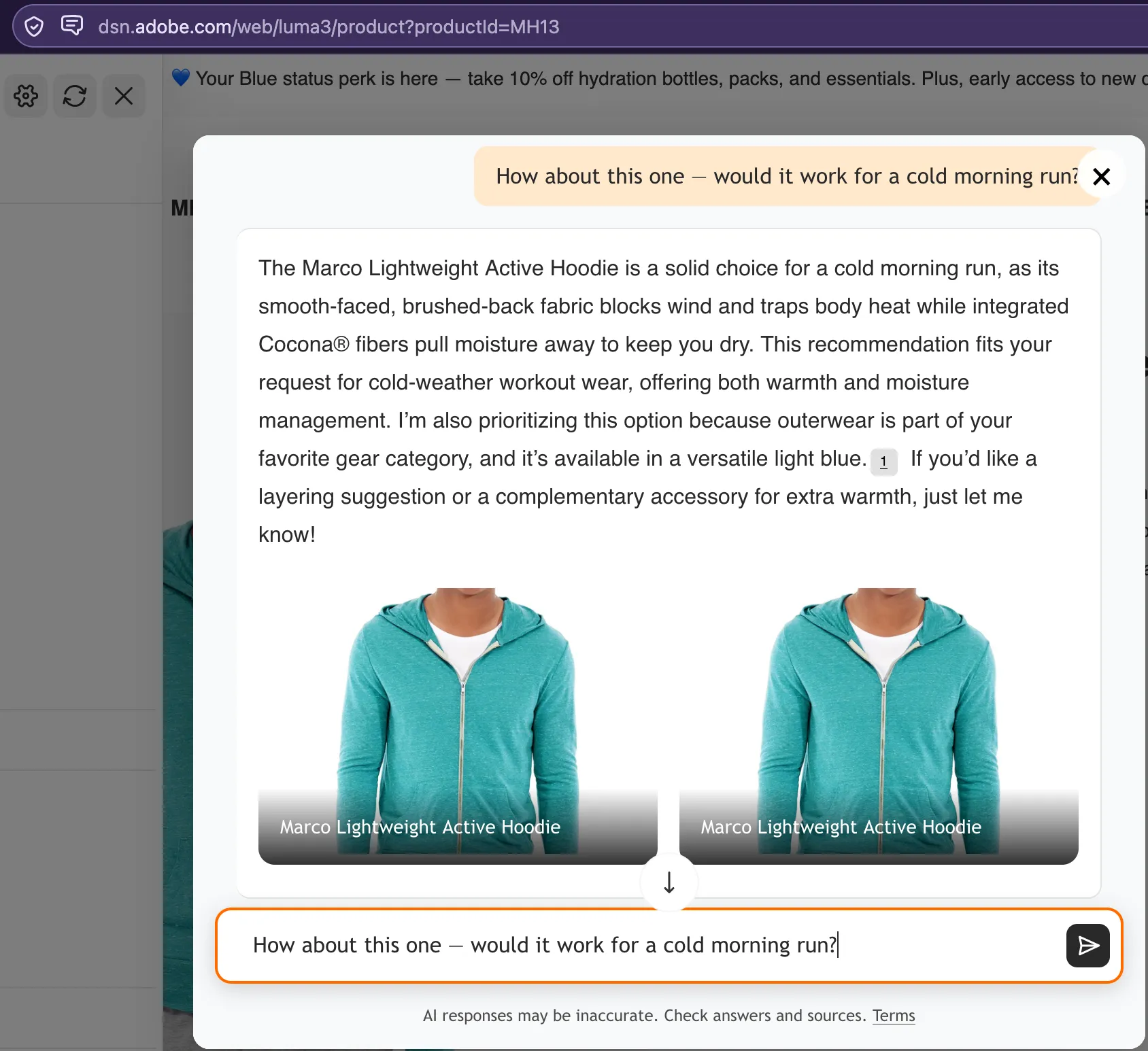
Navigate to https://dsn.adobe.com/web/luma3/product?productId=MH13 "The customer didn't even name the product — "this" is enough, because BC knows exactly which page the customer is on."
Prompt: How about this one — would it work for a cold morning run?
Continue the chat
Prompt: I'm training for a trail half-marathon and mornings are freezing and windy — I need something that'll keep me warm without overheating.
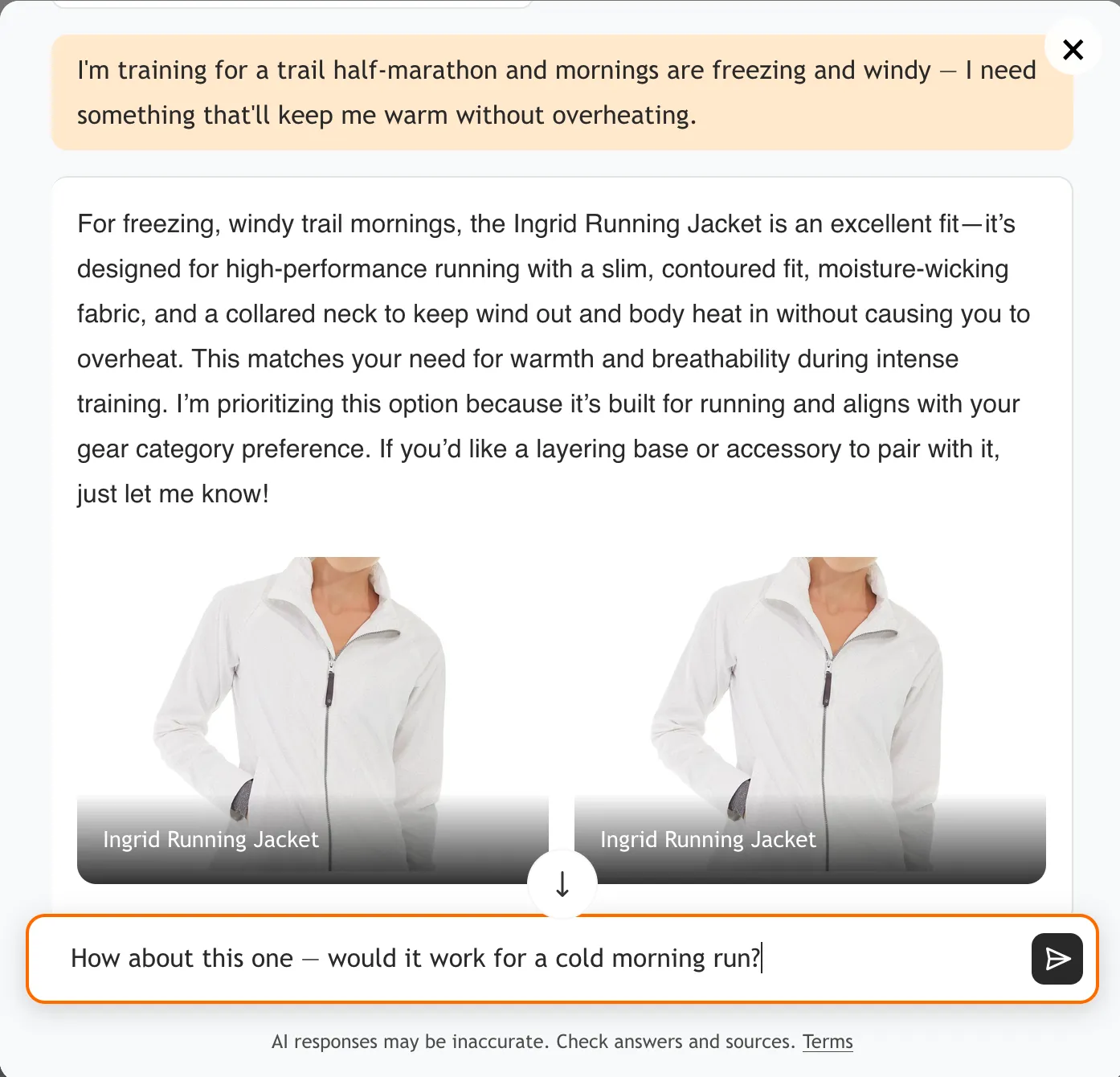
Go to Profile and see the signal being extracted for the profile under events
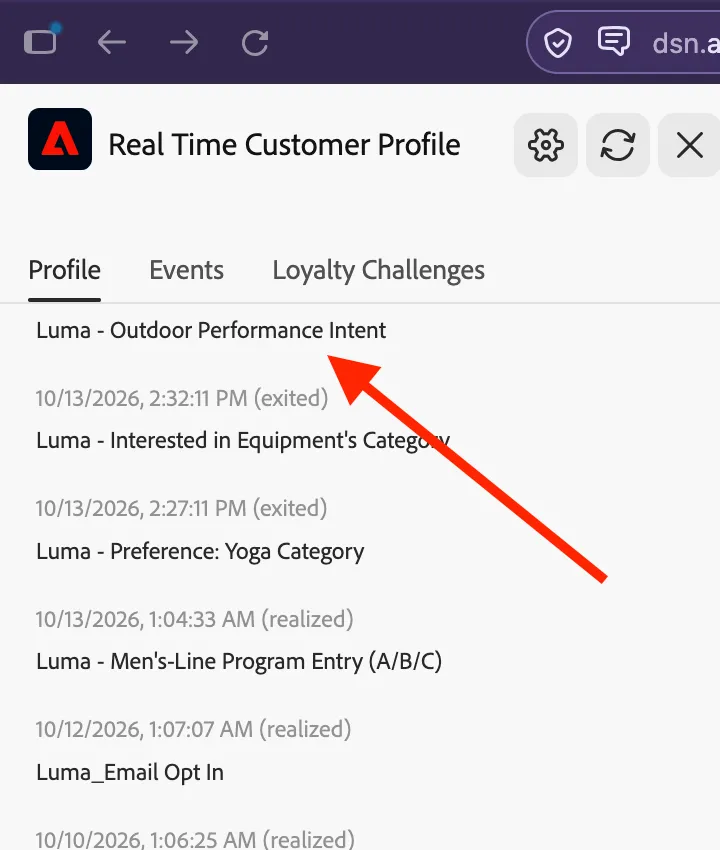
Check in the profile viewer - profile has just entered the "Outdoor Performance Intent" audience
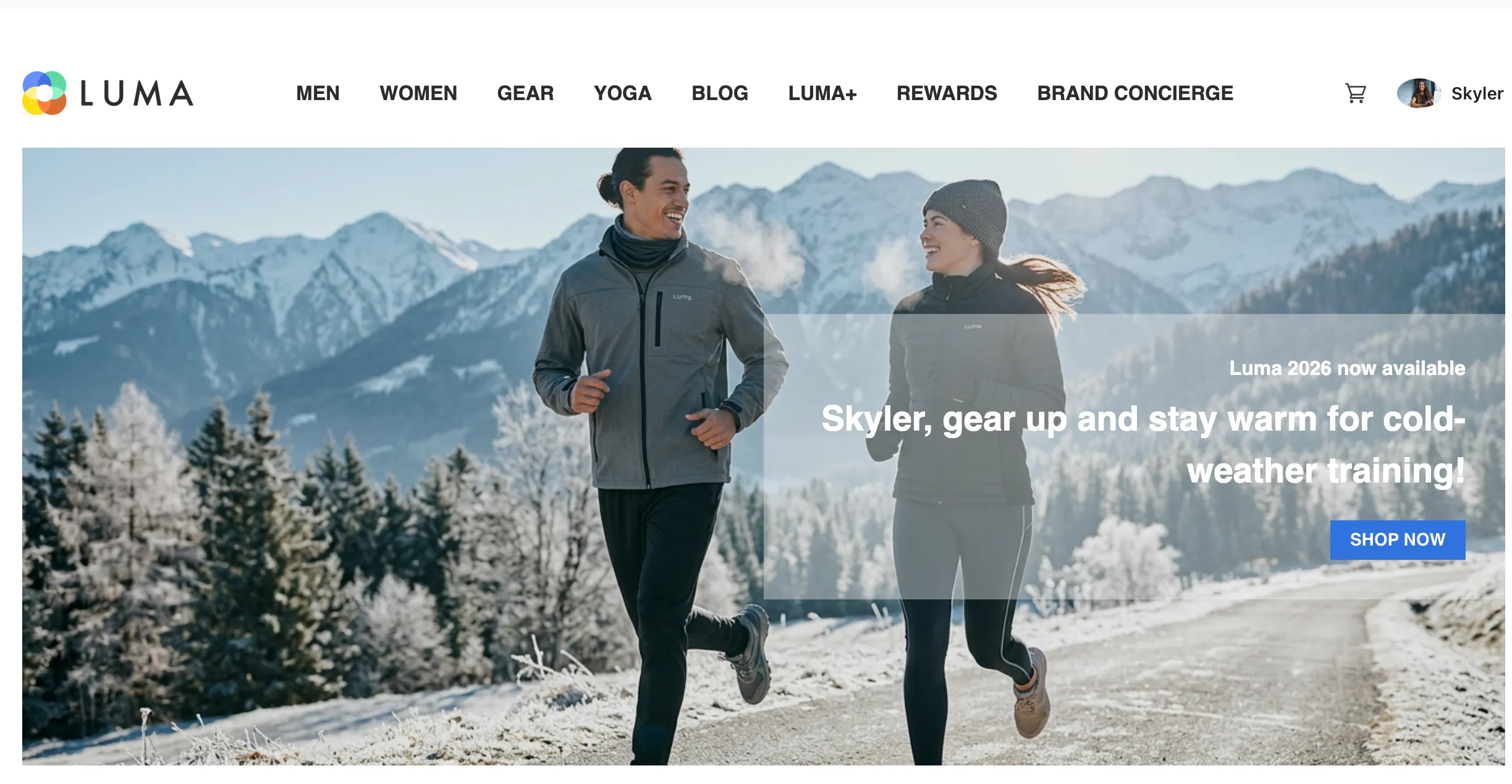
Banner on the homepage should be updated and personalized powered by Adobe Target
Receive the personalized email from AJO journey/email
And the top ribbon should be updated, powered by Code Based Experience
