Cart Abandonment and Purchase Scenario
Business Objectives
Cart abandonment is one of the biggest challenges digital retailers face today. Some shoppers get distracted, while others may find alternatives or better prices elsewhere. Having a strong marketing strategy with relevant and timely messaging is essential to re-engage these customers and encourage them to return and complete their purchase. Cart abandonment emails are a highly effective pattern for bringing users back into the journey.
Once the customer returns and completes the purchase, the experience should seamlessly transition into post-purchase engagement—such as order confirmation, shipping updates, and follow-up communication like feedback requests—ensuring a consistent and personalized end-to-end journey.
Scenario
Starting point
- Luma Website: https://dsn.adobe.com/web/luma3
- AJO OOTB Journey:
Before the demo, you can register on the Luma page using the registration form or create an account during the checkout process.
If you have already done a scenario about Loyalty, you can use the same profile by logging in.
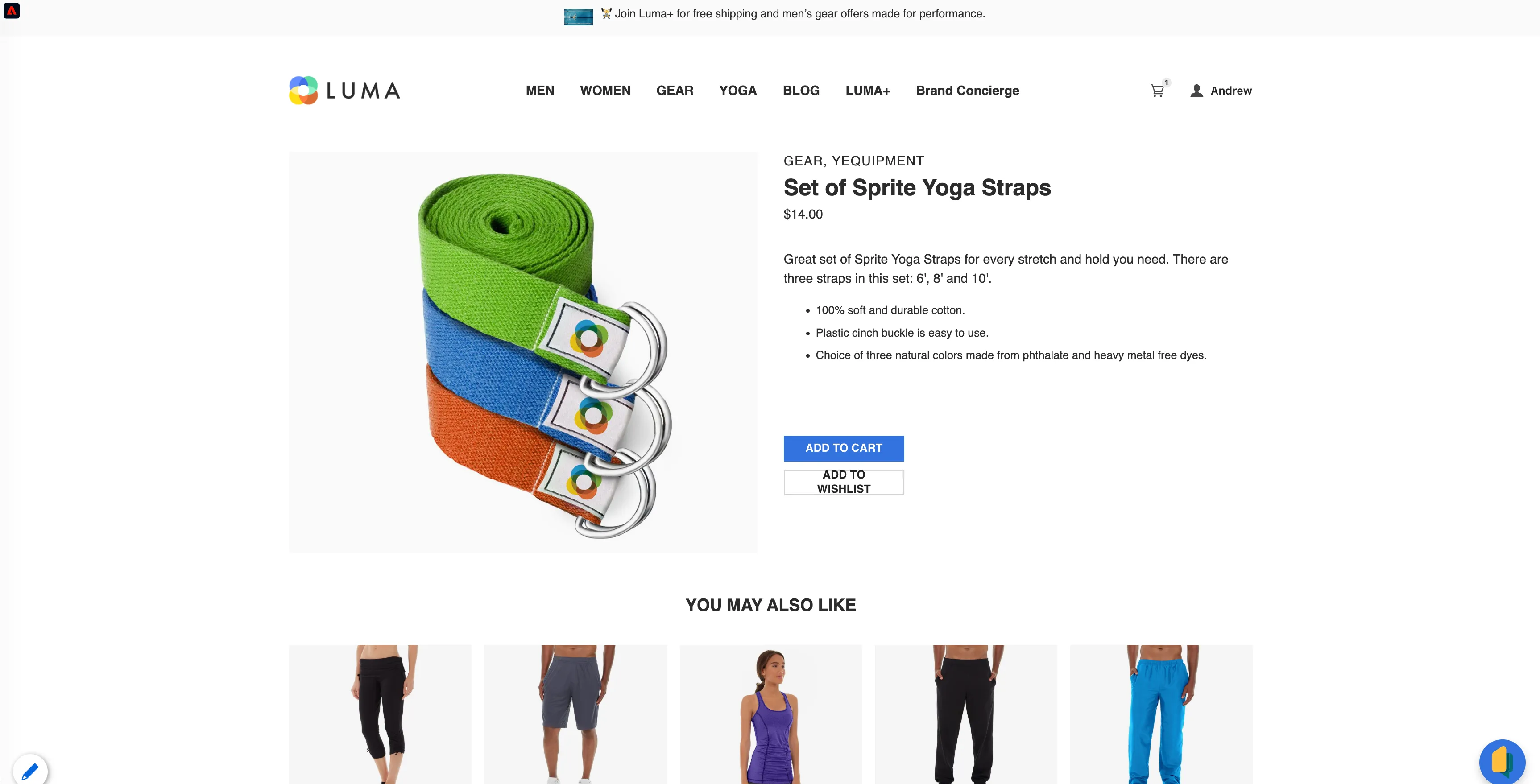
Alice is browsing the Luma equipment category and is interested in Yoga Straps. She adds them to the cart.
Go to the equipment page, open the Yoga Straps products, and add them to the cart.
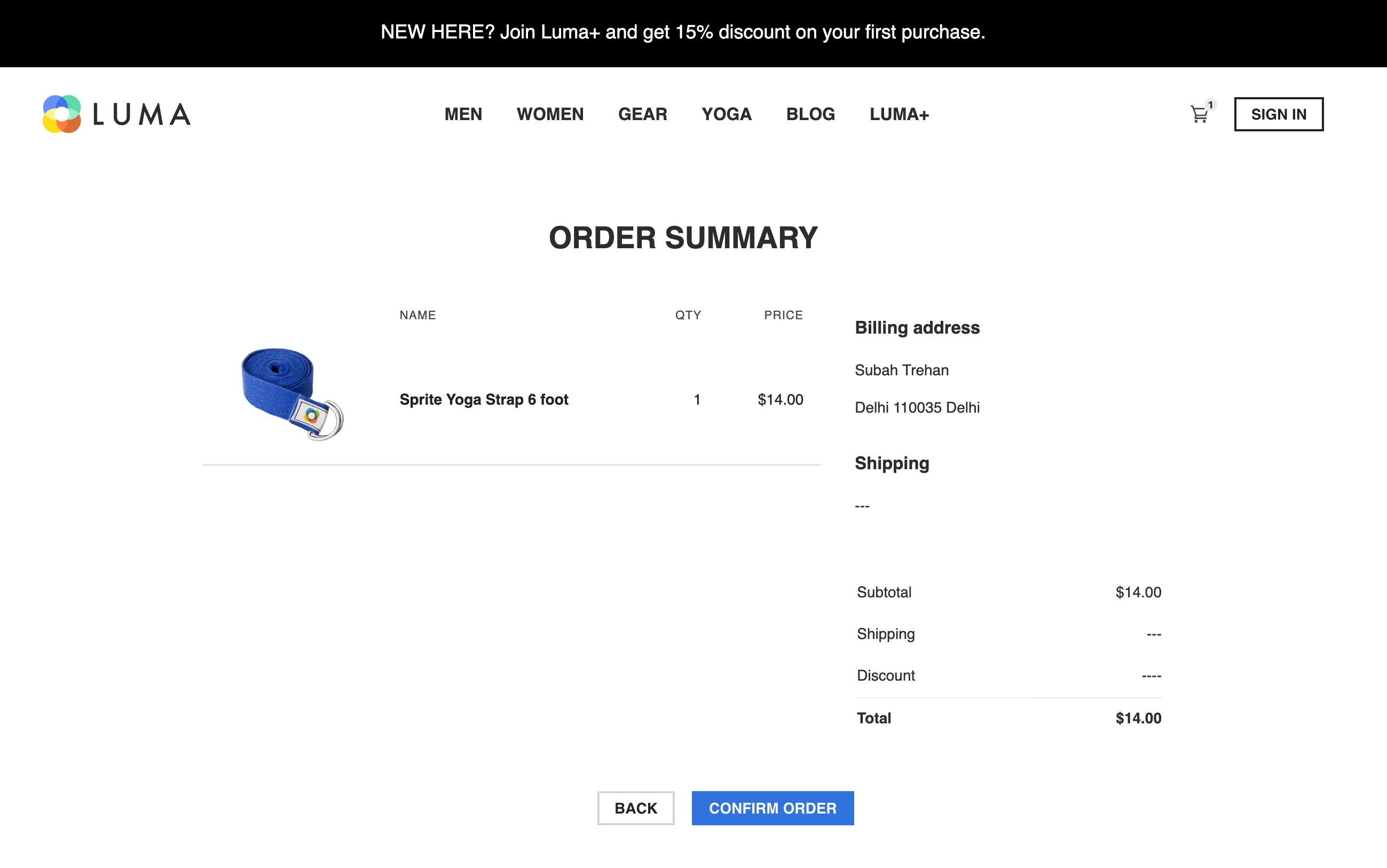
She continues the purchase process, but gets distracted and stops on the Order summary screen.
Go to the Order Summary page and don't click the "Complete order" button. Wait 30 seconds to get the email.
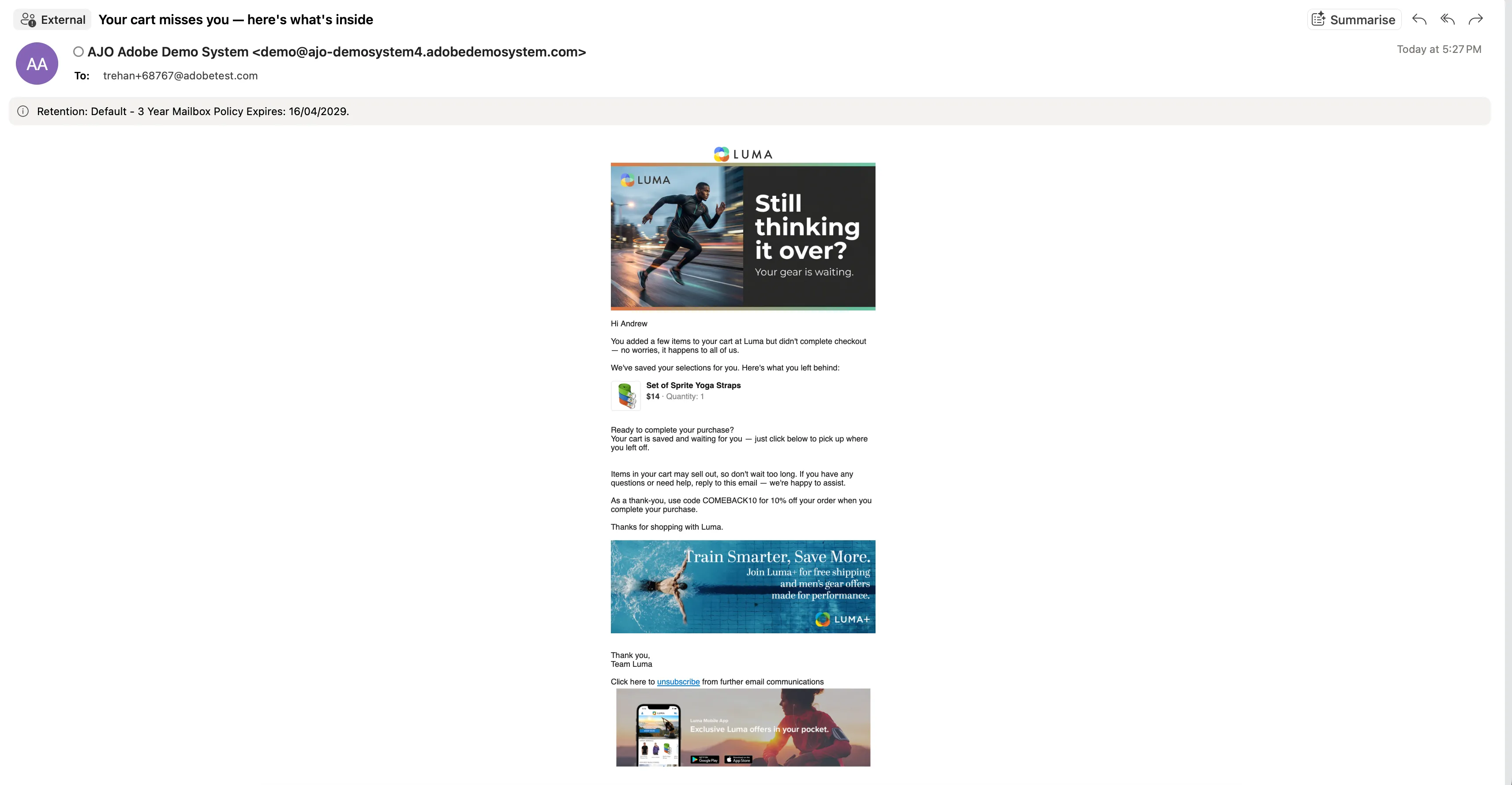
Alice receives a message in her inbox, reminding her about the abandoned purchase.
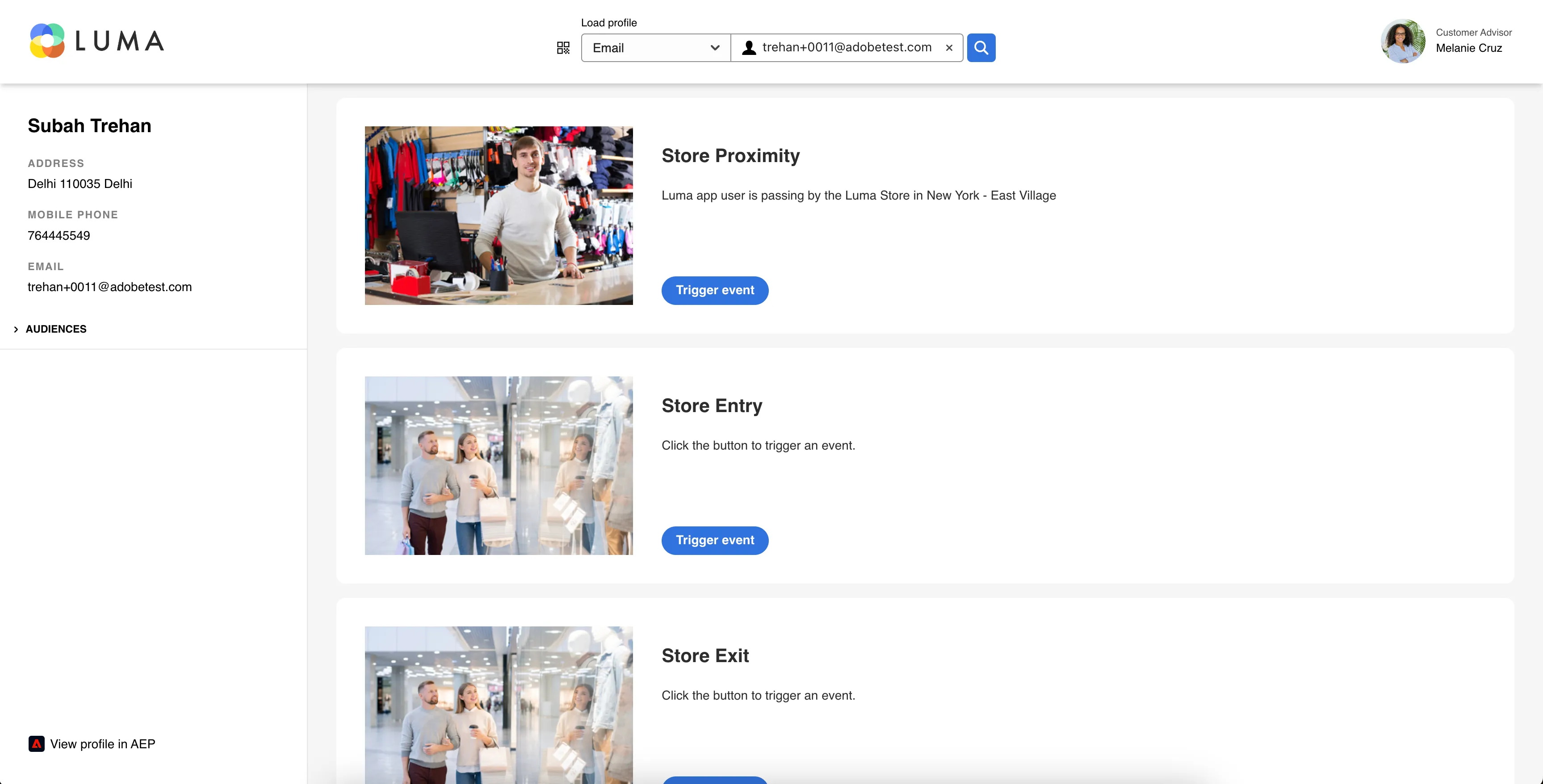
The next day, she passes the Luma store and receives a message on her phone that the Yoga Straps are available there and if she will buy it now, she will get double points.
Open the Journey Trigger project. Search for Alice's profile by typing her email address. Click the "Trigger Journey" button next to Luma Store Proximity.
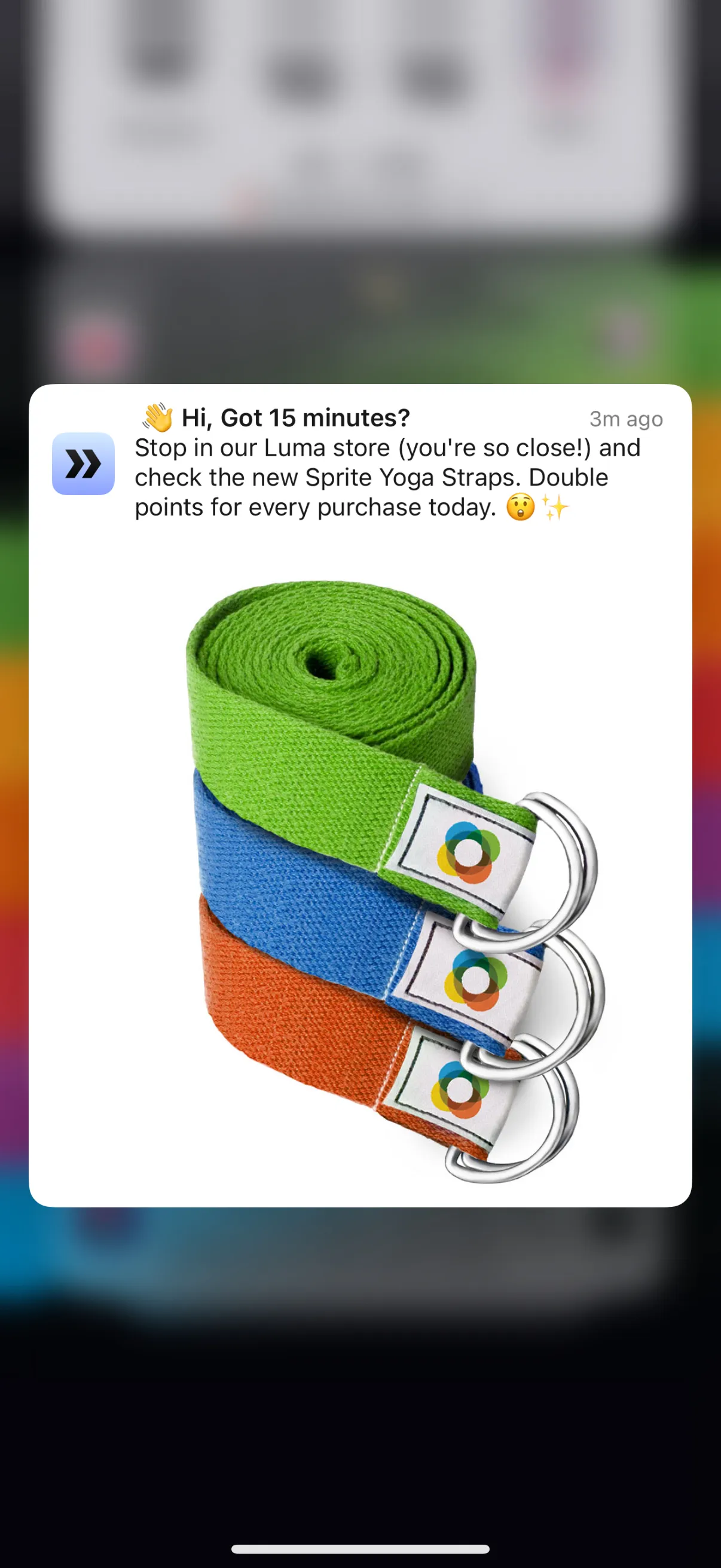
Alice revisits the Luma website, resumes from where she left off, and completes her Yoga Straps purchase online.
She receives a push notification confirming her purchase.
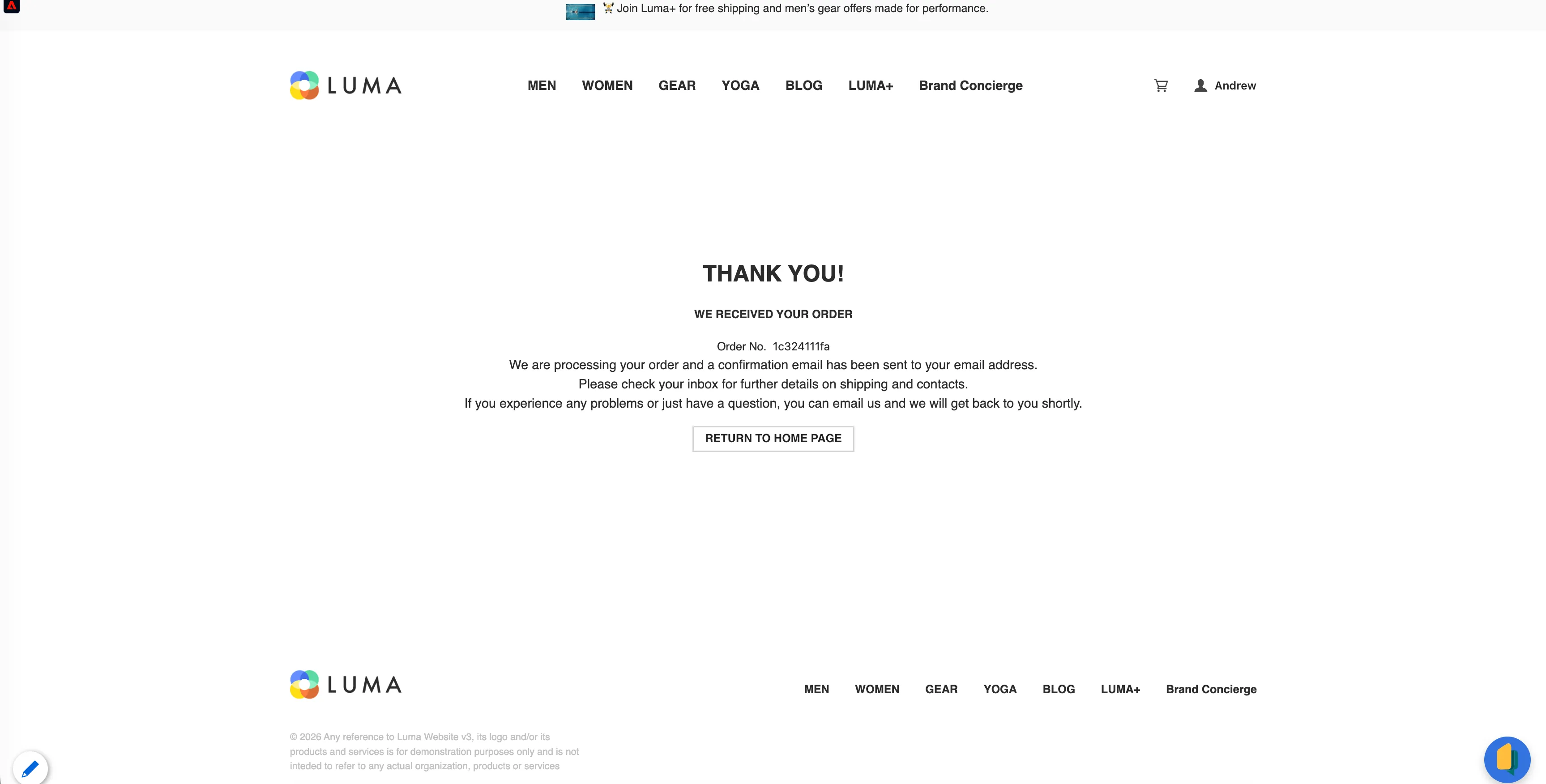
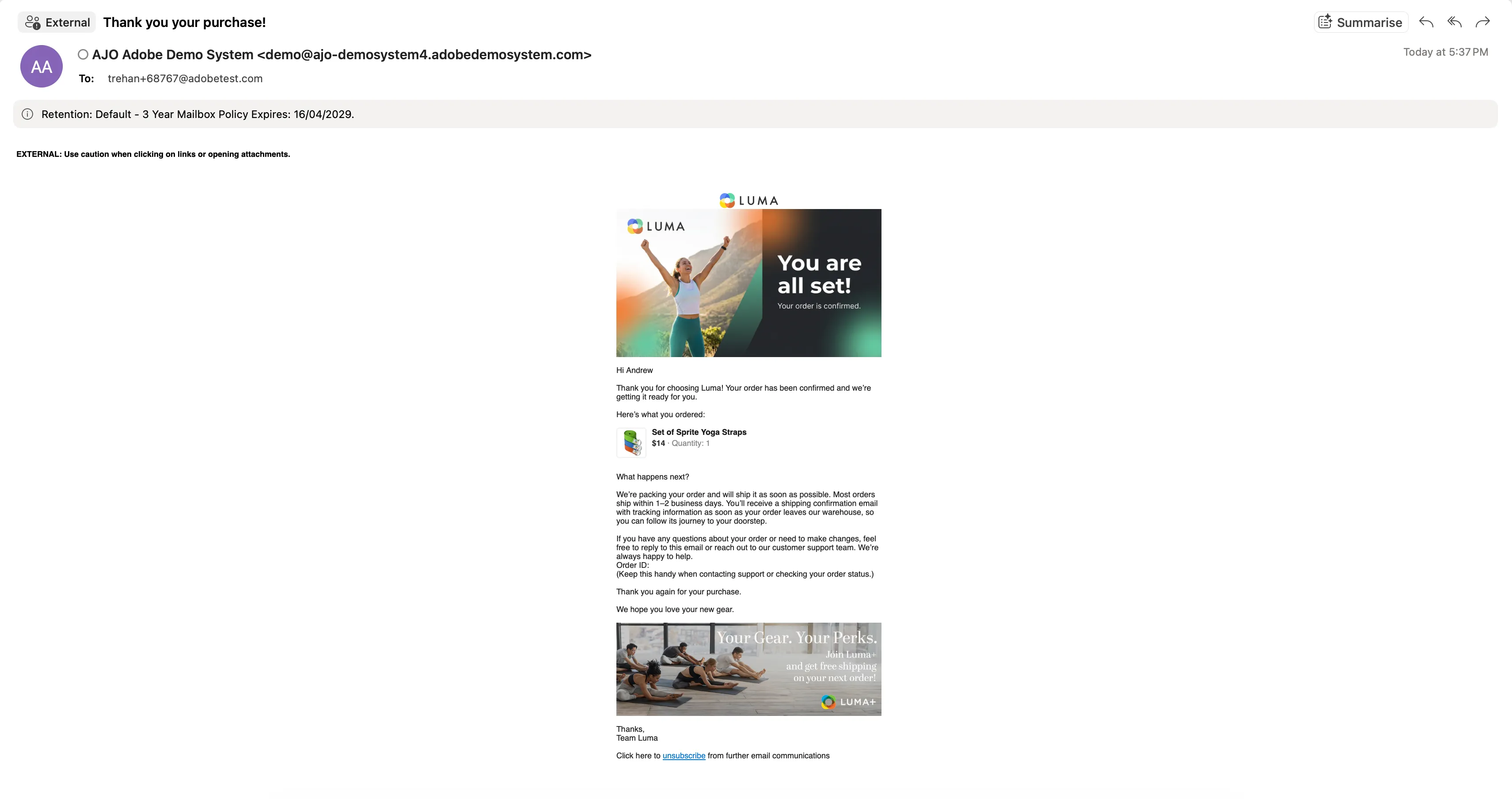
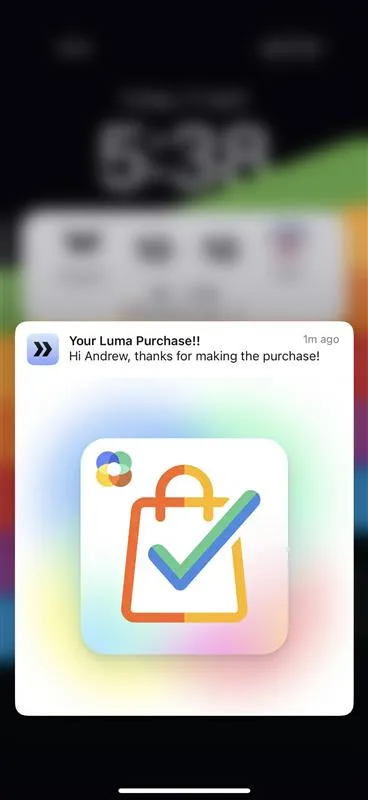
Once the purchase is complete, Alice receives a confirmation email and push notification that her order is being processed, and shipping is initiated shortly after, keeping her informed about the delivery progress.
To try this experience yourself, navigate to the Journey Trigger project and click on the trigger event labeled “Simulate shipment of the last order.”

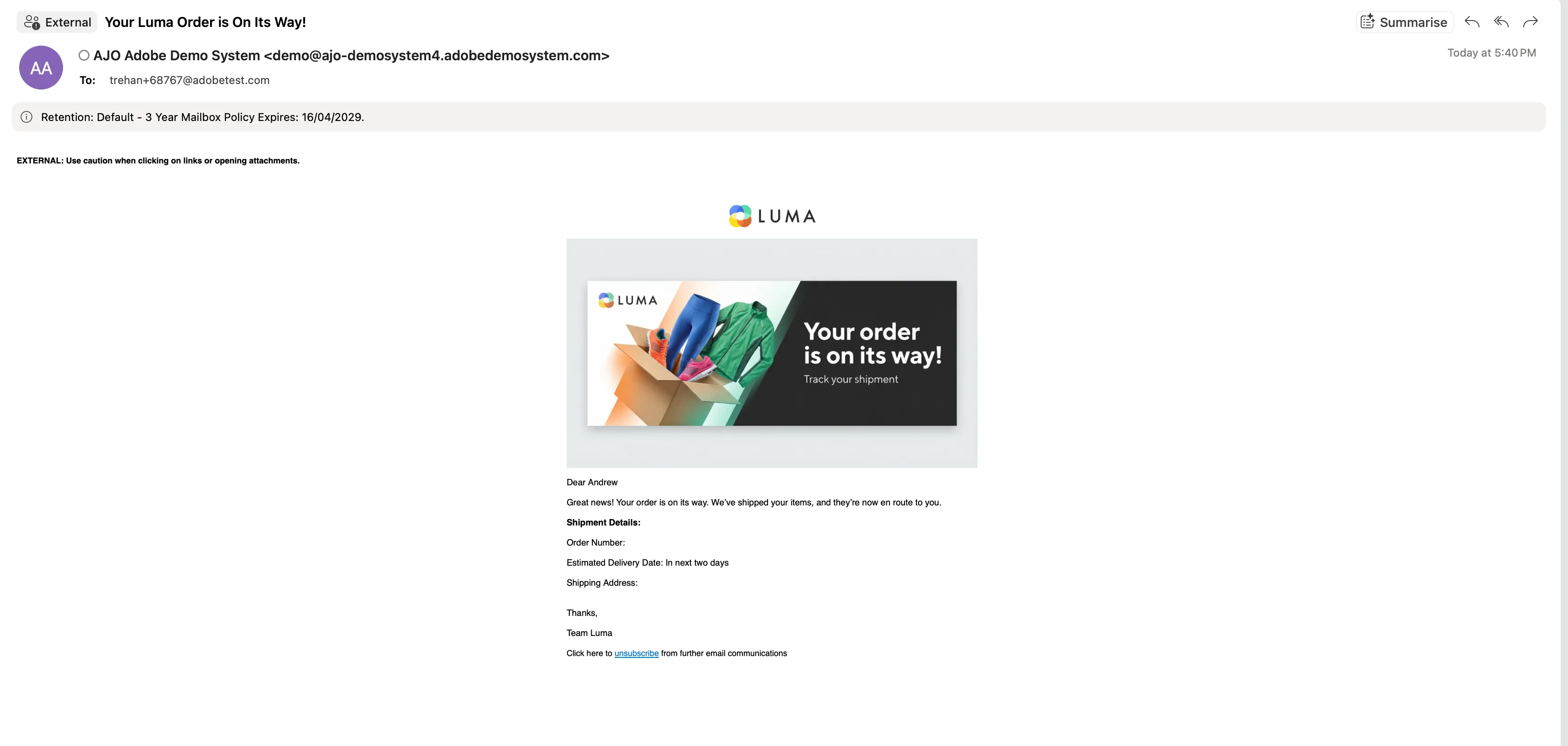
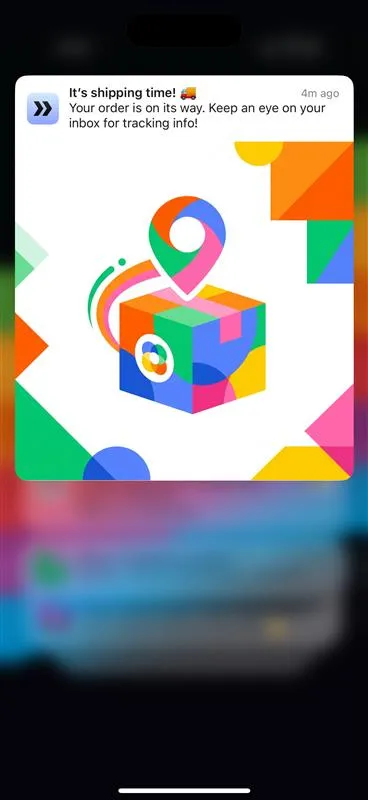
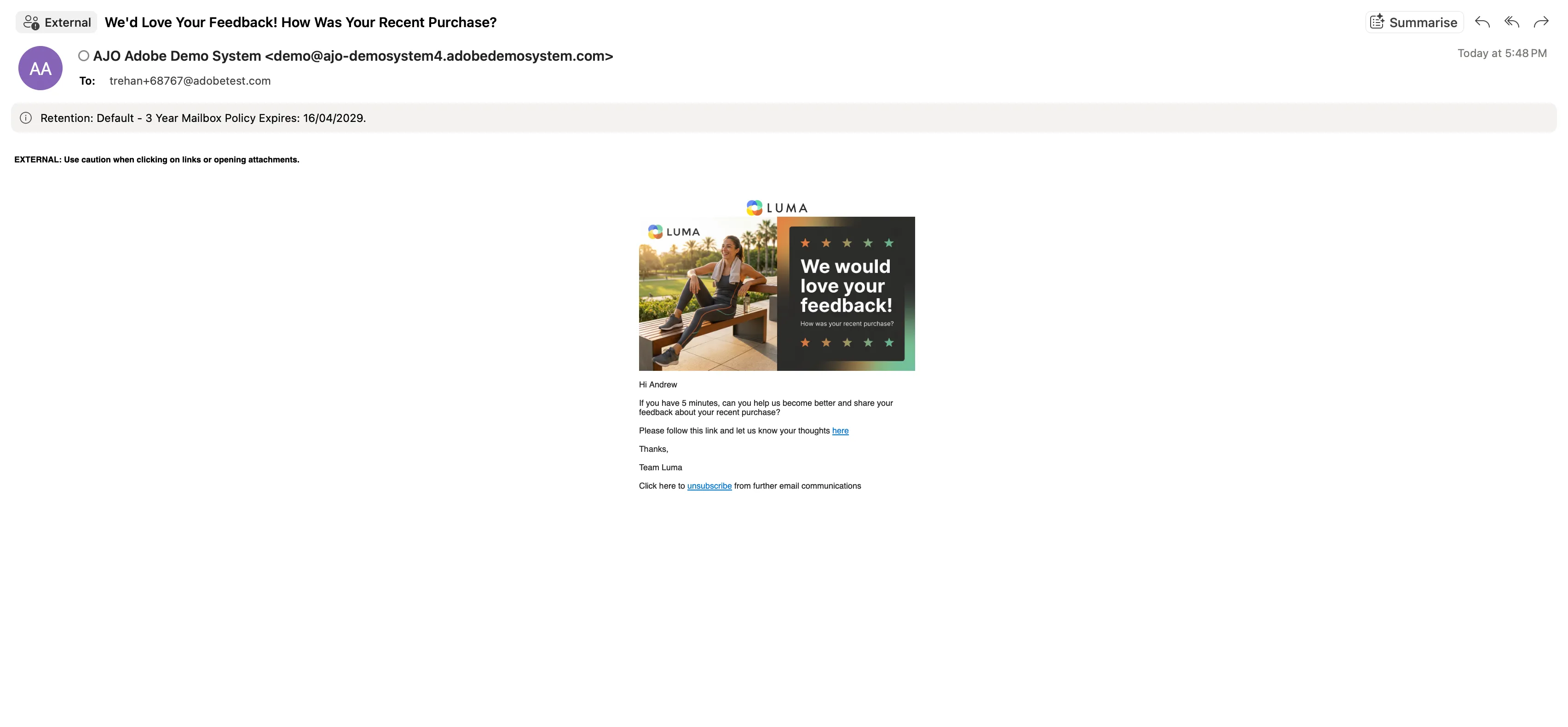
Once the order is shipped, Alice receives her delivery and shortly after gets an email from Luma requesting feedback on her purchase experience. This timely follow-up keeps her engaged even after the transaction is complete.
To experience this flow, navigate to the Journey Trigger project and click on the trigger event labeled “Send post purchase information.” By clicking this button, you will trigger an email as part of the Luma purchase journey, inviting the customer to share feedback on their recent shopping experience and the items they purchased.