Drive customer engagement using AJO
Carvelo wants to keep the 90 customers happy with their service and lower the possibility of them leaving the brand on the lease end. A multiple campaigns were created to keep the customer satisfaction at a high level and prepare them for an easy transition to the next lease.
PREREQUISITES
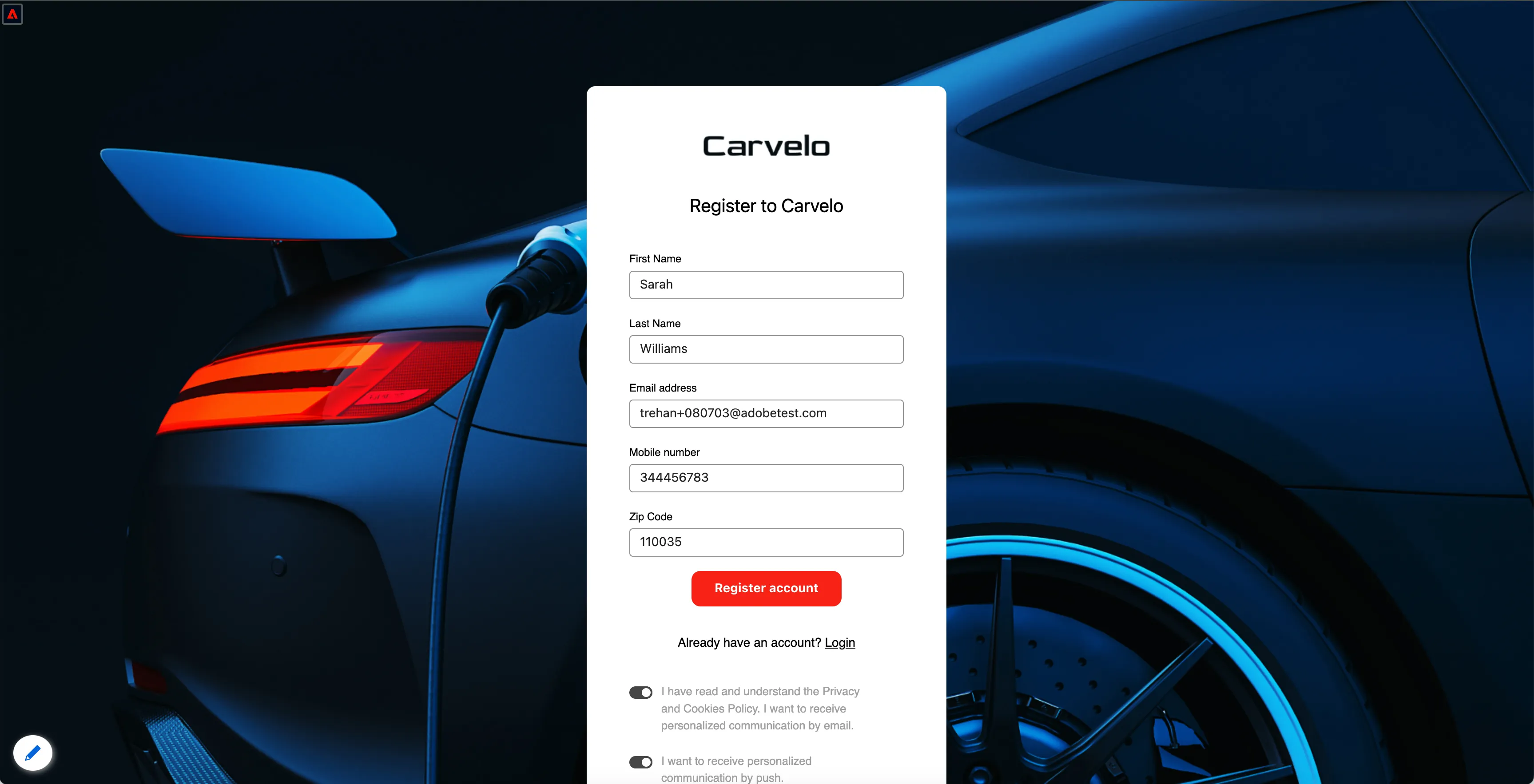
Create the demo profile by visiting the Carvelo registration page: https://dsn.adobe.com/web/carvelo2/create-account
For the phone number, provide your real number with suffix to recieve sms messages. eg +48608xxxxxx+1234 (area code, number, +sufix)
Make sure you gave all consents to recieve emails and sms's.
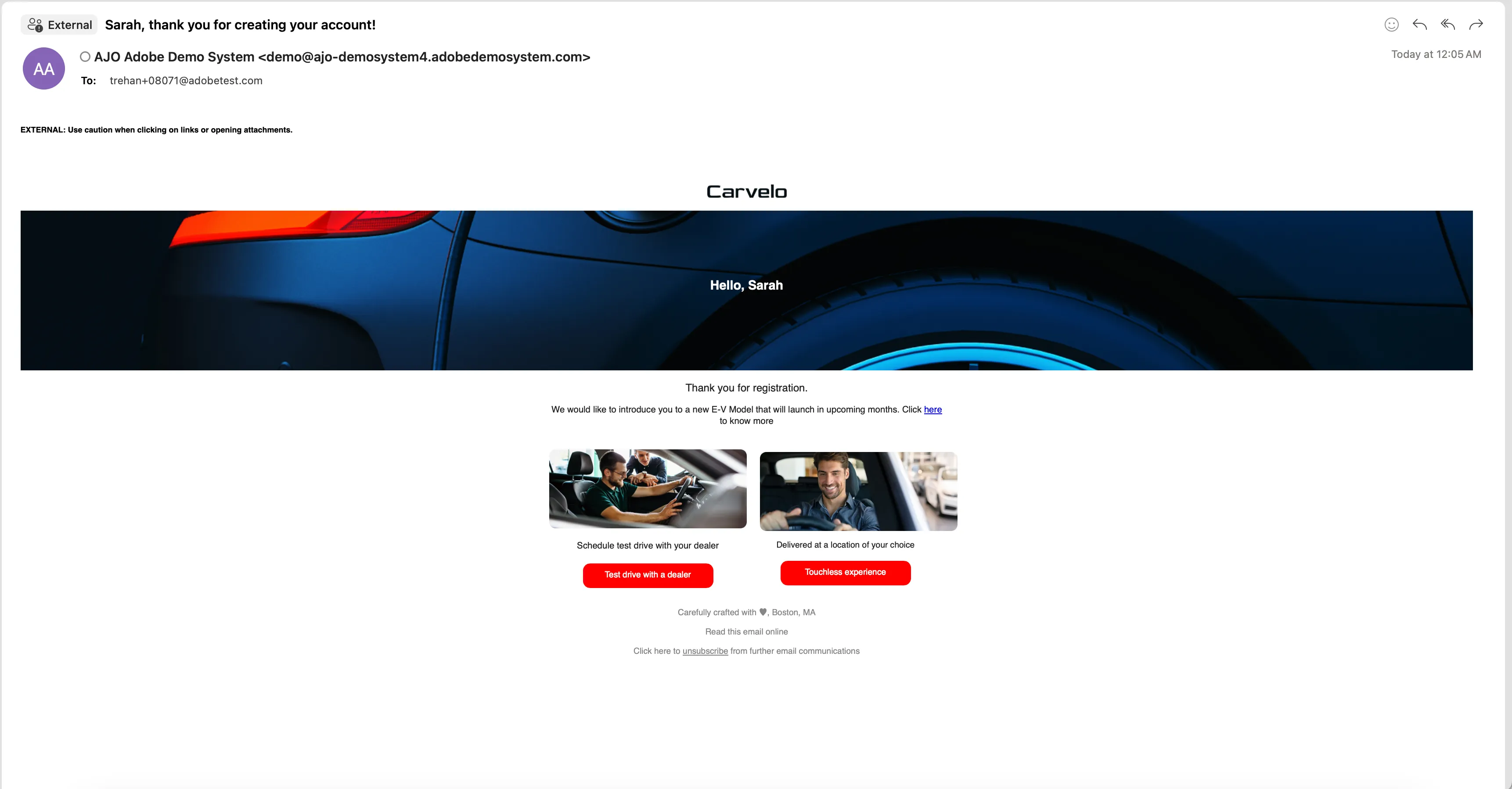
You should receive an email once profile is created.
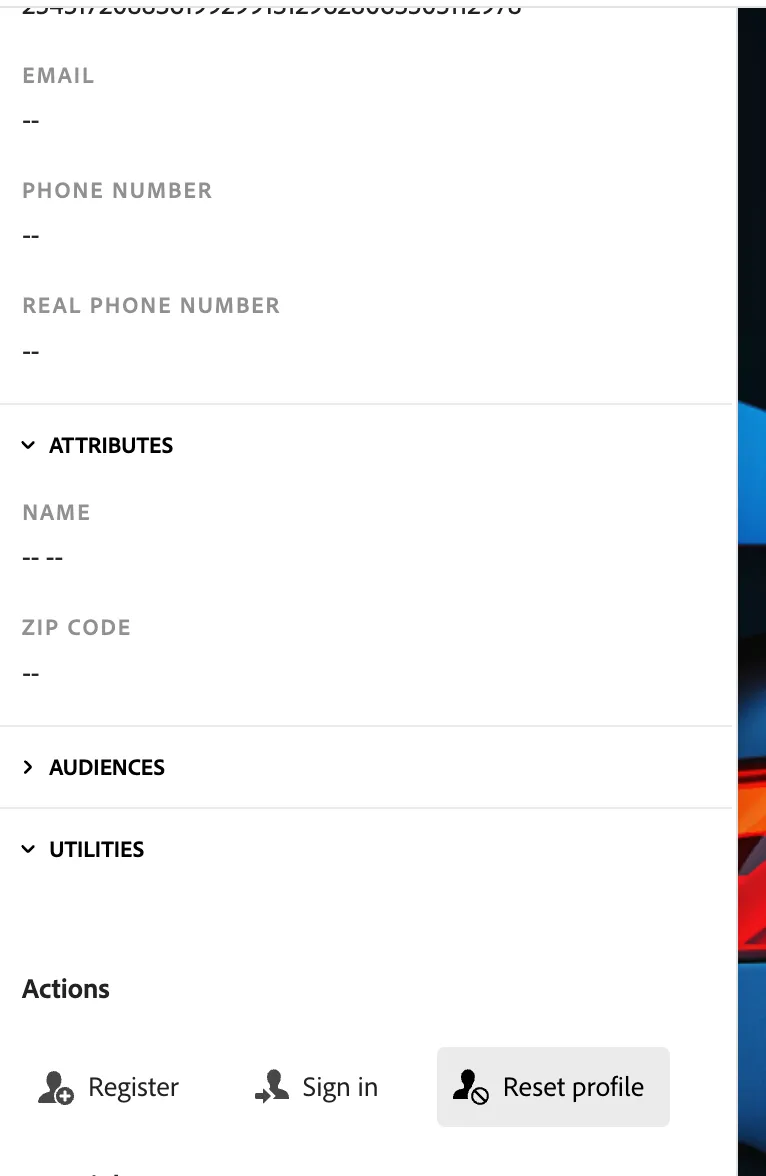
Use different browser, or incognito window or reset the profile to start as an anonymous user. You can use the "Reset Profile" button in Profile Viewer panel.
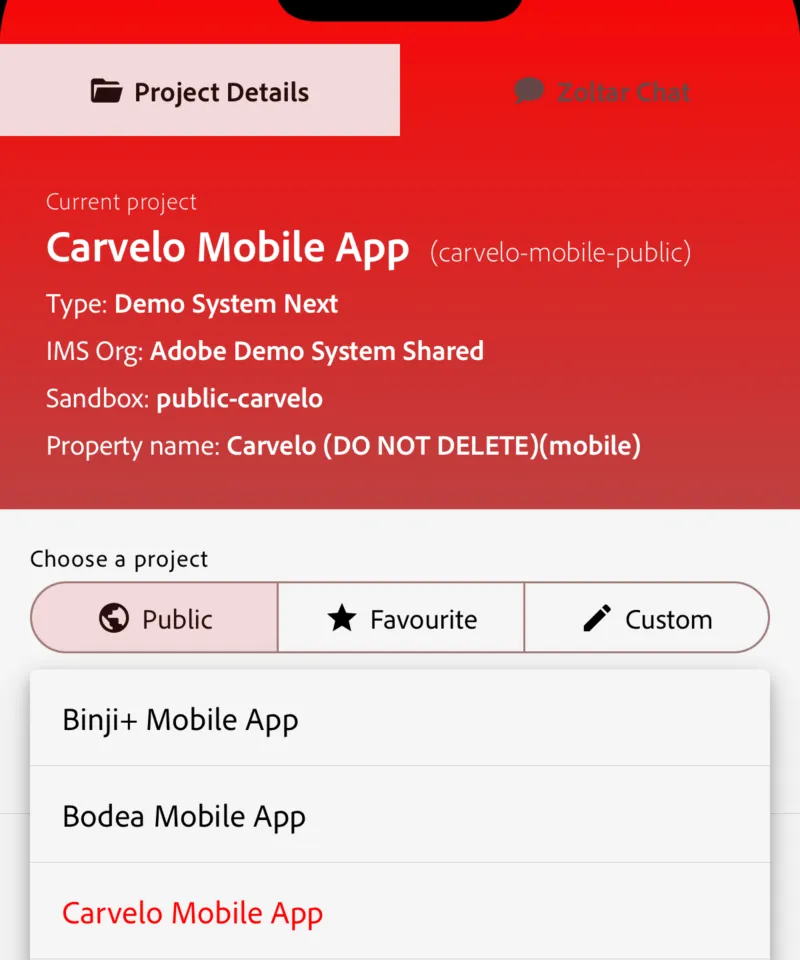
Log in to the mobile app: Open the Live Demos mobile app. Select Carvelo from the public projects list on the app Settings screen.
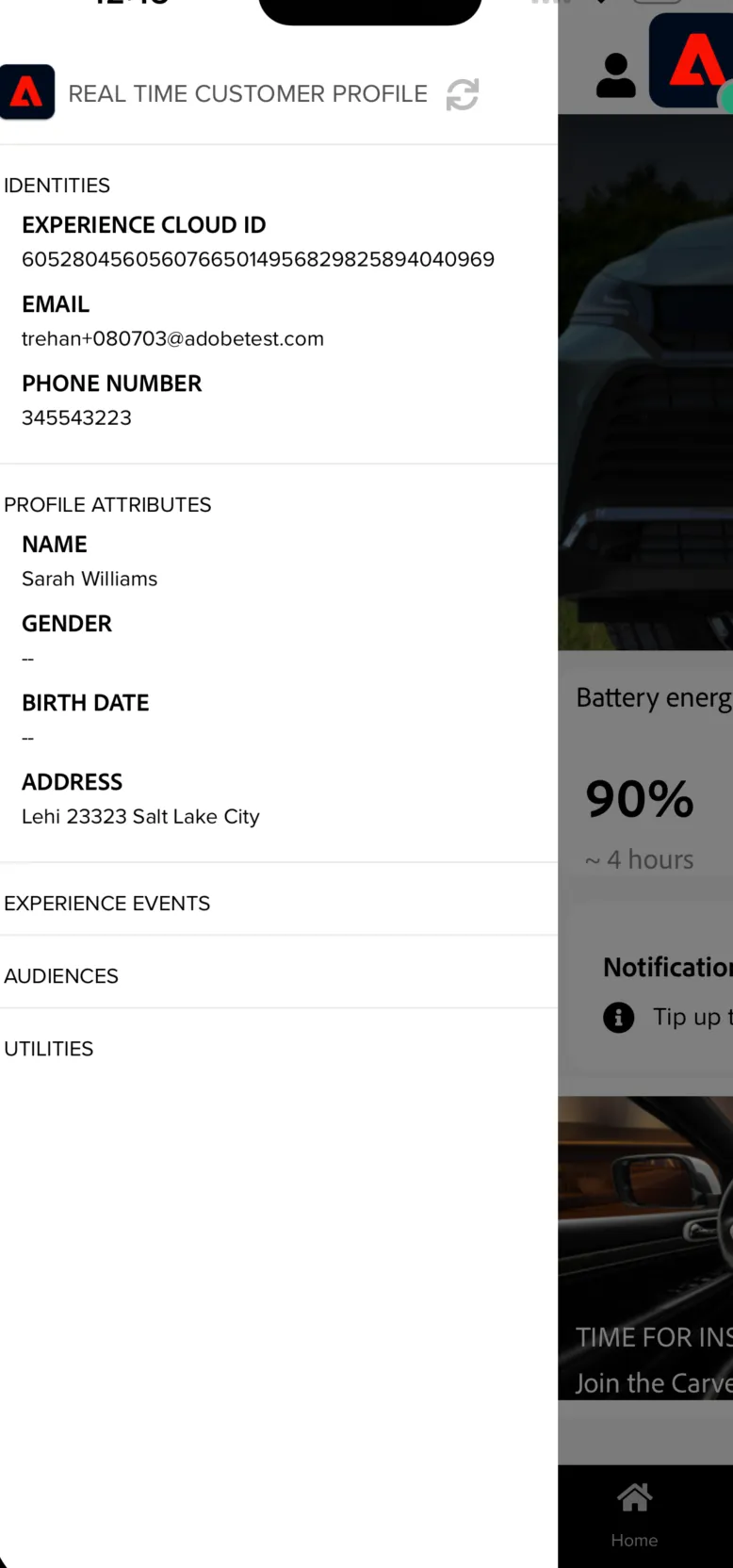
Click the user icon in the top left and provide the same email as used in the registration above, on the login screen.
You might need to wait few minutes for the email identity being accessible in Platform, allowing you to log in.
DEMO PERSONA
Sarah, 35, married with two kids, drives a 2019 Model A. She is happy with her car but her lease is set to expire in 90 days.
SCENARIO 1
Sarah is browsing a news web page, politics section and sees an ad of the new Carvelo Electric Models. She’s intrigued to see what’s new as she likes her current car but it’s ageing and it struggles to fit the camping equipment.
Open the website: https://dsn.adobe.com/web/exp-news/politics and click on the banner at the top.
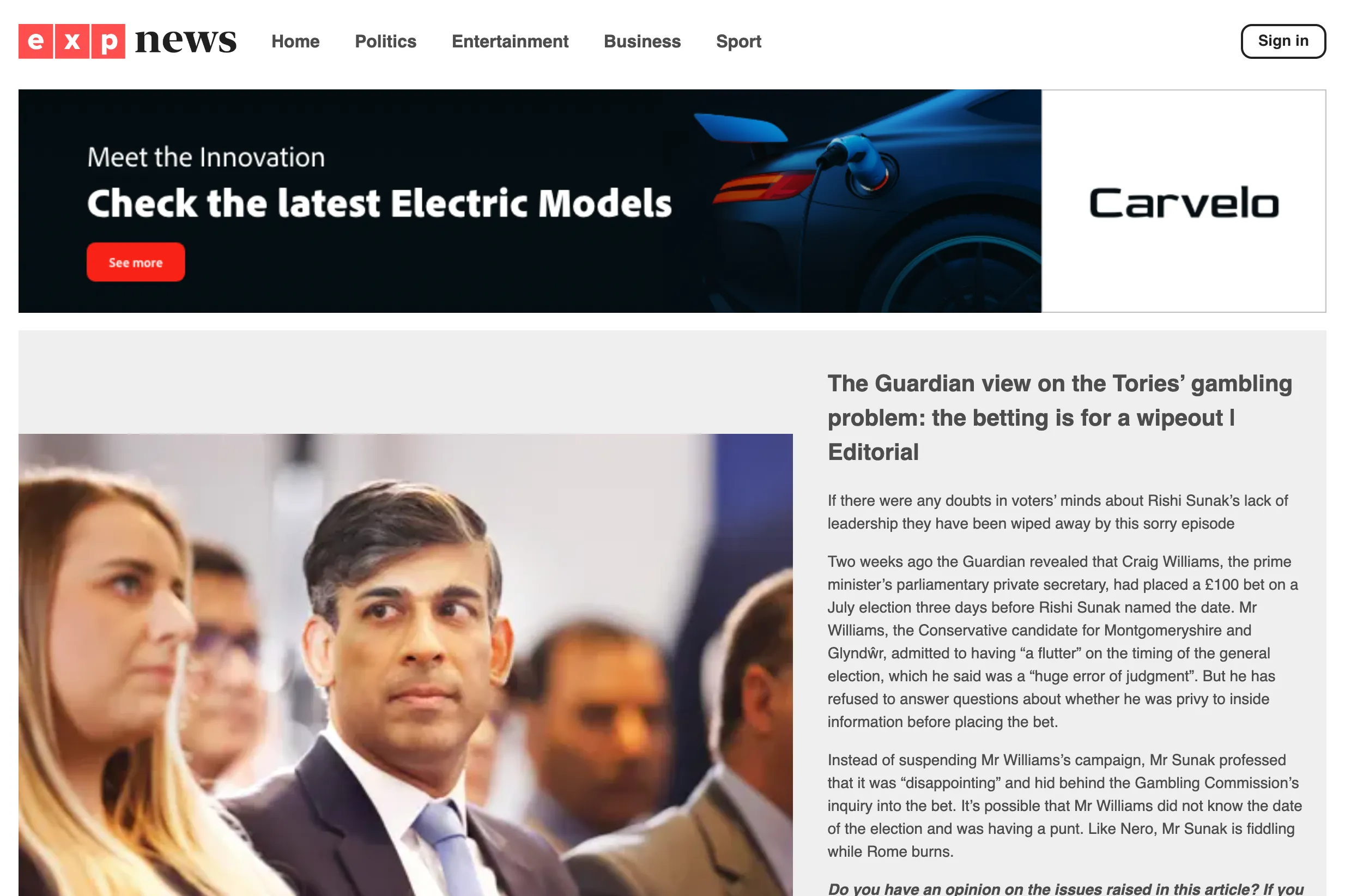
She clicks on the ad and reads about the latest Carvelo electric models and is intrigued by the new E-V Model. She goes to the Electric EV Model page.
Click on the E-V Model card
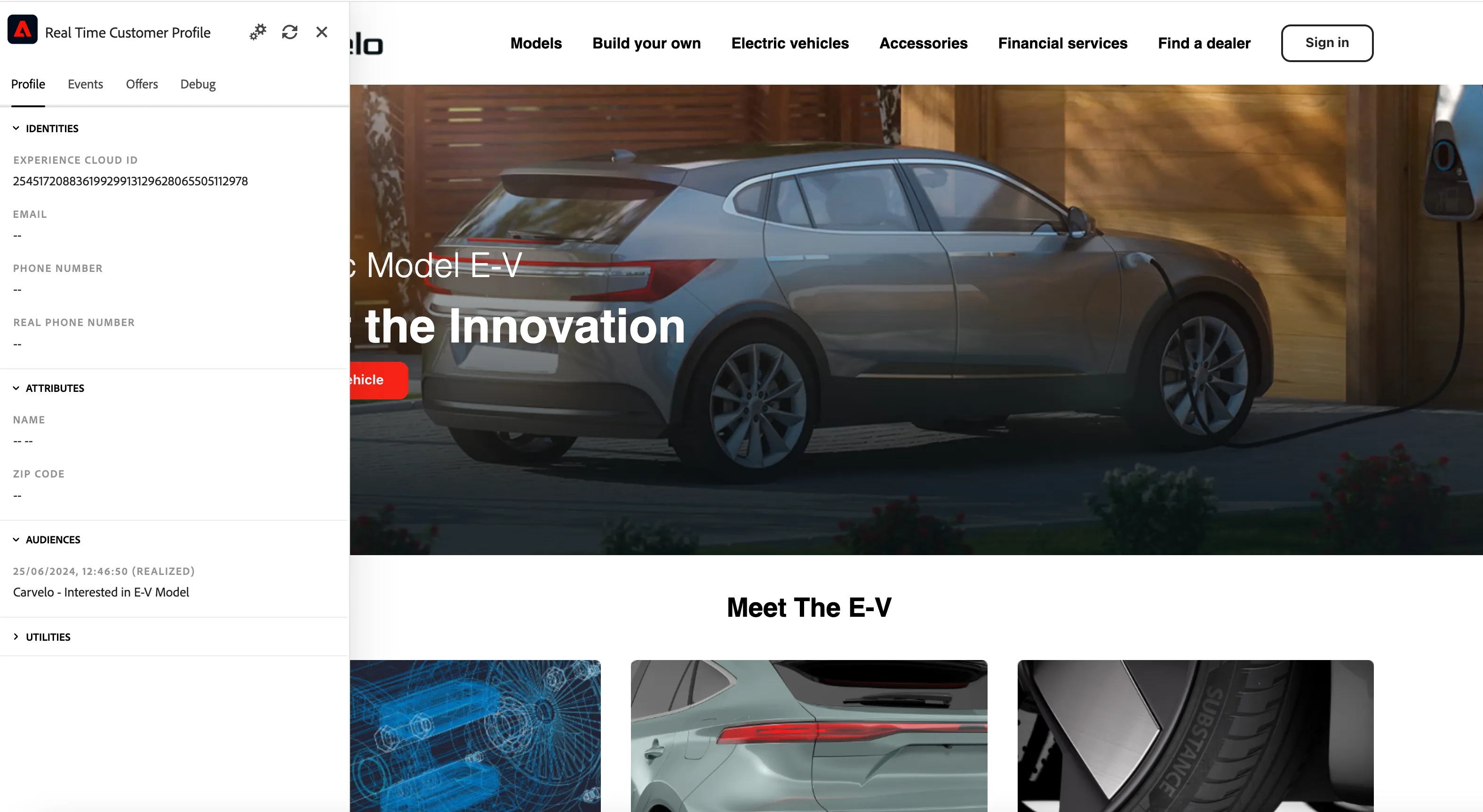
As this is her new laptop, Sarah stays an anonymous user for now. However, after browsing the website, Sarah is assigned to an Audience: Carvelo - Interested in E-V Model.
Few days later she receives an email to her inbox from Carvelo letting her know her lease is coming to an end and that they have some exciting new deals. That's aligned to Carvelo strategy, which sends emails 90 days before the lease is about to expire with private offer based on customer payments and inform about next lease proposal.
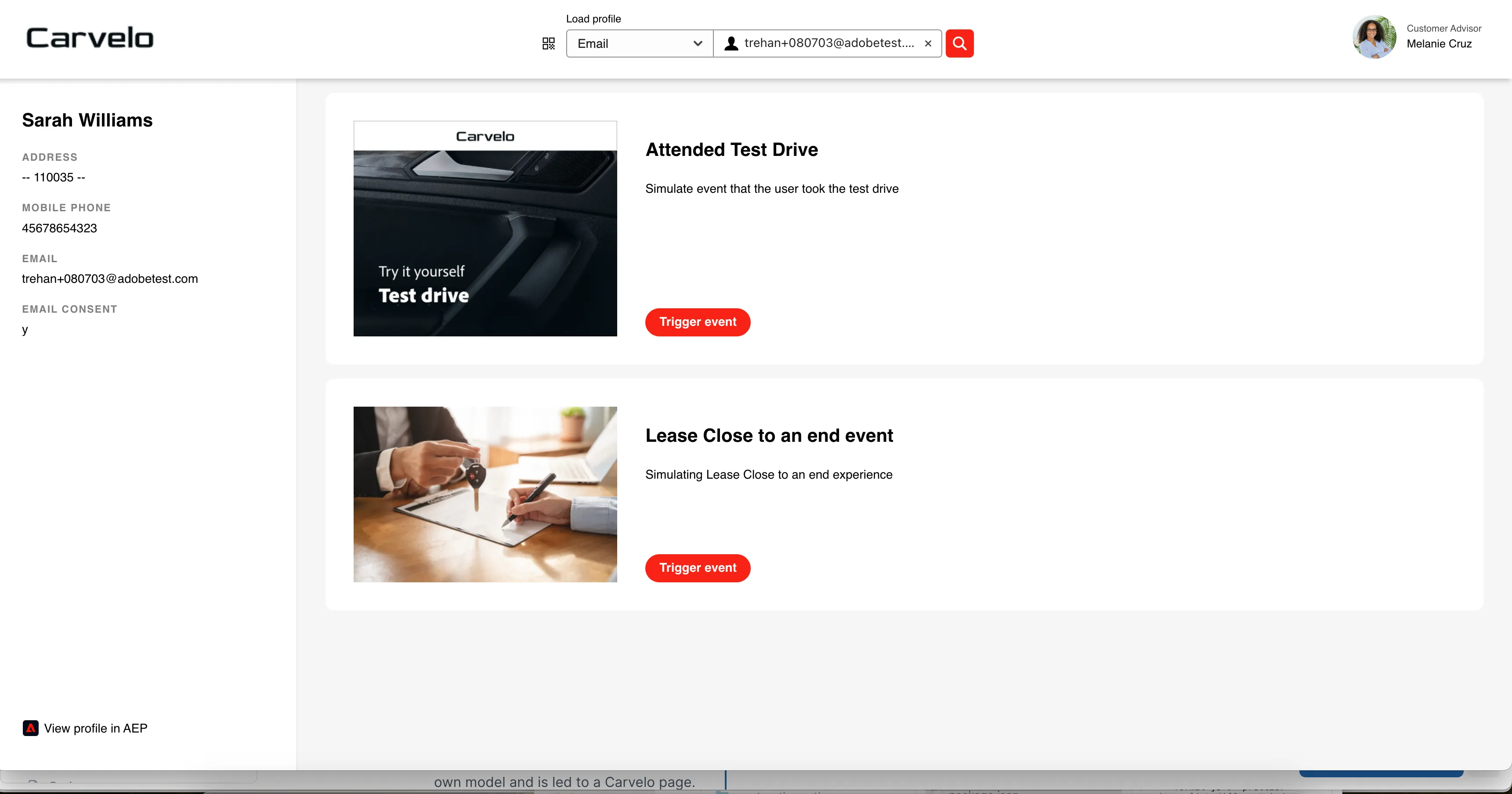
To simulate this event we will use the event trigger project in DSN. Go to this link: https://dsn.adobe.com/cx2/carvelo-jt . Search for your demo persona profile using email that you created in the prerequisites step.
Click "Trigger event" button next to "Lease Close to an end event". This action will trigger a journey.
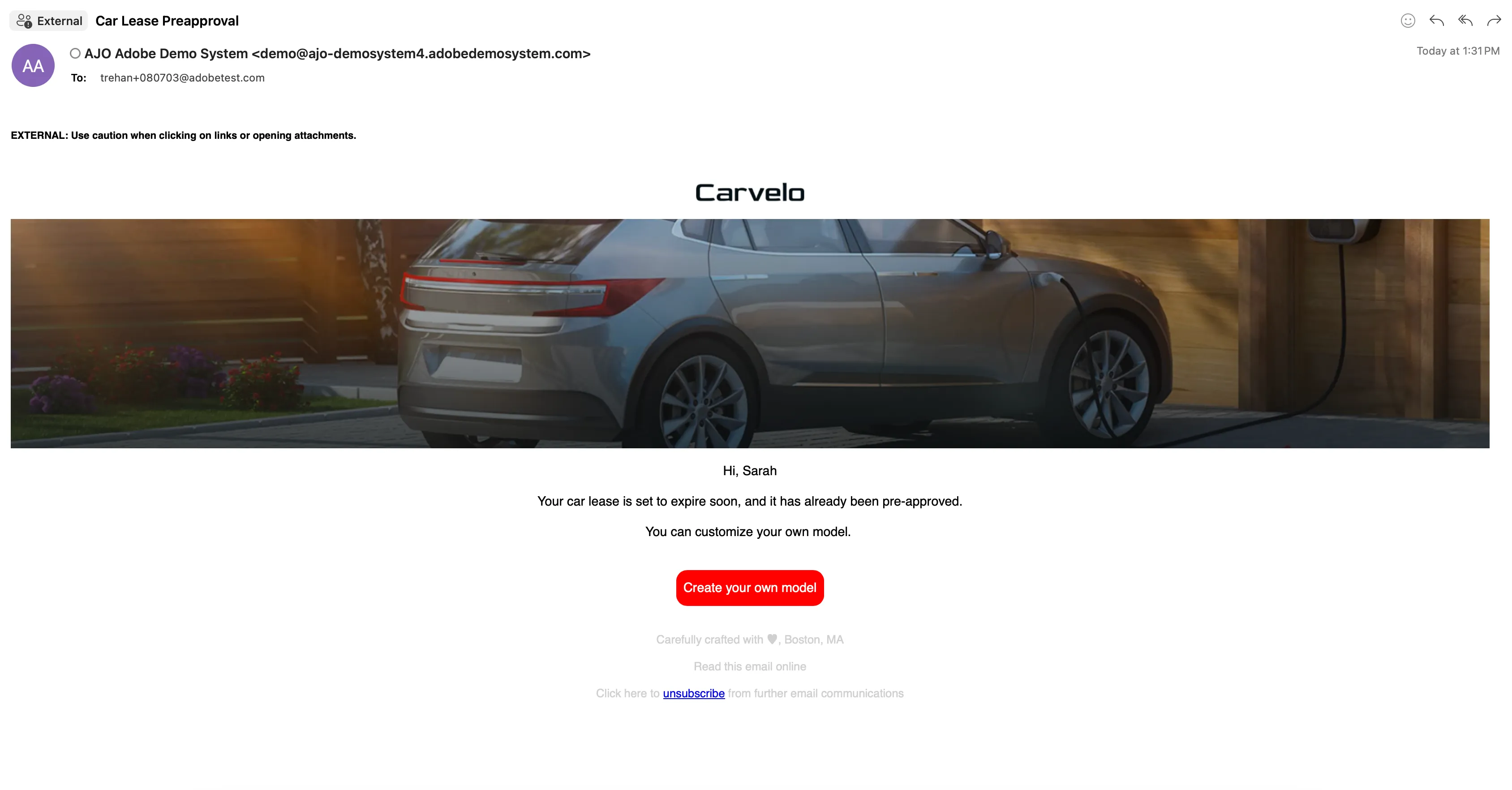
She clicks on the offer about bulding your own model and is led to a Carvelo page.
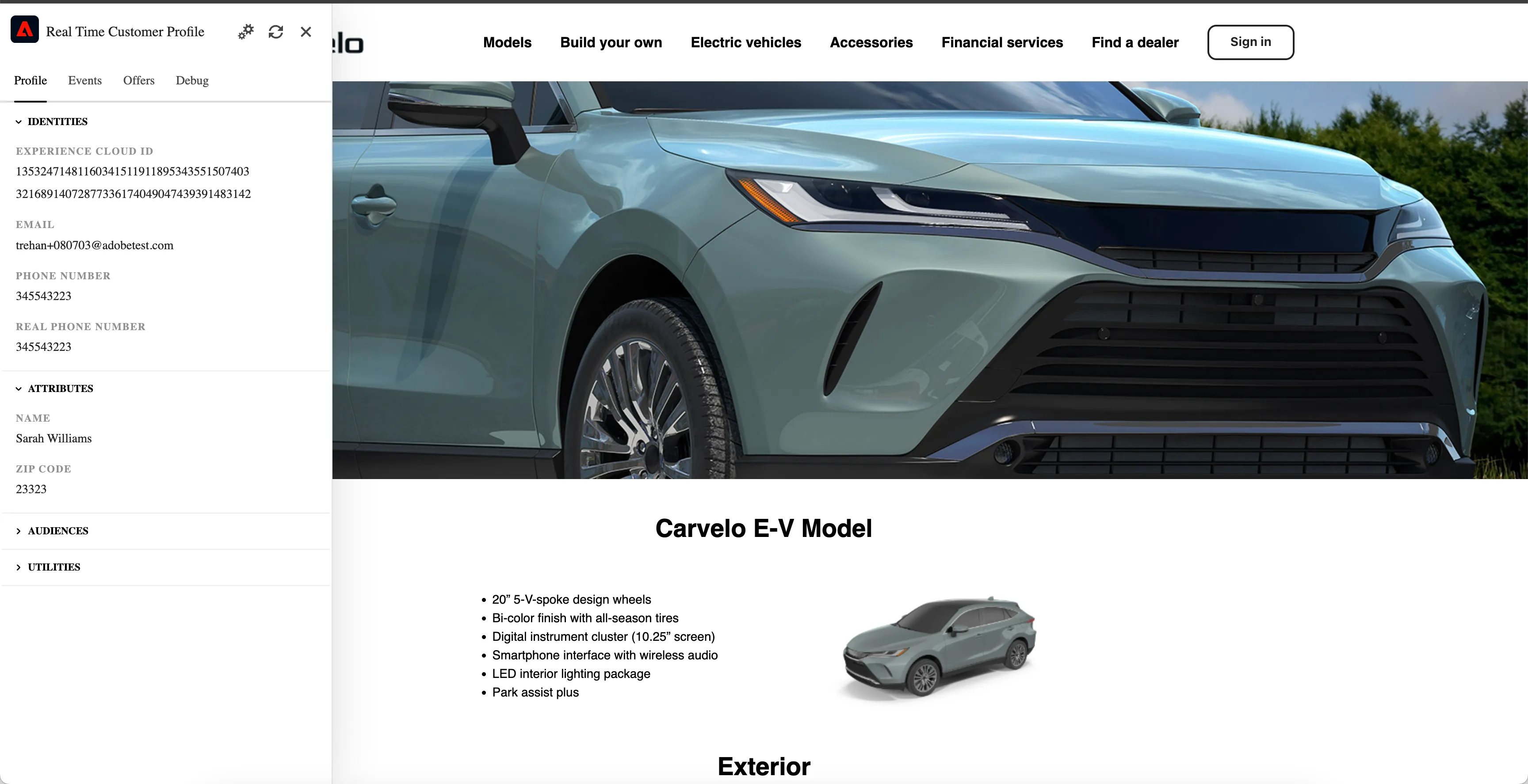
We can now back date the anonymous data to her current profile and update the banner creative to reflect the new profile information through Adobe Target. We can see that she is known to us and has signed in for marketing communications.
Click on the email button linking to "Build your own vehicle" page. The segment interested in E-V should be there and her ECID from anonymous session should be merged with her email address from link she clicked in the email. It might take some time for the profiles to merge
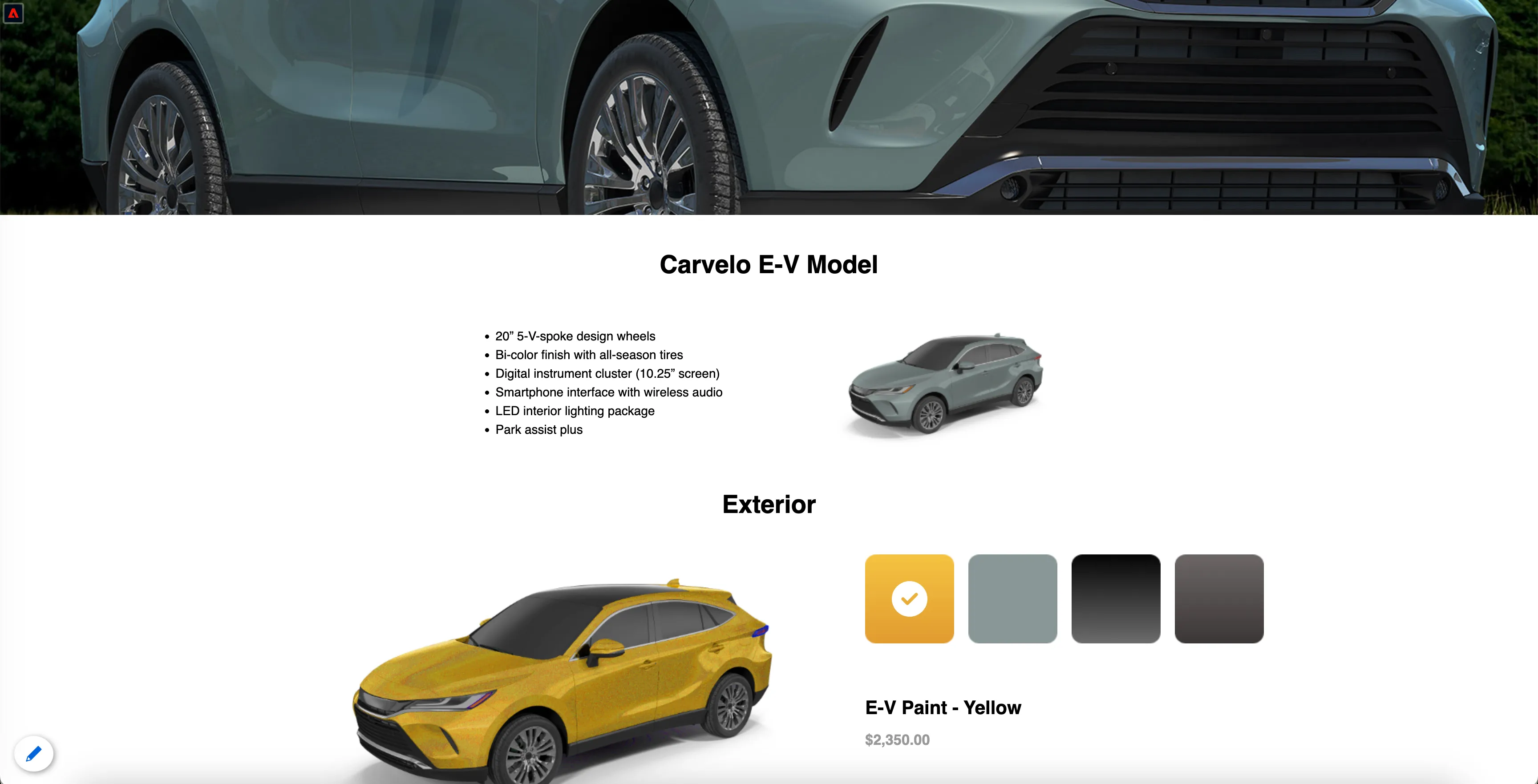
She starts building her car but as she’s getting towards the end when the travel agency rings to say she needs to pay for the flights or the last few seats will be sold, so she stops what she’s doing to book the trip. She abandones the car configuration.
Start interacting with the car configurator but don't submit "Request the quote" form.
The next day she gets an email reminding her that she was part way through configuring her car, she’s intrigued that they’ve finished the last few parts, and at such a good price she clicks through to see what car she could be hers
Behind the scenes:
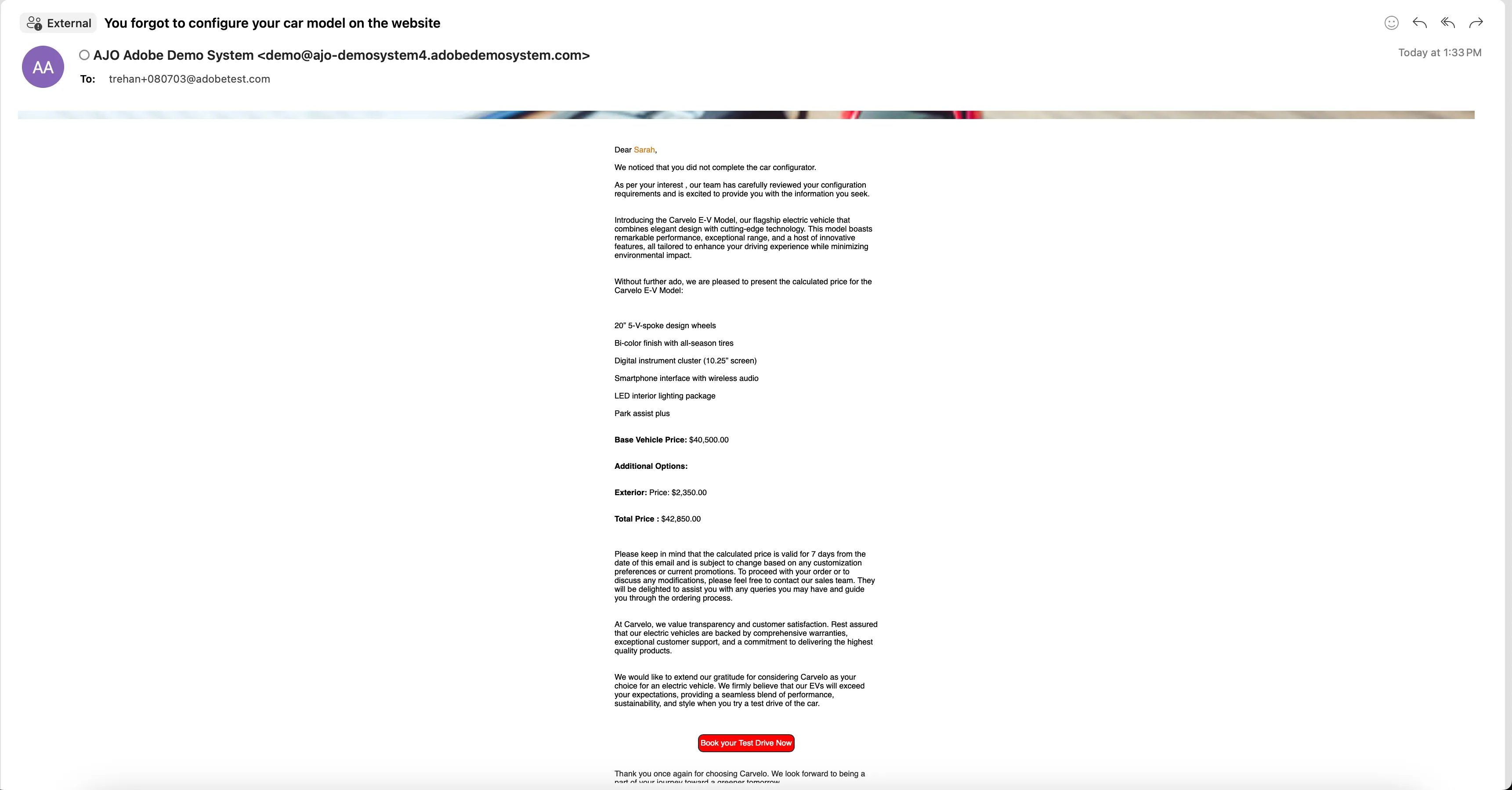
An AJO is triggered to send her an email with her configuration details and calcuated price. It also sends a link to book a test drive.
An email should reach your inbox, Click on the "Book your Test Drive now"
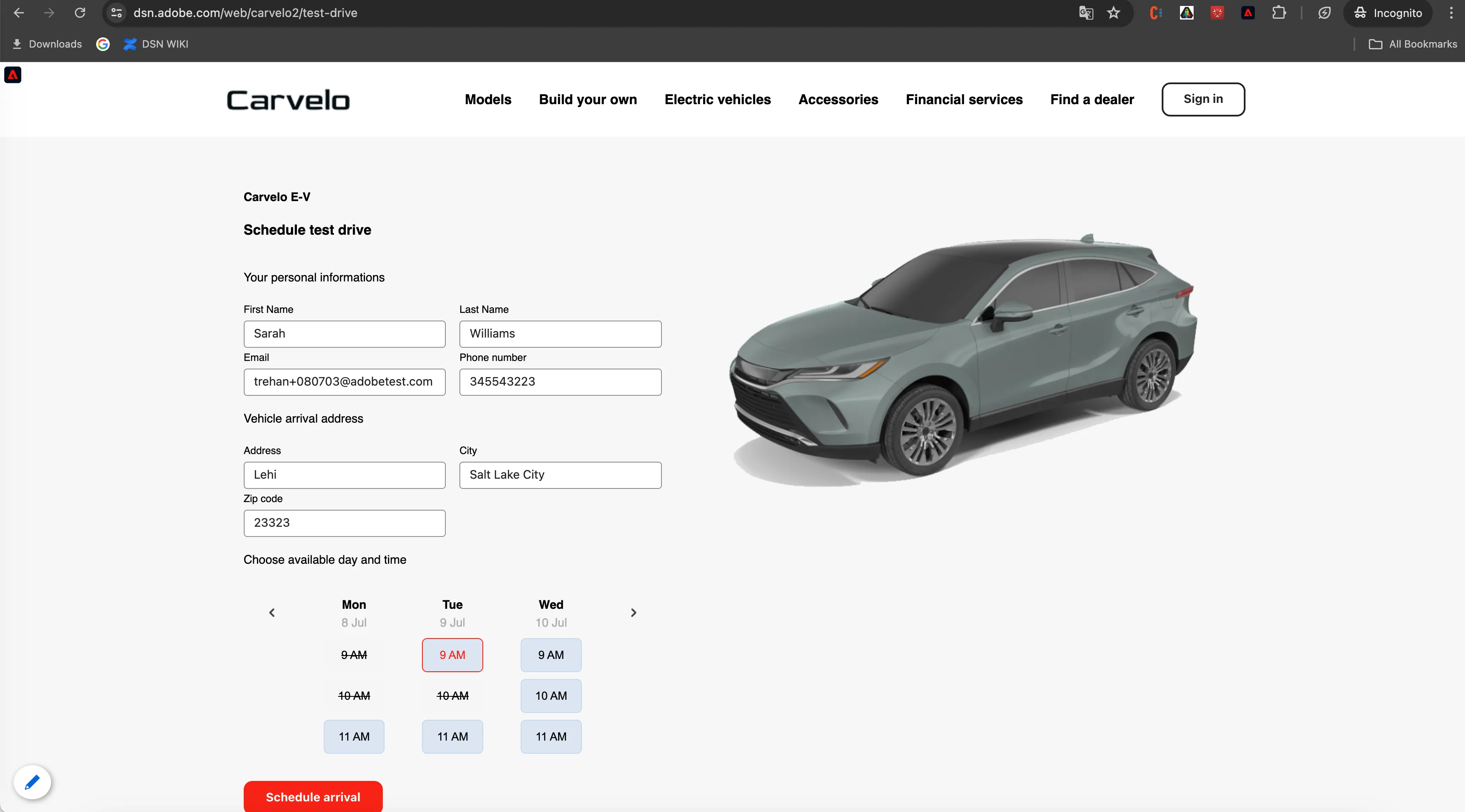
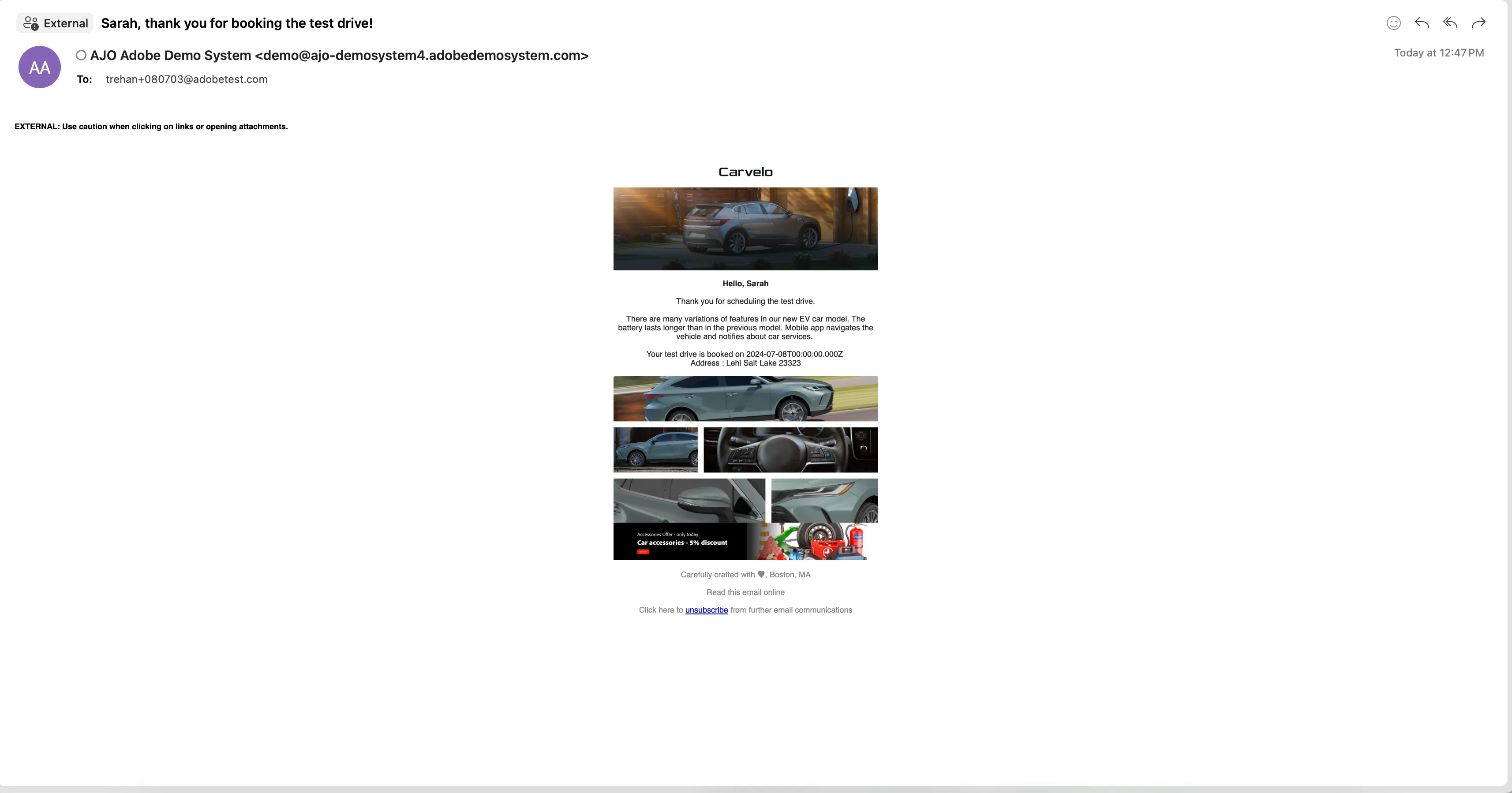
As Sarah is happy with the current experience, she fills all the required fields and schedules a test drive. After some time she receives an email with all the details.
Click the "Schedule test drive" button.
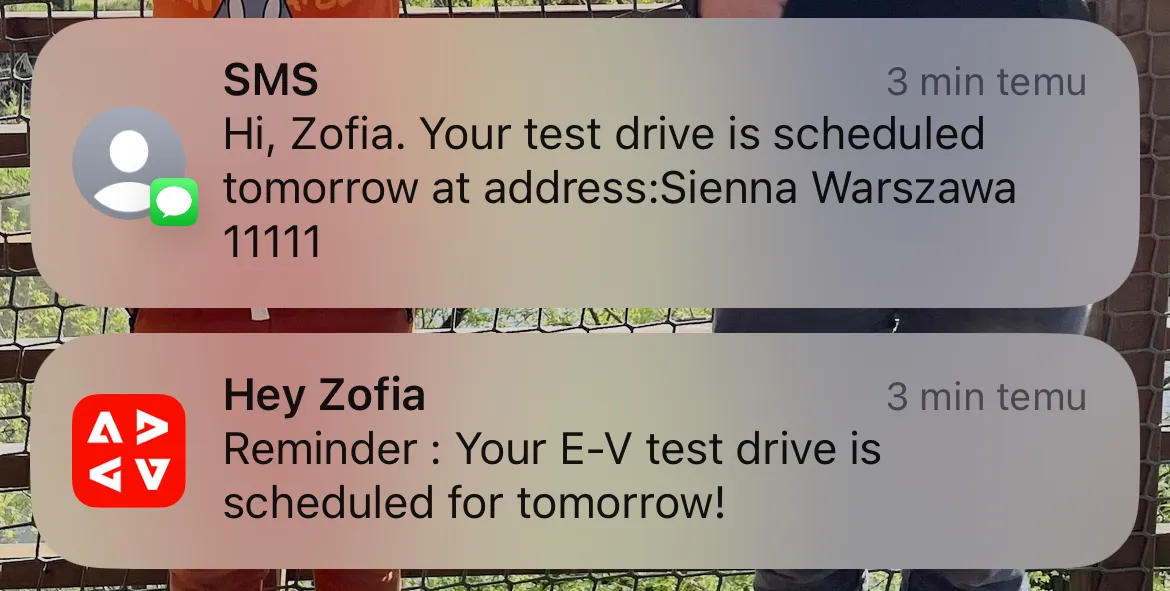
The day of Sarah's test drive has arrived and in the morning she recieves a push notification with a reminder, hour and place of the meeting.
If you are signed in in a mobile app, you will recieve a push message. In the other case you will receive an email message.
You will also recieve an SMS message if your number is valid.
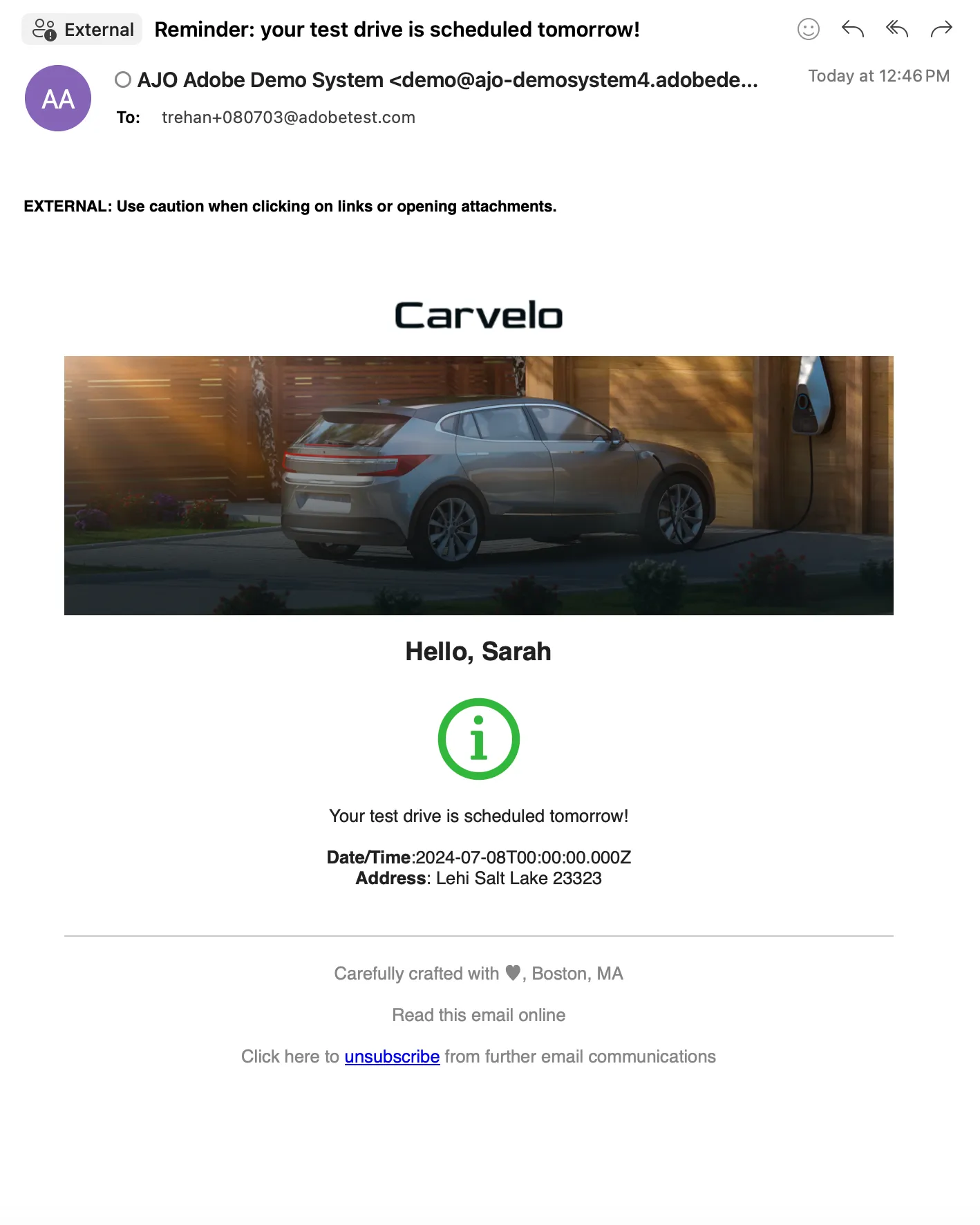
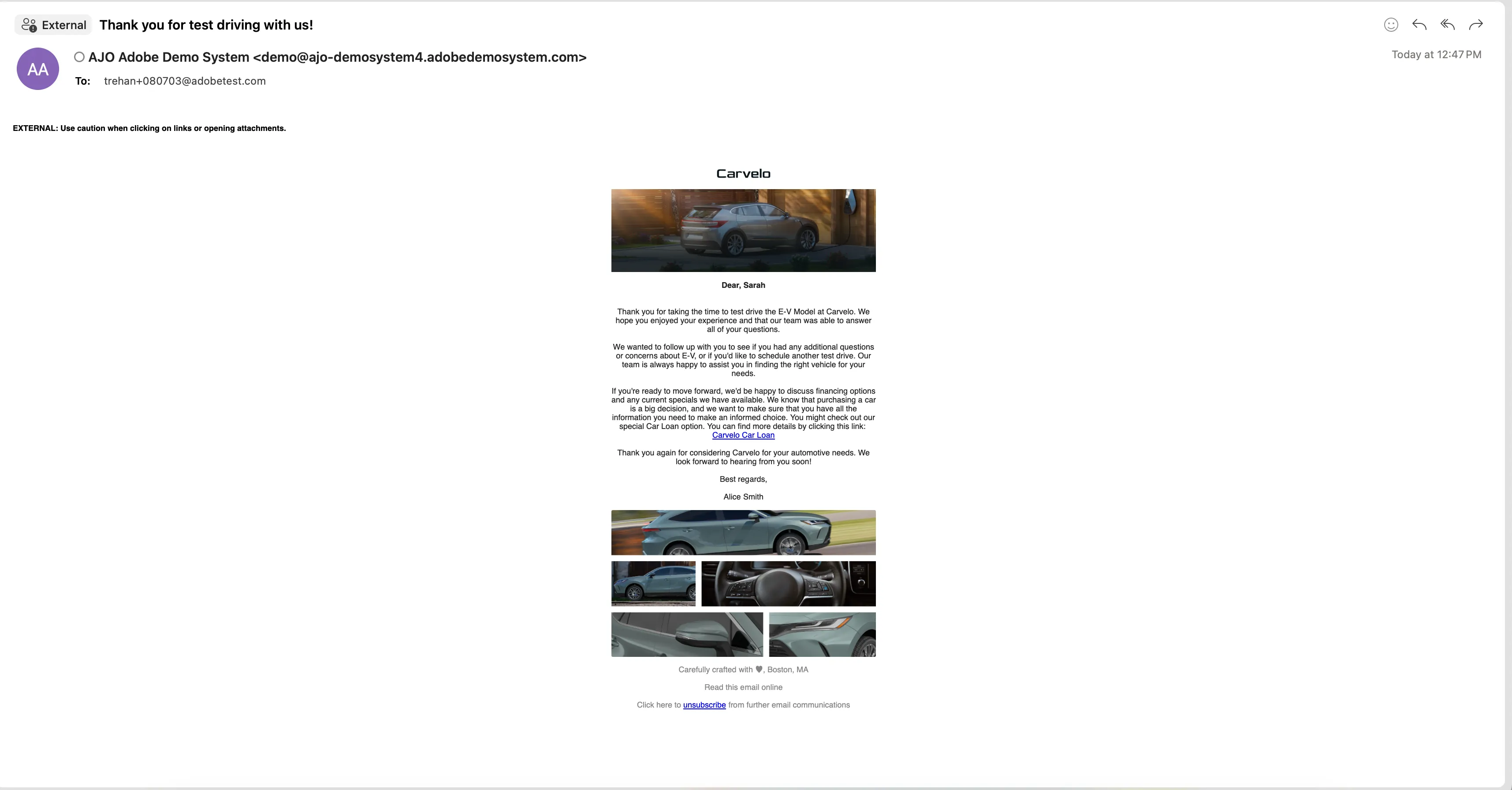
On the day of her test drive, Sarah walks onto the lot. A sales agent welcomes her and leads to a sales rep who will help her with the test drive. When she completes the test drive she receives an email providing her a link to check a special car loan.
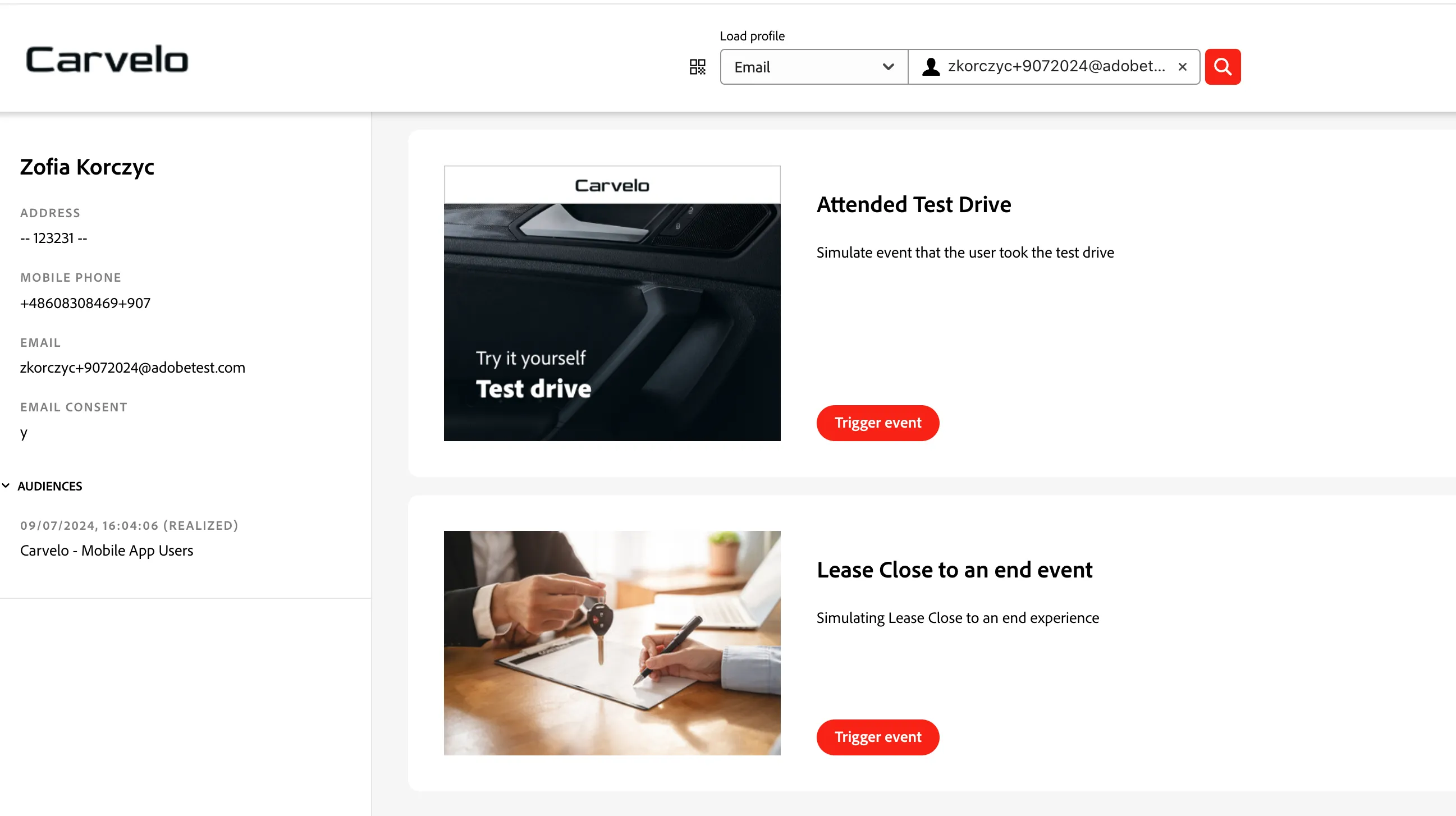
To simulate the test drive attendance, use DSN event trigger project: https://dsn.adobe.com/cx2/carvelo-jt. Search your demo profile using email. Click the "Trigger event" button on the Attend Test Drive card. Open the email that will arrive to your inbox and click on the "Car Loan" link.
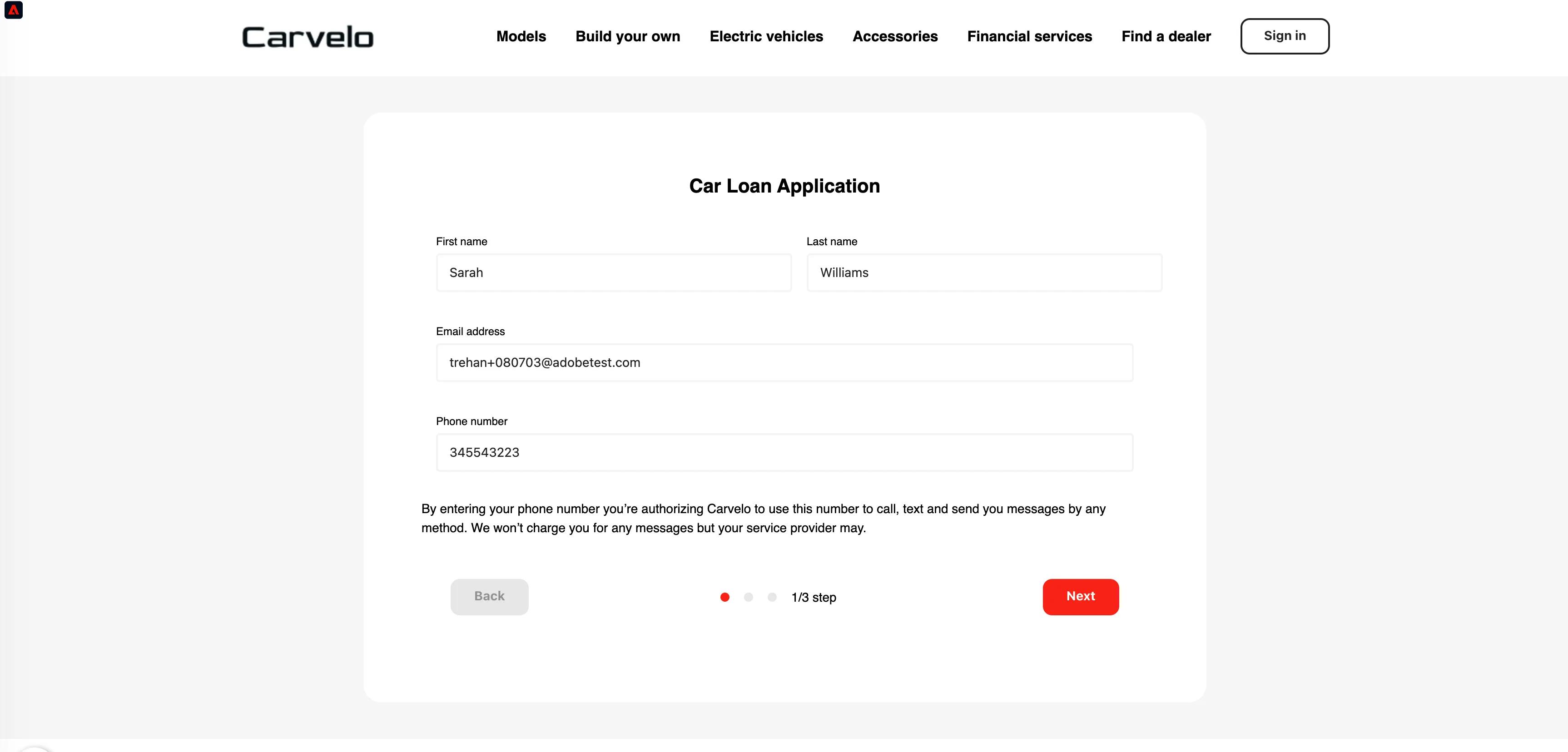
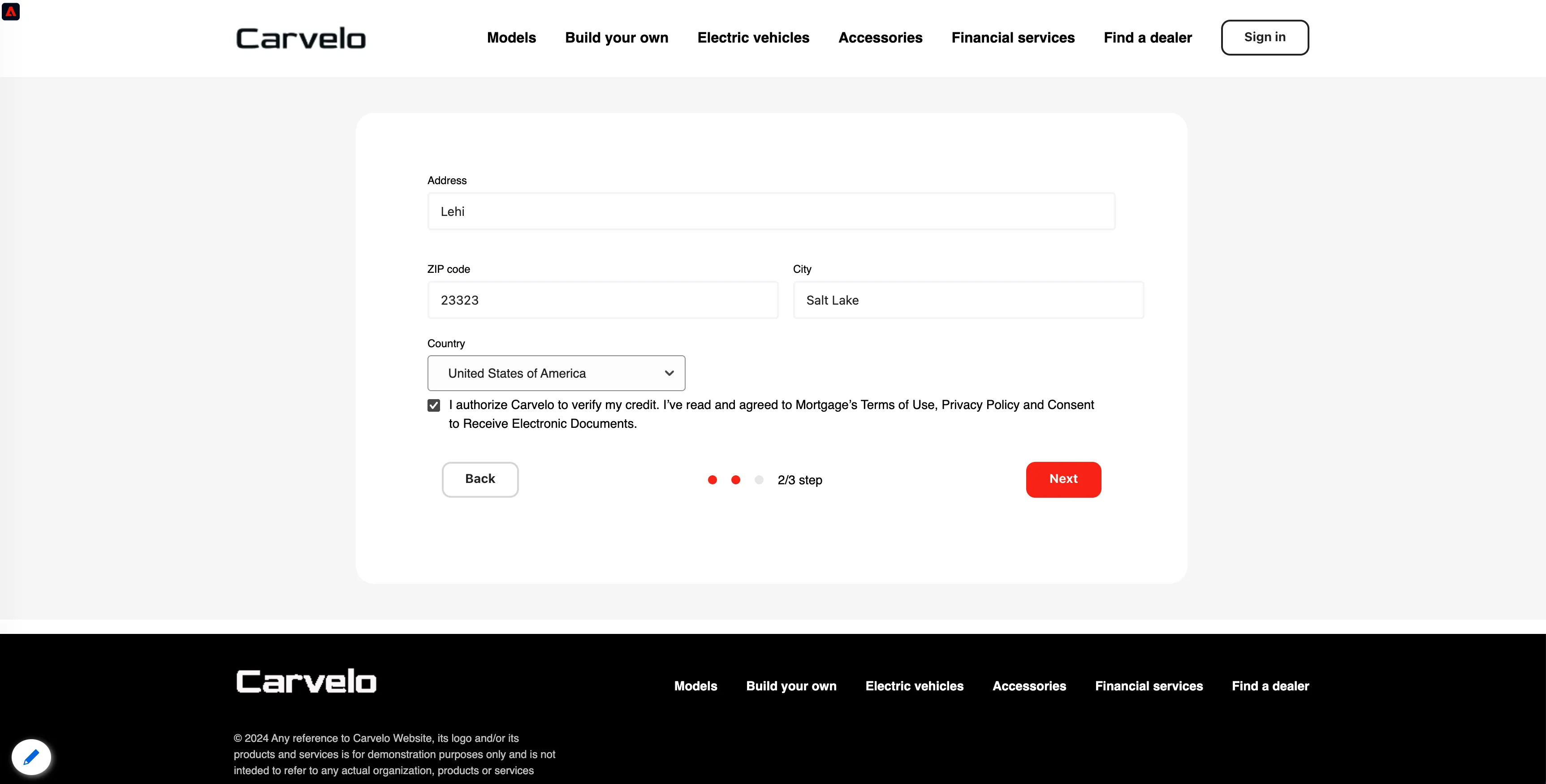
She fills in her personal and financial details to apply for a loan, ensuring all the required information is accurate and complete to expedite the approval process.
Fill all the required fields in the form. Click "Submit" on the last step.
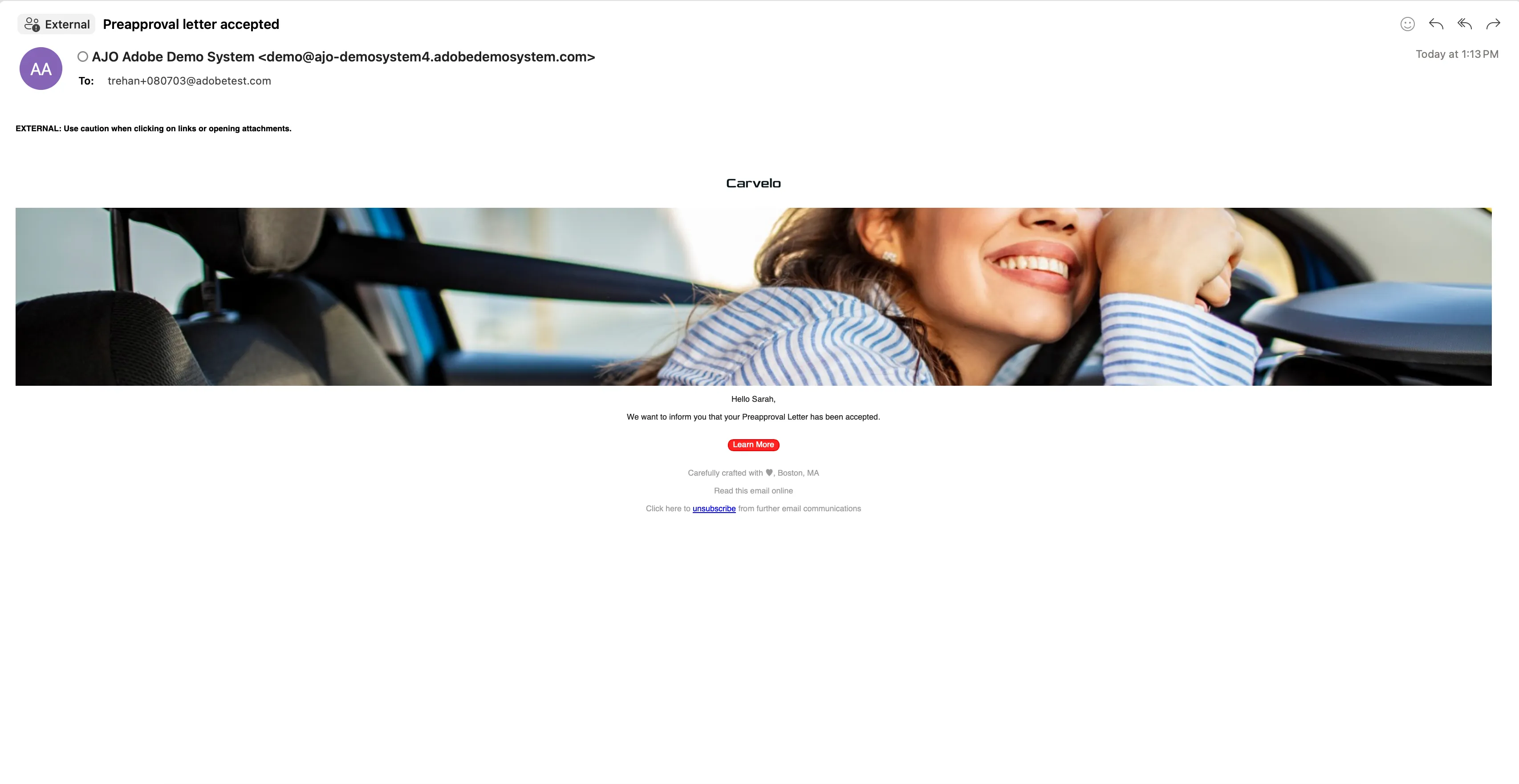
Sarah receives an email notifying her that her preapproval letter has been accepted.
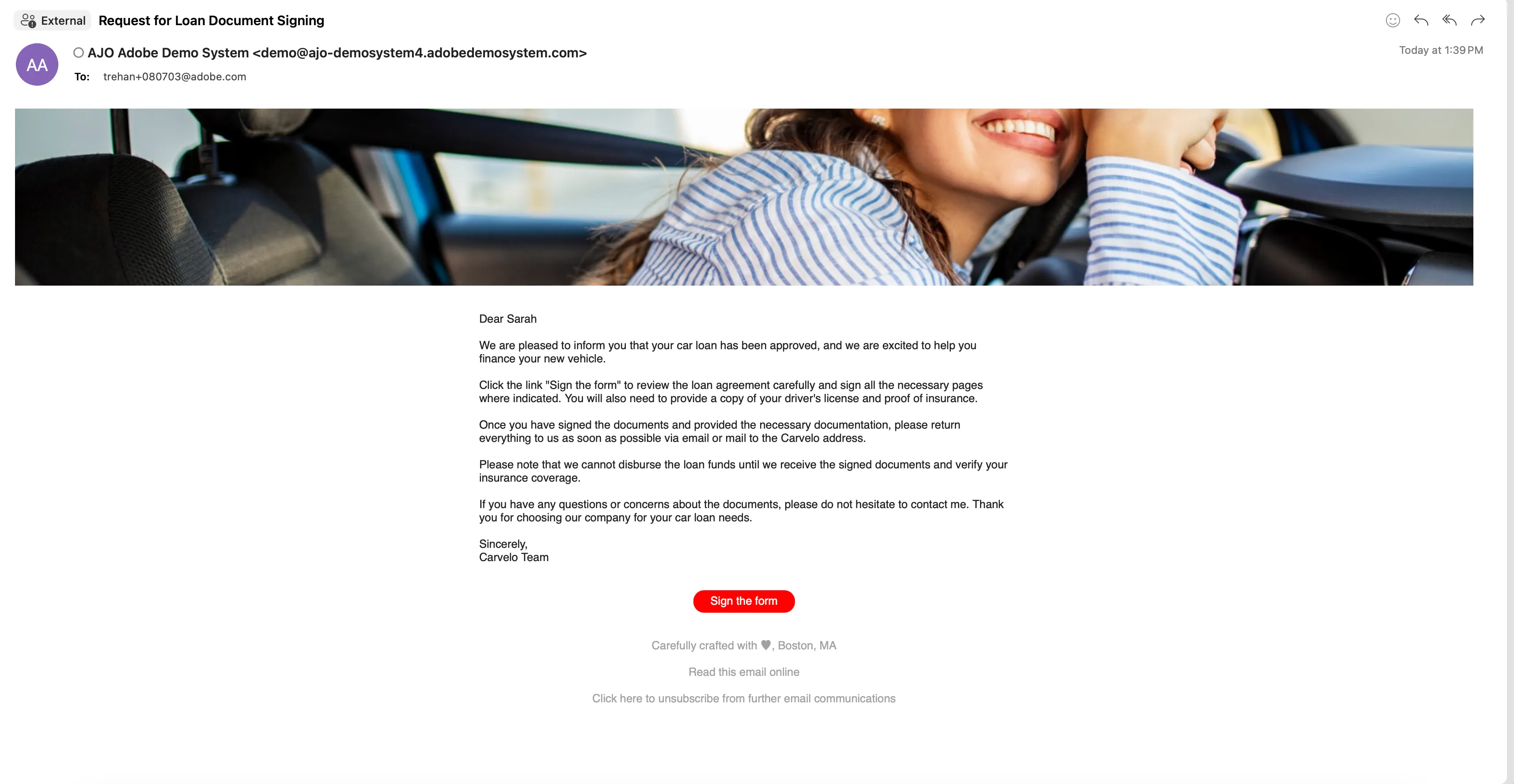
A few days later, she receives an email requesting her to review and sign the loan documents. This step is crucial for finalizing the loan approval and securing the funds she needs.
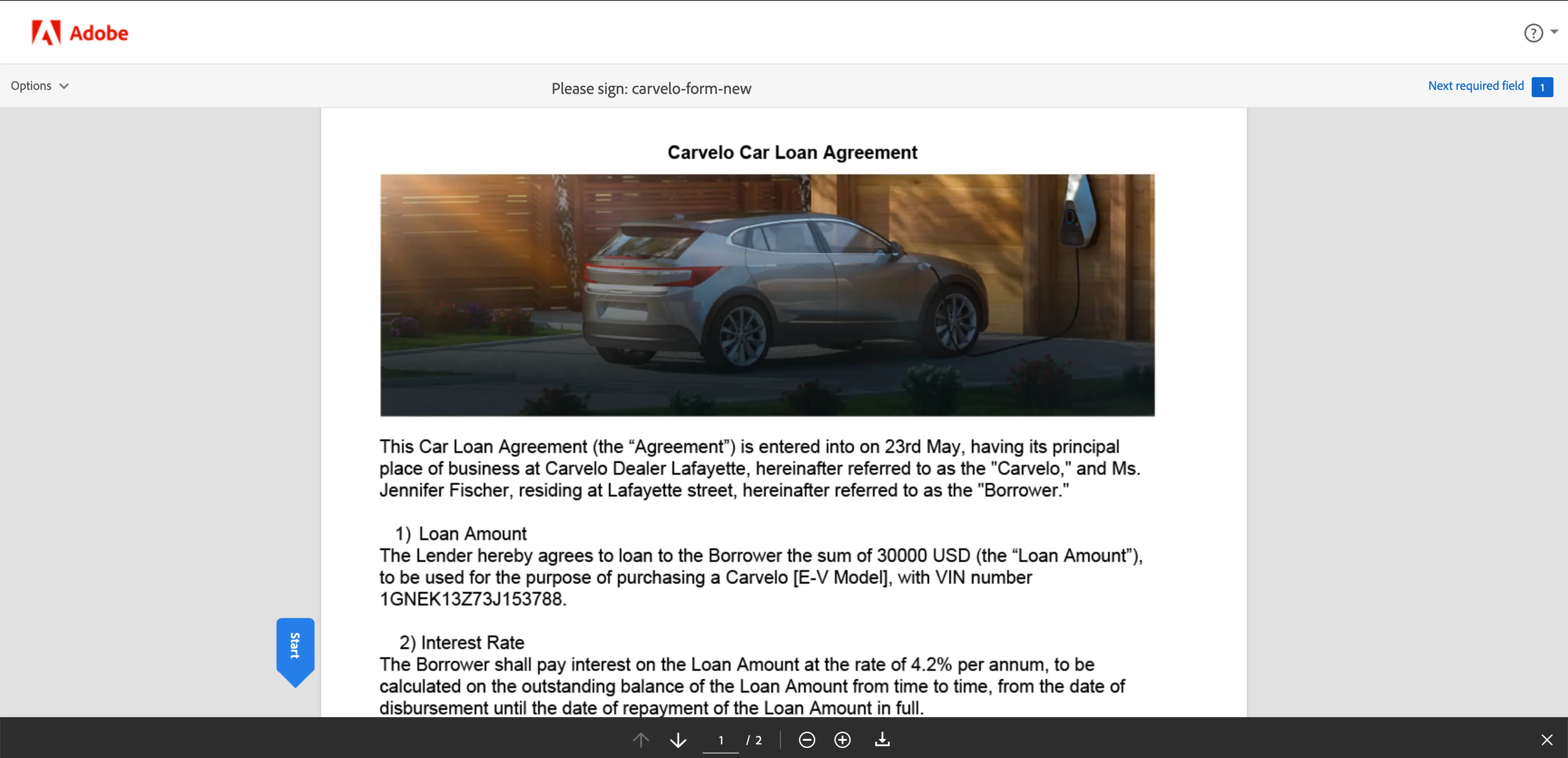
She clicks on the link to sign the document.
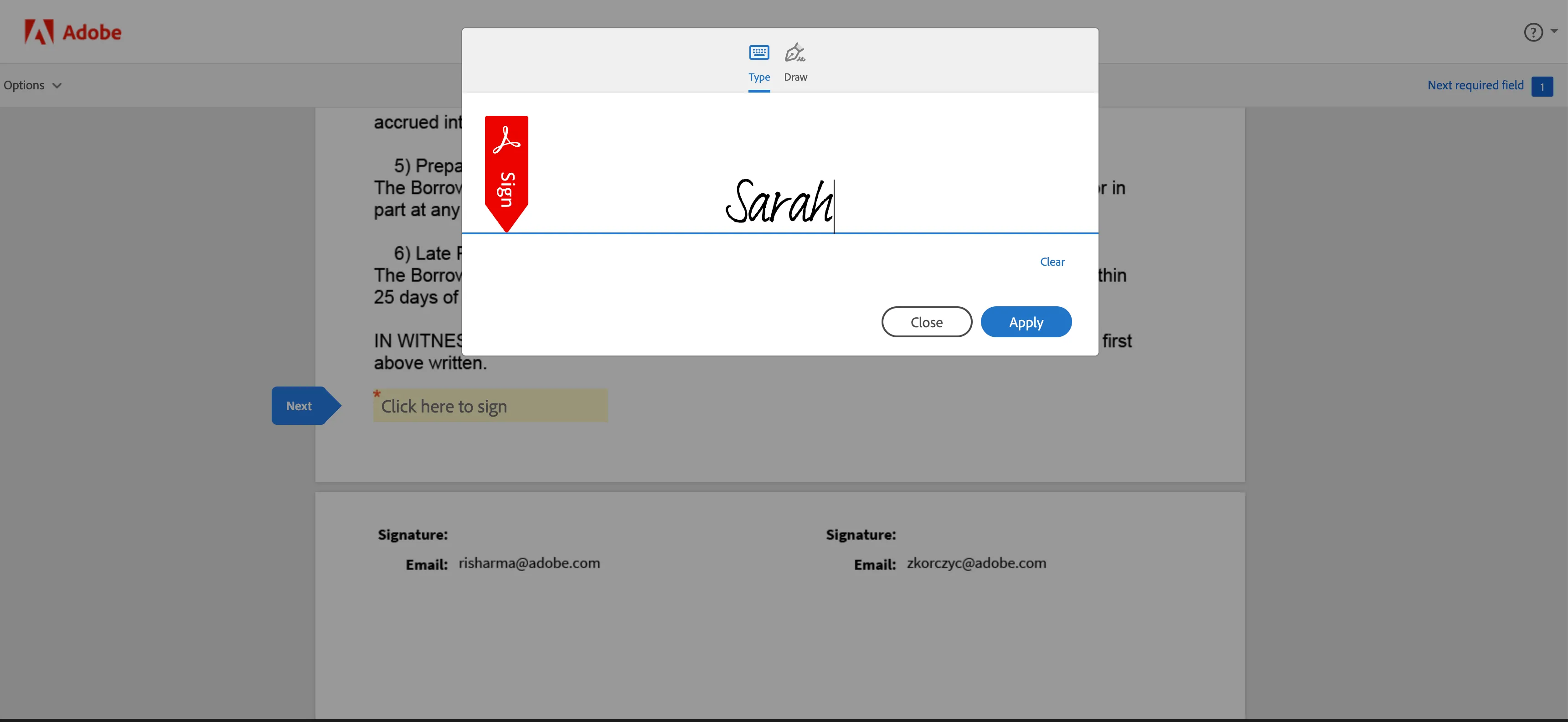
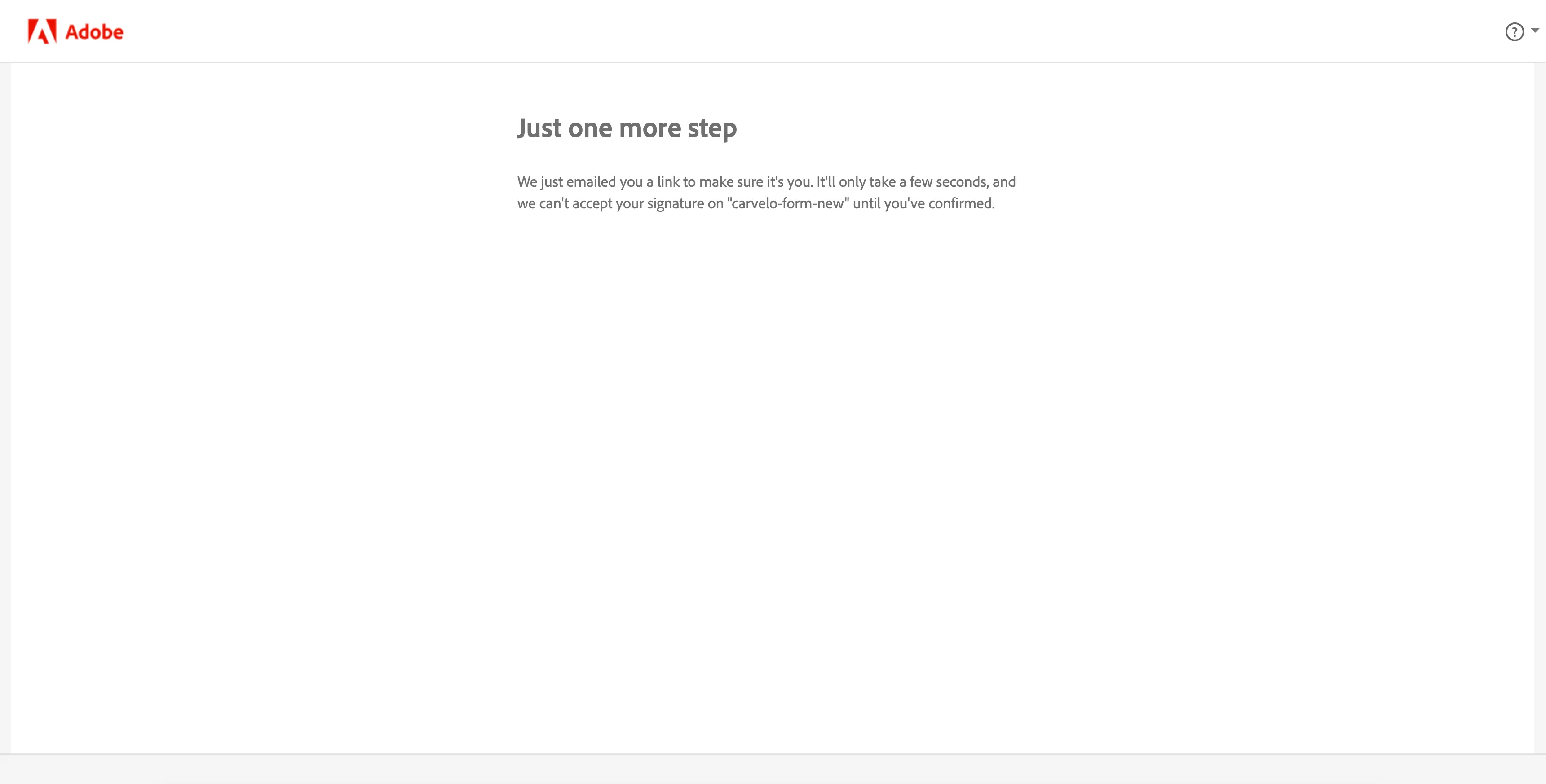
After signing the loan document, she receives an email asking her to confirm her email address. She clicks on the link to complete the confirmation.