Dynamic chat and Marketo Better Together- Bodea Professional Services
Introduction
This page is a practical guide on how to run a demonstration that showcases the enhanced capabilities of Dynamic chat and Marketo when used together. The demo will illustrate how transitioning of leads to AEP.
Use Case
All the leads who interact with the dynamic chat window on Bodea professional services webinar page will be transitioning as the following: SFDC > Marketo > Dynamic Chat > Marketo > AEP (source connector).
Bodea decided to further nurture these leads through various marketing strategies in Marketo.
Demo Video
Click here to check the Demo steps video. (under process)
Step-by-step guide
Step | Topic | Instructions |
|---|---|---|
1 | DC on Bodea professional services webinar page | Prerequisite: To populate the correct account details in B2B RT-CDP profile view and showcase the stitching between accounts and profiles, create a new contact in the shared SFDC demo instance (screen and steps below).
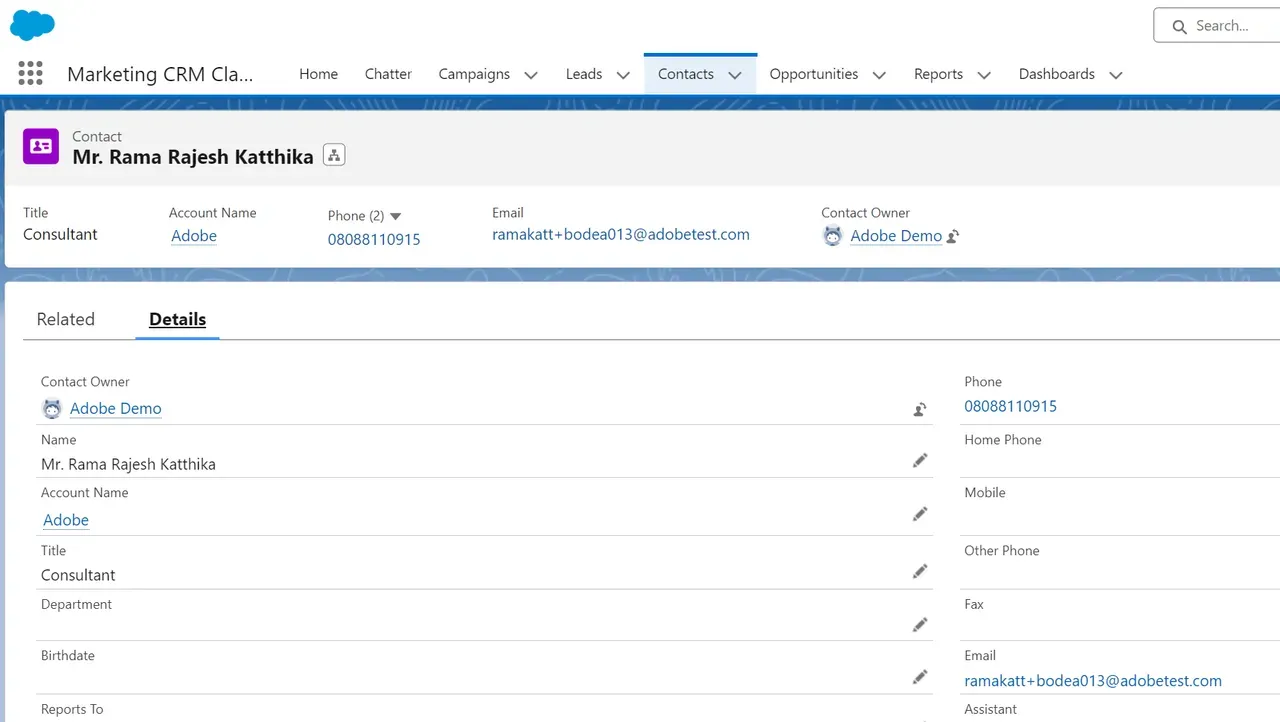 Note: Once you are done with the above prerequisite and ensured, that the Marketo activity log has been updated for the test ID creation (from SFDC) in Marketo, you are ready to go ahead and execute the demo by following the below steps.
Screens below: 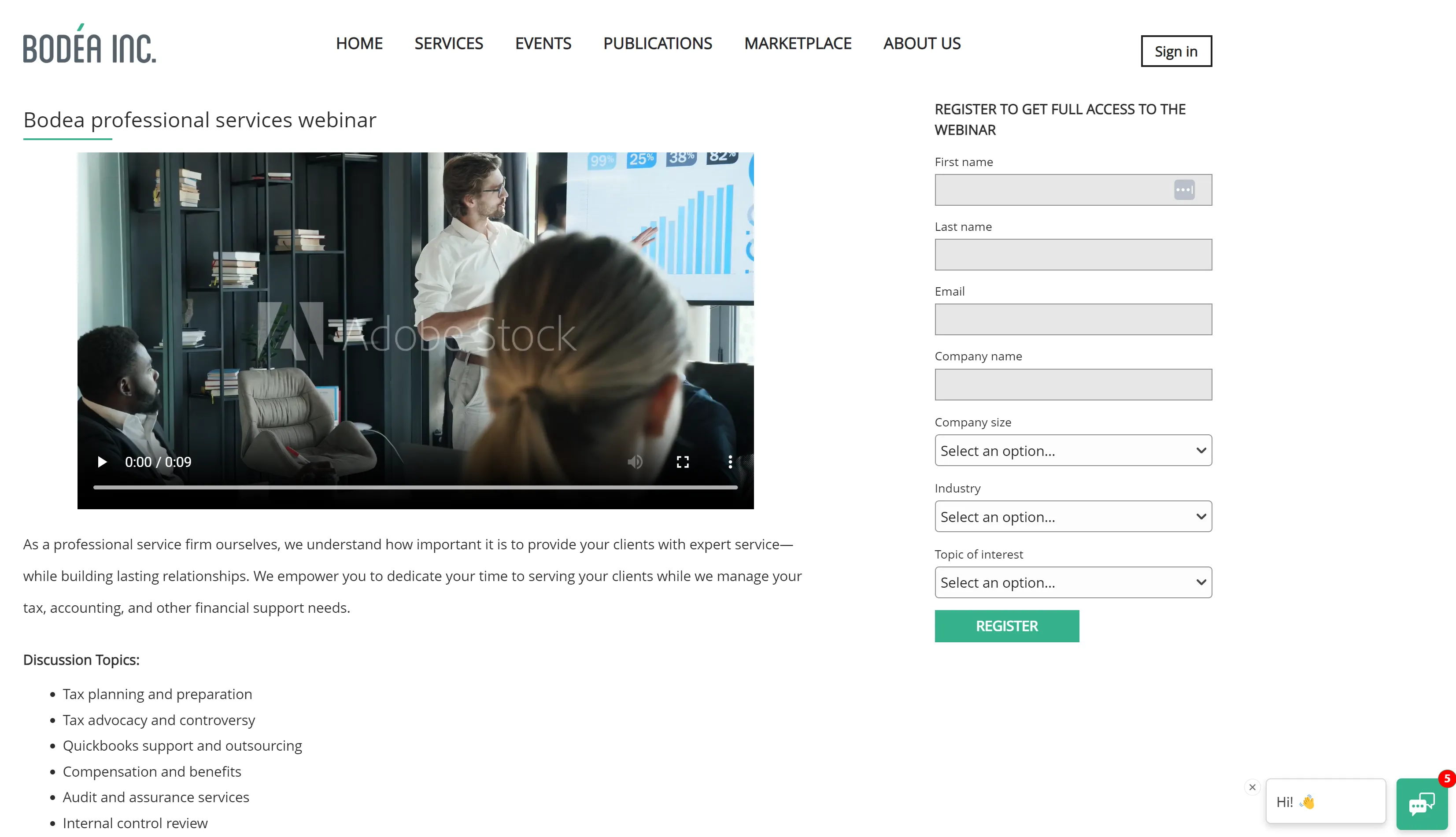 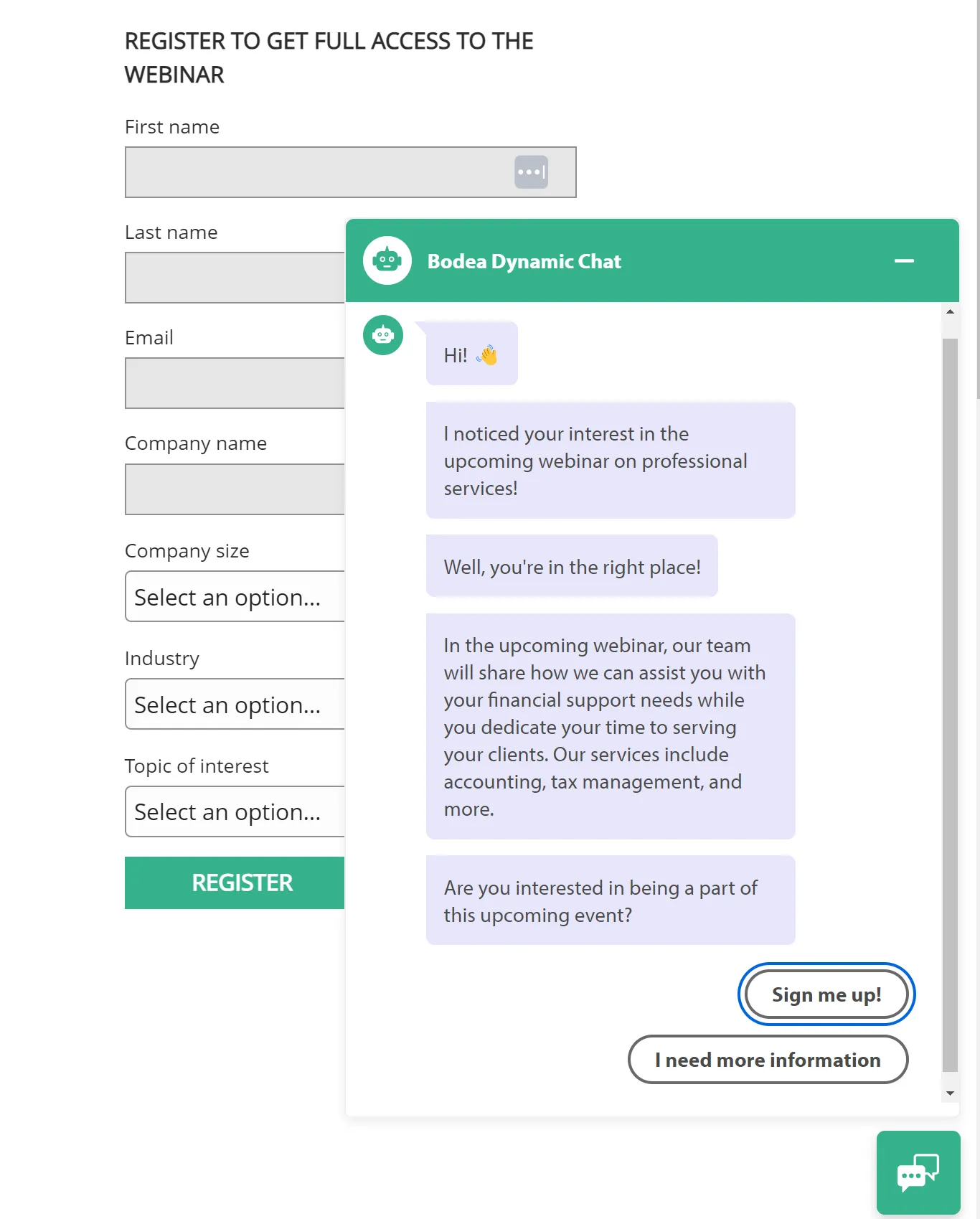 |
2 | RTCDP lead profile |
Note: There can be some latency here for the sync between Marketo and B2RT-CDP. Screen below: 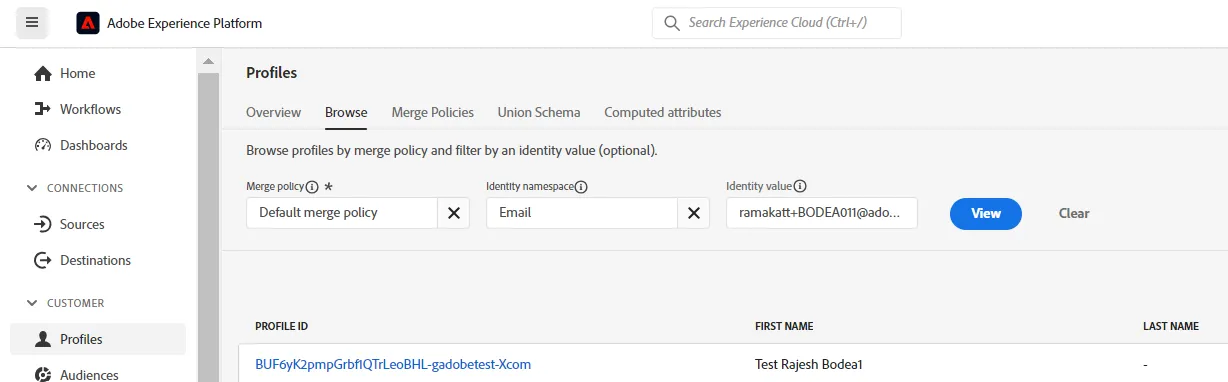 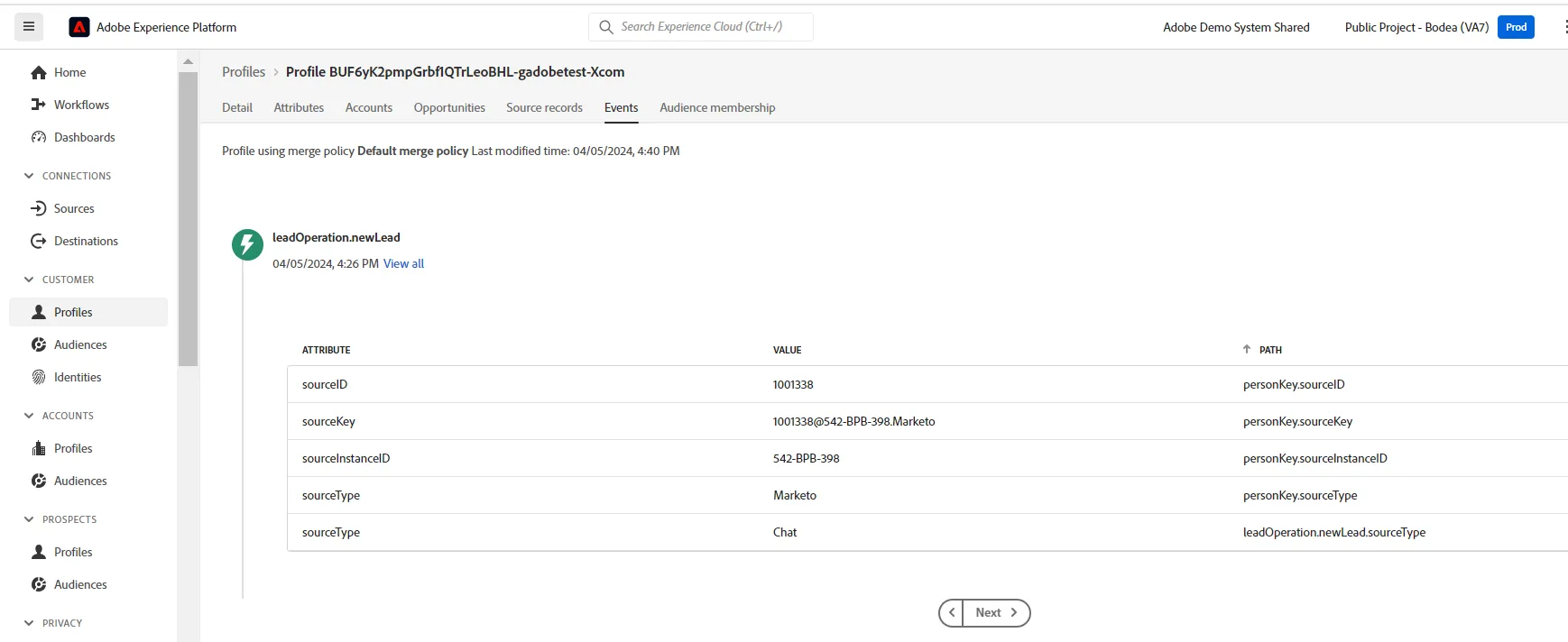 |
3 | Marketo Engage |
Screen below: 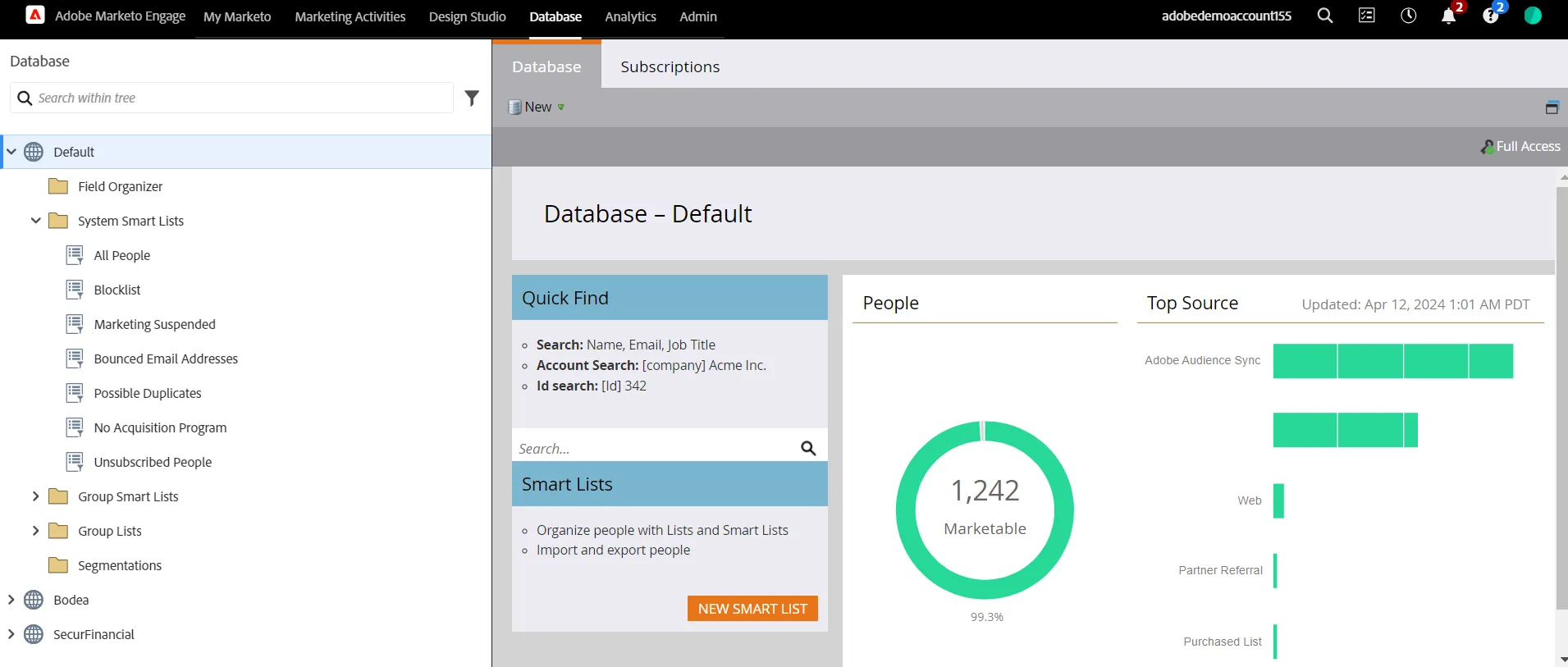
Screen below: 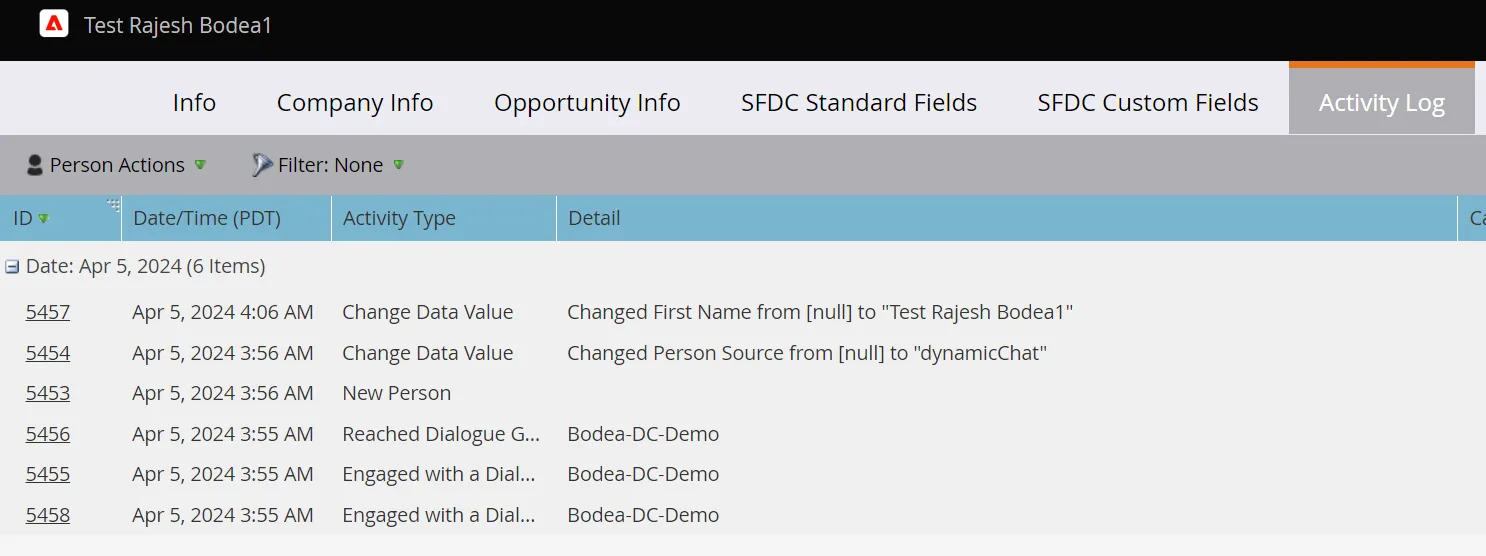 |
System View
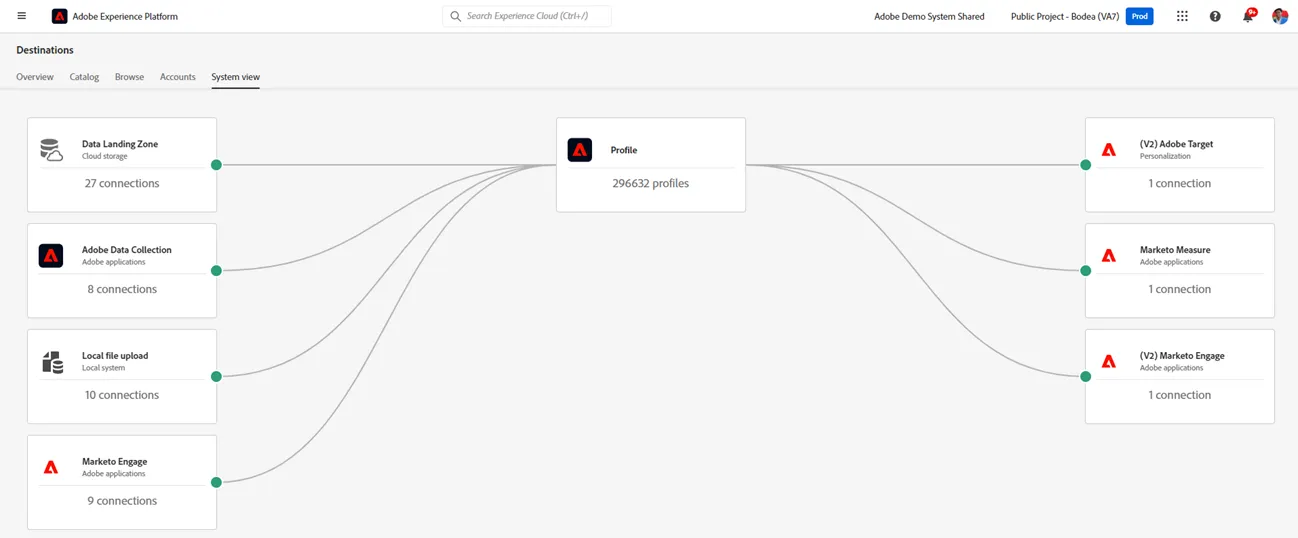
- Demo environments
- AEP Sandbox: Public project - Bodea
- Marketo: Marketo for Public Bodea (Optional: the MarketoLive Chrome extension can be installed via this link)
- SFDC: Instance details