AJO Web channel
Journey Optimizer allows you to visually author and deliver personalized web experiences to your customers.
Through an intuitive visual interface, this capability allows you to modify your web properties easily in order to experiment, optimize and personalize your end-user campaigns.
Experience League page about Web channel: https://experienceleague.adobe.com/en/docs/journey-optimizer/using/channels/web/get-started-web?lang=en
Experience League page about configuring Web channel: https://experienceleague.adobe.com/en/docs/platform-learn/implement-web-sdk/applications-setup/setup-web-channel
Scenario 1:
Luma brand is using AJO Web channel to adjust the experience for joining Luma+ for People Interested in Men's products.
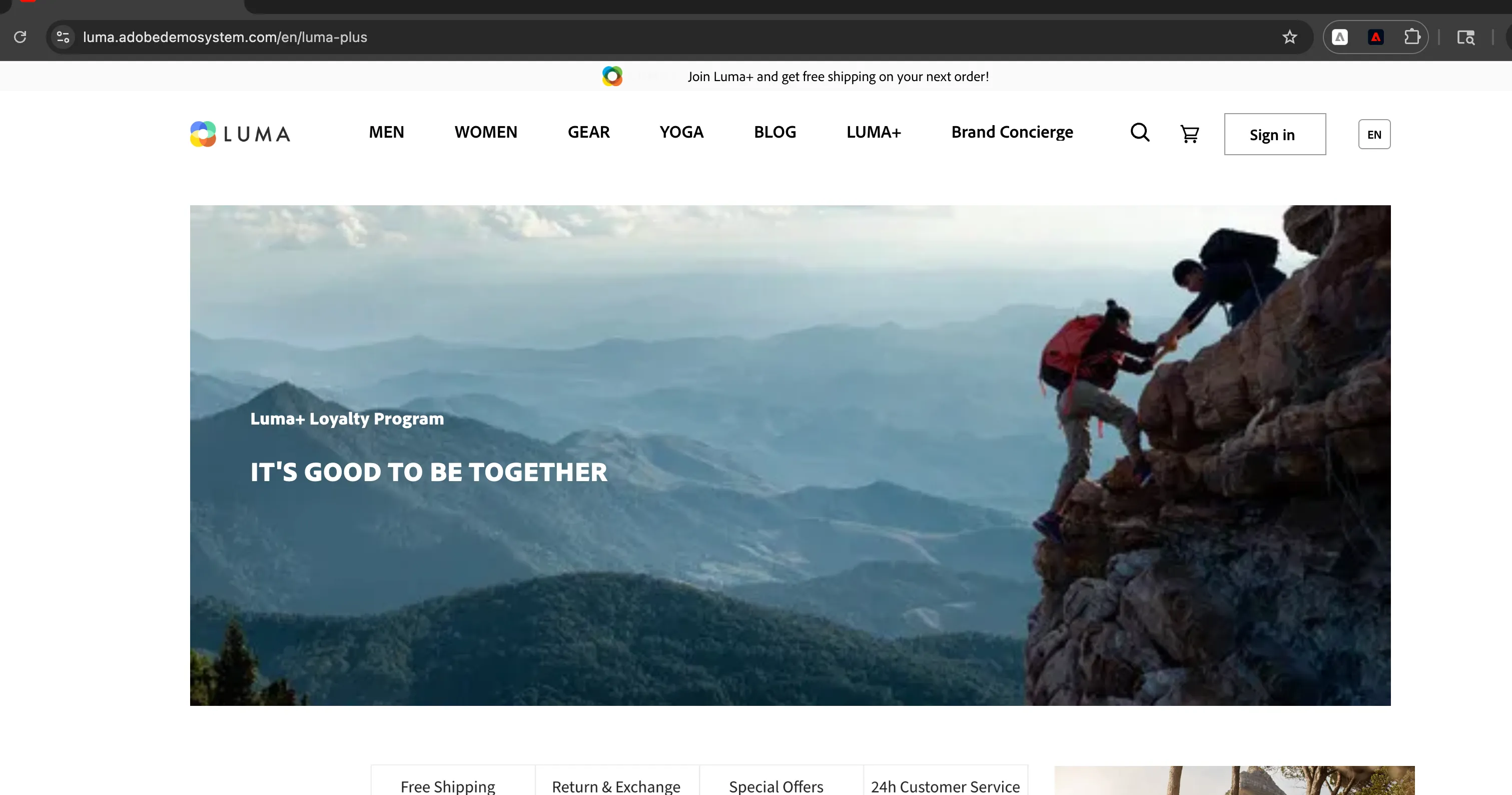
- Visit https://luma.adobedemosystem.com/en/luma-plus website
- Check the default banner
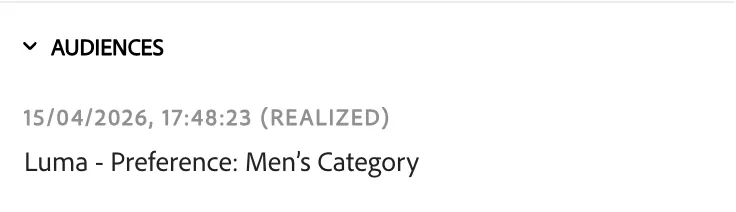
- Interact with 3 products from men's category to be assigned to
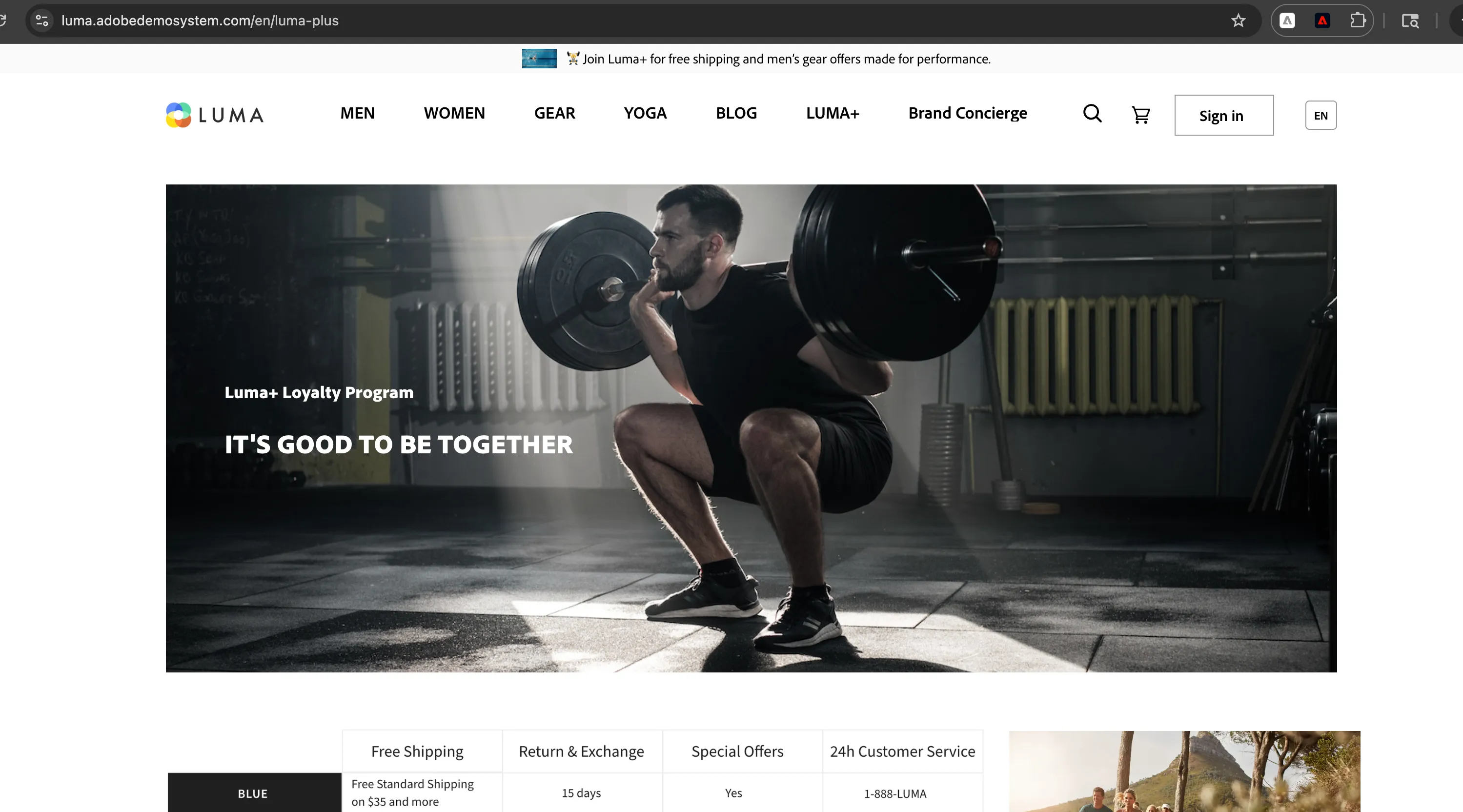
- Go back to the Luma+ website. The main banner will be updated according to the campaign in AJO.
Scenario 2:
- A user visits the website, browses through products, and adds a few items to the cart. Before completing the checkout, he is distracted and starts browsing other pages.

- After waiting for a specific duration, the system checks whether the user has completed the purchase. Since the cart is still abandoned, a reminder message is shown on the home page.

Instructions on how the campaign was created are here: Web Channel