Experience Decisioning
Experience Decisioning provides users with tailored content based on their interests. Carvelo launched a test drive program and offered special deals to users who completed the test drive. Additionally, the program offers to users who apply for a loan after selecting a car.
PREREQUISITES
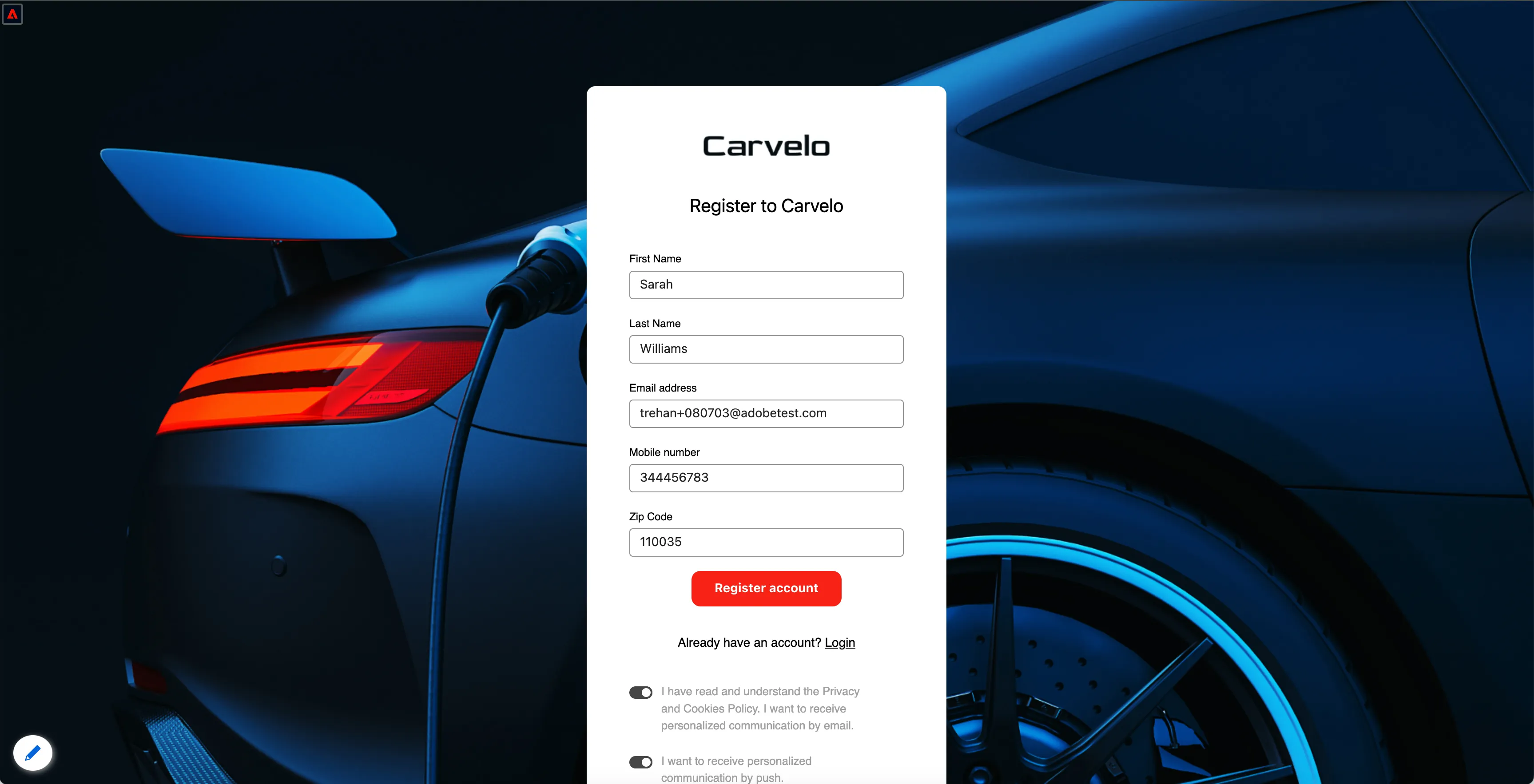
Create the demo profile by visiting the Carvelo registration page: https://dsn.adobe.com/web/carvelo2/create-account
For the phone number provide your real number with a suffix to receive sms messages. eg +48608xxxxxx+1234 (area code, number, +sufix)
Make sure you give all consent to receive emails and SMS.
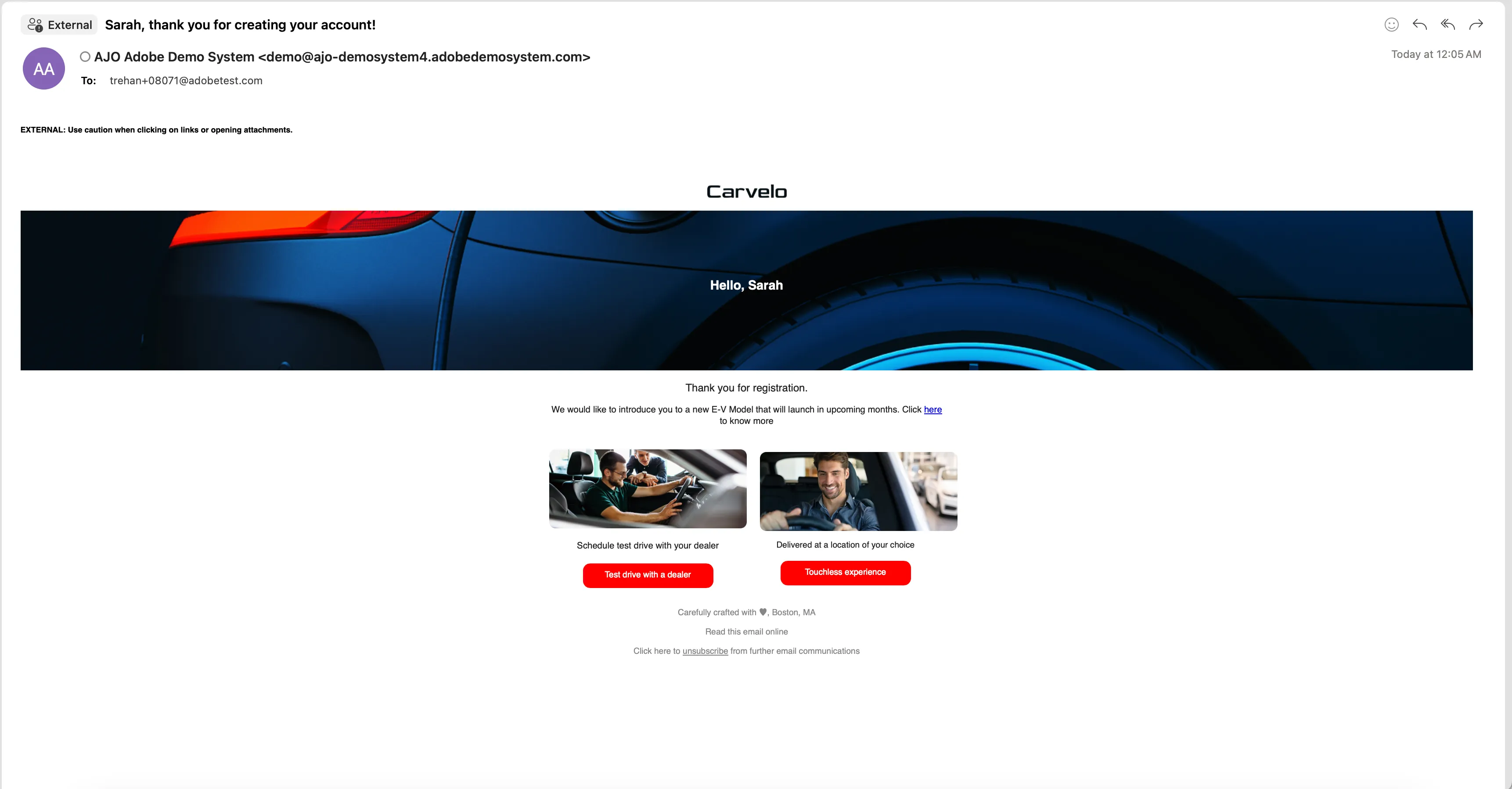
You should receive an email once the profile is created.
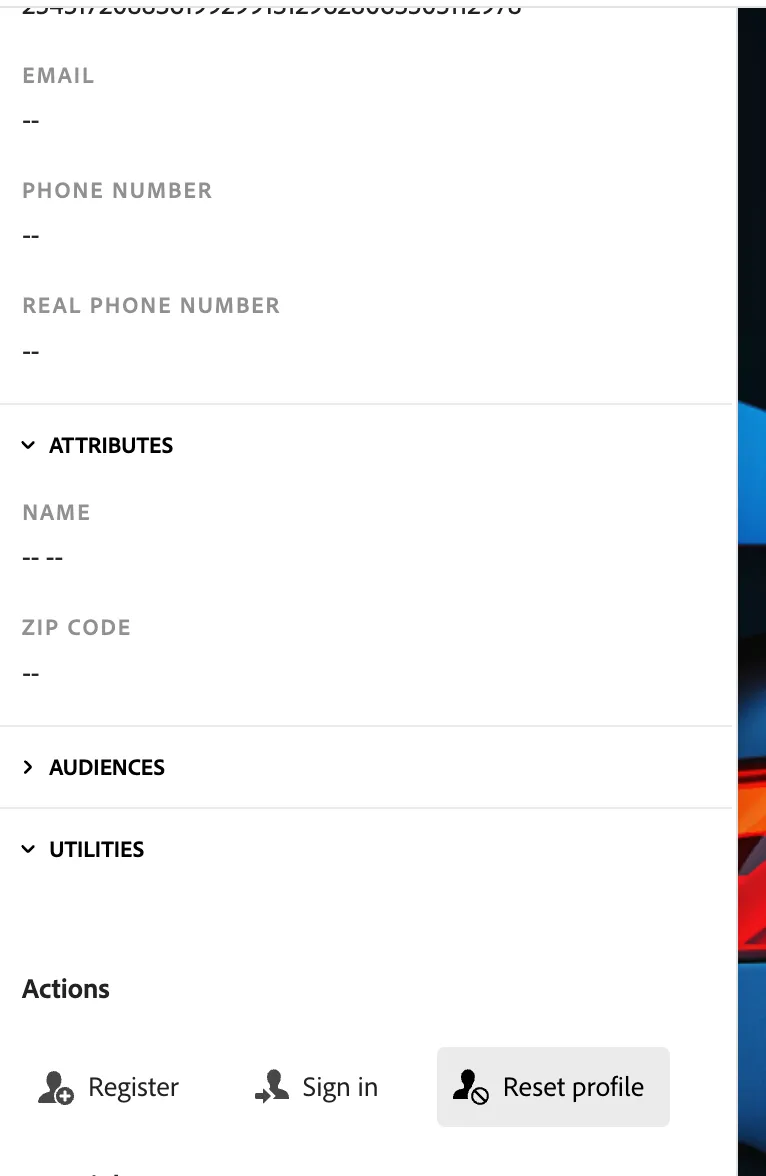
Use a different browser, an incognito window, or reset the profile to start as an anonymous user. You can use the "Reset Profile" button in the Profile Viewer panel.
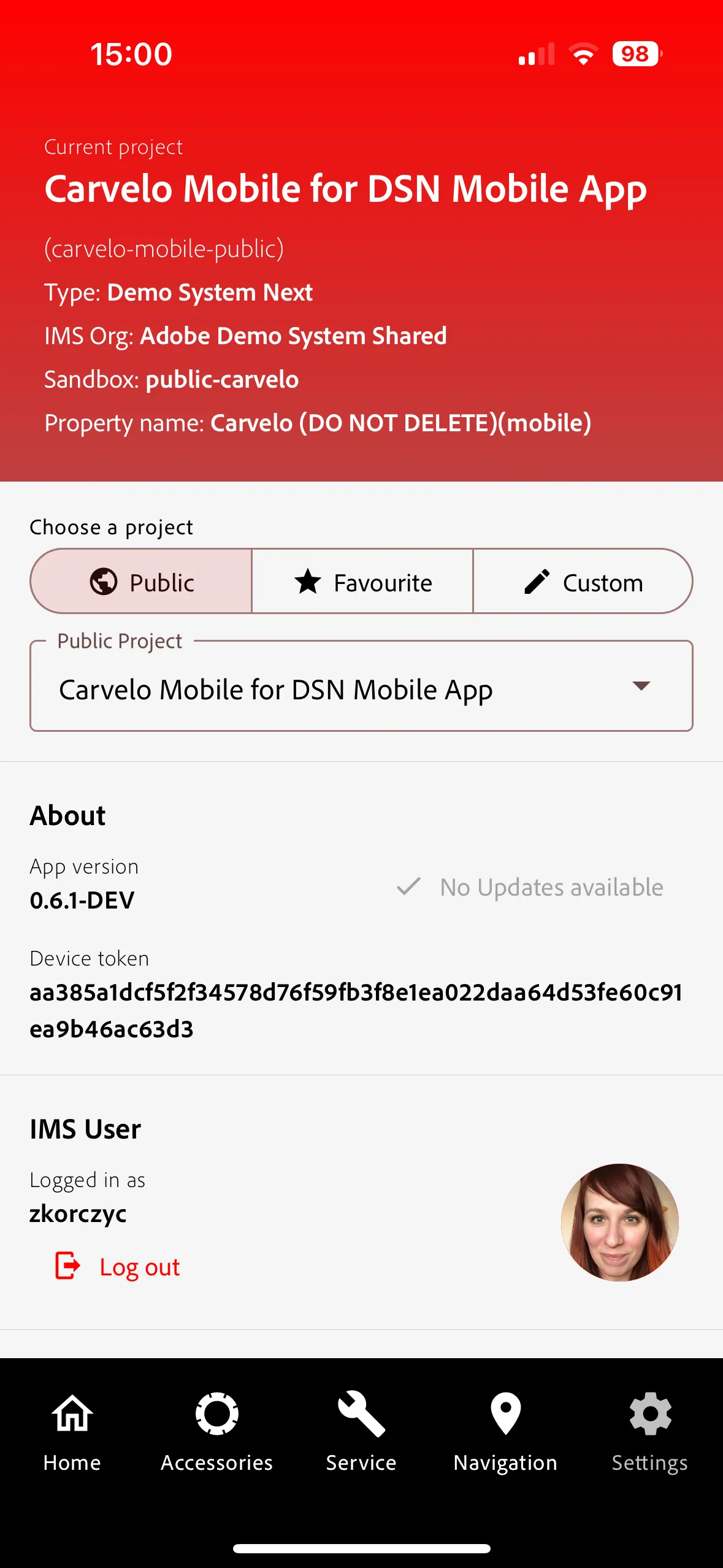
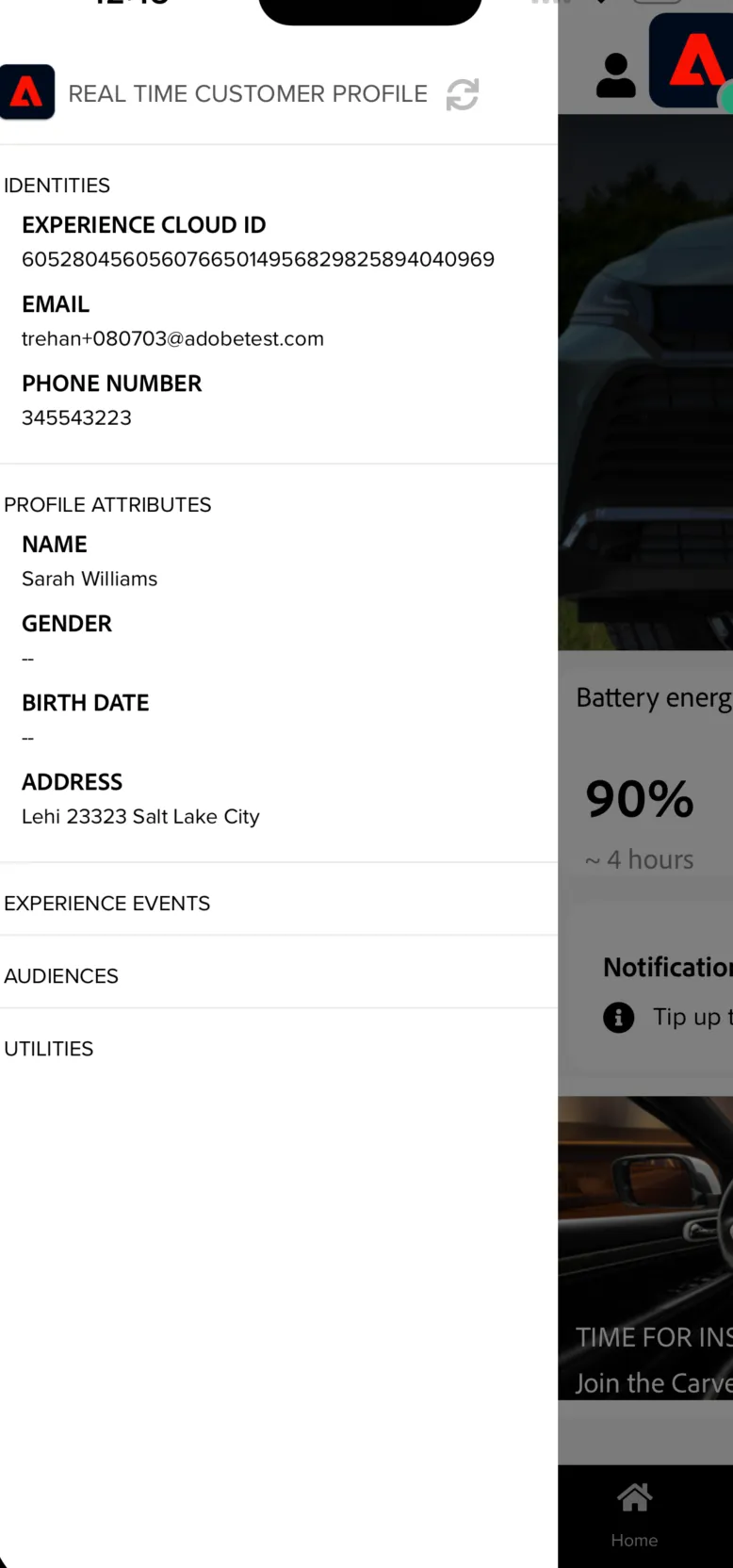
Log in to the mobile app: Open the Live Demos App. On the app Settings screen, select Carvelo from the public projects list.
Click on the user icon in the top right corner and login using the user id that you created on the website, or register to use a new profile.
Demo
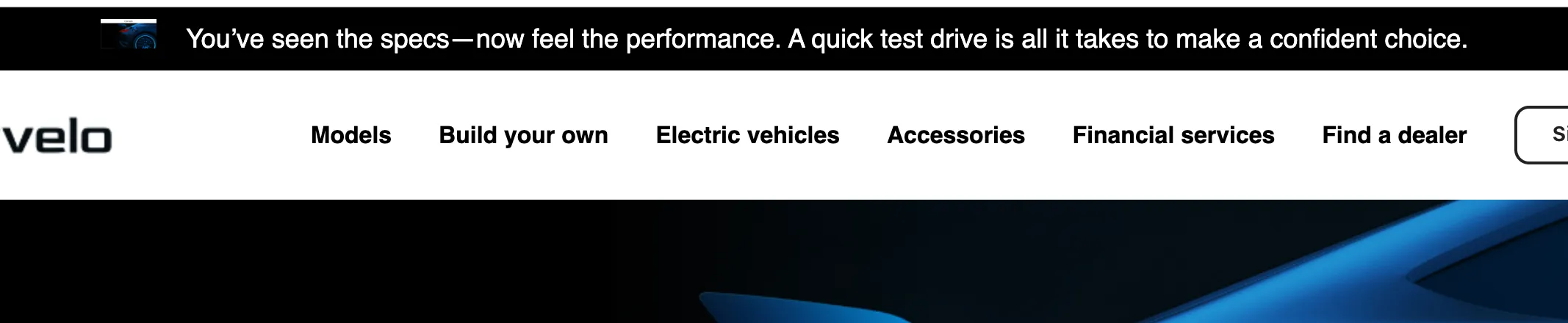
The user browses the website and receives a default offer on the top ribbon, encouraging them to go for a test drive: "You've seen the specs - now feel the performance. A quick test drive is all it takes to make a confident choice"
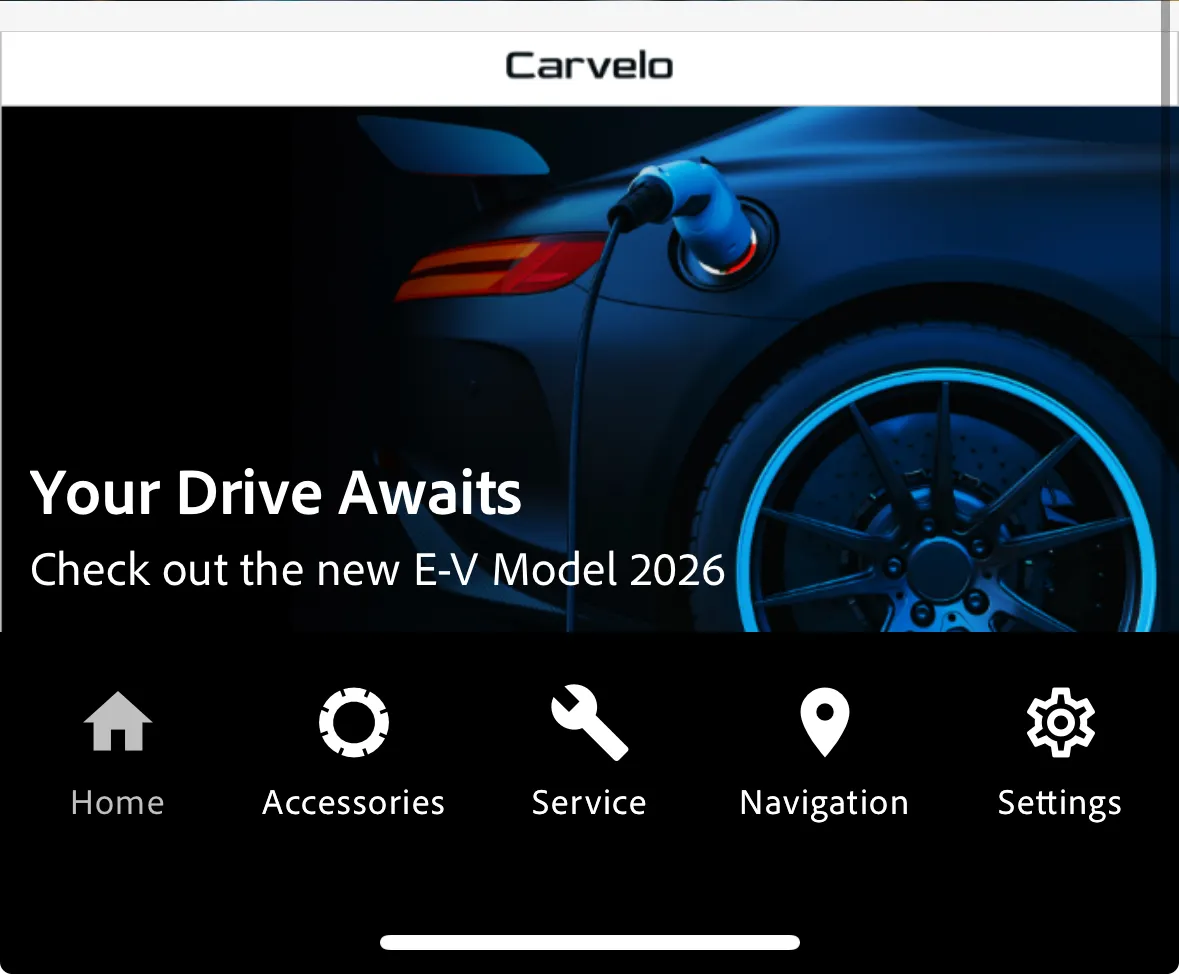
As the anonymous user or logged in with the same profile in the mobile app, you will get relevant offer on the home screen.
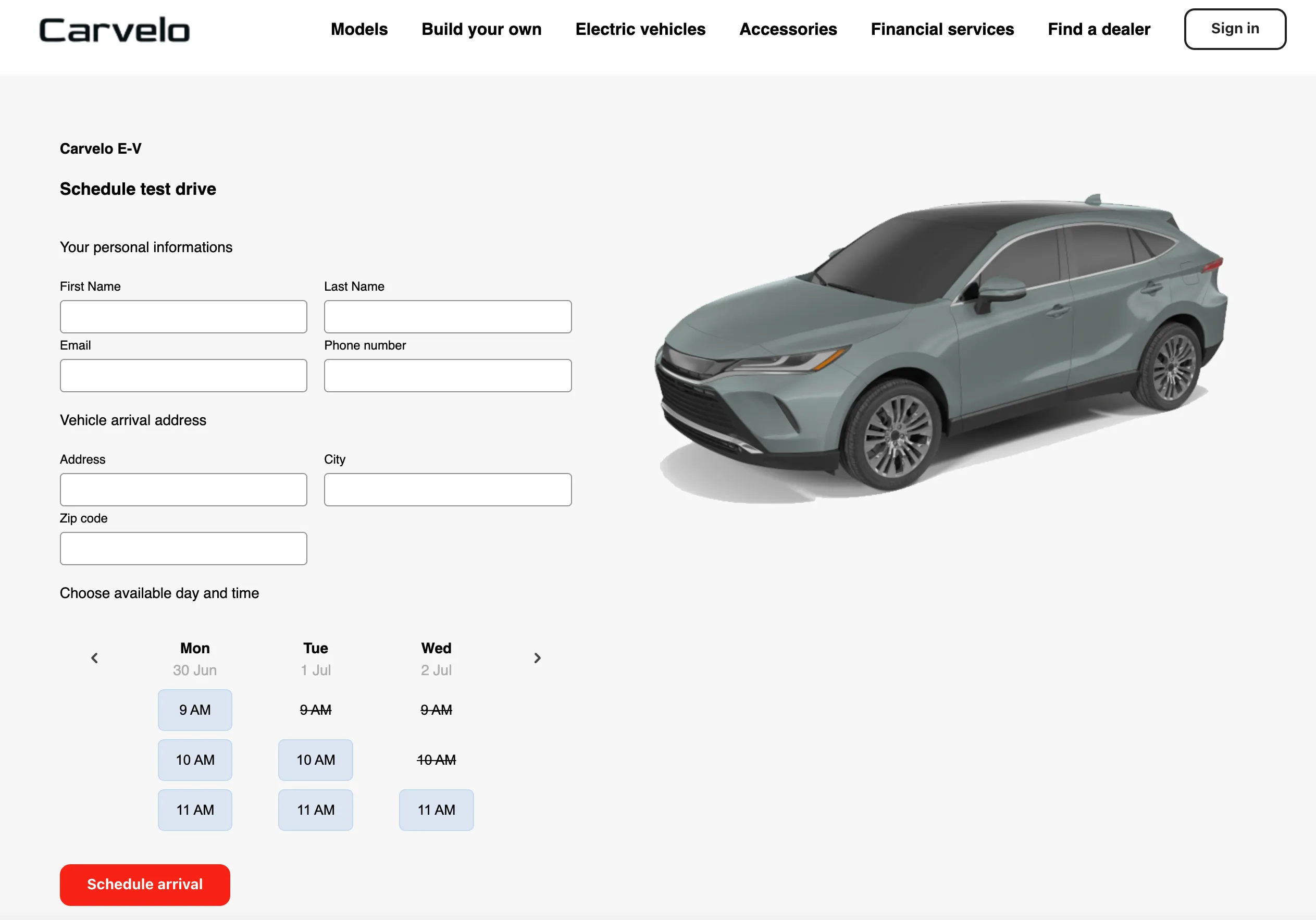
The user decides to schedule a test drive.
Scroll down on the home page and click on Learn More to schedule a test drive or click on the offer in the mobile app.
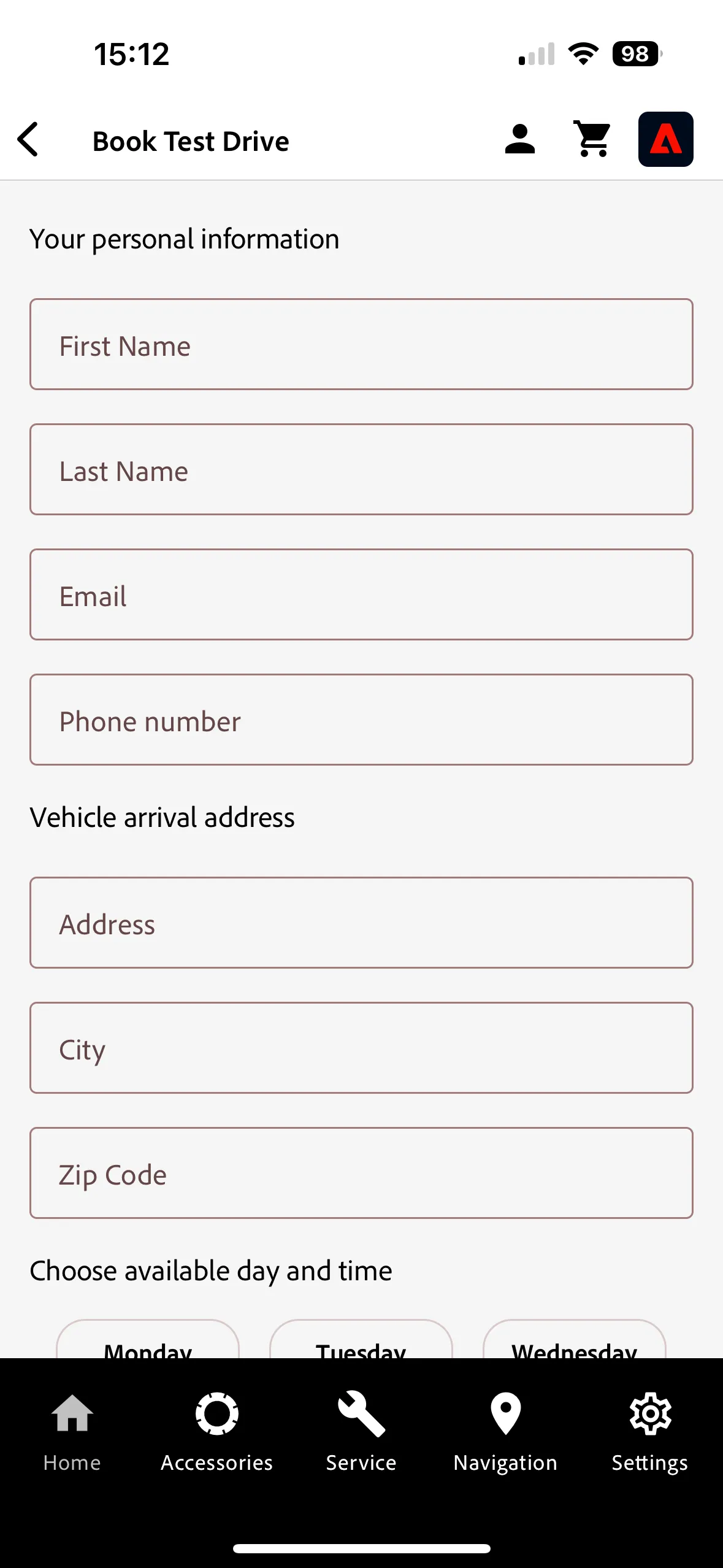
Fill the form to register to a test drive
The user attends the test drive on the scheduled date.
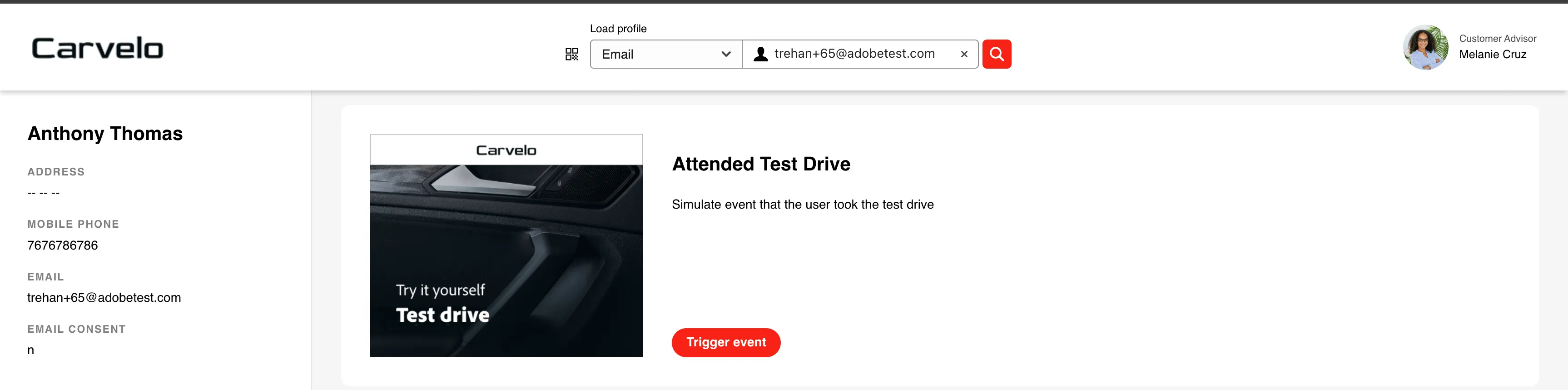
To simulate the customer to do a test drive, we can use the Event Trigger Project in DSN. Open the link, search for the profile you used so far, either by using email or ECID.
In the Event Trigger view click "Attended Test Drive" action. It will send an appropriate event to the customer profile.
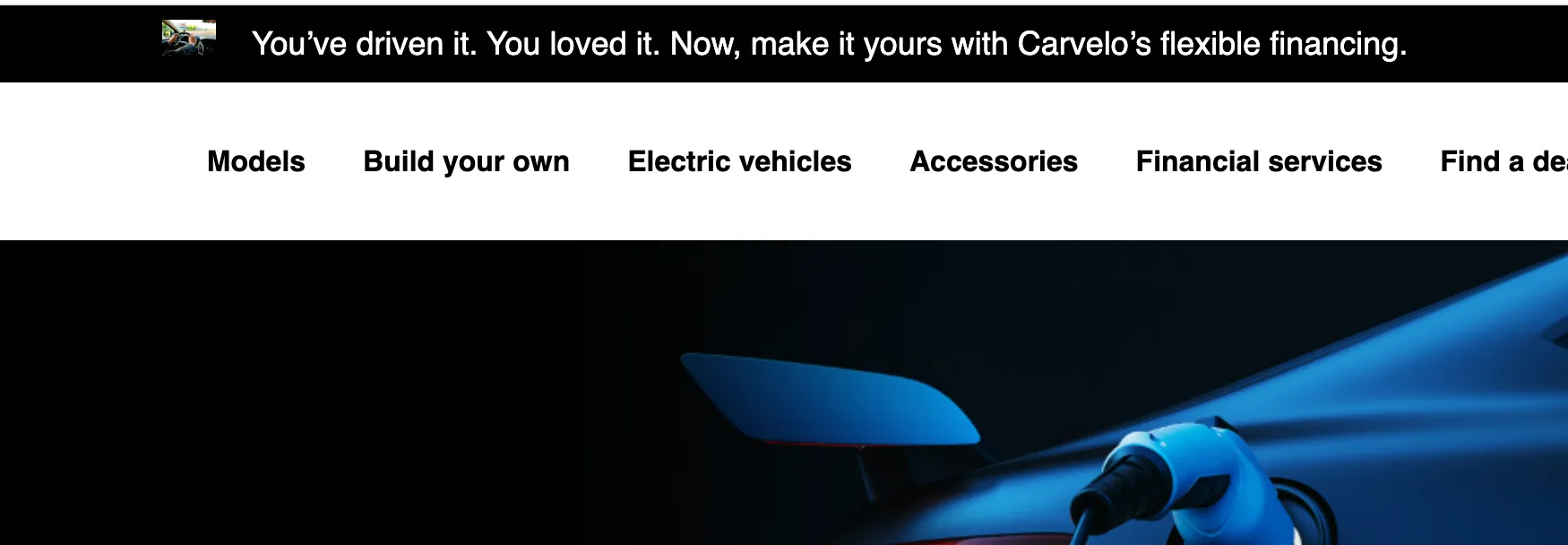
Once the user completes the test drive, the offer is updated on the page and app to encourage the user to buy the car " You've driven it. You loved it. Now make it yours with Carvelo's flexible financing."
Refresh the page and app to see the updated offer.
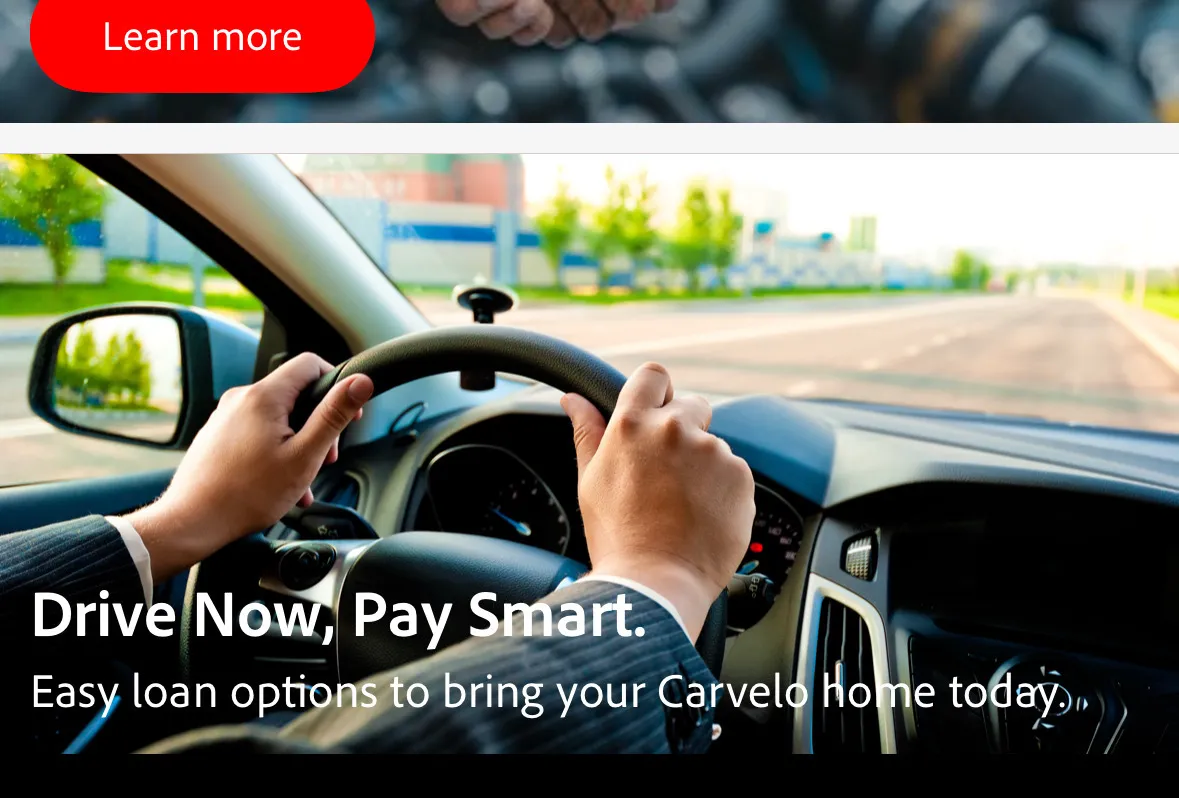
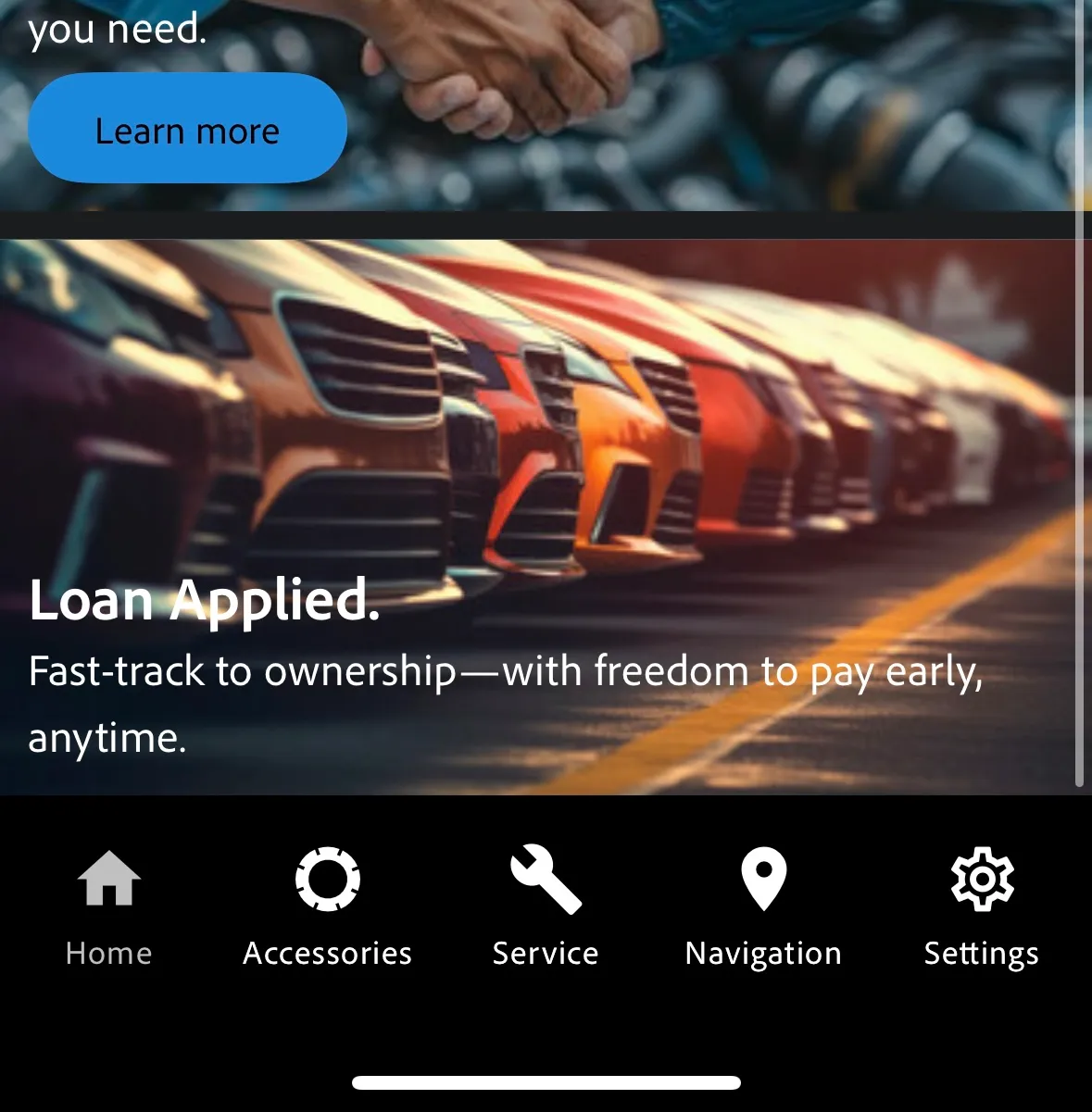
When the user will apply for a loan to buy the car, the offer again will be updated on the page and inside the app.
Click on the Financial Services from the main navigation, and go to the Car Loan to apply for it. Fill the Car Loan Application.
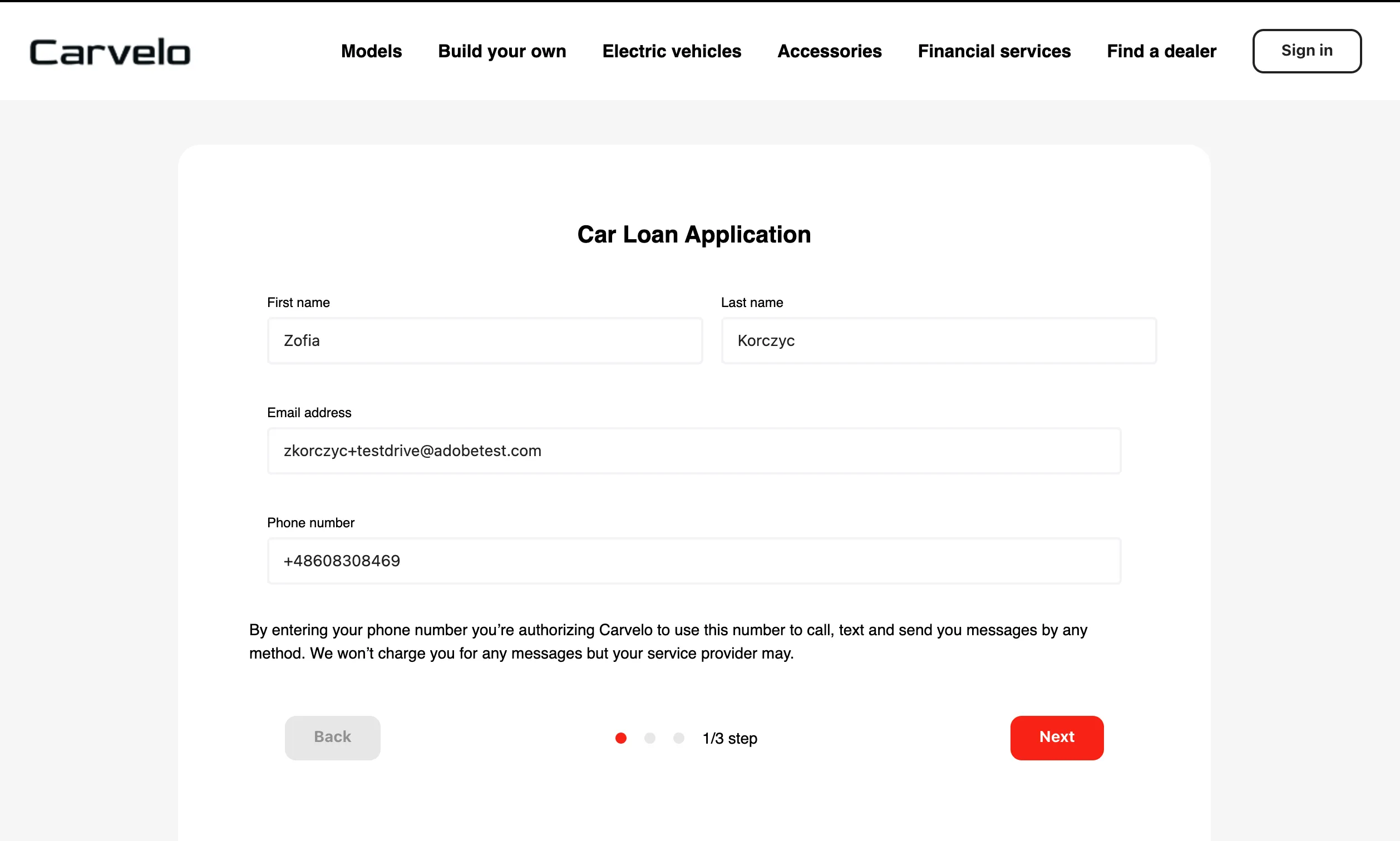
Refresh the website and/or mobile app to see the new offer.
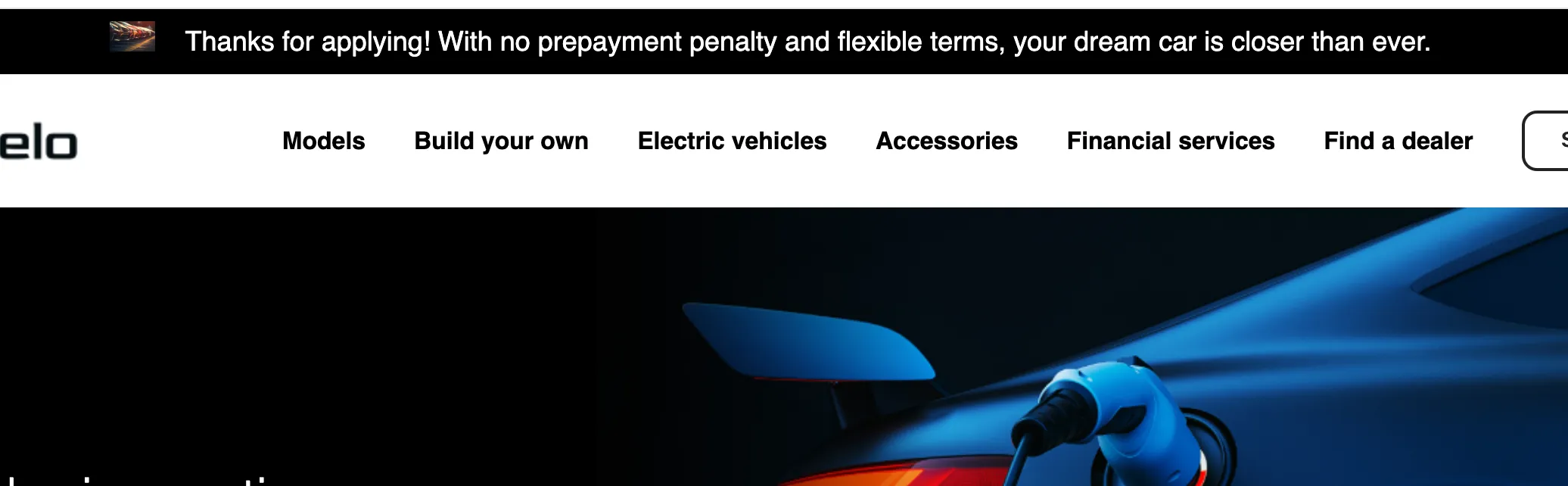
Web Code Based Experiences Campaign for Carvelo
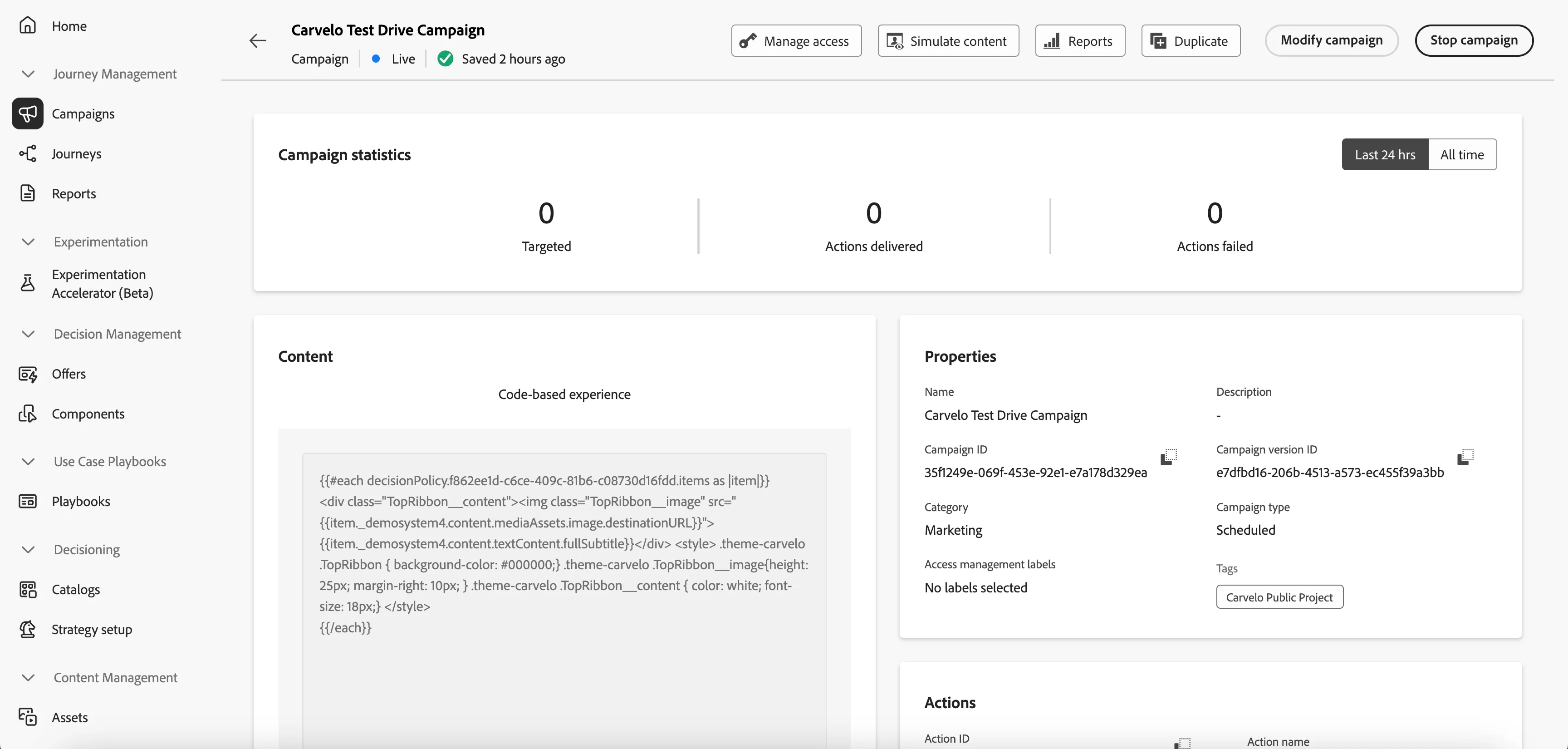
Mobile Code Based Experiences Campaign for Carvelo:
Customer Experience App Code Based Experiences Campaign for Carvelo