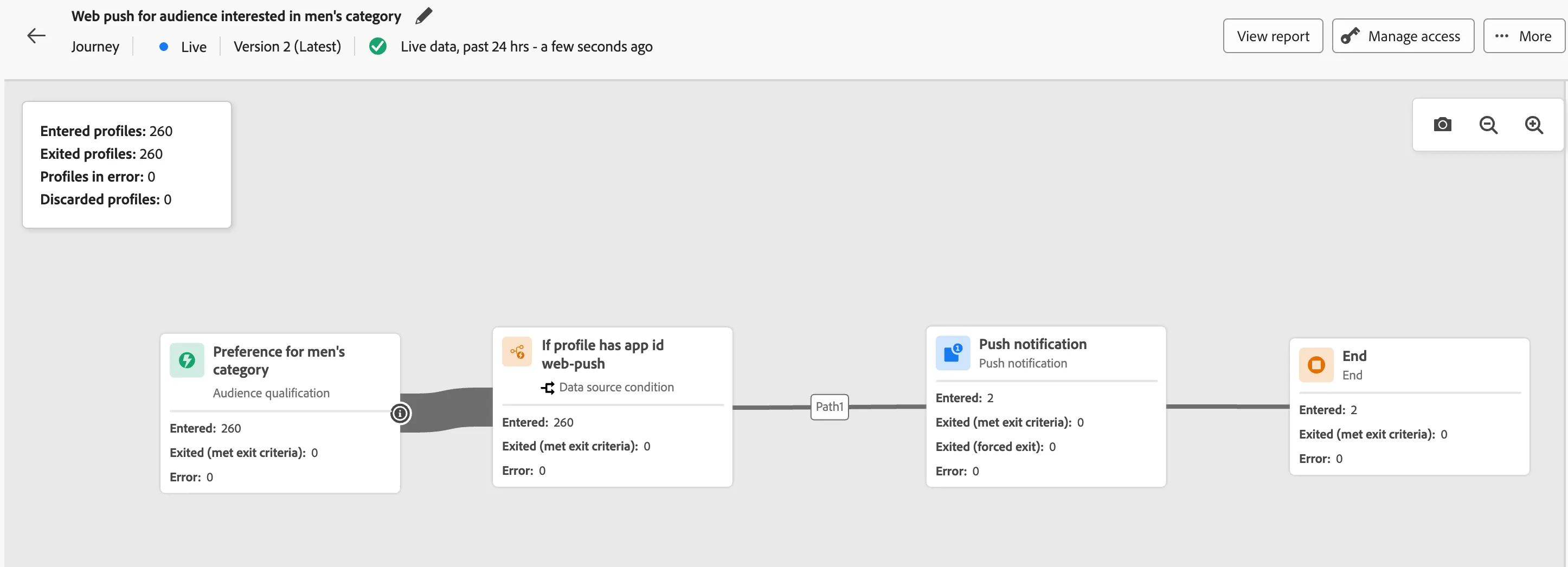
Luma - Web Push for Men’s Category Interest
3 min
This use case demonstrates how Luma engages visitors who show interest in the Men’s category using Web Push through Journey Optimizer.
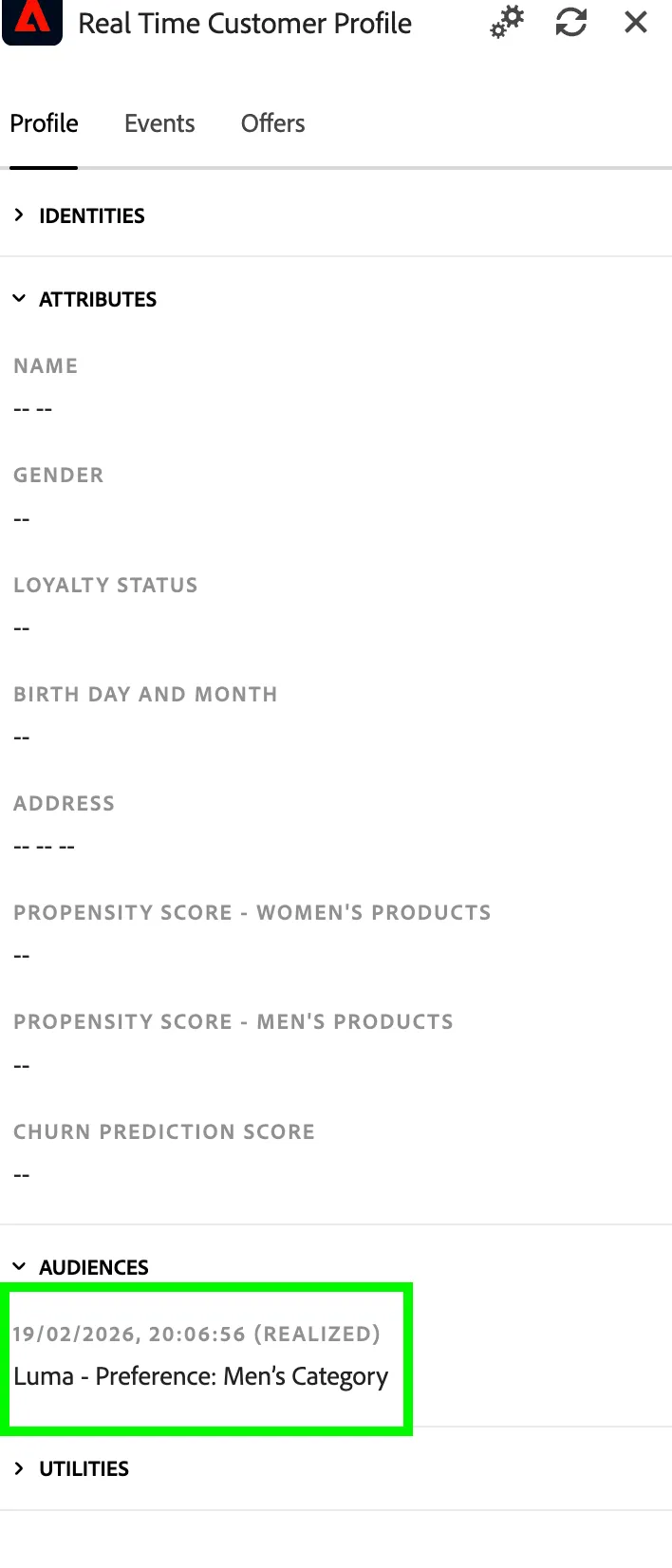
When a visitor browses Men’s product pages and has an active web push subscription, they automatically qualify for the segment “Luma - Preference: Men’s Category.” This qualification triggers a journey that delivers a targeted web push notification to the user’s browser.
The flow helps teams validate the full pipeline — from browser opt-in to profile qualification and real-time push delivery.
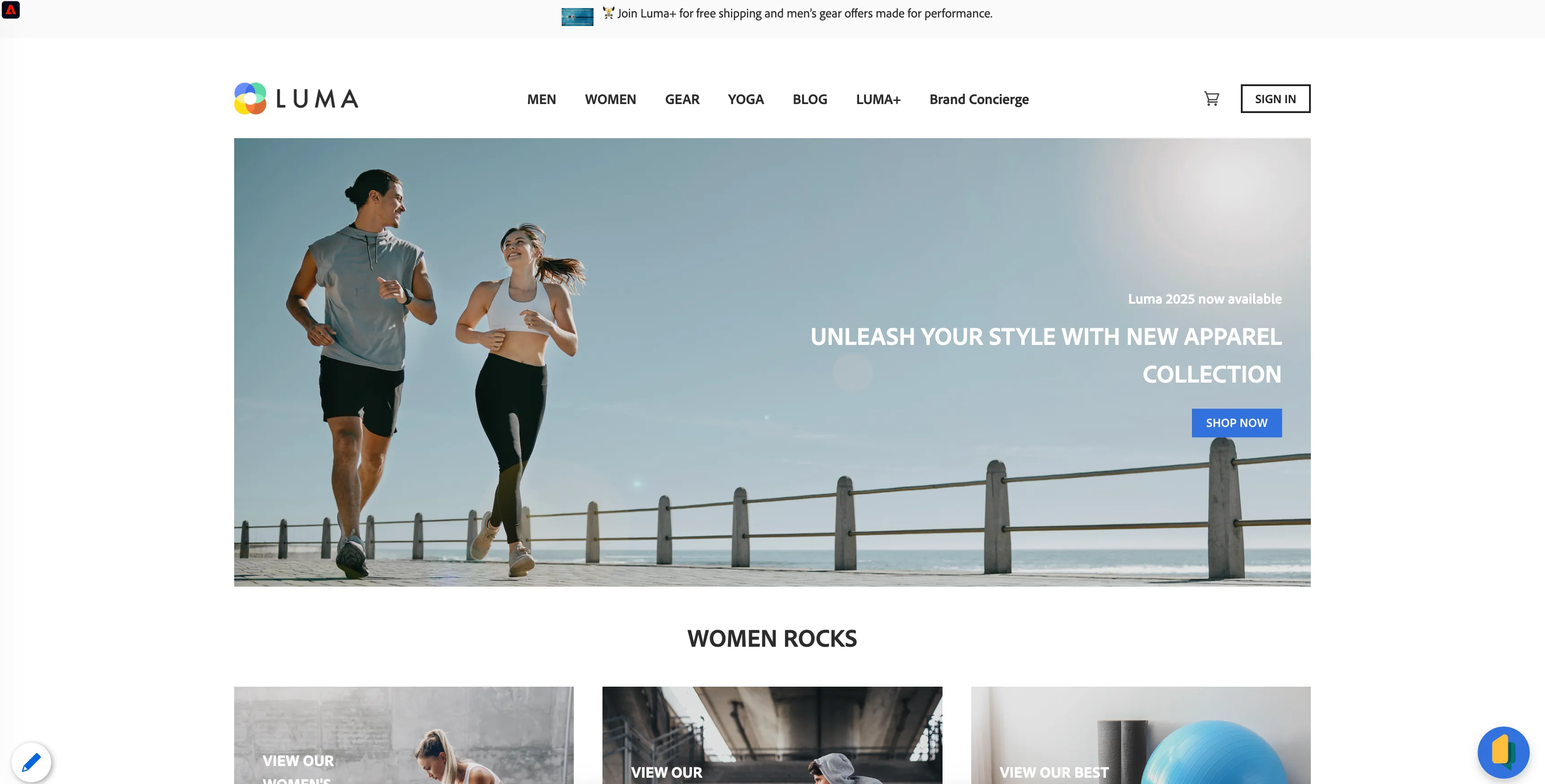
- Open Luma in a supported browser (Chrome or Firefox)
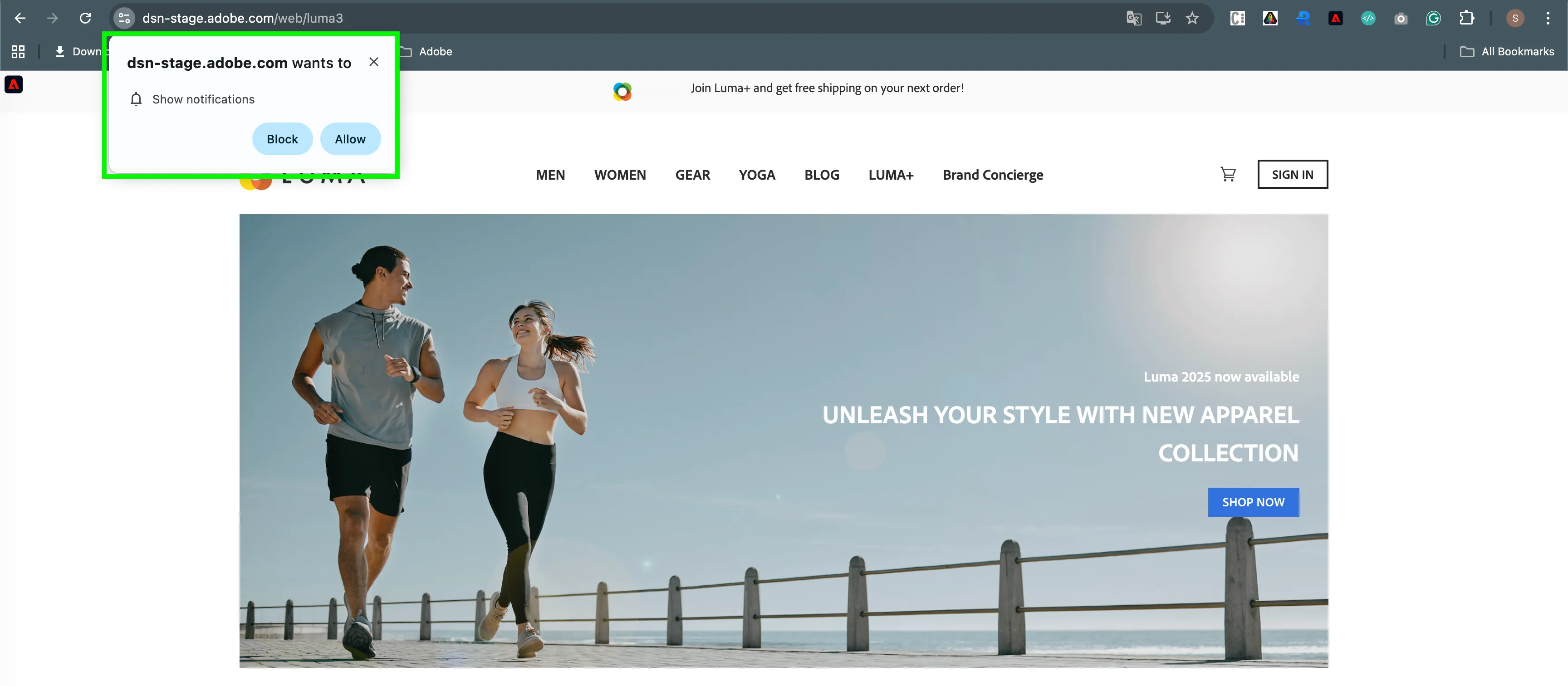
- You can see the browser permission prompt — once Allow is clicked, the push subscription is registered.
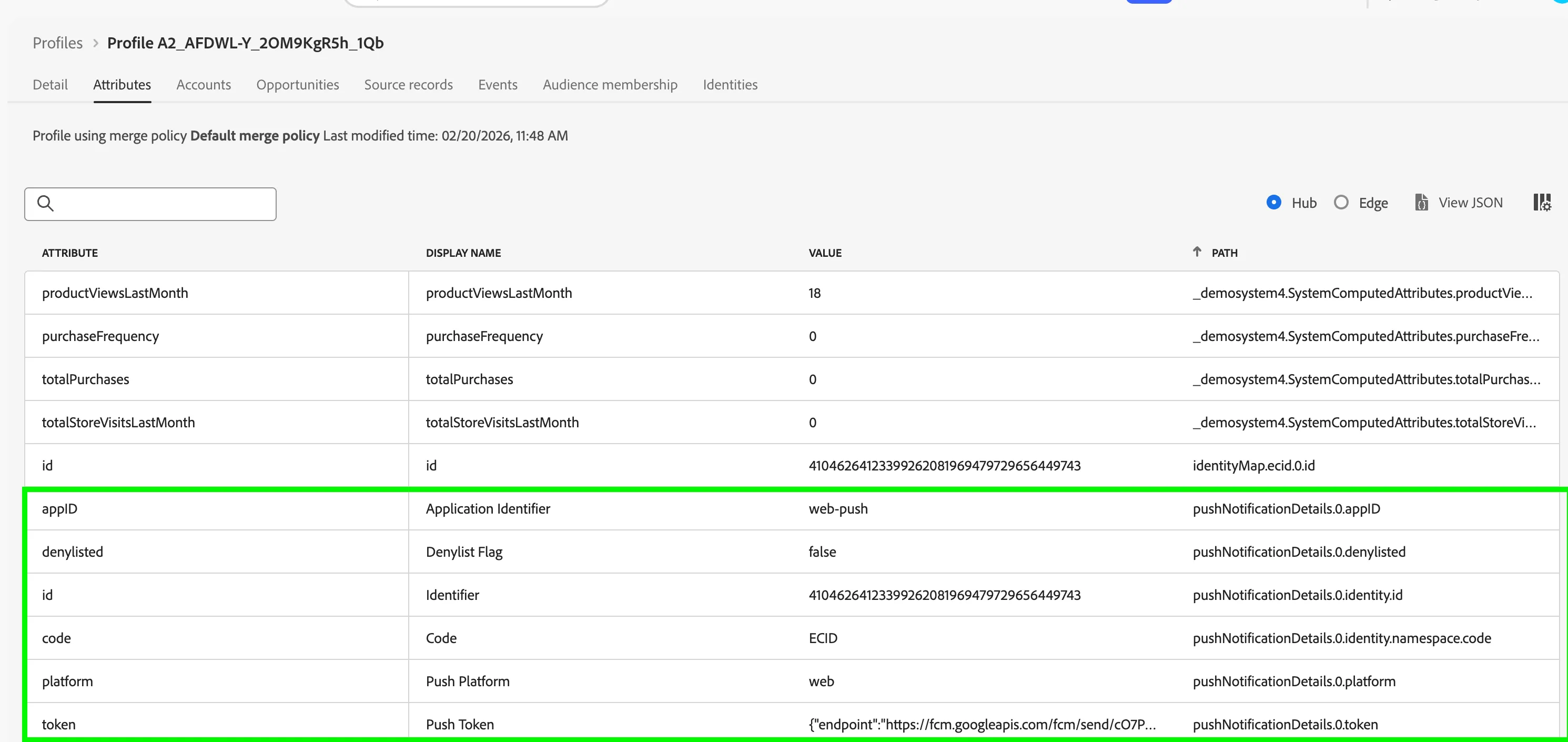
- Push details can be viewed in the profile on the platform.
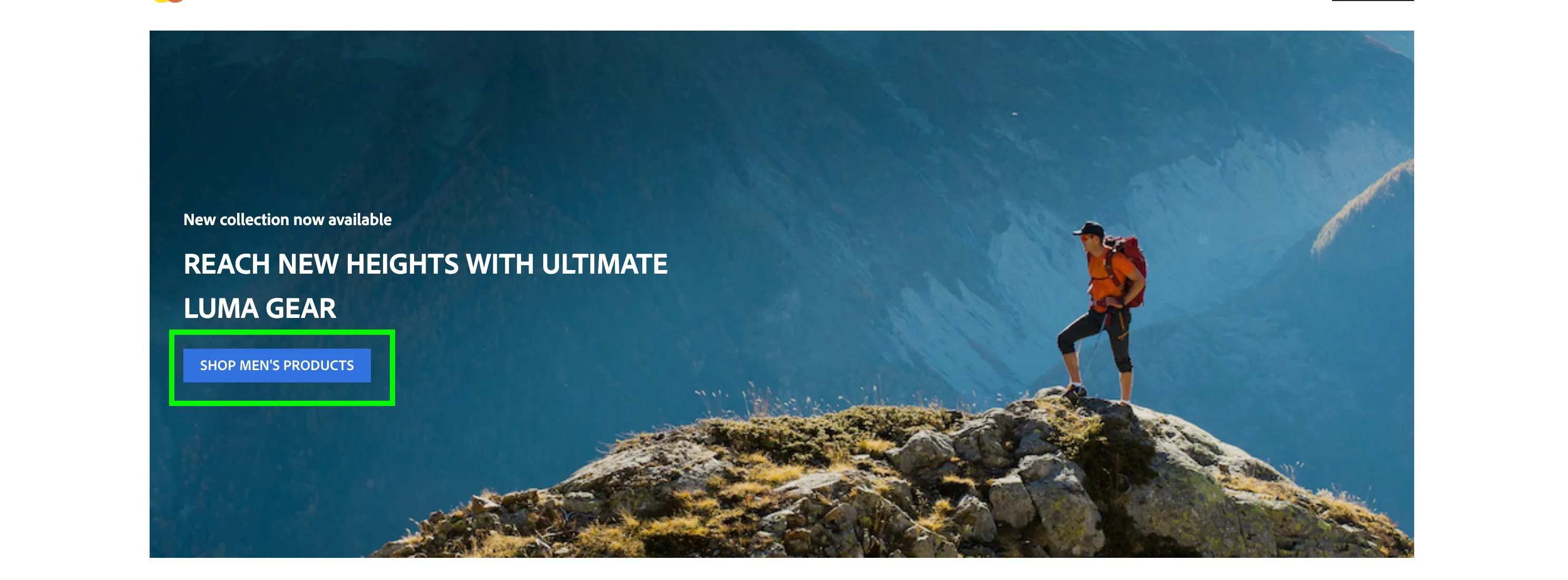
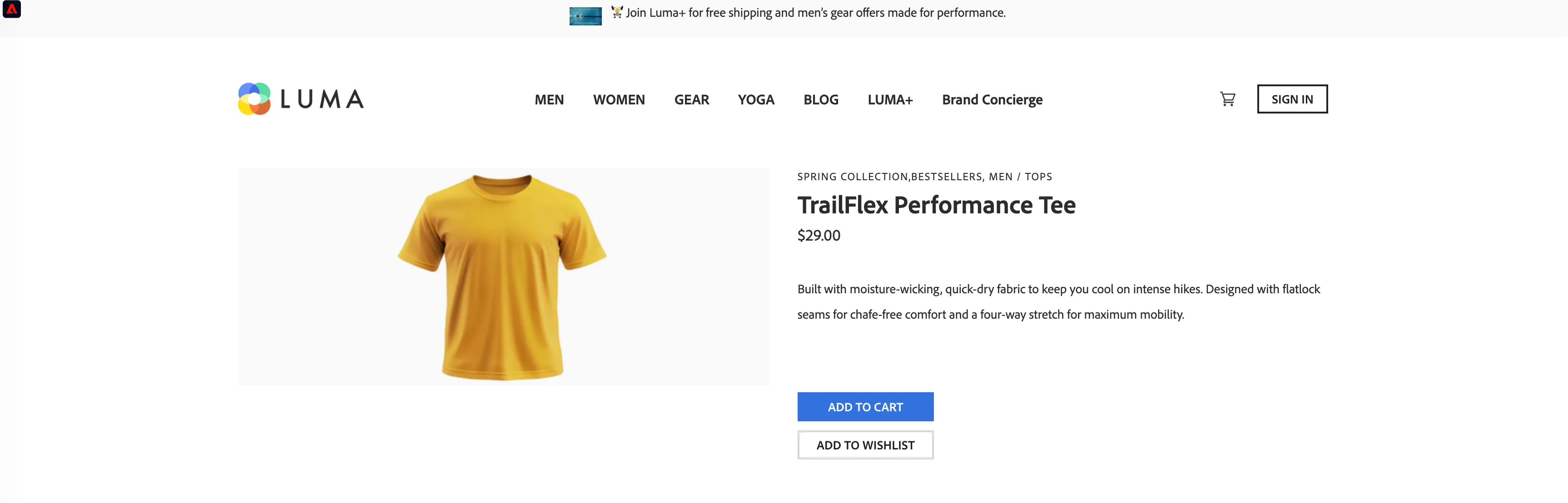
- From the site navigation, first click Men, then click Shop Men’s Products, and open at least three Men’s product pages to ensure the profile qualifies for the segment Luma - Preference: Men’s Category.

- The profile is now qualified for Luma - Preference: Men’s Category and has an active web push subscription. The journey is triggered, and a push notification is sent to the profile.
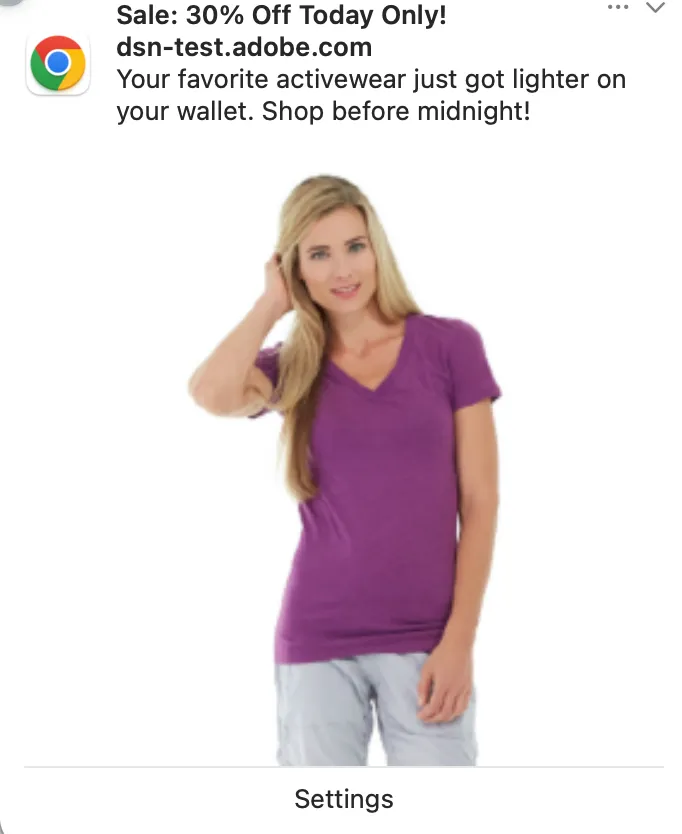
Journey Information:
Refer to this link for the journey - Web push for audience interested in men's category