Personalized Offers for Recent Big Spenders – Decisioning
Experience Decisioning in AJO allows personalized content to be sent to individual customers across any connected channel (such as email, web, SMS, or push) based on their real-time profile and context. Use decisioning to select high-priority offers from multiple collections, allowing for the most effective personalized messaging.
This scenario will walk through a typical use case: using account communication preferences to simulate either a push or SMS notification, applying real-time audience qualification to segment the user as a big spender, and then simulating the push notification using the DSN Live Demos app.
DEMO ASSETS:
- Offer catalog: Luma Offers
- Offer Collection: Luma Collections
PREREQUISITES:
- Start on a new incognito window or reset profile using profile viewer to generate new ECID on the browser for new user
- Start a new mobile session by using the "Reset Profile" button on the settings tab to start with a fresh ECID
DEMO FLOW:
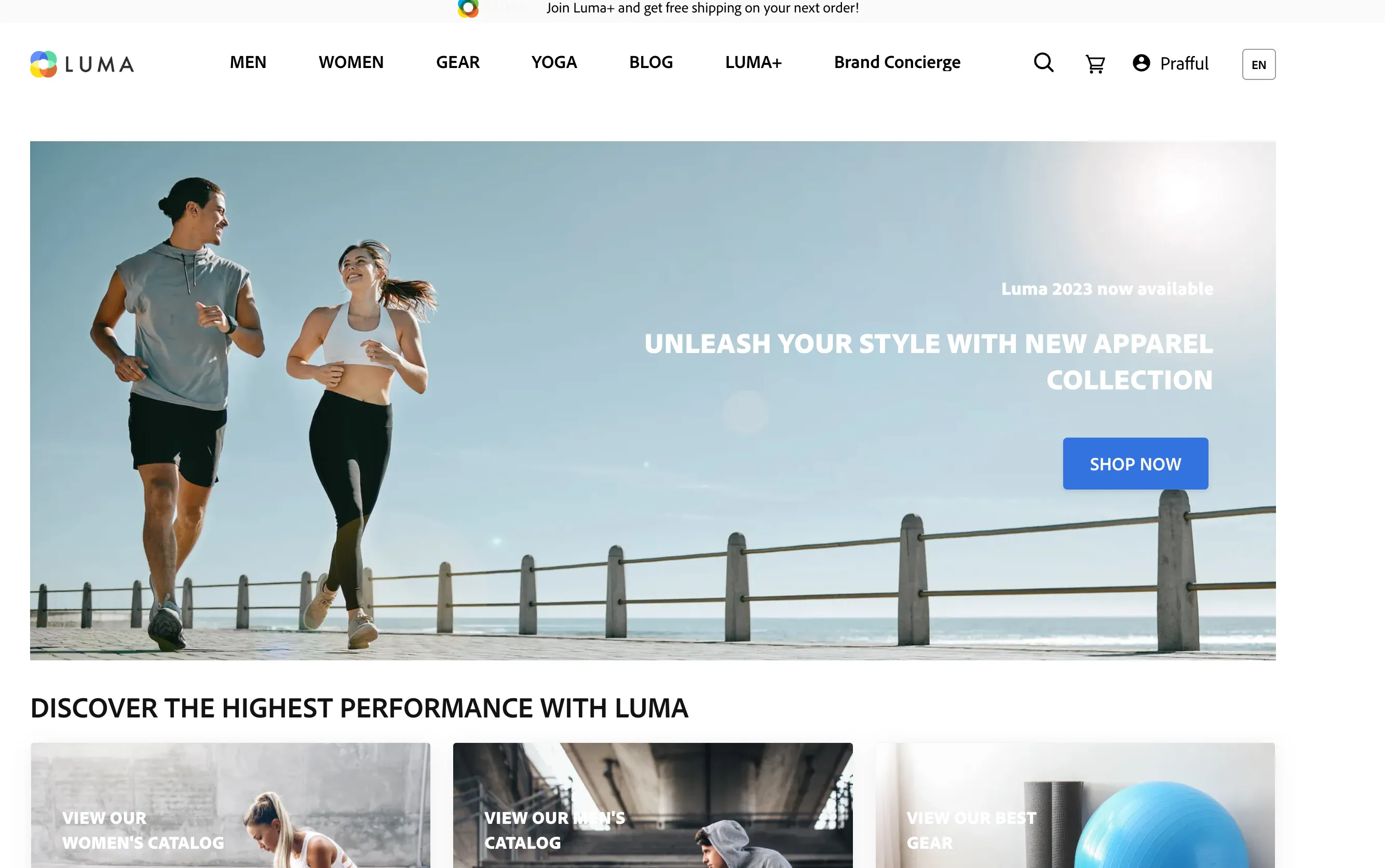
Open the Luma website as an anonymous user: https://luma.adobedemosystem.com/
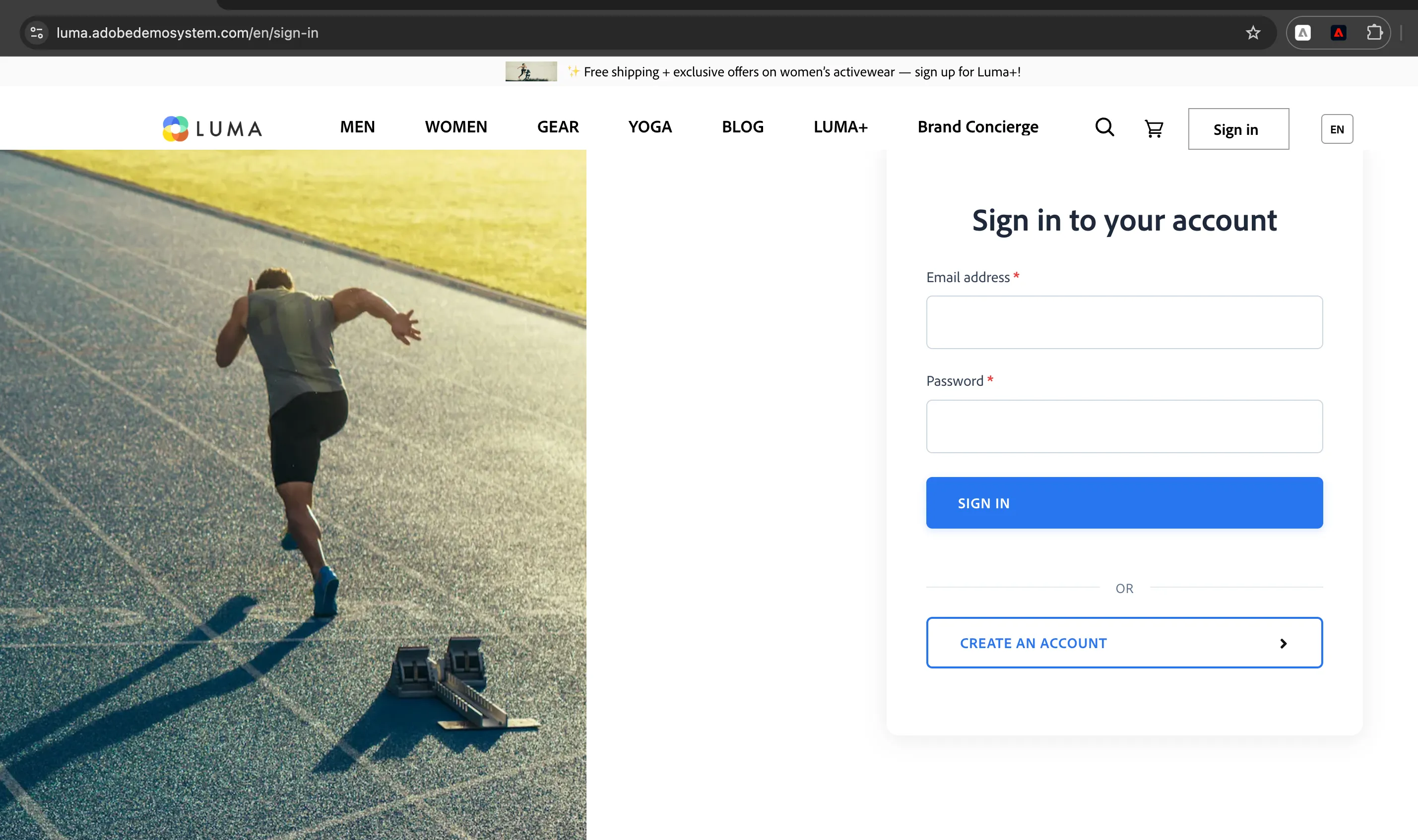
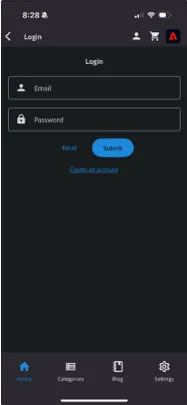
Click the Sign In button in the top right corner, then select ‘Create New Account’
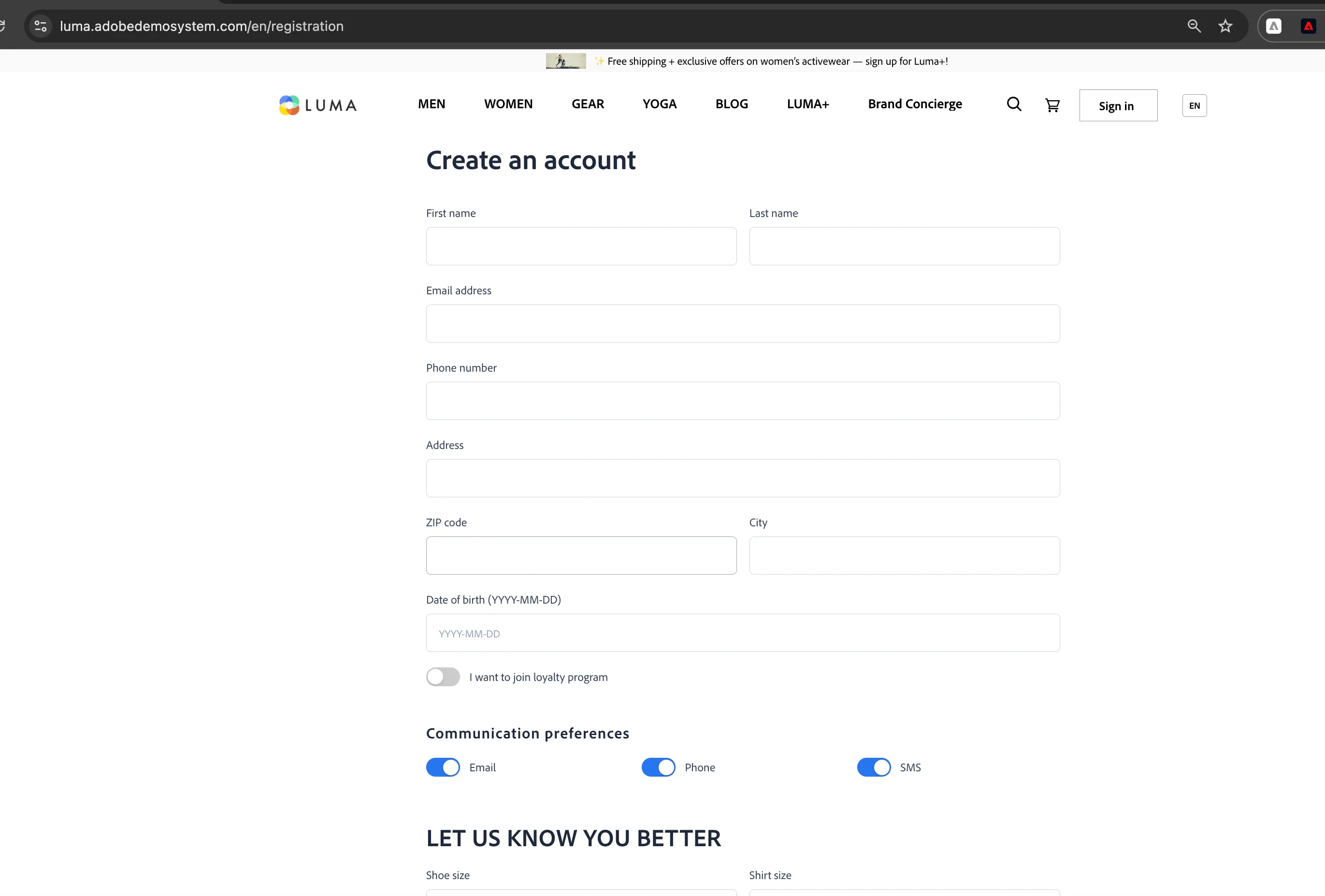
Once created, sign in to that new account.
Navigate to the journey in Journey Optimizer:
- Select the "Test mode" button to place the journey into Test mode.
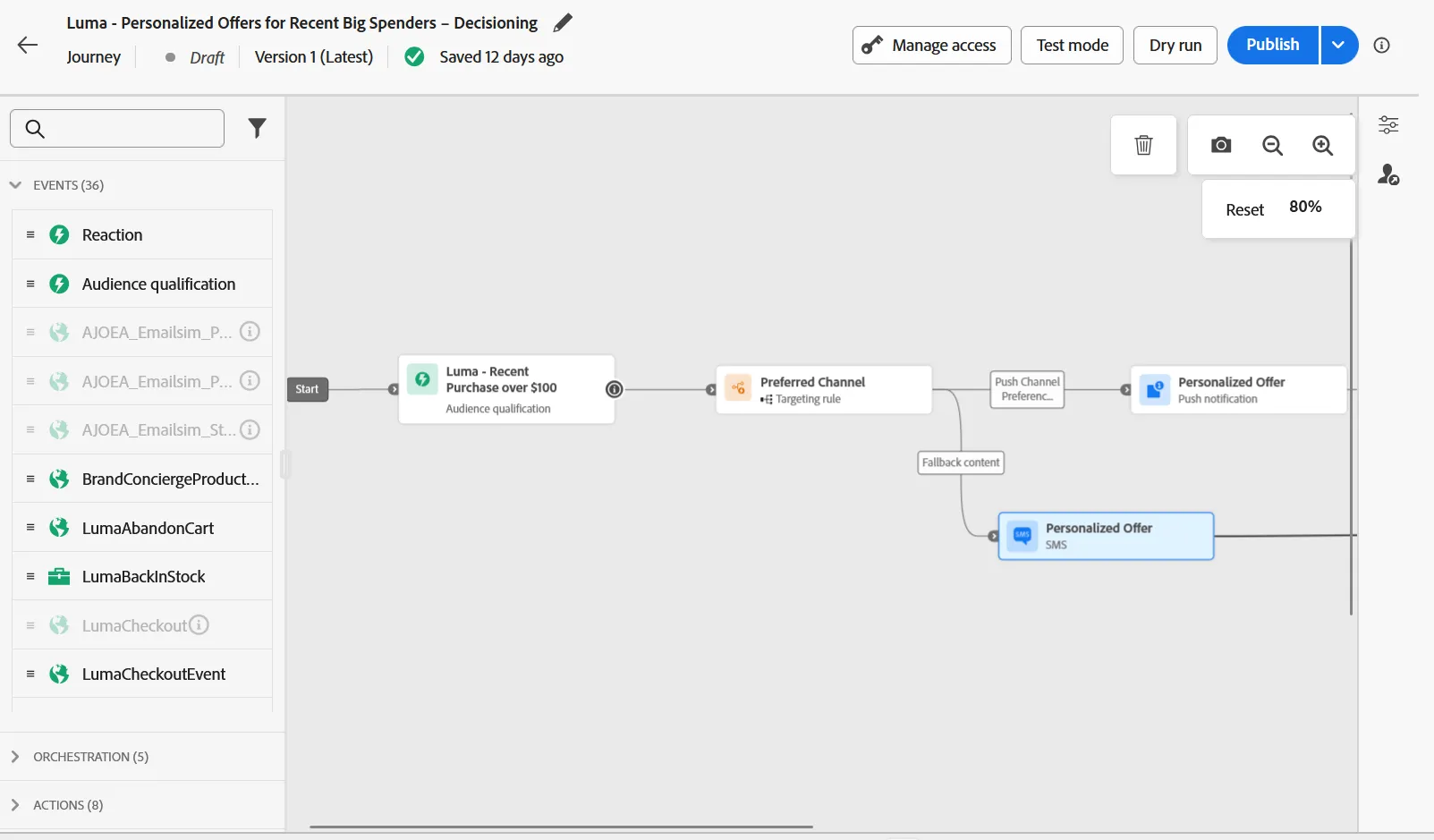
- Select the “Trigger an event” button, enter your email credential in the profile identifier field, and click Send
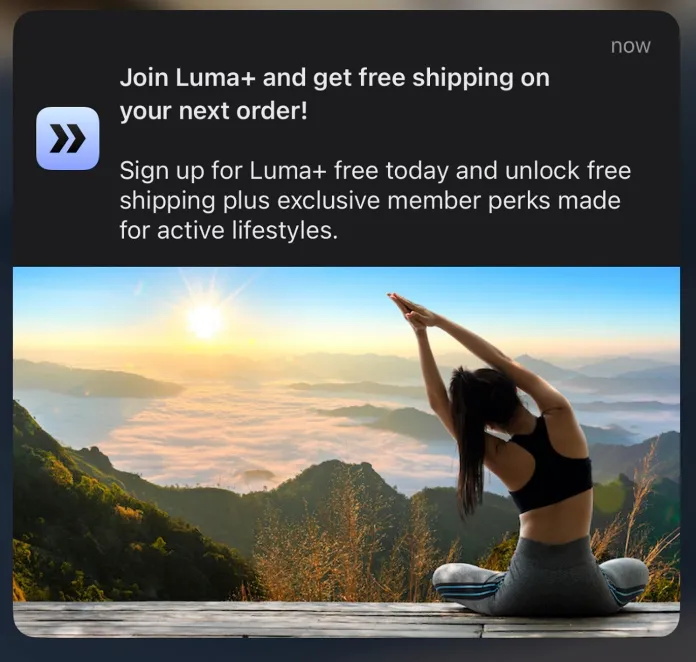
On your phone you should receive a push notification offering a deal when signing up for Luma+: