Preset Installed Journeys Troubleshooting
Introduction
This document provides guidance for troubleshooting errors encountered in journeys installed during the Advanced Preset Selection process. It outlines common issues, potential root causes, and recommended resolution steps to help ensure a smooth and reliable installation experience.
Basic Problems:
- Whenever a journey is installed please map each of the email, sms and push in journey with there respective surfaces.
- If any read audience or Audience qualification activity error's with audience not found then please go ahead and reselect the audience and error will go away.
- If you get any error in journey(as below) where update data activity is present you need to map datasets again just by selecting same dataset and save the activity.
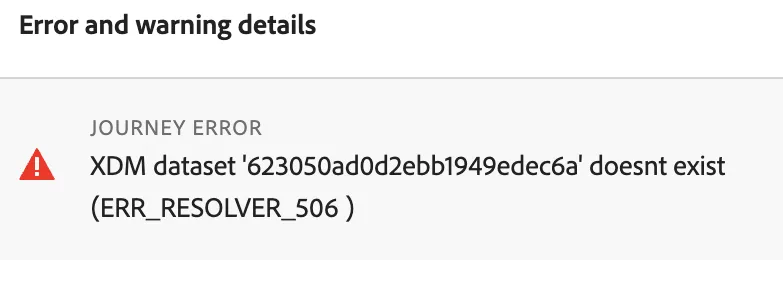
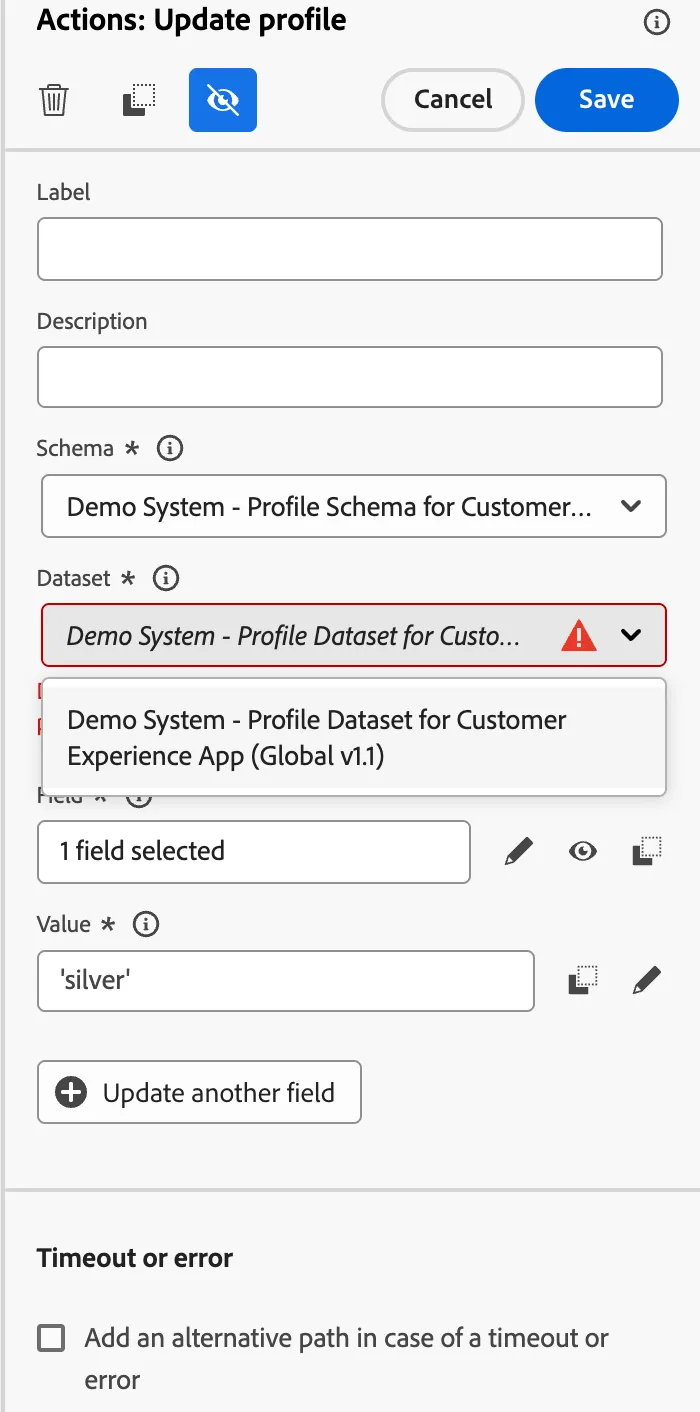
4. In any of the installed journeys if you find any context related errors(as below) for email, push or sms then go to the context part and select the current event context as shown below(highlighted) and change with context event.
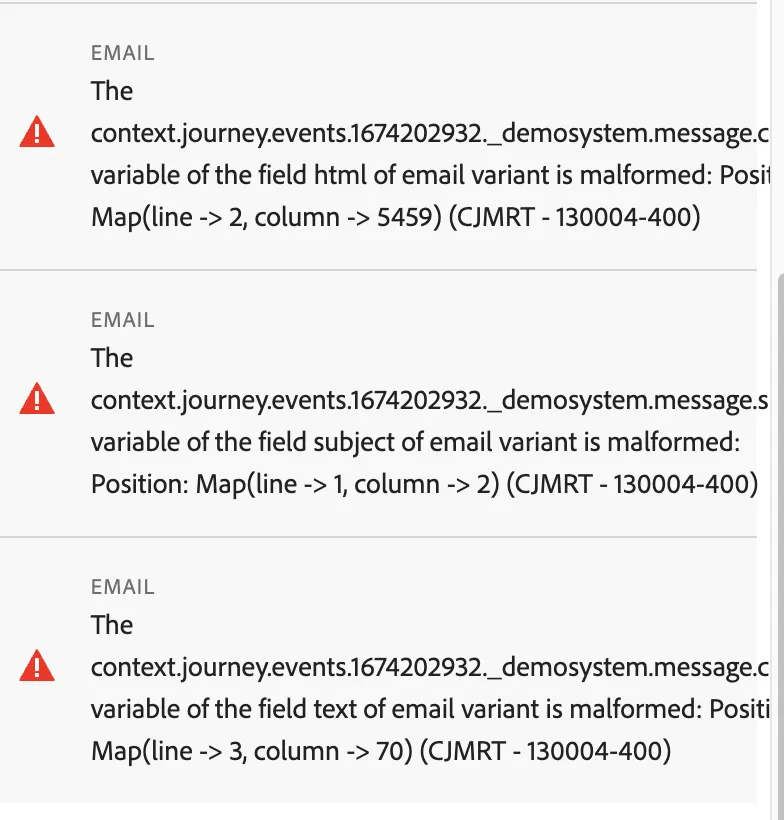
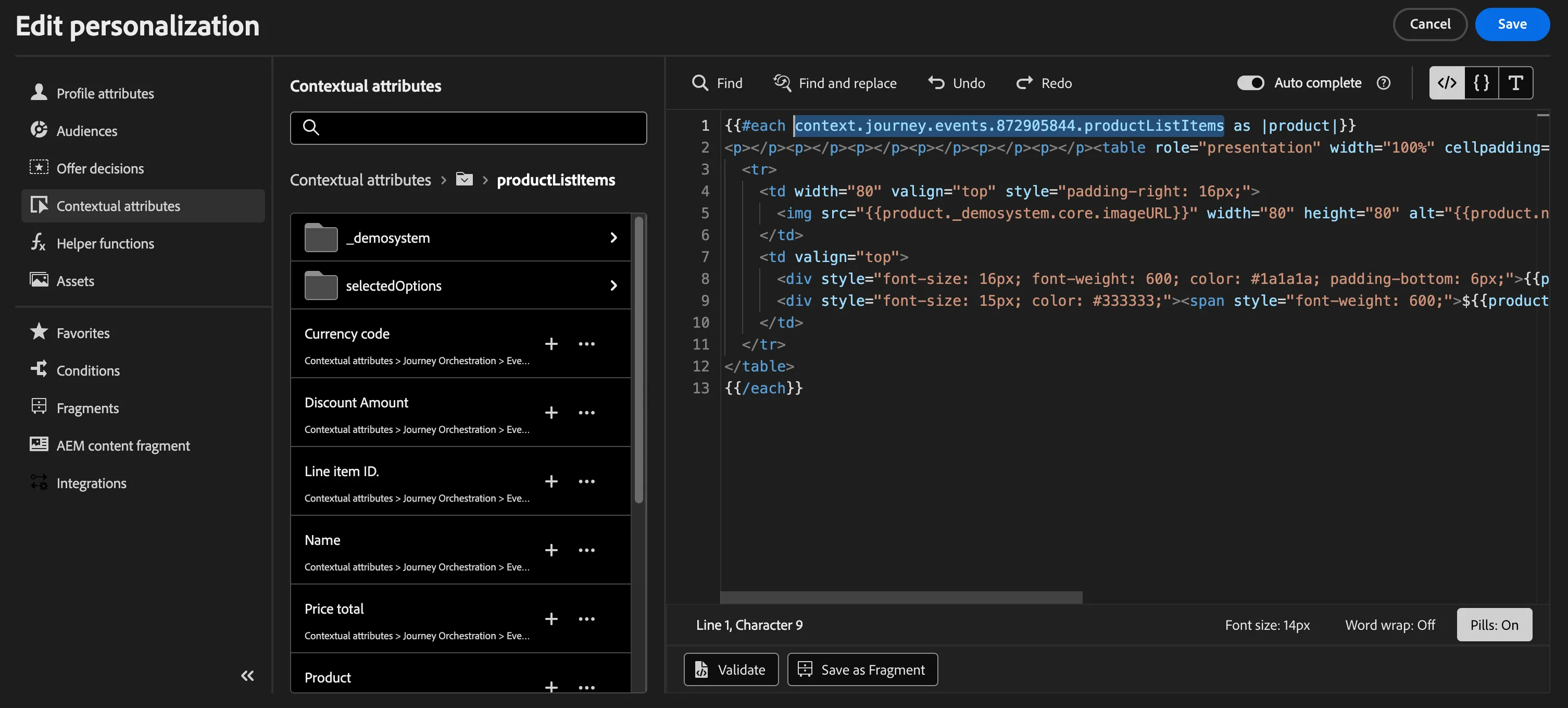
5. In journeys if any experience decisioning or offer decisioning block is present in any action then remove them and save the action.
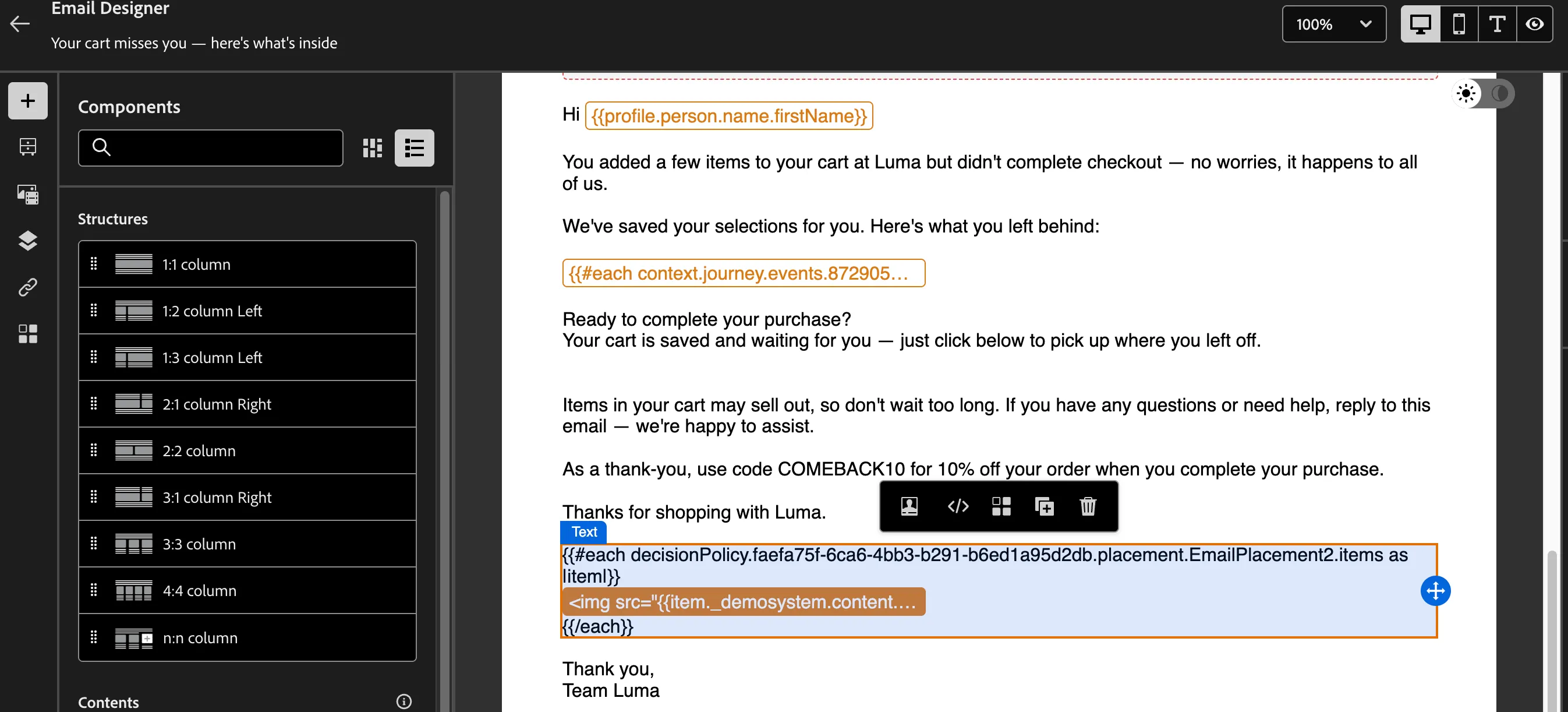
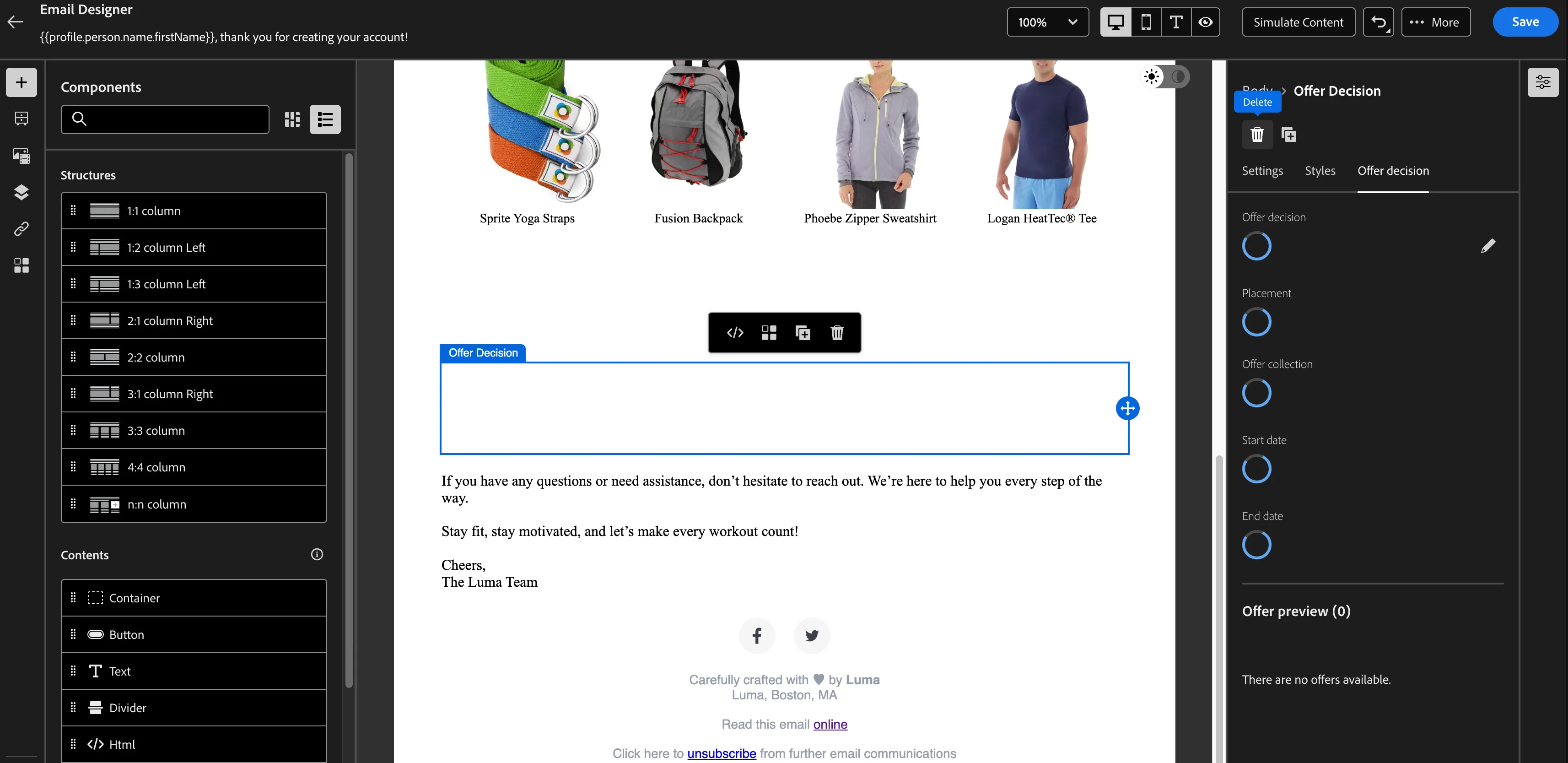
6. If you see any dynamic content in any journey's action like email then please remove that. So journey can be published.
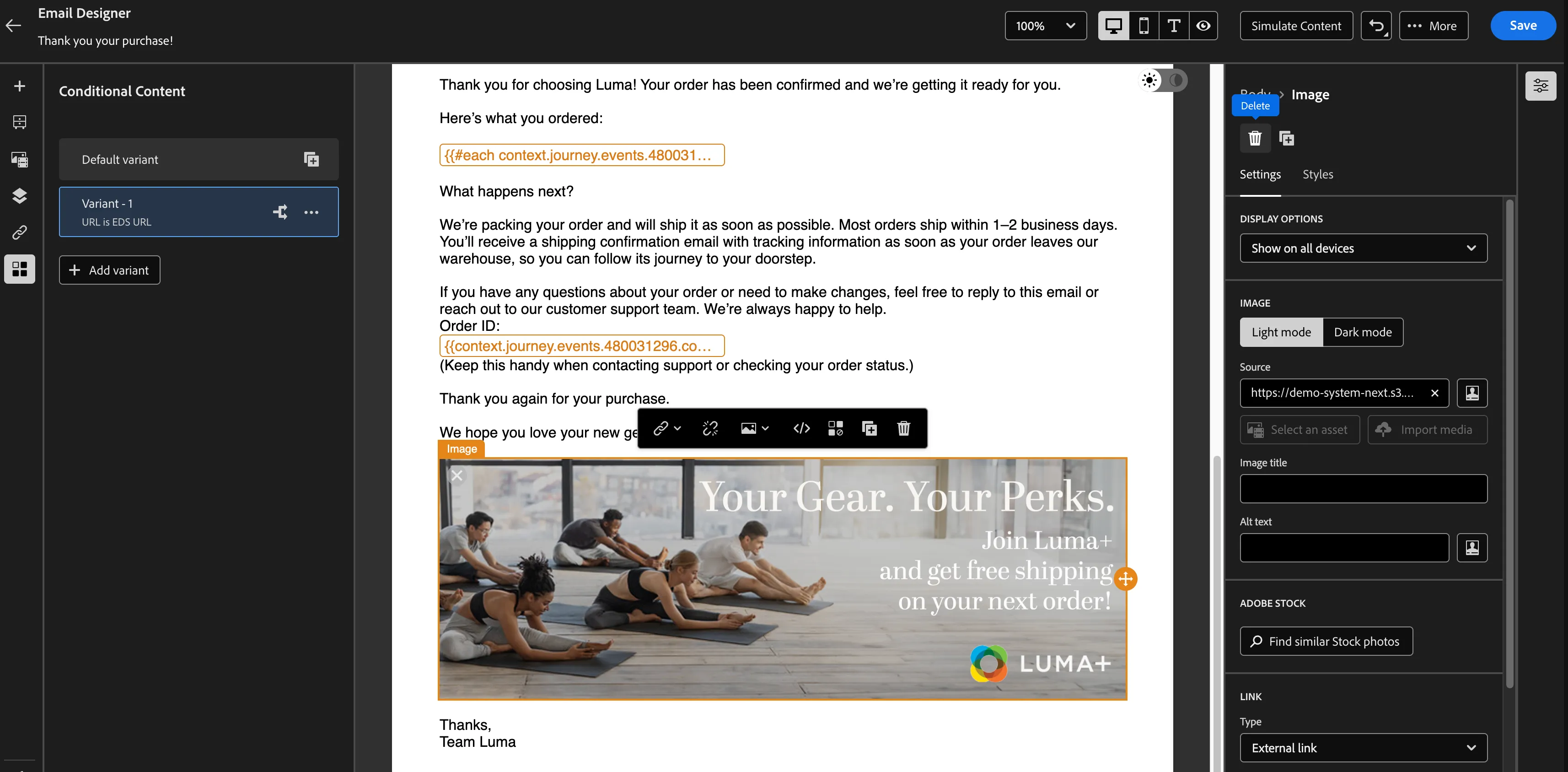
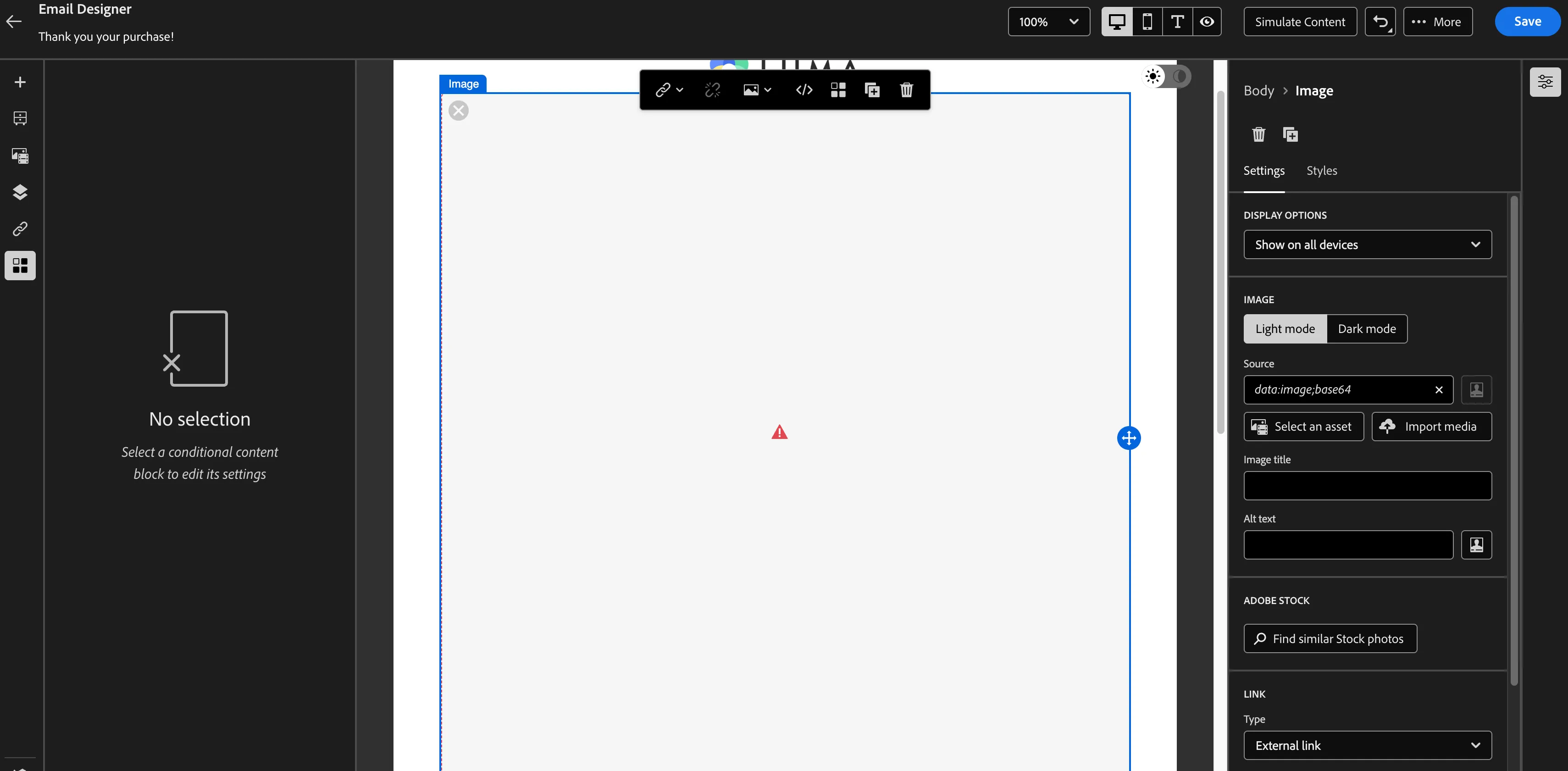
7. In journey if you see any action like email where AEM assets image is broken and while publishing you are getting AEM forbidden access then please remove that image from action(as below).
API Limitations:
Due to api limitations we are unable to support the migration of below features within journey action.
- Offer decisioning and experience decisioning in not supported as part of journey actions. However you can install them and integrate in action.
- Similarly for Dynamic condition and AEM Assets you need to again integrate them within actions.