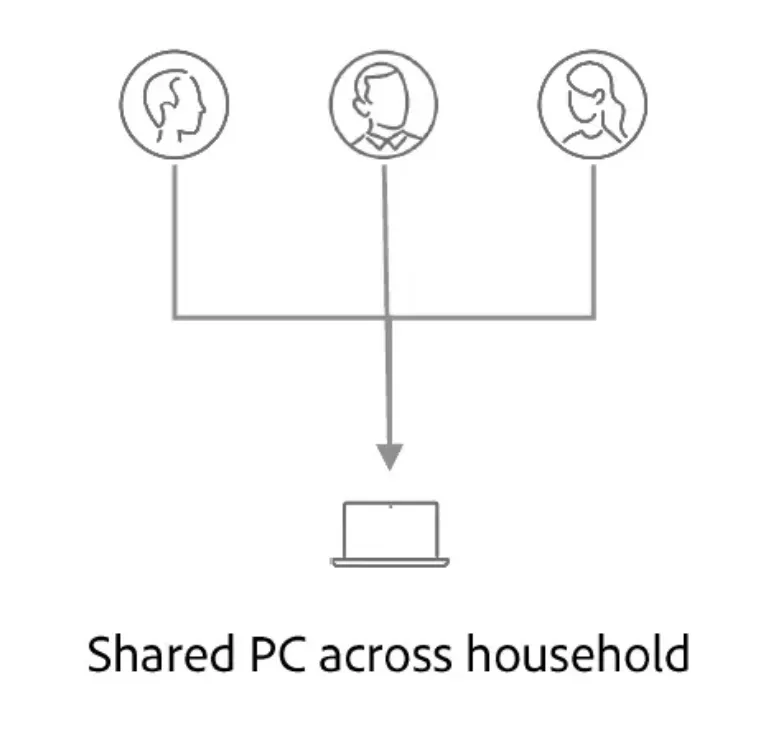
Shared PC across household
8 min
Demo Environment
IMS Org: Adobe Demo System Shared
Sandbox name: public-halliby
Website: https://dsn.adobe.com/web/halliby
Demo Flow
With Adobe Experience Platform Identity Service and Real-Time Customer Profile, it is easy to assume that your data is ingested perfectly and that all merged profiles represent a single individual person through a person identifier, such as a CRMID. However, there are possible scenarios where certain data could try to merge multiple disparate profiles into a single profile (“graph collapse”). To prevent these unwanted merges, you can use configurations provided through identity graph linking rules and allow for accurate personalization for your users.
Demo part 1: Graph algorithm
- Browse few pages anonymously
- Go to the registration - to create a profile or sign-in page - to log in with existing profile https://dsn.adobe.com/web/halliby/registration
- Browse again few pages while authenticated
- Show John's identity graph ("ECID XXX is tied to John")
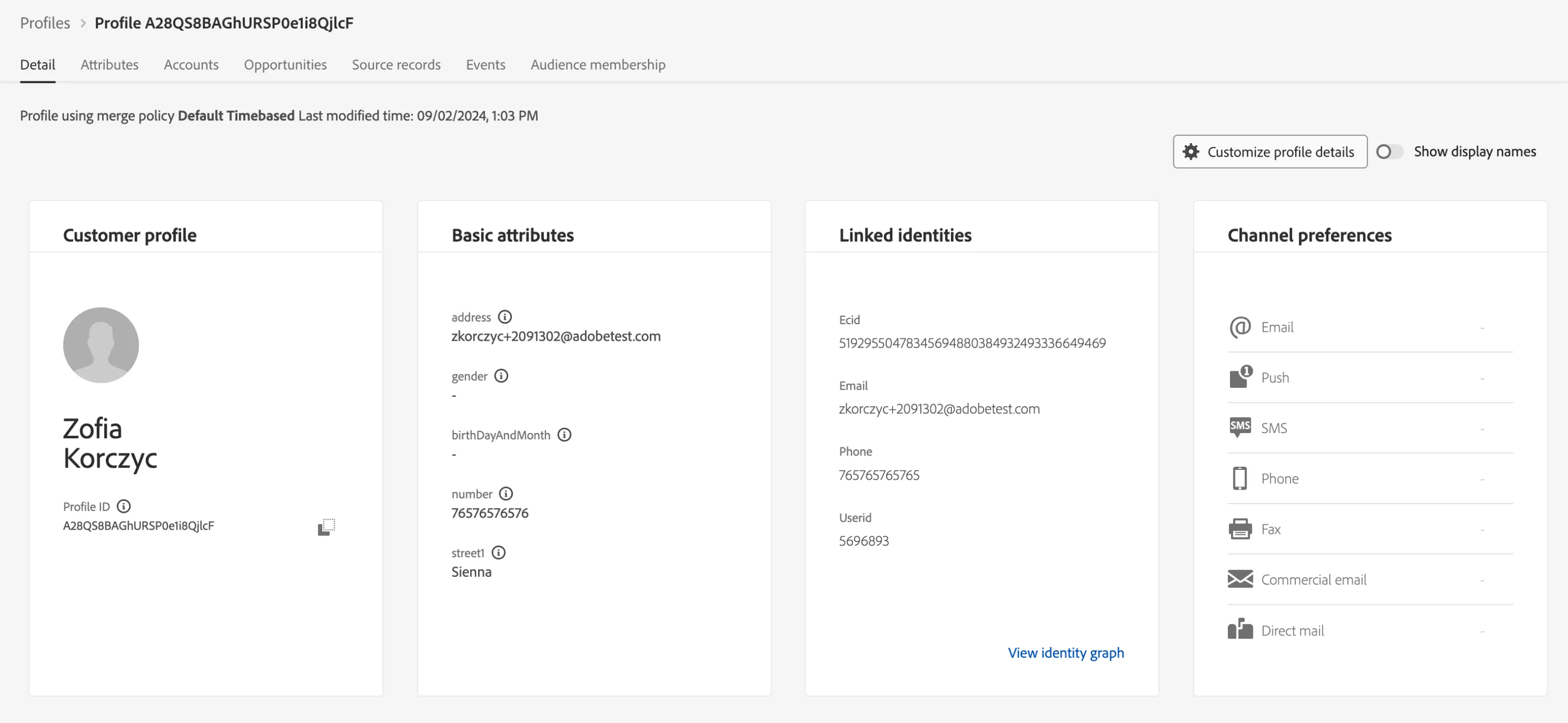
- Then go to https://dsn.adobe.com/web/halliby/sign-in or register to create a new profile, log in using another email (Jane). DO NOT click log out. If you do, ECID will be reset and therefore you cannot showcase feature
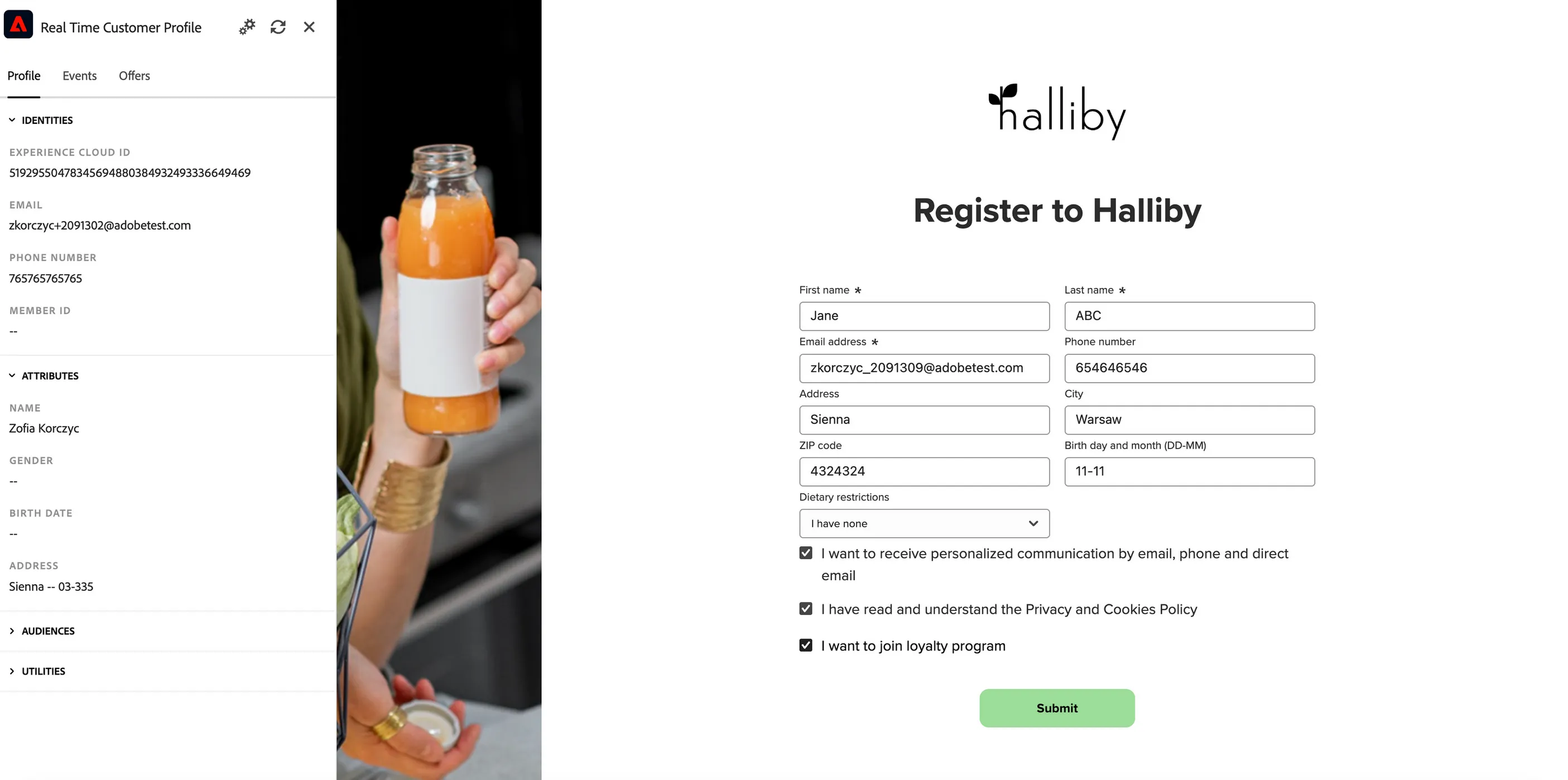
- Browse while authenticated
- Show Jane's identity graph ("ECID XXX is now to Jane"), also profile viewer will show updated values against this ECID
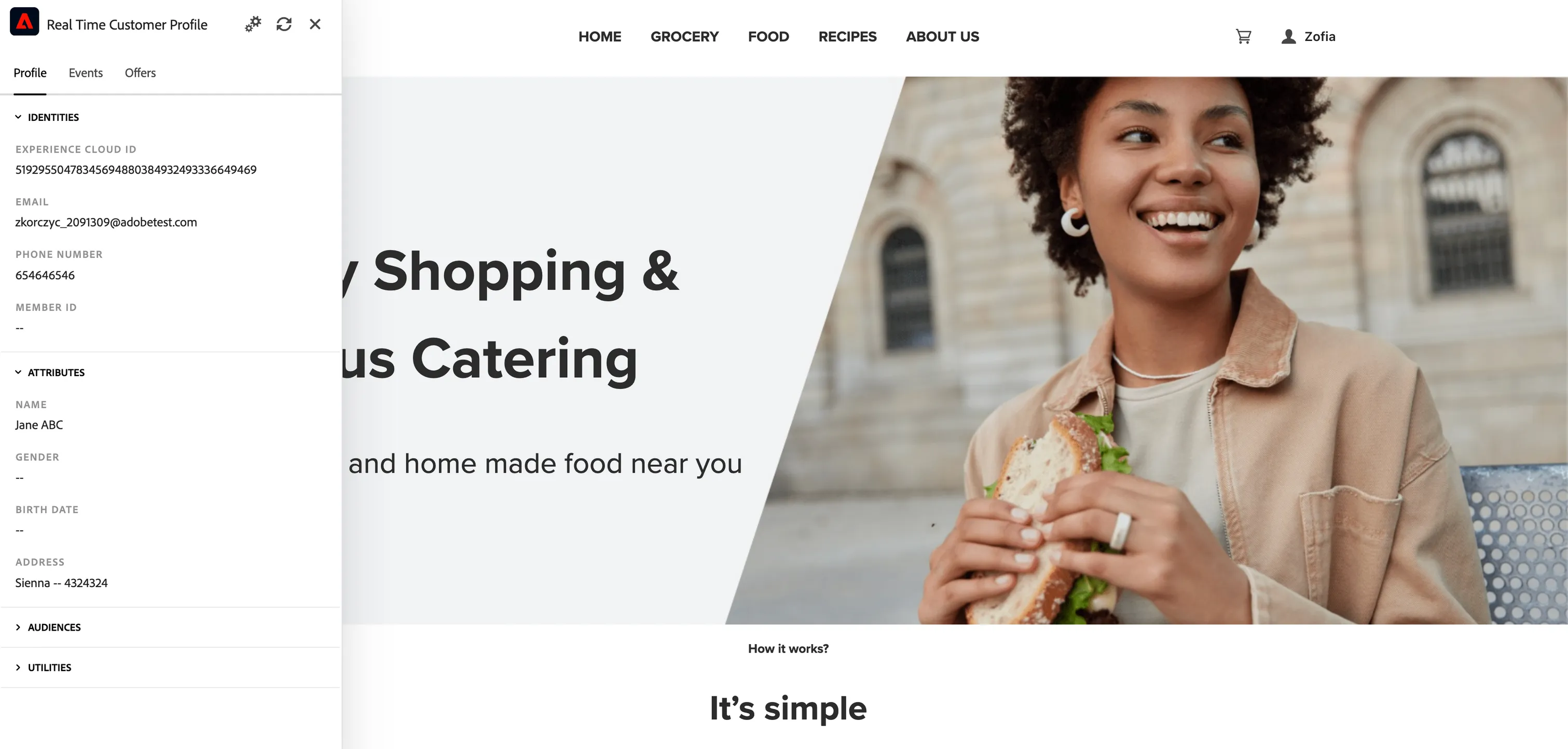
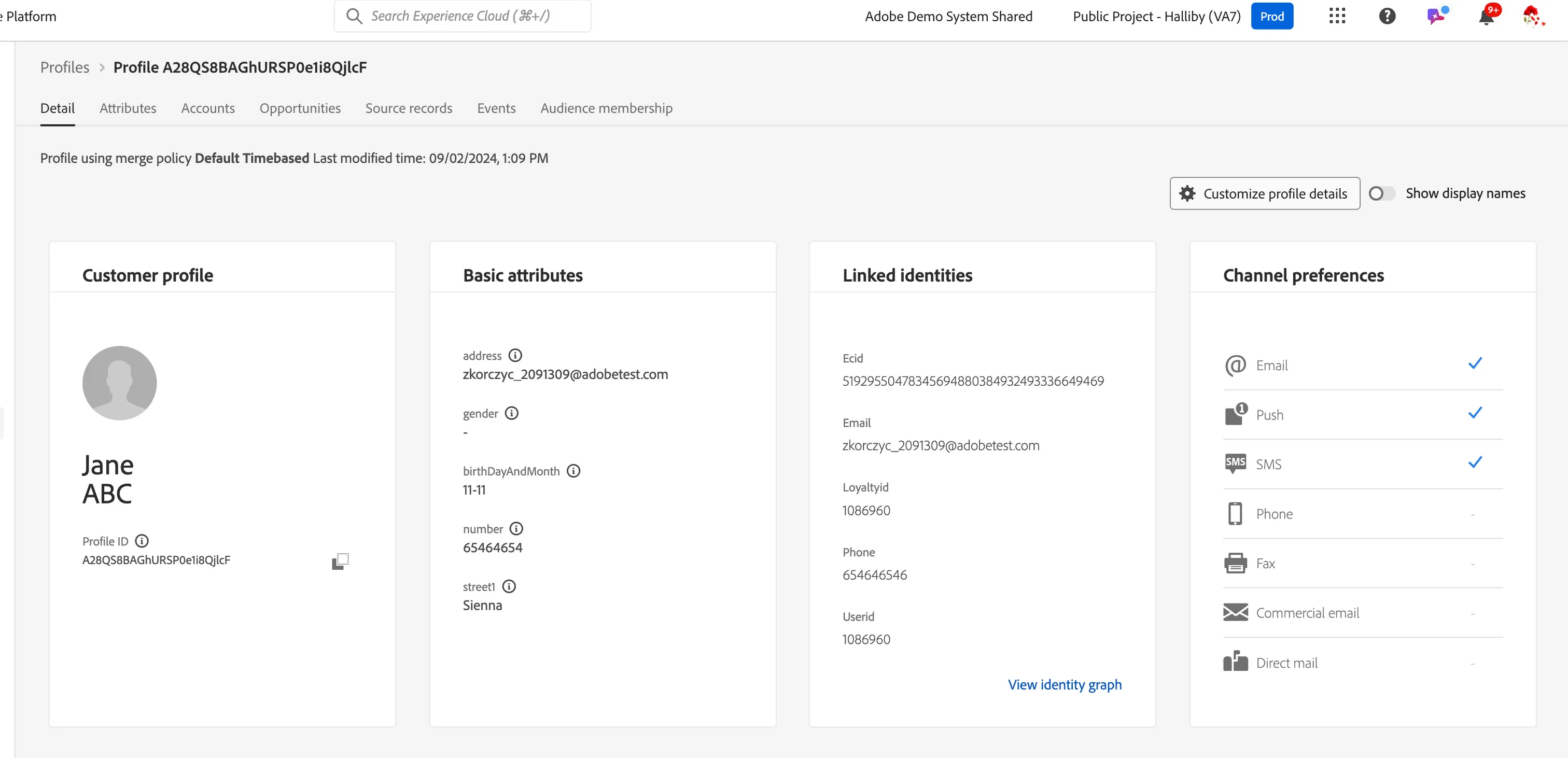
Demo part 2: profile & identity
- Now the ECID has transferred from John to Jane...but what about the events? who is associated to what event?
- Show profile behavior:
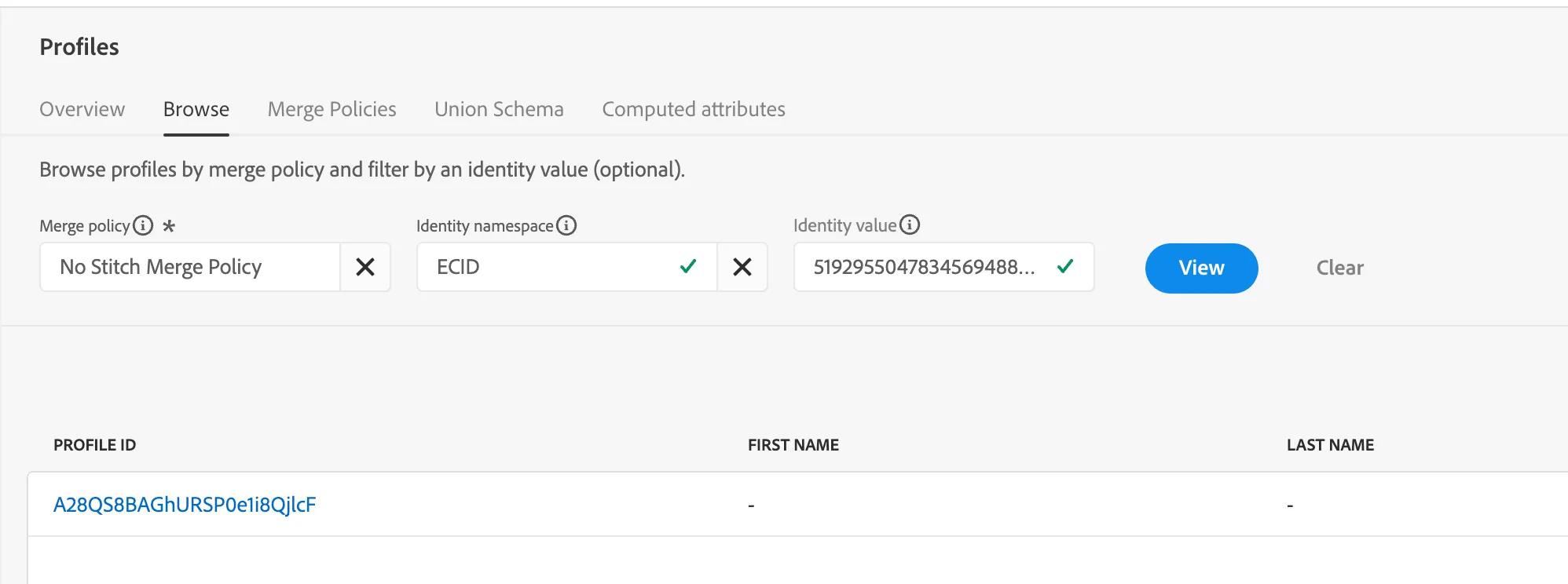
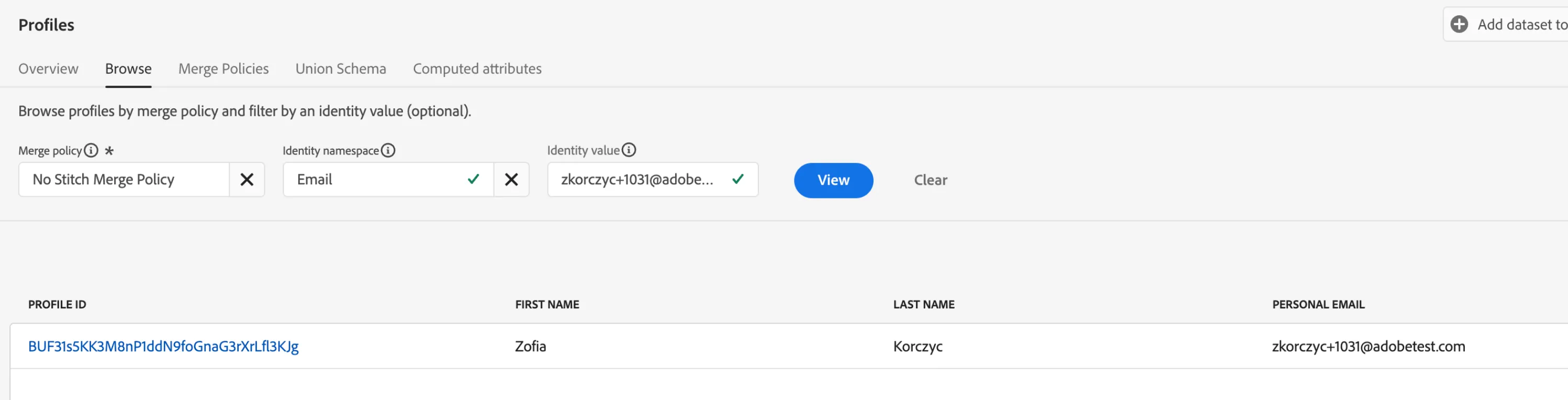
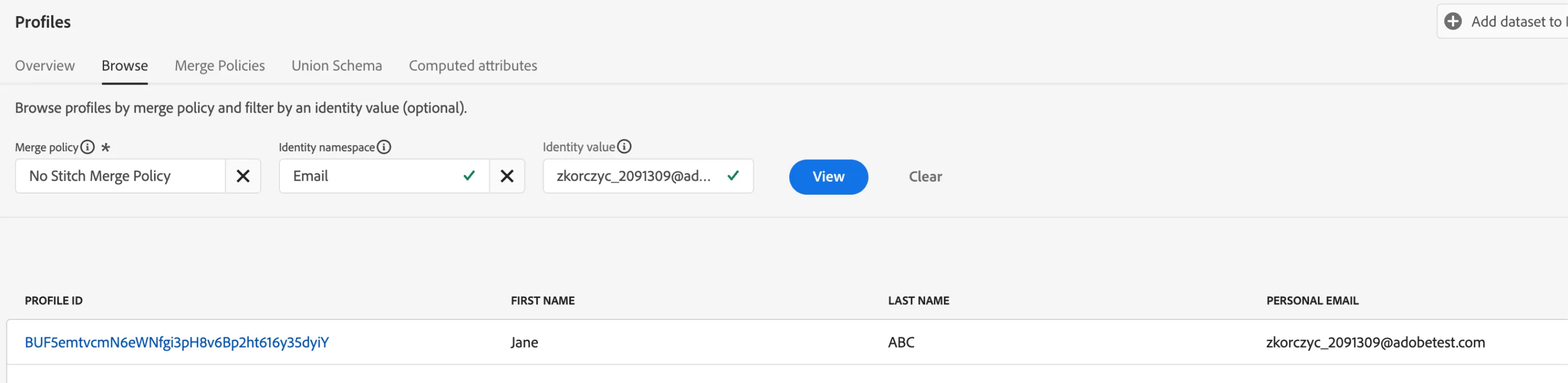
- Go to AEP → Profiles and select "No Stich Merge Policy"
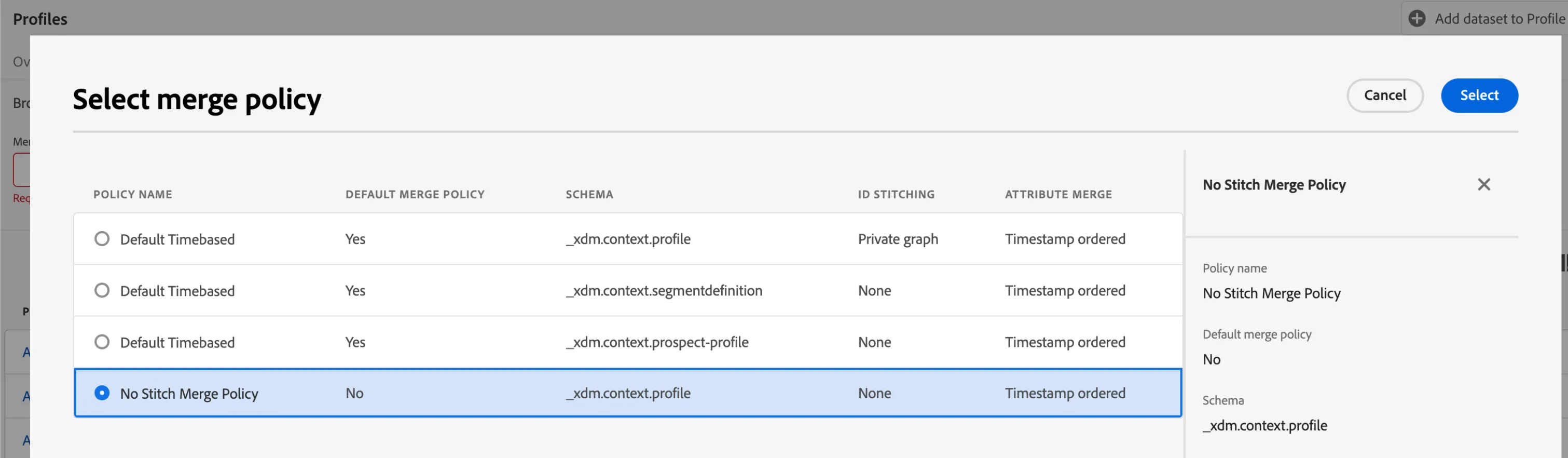
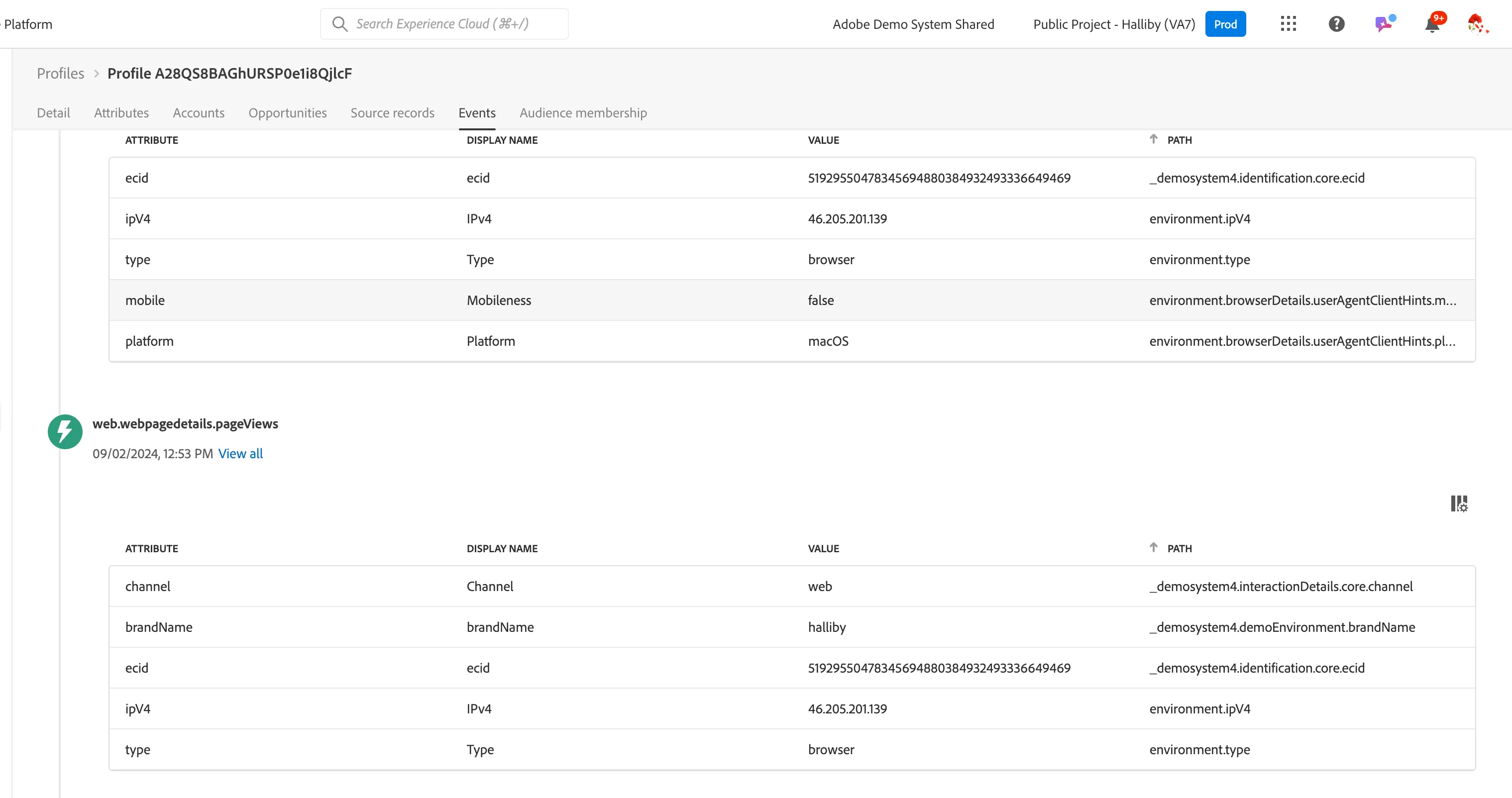
- Go to John's profile - the one you created first in demo part 1 -> you should only see John's authenticated browsing activity
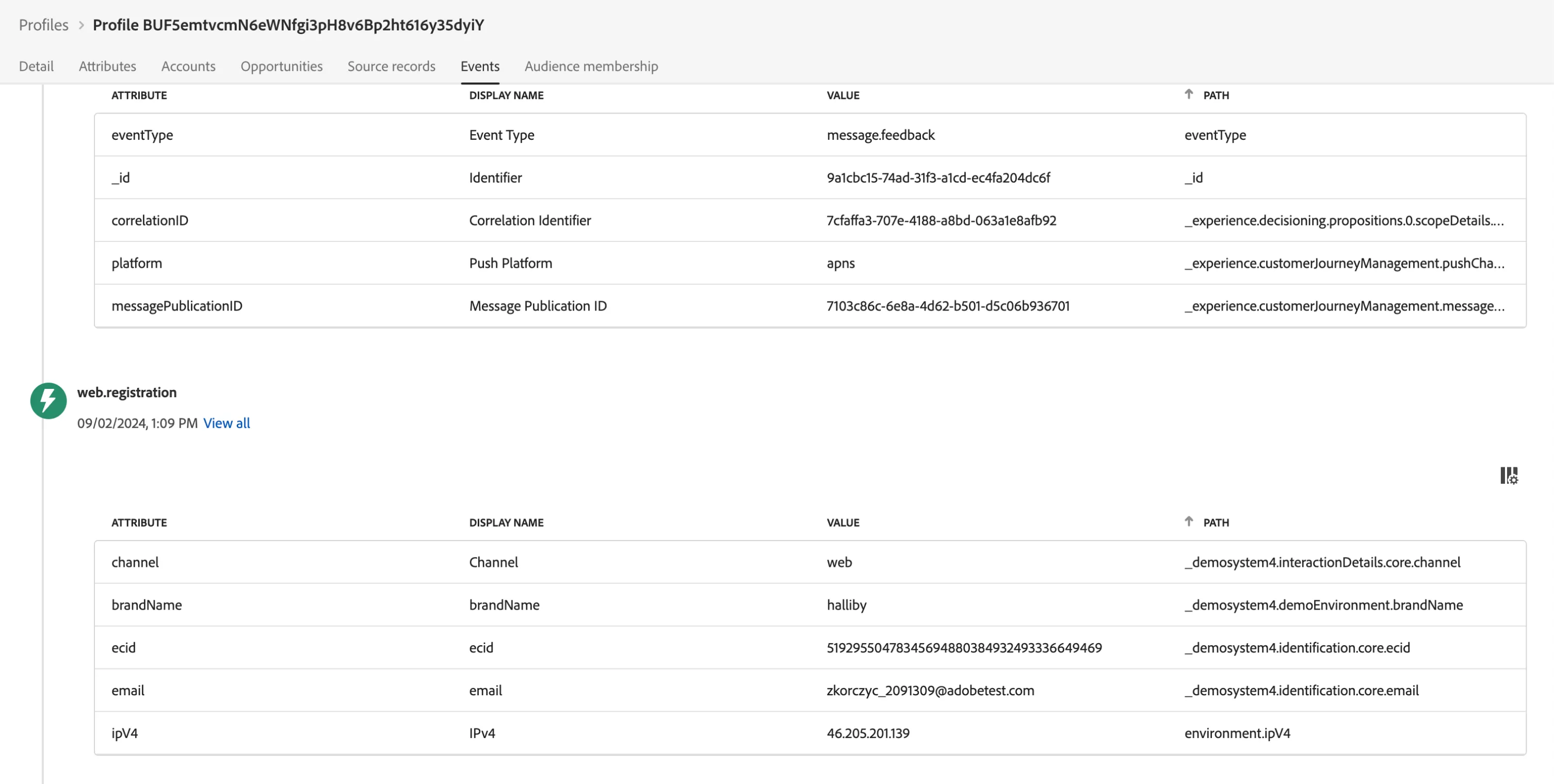
- Go to Jane's profile -> you should only see Jane's authenticated browsing activity - the first event would probably be registration/sign in
- Go to ECID profile -> you should only see unauthenticated activity on ECID