Step 11 - Build/Use Audiences
1 min
Each vertical configuration (in a quick setup) creates sample audiences on your sandbox. Whether you want to use them in your demonstration or not is up to you.
Audiences, created with DSN Quick Setup, are described here:
- Healthcare - we.Healthcare Audiences
- Finance - SecurFinancial Audiences
- Retail - Luma Audiences
- CPG - Frescopa Audiences
- Telco - CitiSignal Audiences
- Hi-Tech - Bodea Audiences
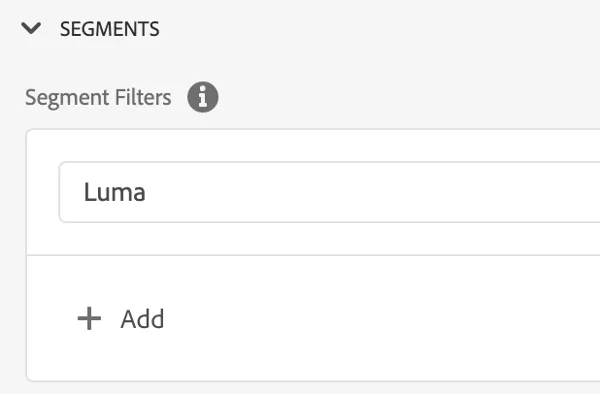
Usually, there are a lot of audiences in one sandbox. You can use the Profile Viewer filter to display only the relevant ones for your demo.
Go to your project and switch to the Profile Viewer tab. Scroll down to the Audience section. As a filter use a part of the audience name. In the example above we want to display all audiences with "Luma" in their name. You can add multiple filters divided with ","