Website
The Luma website can demonstrate many AEP features, such as real-time customer profiles, streaming segmentation, Experience Decisioning, Target, and Journey Optimizer.
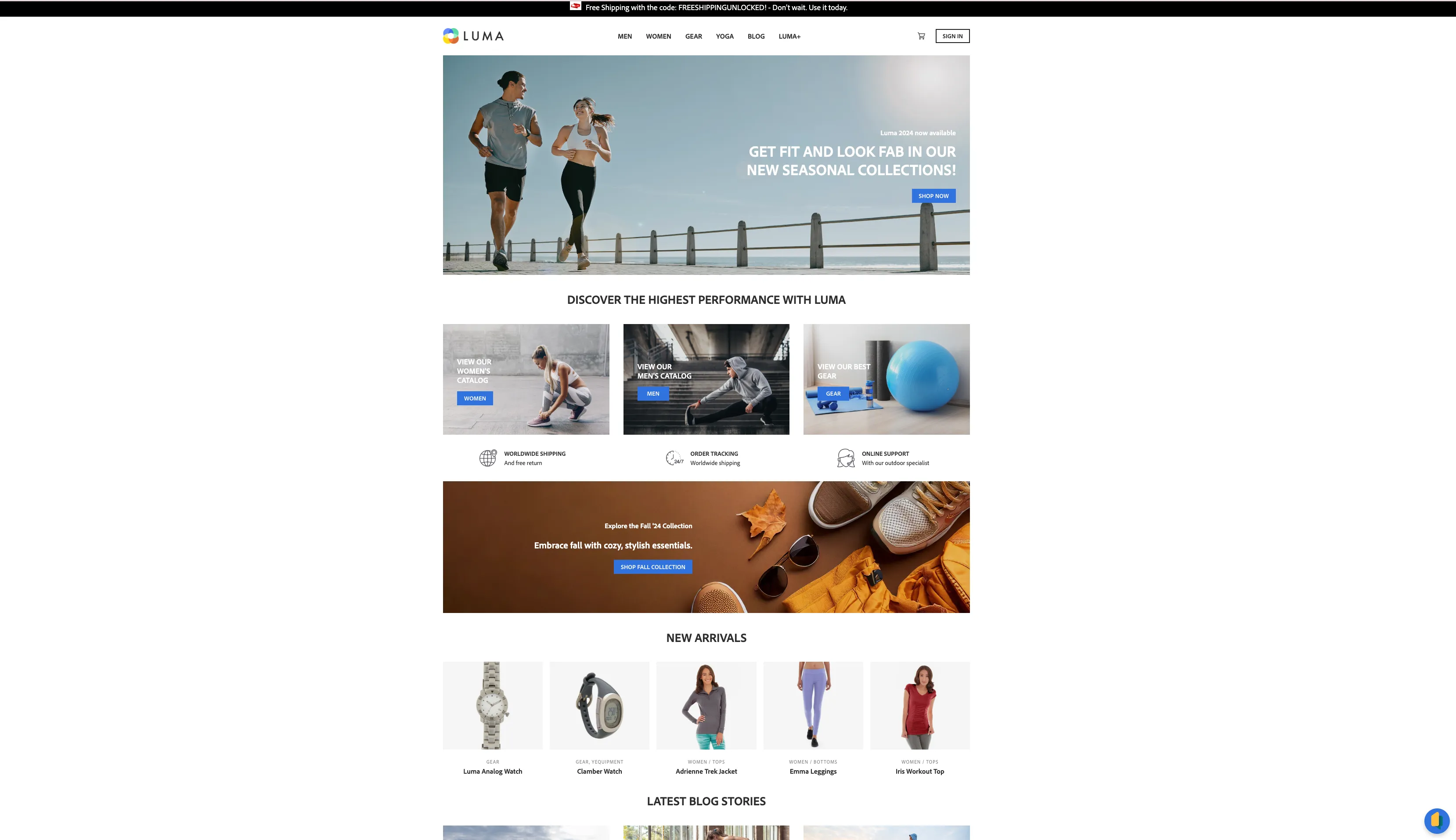
How to start
You can access the Luma website either through the Public Projects section in the DSN Home
Basic experience with events and streaming segmentation
Navigate to any product page, and you should see the product view event in the Experience Events section of Profile Viewer.
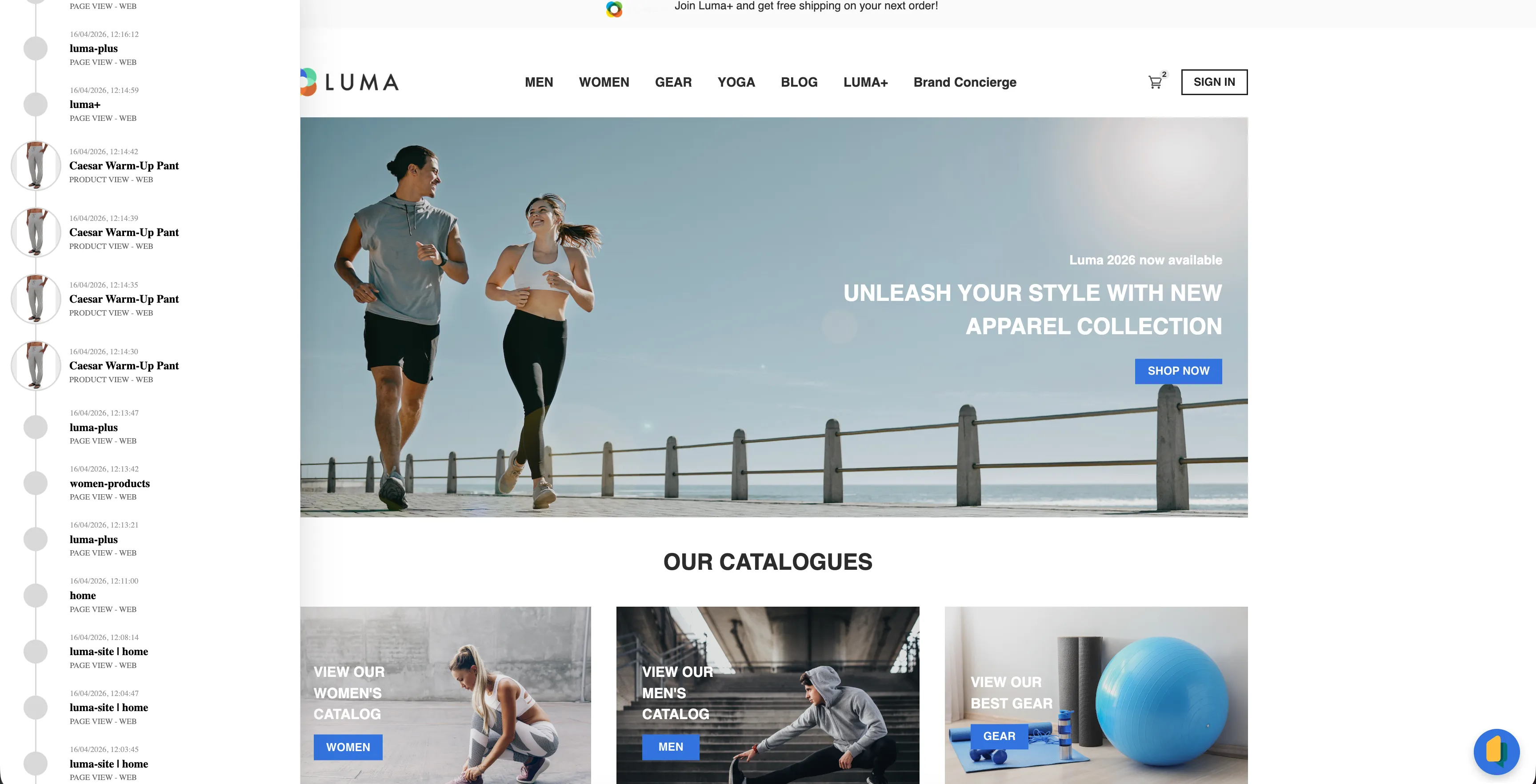
At least 3 product views in any category ("Men" or "Women") will qualify the current profile for a segment indicating interest in a given category. You can see segments for a current profile in the Segments section of Profile Viewer.
Profile Viewer displays merged profiles, not only the one connected to the website. So if the current profile contains events collected from a mobile app, they will be visible too.
Personalized offers (Experience Decisioning)
When you first enter the Luma website, you will see a ribbon at the top with the message "Join Luma+ and get free shipping on your next order!" It's the fallback offer from Experience Decisioning for profiles without any segments.

Personalized banner (Adobe Target)
When you first enter the website, you will see the default banner on the home page.
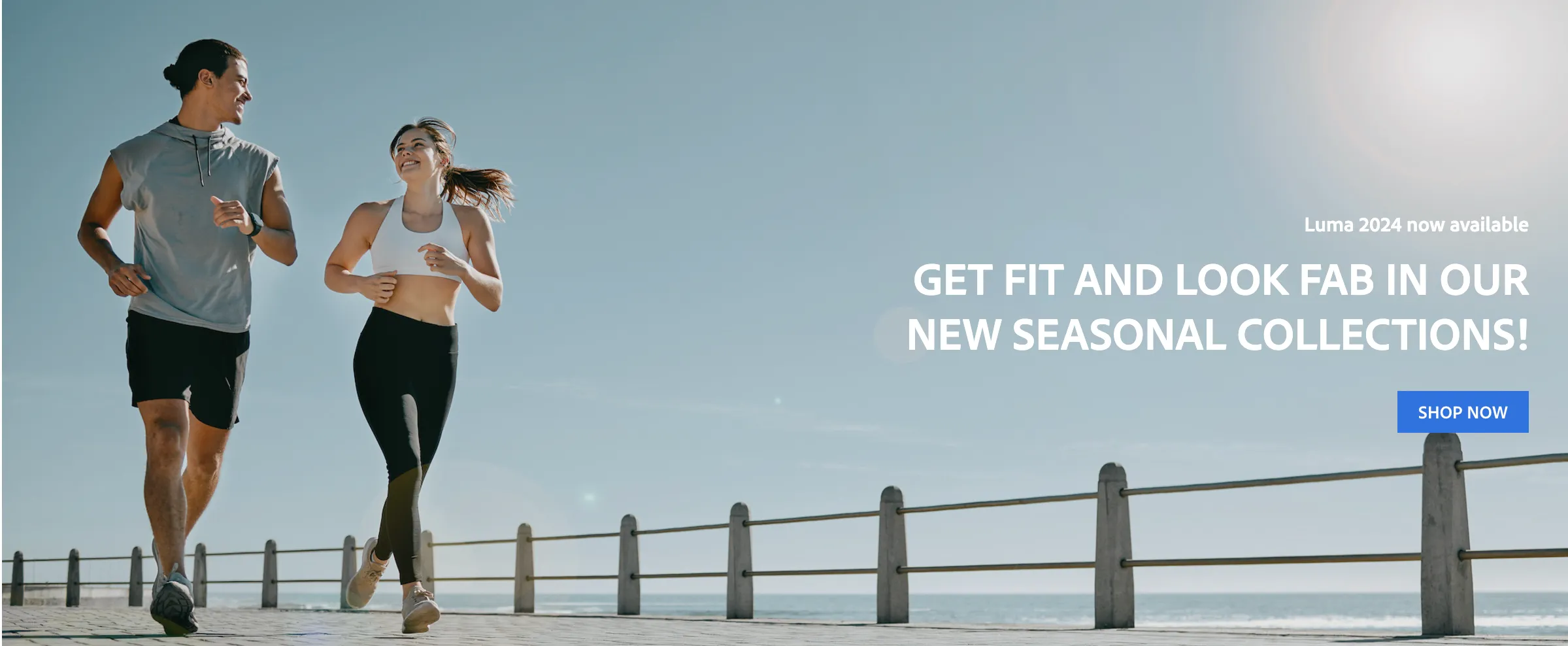
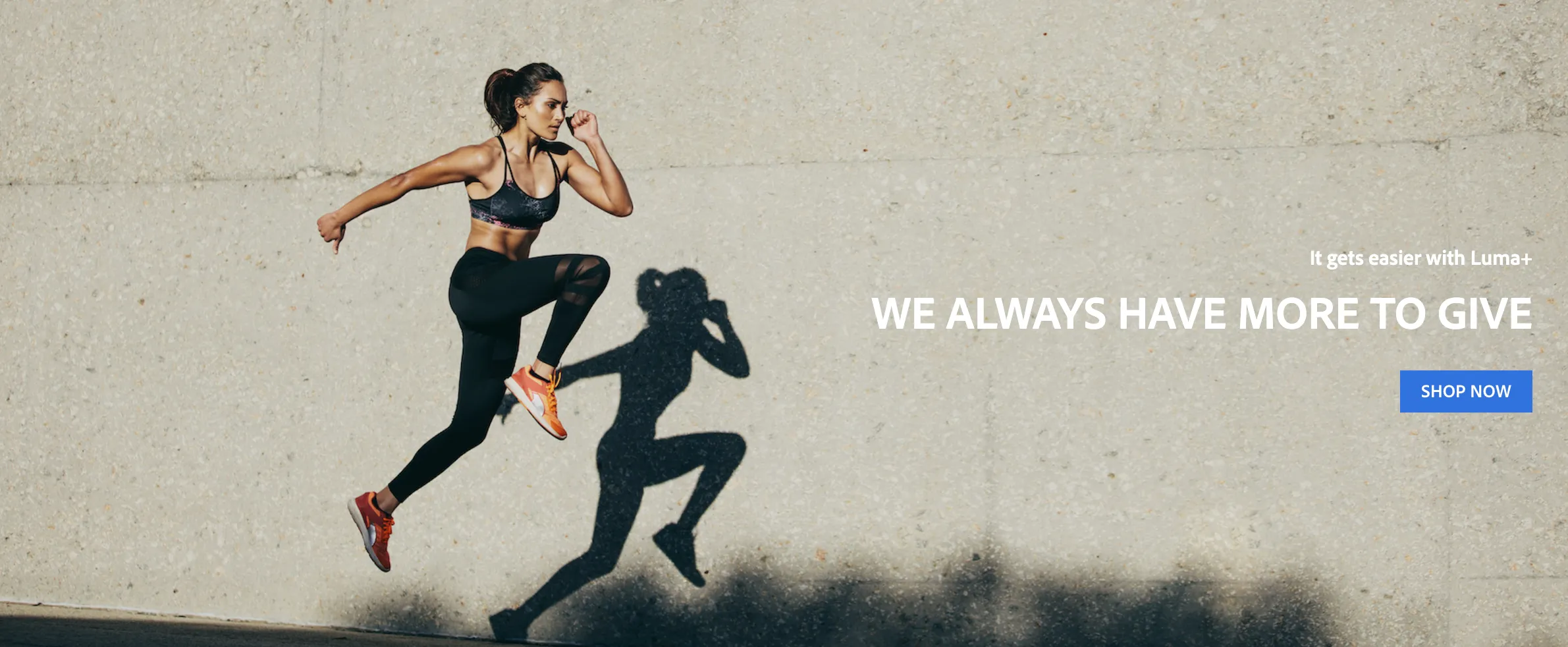
For profiles in the "Men's/Women's Category Interest" segment, a more personalized banner will be displayed.

Collecting events through a chatbot
In the bottom right corner, you should see an icon; click it to open the chatbot.
There are 4 flows you can present. Chatbot interactions are sent to AEP as experience events and can be used for segmentation.
Collecting profile data and triggering journeys
Data entered in the registration form will be sent to the profile dataset in AEP and will show up in the Profile Viewer.
Additionally, the registration event triggers a journey in AJO, which will deliver a welcome email to the address provided during registration.