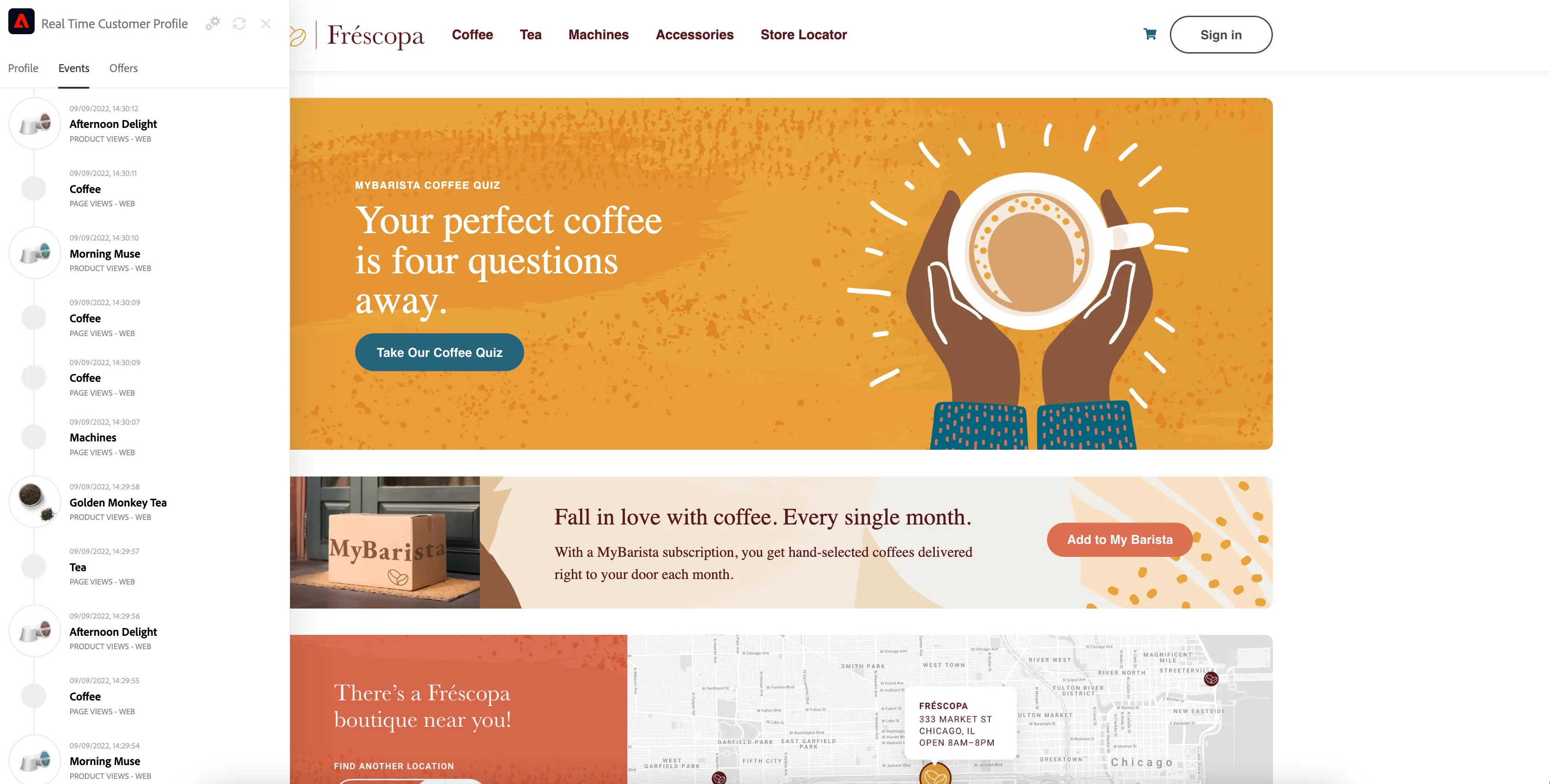
Website
Frescopa website can be used to demonstrate many AEP features e.g. real time customer profile, streaming segmentation, Offer Decisioning, Target and Journey Optimizer
How to start
You can access Frescopa website either through the Public Projects section in DSN Home or directly opening https://dsn.adobe.com/web/frescopa in your browser
Home page
Hero banner personalization
Hero banner is personalized for selected segments based on how the user decides to prepare coffee.
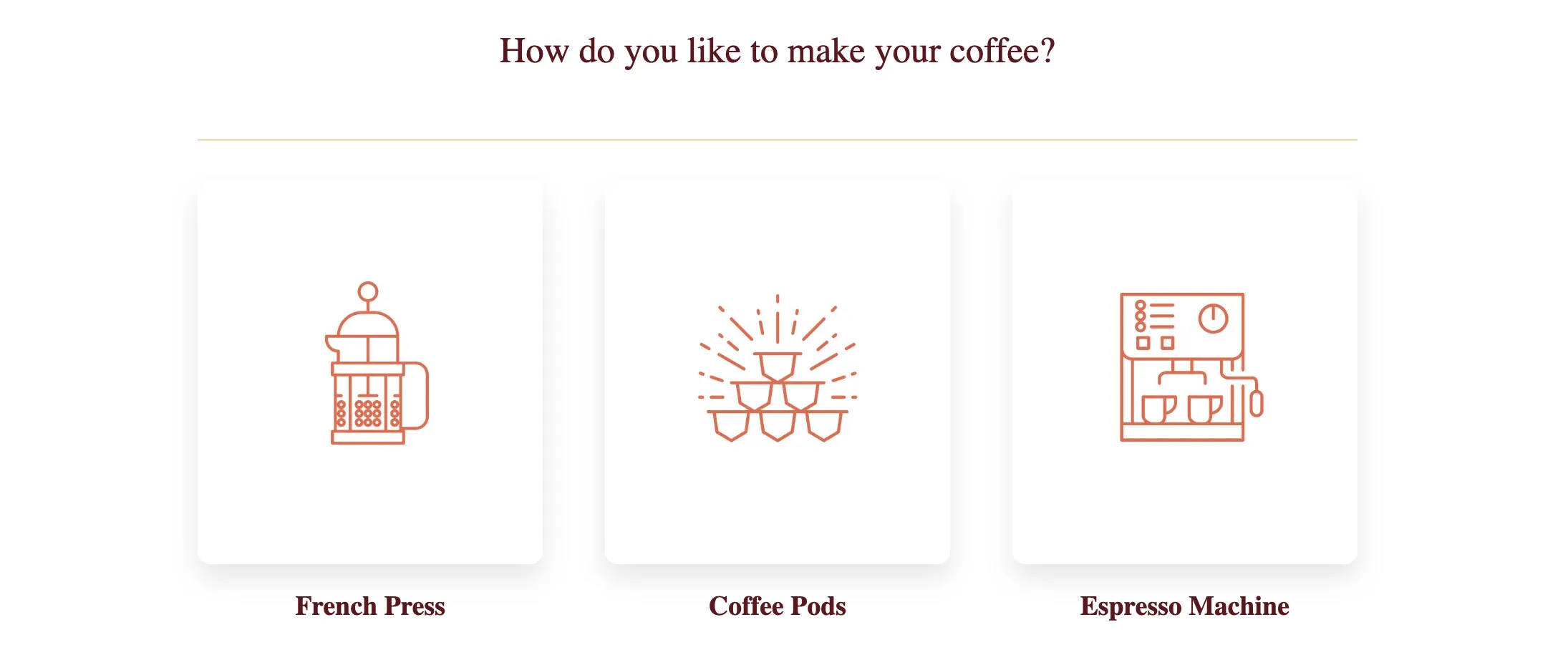
Segment
Frescopa - Coffee Pods Users
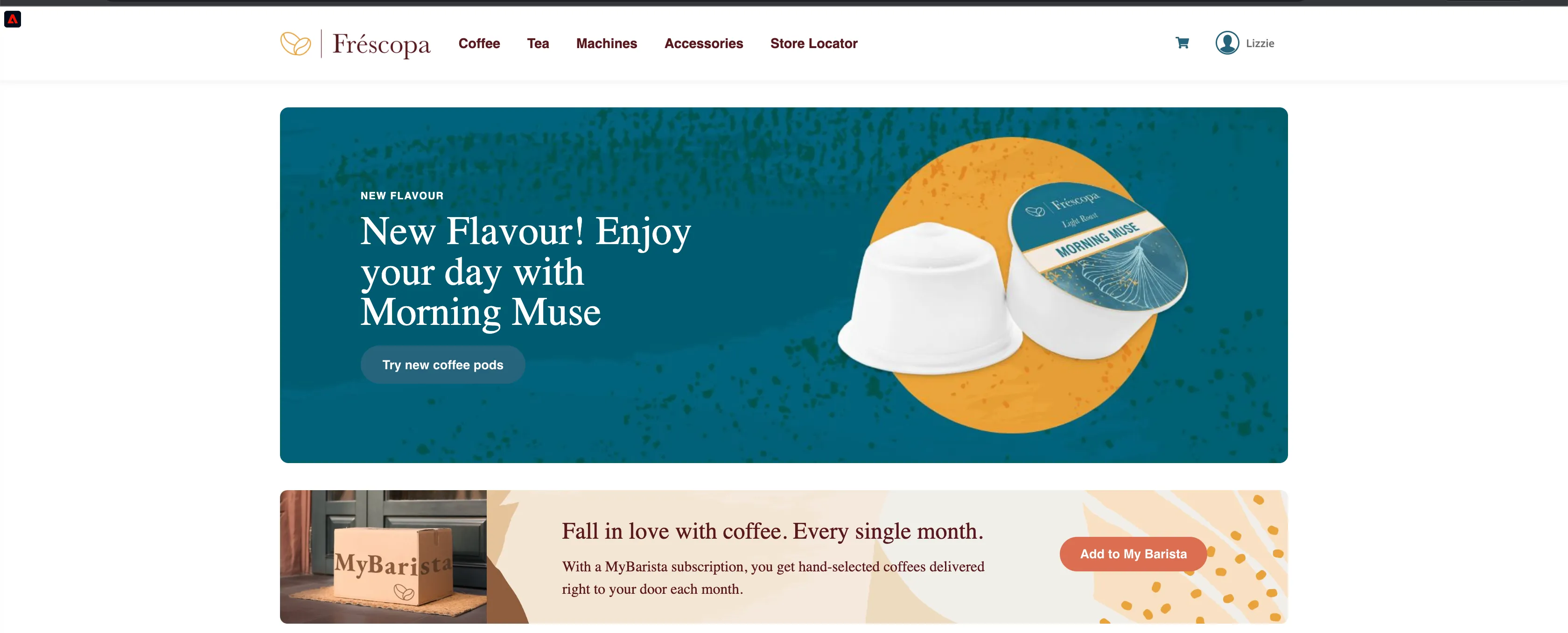
Frescopa - French Press Users
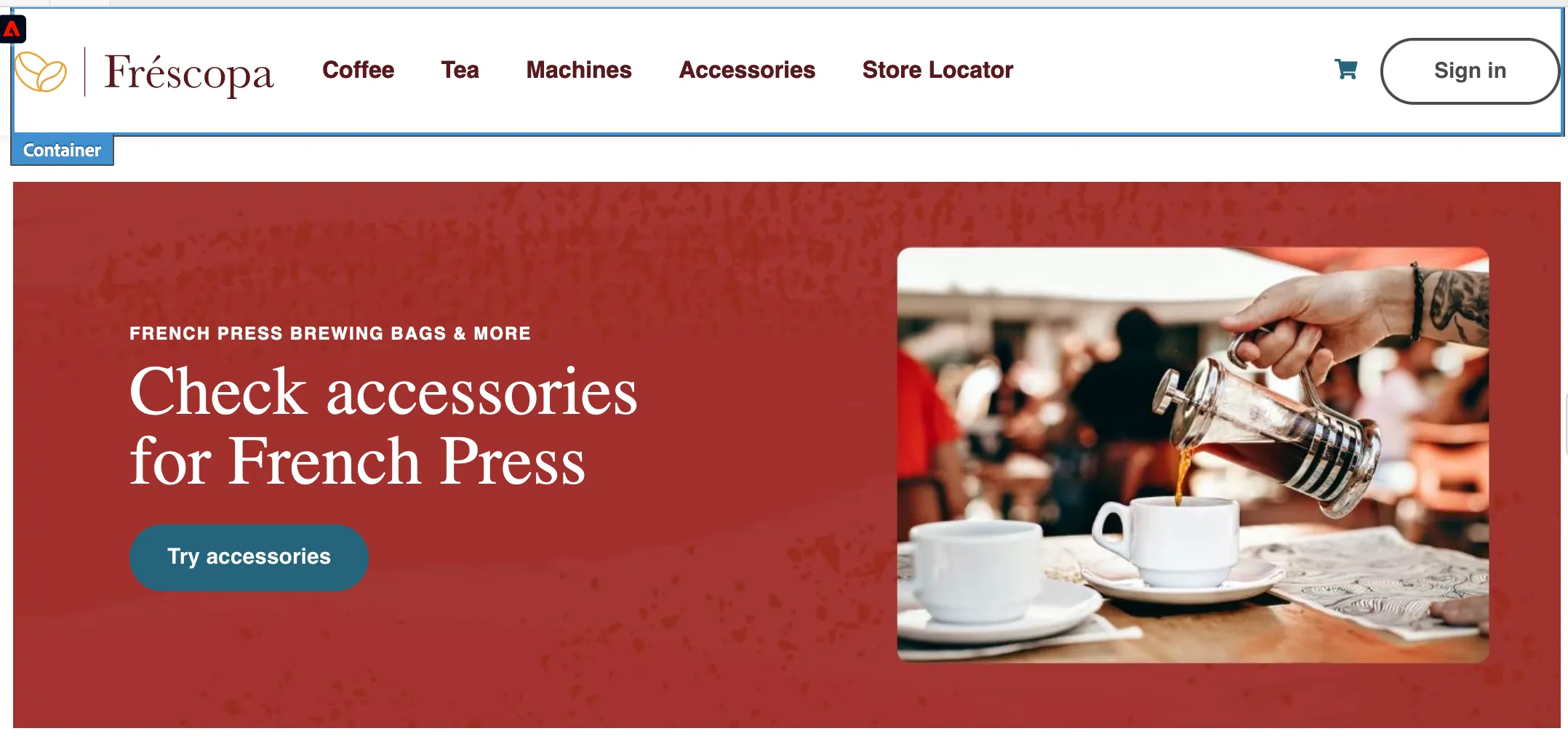
Frescopa - Espresso Machine Users
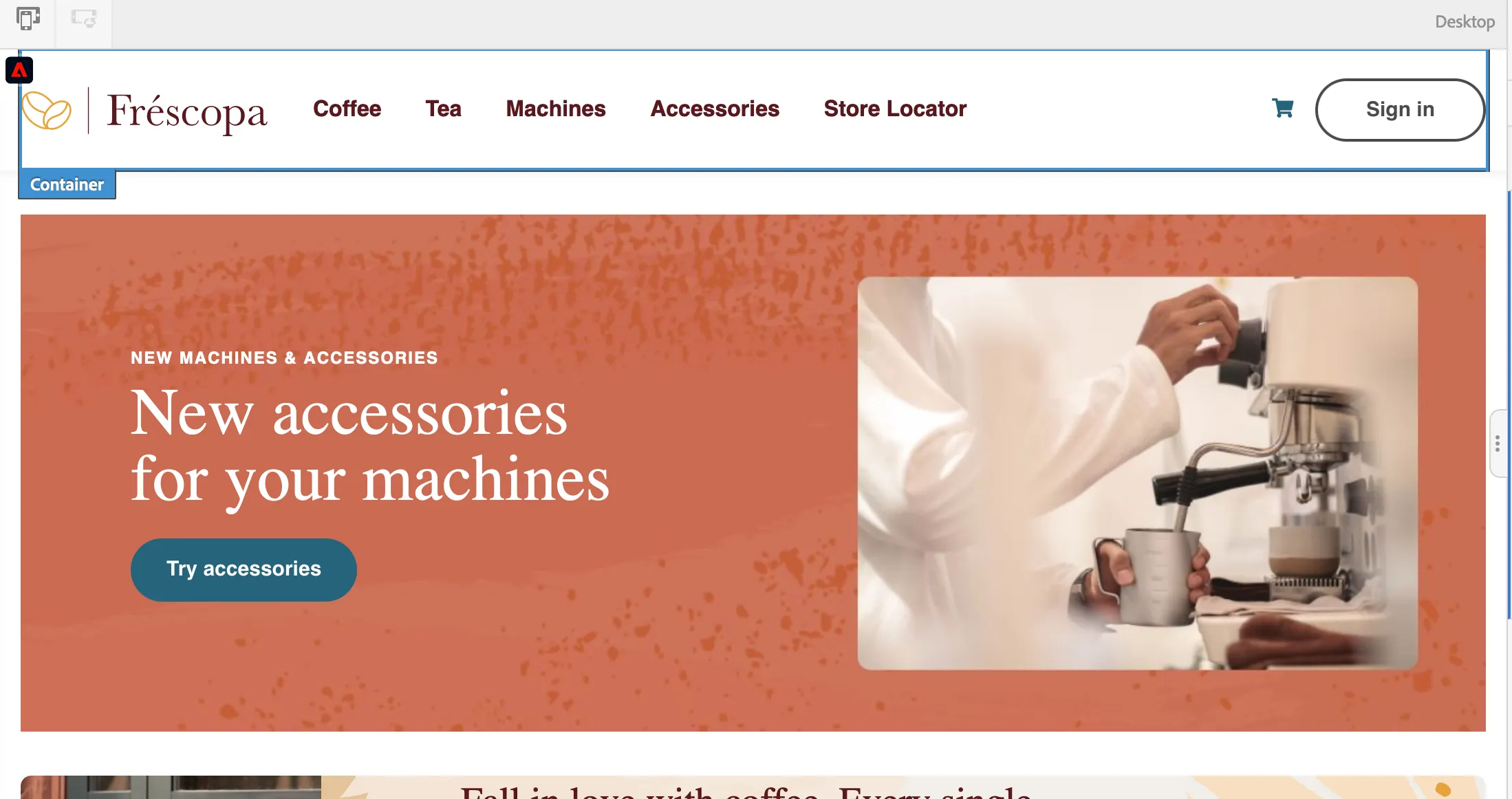
Frescopa - Taken the quiz
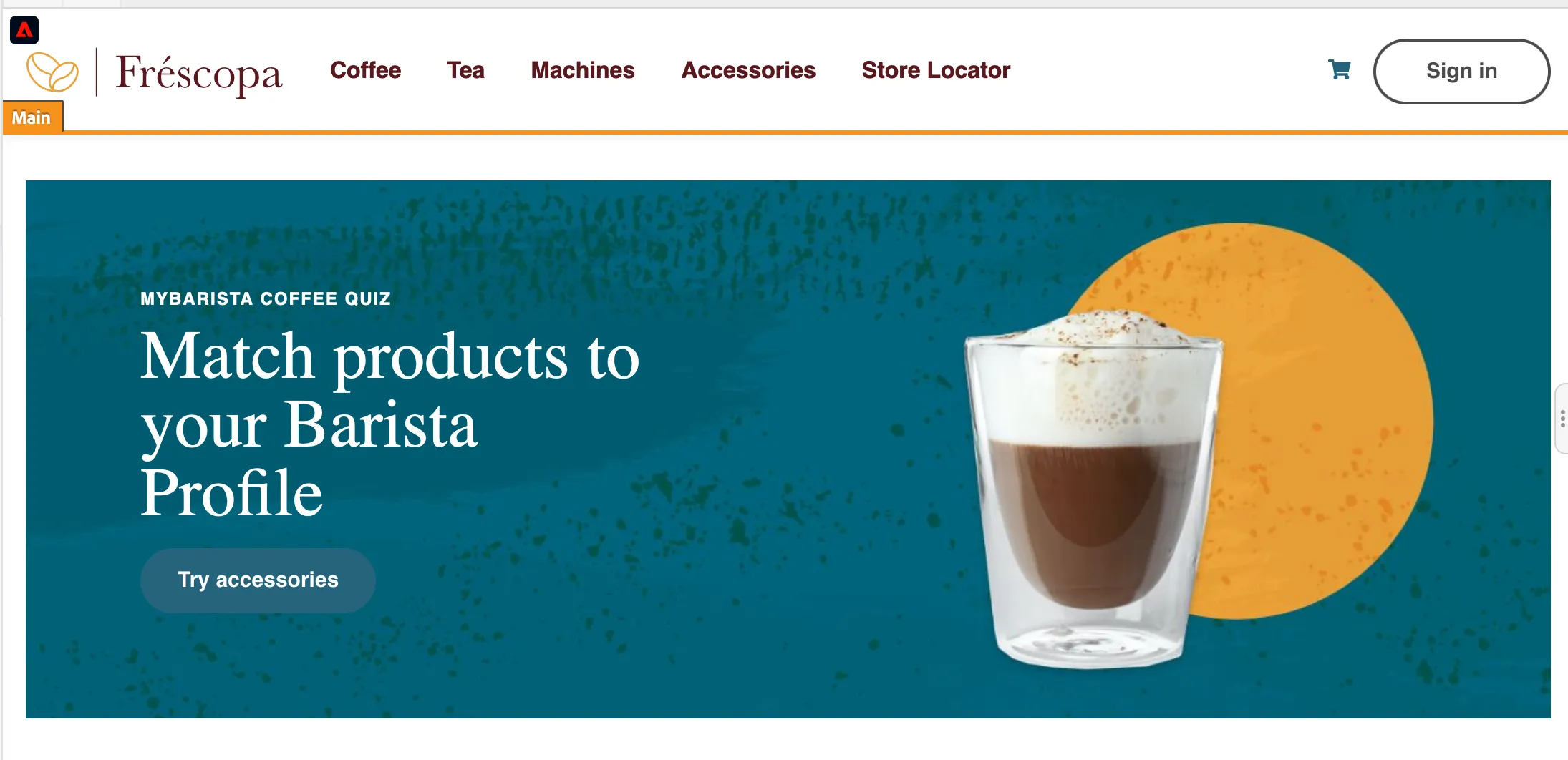
Product Pages
If a user visits any two coffee product pages, it will put the current profile in the "Frescopa - Coffee Enthusiasts" segment.
If a user visits any two tea product pages, it will put the current profile in the "Frescopa - Tea Enthusiasts" segment.
Coffee quiz:
You can start the coffee quiz from the home page https://dsn.adobe.com/web/frescopa by clicking on "Take our Coffee Quiz".
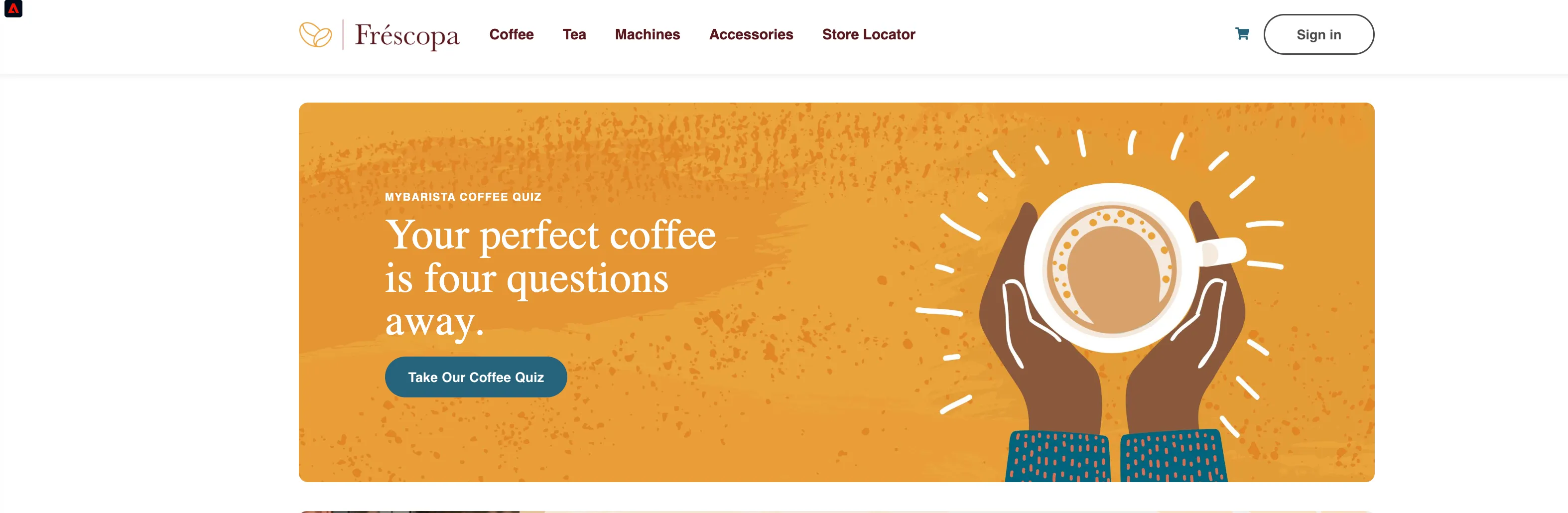
Based on how many cups of coffee a user makes in a day, like 3-4 cups or 5+cups, it will put the profile in 'Frescopa - Frequent Coffee Drinker.'
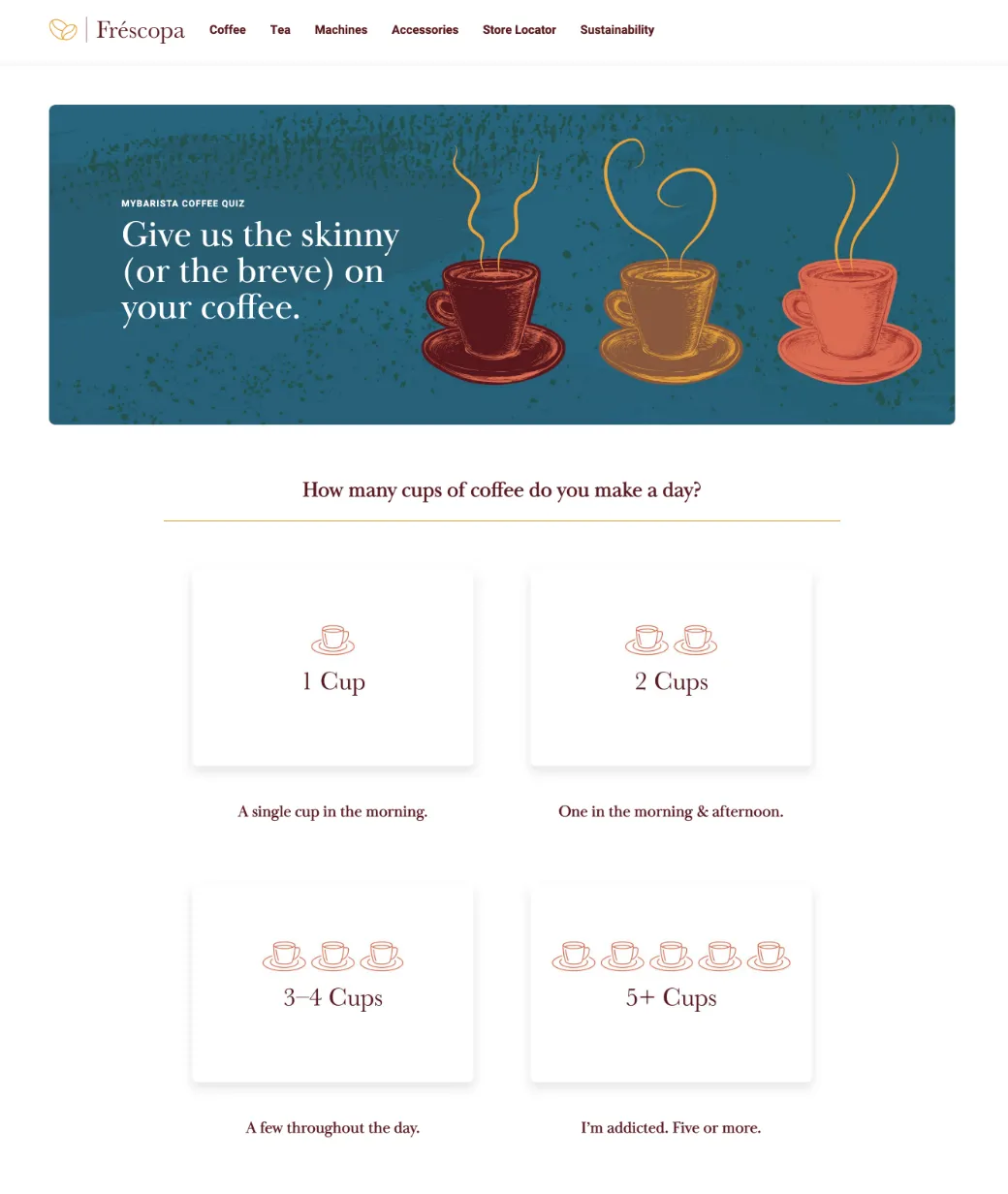
Basic experience events and streaming segmentation
Navigate to any product page, and you should see the product view event in the Experience Events section of Profile Viewer