AJO and AC v8 Better Together
Introduction
Trigger an event that sends a personalized email to the registered email address on the Luma website. This will be achieved using AJO, Campaign IO integration, and Campaign V8.
Demo Scenario
We want to show the AC v8 and AJO better together and a storyline for this as we want to trigger an email that will be passed through AJO with an event and will trigger an action to Campaign v8 to transactional message emailer.
We have executed the above scenario for Luma and you can demonstrate it to the customers.
Prerequisite
- We have added a module in the Journey trigger project of Luma to showcase this capability of the product.

2. We have the Published Journey in Public Luma Sandbox for this event and a trigger action to the campaign.
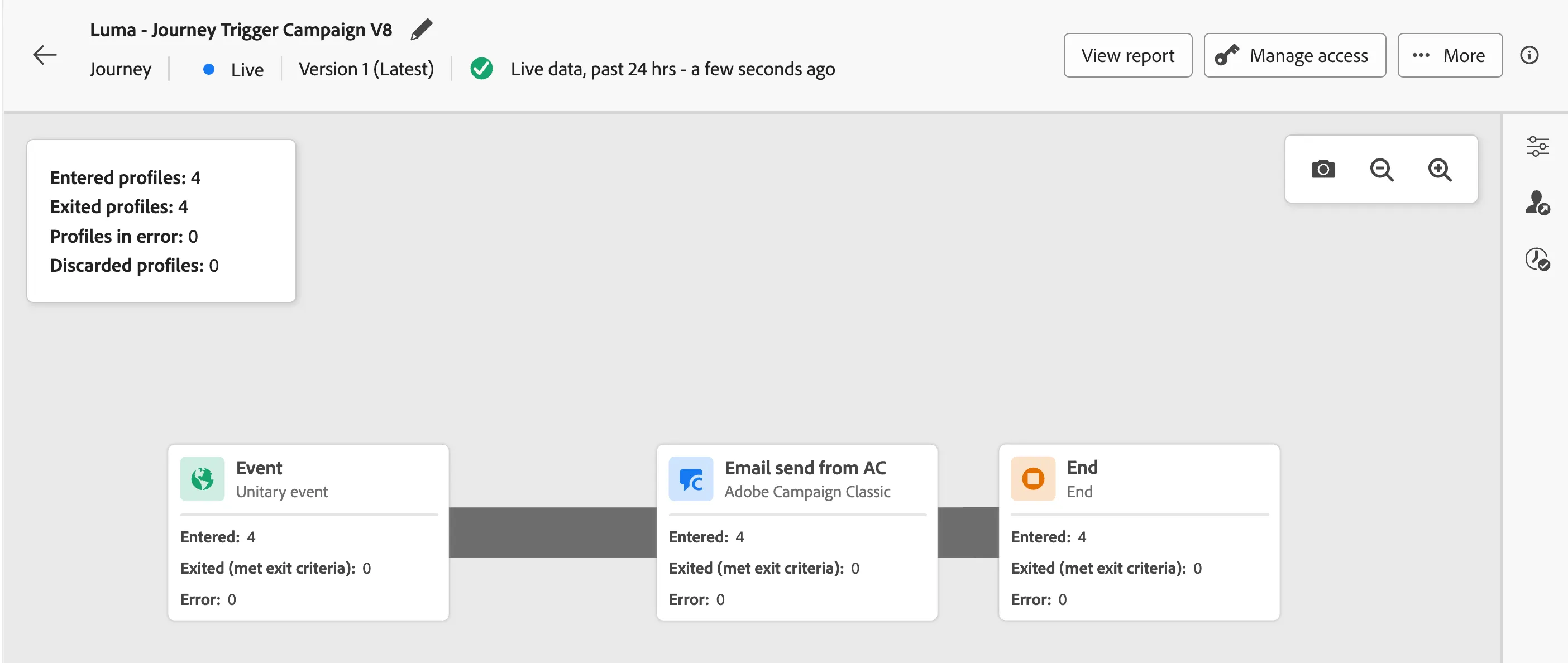
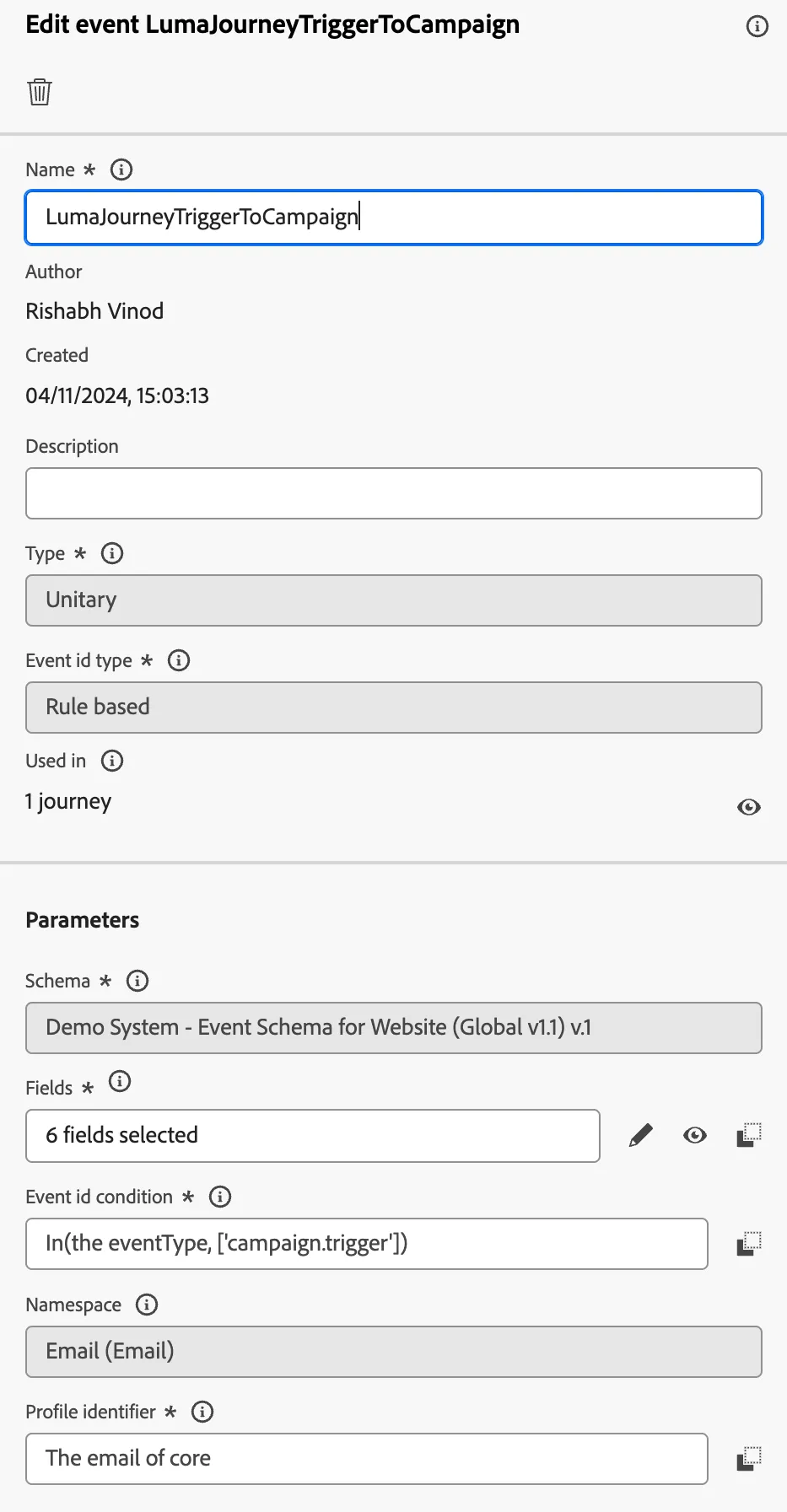
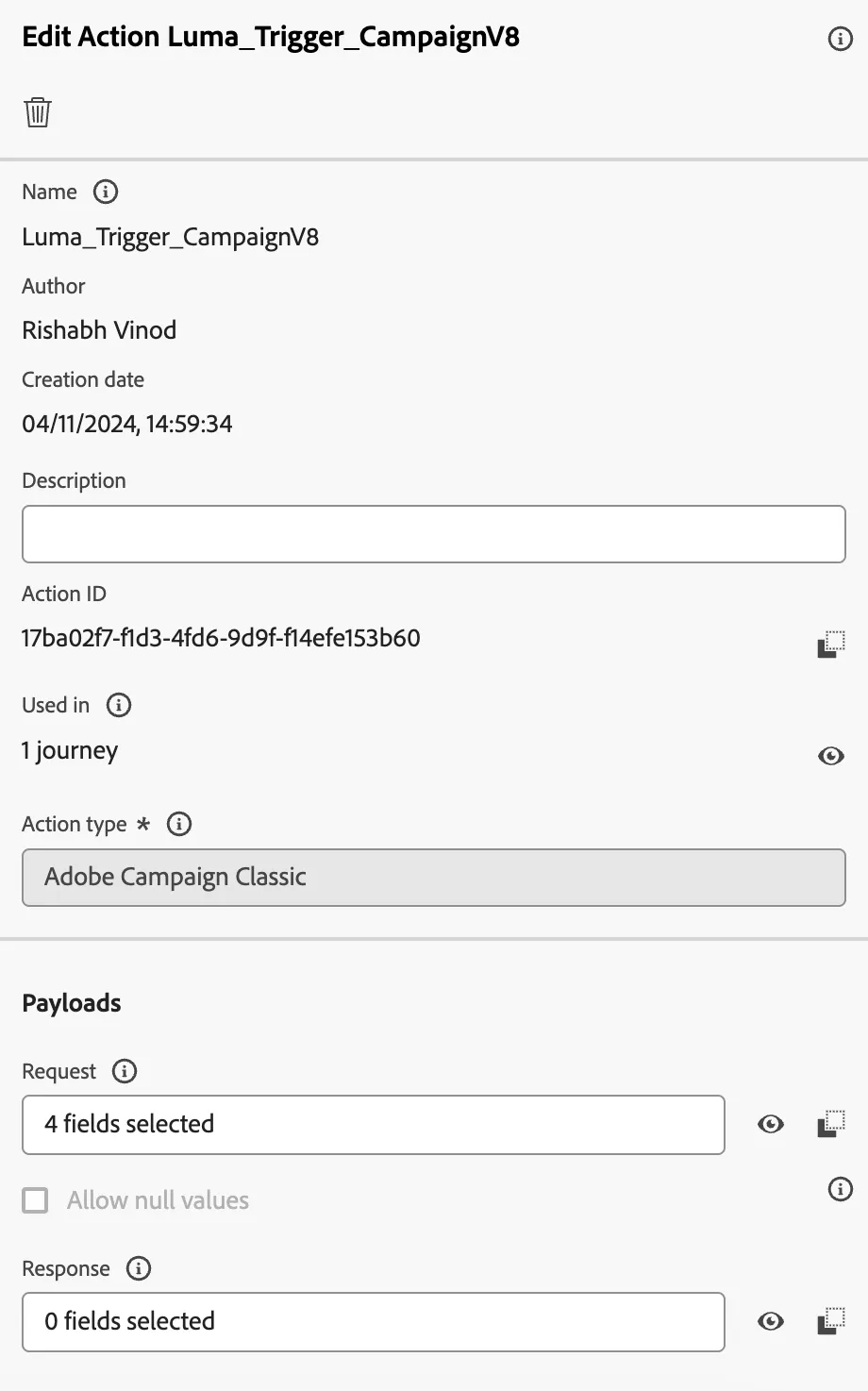
3. We have created an event that triggers to AJO journey and a custom action in the journey that triggers an event to Campaign v8 transactional message center delivery.
Campaign Details
Go to the transactional message folder in Adobe Campaign Web UI and check for Luma - Journey Trigger Email. This is the email that is published and triggered by the custom action of AJO.
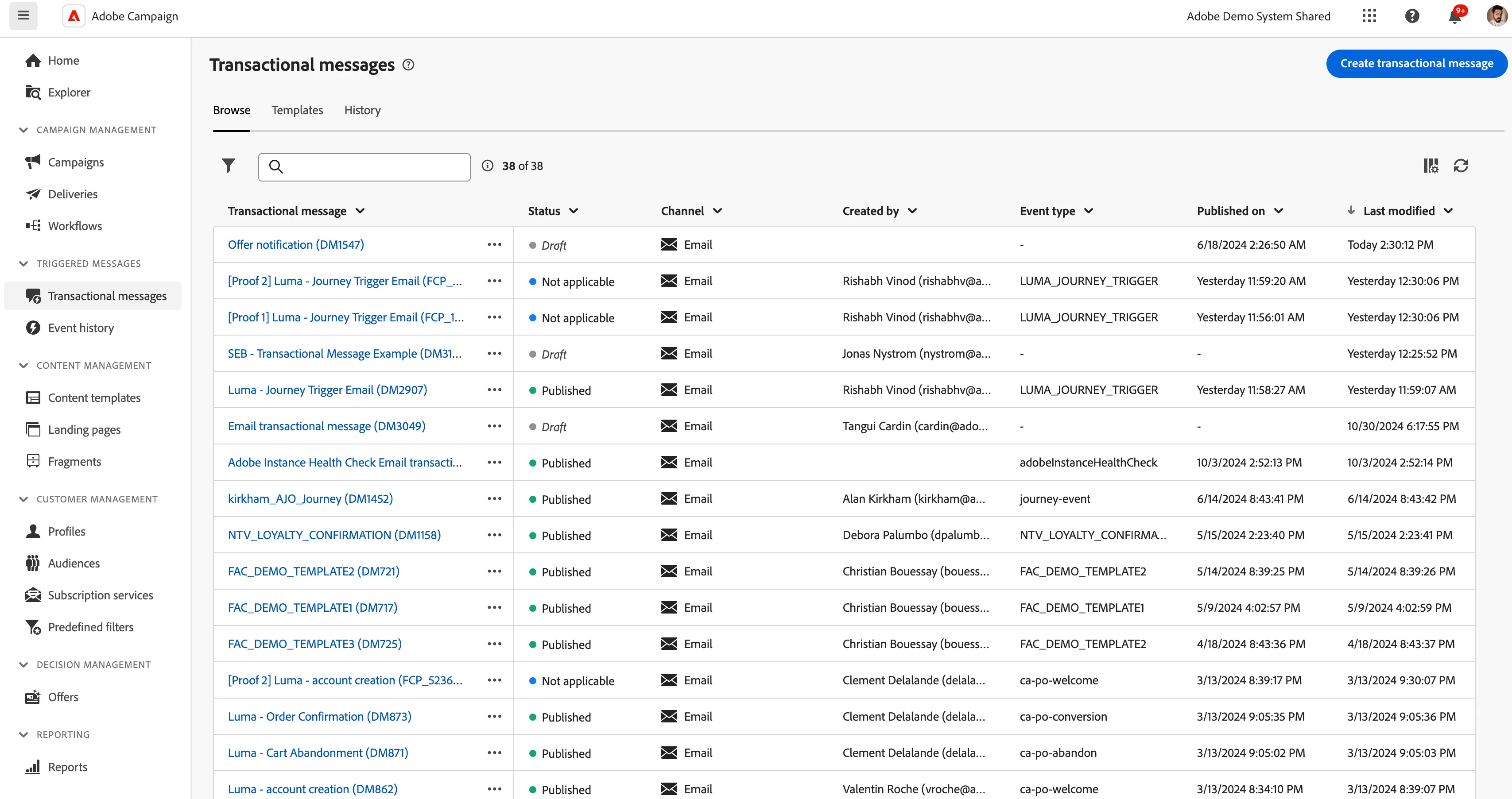
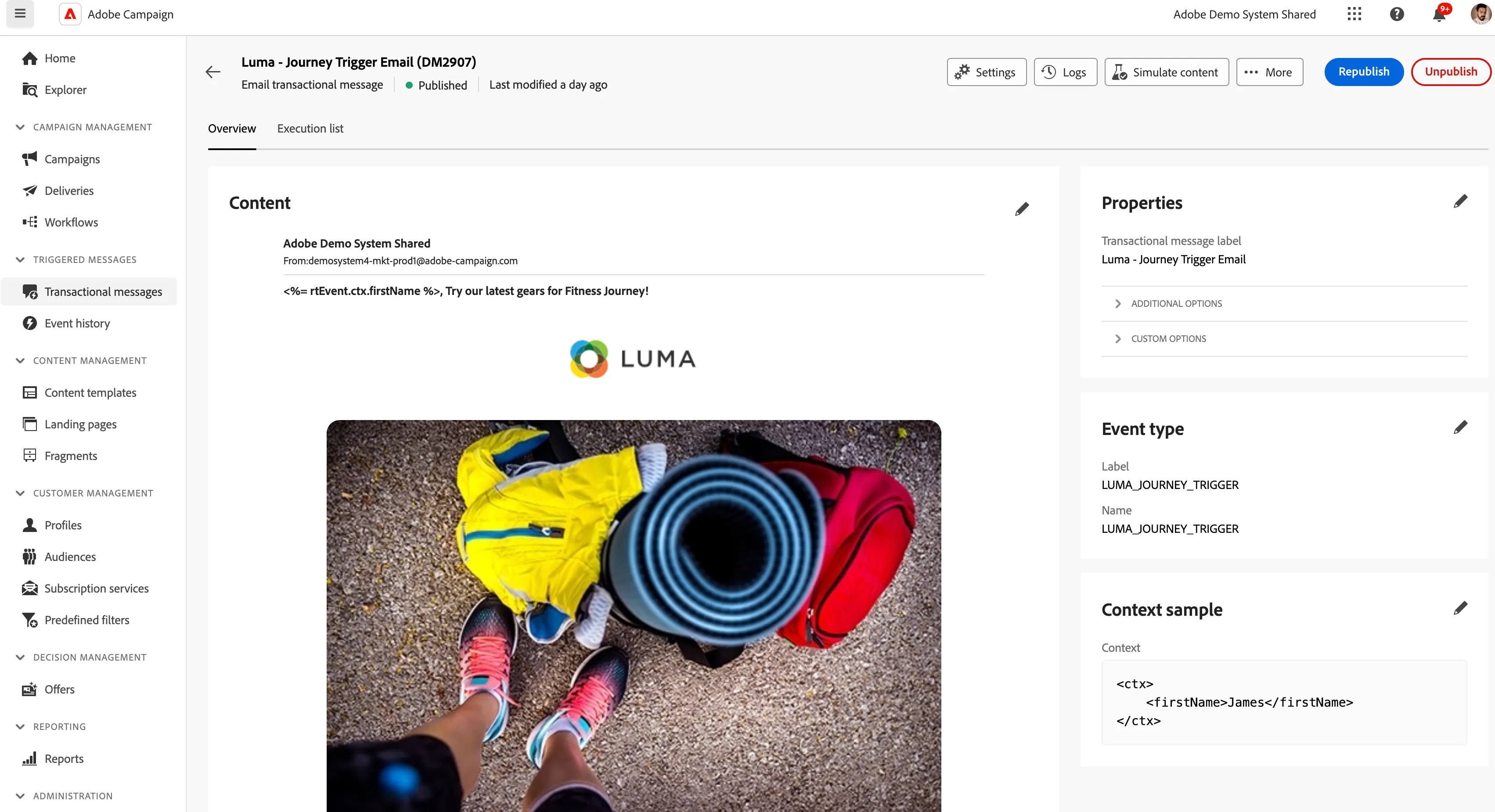
Step-by- Step
Go to the Luma Website and register yourself with a test email ID.
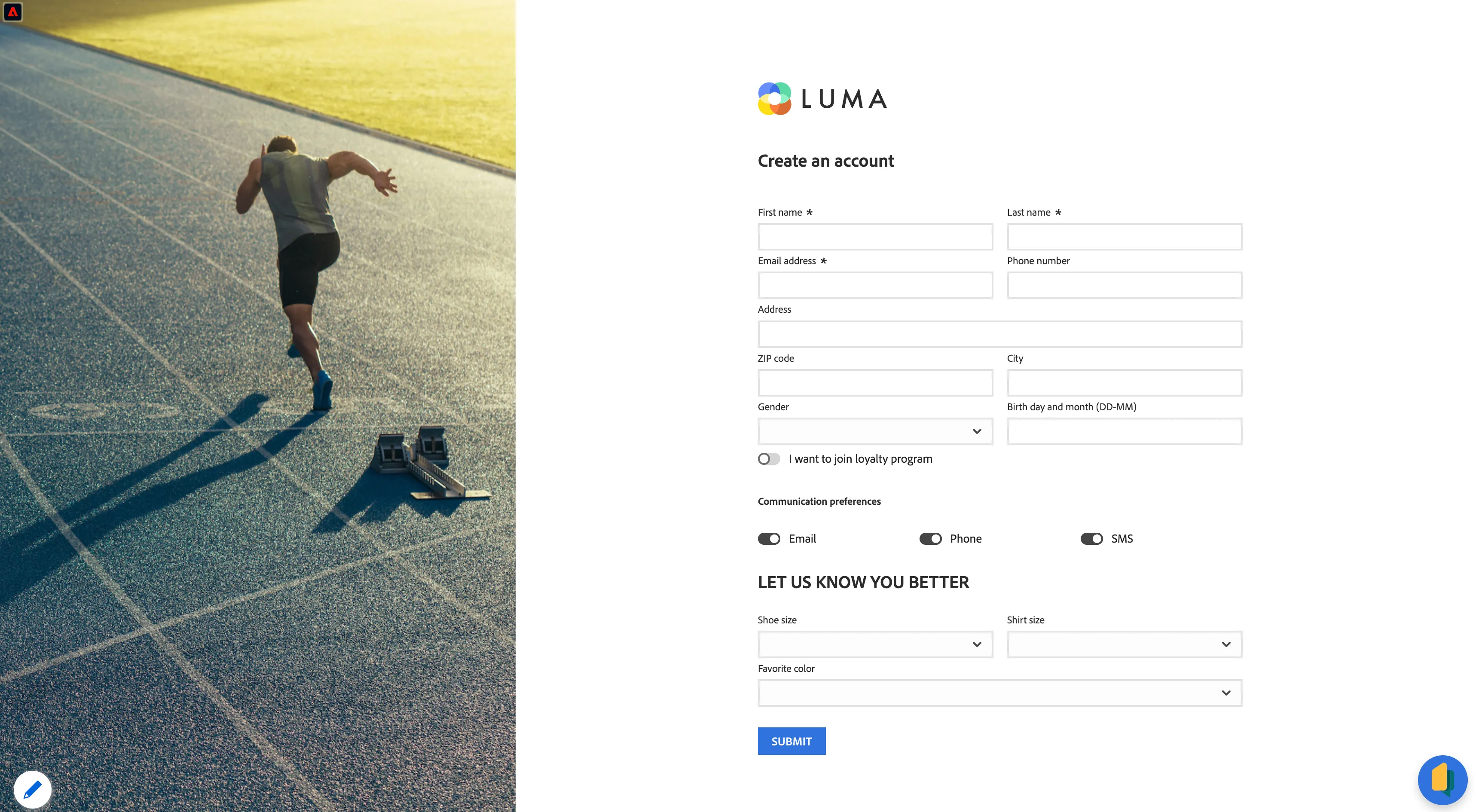
Once successfully registered, go to Luma Journey Trigger Web from the Public Project or the above link.
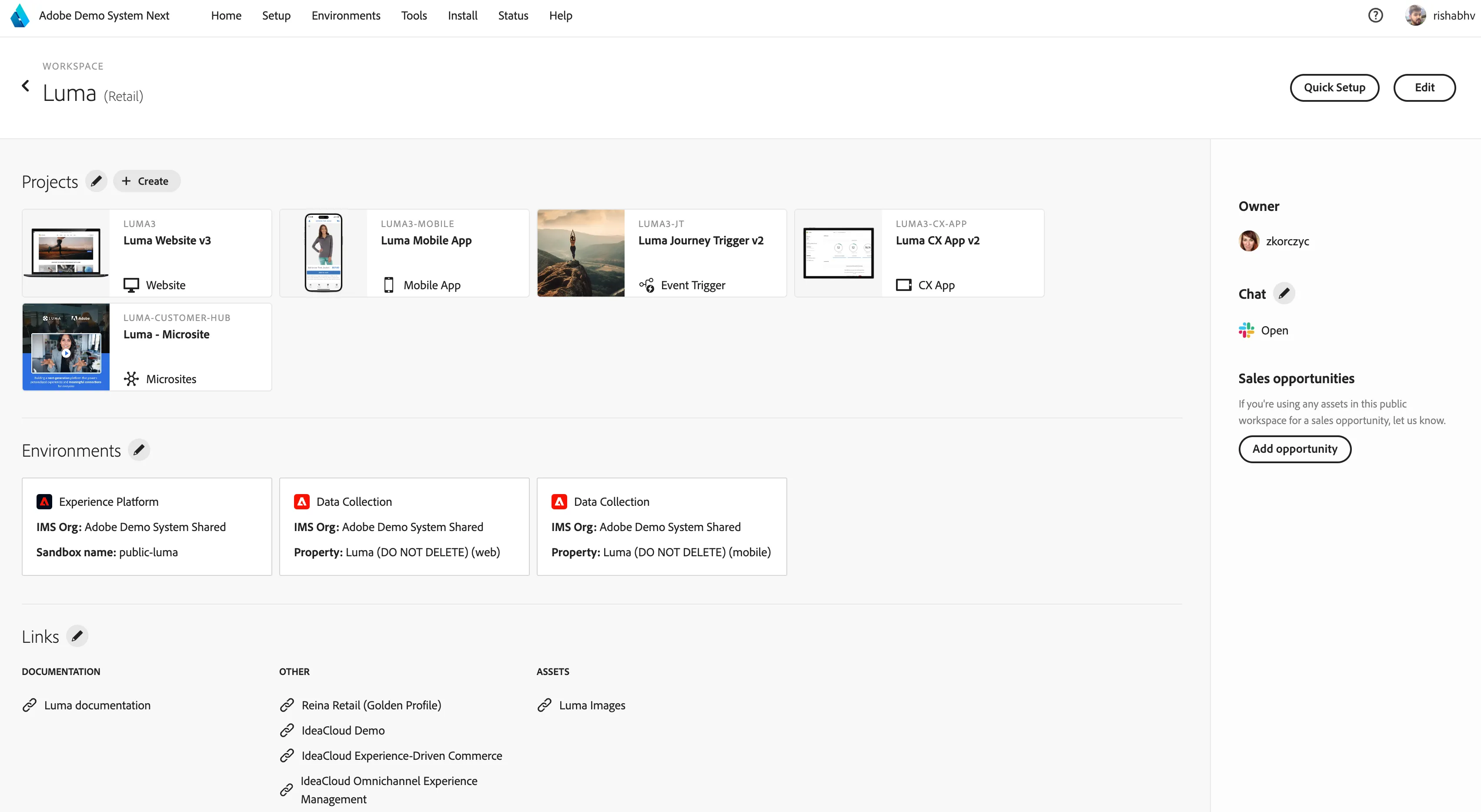
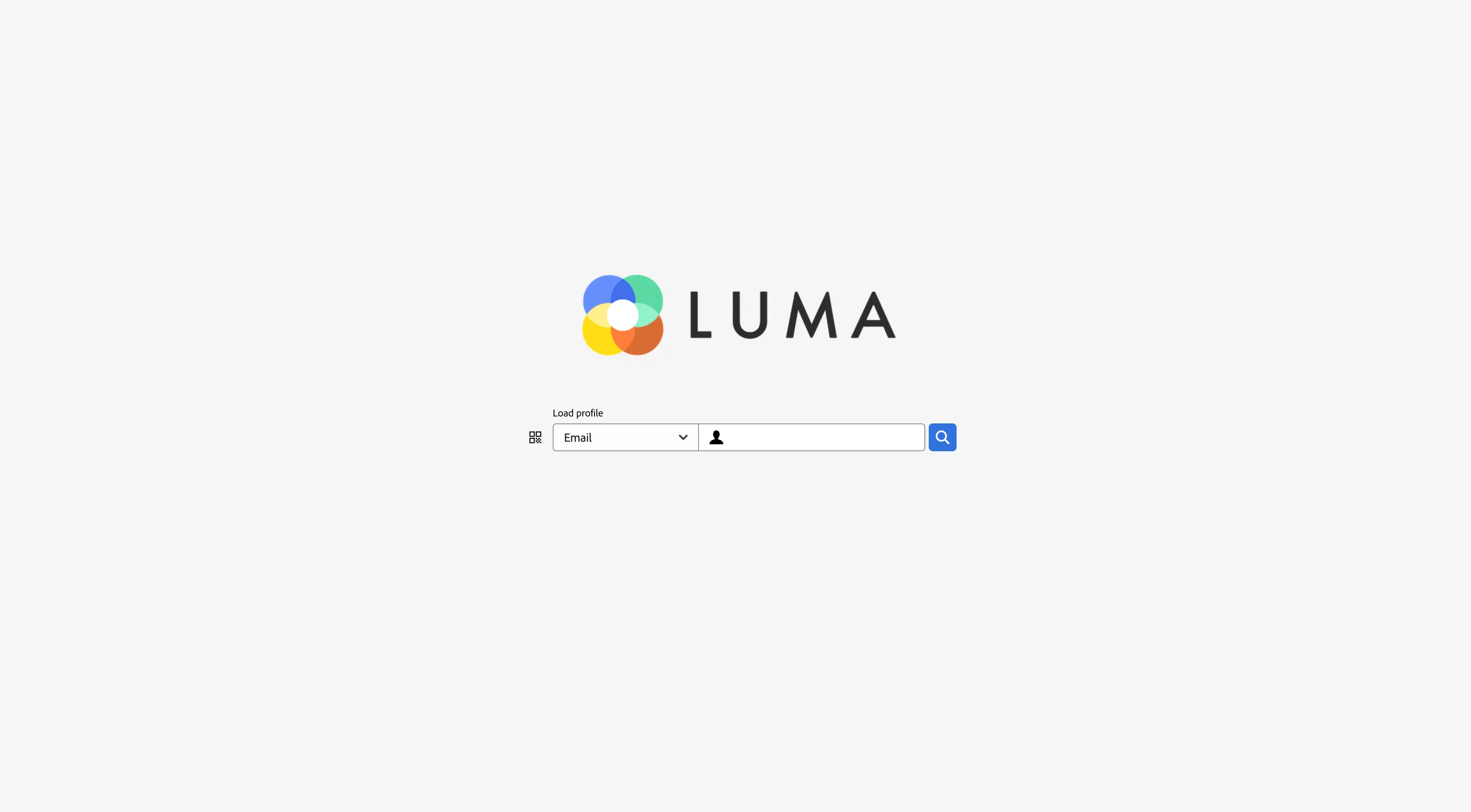
Enter the same test email ID and hit enter to let the page load with all profile details.
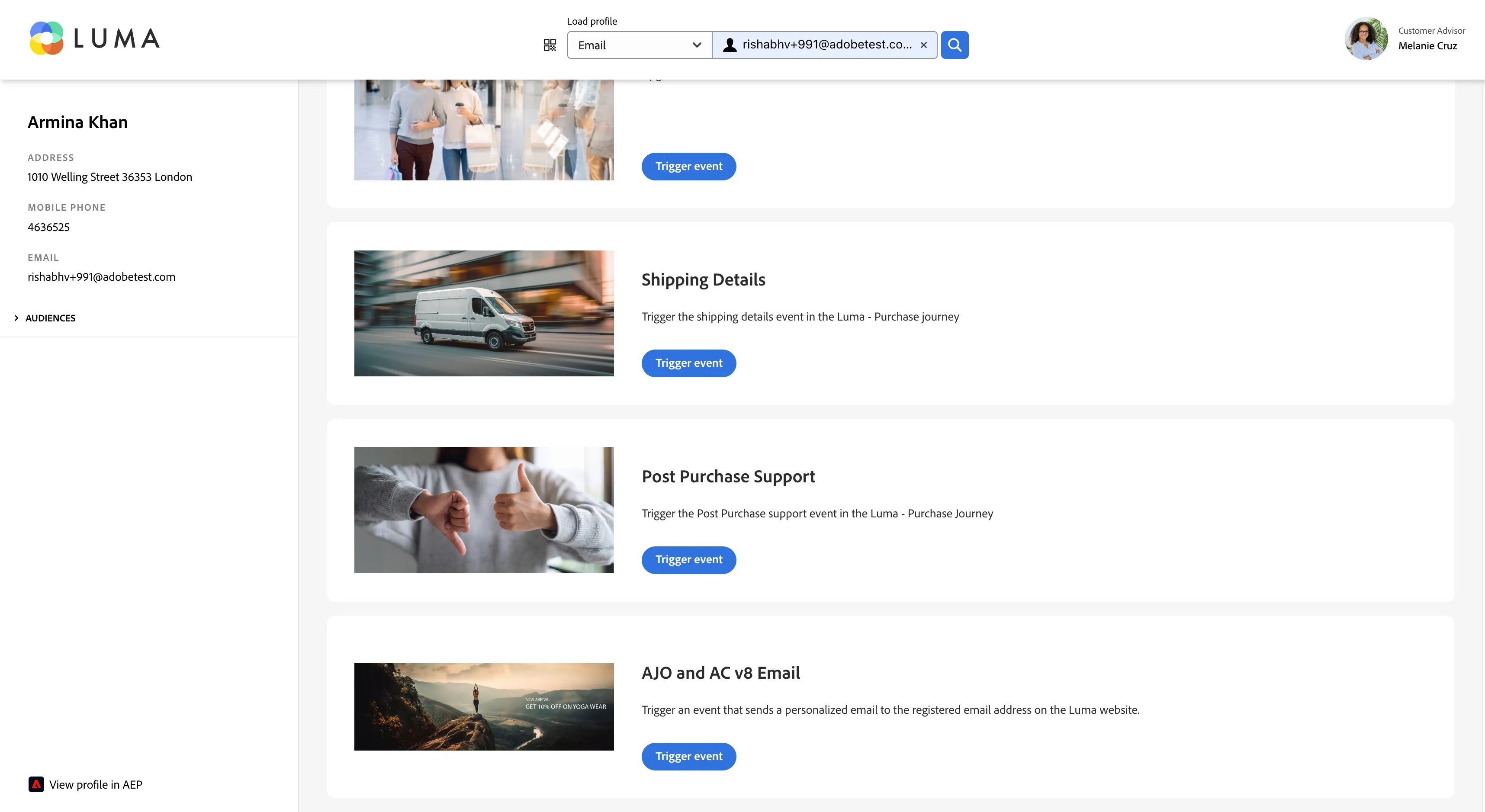
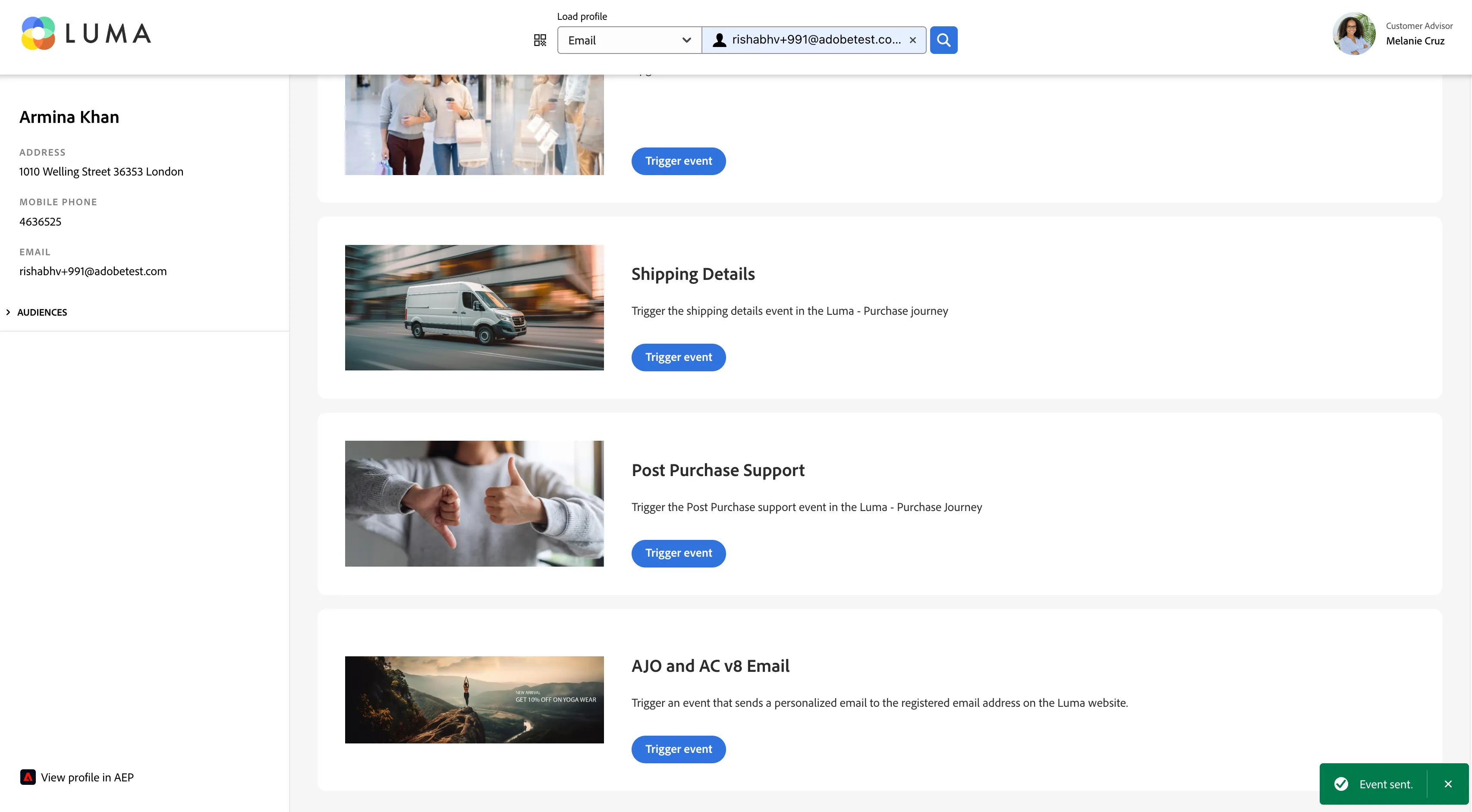
Once loaded go to the last module - AJO and AC V8 Email and hit trigger event. It will show the event triggered on the left bottom of the screen in green and will trigger the Journey in AJO in the public luma sandbox.
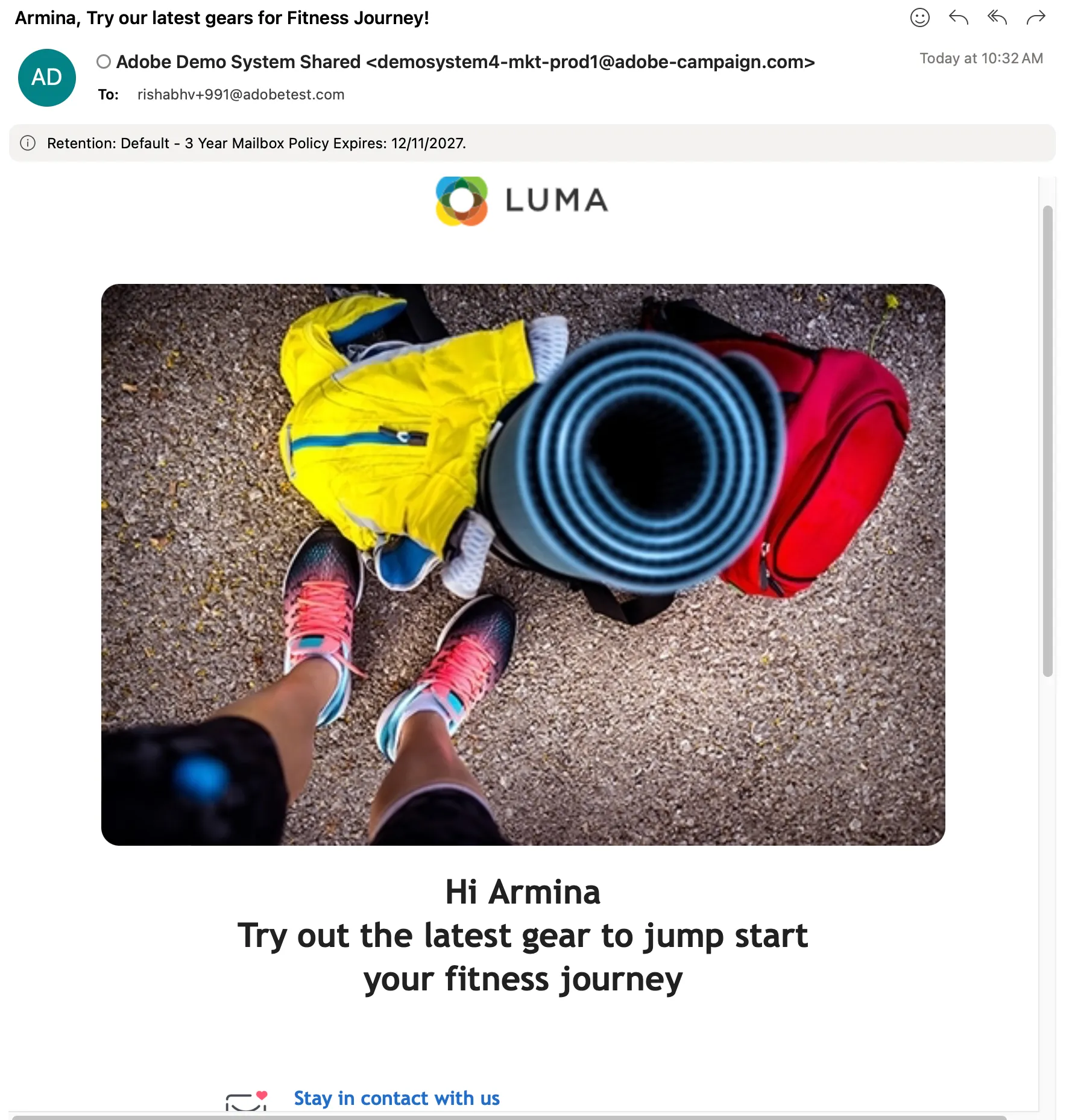
You will get an emailer with Firstname personalization from the Adobe Campaign message center.