Configuring Mix Modeler
4 min
Data Ingestion and Model Setup Guide
Follow the steps below to ingest data, create schemas, harmonize your data, and build models and plans.
⚒️ Use the DSN Quick Setup Mix Modeler automation to:
- Create schemas
- Create datasets
- Ingest data directly into the datasets
Alternatively, you can also follow the full step-by-step instructions:
- Follow the Partner Demo Data instructions available on the Demo Hub guide
-
DSN Mix Modeler Automation:
You can create the required Mix Modeler data structure using DSN Quick Setup.
To do this, follow the steps:
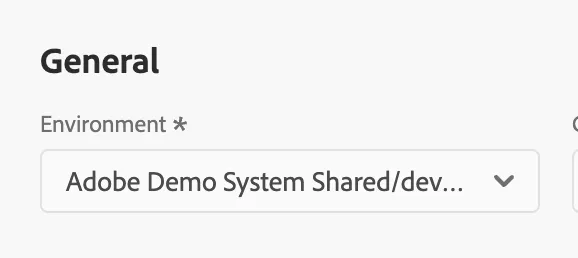
- Select your environment from the drop-down
3. In the "Core AEP" section, select "Mix Modeler" Preset
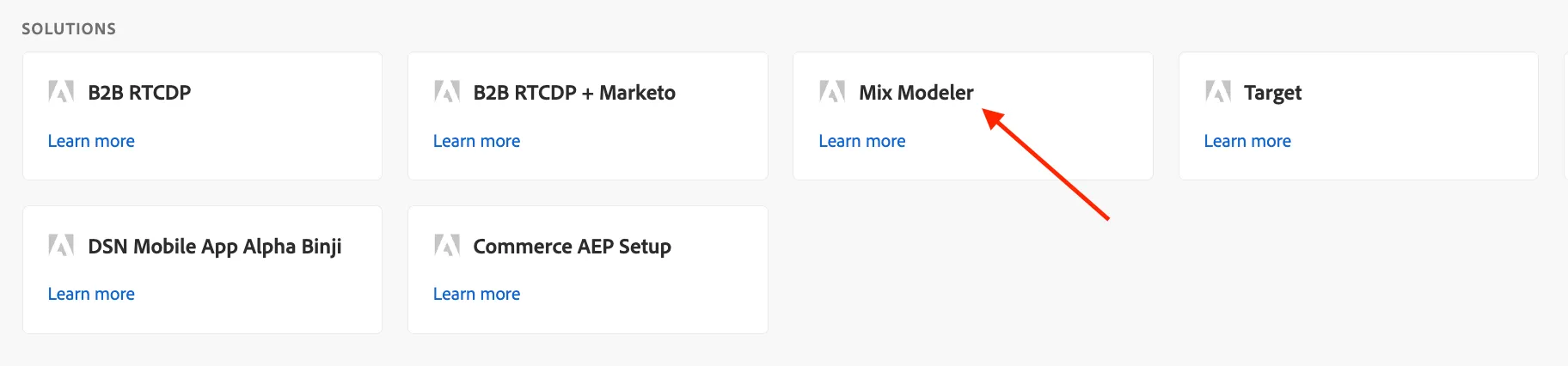
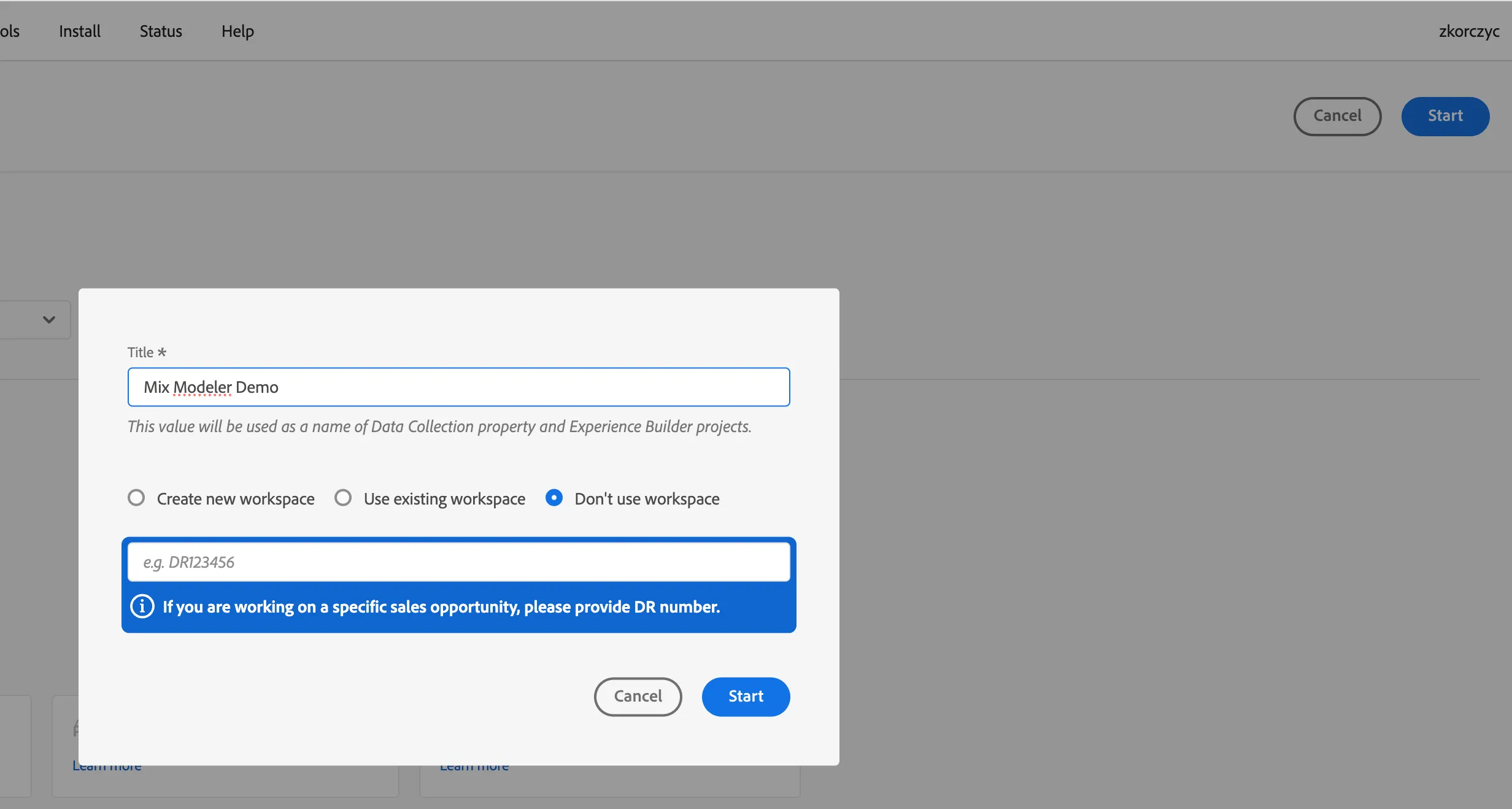
- Go back to top and click "Start"
- Provide a sample a name and select "don't use workspace" in the dialog
Following objects will be created on your sandbox
- Field groups:
- MMM Dimensions
- MMM Metric
- AMM Factor
- CustomerSpecific
- Schemas:
- MMM Summary Schema (Global v2.01)
- AMM-AA-Schema (Global v2.0)
- AMM Factor Schema (Global v2.0)
- Datasets:
- Demo System - Your Id- Luma Paid Marketing Data (Global v2.01)
- Demo System - Your Id- Luma Email Marketing Data (Global v2.01)
- Demo System - Your Id- Luma Offline Marketing Data (Global v2.01)
- Demo System - Your Id- Luma Organic Marketing Data (Global v2.01)
- Demo System - Your Id- Luma Orders Data (Global v2.01)
- Demo System - Your Id- Luma Revenue Data (Global v2.01)
- Demo System - Your Id- Luma AA Event Data (Global v2.01)
- Demo System - Your Id- Factor Promo Calendar (Global v2.01)
- Demo System - Your Id- Factor CPI (Global v2.01)
- Demo System - Your Id- Factor SP500 (Global v2.01)
All datasets are created with a prefix: user ldap or email, to distinguish it from other datasets that might be created by other users. Use your datasets while following setup of Mix Modeler.
Next step: Data import for Mix Modeler