Demo System Next UI
To access Demo System Next, go to https://dsn.adobe.com.
This is the main view of DSN:
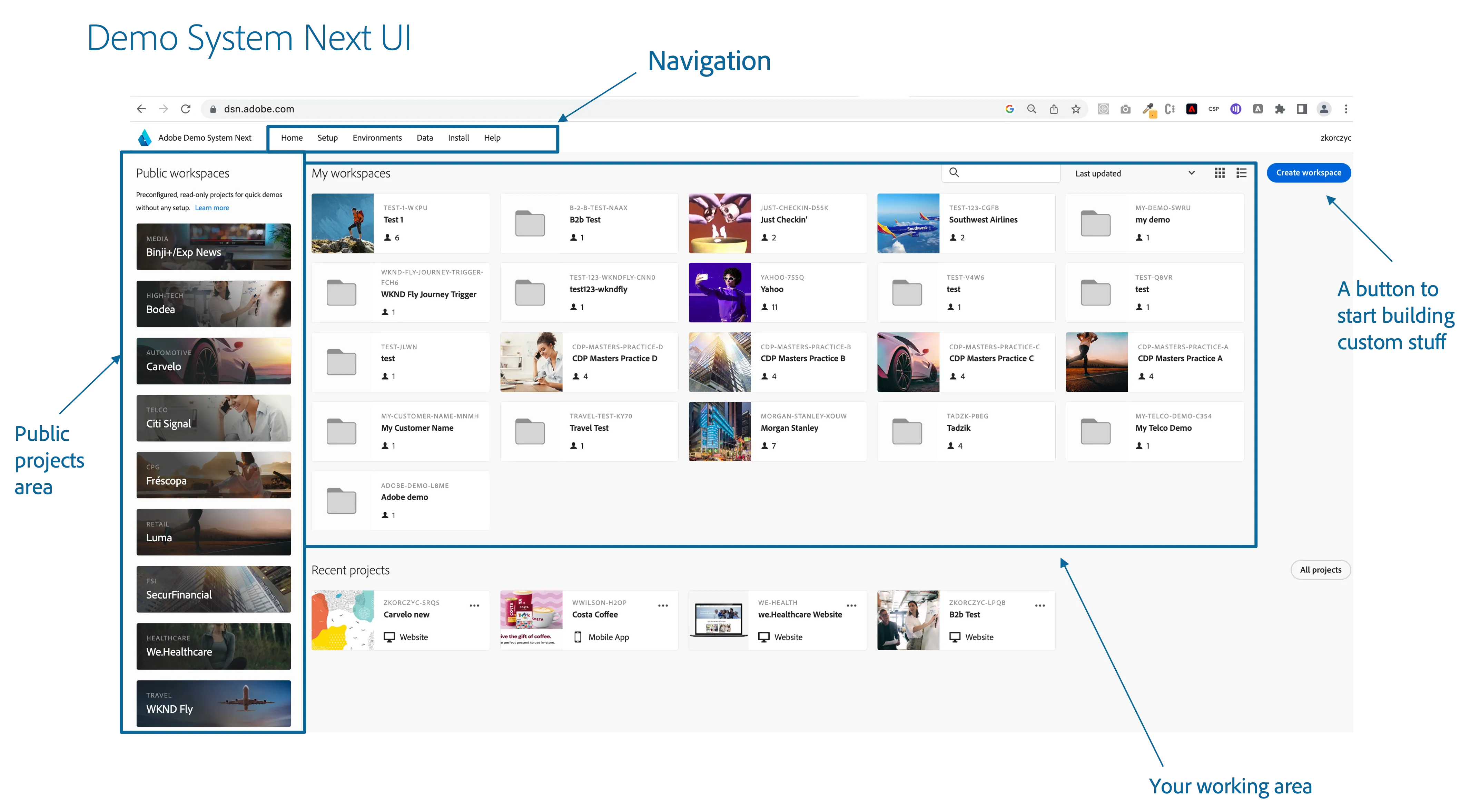
On the left are public projects.
You can learn more about them here: Public Projects Overview
In the middle is the work area, where you will see all your workspaces and projects created using, e.g., Quick Setup - learn more about how to create projects in DSN
The navigation at the top will lead you to:
Home - the main screen of DSN with the workspaces and public projects.
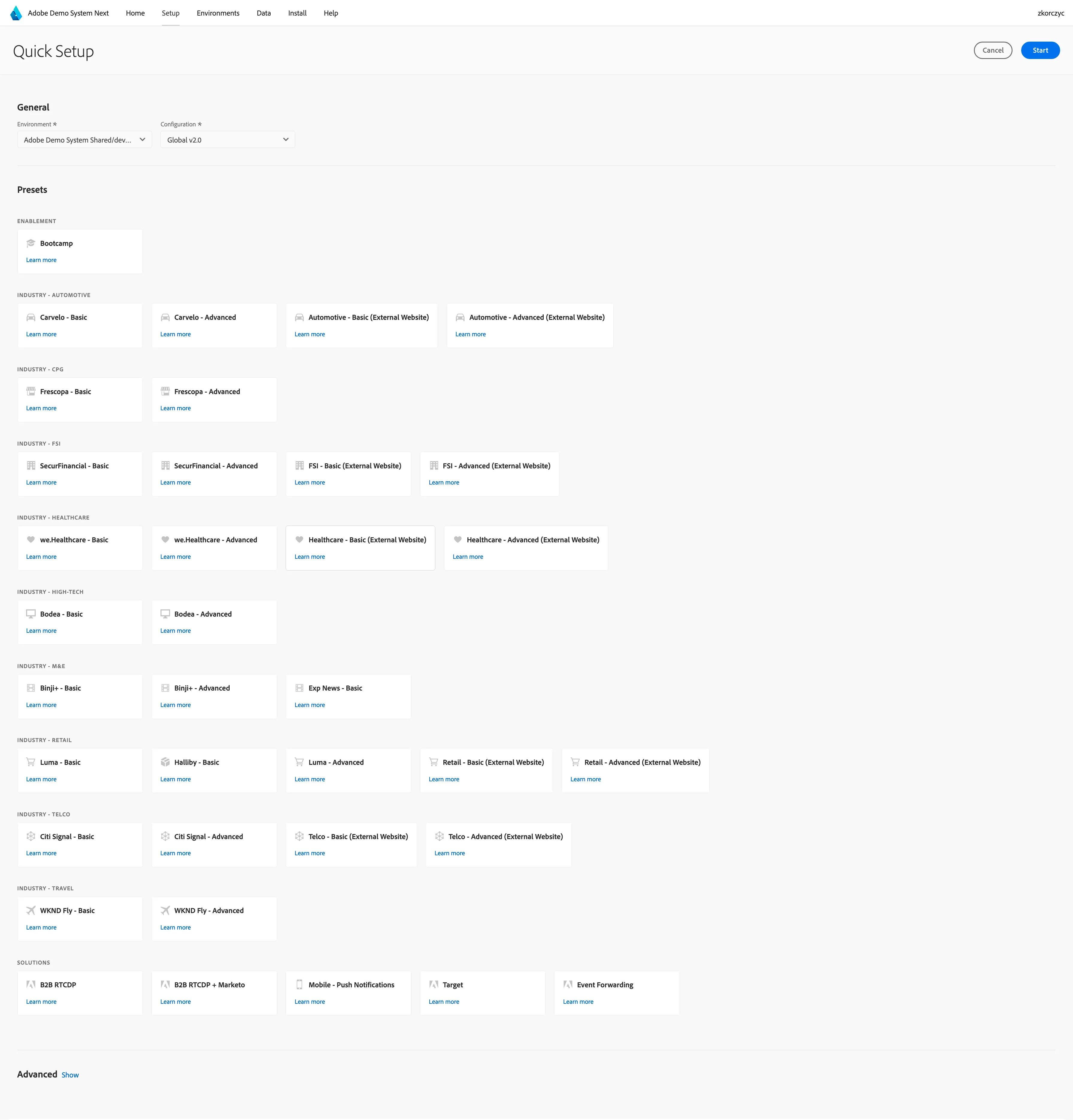
Setup - Quick Setup tool to configure your environment and create required projects.
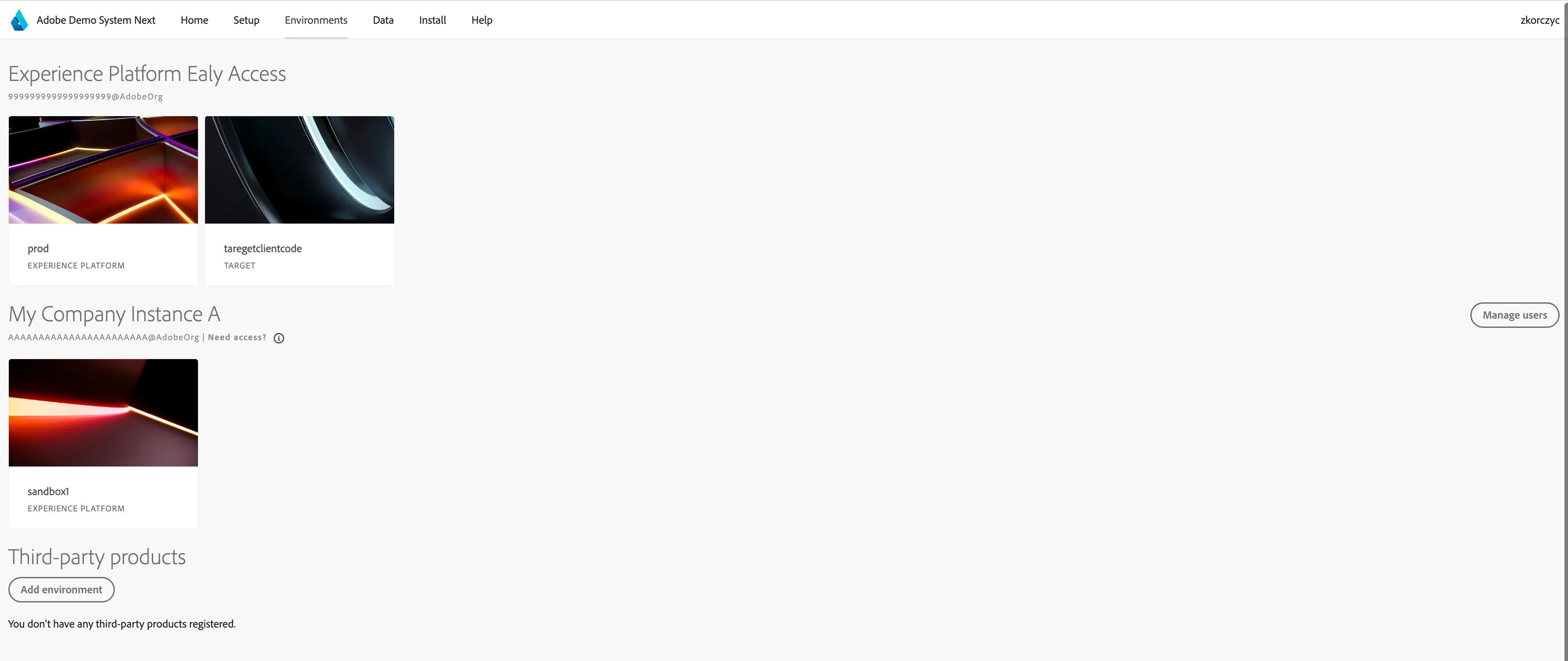
Environments - You will see here a list of environments you have access to.
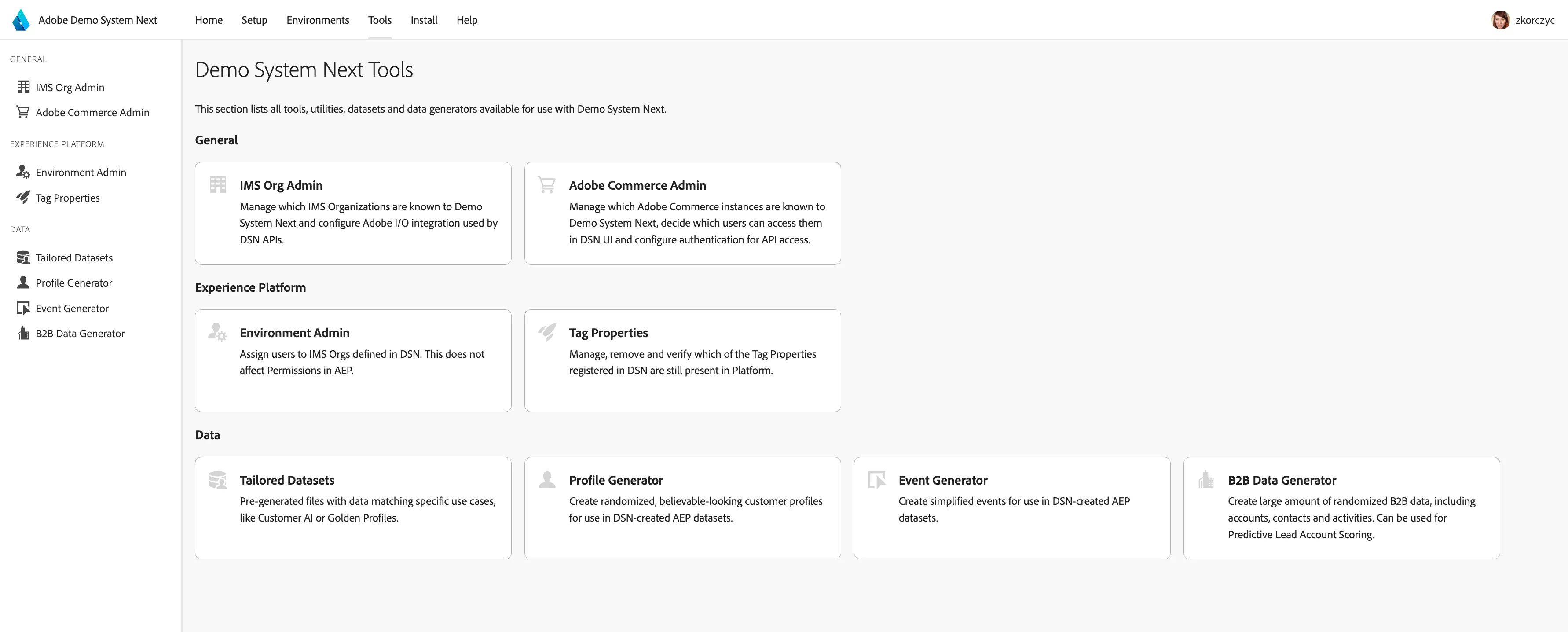
Tools - A set of tools to help you administrate your environments and prepare additional demo assets.
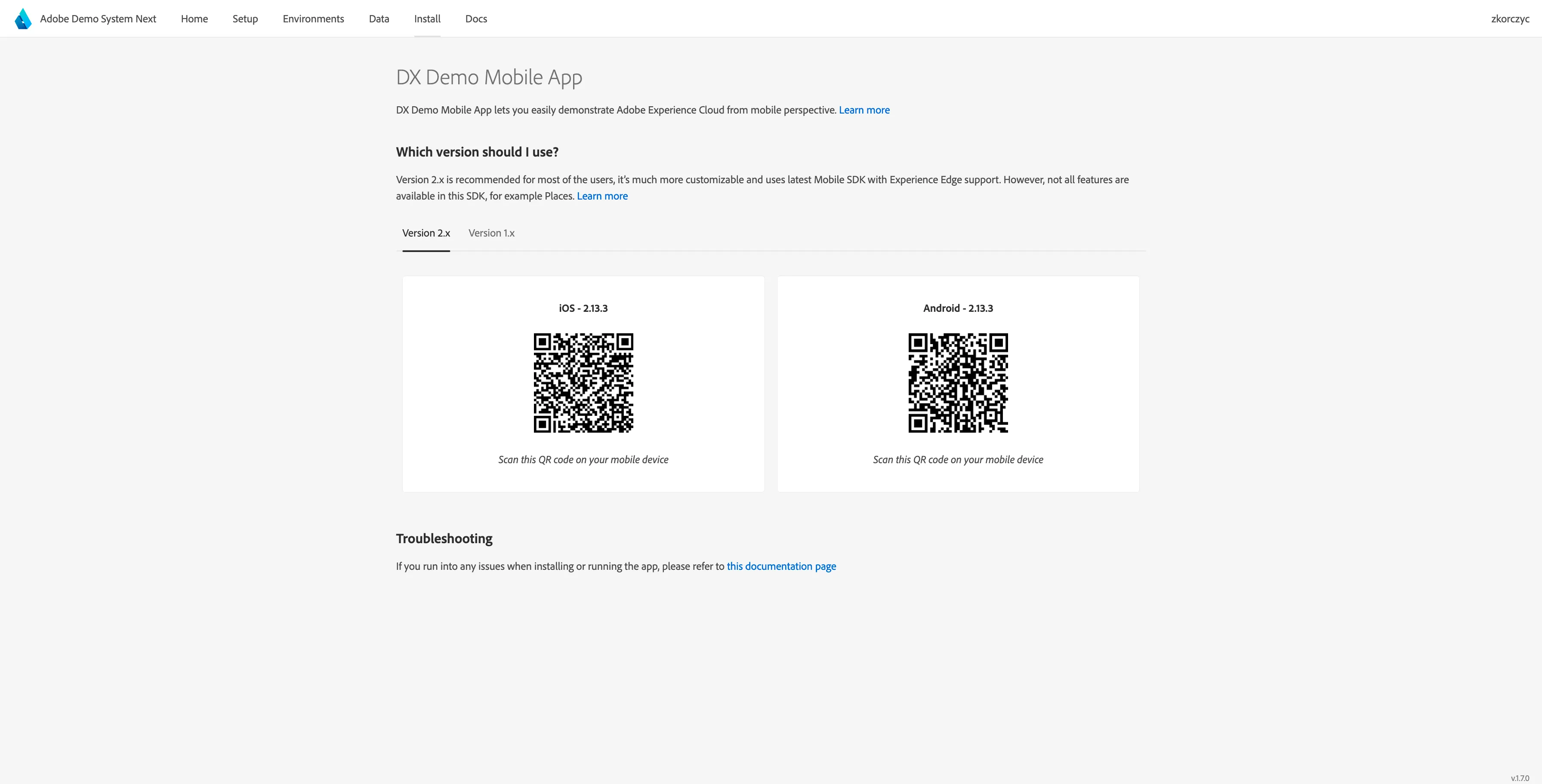
Mobile - Installation page for the Live Demos mobile application.
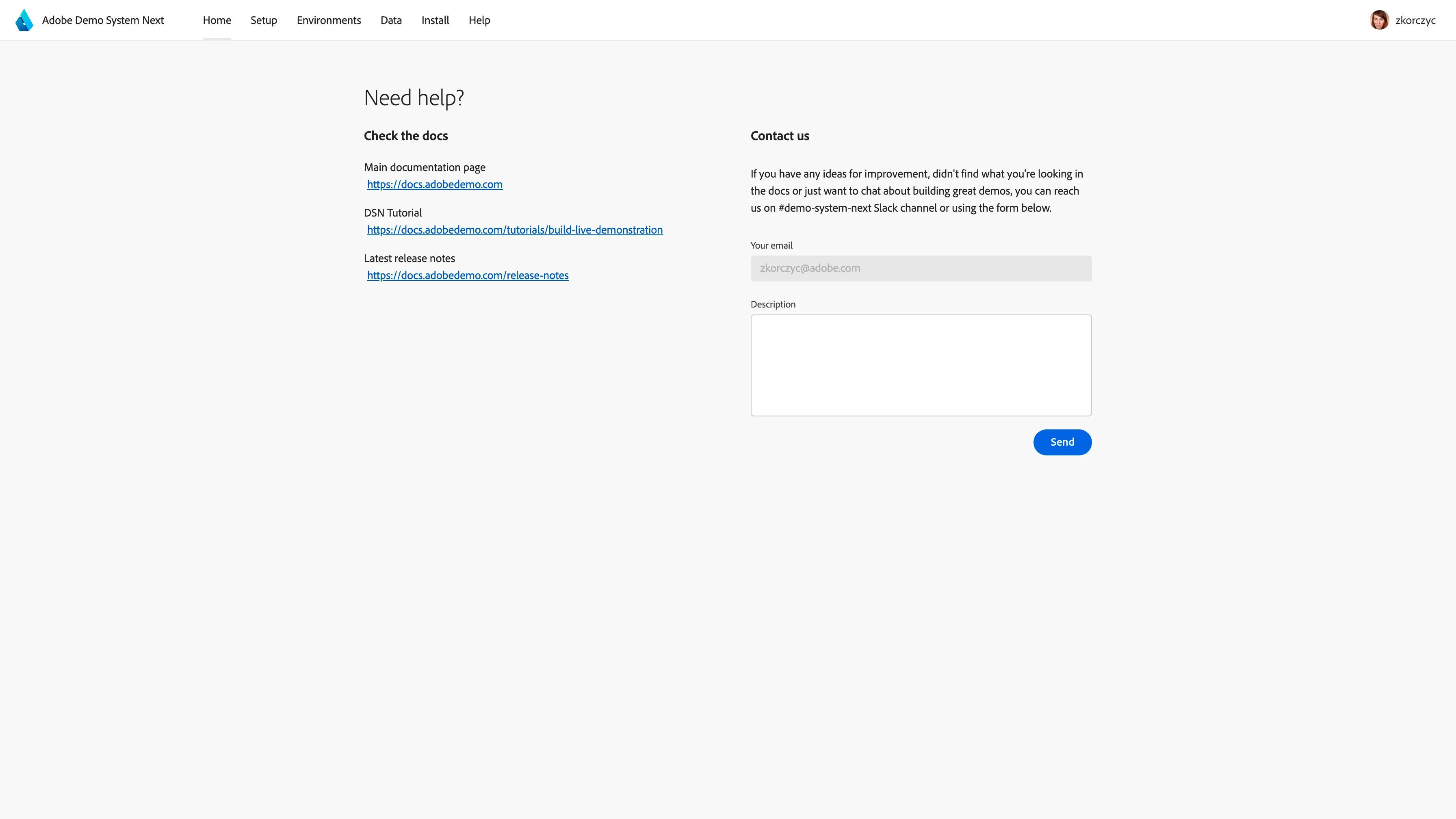
Help - Here you will find the link to these docs, and you can contact us: