How to "Configure Target" automatically to use personalization scenario
2 min
- In the environment section select your org

3. From the available presets select the one under Solutions, called: Target

4. Type your Data Collection Property Name and click "Start"
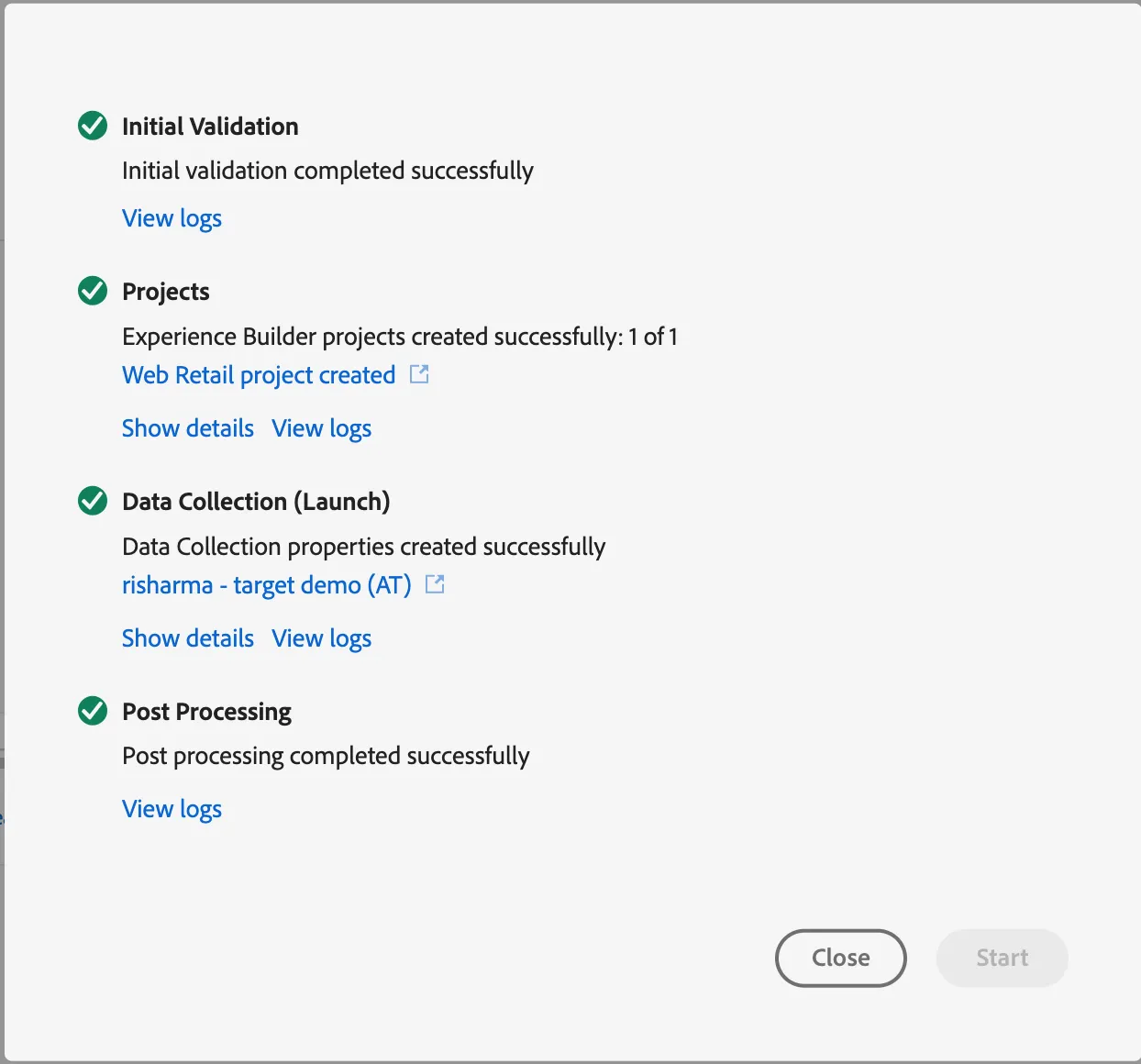
5. Go to https://dsn.adobe.com/projects open your project.
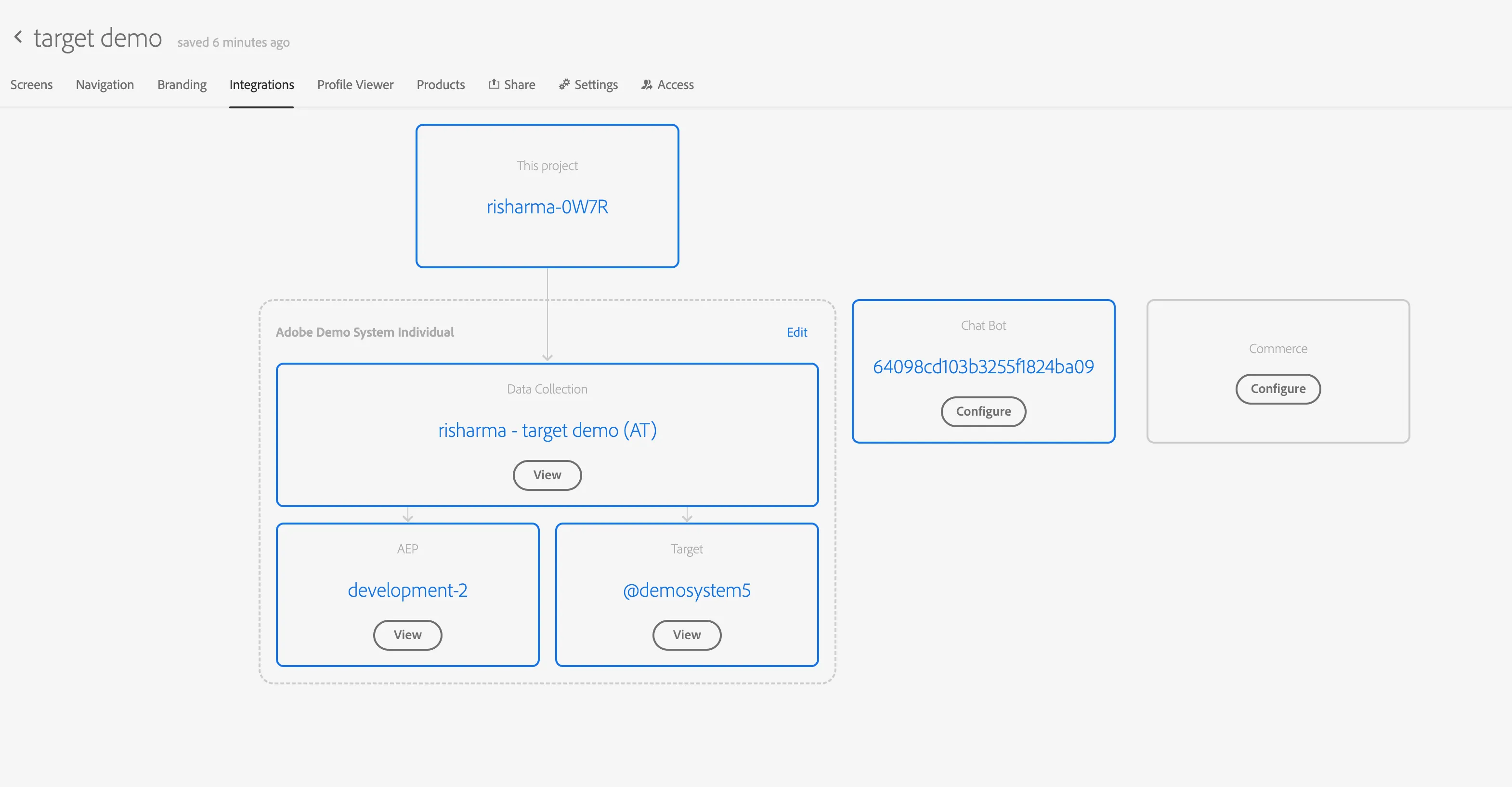
6. Go to the integrations tab and select the Launch you created in quick setup.
7. Open the page in VEC and prepare your activity. Use this link to learn more: