IMS Org Admin
To use an IMS organization or Experience Platform sandbox in Demo System Next, a user must be granted access. This access is managed separately from the underlying provisioning and permissions in Adobe CX Enterprise. In practice, that means the user must be assigned both the relevant IMS organization and the relevant AEP sandbox in Demo System Next, even if access has already been configured elsewhere, such as in Quick Setup. There are two primary self-service tools:
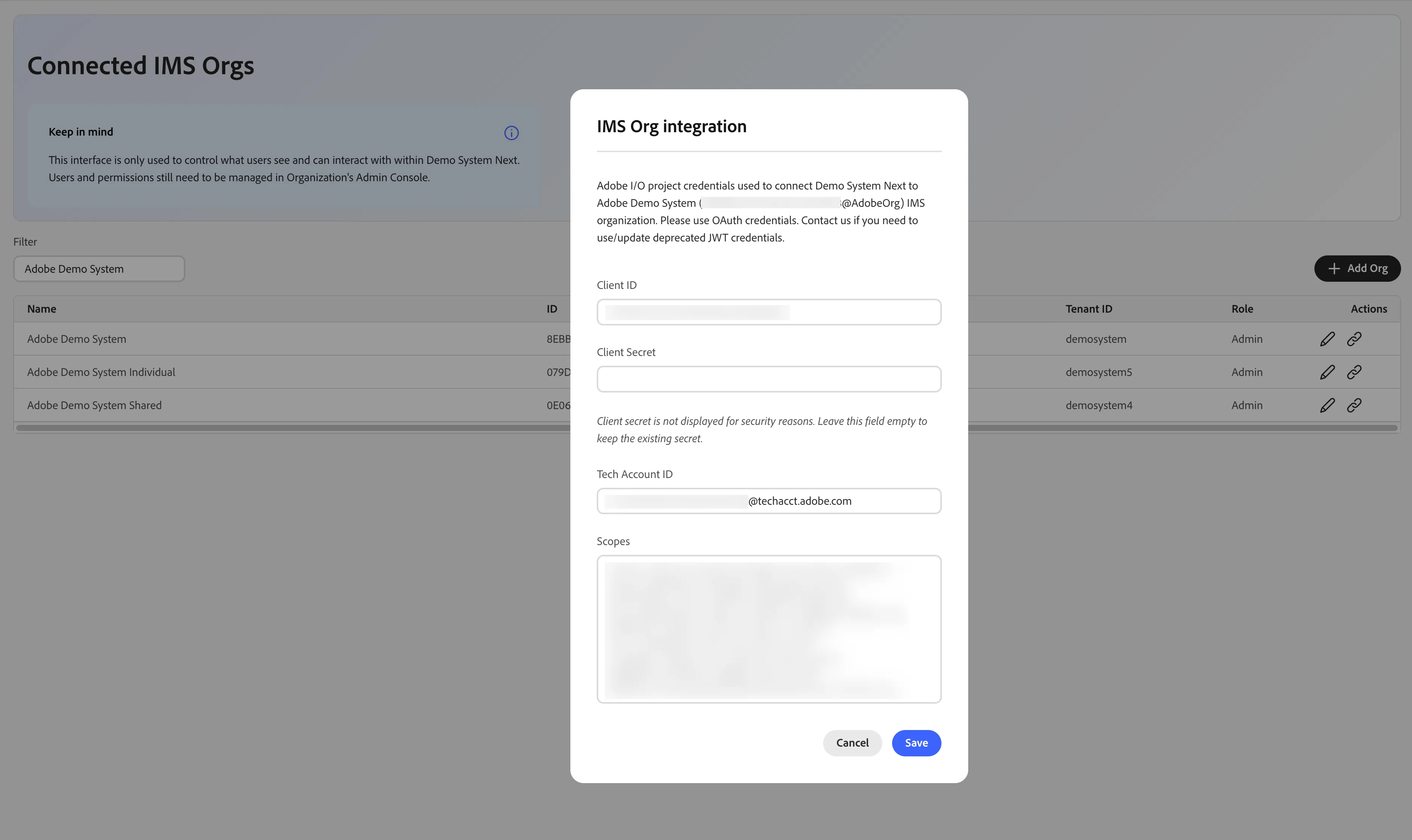
- IMS Org Admin - allowing admins to add or update IMS Orgs and integration details
- Environment Admin - allowing to assign users to orgs and sandboxes to users.
IMS Org Admin
https://dsn.adobe.com/tools/org-admin (Legacy)
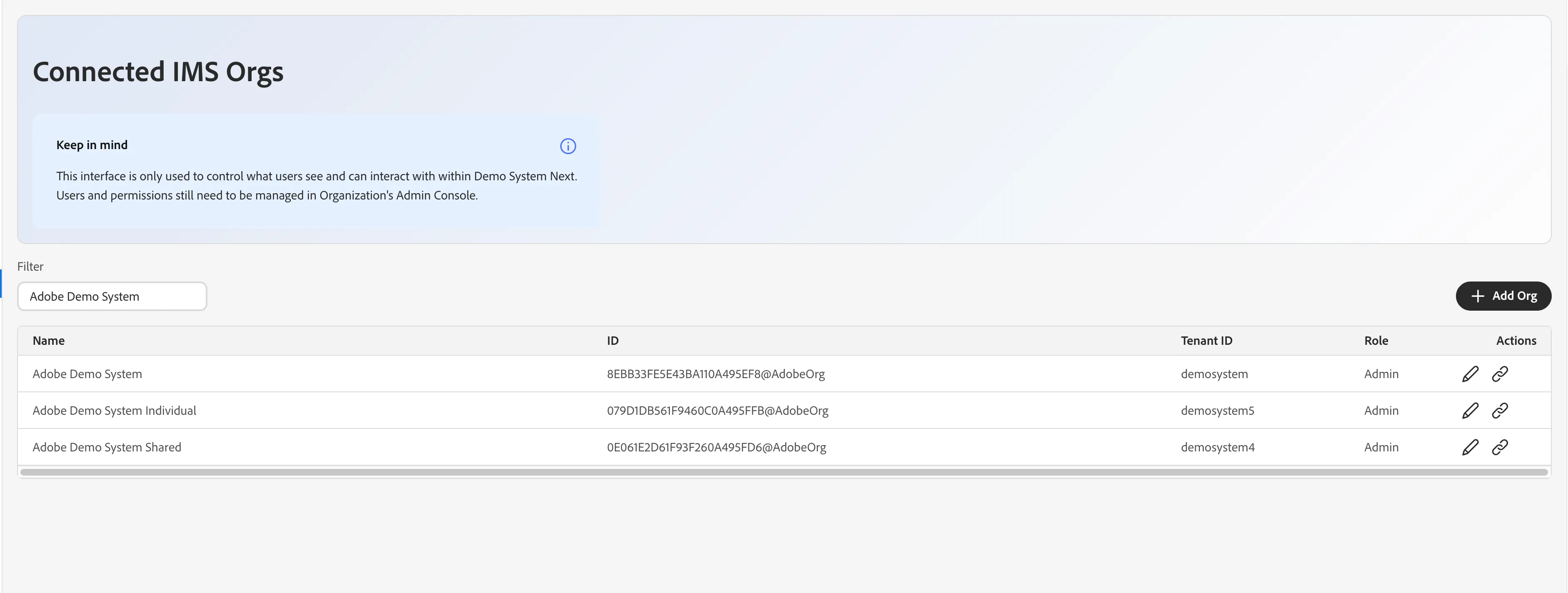
This view lists all the IMS Orgs that you are assigned to in DSN, either as a user or an admin. As a user, you can easily see org details, like ID or Tenant ID. As an admin, you can additionally update these details and set the integration used by DSN APIs. You can also add a new IMS Org using the button in the top-right corner of the table. All fields visible in the screenshot below are required. After adding a new org, remember to update its integration details by clicking the link icon in Actions column.