Learn more about customers
Business Objectives
Frescopa wants to learn more about their customers, their online and offline behaviour. They are adding AEP and Data Collection tag to their website and mobile app to gather information about what the users are looking at on the web page and mobile app, observe the interactions and use this information to deliver more relevant and personalised experience.
Persona Intro
Lizzie Torres is 22 years old single women living in New York. She is a new Fréscopa customer, she has just bought an automatic espresso machine for her home. She browses Frescopa website and learns more about Frescopa products.
Scenario
To start with a completely empty profile, clear your browser cookies or open a new incognito window. In the mobile app go to the settings screen and click "Reset profile" button
Starting point:
Gathering information about customer as she browses the Frescopa website
Instructions
1) Lizzie is browsing Frescopa Website. She is an unknown user on this device.
Open the Frescopa website. (All instructions in green are actions for the demonstrator to perform)
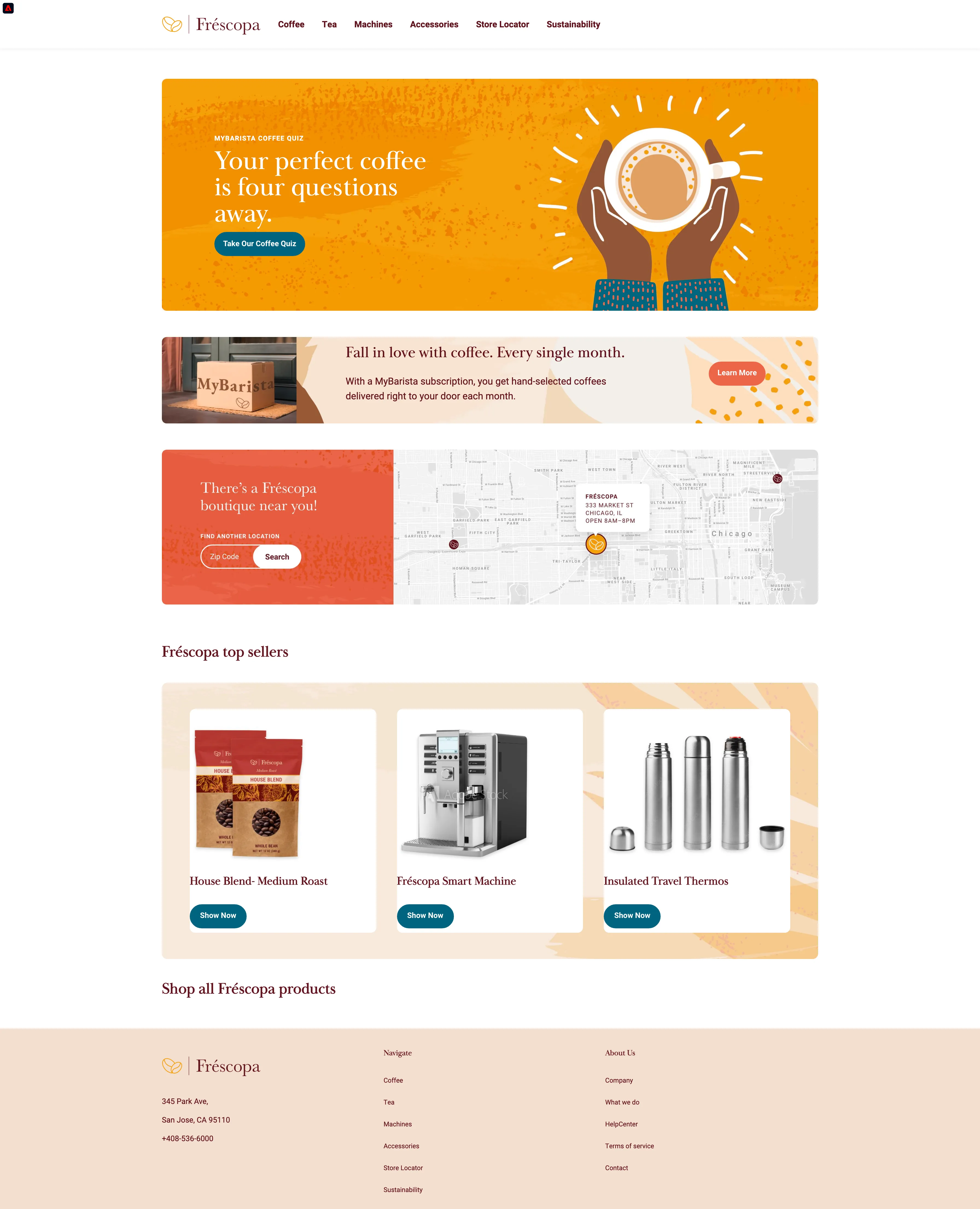
2) Lizzie checks out few coffee products
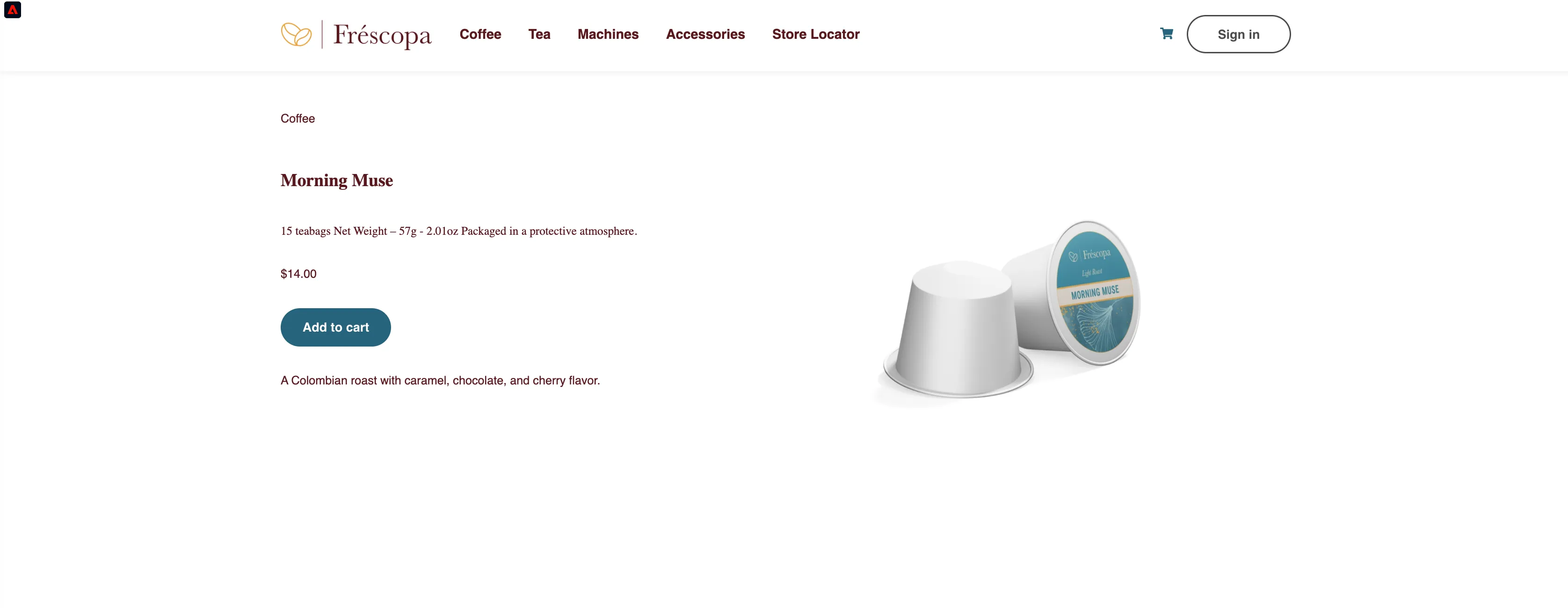
Visit at least 2 coffee product pages to qualify for "Frescopa - Coffee Enthusiasts" segment.
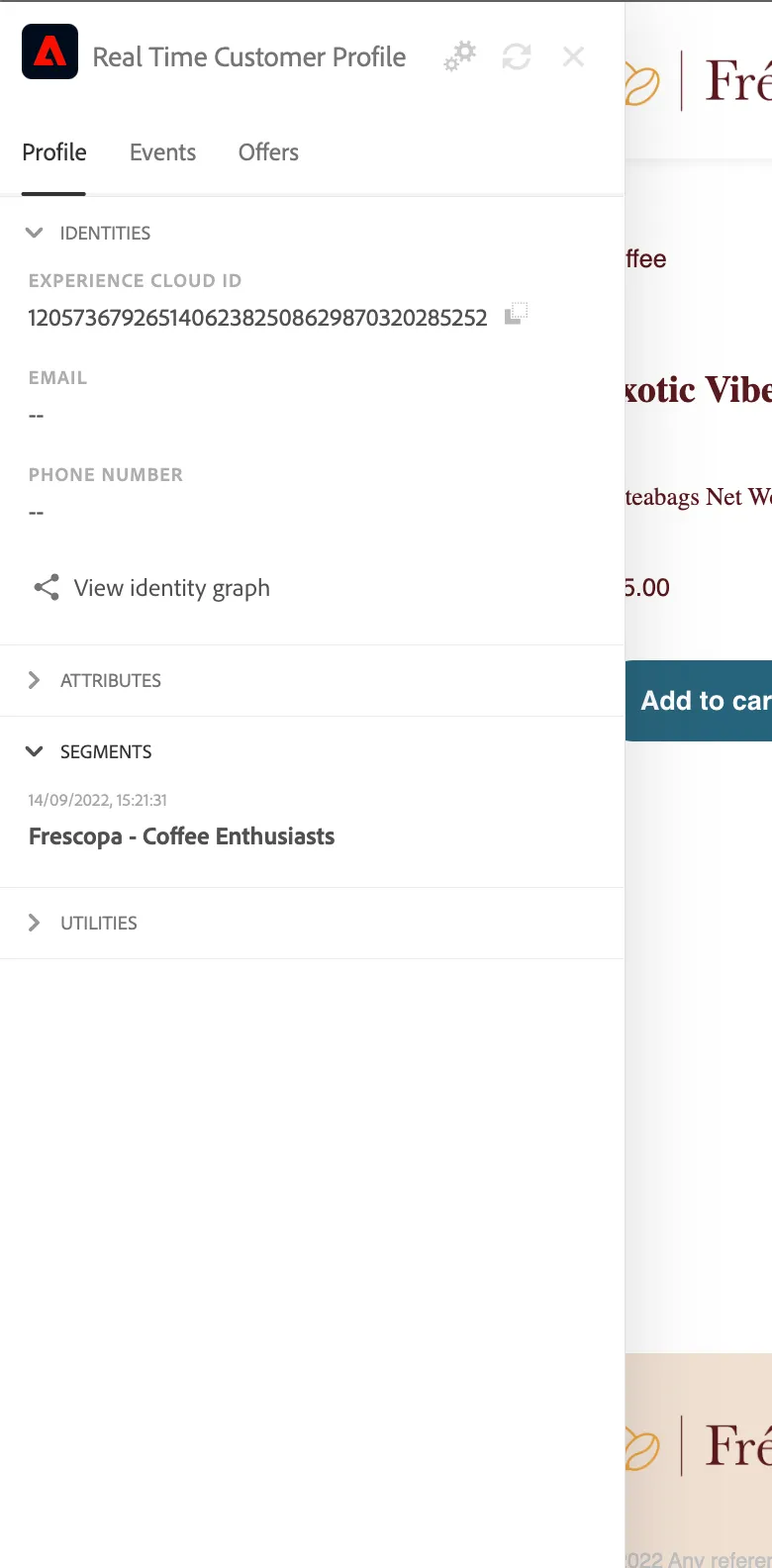
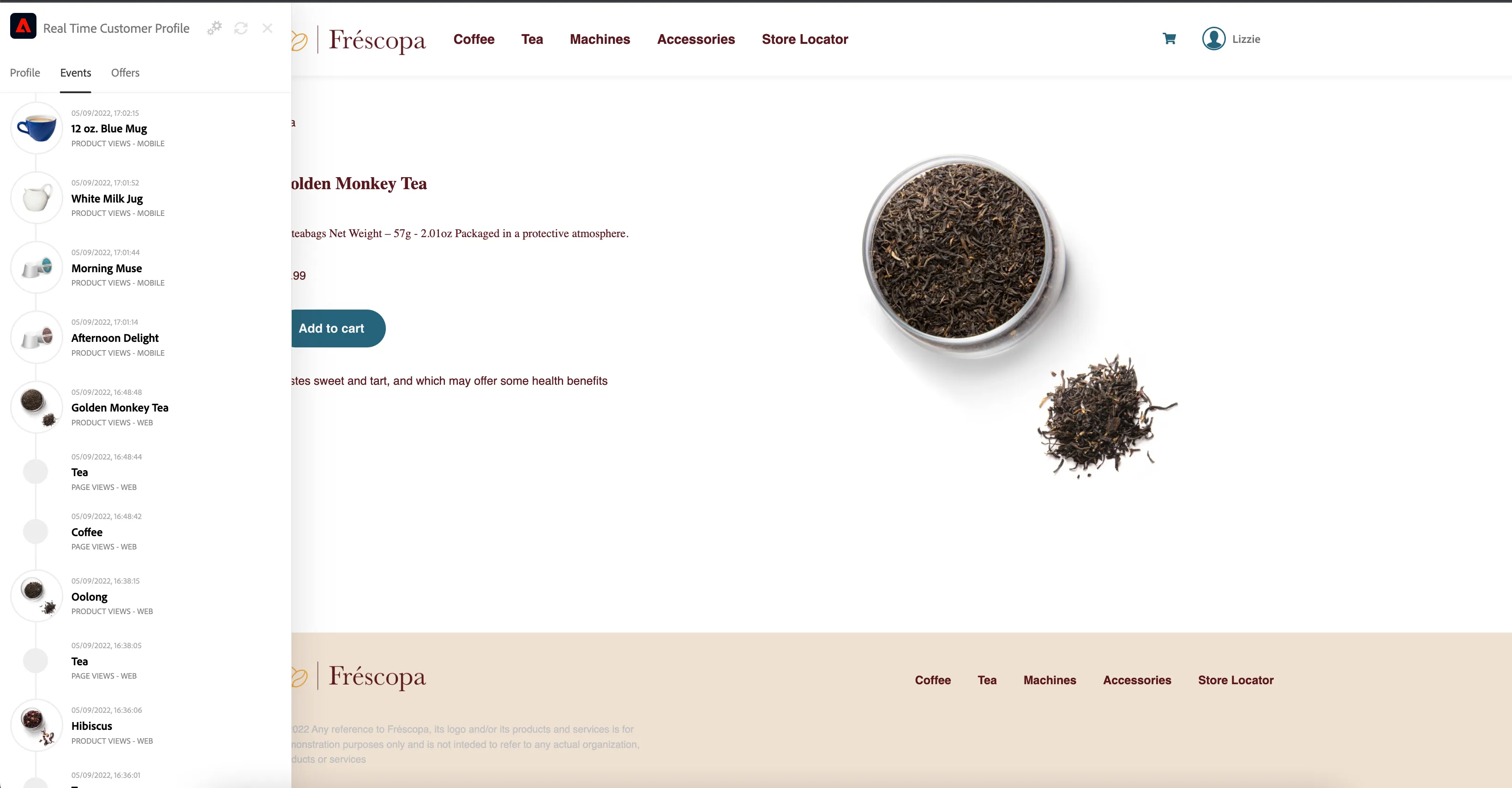
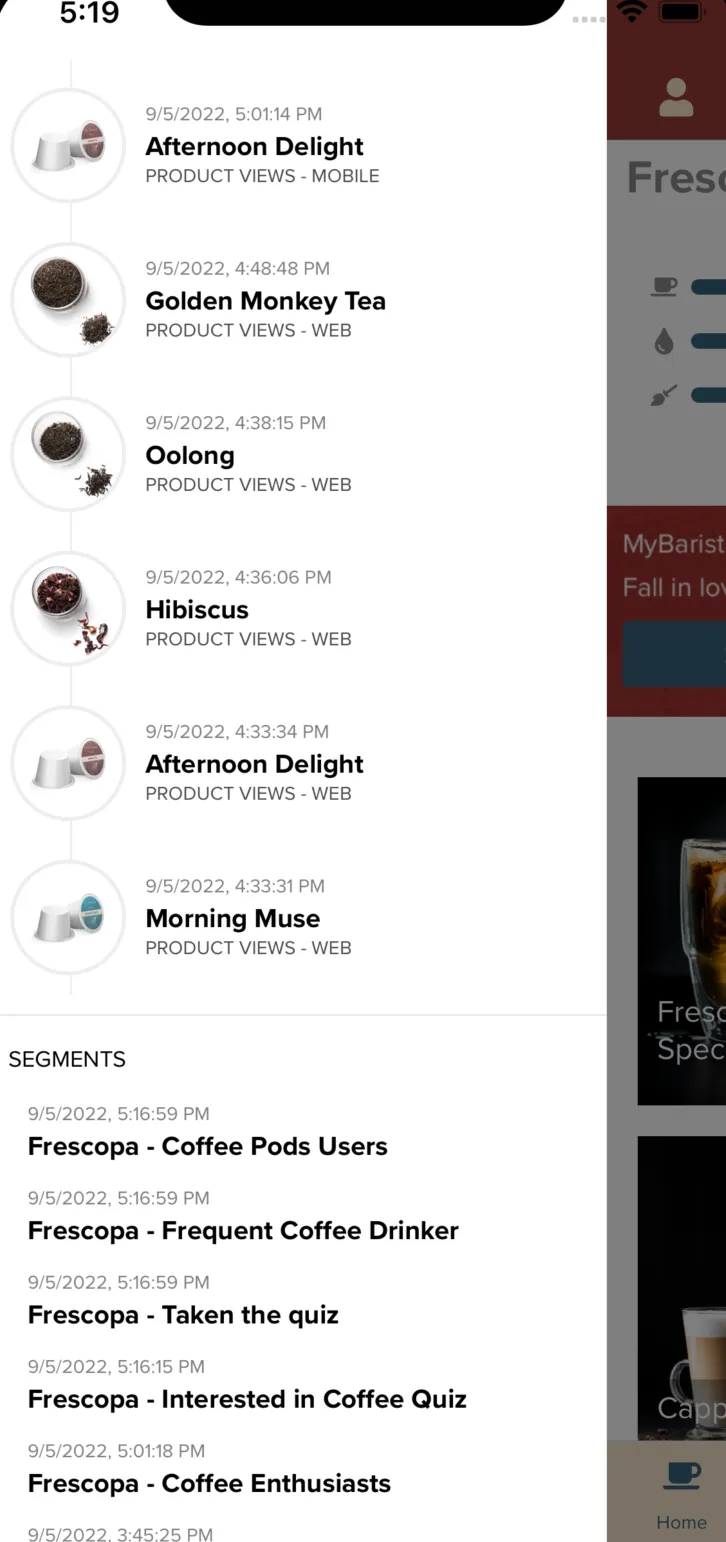
Open Profile Viewer, all experience events should be visible in Events Tab. You should also be able to view that profile is resolved for segment - Frescopa - Coffee Enthusiasts.
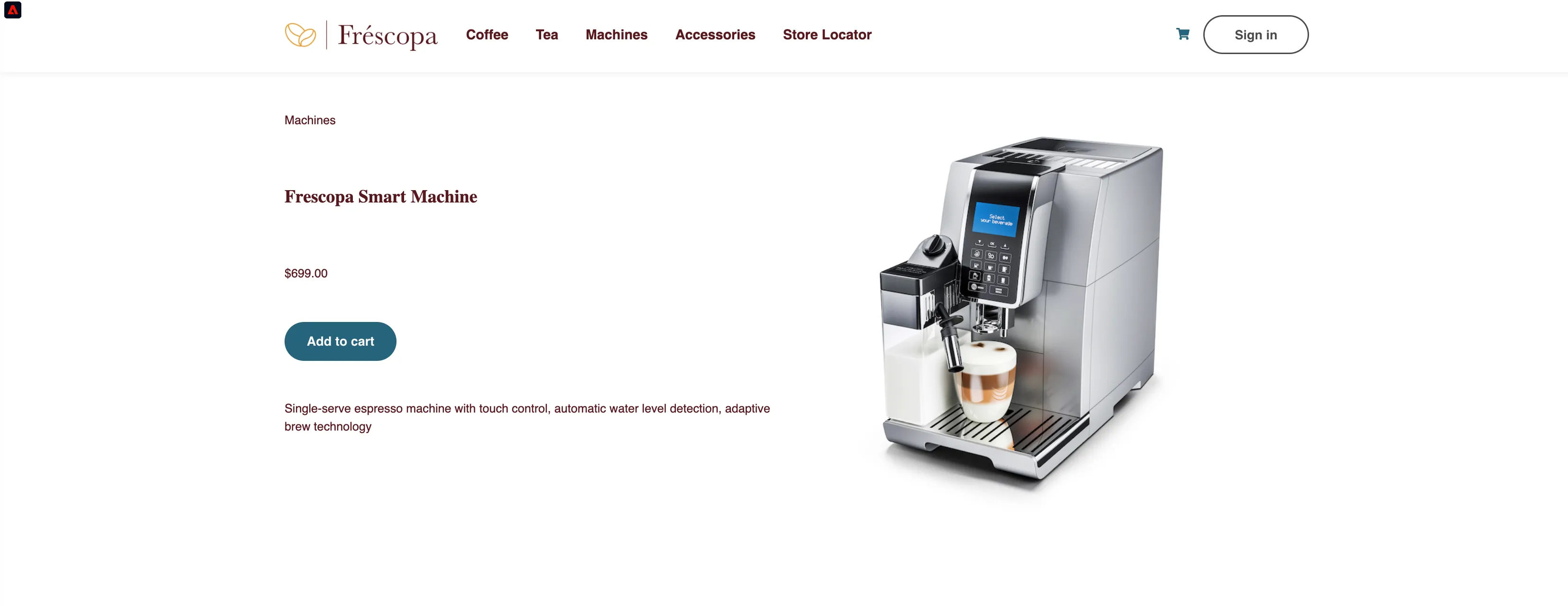
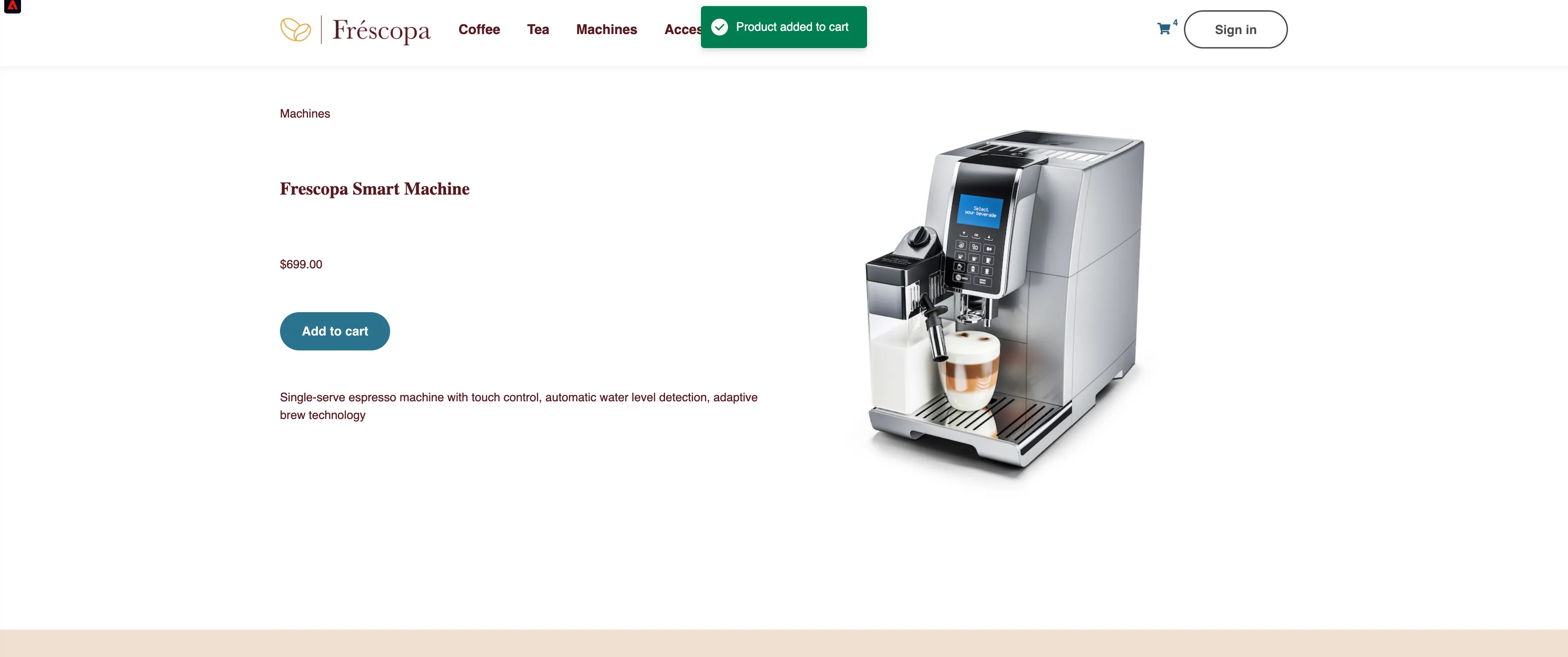
3) She navigates to Machines Category and then viewes Frescopa Smart Machine. Click on "Machines" in top navigation and then click on "Frescopa Smart Machine".
4) She adds this product to the cart.
Click on "Add to Cart"
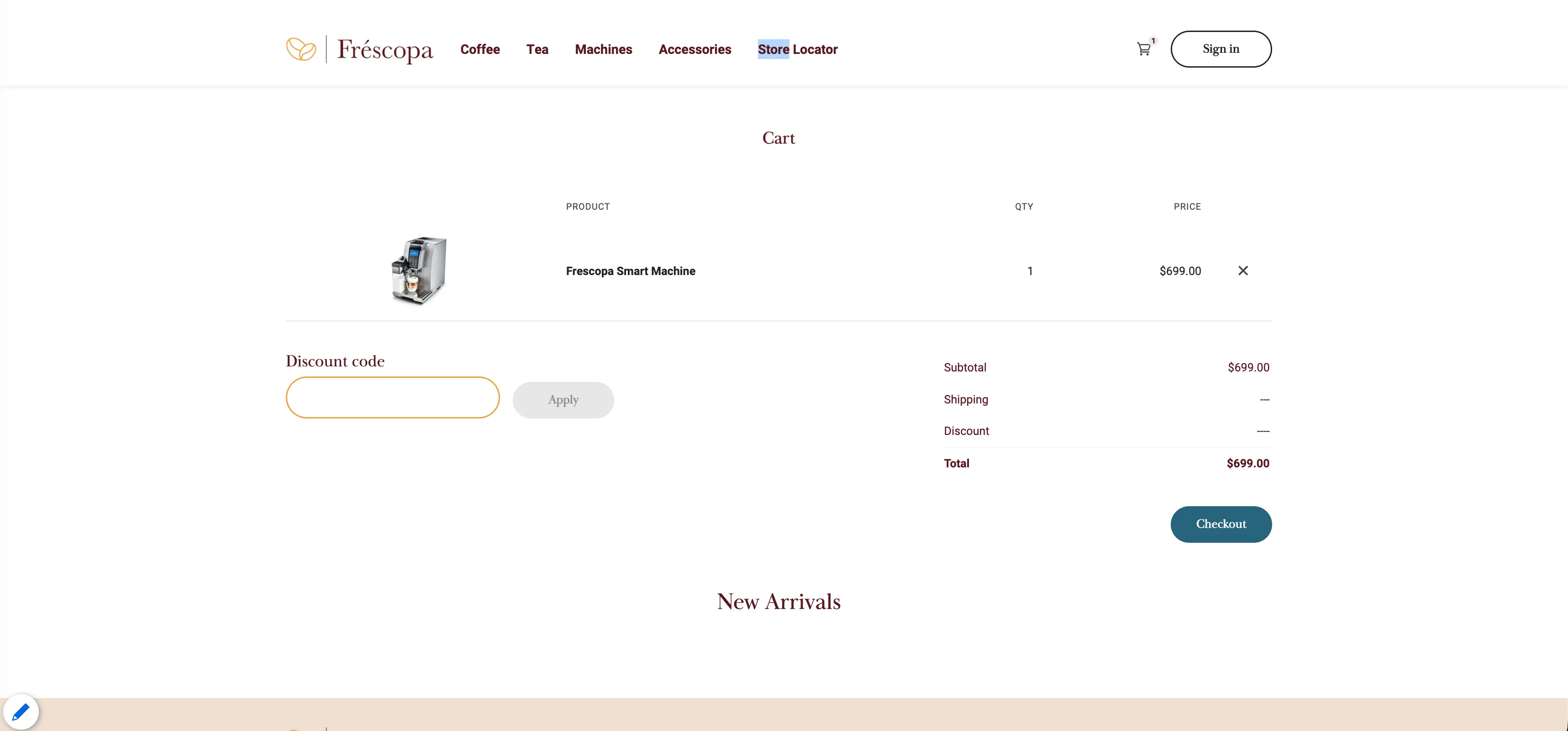
5) She checks out without registration.
Click on "Checkout"
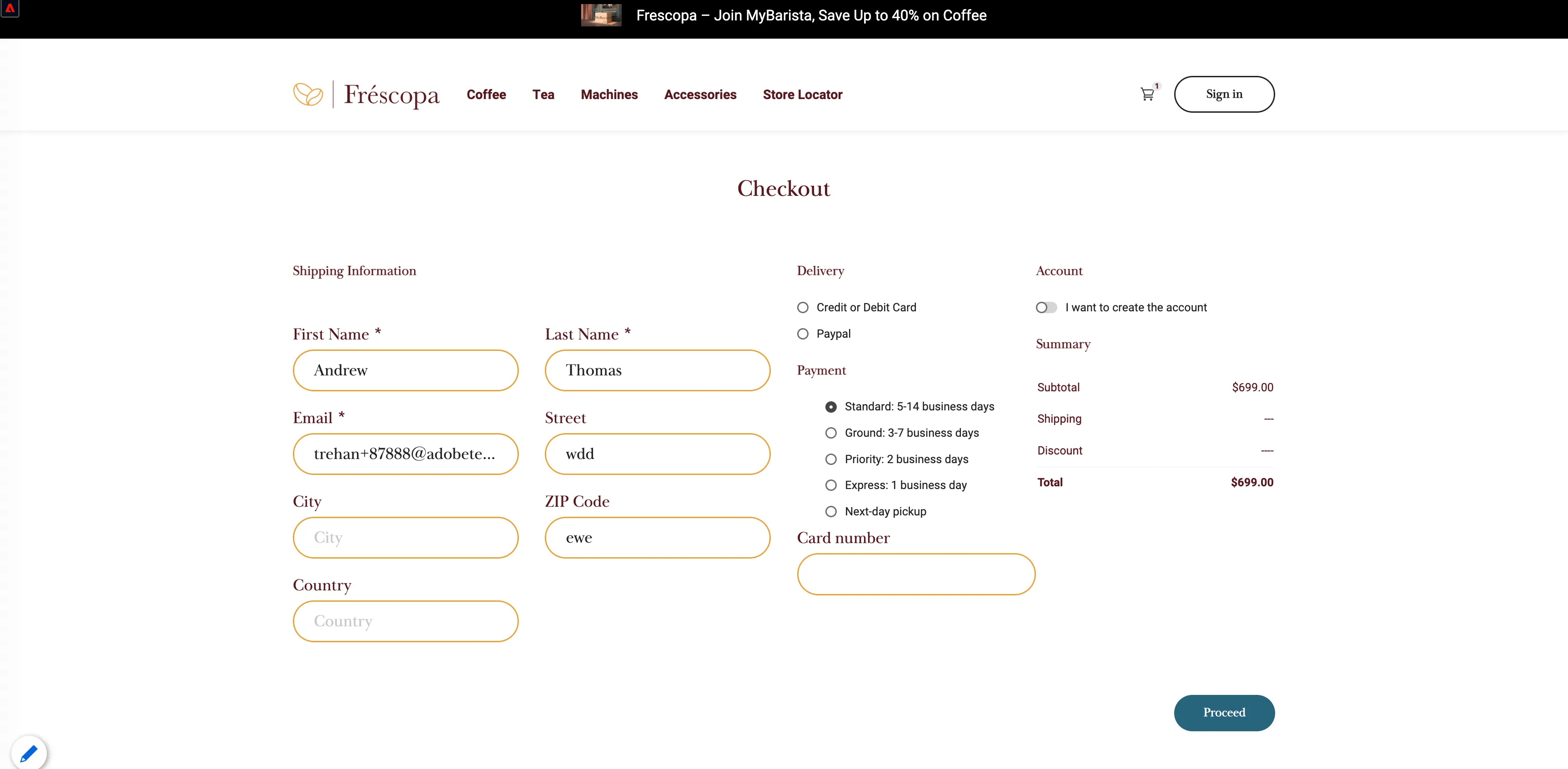
6) Fill all the required fields and proceed with the checkout process.
Fill the requires field. Click on "Proceed" button.
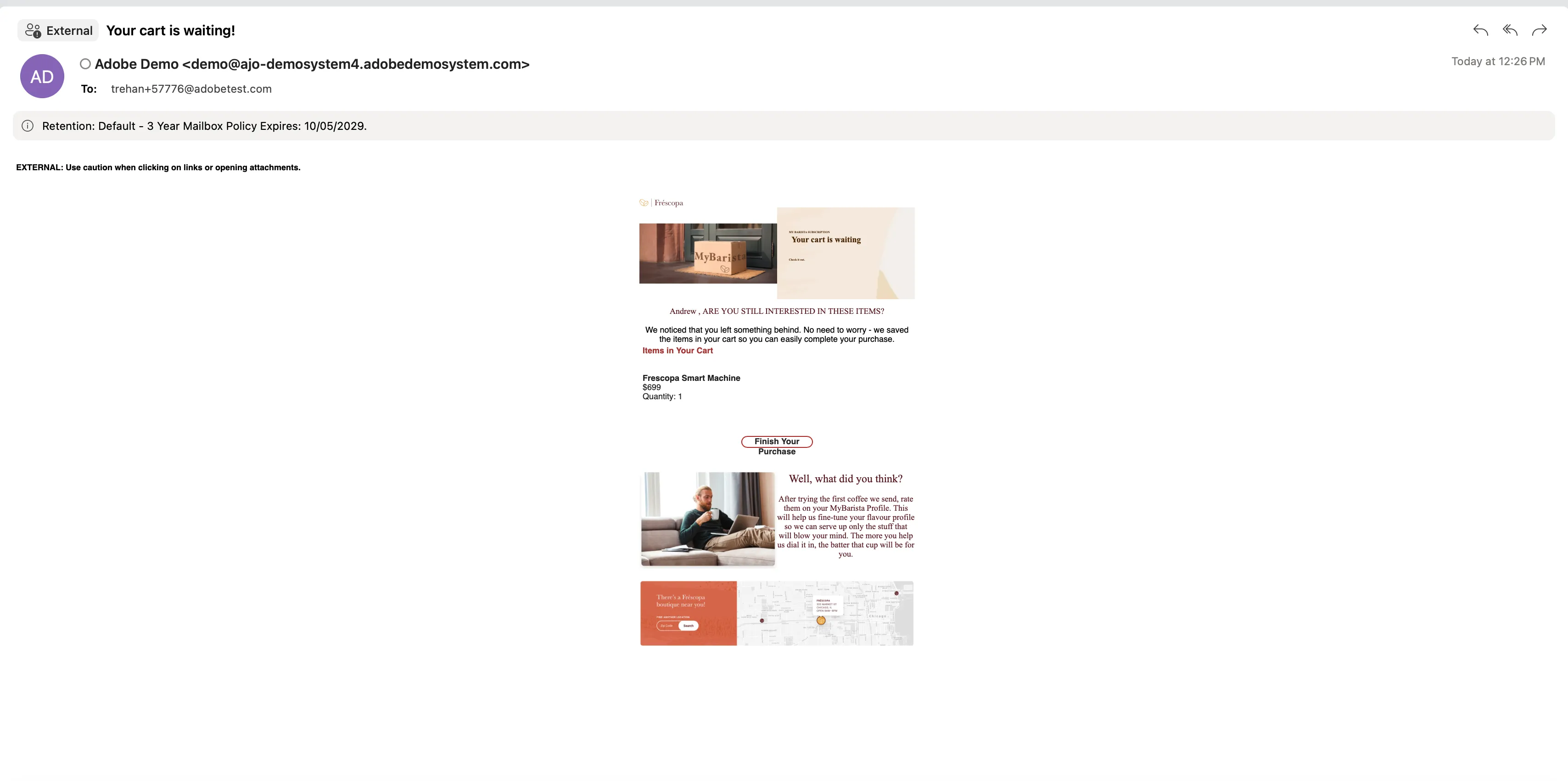
7)She didn’t complete her order and went to another page to see other products. Meanwhile, she received an email about cart abandonment encouraging her to complete the order.
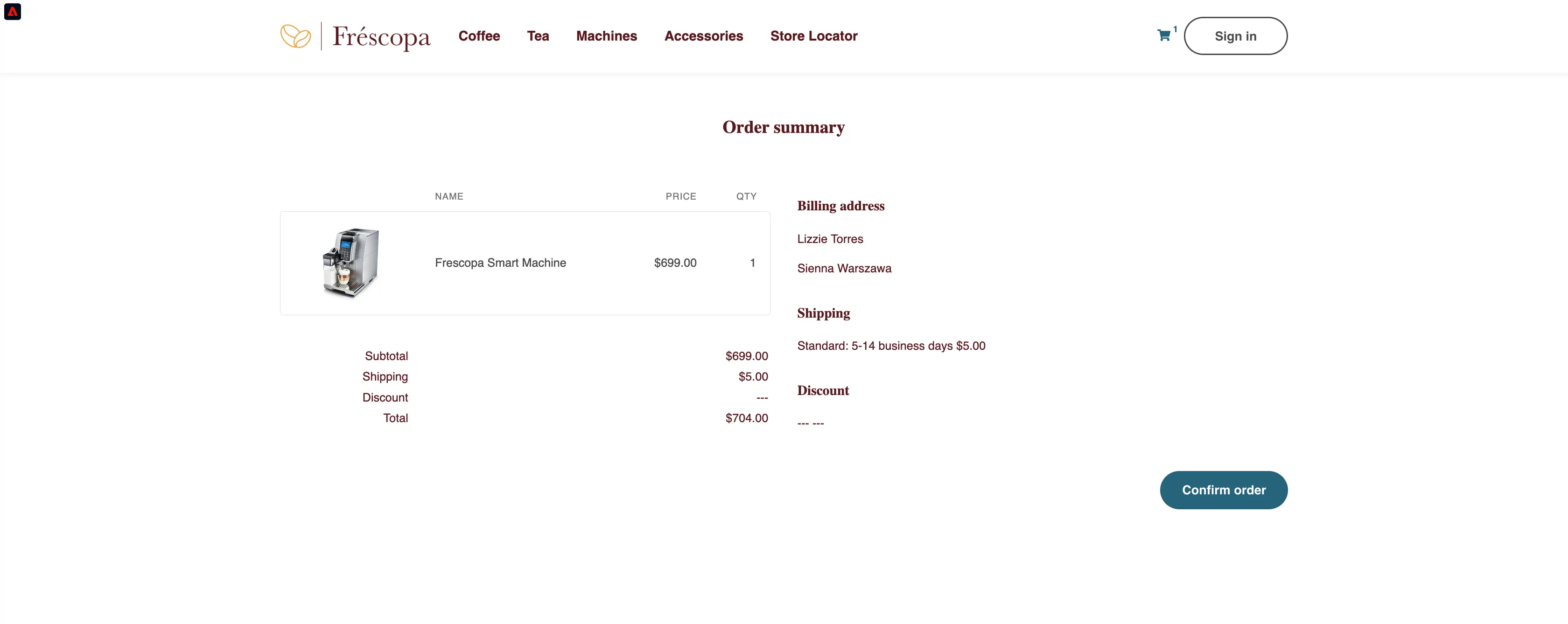
8) She clicks on Confirm Order to complete the order.
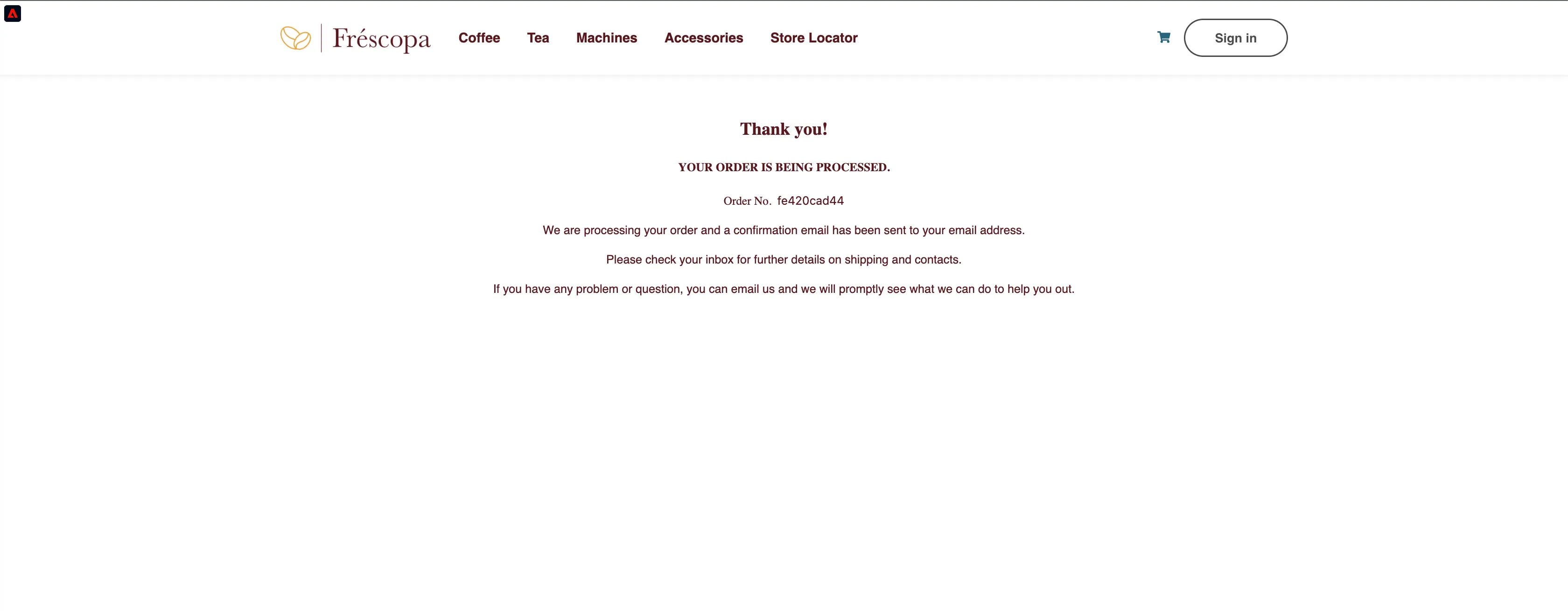
Click on "Confirm order" to complete the order. She receives an email once she has completed her order.
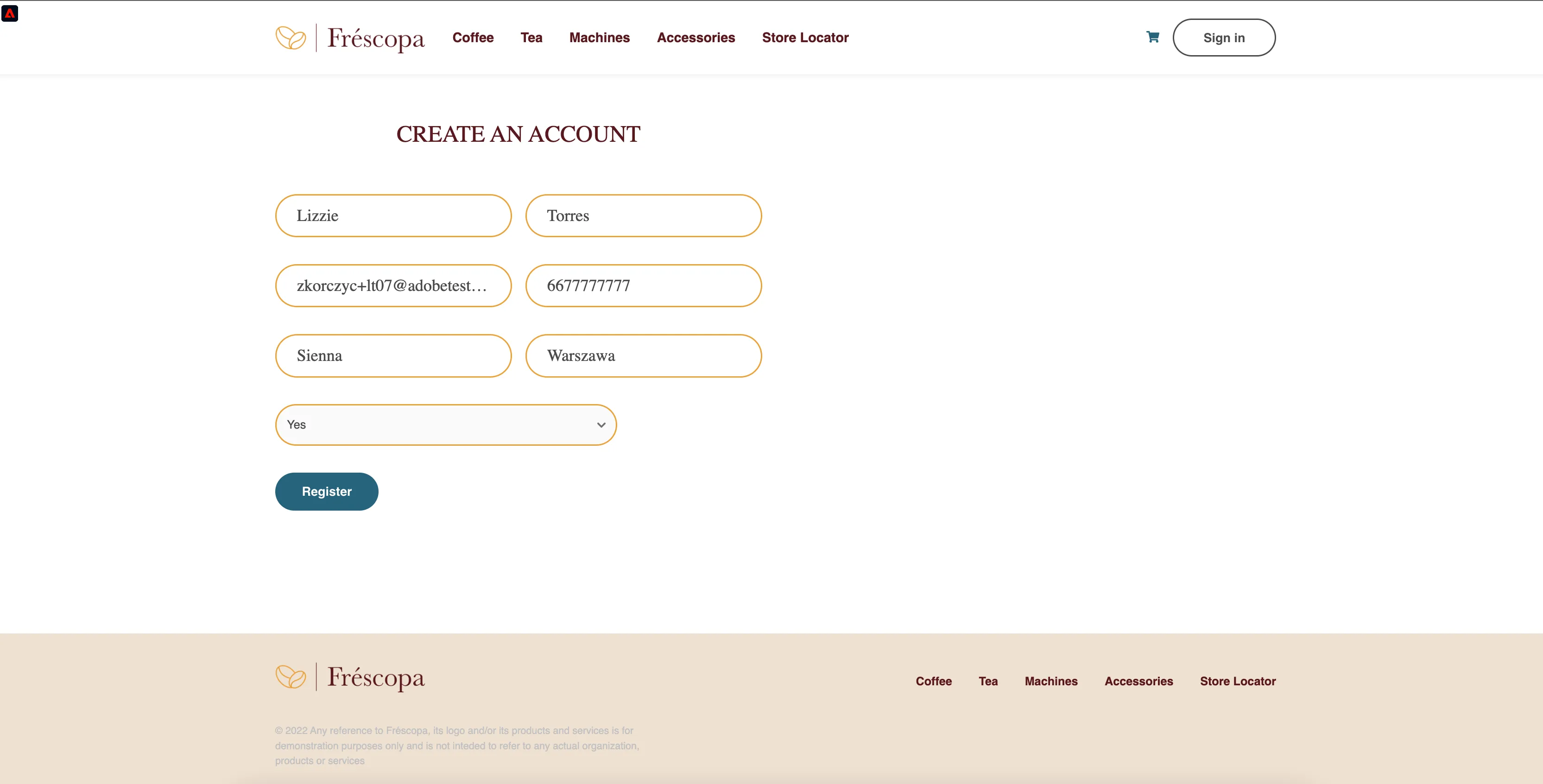
9) A few days later, Lizzie creates an account on the website, and since she is a smart machine owner, she chose 'Yes' to the question "Do you already have a Frescopa Smart Machine".
10)Website displays an in-app message encouraging users to download the mobile app. She installs the app on her device.
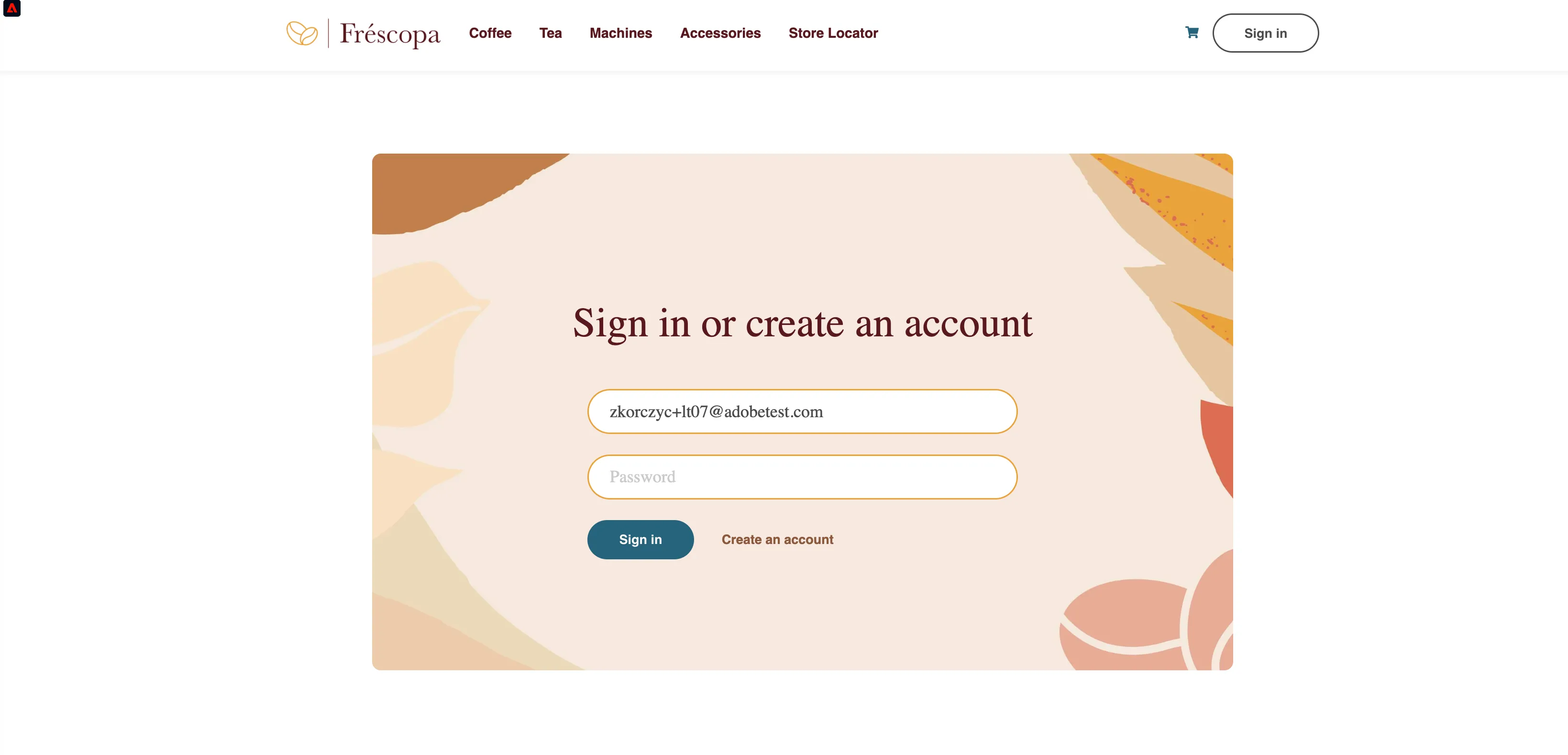
11) Lizzie logs in to the website with her credentials. She learns about a coffee she didn't know about - Morning Muse Light Roast.
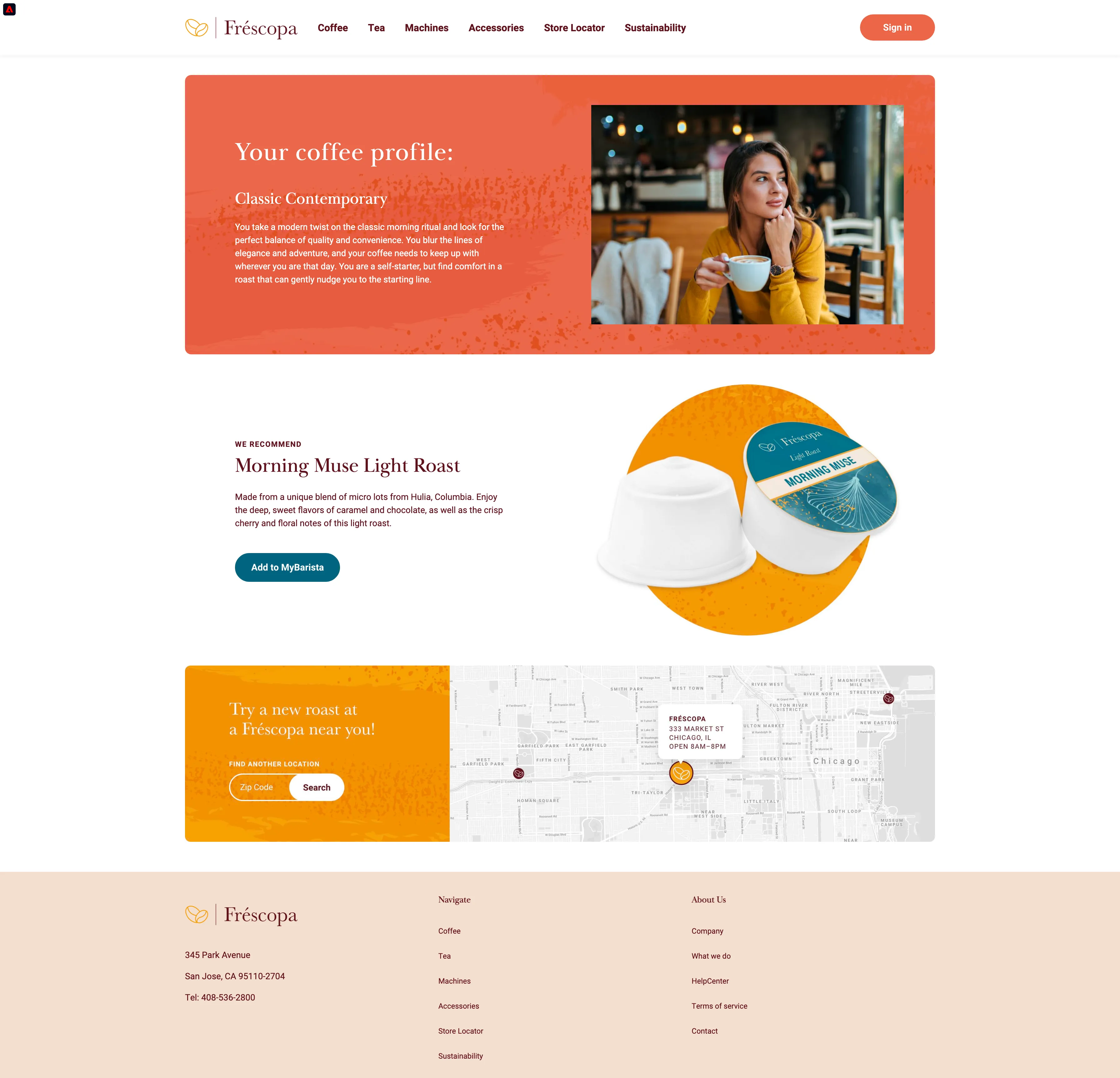
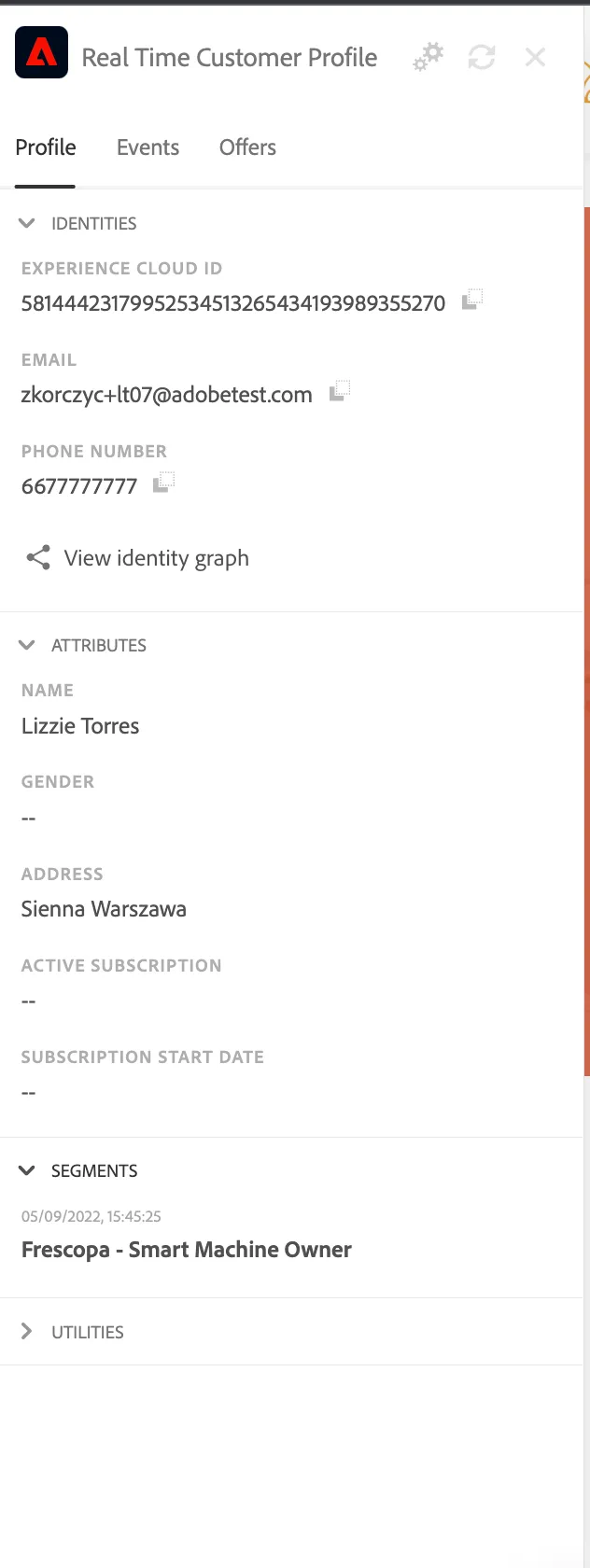
Open profile viewer - Profile details should be visible there.
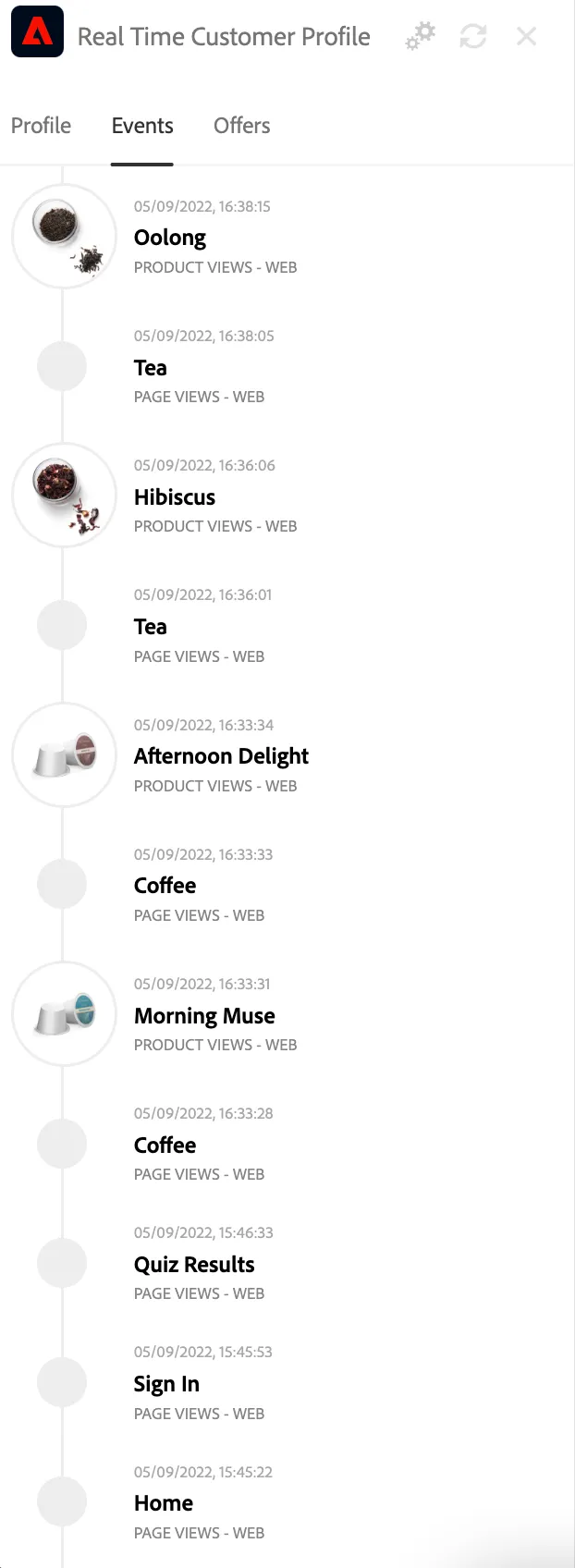
Open profile viewer. The product view events will be visible in the Experience Event Section.
11) Lizzie logs in to her app to control her coffee machine.
Open the mobile app on your phone. Make sure you are connected to the public Frescopa project (Go to settings screen to check).
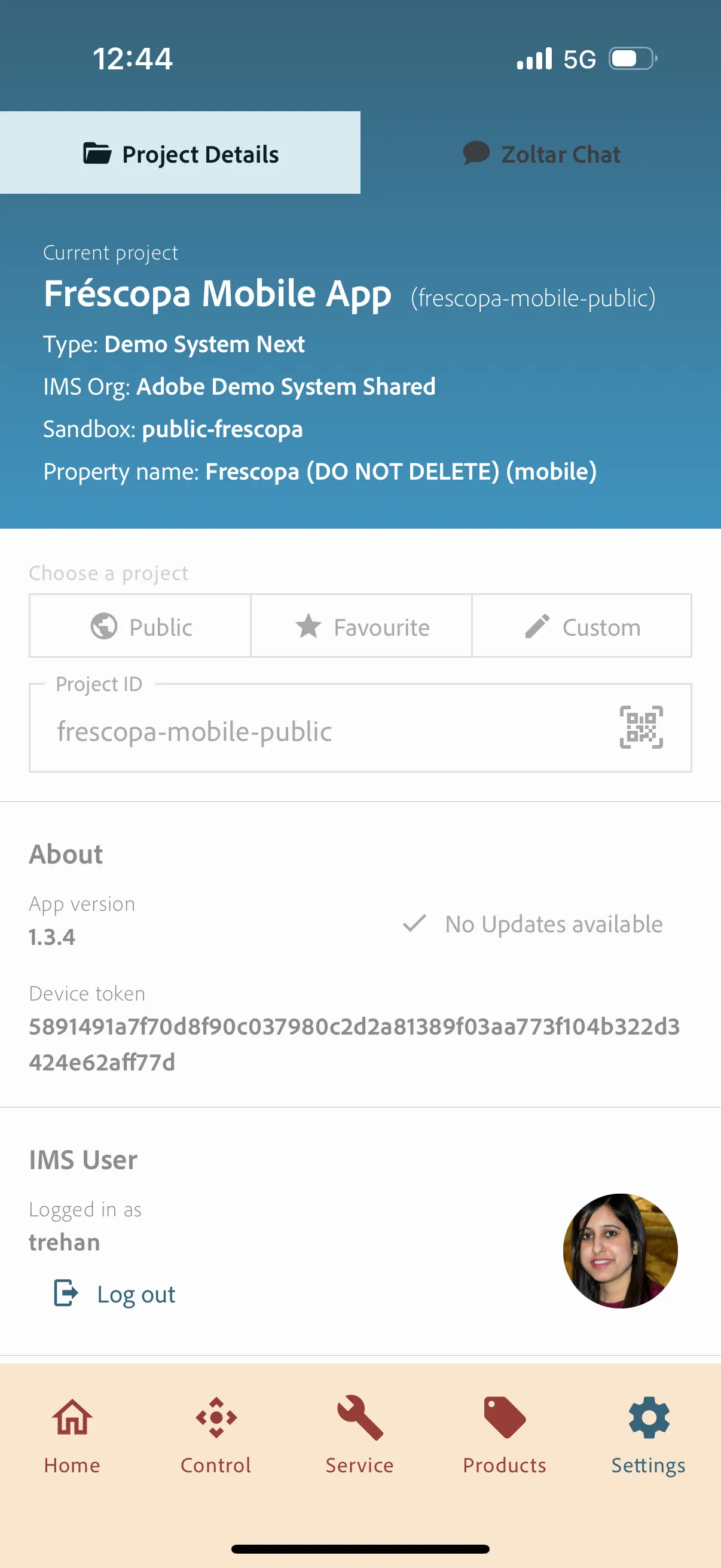
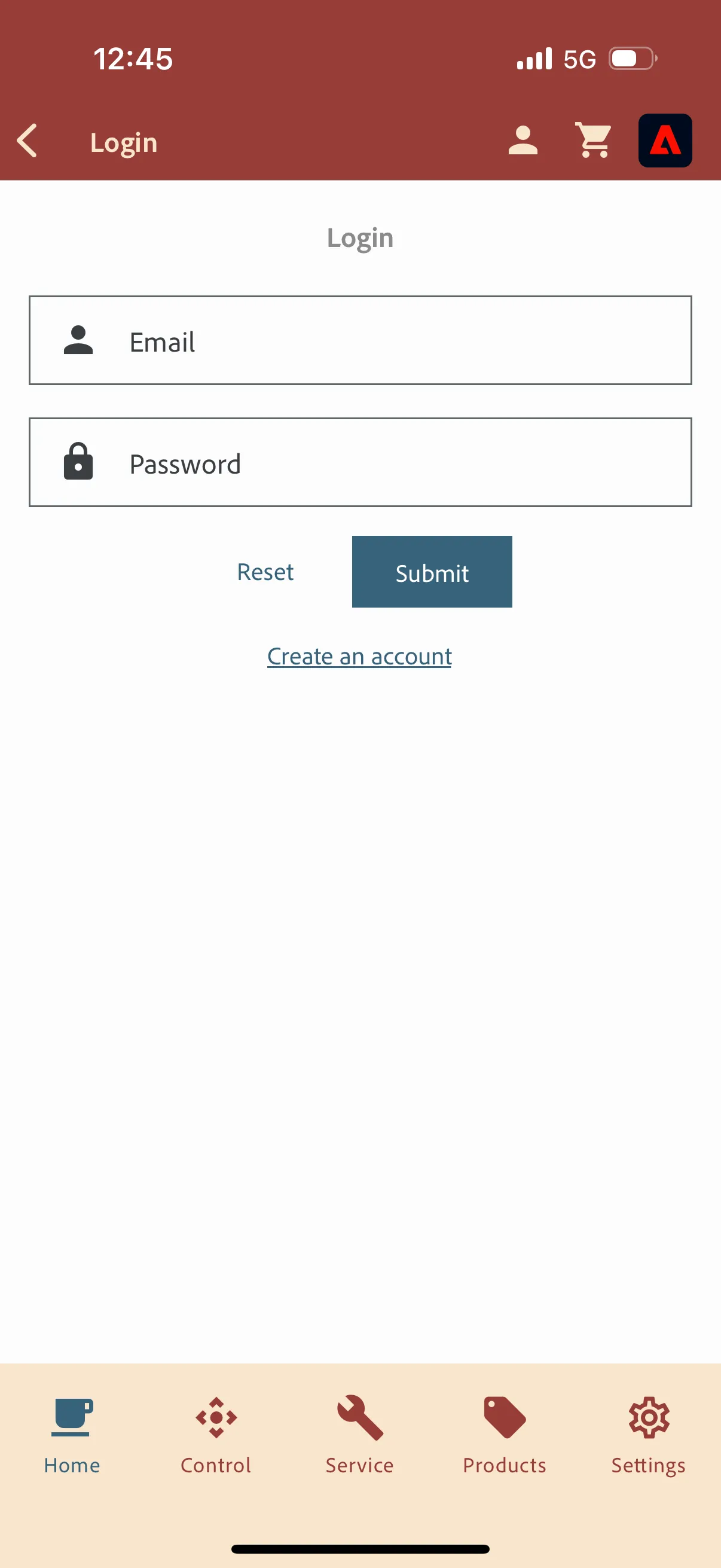
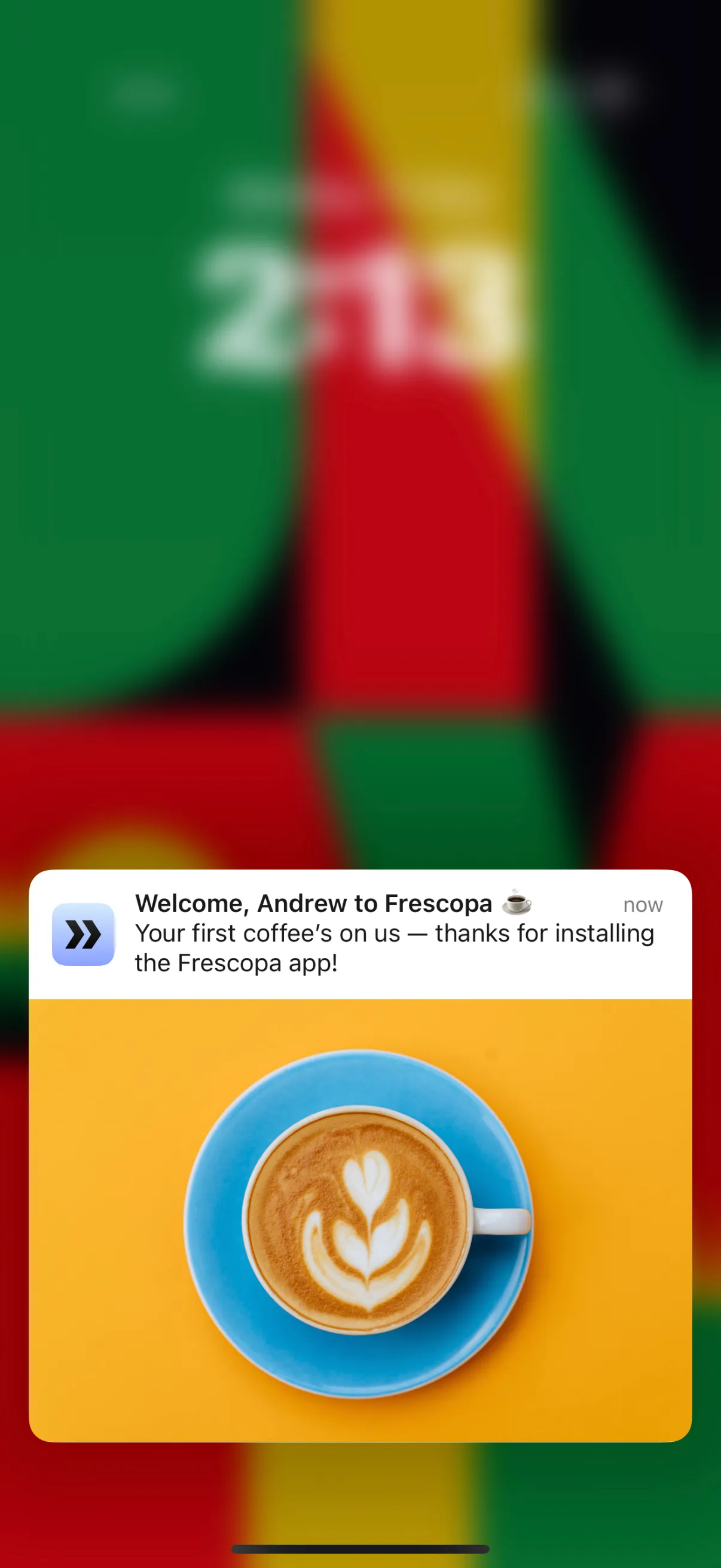
Click the user icon in the top left corner to log in. Use the same email address as you used on the web page. Once logged in, user receives a push notification.
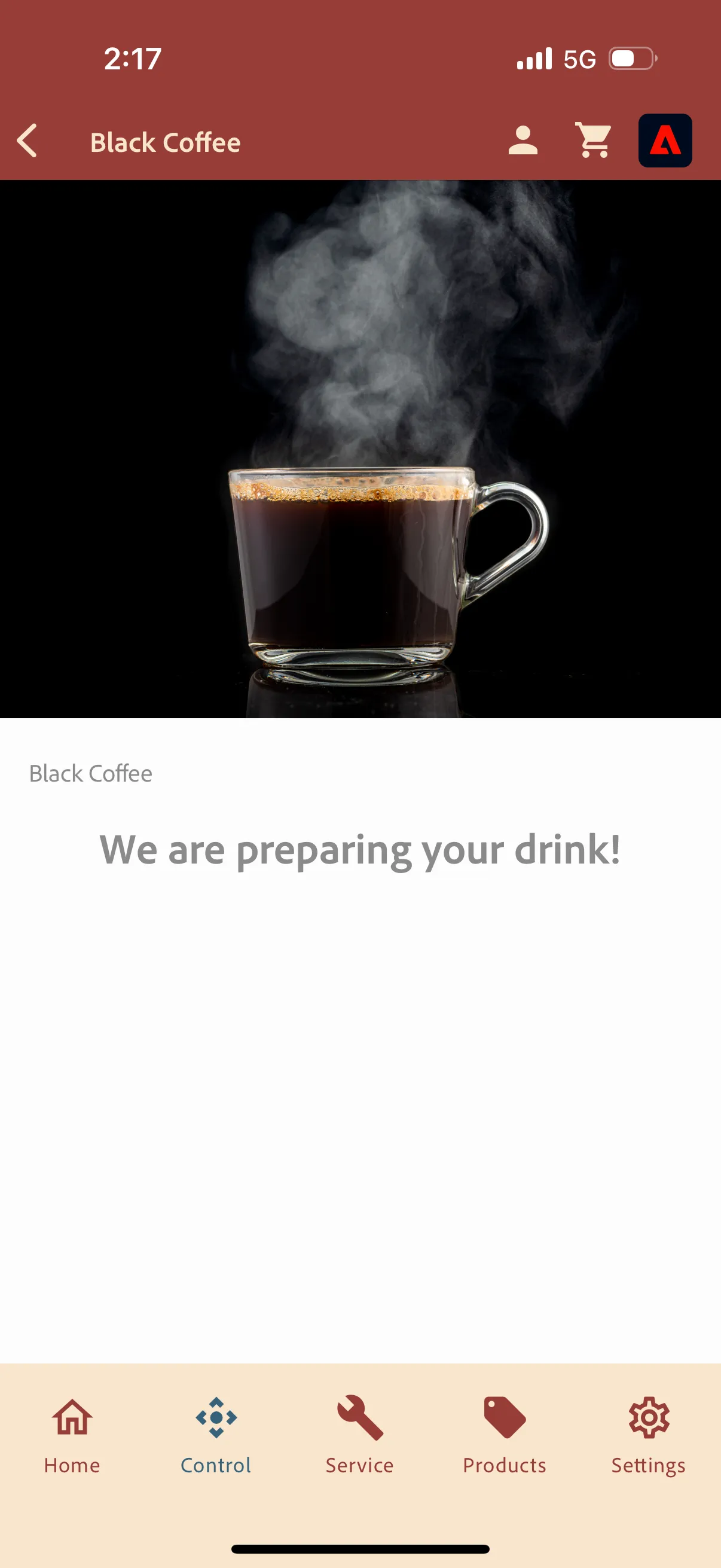
12) Lizzie used the app to prepare a coffee.
Click on Control in the bottom navigation bar and then Click any beverage to simulate its preparation and send an event to Adobe Experience Platform.
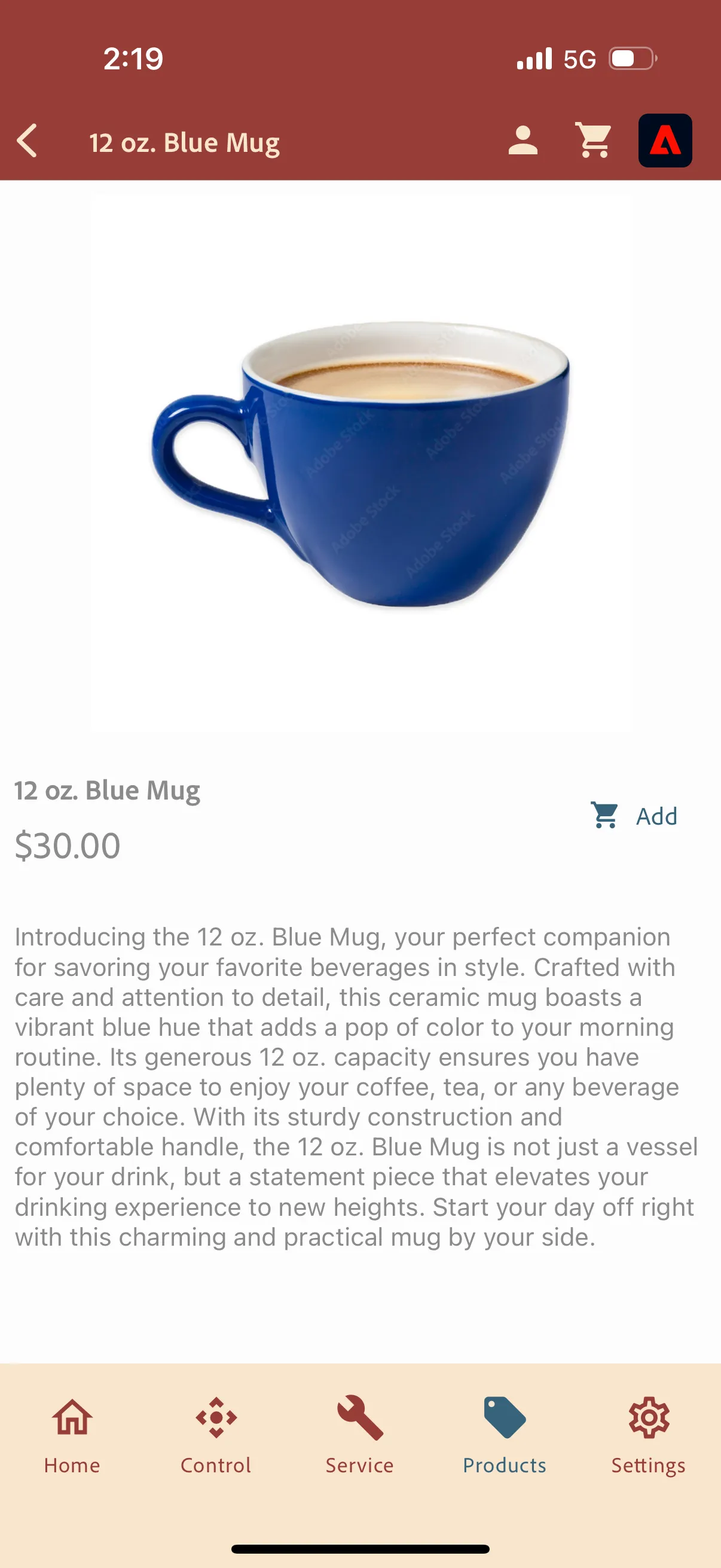
13) Lizze is also interested in new blue mug. She is browsing the products category and then accessories and wants to buy it in the app.
Go to products --> Accessories or any other products to send an Experience Event to AEP
Open Profile Viewer. Both, web and mobile, profiles will be merged. You should see all profile details experience events and segments shared between the devices.
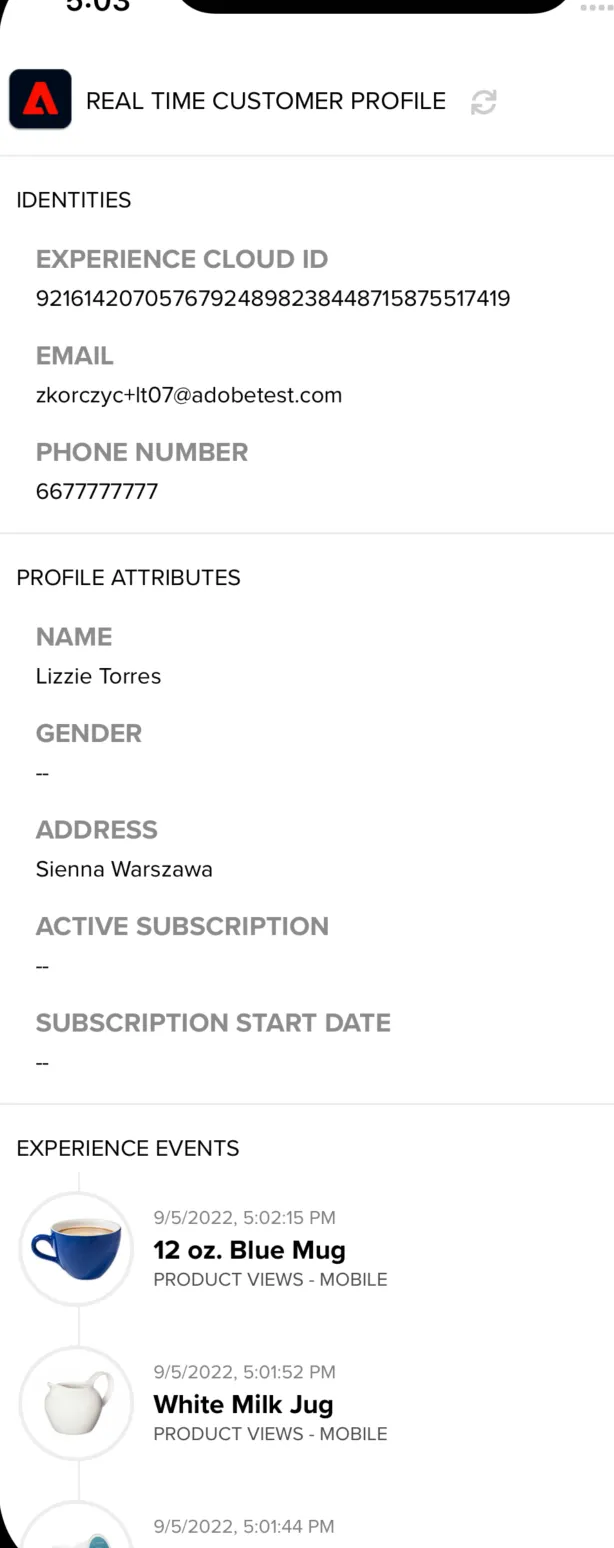
Refresh the web page - all mobile interactions will be visible there.
Gathers more information from the survey
Instructions
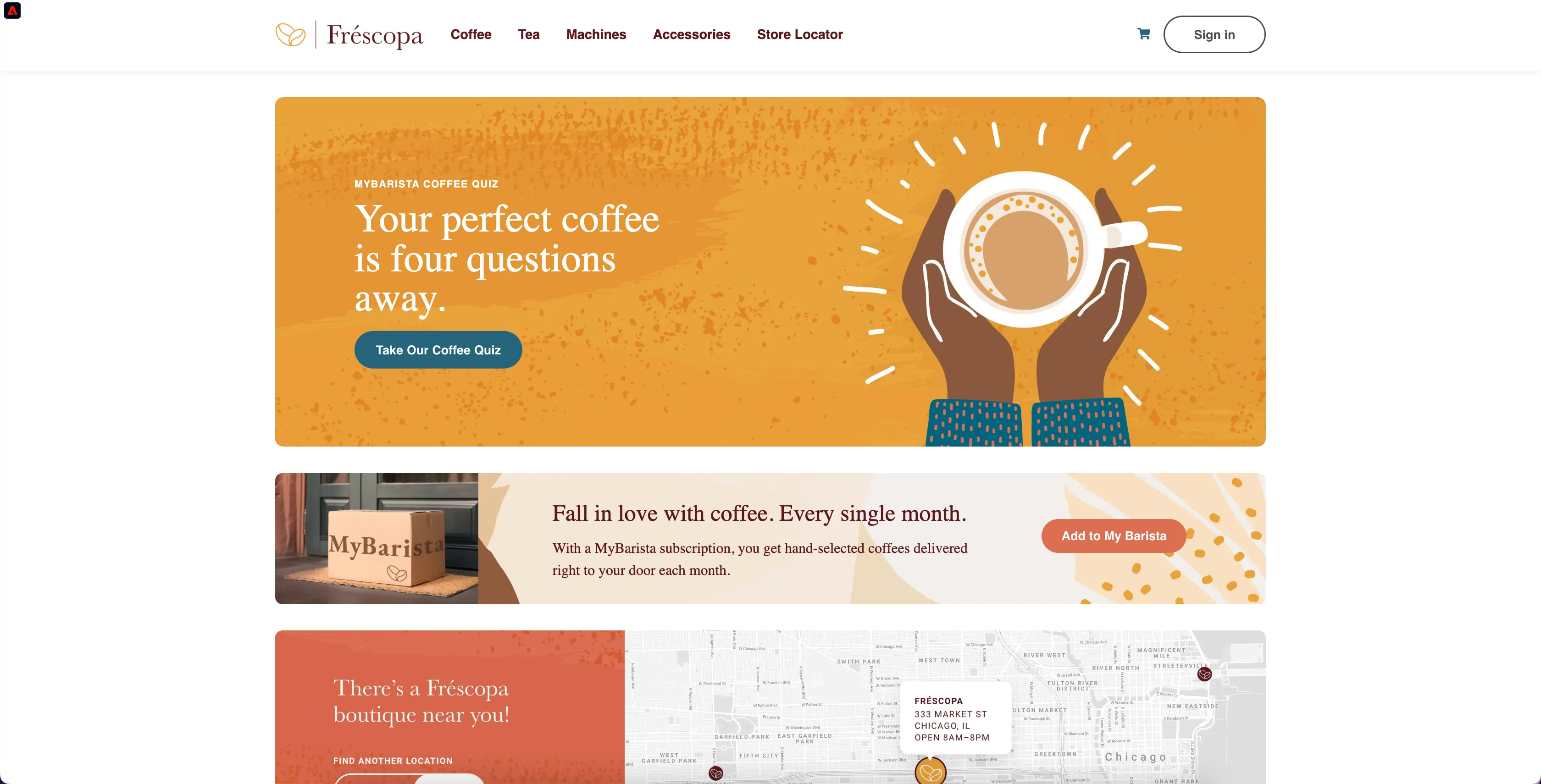
1) Lizzie takes the coffee quiz. Since, Lizzie is interested in Coffee quiz, she qualifies for segment -"Frescopa - Interested in Coffee Quiz"
Click on "Take Our Coffee Quiz" to qualify for "Frescopa - Interested in Coffee Quiz"
Fréscopa collects these interactions into the real-time customer profile.
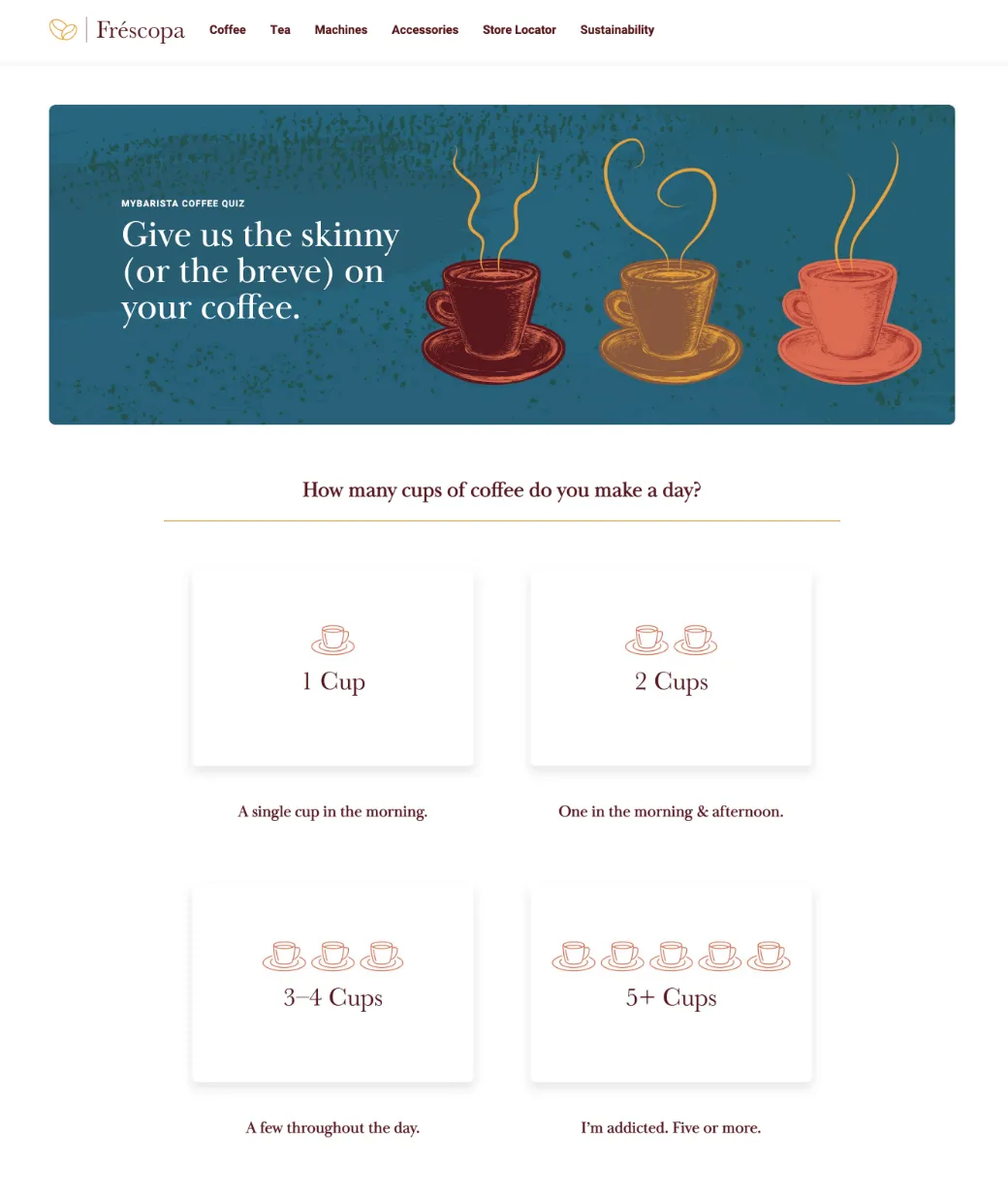
2) Lizzie will qualify for segment 'Frescopa - Frequent Coffee Drinker' if she selects 3-4 Cups or 5+ Cups.
Click on "3-4 Cups" or "5+ cups" option to qualify for 'Frescopa - Frequent Coffee Drinker'
3) Lizzie selects an option 'Coffee Pods' to make the coffee that will qualify her for segment 'Frescopa - Coffee Pods Users'.
Click on "Coffee Pods" to qualify for "Frescopa - Coffee Pods Users"
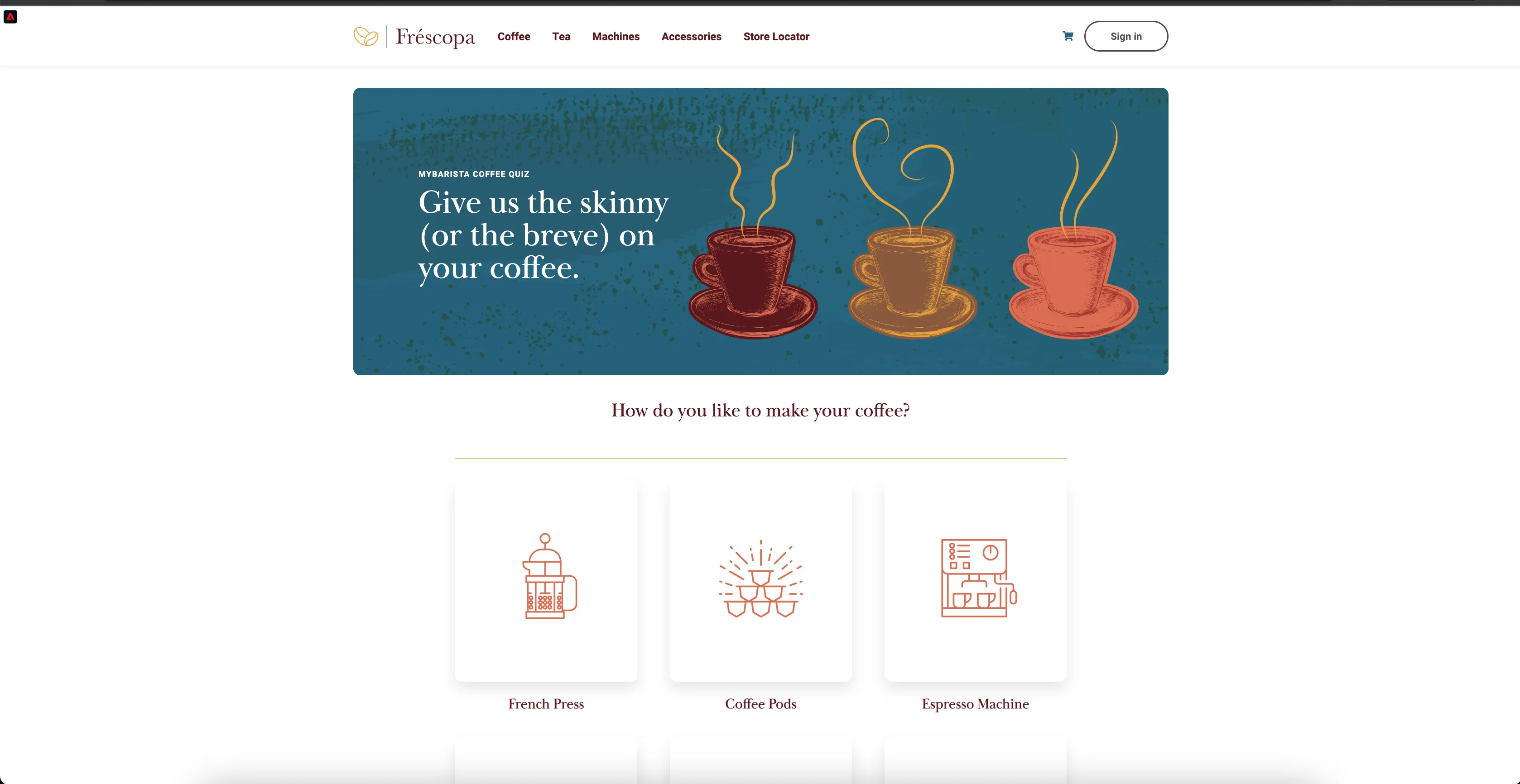
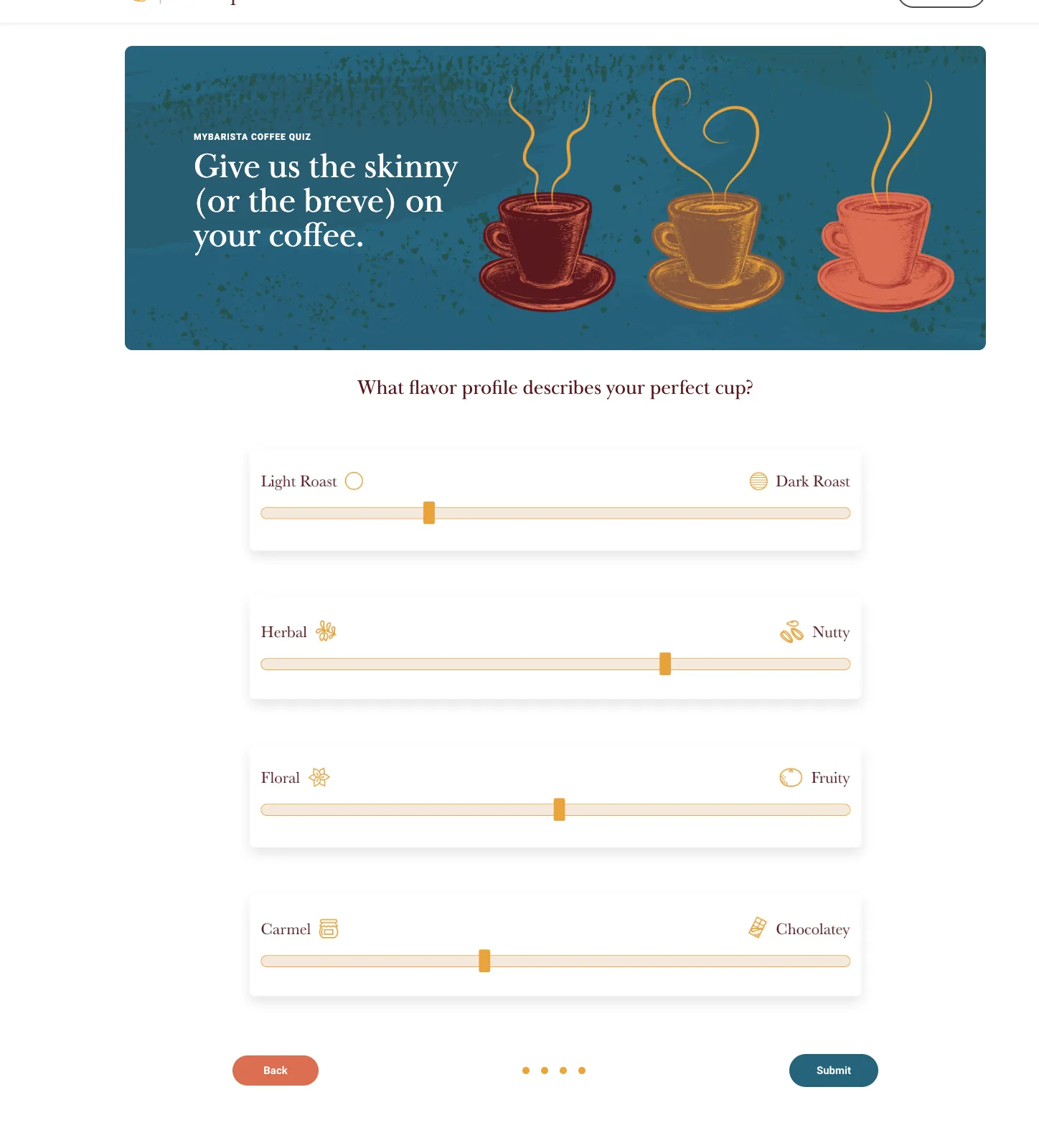
4) She proceeds to next screen of the quiz and submit it.
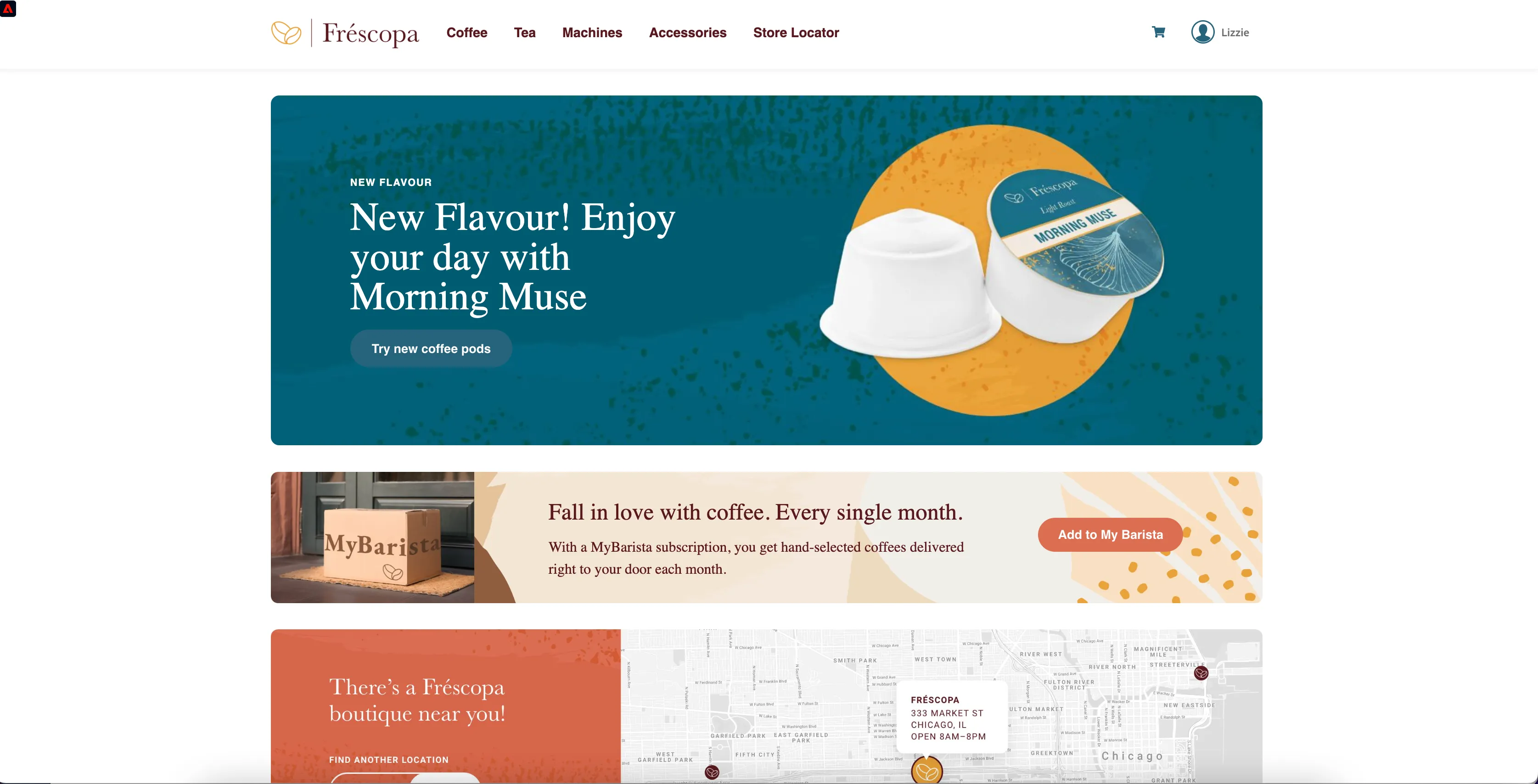
5) She logs in and sees the personalised banner on the home page as she qualifies for segment 'Frescopa - Coffee Pods users'
6) Open profile viewer to see information collected for Lizzie.
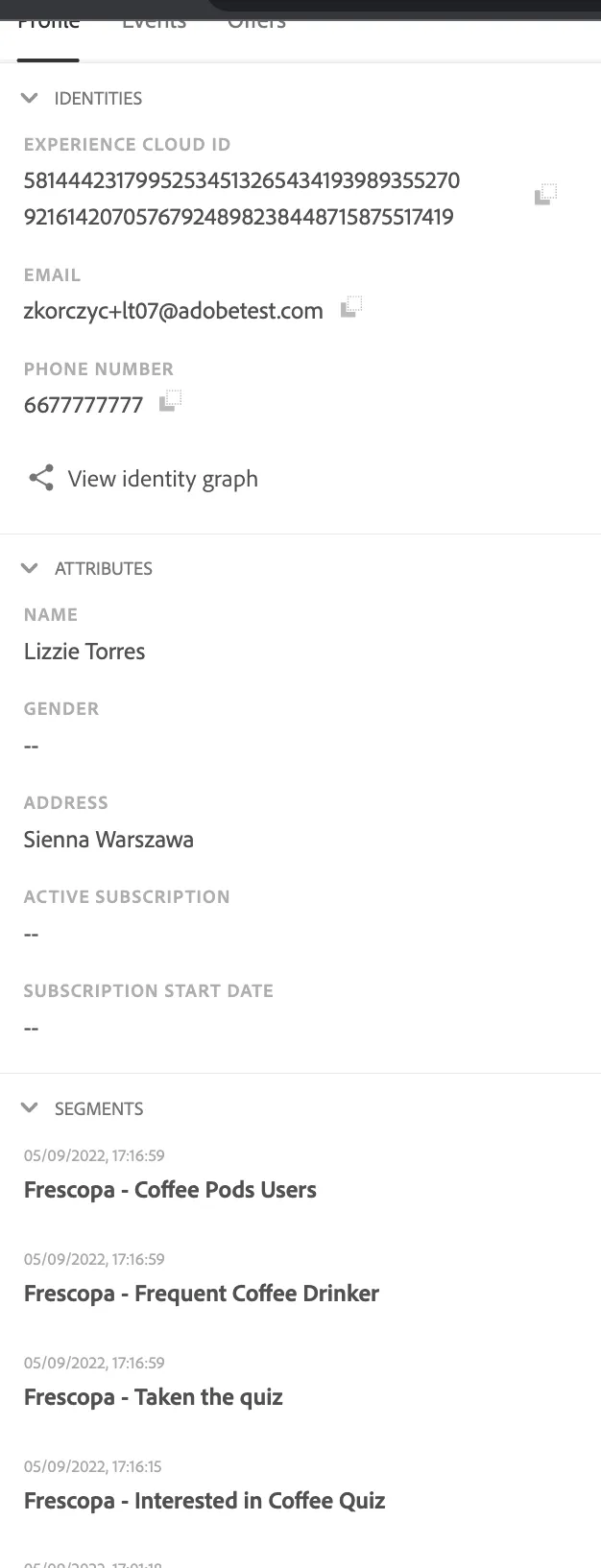
7) Refresh profile viewer in mobile app and profile will be merged in app as well.
This scenario can also be started on the mobile app and continues on the web page. Instead of logging in to the mobile app, create a new account and use it to log in to the web page.