Luma - Campaign v8 Offers Demonstration
Introduction
The primary objective is to showcase the offer or coupon management capability based on various customer attributes and actions of the Luma retail brand.
Environment
We will utilize the Adobe Demo System Shared Campaign v8 Sandbox for this Luma Offer Demonstration.
Configurations
We have dedicated Offer Space and Catalog for the Luma brand in Campaign v8.
Offer Space
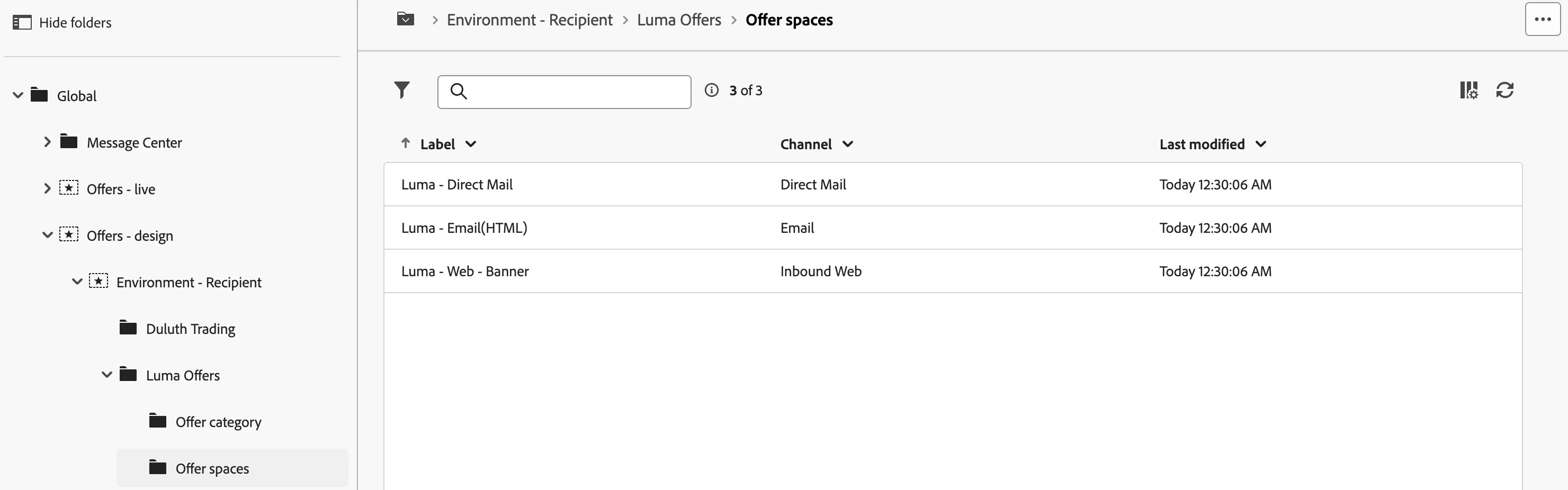
We have a dedicated folder structure for the Luma Retail brand and categories. Currently, we support Email, Direct Mail, and Web offer spaces for Luma.
Offers
Based on different interests and attributes, we have created offers for Luma.
Interests:
- Interested in Gyming.
- Interested in Yoga.
- Interested in Cycling.
- Interested in Hiking.
- Interested in Running
- Interested in Men's Athleisure.
- Interested in Women's Athleisure.
- Interested in Equipments.
Loyalty Status(Luma +):
- Blue Members
- Silver Members
- Gold Members
- Platinum Members.
Recipients
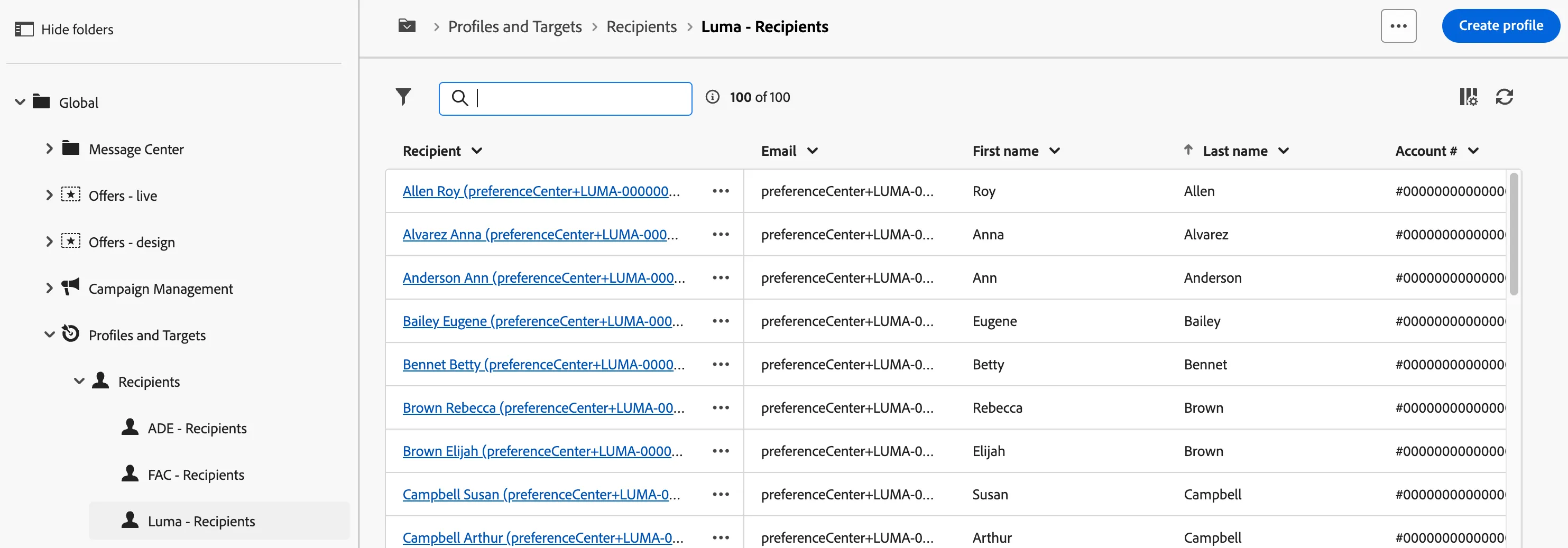
A dedicated recipient folder (Luma Recipients) with the recipient's data including fields that we will utilize for offer eligibility in the offer's query tab.
Delivery Template and Personalization Block
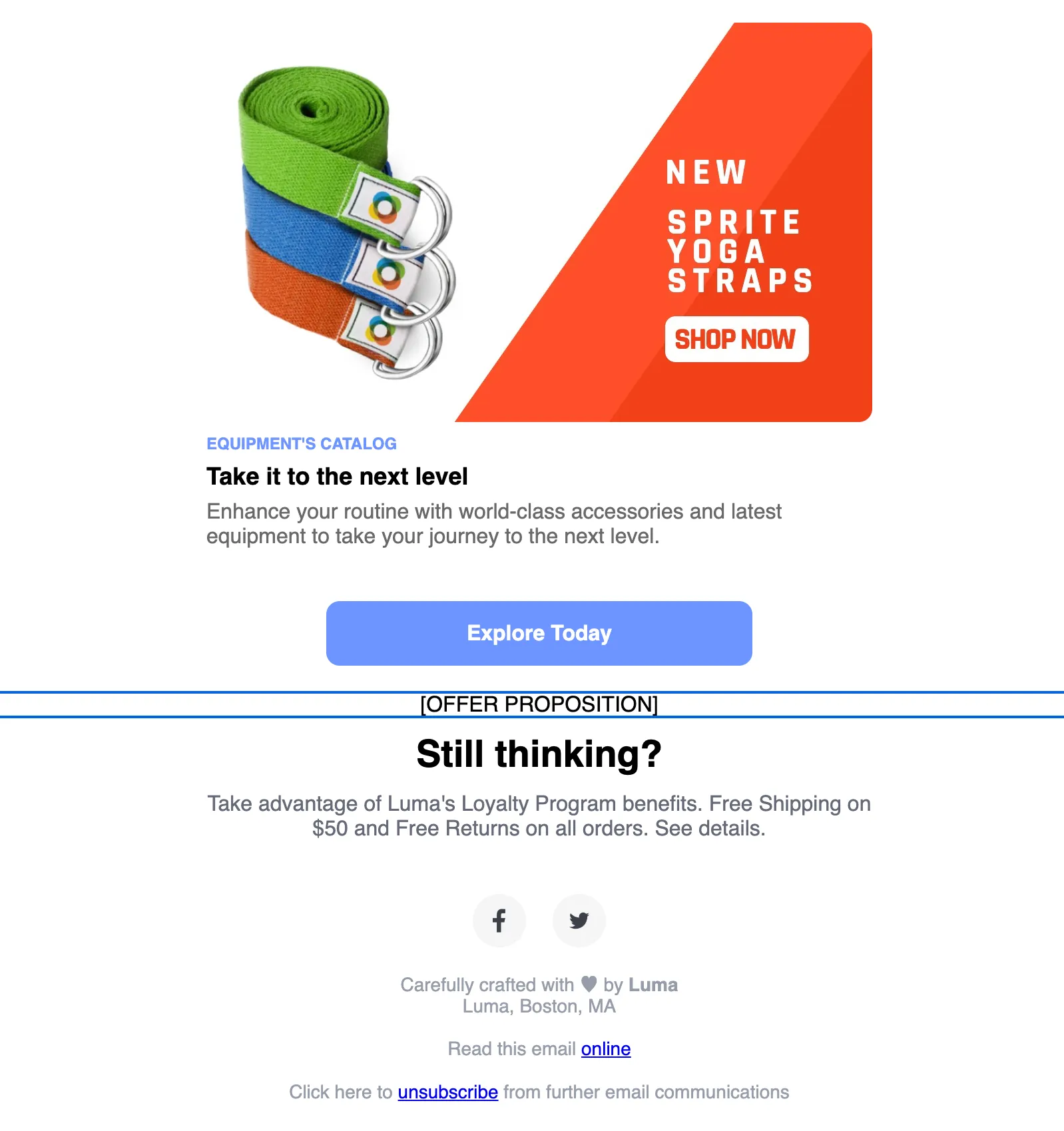
We have created a dedicated email template (Luma Interests & Offer Email) with a personalization block to include the qualifying offer for the recipient to quickly demonstrate the look of the offer in the email.
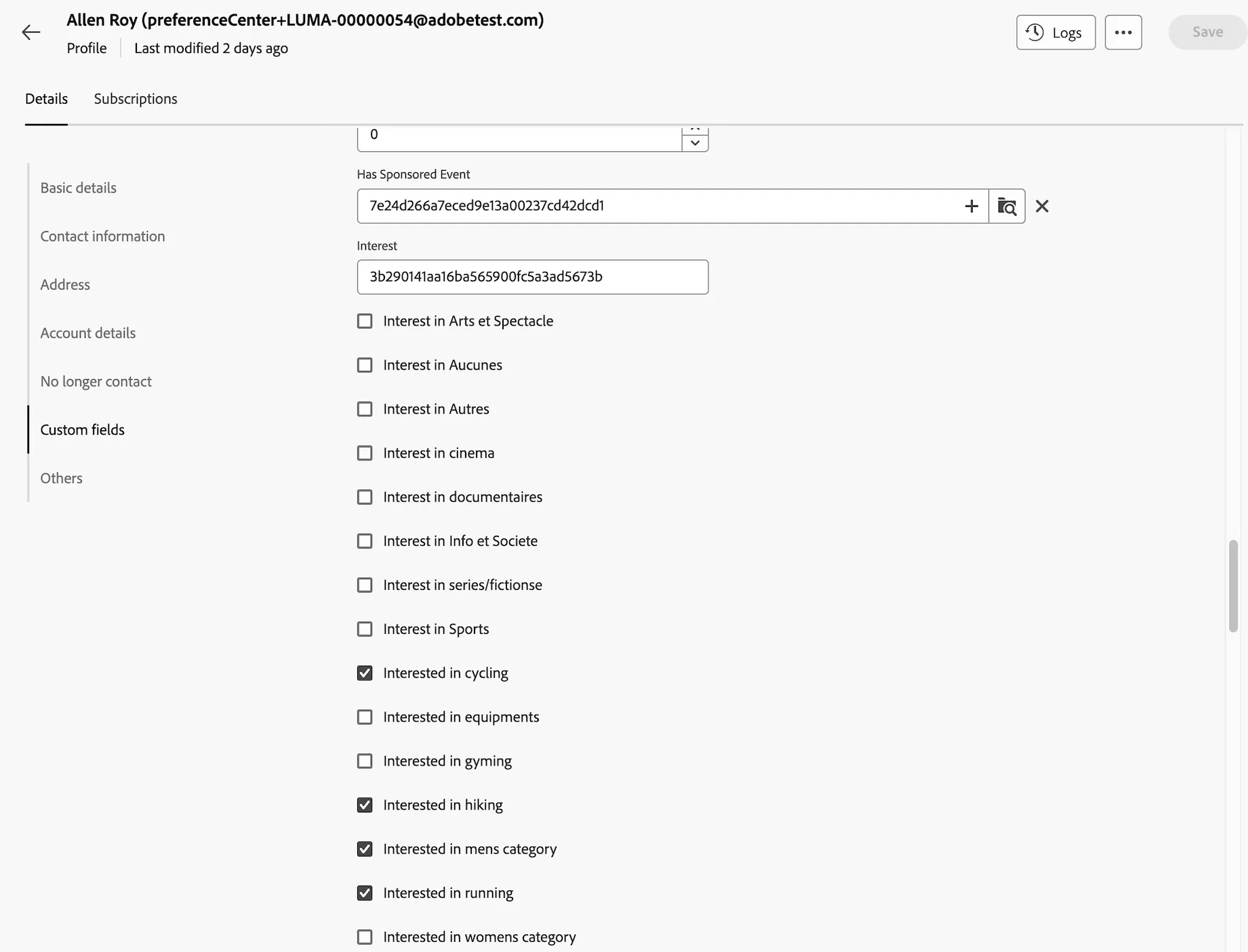
Modifying Recipients Interest
- Go to Adobe Campaign from the left panel and click on Explorer.
- Go to Global > Profiles & Target > Recipient > Luma Recipient.
- Click on any recipient and make a note of the profile email id.
- Then a form will appear and you can update the profile interest accordingly under custom fields and click on save.
Offer Eligibility & Criteria
Offer eligibility depends on various criteria:
- A Luma customer.
- A Luma customer with membership.
- A Luma customer with interests.
- A Luma customer with membership and interests.
Eligibility Scenario:
- A Luma customer with no membership and no interests is eligible to receive a Join Luma + offer.
- A Luma customer with membership and no interests is eligible to receive a corresponding Luma + status offer.
- A Luma customer with no membership and have interests is eligible to receive a corresponding Luma interest offer.
- A Luma customer with membership and interests is eligible to receive a corresponding Luma interest offer.
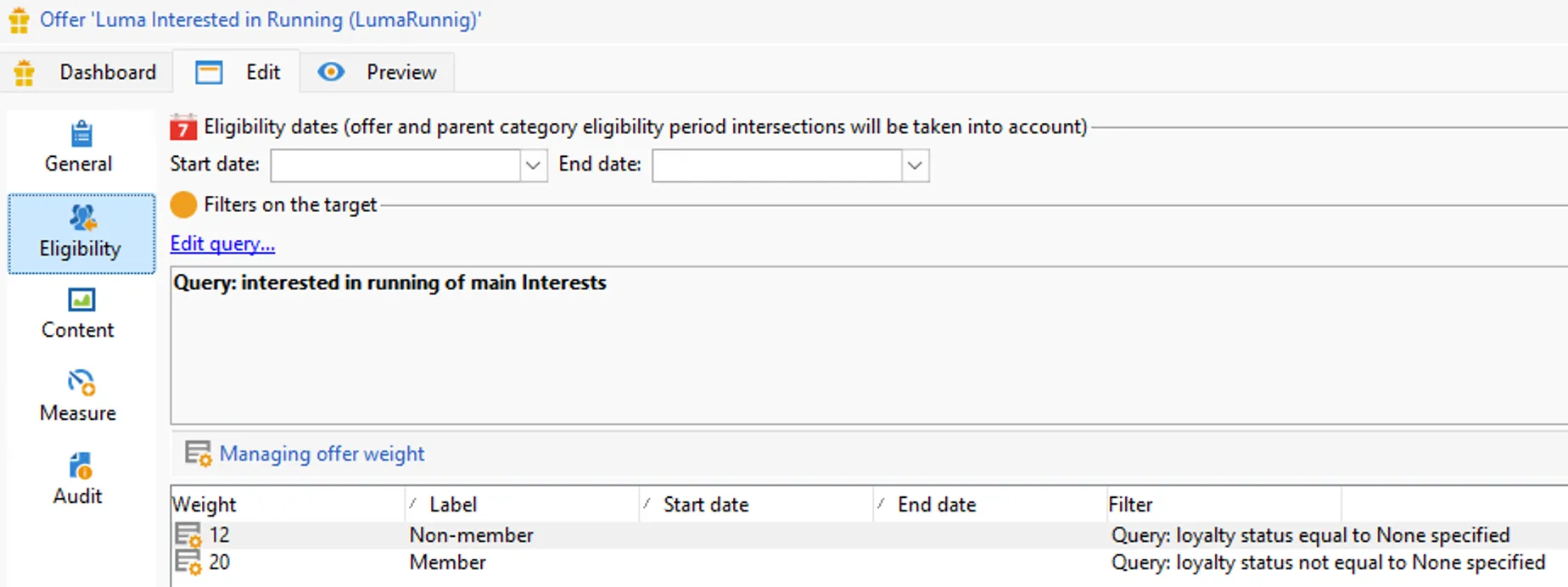
So, the highest precedence is for Interest Offers rather than membership or fallback offer.
Also, for each interest offer we have defined weightage if they are a member then the weight will be high or else low.
Preview Offer in Email Delivery
STEPS:
- Go to Adobe Campaign from the left panel and click on Deliveries.
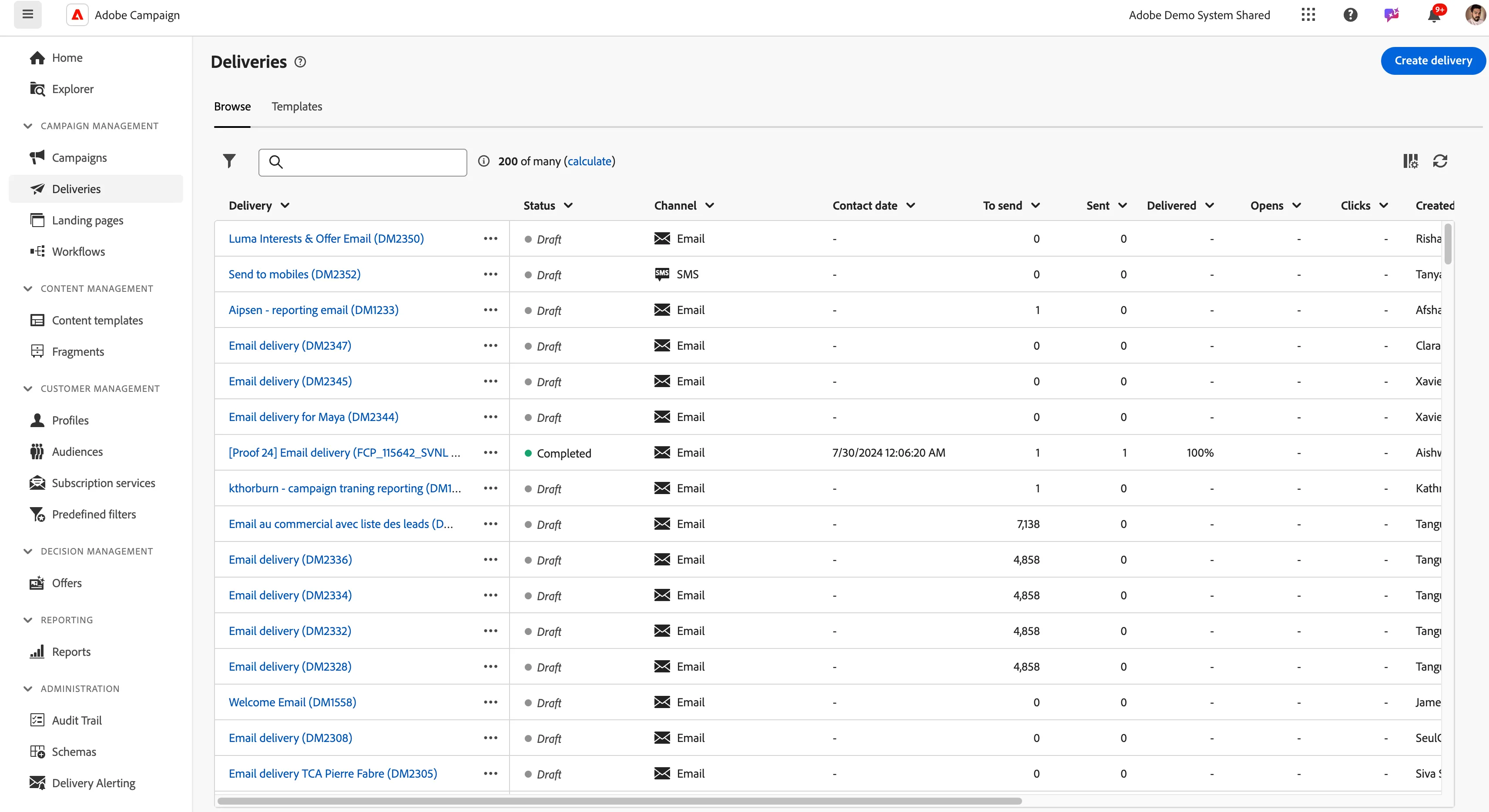
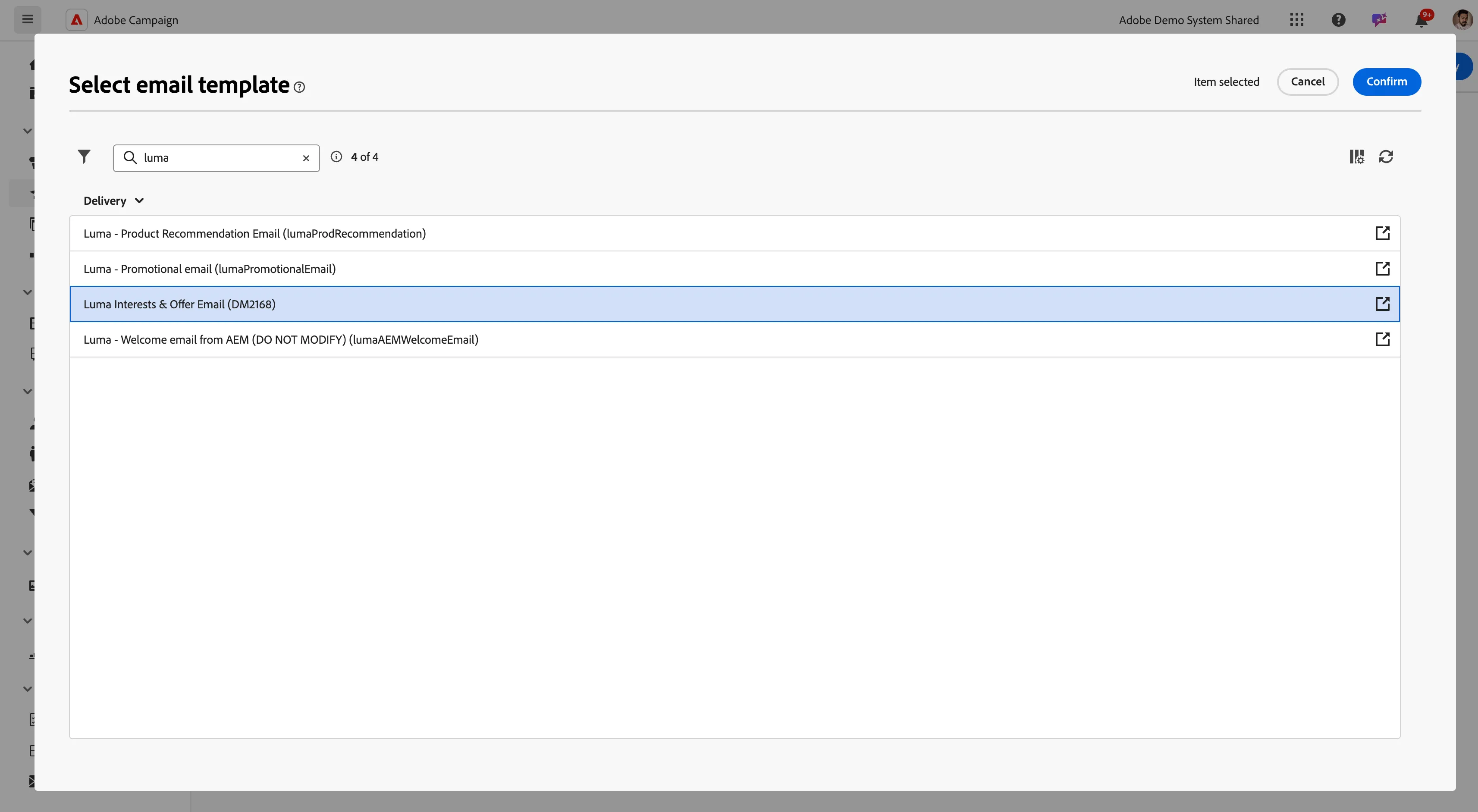
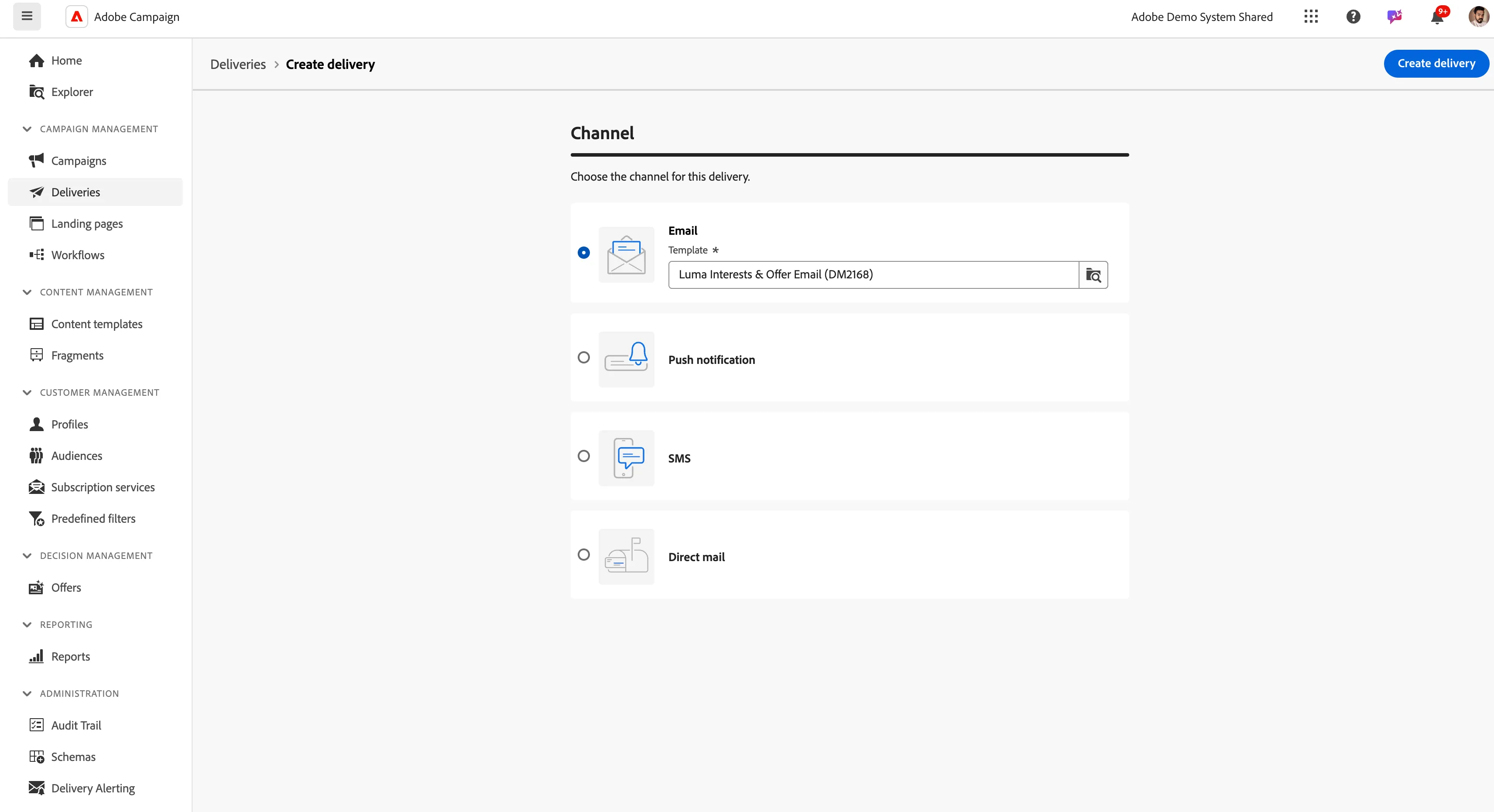
2. Click on Create Delivery and select Channel email and in the drop-down select the Luma Interests & Offer Email delivery template.
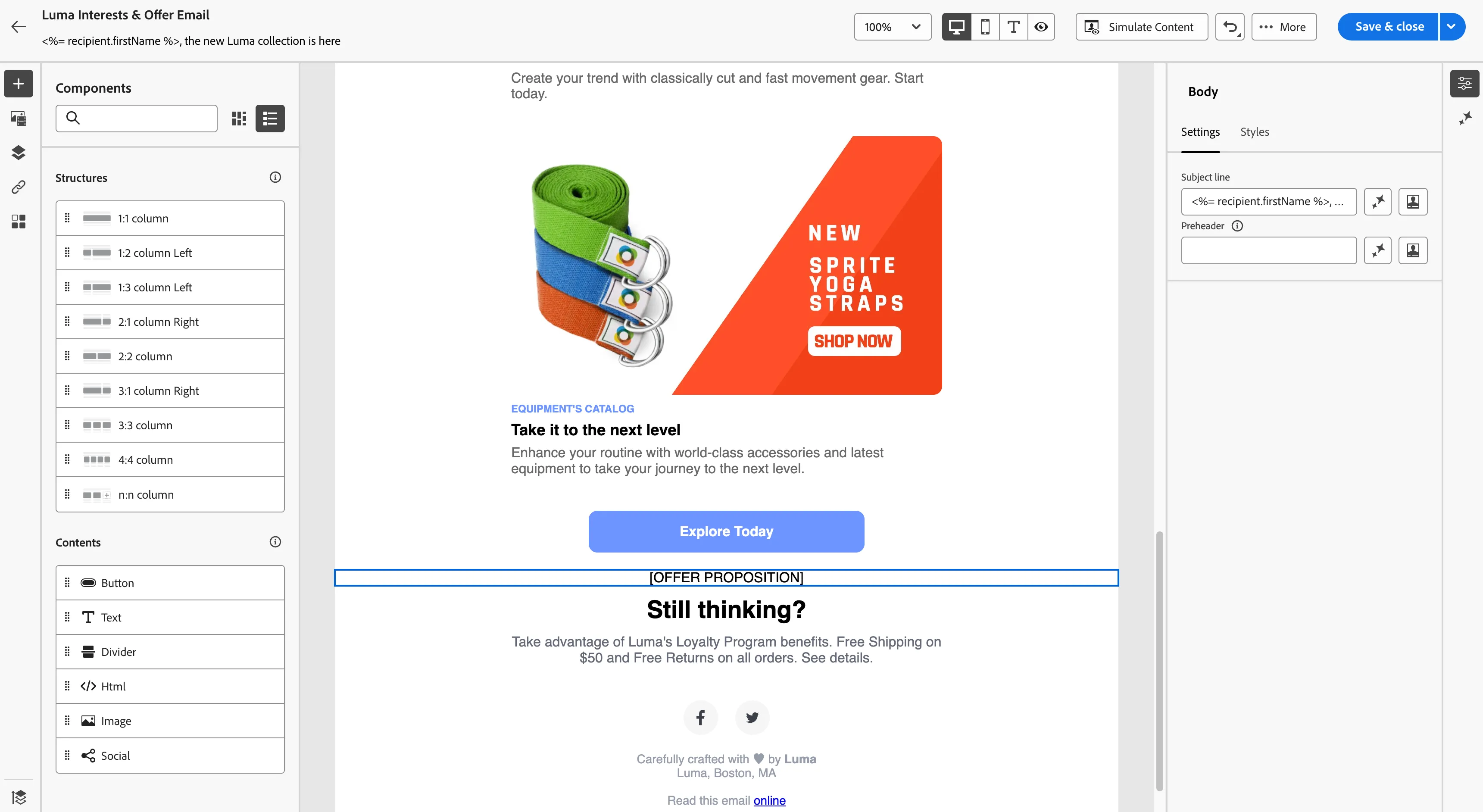
3. Click on Create Delivery and you will edit content and edit the email body, Check that there is an Offer personalization block at the bottom before the footer.
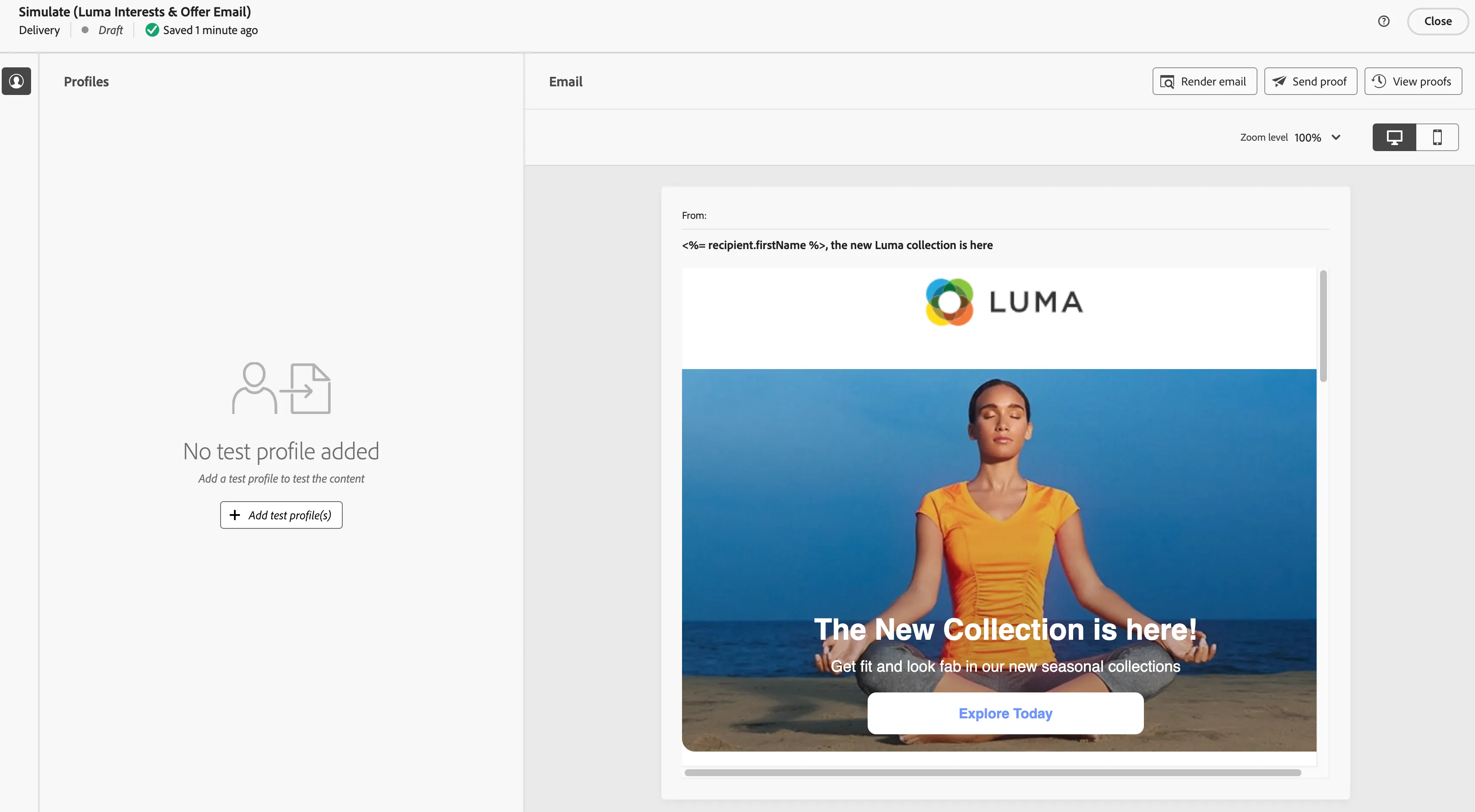
4. Then go to simulate content and from the panel click on add test profile.
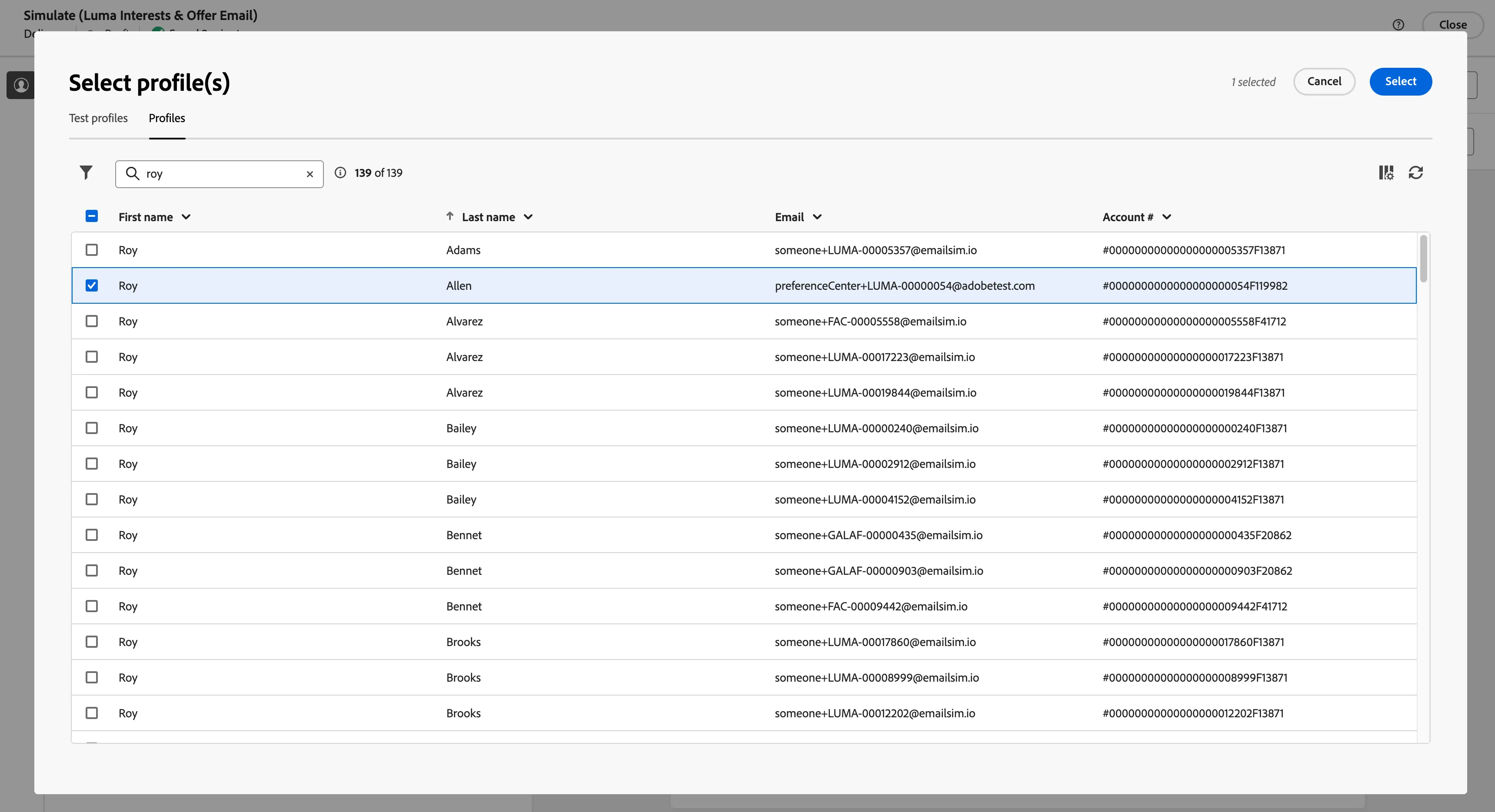
5. Then go to the Profiles tab and search with your noted email id.
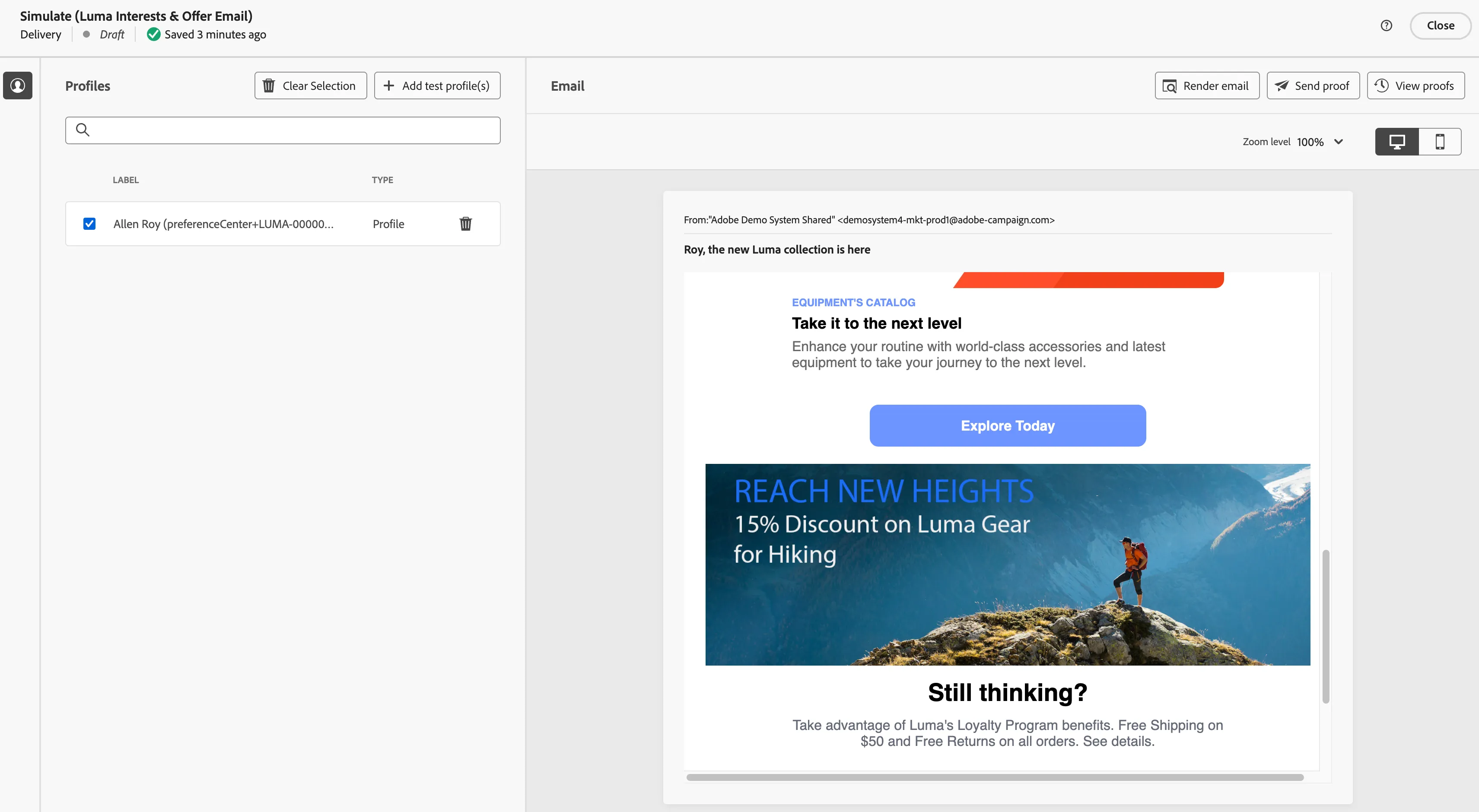
6. Let the content load and you will see the offer rendering for the recipient.