Luma - Delivery Status By Partner Audience (Import Custom Audience)
Introduction
In the Adobe Experience platform to create an Audience we have some prerequisites:
- To bring base data in Adobe Experience Platform we need to have schemas and datasets against them to hold that data.
- Segmentation logic or definition to build an audience.
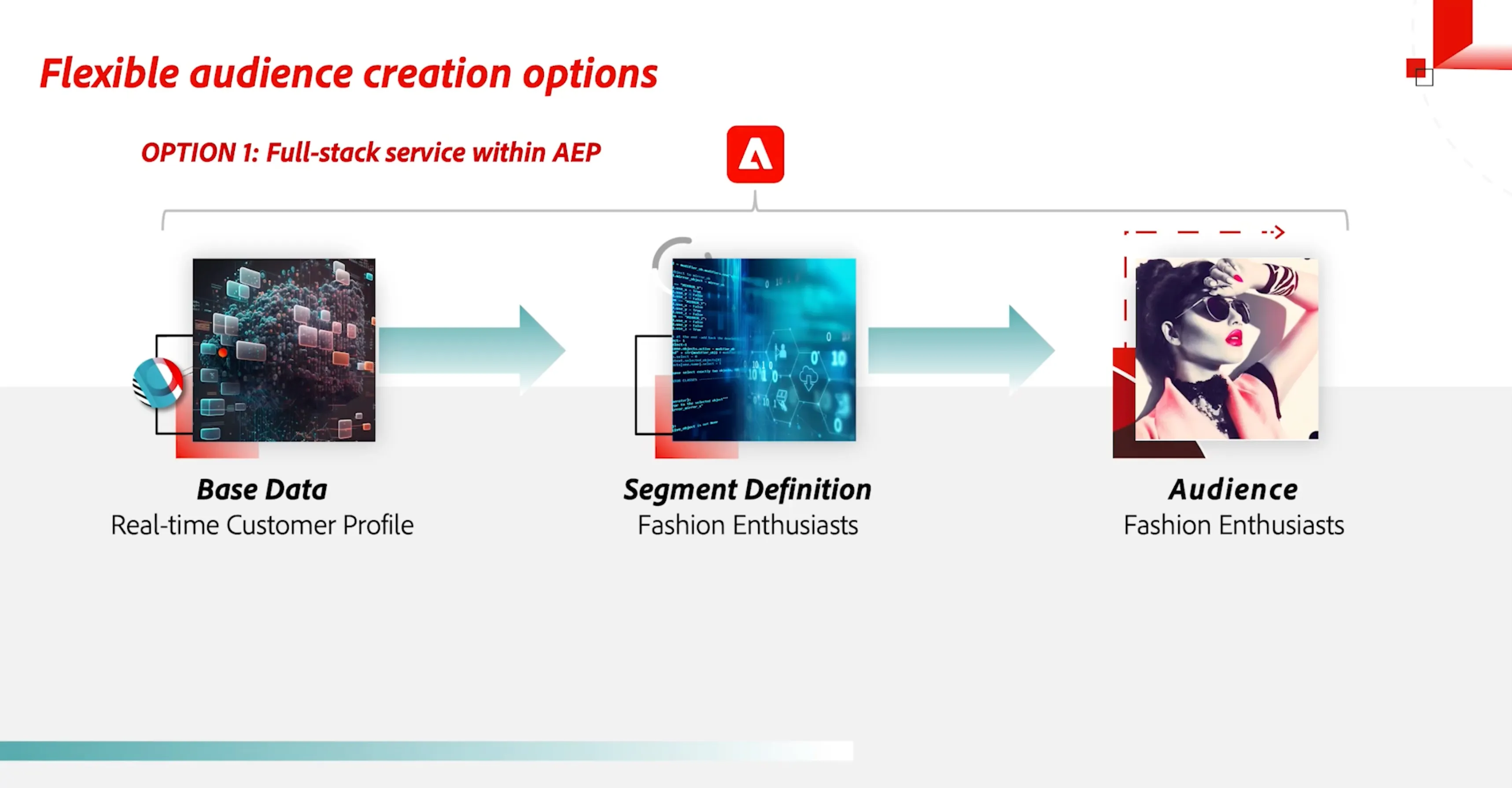
Import/Upload of Custom Audience
Adobe Experience Platforms provides the capability to import custom audiences from outside sources. If you have a system that holds your data and provides segmentation capability. Then, you can import that data into the Adobe Experience platform using the import audience capability and utilize it further for marketing.
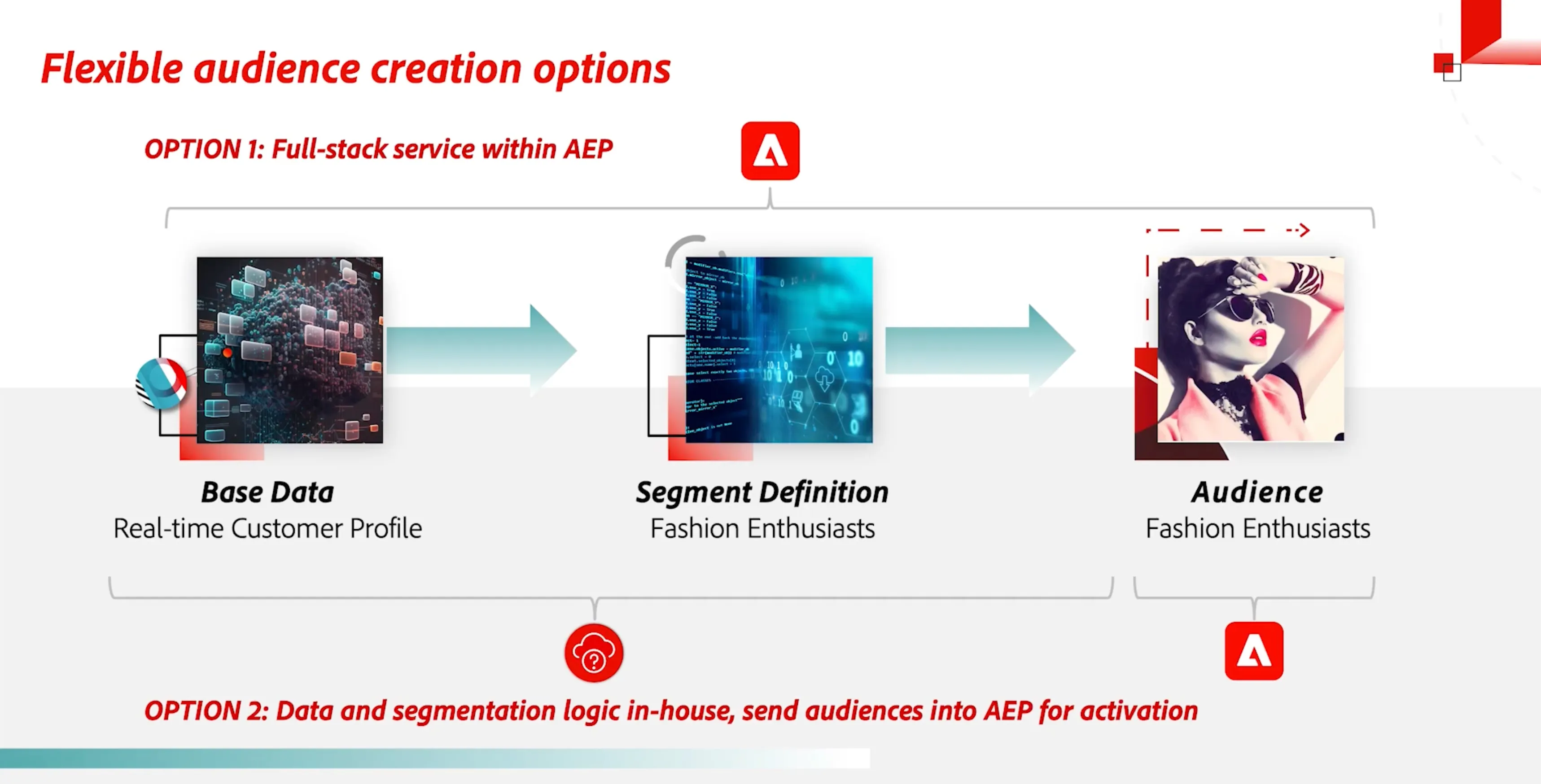
Access
To demonstrate the upload of custom audience capability you need to have access to the import audience tab under Customer > Audience tab. If not then you need to have access for the same.
Demo Storyline
As Luma is a retail brand and it has outsourced its delivery services to 3rd party vendor. But Luma wants to keep track of the delivery status of the order inside the Adobe Experience Platform and whenever required can inform them about any delays or changes or even in case when a customer inquires about his/her order.
As 3rd party vendor uses a different system for keeping data of the delivery status of the order. So, Luma decides to bring this data into the Adobe Experience Platform by uploading this data to an audience by using the Import Custom Audience feature and sending out the communication using AJO for delivery status and upsell of products.
STEPS:
- Go to Adobe Experience Platform then under Customer > Audiences.
- Click on Import Audience.
- Drop or upload your CSV file and then click on next.
- Fill in the Audience name, description, Primary Identity, and Identity namespace.
- Click on next to preview what you have configured in previous steps configured.
- Click Finish to complete the process and your new segment will be created.
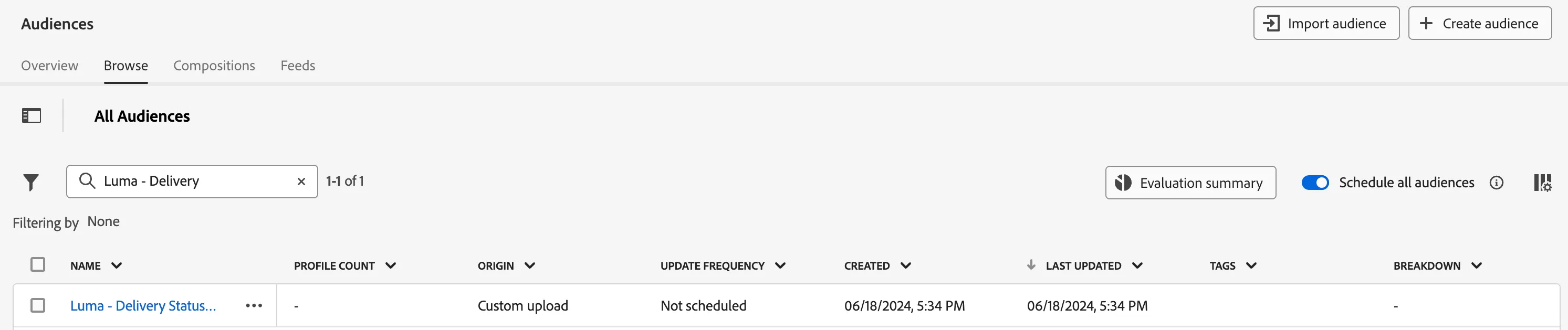
You can see your segment created in the list and the origin tab will show Custom upload.
Important Notes:
- There is a file limit of 1GB.
- The 10-column limit for the file.
- Uploading audiences can augment existing profiles and create new ones.
- These are available for AJO campaigns or Journeys.