Push and SMS for Campaign v8
This page explains how to utilize the Push and SMS channels in the Adobe Demo System Shared Campaign v8 production instance.
How to demonstrate the Push notification channel?
Install the DX Demo Mobile App
- Scan the QR code iOS, or Android QR code and install the mobile app on your device.
- First Time You open the app, you will see this message.
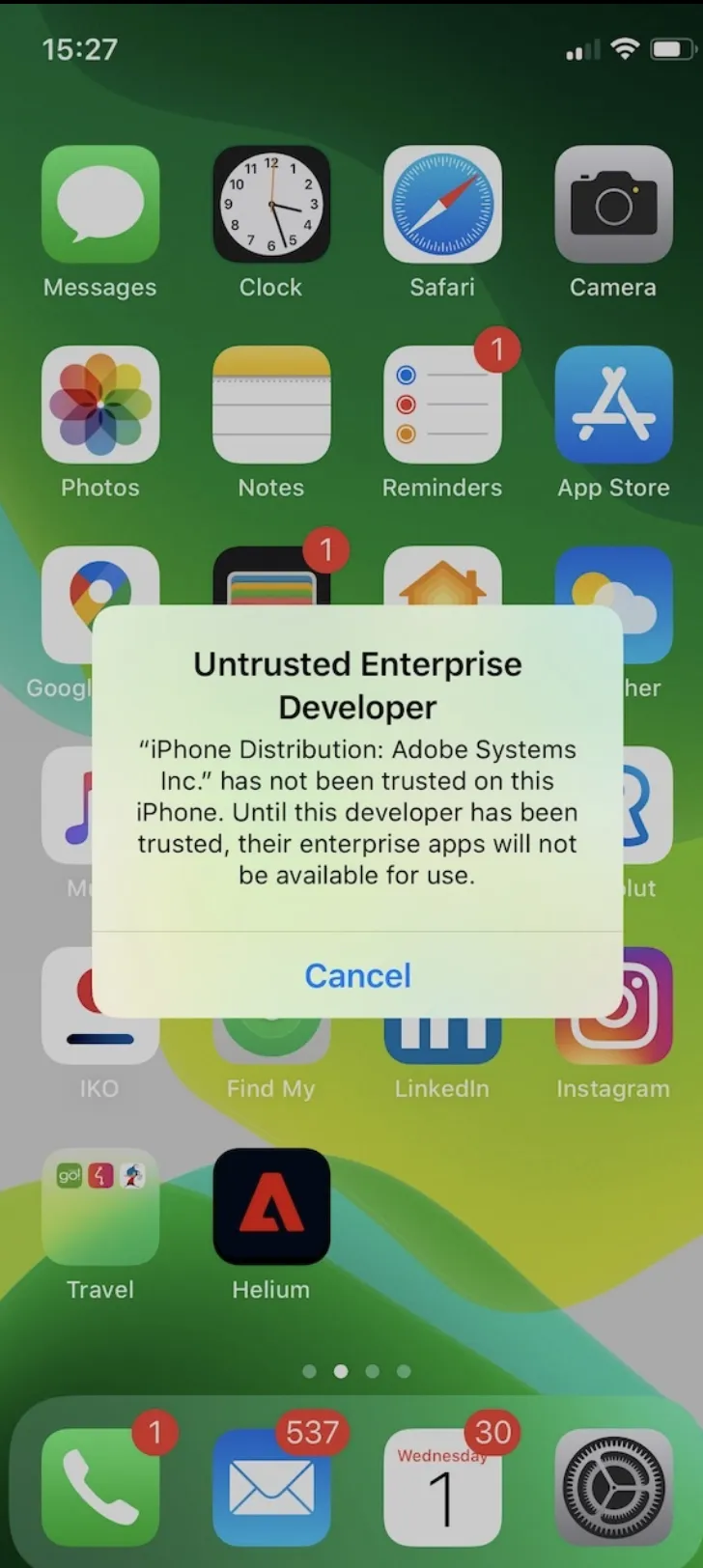
The app is signed with an official Adobe enterprise certificate, but by default, iOS will not treat it as trusted. To add it to the list of trusted certificates, go to:
- Settings -> General -> Device Management -> Adobe Systems Inc.
Click “Trust Adobe Systems Inc.” You only need to do it once on a given device.
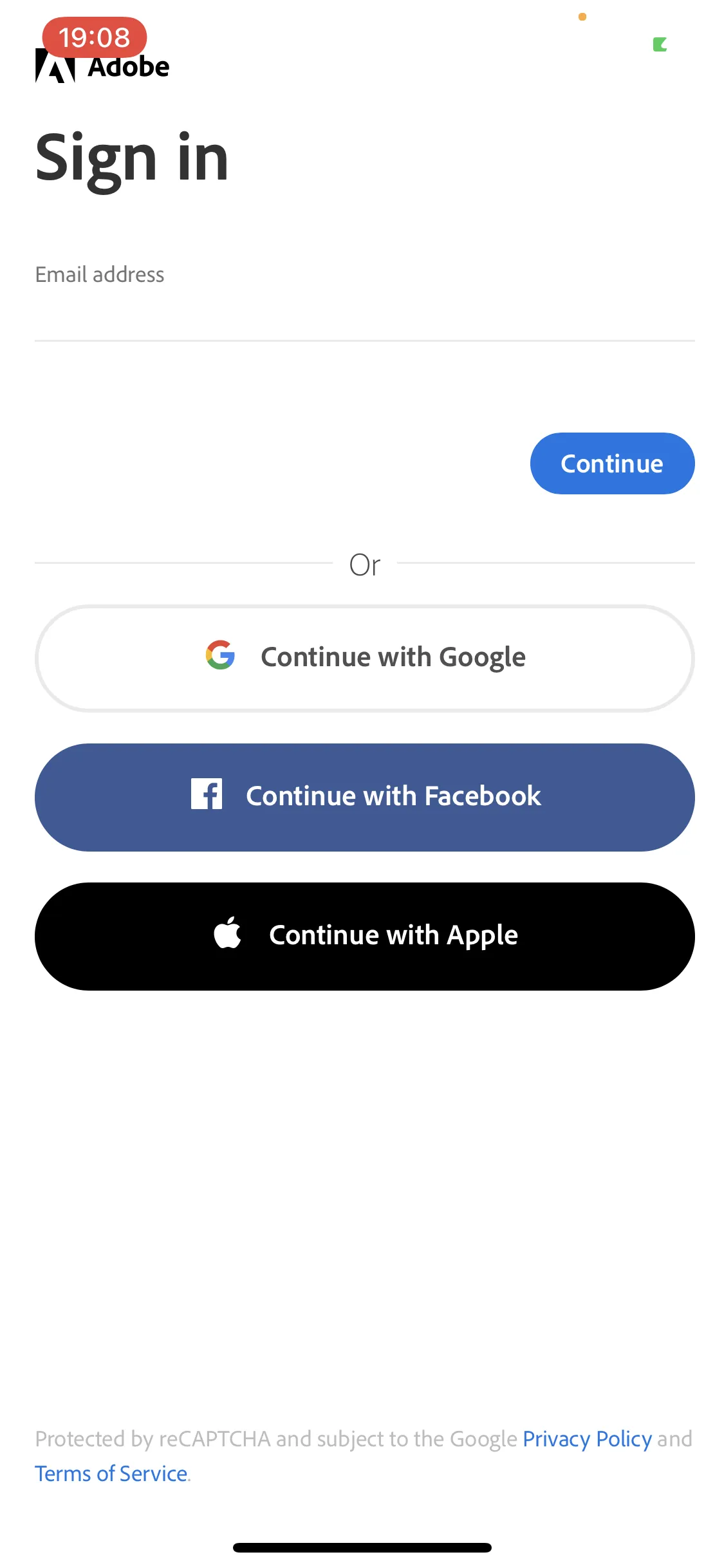
During the first launch, you must sign in with your Adobe ID.
Register your device in Adobe Campaign v8
Below are the steps to register your device:
- Open the DX Demo Mobile App
- Click on Settings
- Select Public Project Luma v3 (Retail)
- Click on Save
- Kill the app and open the DX Demo Mobile app
- Log in or create a new Profile
View your new subscription in Adobe Campaign v8
- Click on the Subscribers tab
- Verify if your device has been registered and the Profile email registered in the User ID attribute

How to demonstrate the SMS Channel?
SMS messages are delivered by a partner vendor and charged back to Adobe.
Please DO NOT use it to send large Batch SMS campaigns!
Demo Environment
Campaign v8 in the Adobe Demo System Shared IMS organization.
Prerequisites
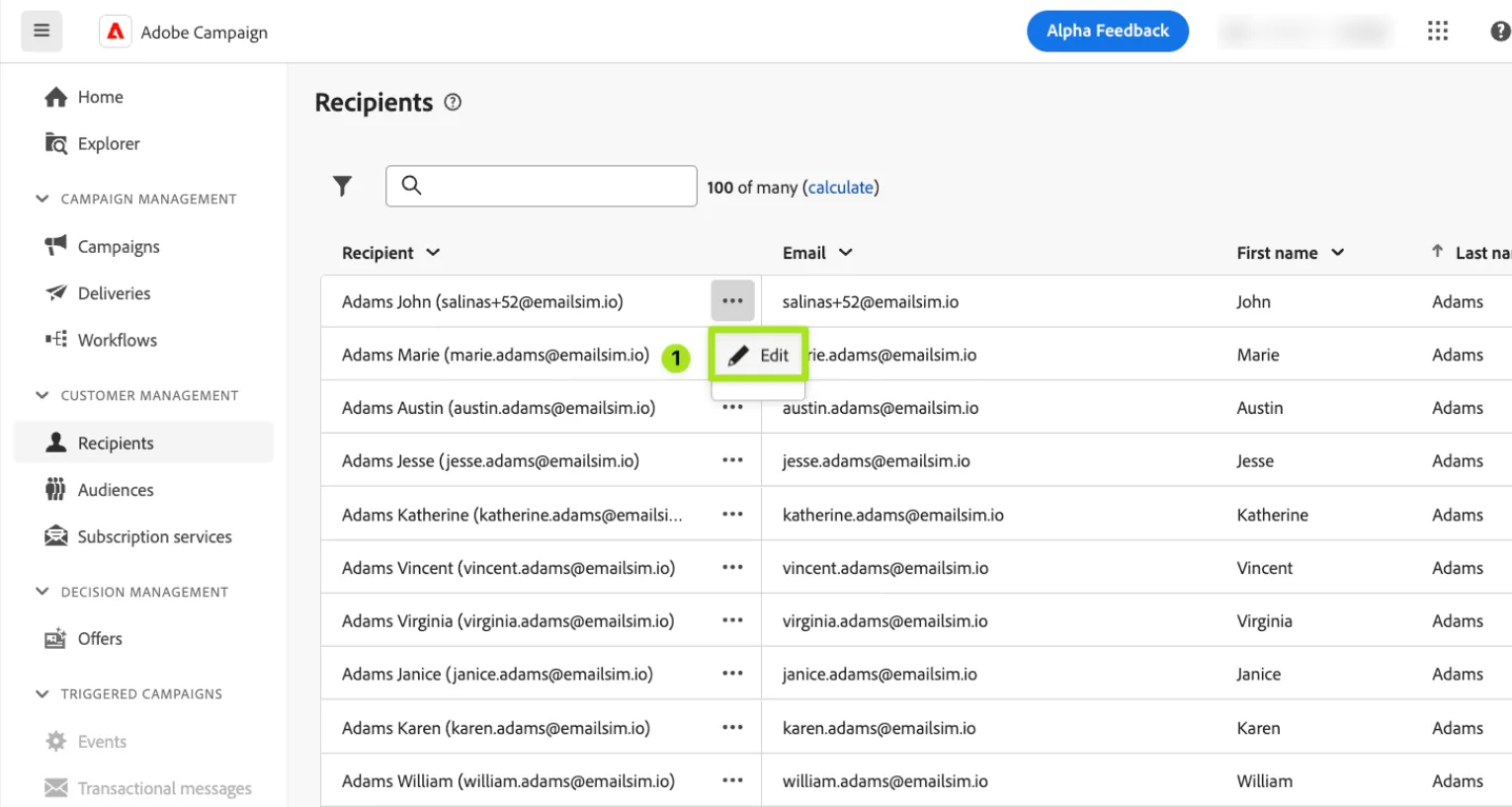
You need to make sure your test Recipient is having the following configured:
- Make sure your email address domain is set to @adobetest.com or @adobe.com. Otherwise, the typology rule will exclude your profile during the delivery analysis.
- An SMS Phone number by applying the following pattern: [country-code][phone number] → e.g. 336XXXXXXXX
Deliver your first SMS delivery
The following tutorial will guide you in sending an SMS message via the available SMS templates based on your region. Ensure you first update your recipient's mobile phone number: Send SMS message tutorial (Walnut)