Retail Bot Flow
3 min
How to use chatbot on web?
GOAL:
In this scenario, you will be able to present AEP capabilities using Chatbot on websites.
ADDITIONAL INFORMATION
This is the detailed flow implemented for Retail.

Customising Chatbot for web projects
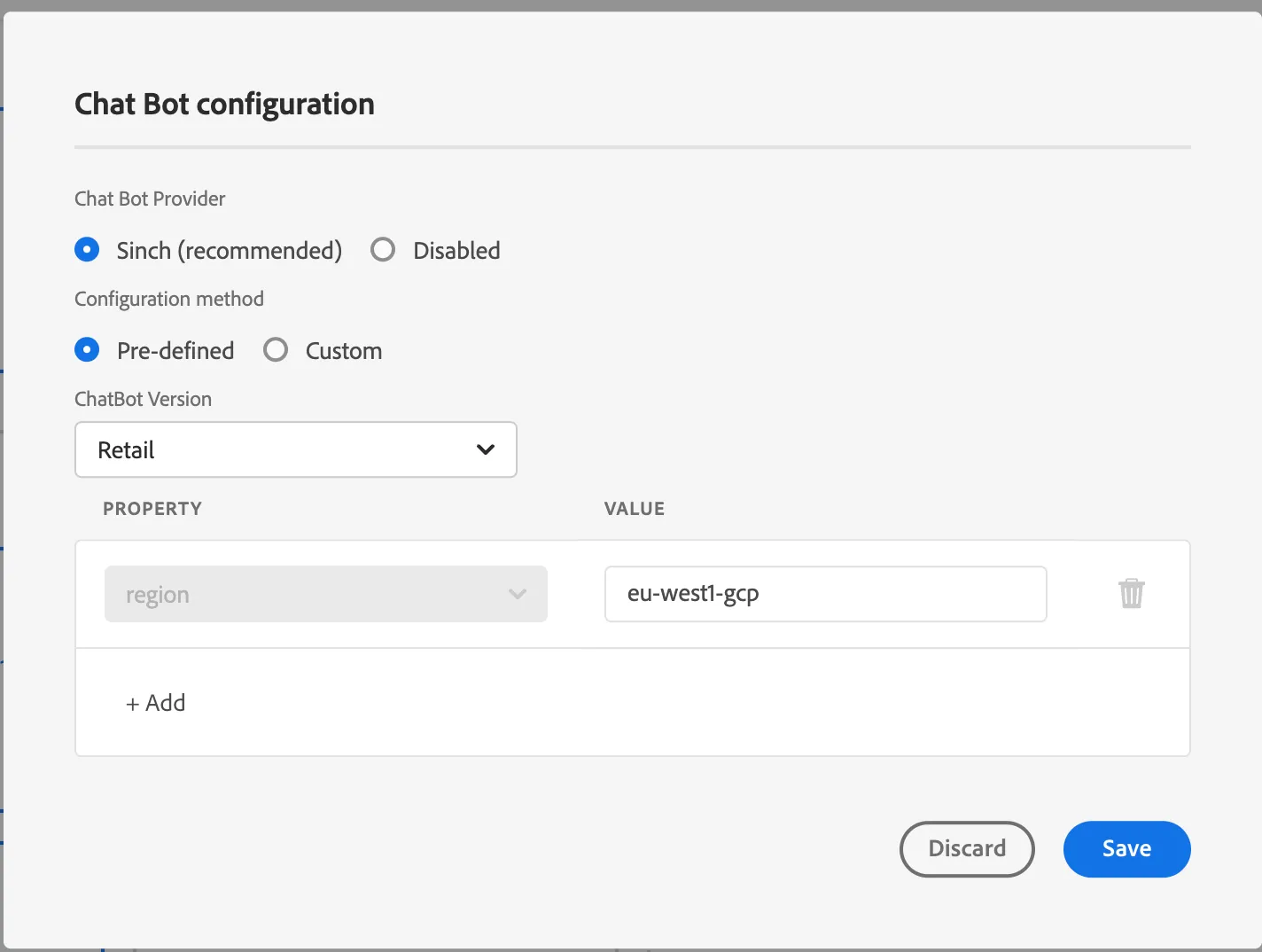
- In the integration step, please make sure that you have selected Retail as Chatbot Version and it shows up some pre-defined Retail chatbot parameters as displayed in the image below.
Customising Chatbot for External websites:
- Go to the launch property for external website. Click on Data Elements on the left and search for Bot - ID. Value should be lrq8wxd5:65af9d1643234f70068f44c8 to connect to Retail Bot Flow.
