Scene 1: Discover Pipeline using behavioral intent – for marketing (account selection and prioritization)
Introduction
The goal is to cross-sell BodeaSecure to its existing IT customers. We need to do some analysis before starting to build an account list. We can go into Adobe Customer Journey Analytics B2B Edition to gain an understanding of our accounts. Within CJA, marketers have a single view of their organization’s accounts that stitches data points from online and offline data across channels and systems. Here, we can build visualizations to look at trended revenue, engagement, and revenue by account, even campaign revenue and channel performance. Even sales ops teams can use CJA to understand industry segments and performance to inform account planning. With this analysis, we know the ideal customer profile (ICP) and which activities lead to conversion, and we are ready to start account planning.
Solutions:
- Bodea CJA for B2B: CJA-B2B-Bodea
- AEP Sandbox: Public Project - Bodea (Next) (VA7)
- AJO B2B: Public Project - Bodea (Next) (VA7)
Use Case
Bodea's goal is to query the data and save it as a target account list, or “audience segment” that’s accessible across Adobe apps and for marketing and sales to work together on. We can then review our audience in the CDP and further refine if we need to add firmographic and product ownership data parameters or more dynamic intent signals and AI-predicted account-scoring so teams can be confident in these accounts. Now that we have an account segment, let’s define the target roles so we can personalize messaging.
Demo Steps
Log in to Adobe Customer Journey Analytics B2B Edition to gain an understanding of our accounts. Within CJA, marketers have a single view of their organization’s accounts that stitches data points from online and offline data across channels and systems.
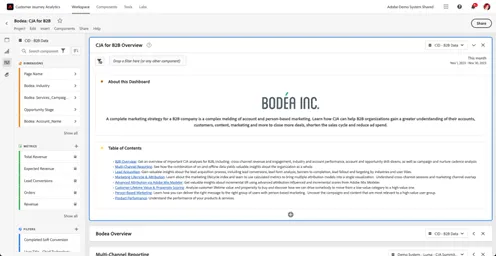
Scroll down to show the high level overview the organization.
Here, we can build visualizations, for example, trended revenue. We’ll look at Trended Revenue – the amount of revenue collected over time. I’ve added Intelligent Captions to this visualization, which automatically summarize the important points about this report in natural language. These insights are entirely AI-generated.
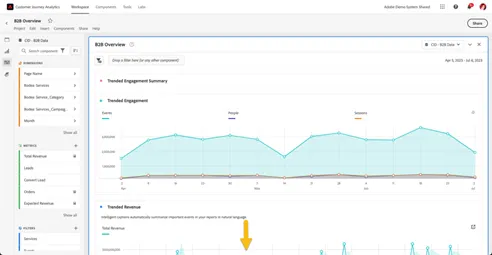
Scroll down to Trended Revenue
Here, we can build visualizations, for example, trended revenue. We’ll look at Trended Revenue – the amount of revenue collected over time. I’ve added Intelligent Captions to this visualization, which automatically summarize the important points about this report in natural language. These insights are entirely AI-generated.
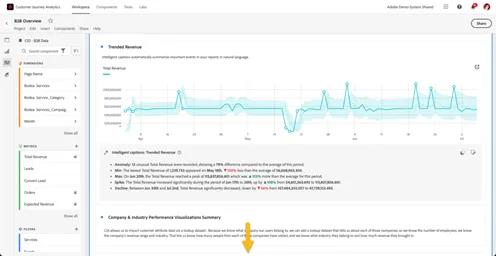
Scroll down to Engagement and Revenue by Account visualization
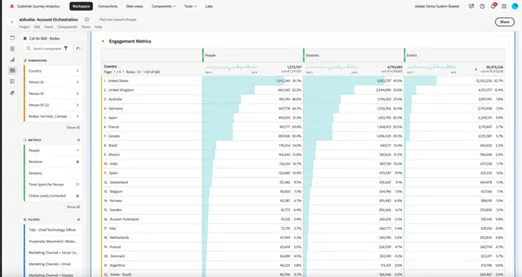
Here we can also look at engagement and campaign performance, even campaign revenue and channel performance. Even sales ops teams could use CJA to understand industry segments and performance to inform account planning.
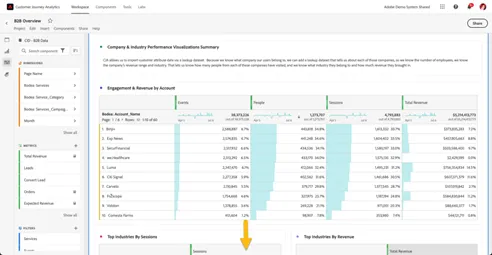
Scroll down to the Account Drilldown table
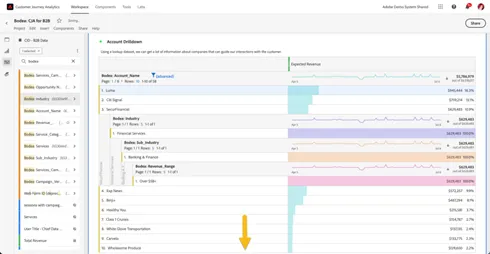
Scroll down to the Campaign Performance Visualization
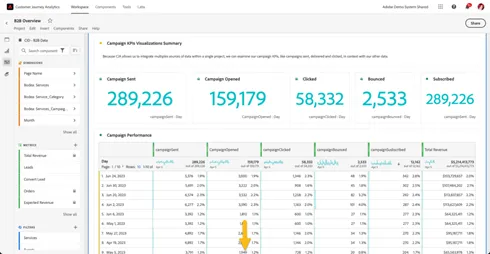
Scroll down to Campaign Revenue, Ad Spend & ROAS
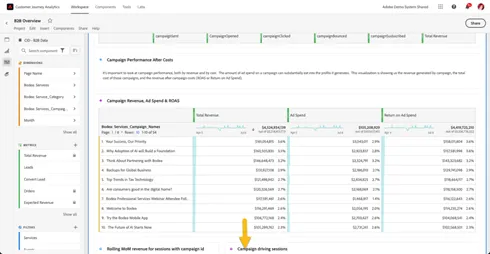
Scroll down to Campaign Flow and click the Campaign Flow section to advance to the next screen.
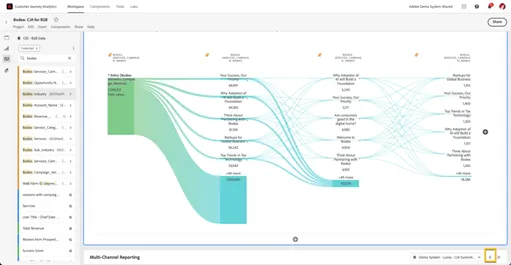
With this analysis, Bodea begins to understand the ideal customer profile (ICP) and which activities lead to conversion, and is ready to start account planning.
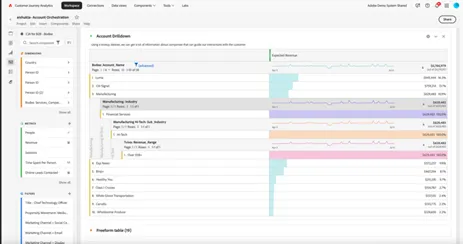
Then add metrics for engagement like “events”, “people” and “sessions”.
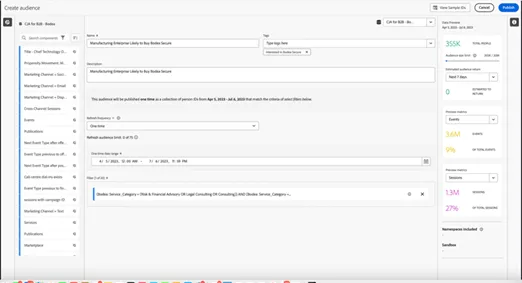
Now with those metrics, you can right click any layer of the selected data and scroll to the bottom of the menu and click “Create audience from selection” and “Publish”.
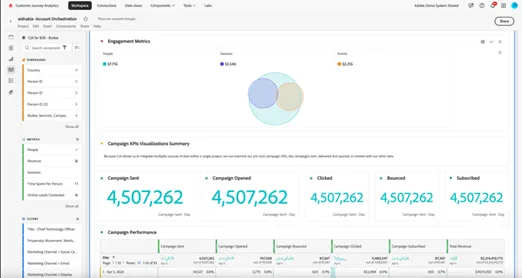
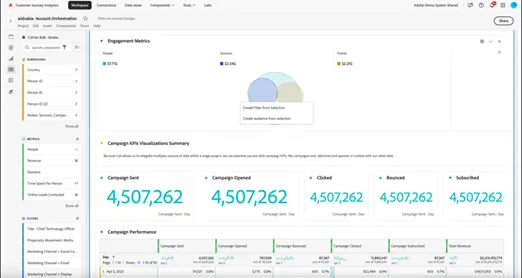
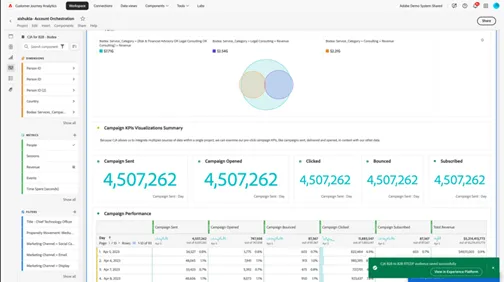
Then click on “View in Experience Platform” to view the audience that originated from CJA B2B in B2B RTCDP
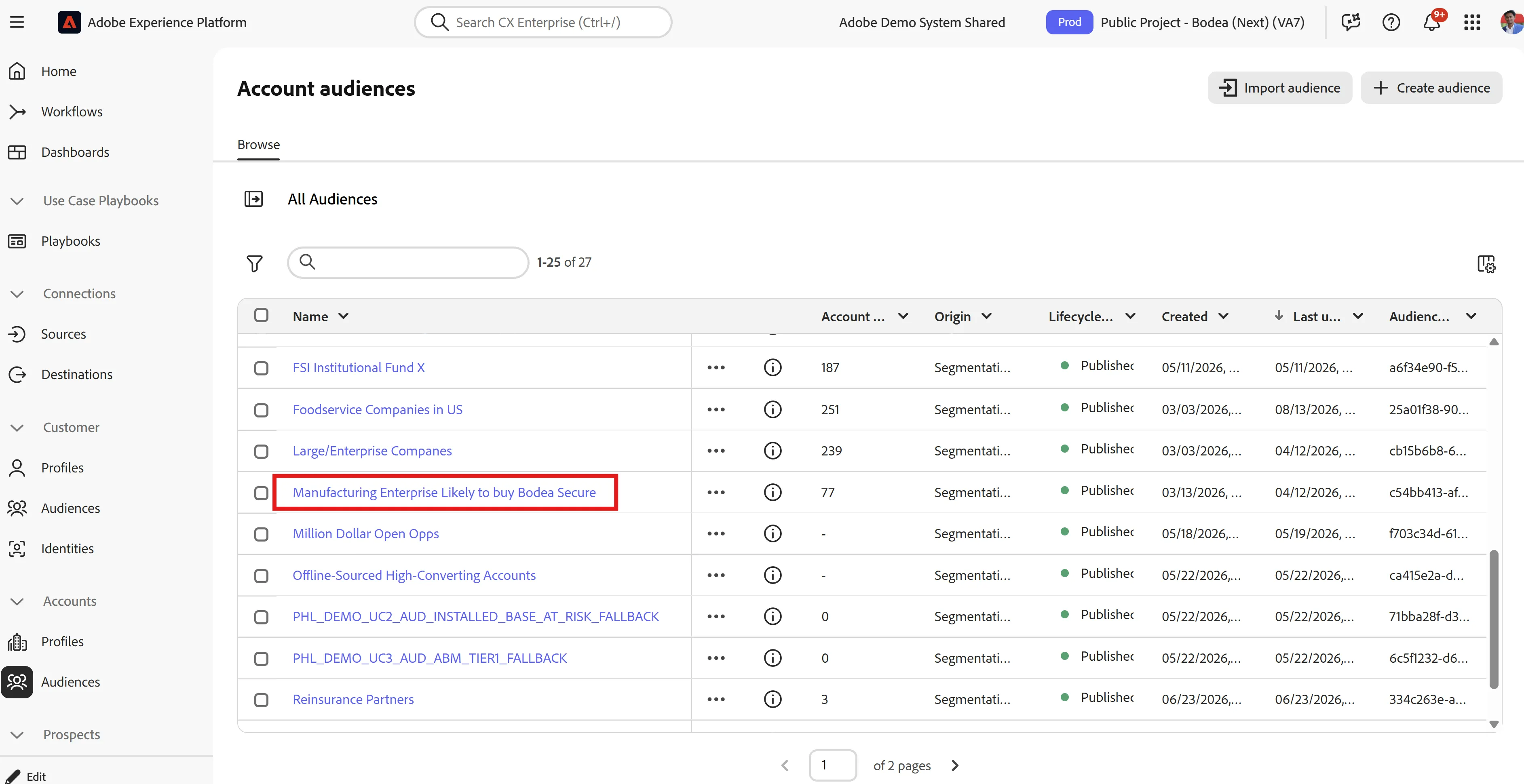
With knowledge on top industries and account engagement, we can start an account list. Go to the filter and drop in “Industry” and “Accounts”. We can easily query our data and save it as a target account list, or “audience segment” that’s accessible across Adobe apps and for marketing and sales to work together on.
Click on “Manufacturing Enterprise Likely to Buy Bodea Secure” Audience in B2B RTCDP.
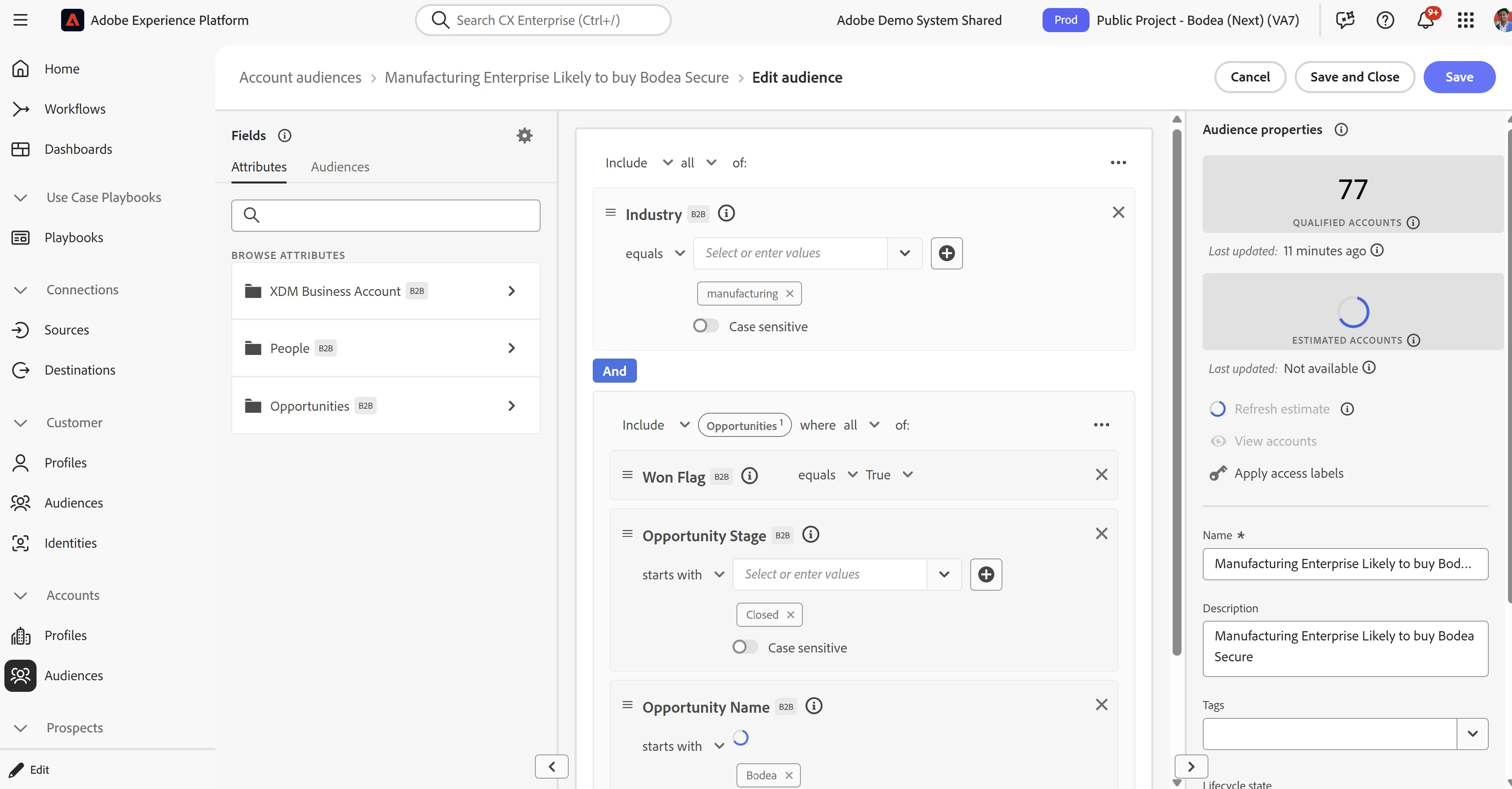
Here we refine an existing segment by adding products owned, intent signals, and propensity scores to create a new segment and use CJA B2B segment as the predicate.
We’ go ahead and add additional filter criteria in CDP to segment and complete the audience definition by bringing in information on products owned from closed/won opportunities, the AI-generated “Account Score”, and 3rd-party intent data on high-propensity product interests.
Click Save and close, navigate to “Journey Optimizer B2B Edition”.