Target - Website
2 min
To add personalization to a DSN project website, follow the steps below
It is recommended to have the DSN website open in the second tab, it will help with opening the page in VEC without the need to login with Adobe ID.
- Decide if you are going to do an A/B Test or Experience Targeting. In case of Experience Targeting please prepare your segments in Target or AEP. Make sure they are properly shared and visible in Target UI. How to use AEP Sandbox Segments in Target using Destinations
- Log in to Target, make sure you are in the right ims org as your website is connected to, by checking the org name in the top right corner. Please also check the workspace.
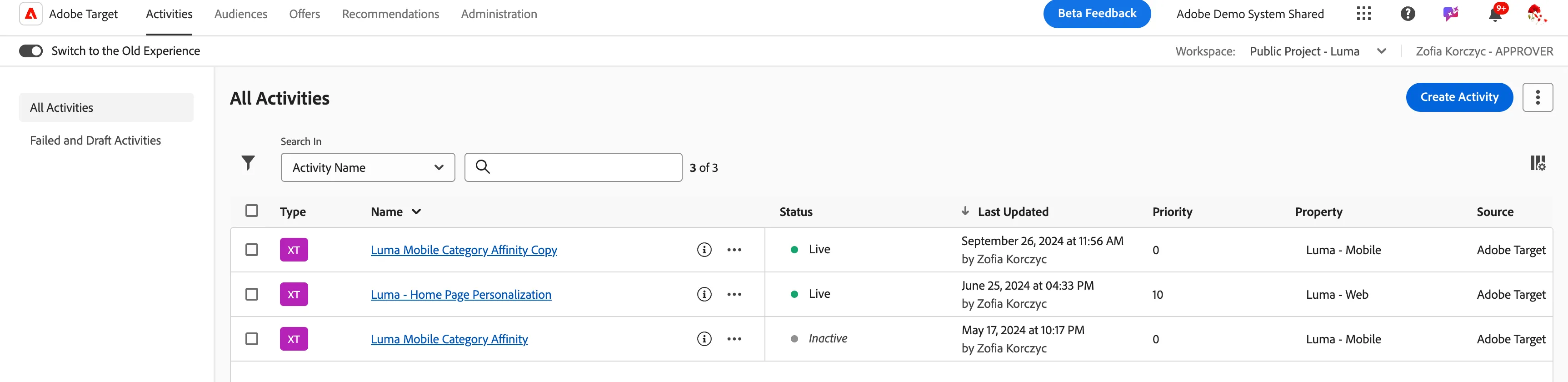
- Start a new activity by clicking "Create Activity"
- Prepare your Activity by adding required experiences and content.
- Activate your campaign
- Test
Learn more: