Triggering Journeys - My Barista Subscription
Lizzie Torres is a 22-year-old single woman living in New York. She is a new Fréscopa customer, she has just bought an automatic espresso machine for her home. As part of the machine’s setup, she downloads the Fréscopa mobile app, logs in, and pairs her phone to her new smart coffee machine. Lizzie falls into an audience that Fréscopa wants to target: Smart Machine users who haven’t yet subscribed to Fréscopa’s MyBarista service.
We recommend using the email in the form [email protected]. This way the messages for different profiles (different randomid) will come to your Adobe inbox.
To keep the identity graph clean each time you play the demo:
Use a different random ID in your email
Use a fresh incognito web browser session to generate a new ECID.
Reset the profile (in the settings tab) on the DX demo app before playing the demo to generate a new ECID.
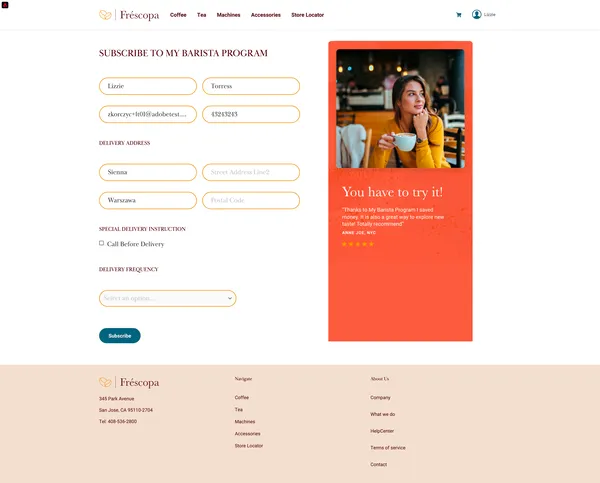
Lizzie is interested in the new kind of coffee and clicks on the "Add to MyBarista" button and sees the form, all the fields are pre-filled with her details. Lizzie is distracted and doesn't have time to learn more about it and she abandons the form for now. She could start the subscription on the website.
Lizzie walks into Frescopa boutique and uses her free coffee offer to get one cup of Morning Muse.
To show this experience Open the Fréscopa Customer Experience App project: https://dsn.adobe.com/cx2/frescopa-cx-app-v2
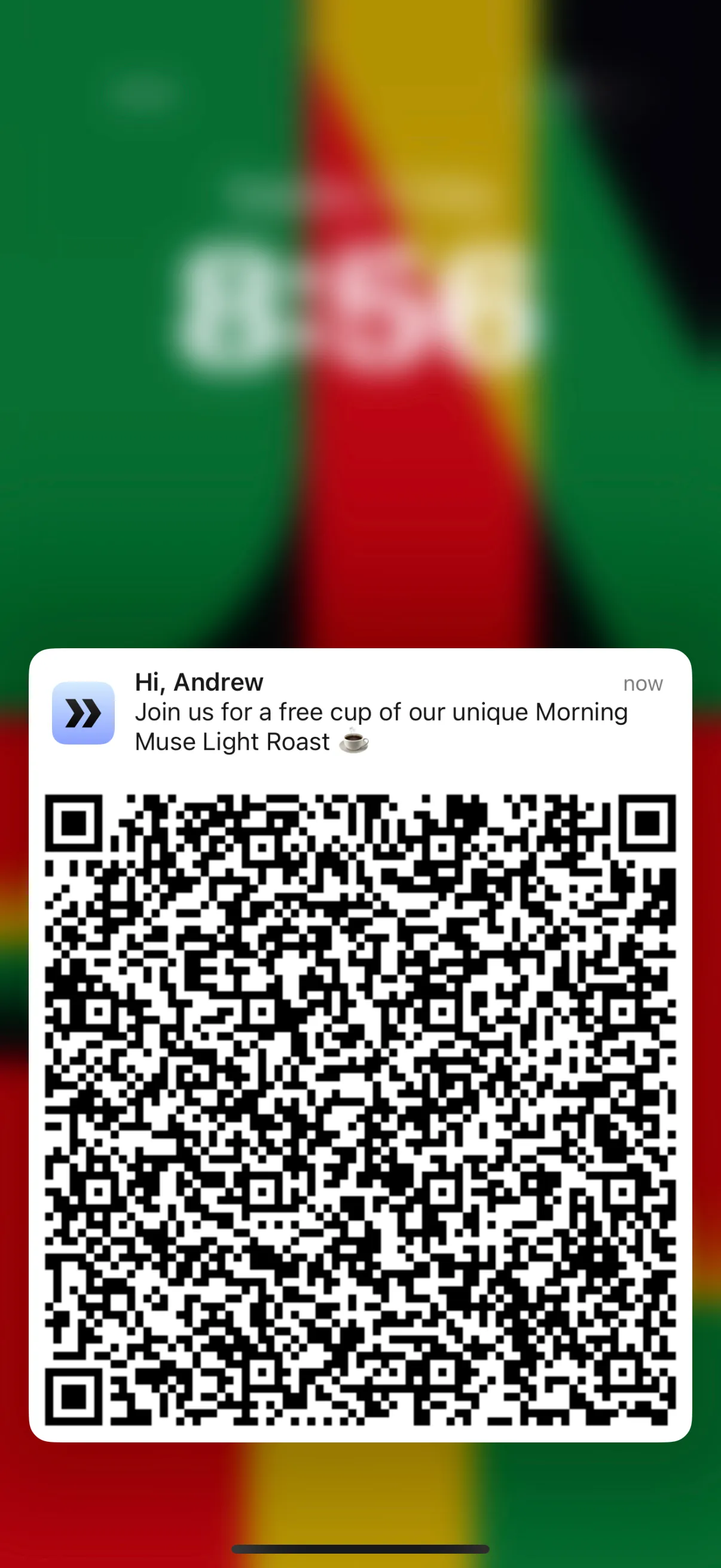
The merchant who was giving Lizzie the free coffee sees her full profile and recent interactions on the screen after she scans the QR Code. He also sees that the next best offer for her and encourages her to join subscription to the MyBarista program.
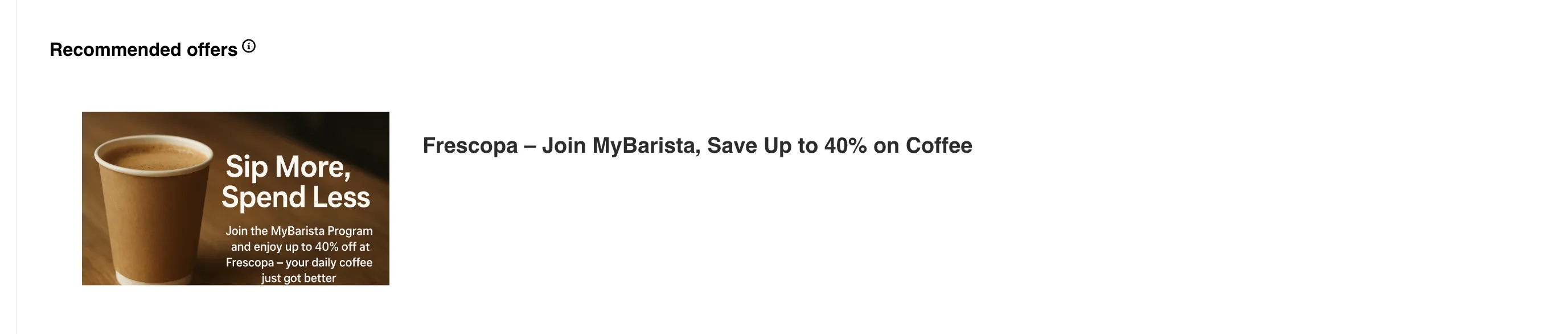
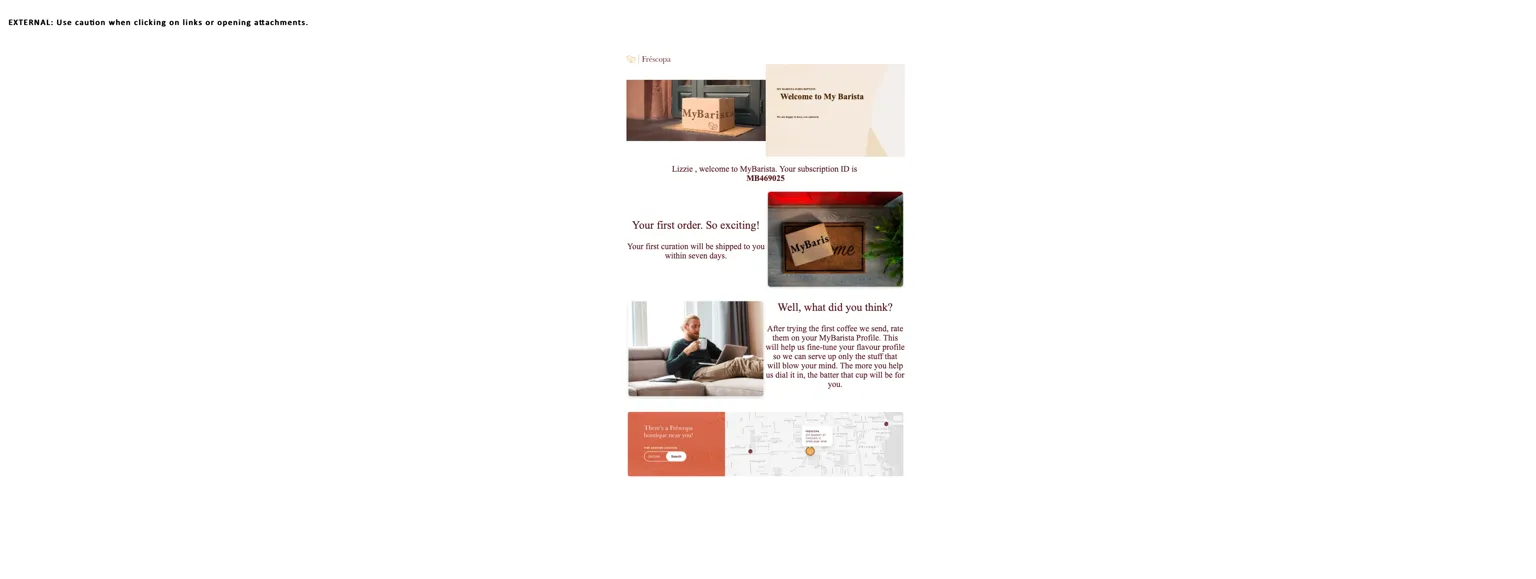
The merchant proposes the MyBarista program again to Lizzie and this time she says she wants to start the process. The Merchants do that and immediately, Lizzie receives an email in her inbox. She also sees an updated offer on cx app.
Click "Interested" next to the MyBarista program offer. This will trigger a Journey that will send an email to Lizzie.
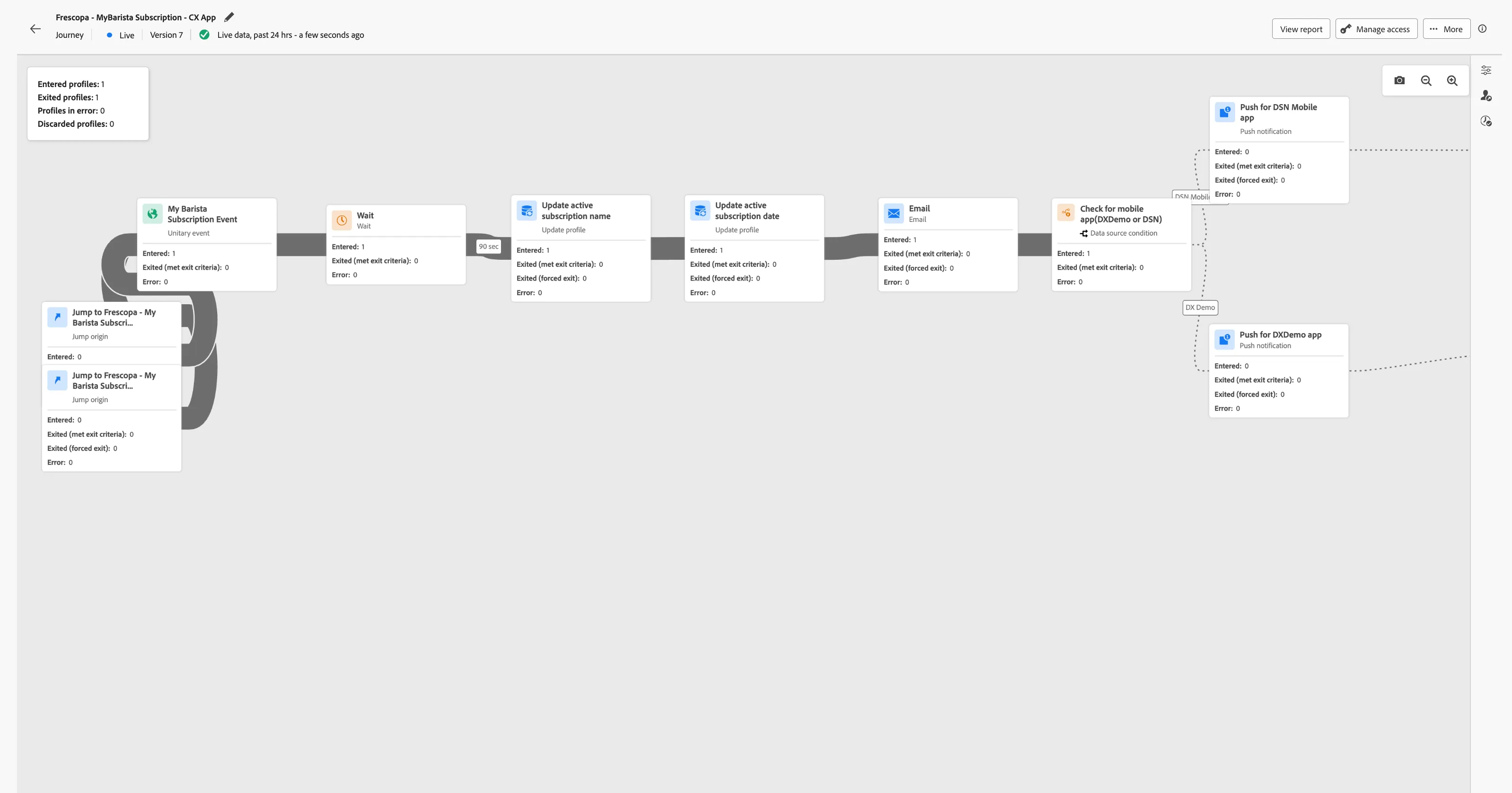
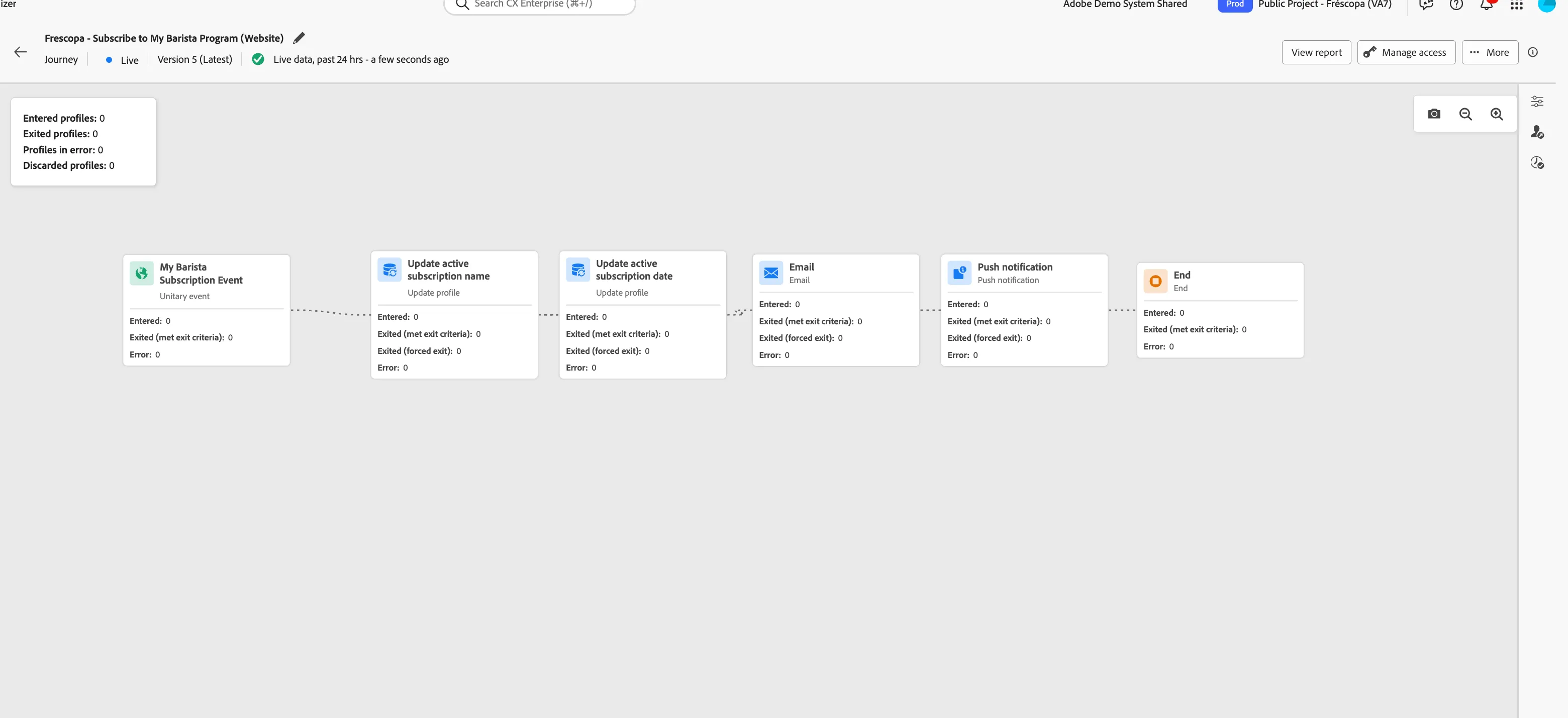
Behind the scenes, the journey listens to any new subscription event. Once received, it moves through different steps of the journey, and then Lizzie receives the email, and the profile is updated with the subscription name and subscription start date.