Using Assurance
3 min
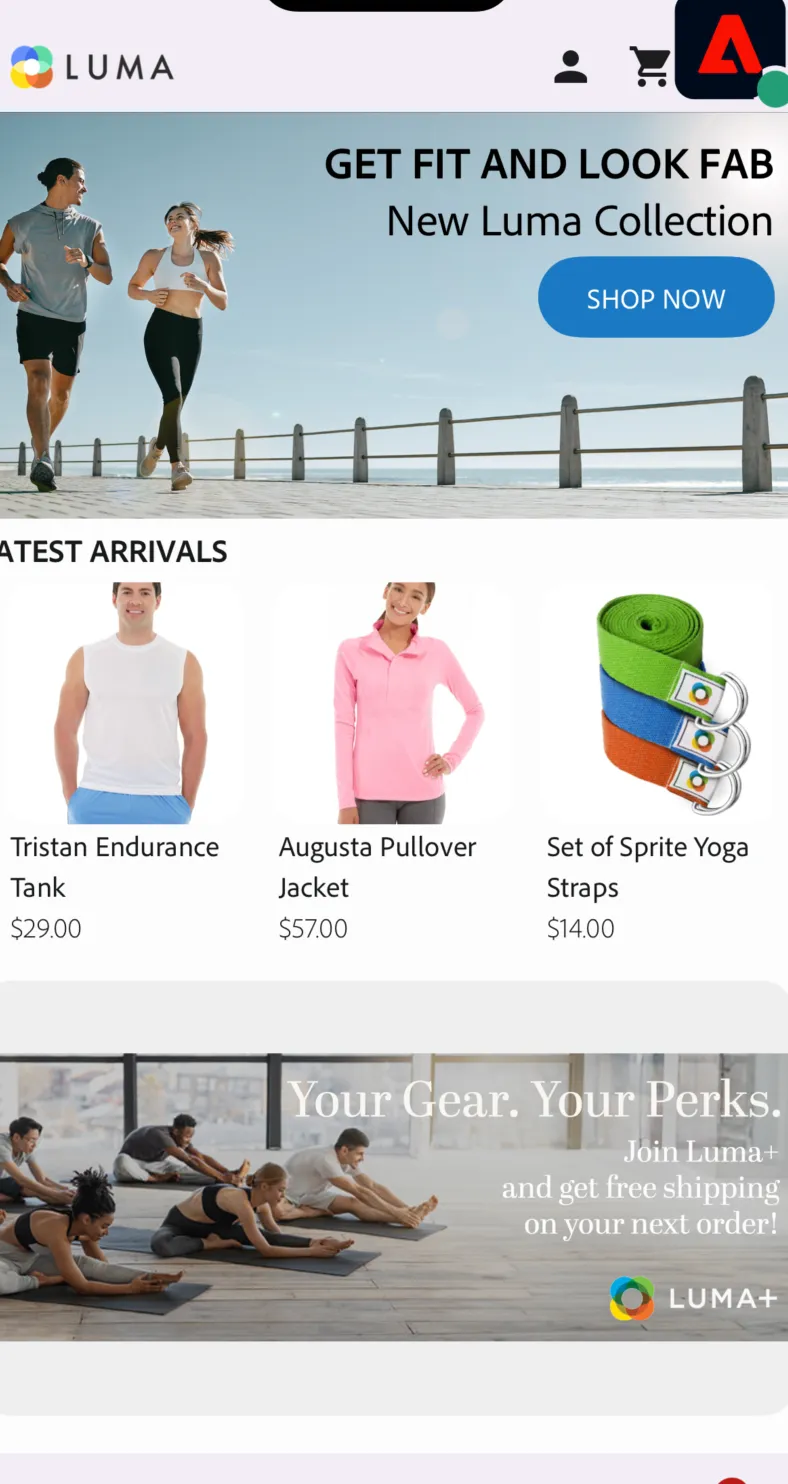
The Live Demos app can be used with Assurance to track network traffic and test new features
Live Demos app base URL is: com.adobe.dsn.dxdemo://
HOW TO ESTABLISH CONNECTION WITH ASSURANCE?
- Open this URL, switch to your IMS org
- Click the "Create Session" Button in the top right corner

3. Click "Start."

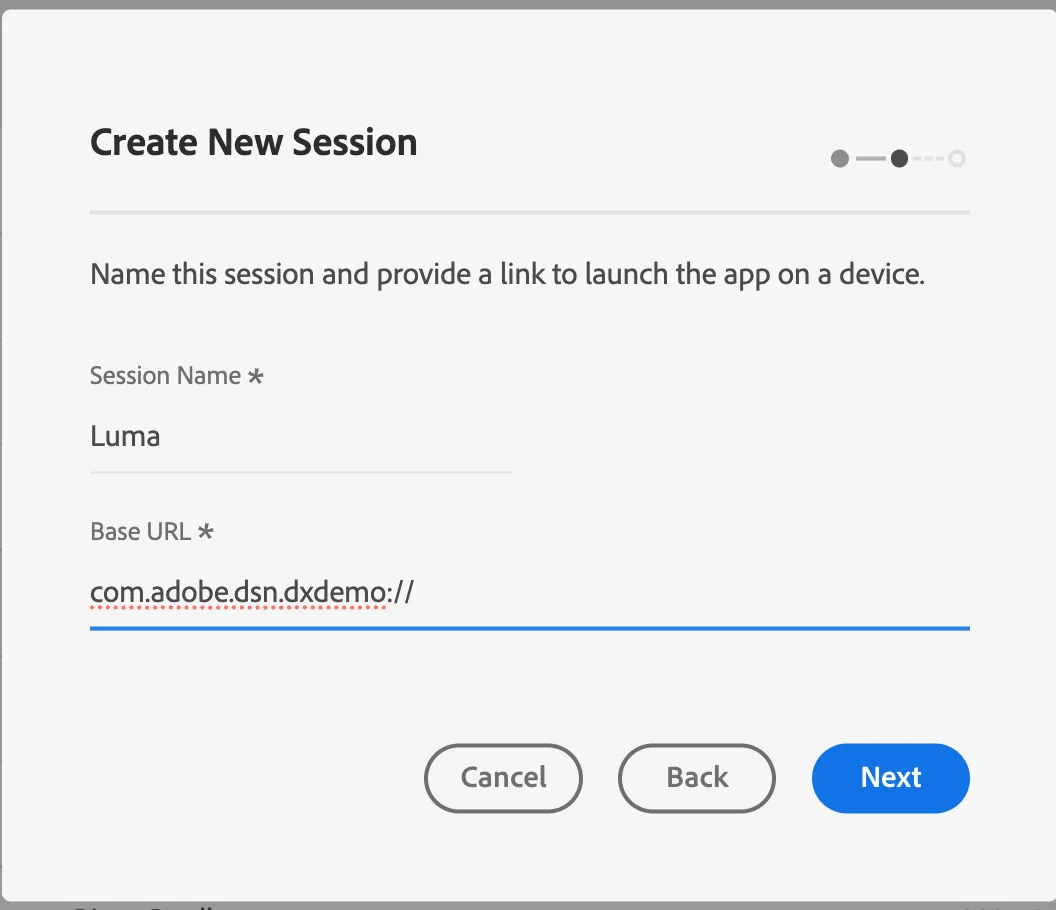
4. Fill the session name and base URL (com.adobe.dsn.dxdemo://). Click "Next"
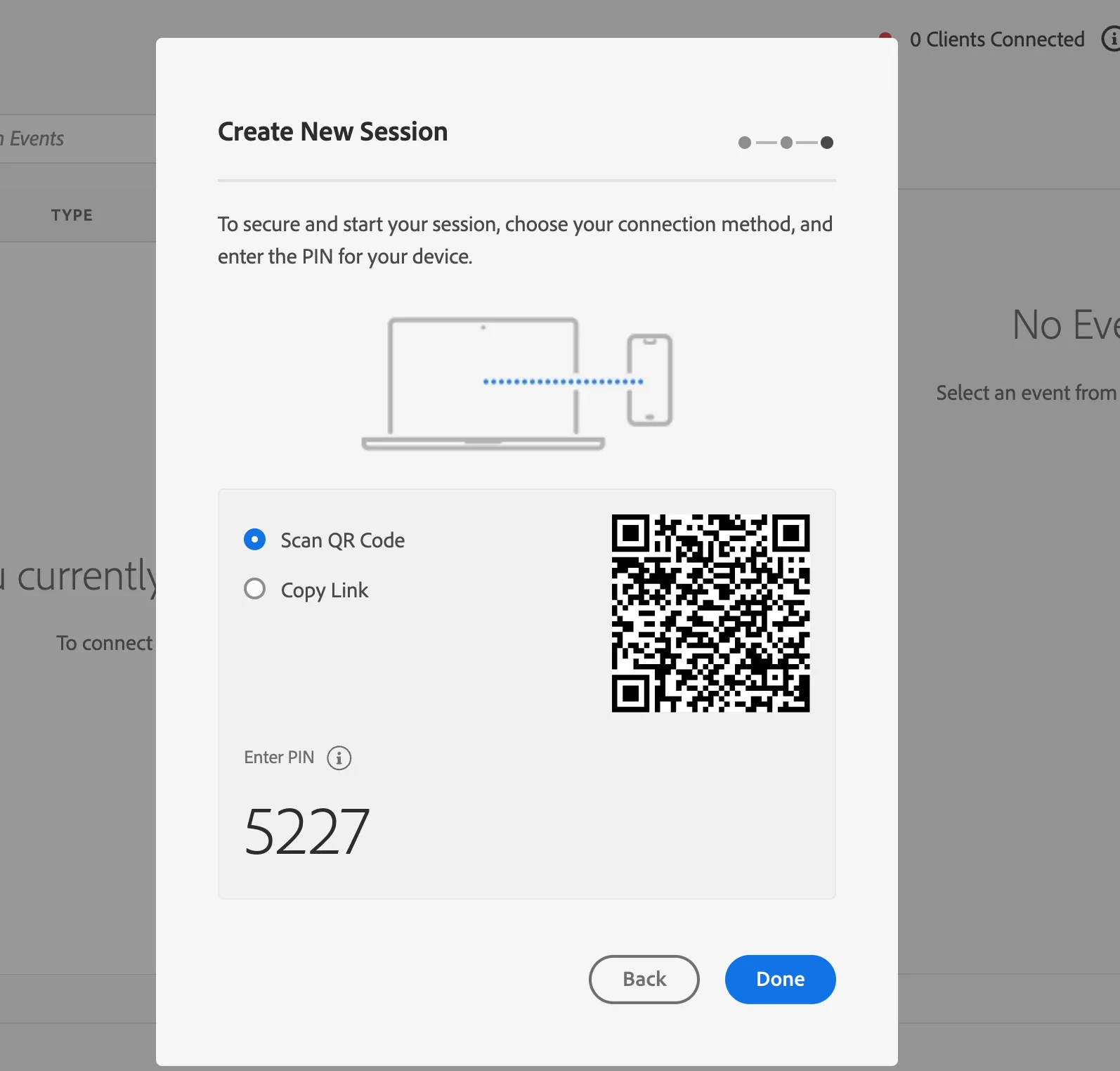
5. Open the camera on your device and scan the QR Code from the screen.
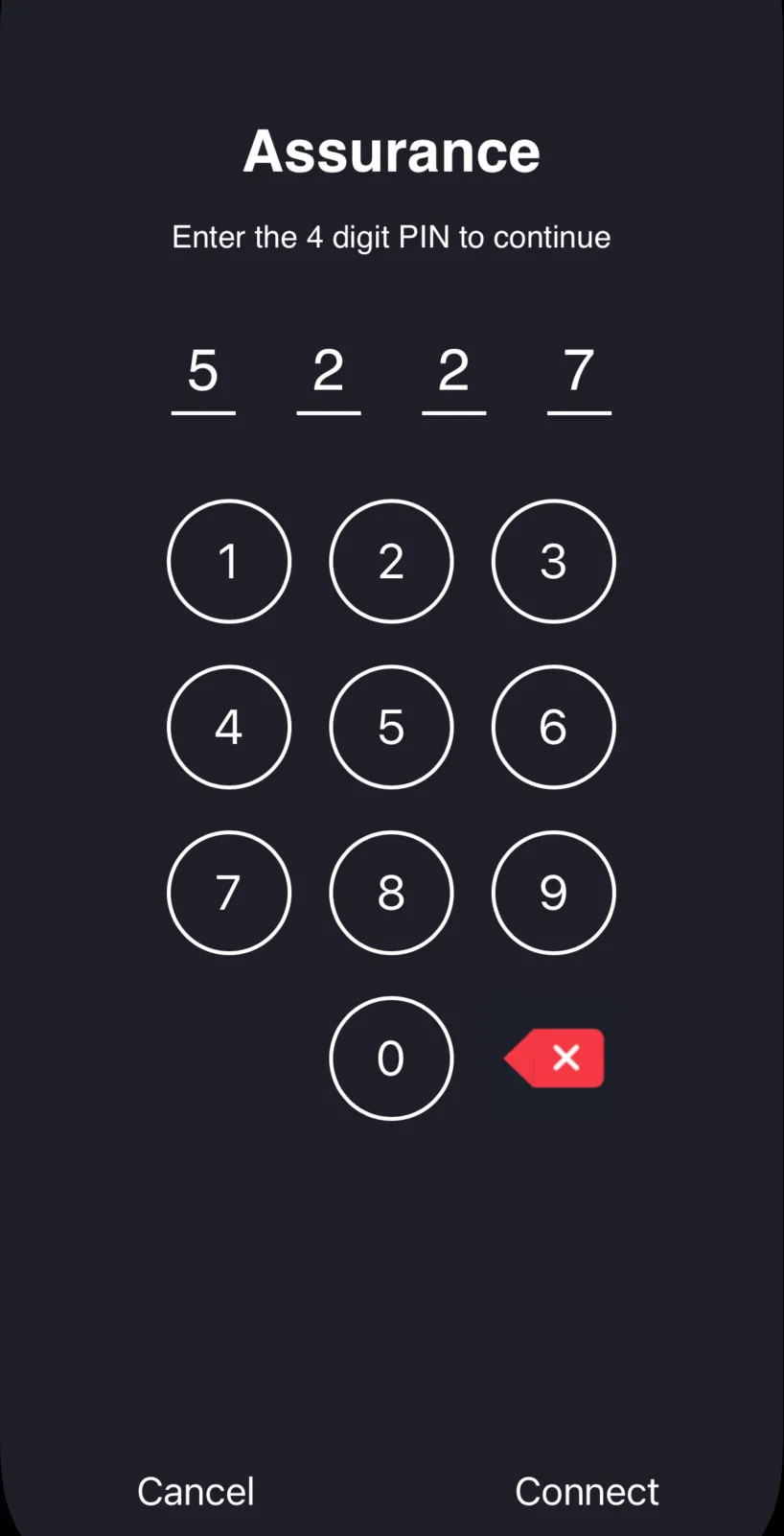
6. On the screen that will show up, retype the PIN from your browser session window. Click "Connect"
7. After successful connection, a dedicated icon will show app above the application screen and in a desktop browser window, you will see the current traffic.