App surfaces for Live Demos app
3 min
Configuring App Surfaces
In order to use the app for any AJO-related features, you need to create an App Surface in Data Collection.
- Go to Data Collection in your organization
- Access the App Surfaces menu and click Create App Surface.

- Fill in the required details
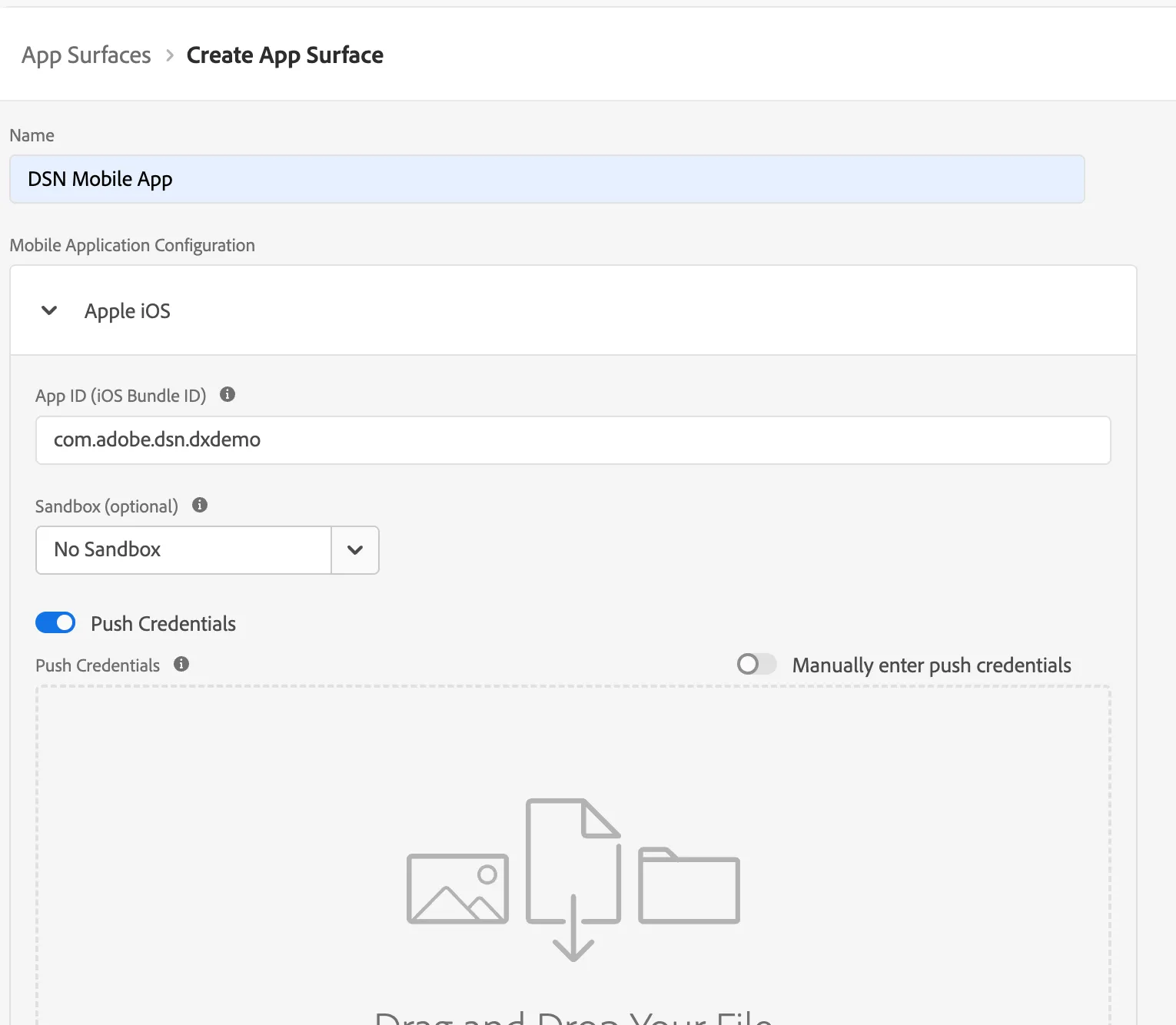
Name: e.g., Live Demos App
Apple iOS
- Bundle ID: com.adobe.dsn.dxdemo
- Sandbox: Do not select sandbox if it is not necessary; this way, all people in your organization will be able to use this app in their sandboxes
- Push Credentials, Key Id and Bundle ID: You can find them here
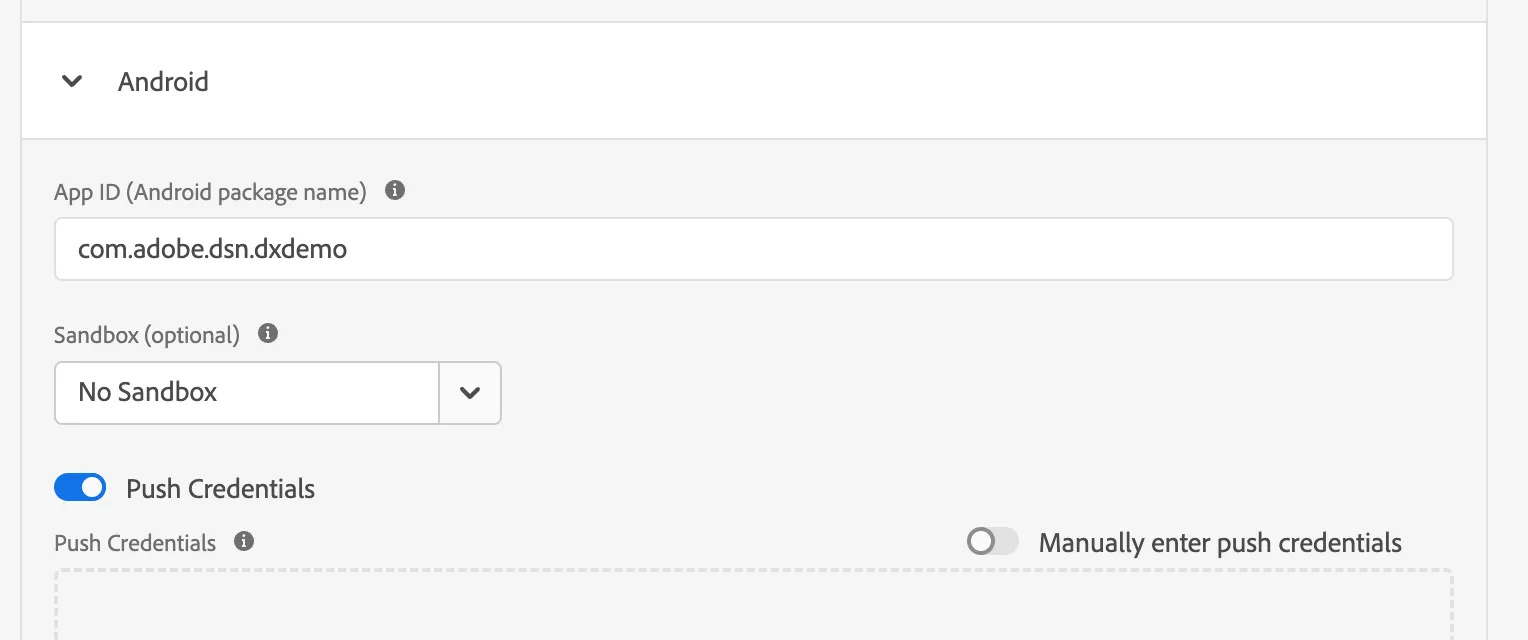
Android
- Bundle id: com.adobe.dsn.dxdemo
- Sandbox: Do not select sandbox if it is not necessary; this way, all people in your organization will be able to use this app in their sandboxes
- Push Credentials: You can find them here