AEM Content Fragments in AJO For Luma, Securfinancial & Bodea
Introduction
The primary objective is to provide a comprehensive guide to using existing Content Fragments (CF) from Adobe Experience Manager (AEM) with Adobe Journey Optimizer (AJO).
Content fragments for Luma, SecurFinancial, and Bodea are created in
ADSS AEM Author Instance was activated for email channels in the AJO Prod sandbox.
Content Fragment For Luma
We have used the Luma Newsletter email template for AEM content fragment capability.
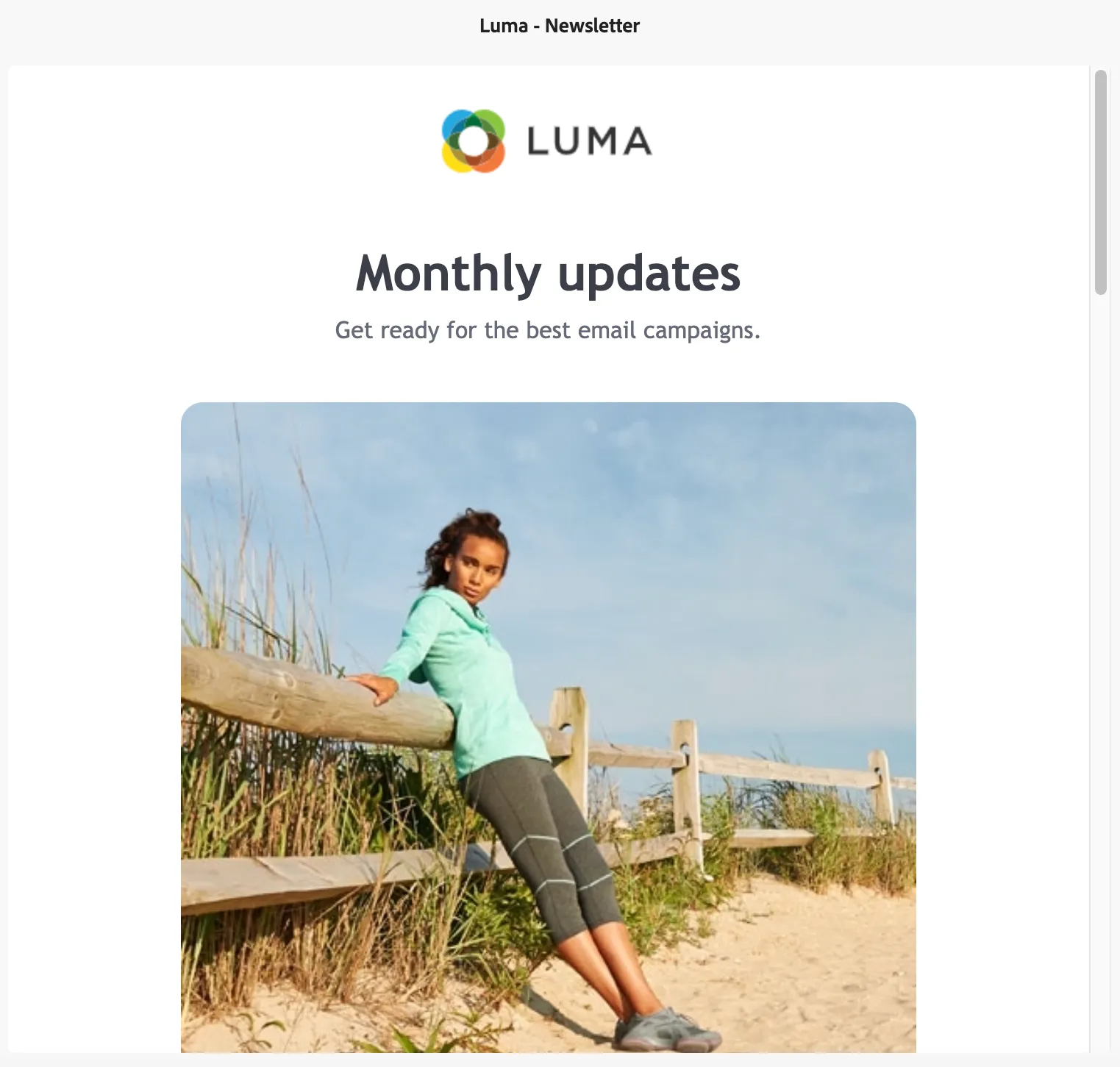
How to Use:
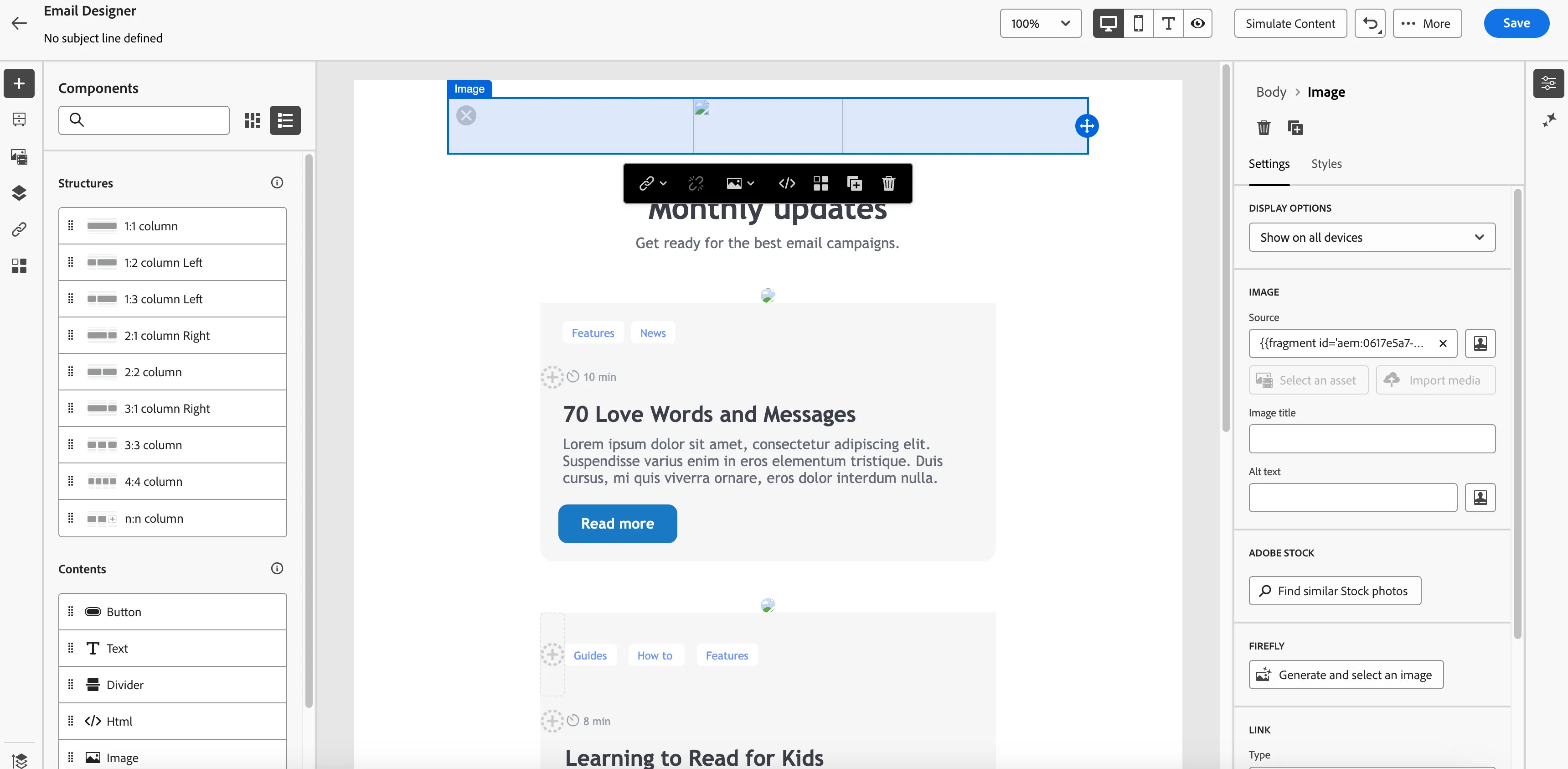
- Go to the Email action in the journey select the surface and click on edit email body.
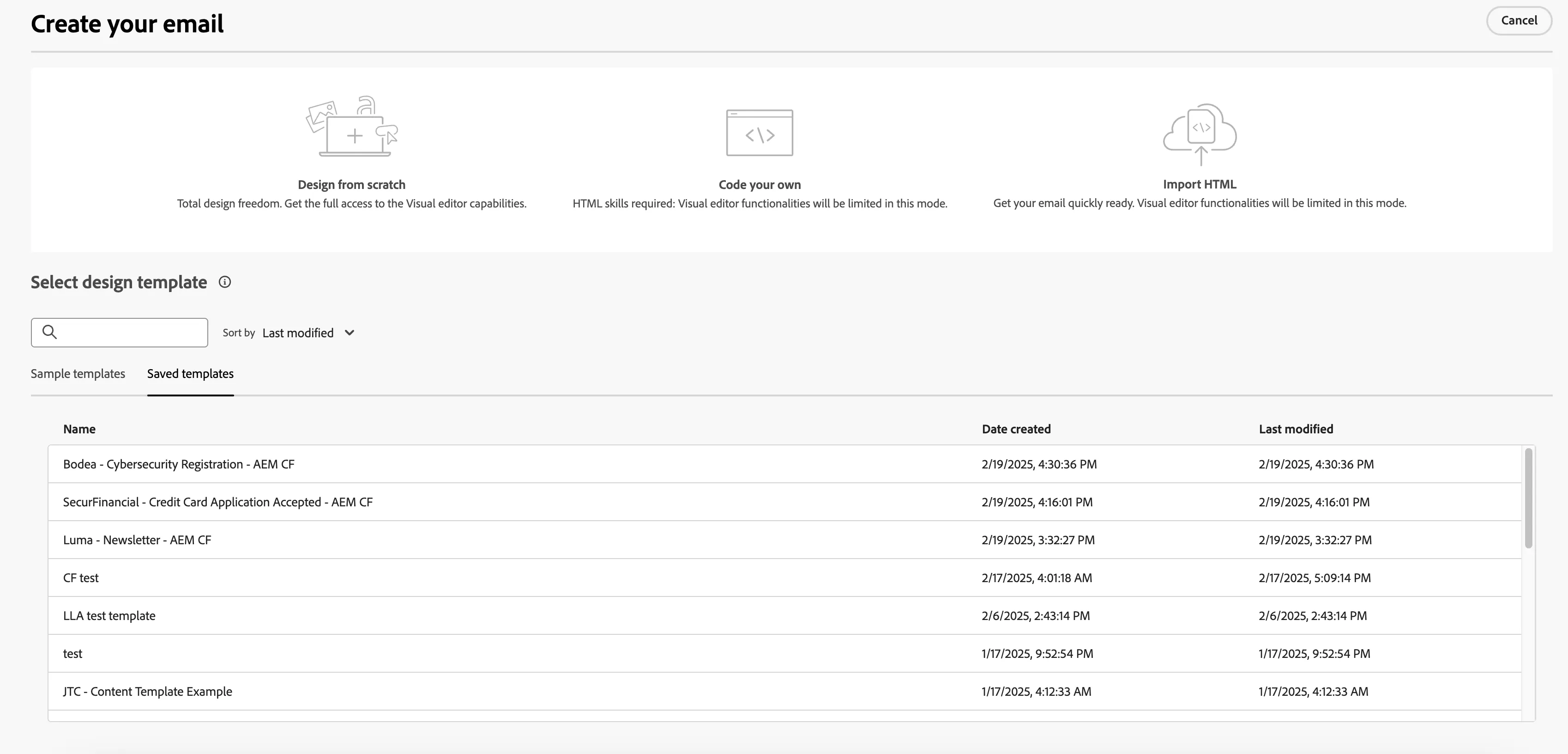
3. Select use this template(Luma - Newsletter - AEM CF)
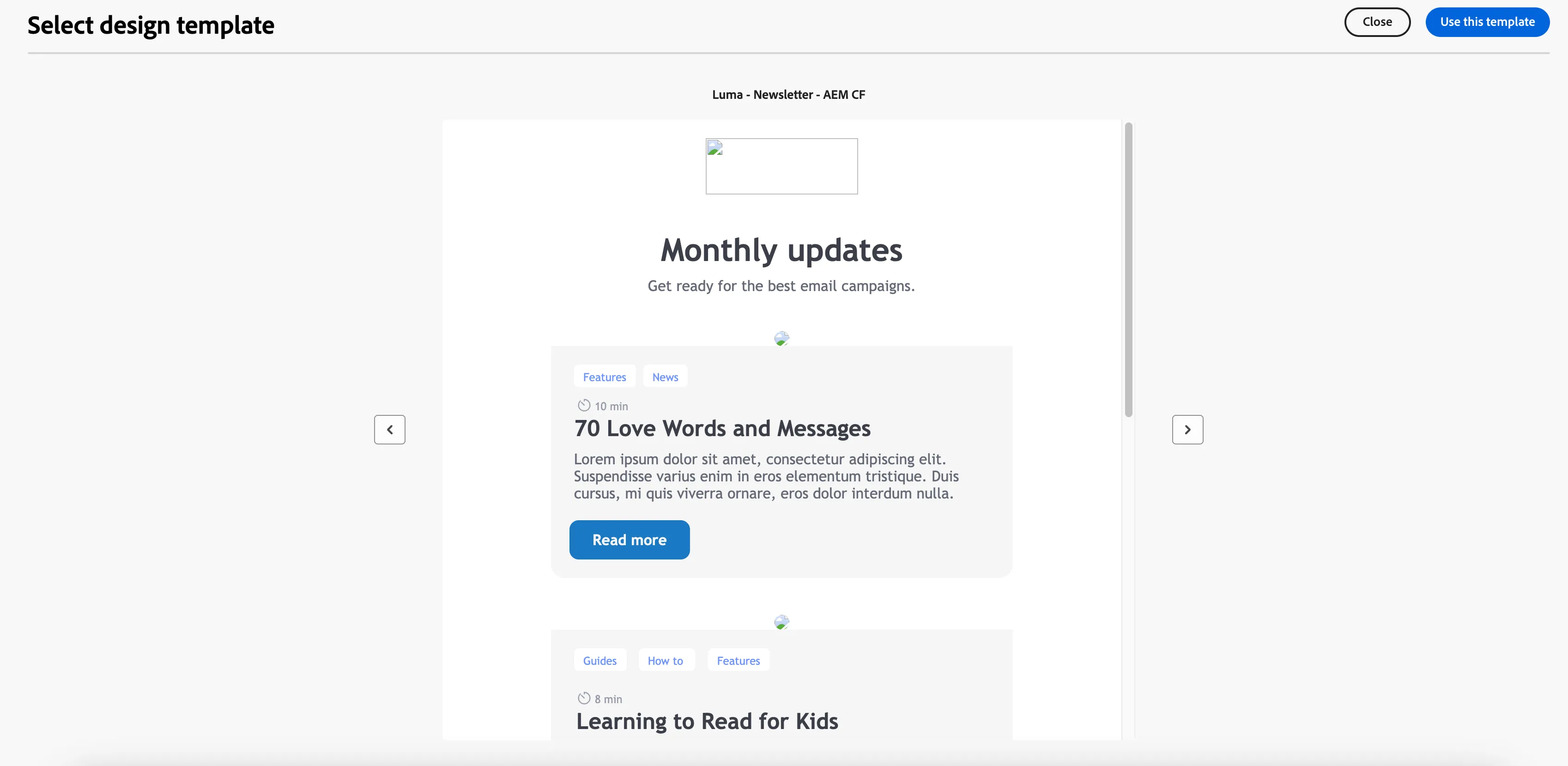
4. All the main images in the template look broken but it is loaded from AEM Content Fragment and will appear during simulation.
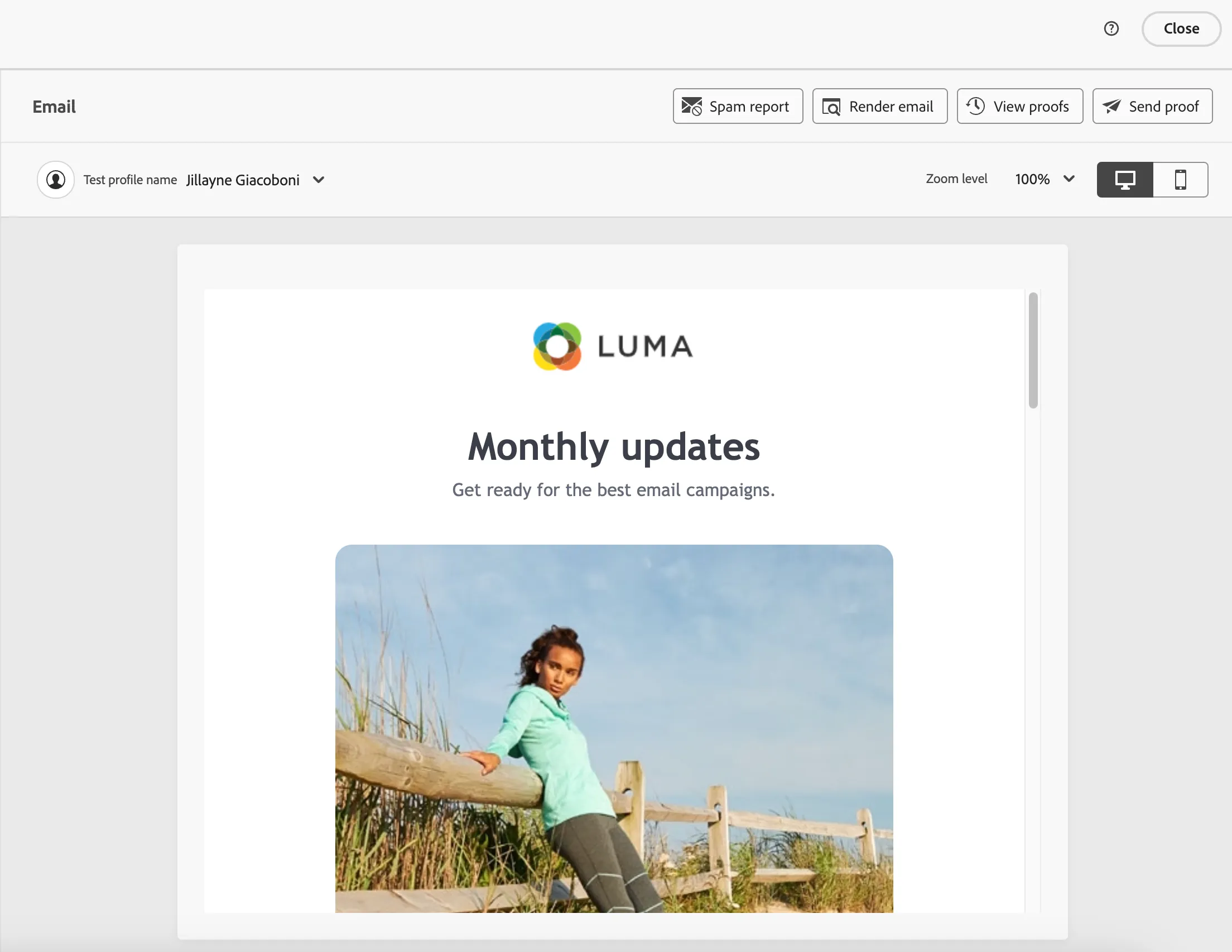
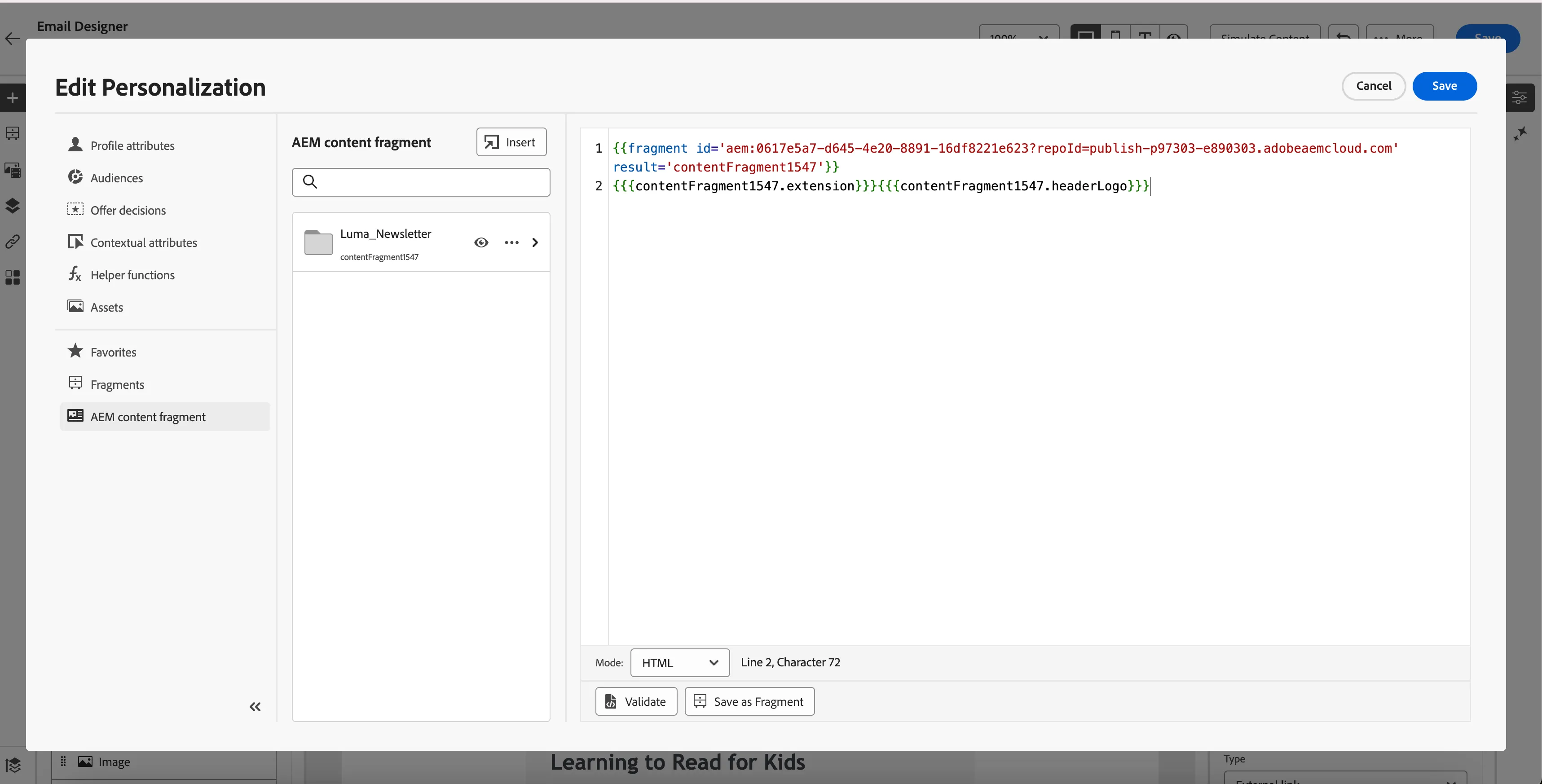
5. Click on the image and then the tab opens on the side and click on Source > Personalization Icon (Person Picture) and you will see the configuration of AEM Content Fragment which was created in ADSS AEM author instance and utilization of its fields and values in AJO email.
Content Fragment For SecurFinancial
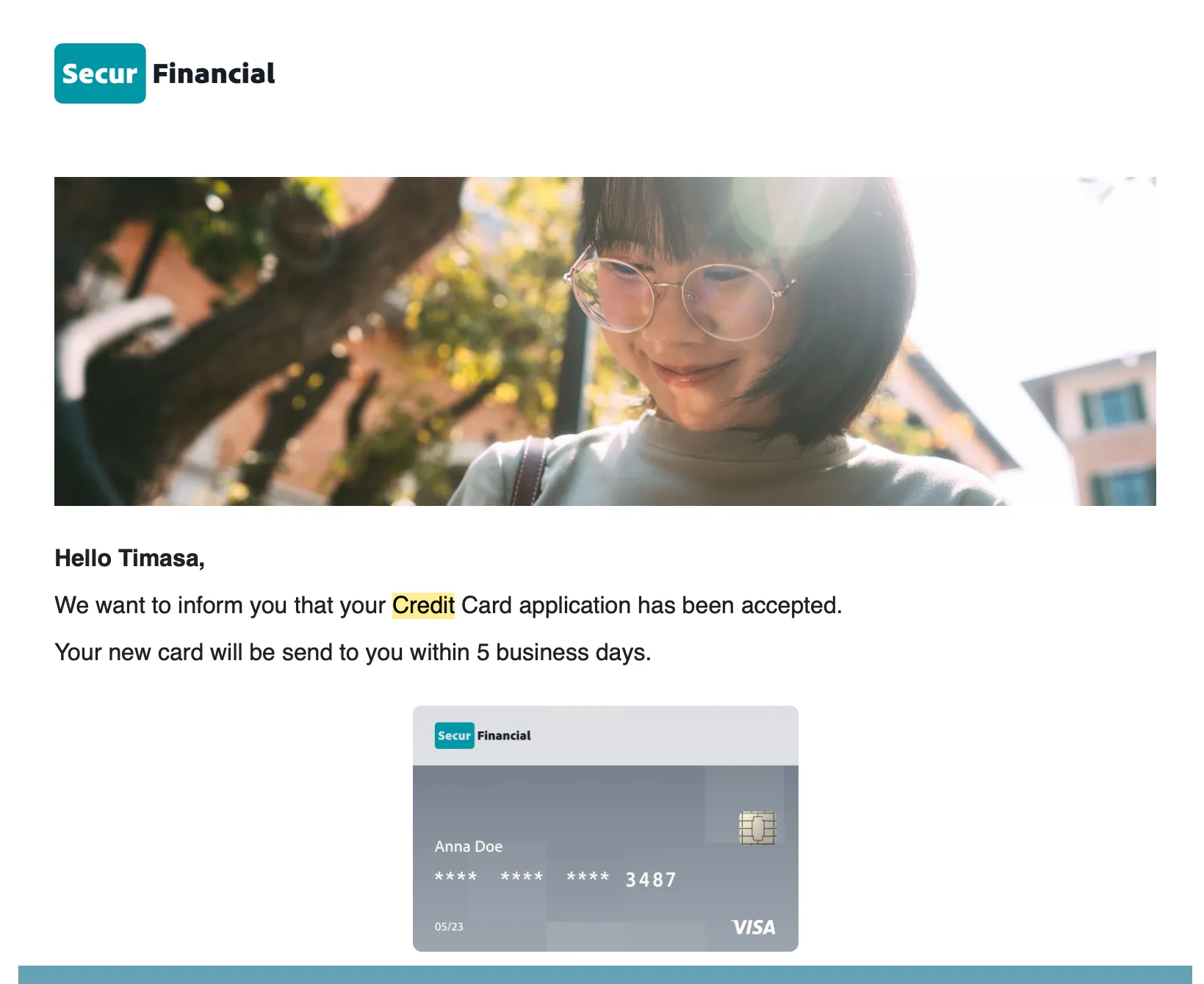
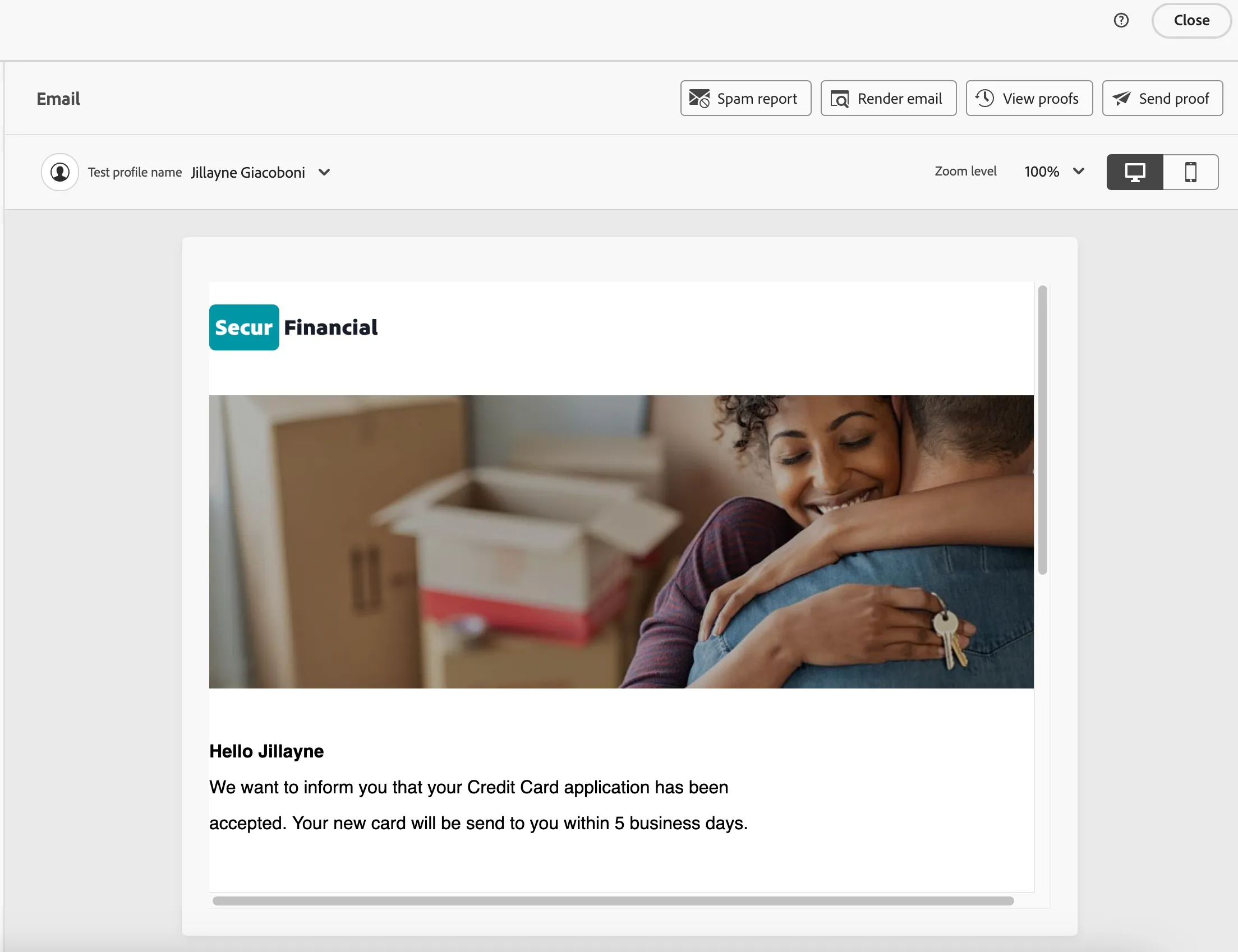
We have used the SecuFinancial Credit Card Application email template for AEM content fragment capability.
How to Use:
- Go to the Email action in the journey select the surface and click on edit email body.
3. Select use this template(SecurFinancial - Credit Card Application Accepted - AEM CF.)
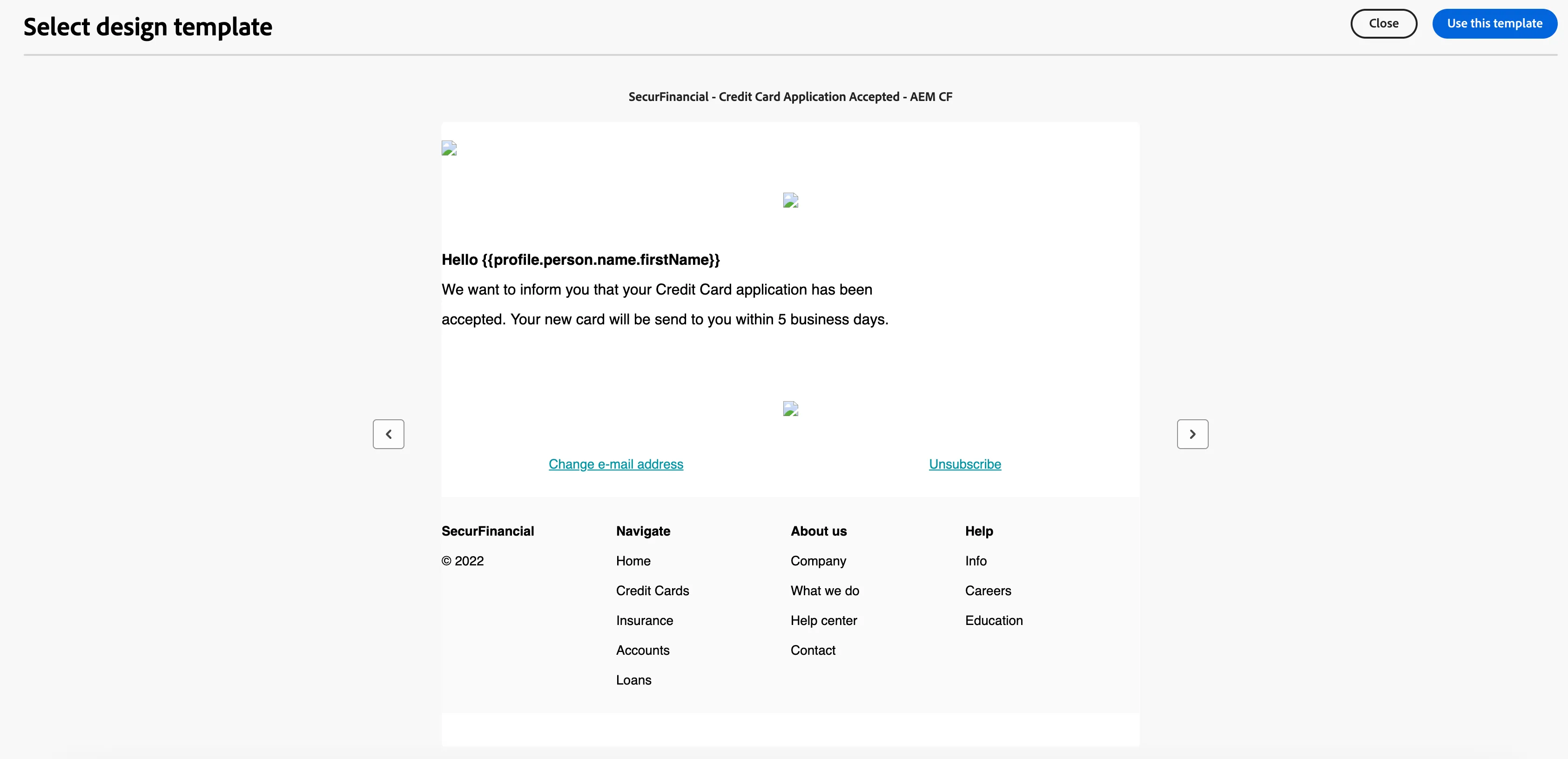
4. All the main images in the template look broken but it is loaded from AEM Content Fragment and will appear during simulation.
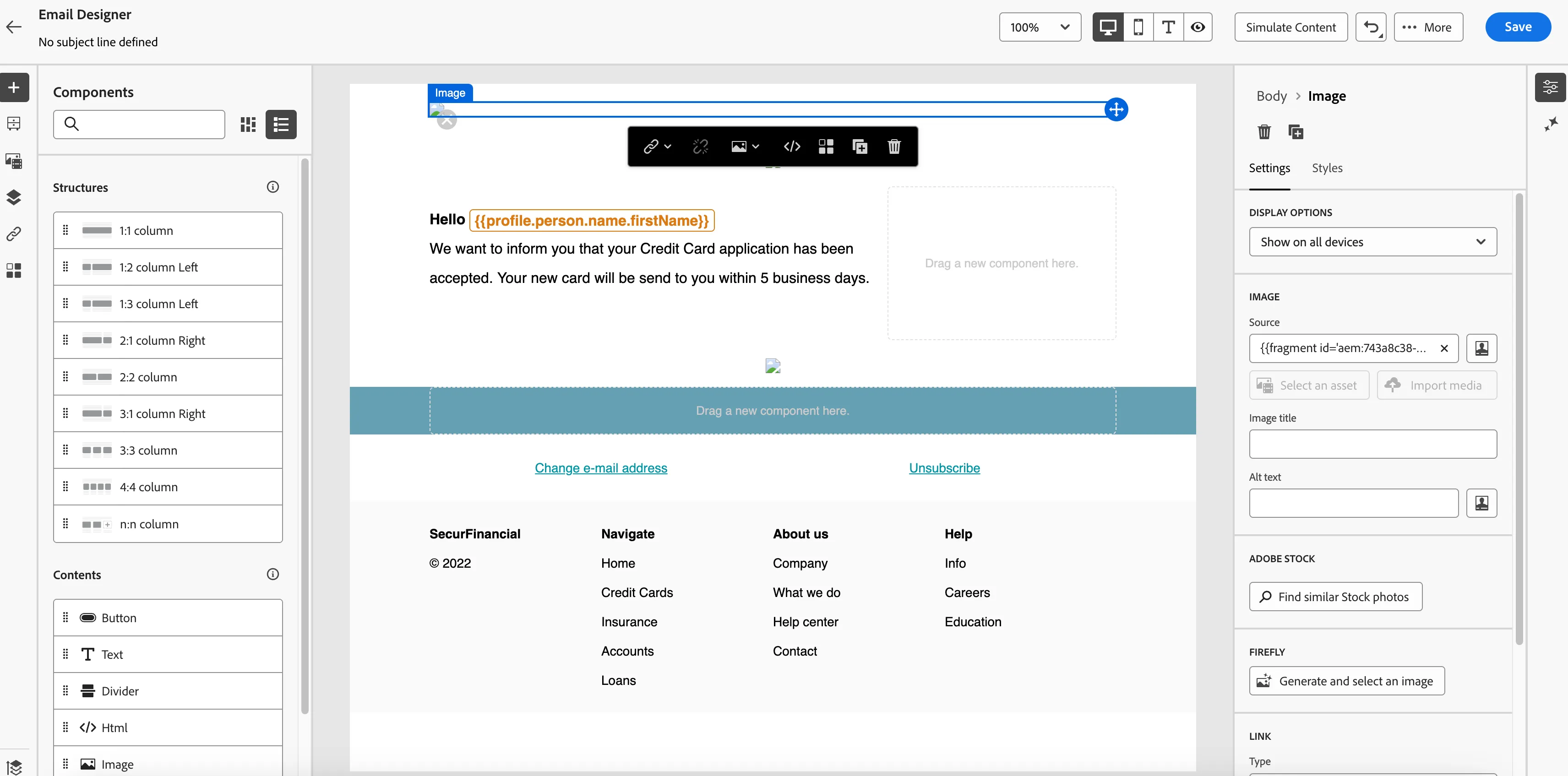
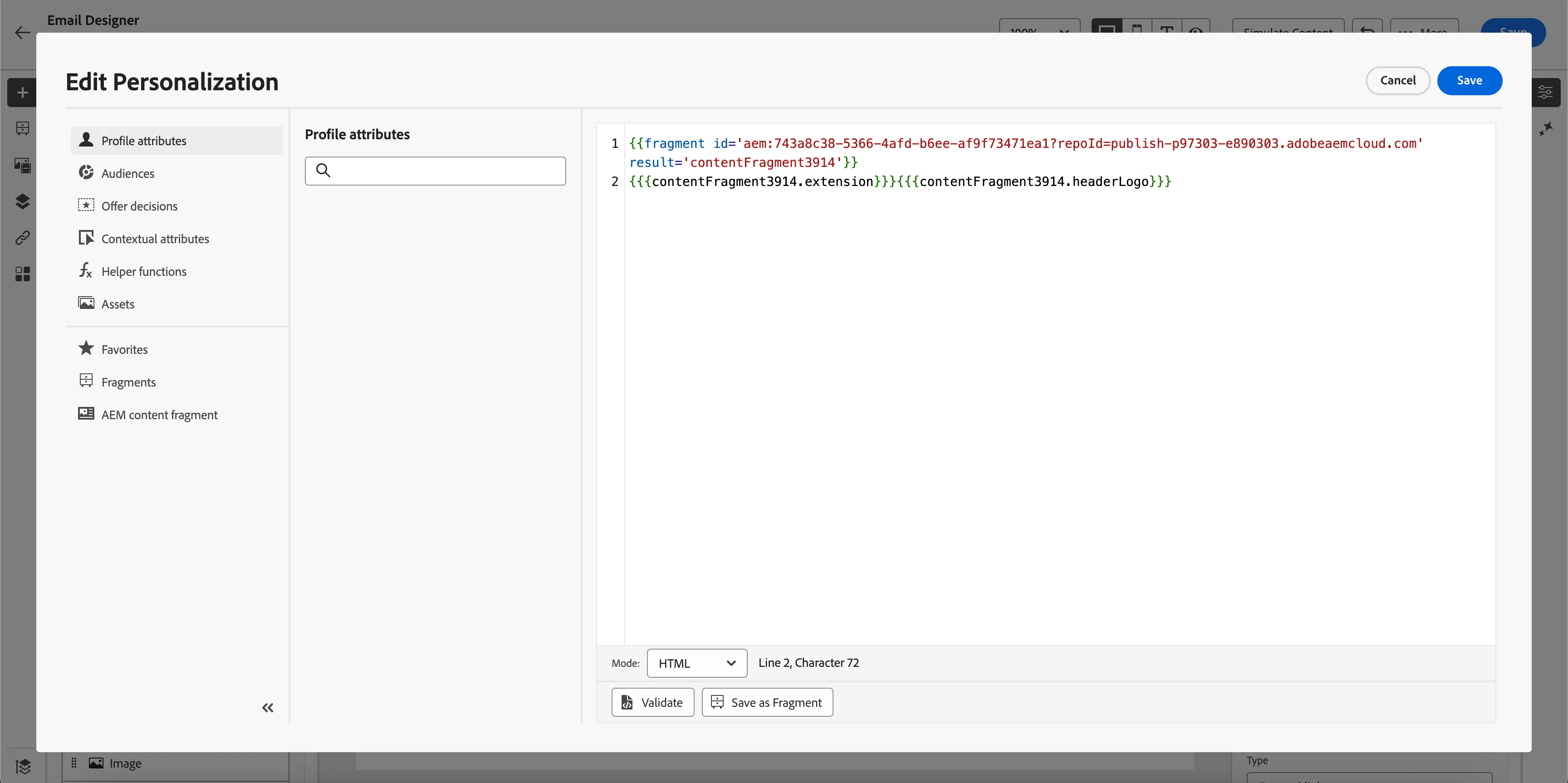
5. Click on the image and then the tab opens on the side and click on Source > Personalization Icon (Person Picture) and you will see the configuration of AEM Content Fragment which was created in ADSS AEM author instance and utilization of its fields and values in AJO email.
Content Fragment For Bodea
We have used the Bodea Cybersecurity registration email template for AEM content fragment capability.

How to Use:
- Go to the Email action in the journey select the surface and click on edit email body.
3. Select use this template(Bodea - Cybersecurity Registration - AEM CF)
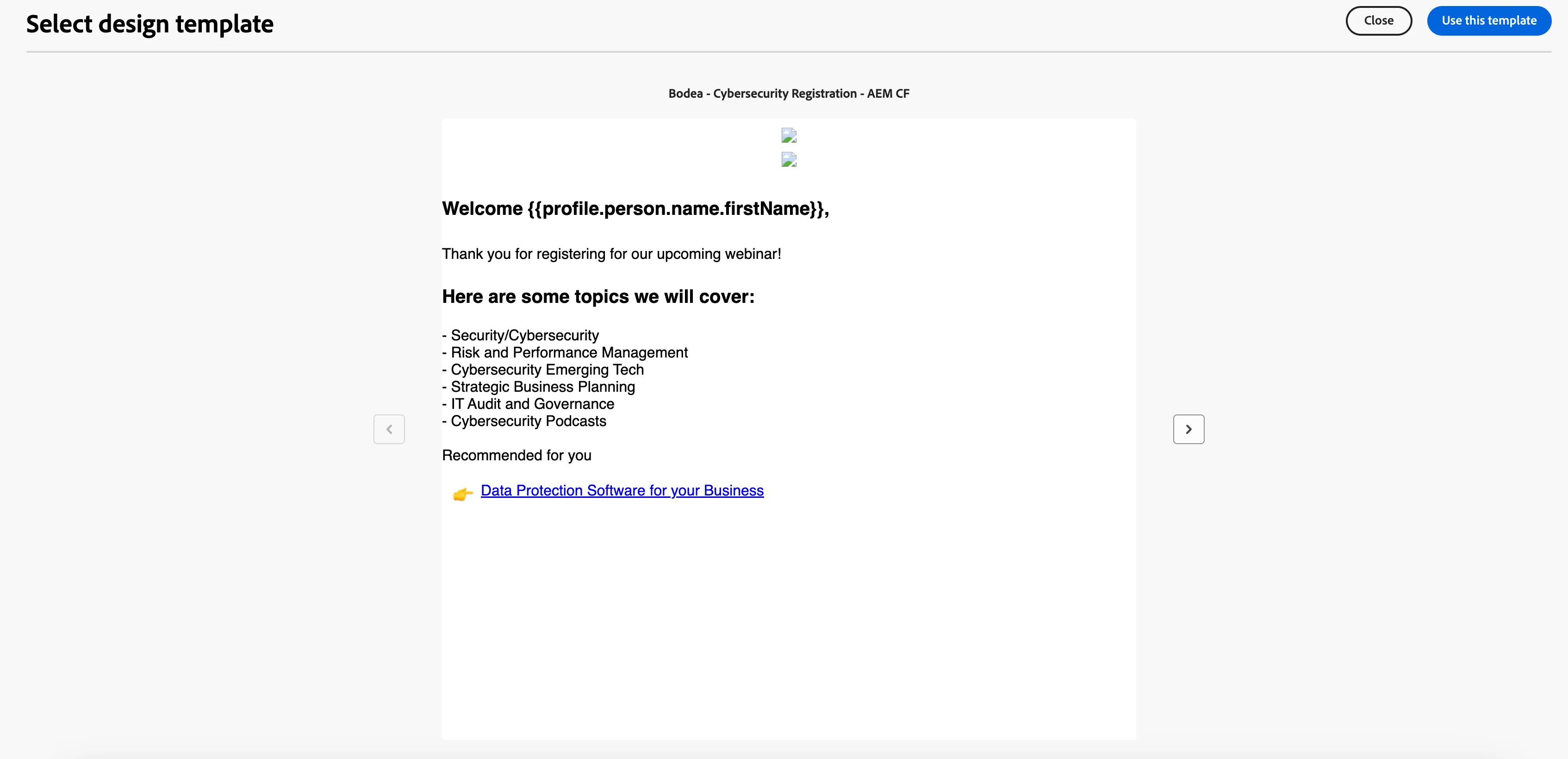
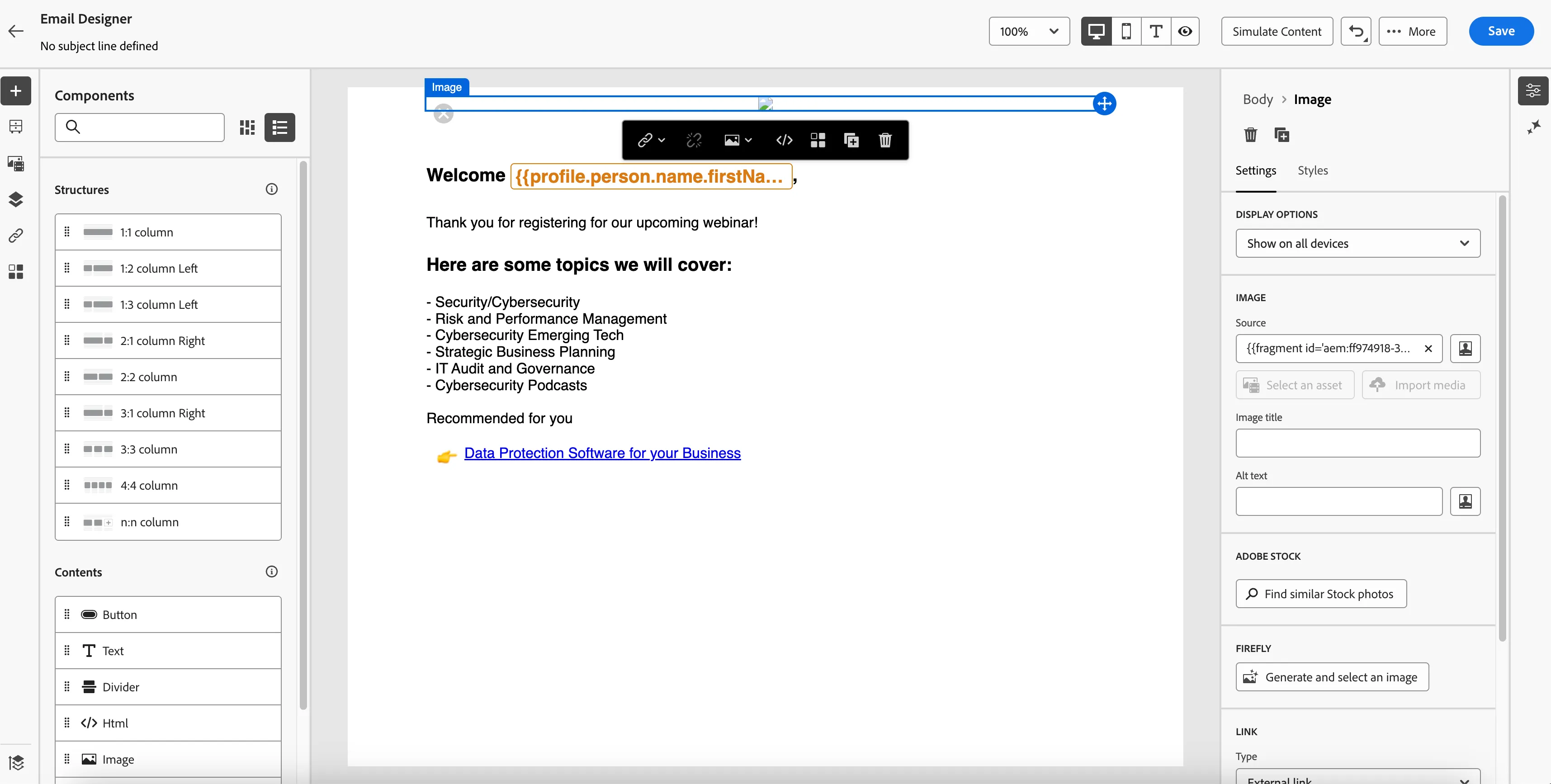
4. All the main images in the template look broken but it is loaded from AEM Content Fragment and will appear during simulation.
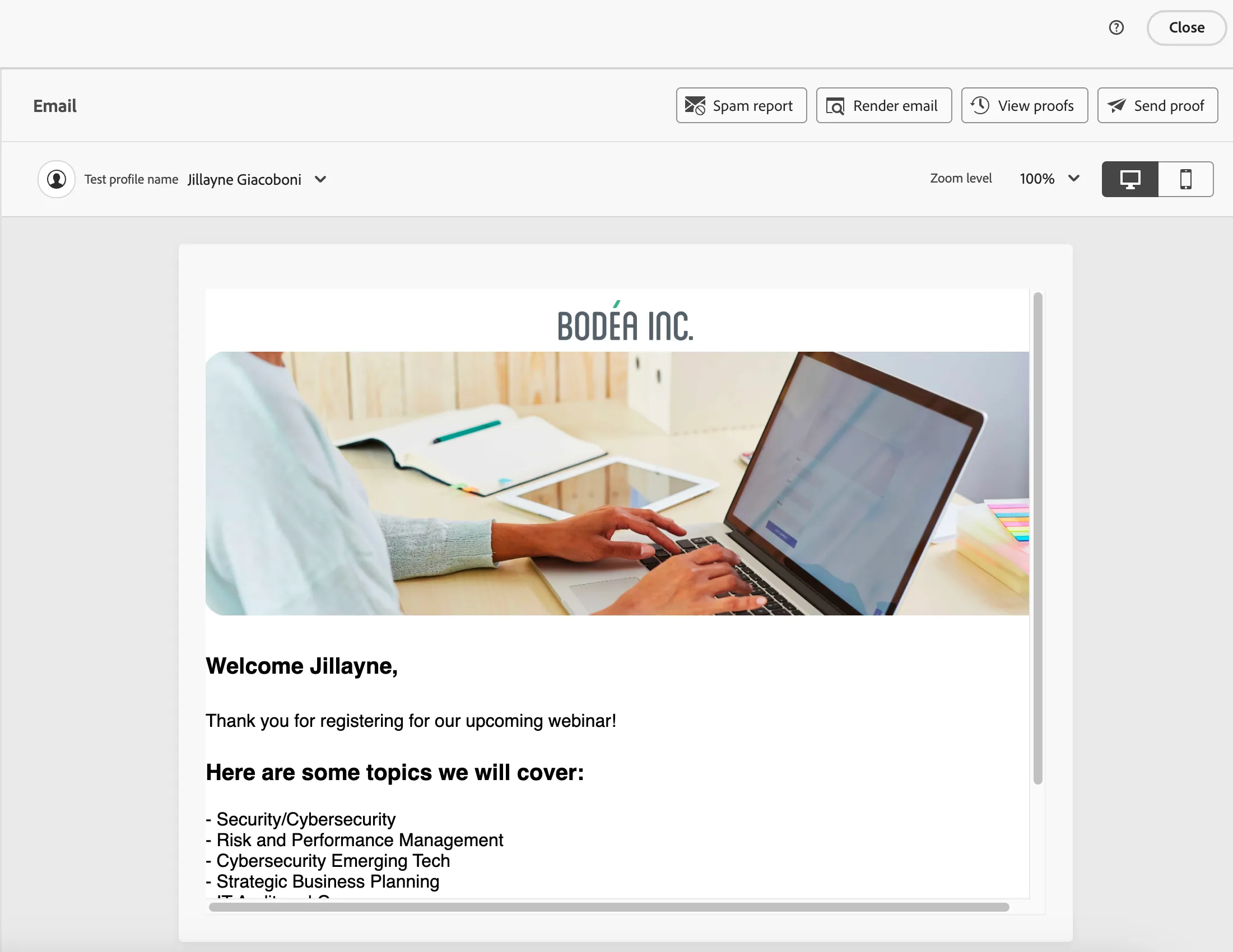
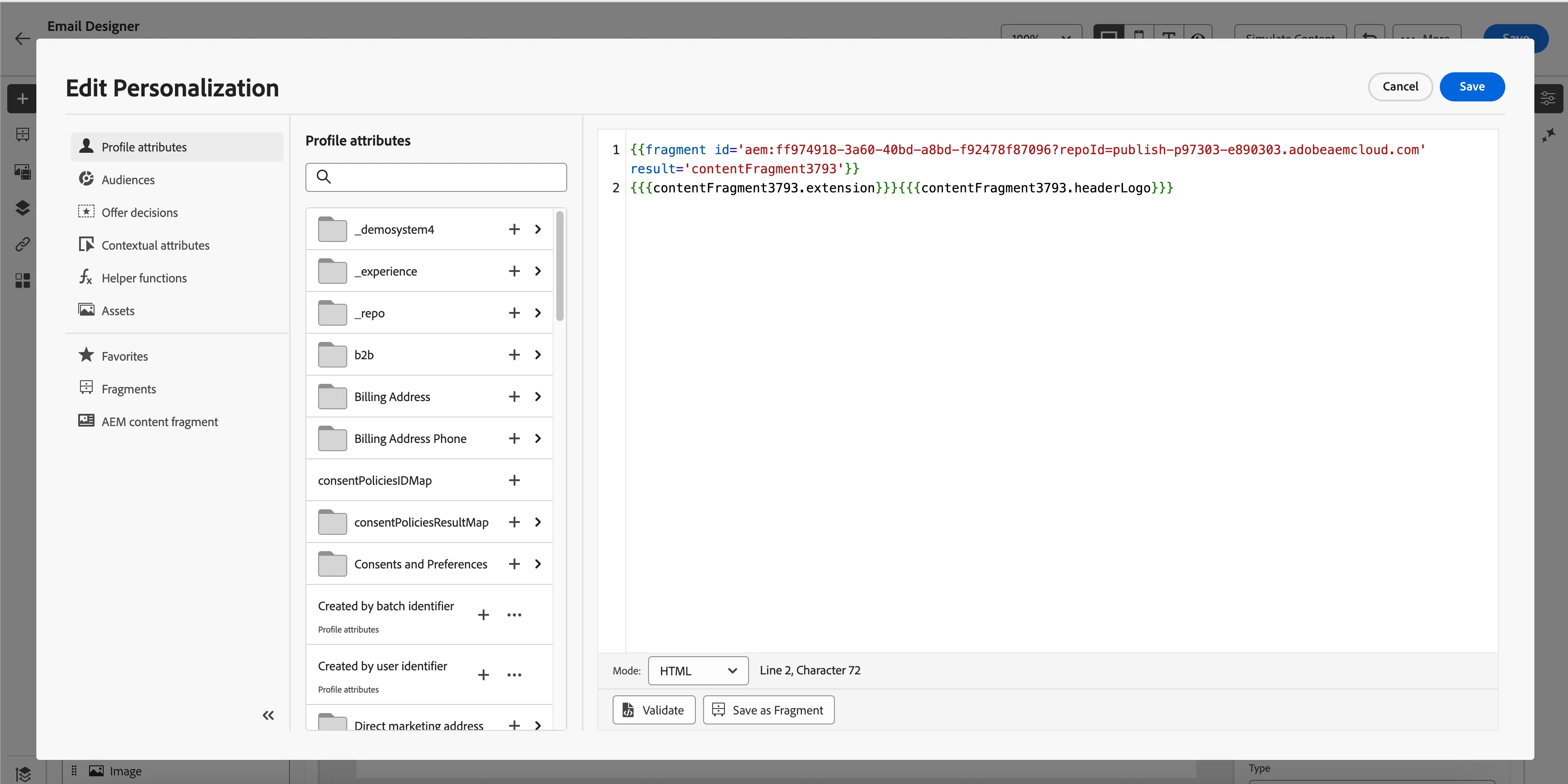
5. Click on the image and then the tab opens on the side and click on Source > Personalization Icon (Person Picture) and you will see the configuration of AEM Content Fragment which was created in ADSS AEM author instance and utilization of its fields and values in AJO email.
How to create content fragments in AEM
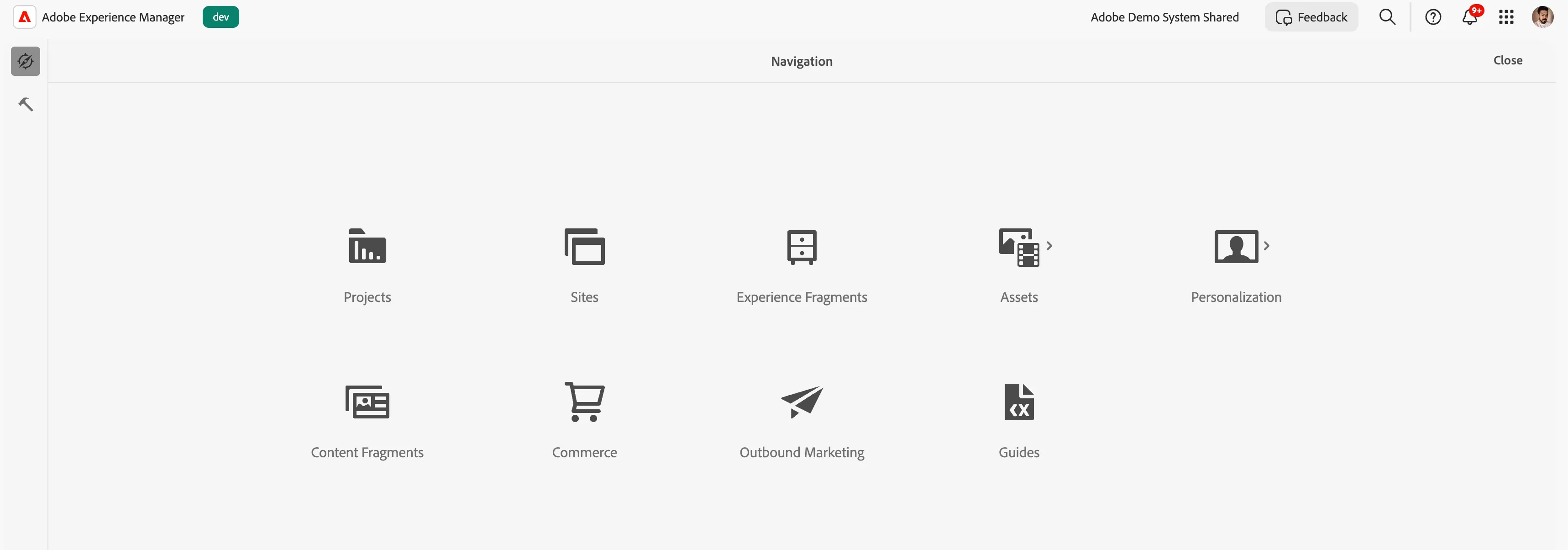
2. Click on Tools(hammer sign) > General > Content Fragment Models.
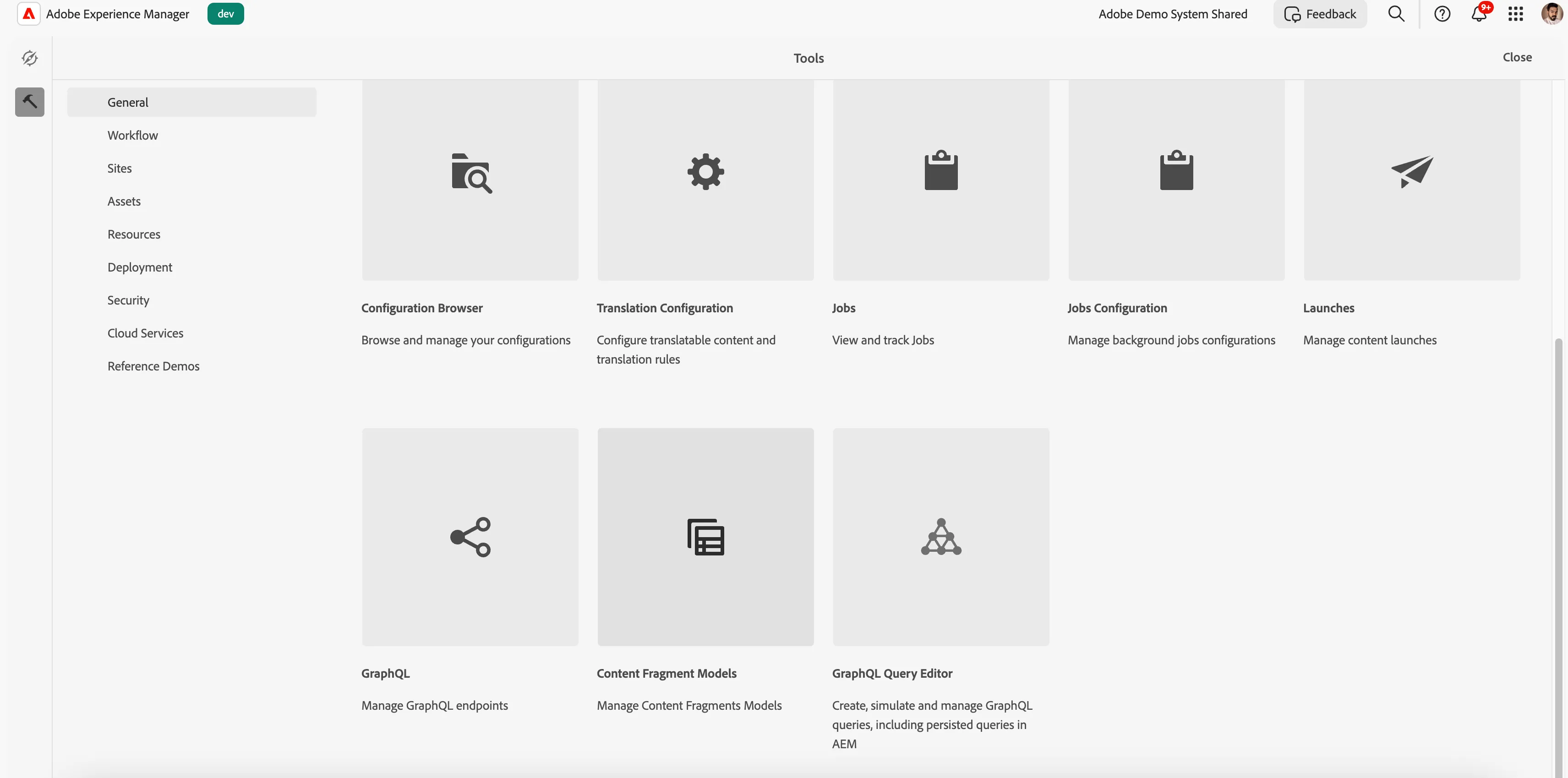
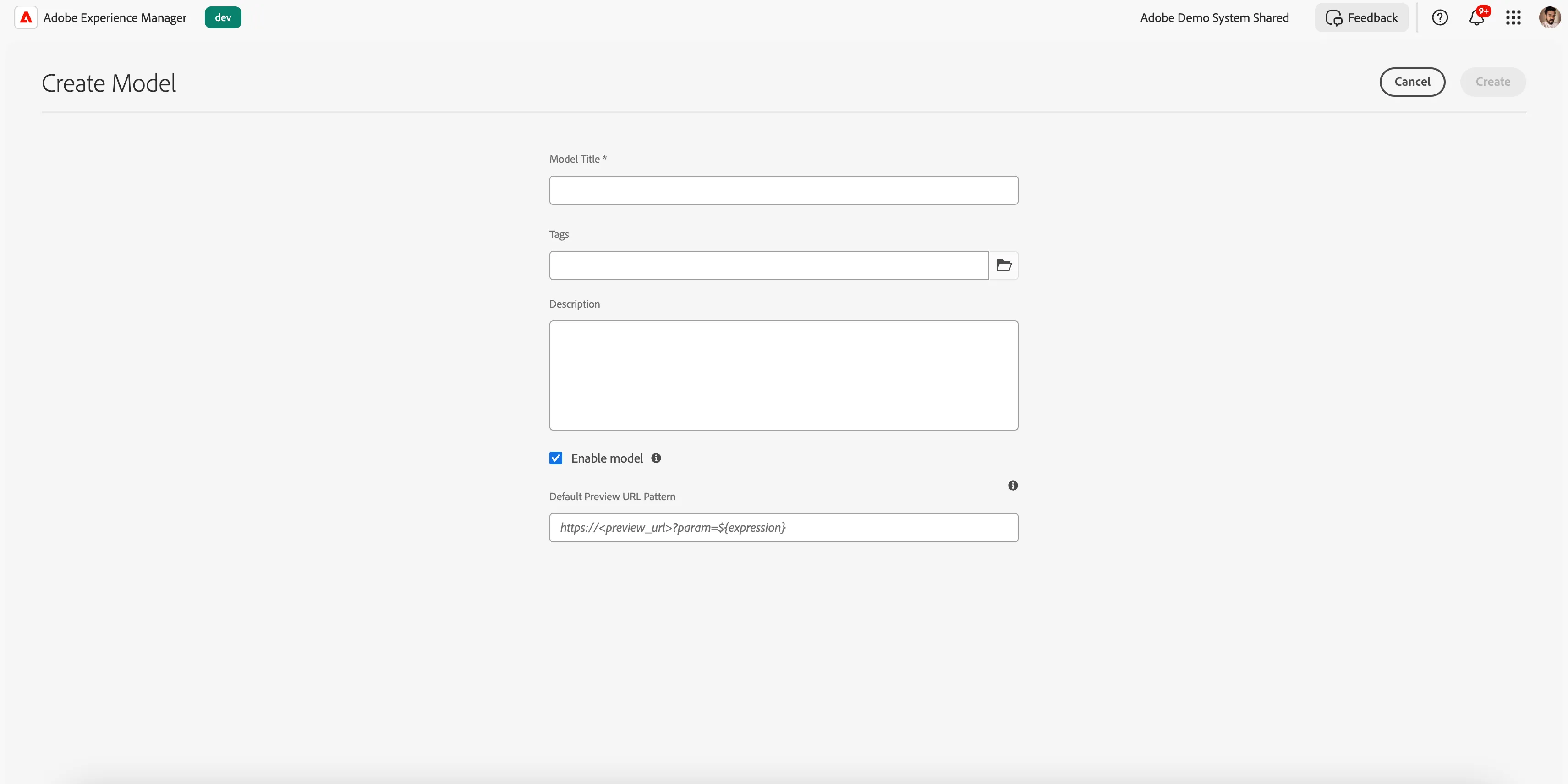
3. Go to your suitable folder and create a content fragment model.

4. Give a proper title and please attach it to the tag that we created earlier for the AJO environment. How to Activate AEM Content Fragments to AJO
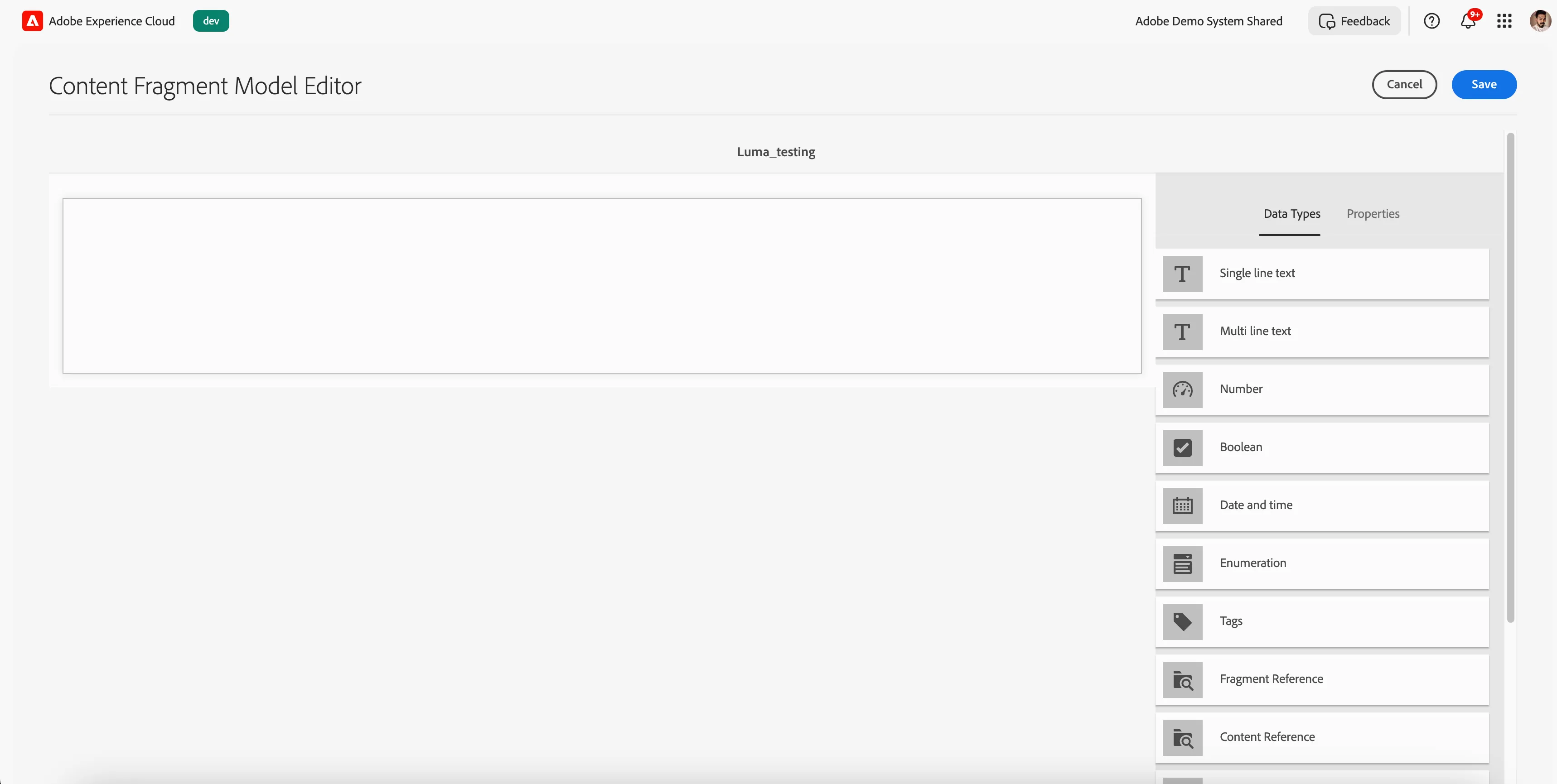
5. Now depending on your requirement to use images or text in your content fragment you drag data types from the right panel and assign them a proper name
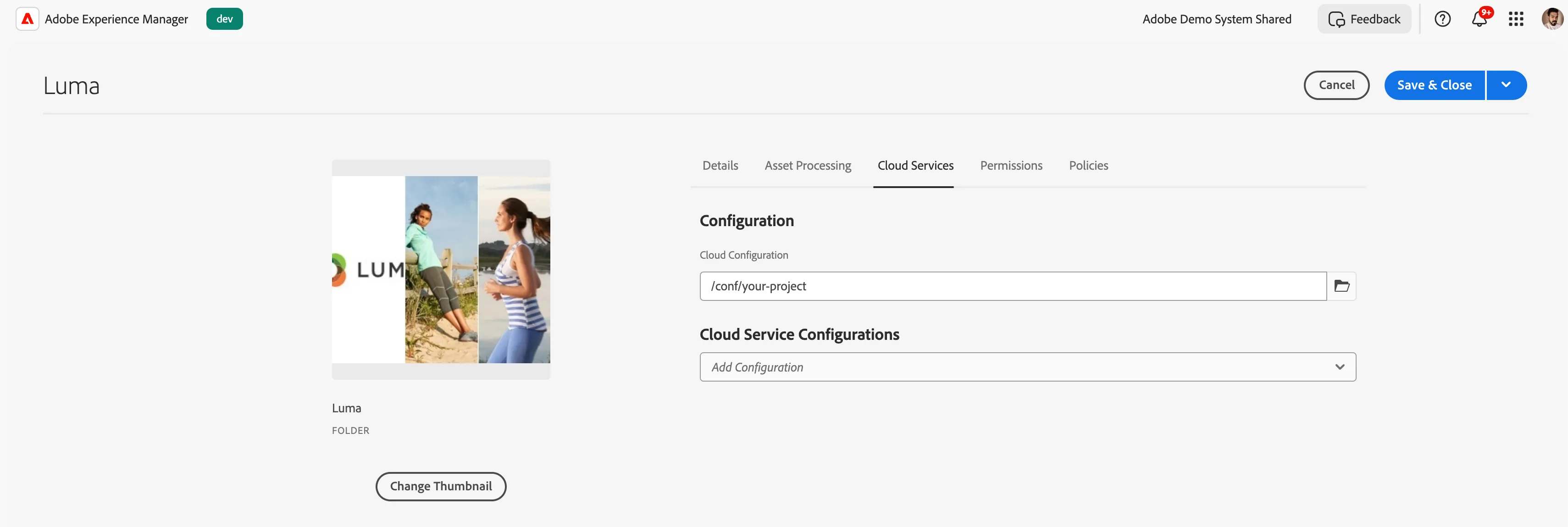
6. Click on save and then go to assets > select your folder and go to properties > Cloud Services tab > under Cloud Configuration > Select the folder where you have created the Content Fragment Model.
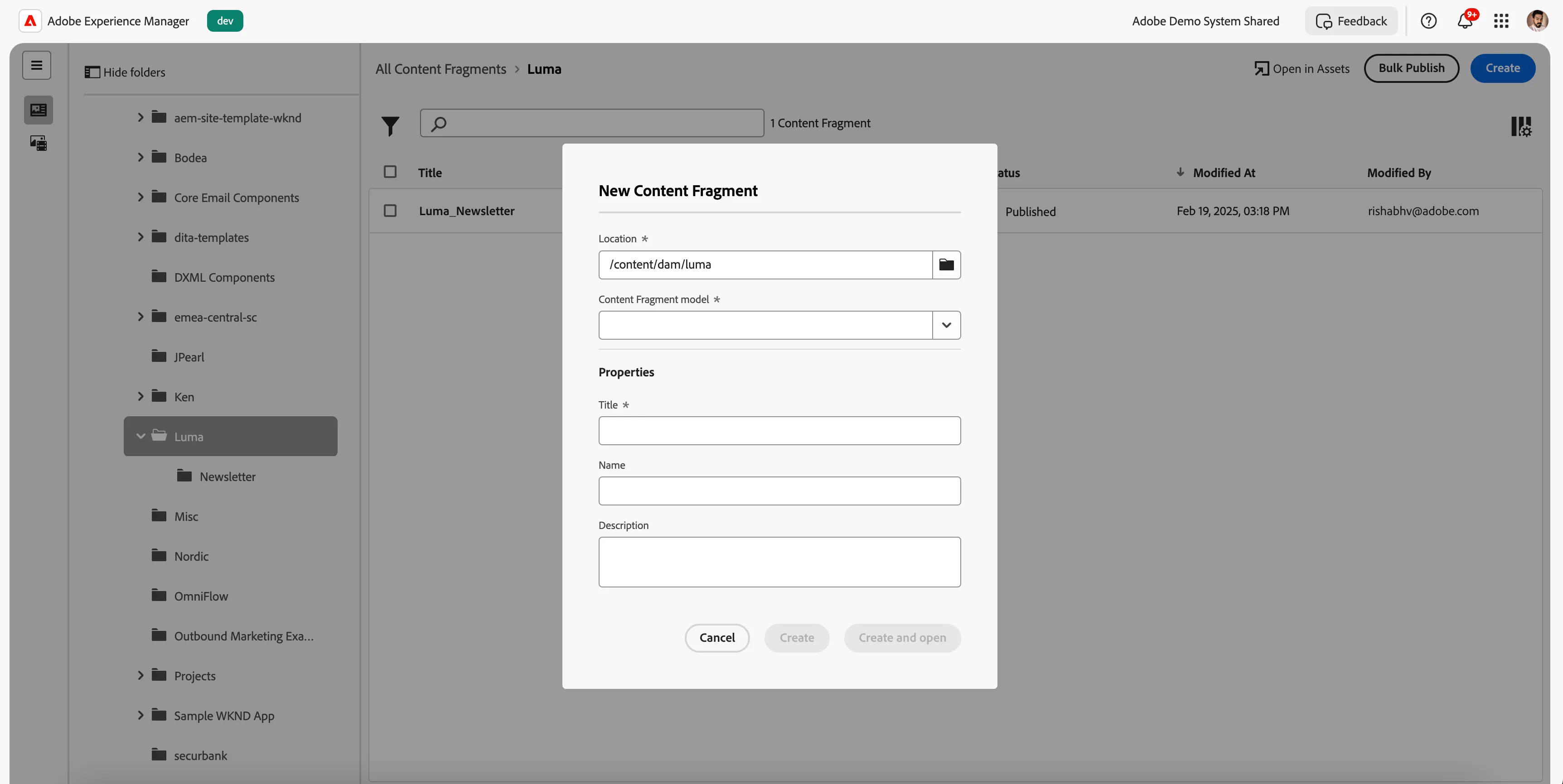
7. Now from the main navigation go to content fragment folder > your folder and create content fragment and select the model which you created in previous steps and tag for AJO environment.
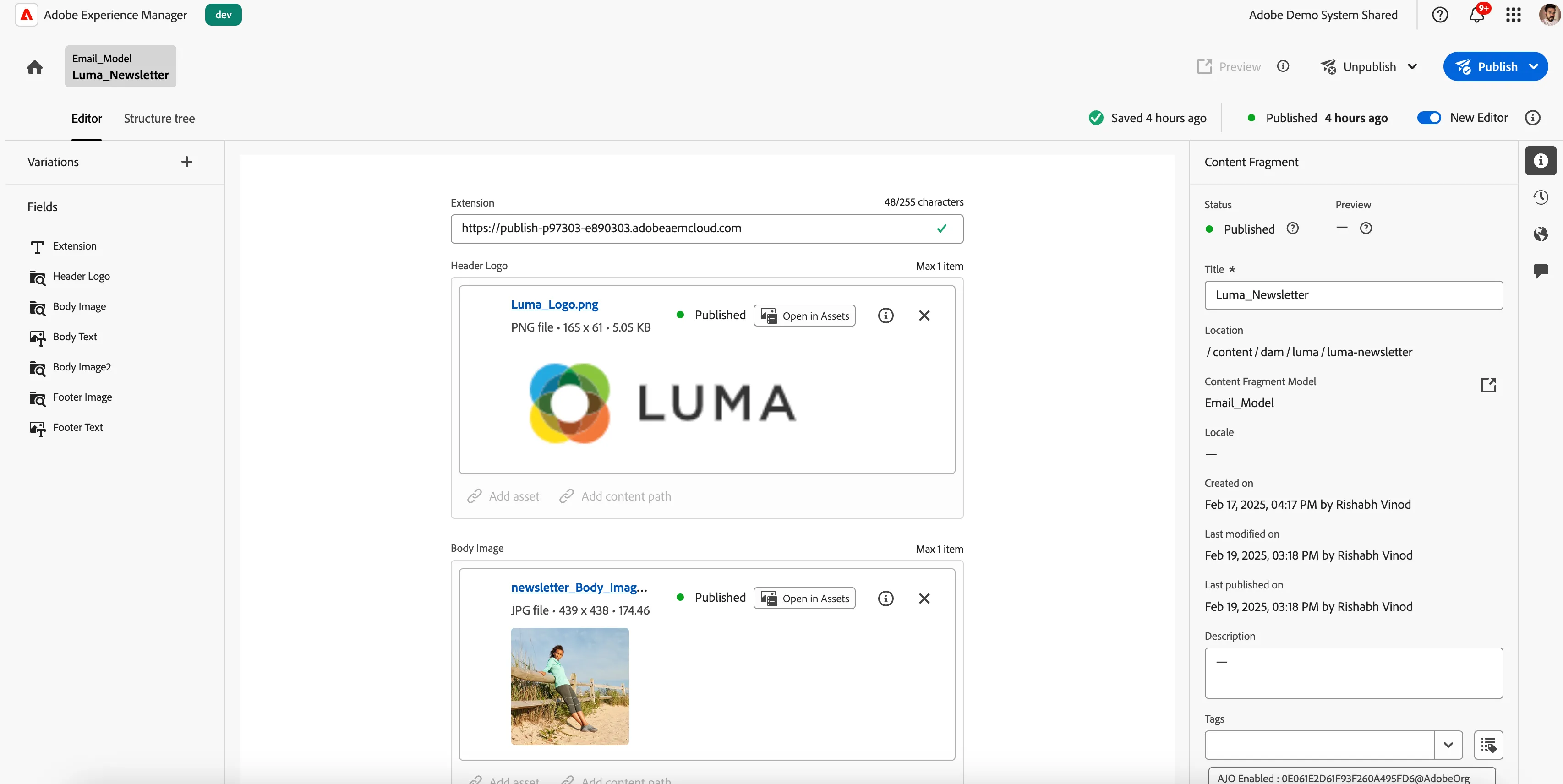
8. Now inside the Content Fragment drag and drop the data types which you added during content model creation and assign them proper values and publish it.
NOTE:
As content fragment is just a JSON with key value pair provided to AJO. So the images coming from assets doesn't have full path. We created a data type extension in all Content Fragment and assigned them publisher instance value(https://publish-p97303-e890303.adobeaemcloud.com) so a complete image url is passed in AJO emails and to make the image render.