How to created Partner Data: On-Site Personalization for Unknown Visitors
The working scenario was implemented on SecurFinancial public project. You can follow the steps here: Partner Data: On-Site Personalization for Unknown Visitors
This document will help you to create Partner Data On-Site Peronaliztion for Unknown Visitors on your own sandbox. Right now available only for FSI
- Go to quick setup and select SecurFinancial Basic Preset. This preset will make sure that all components are present on your sandbox.
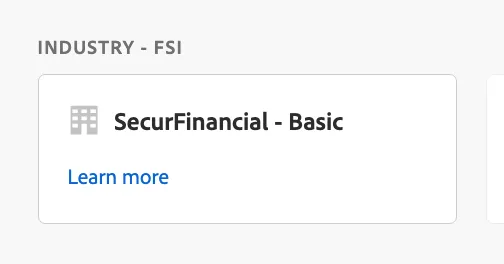
2. Open the created website and attach Data Collection property on the integrations tab.
3. Go to AEP and activate to Target two audiences: SecurFinancial - Premium Credit Card Prospects and SecurFinancial - Mortgage Refinance Segment
4. Prepare Activity in Target using these two segments. Sample images you can use:
Audience | Text | Image |
|---|---|---|
SecurFinancial - Premium Credit Card Prospects | | |
SecurFinancial - Mortgage Refinance Segment | | |
| | |
5. Activate the activity
6. Test the full flow.